App templates
Working iPhone apps in Swift. Remix one, change it by chatting, and publish it to the App Store.
- View template
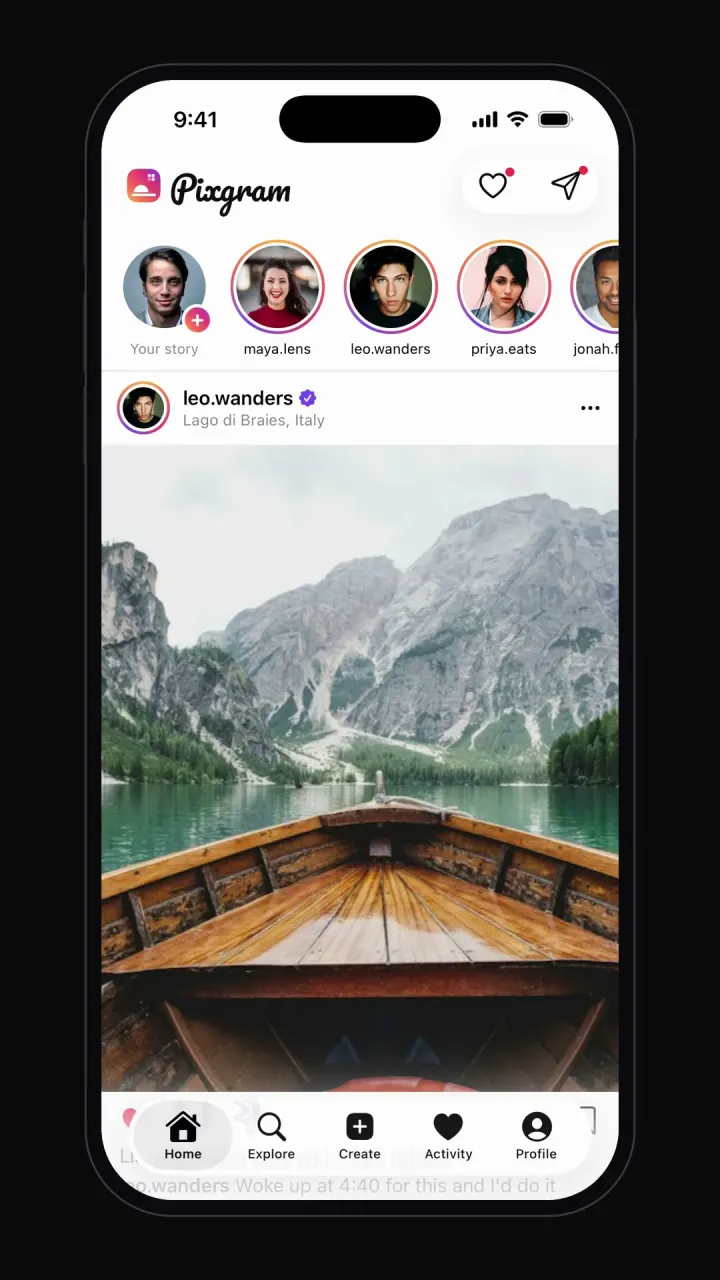
Instagram clone
iOSPhoto feed, stories, double-tap likes, comments, explore grid, DMs and profiles.
- View template
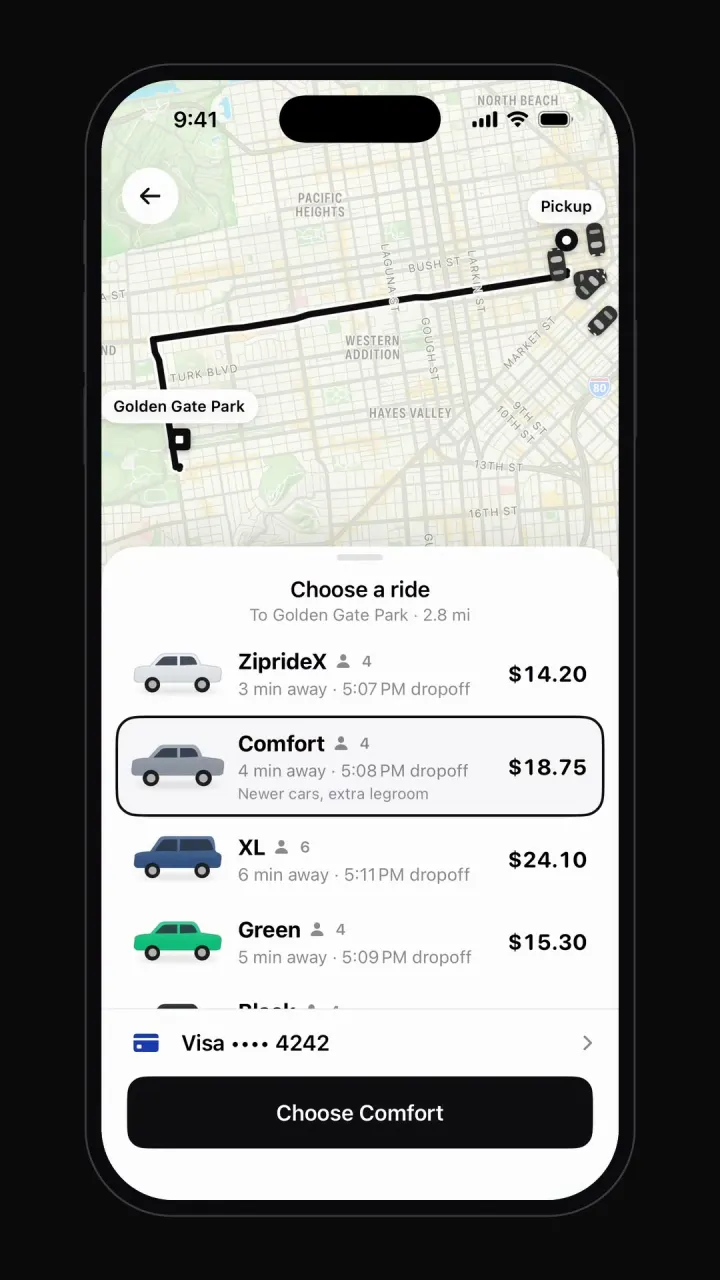
Uber clone
iOSMap with moving cars, destination search, ride options, driver matching, live trip and rating.
- View template
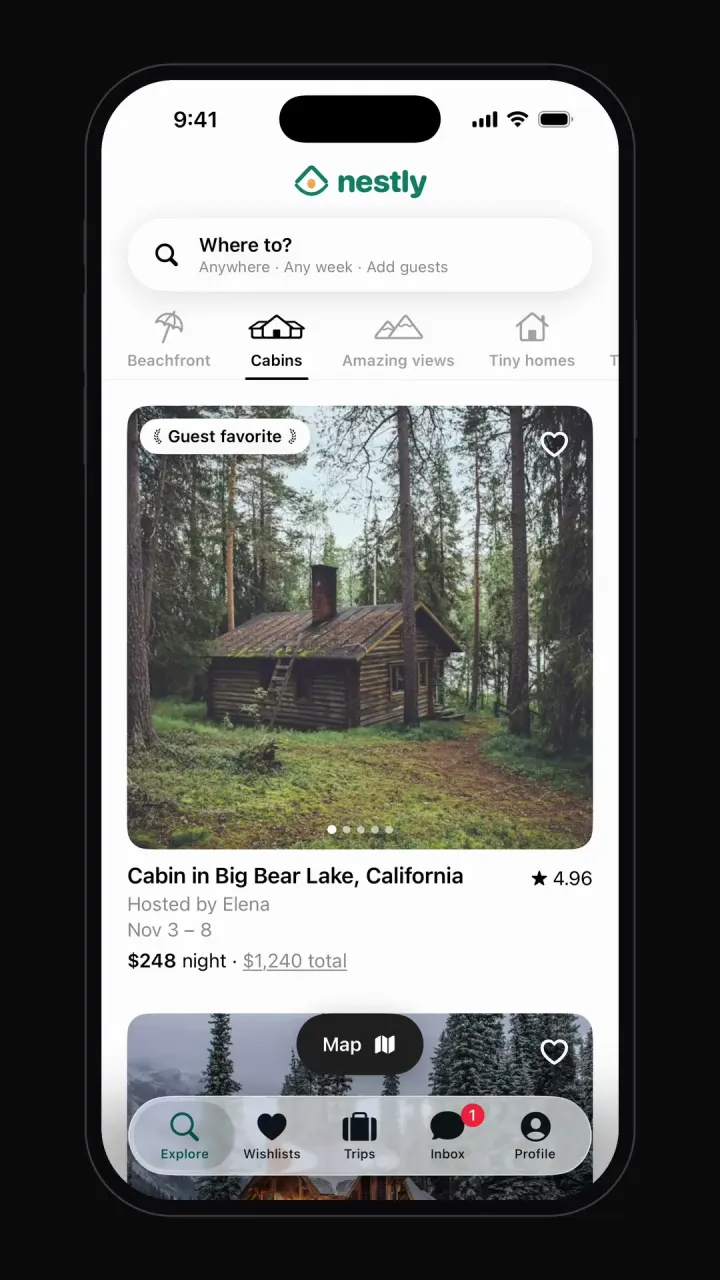
Airbnb clone
iOSCategory browsing, map view, date and guest search, listing pages, checkout, wishlists and trips.
- View template
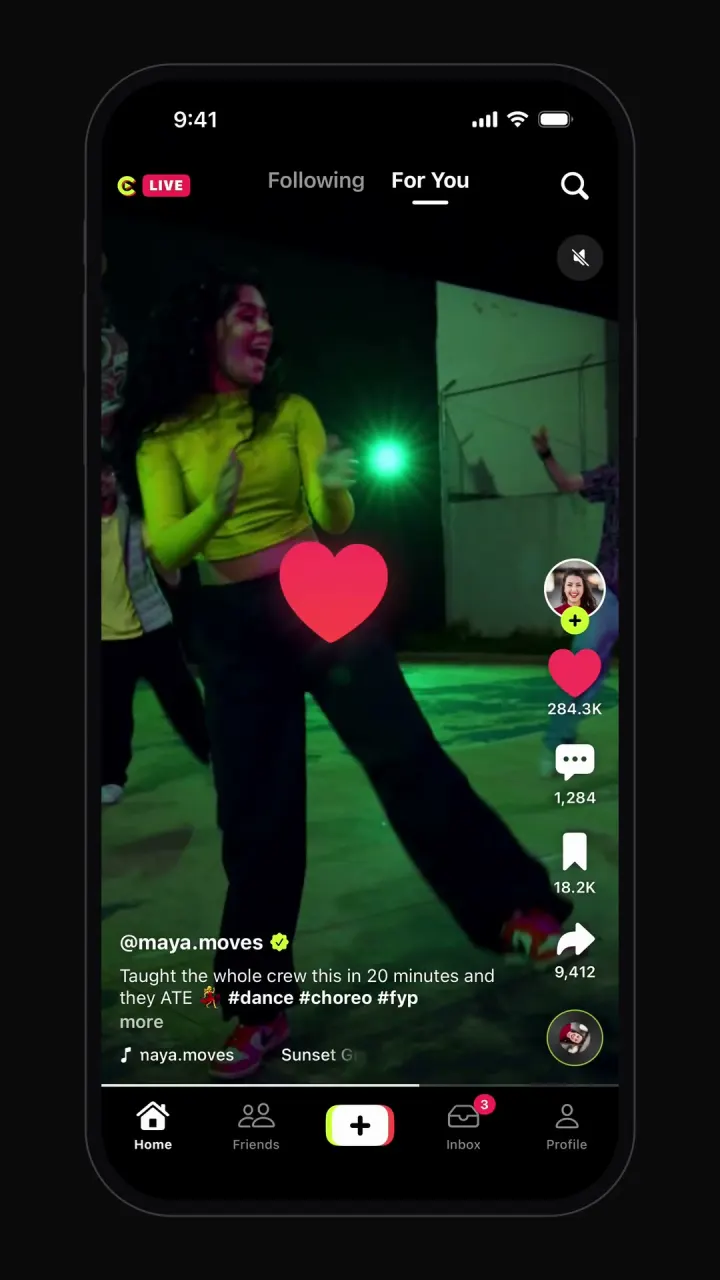
TikTok clone
iOSSwipeable full-screen video feed, double-tap likes, comments, share sheet, profiles and recording.
- View template
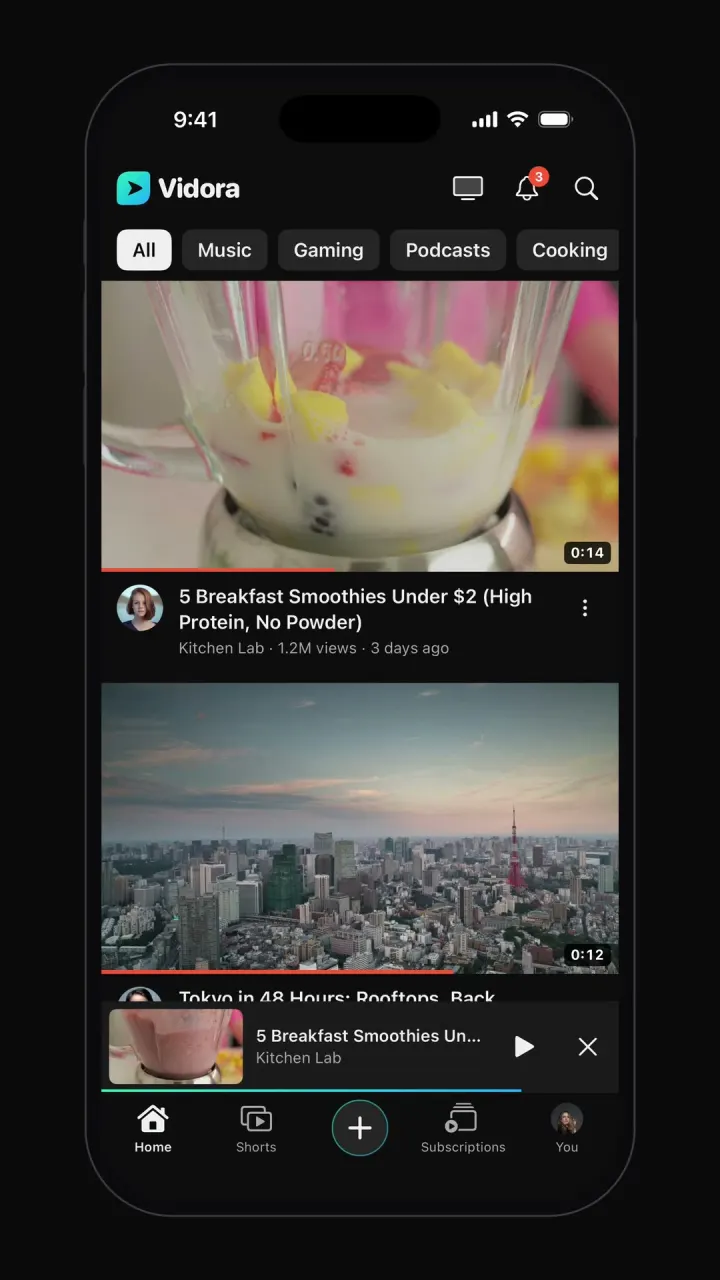
YouTube clone
iOSTopic-chip home feed, watch page with up next, draggable mini-player, Shorts, search and subscriptions.
- View template
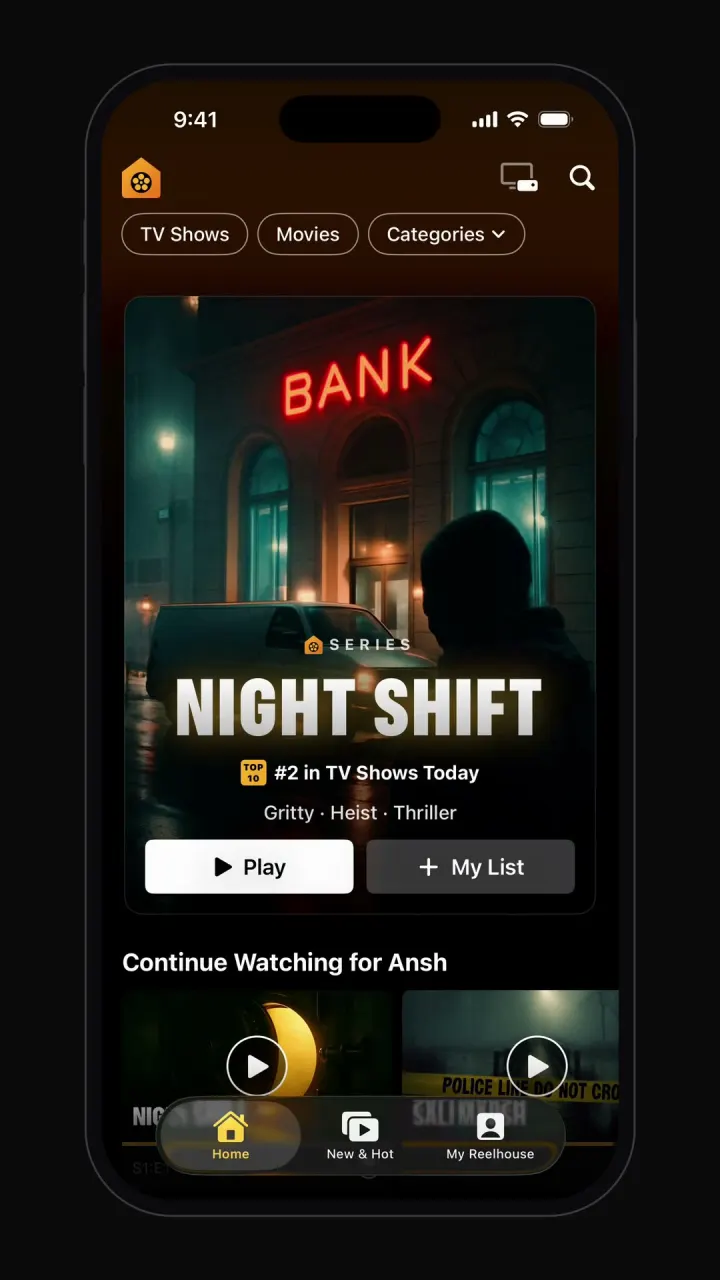
Netflix clone
iOSProfile picker, hero billboard, Top 10 rows, title pages with trailers, full-screen player and My List.
- View template
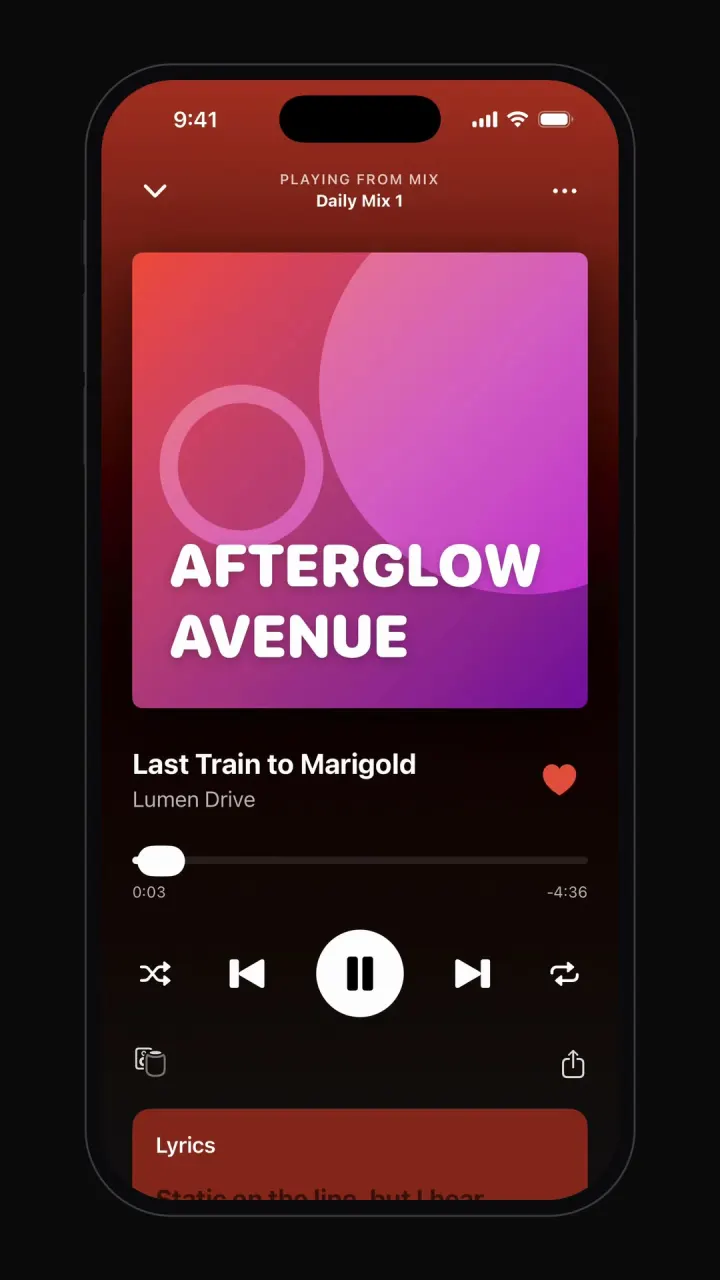
Spotify clone
iOSPlays real audio: home shelves, playlists, mini-player, Now Playing with lyrics, search and library.
- View template
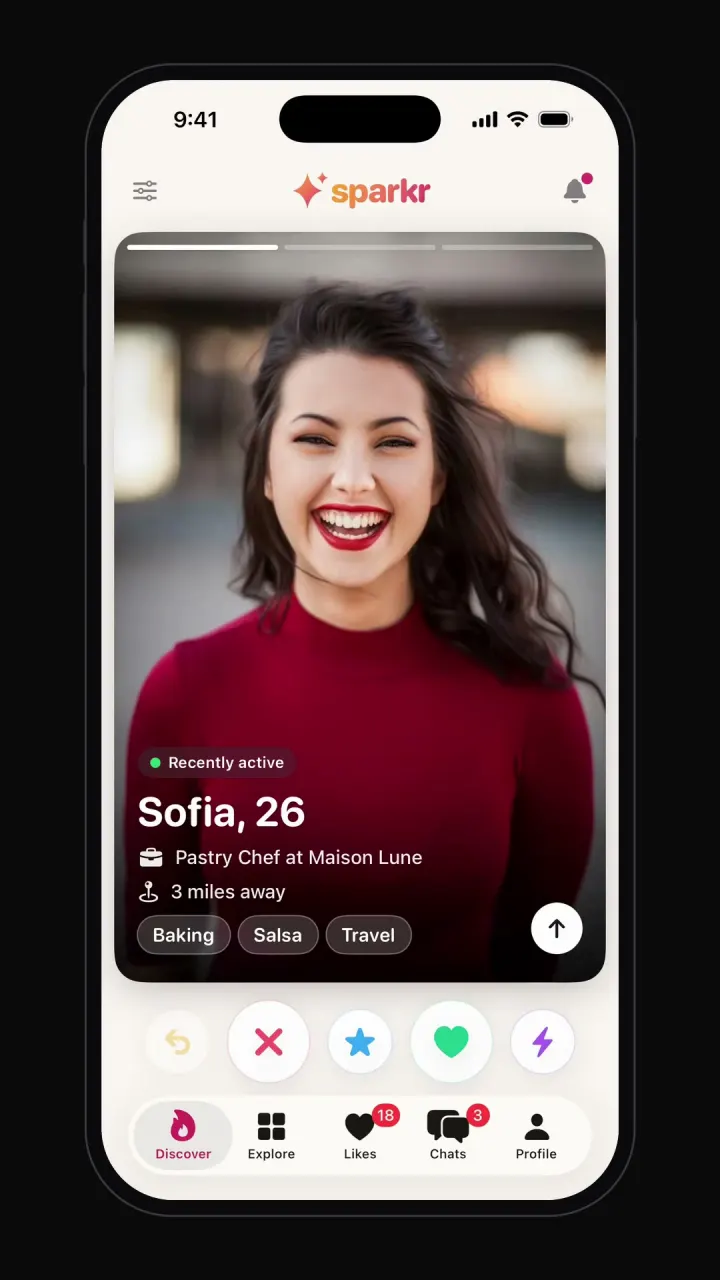
Tinder clone
iOSSwipe deck with like, nope and super like, It's a Match screen, chat, filters and profile editor.
- View template
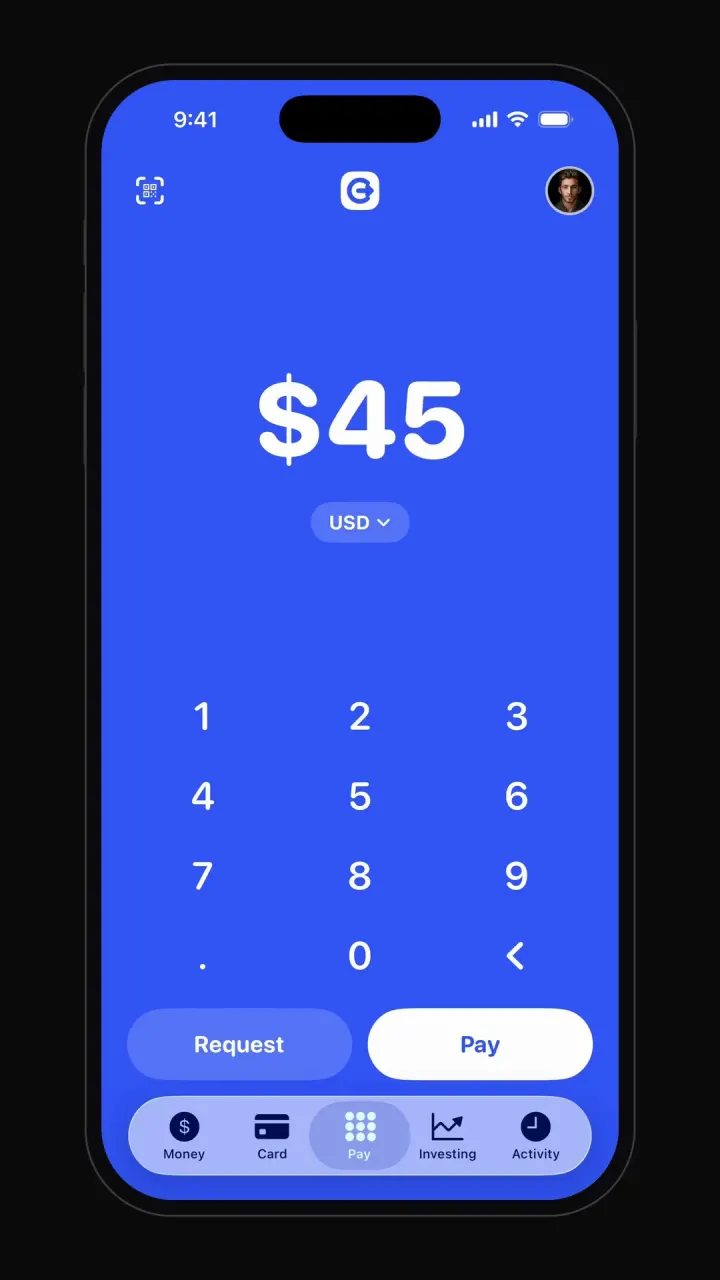
Cash App clone
iOSBig-number pay pad, pay and request flows, balance, debit card, investing charts and activity.
- View template
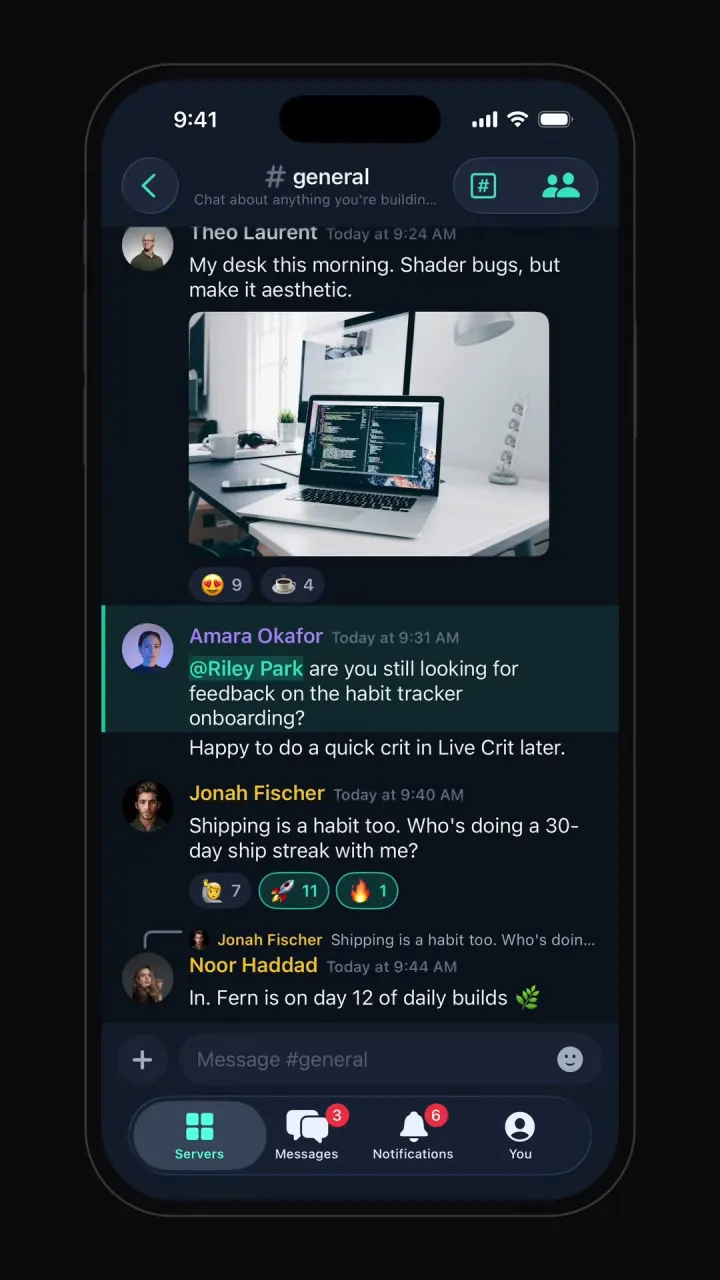
Discord clone
iOSServer rail, channel categories, chat with reactions and embeds, member roles, voice room and DMs.
- View template
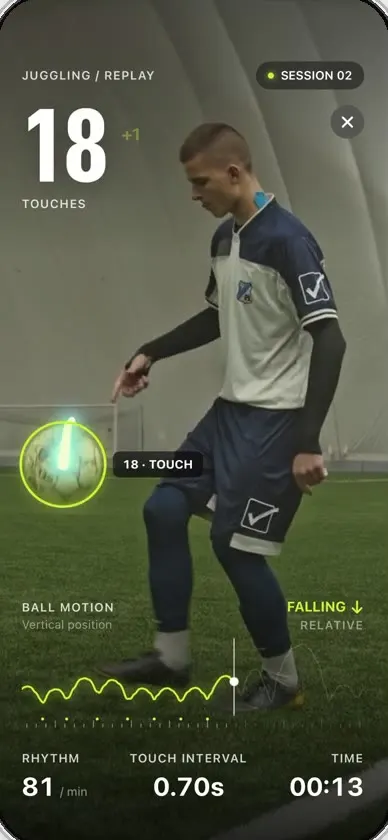
Keepy
iOSCounts your football juggling touches from a clip or the live camera, with ball tracking and rhythm stats.
- View template
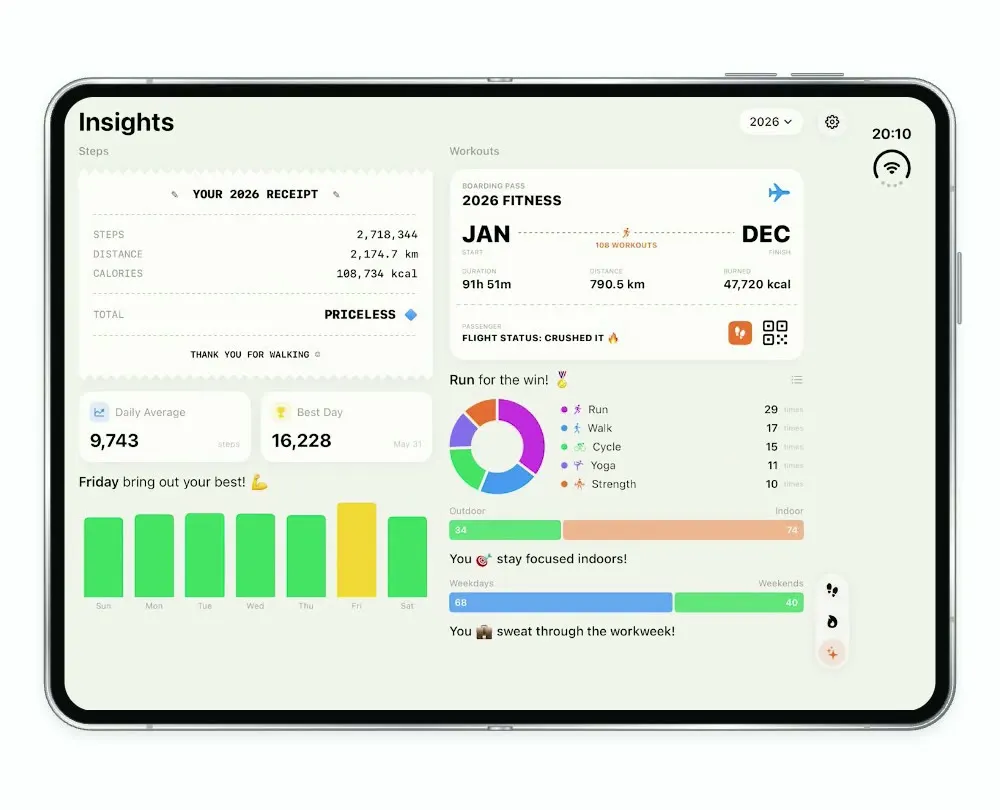
Steps Duo
iOSA step and workout tracker for the foldable iPhone Duo, with a calendar, run maps and shareable stat cards.
- View template
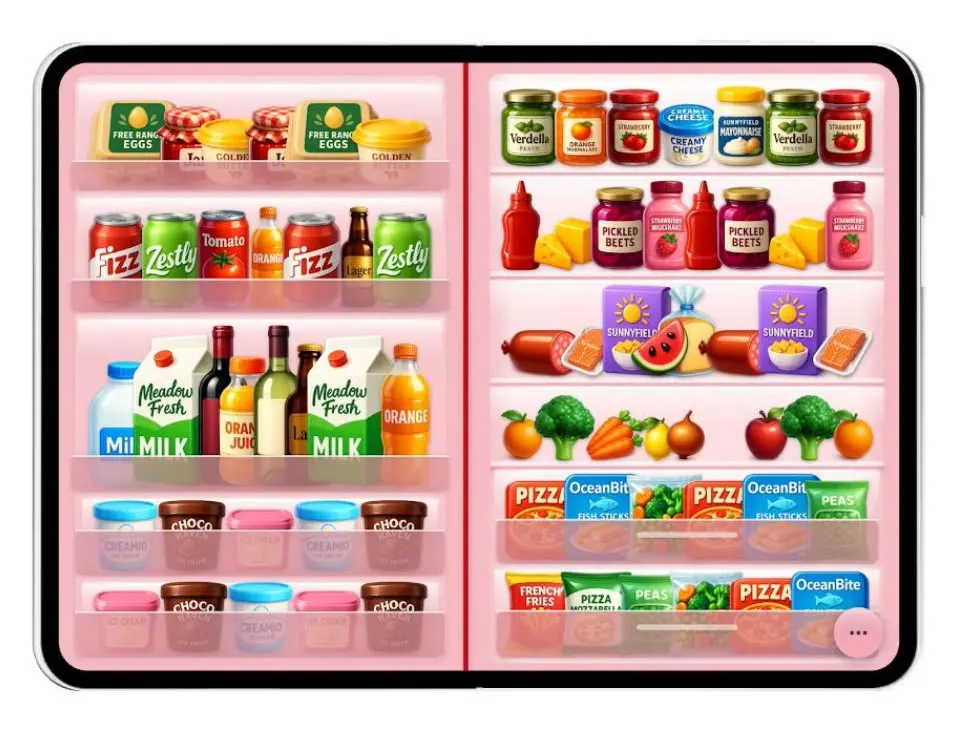
Duo Fridge
iOSTurns the iPhone Duo into a fridge: folded it is the door with magnets, unfolded it is the stocked shelves.
- View template
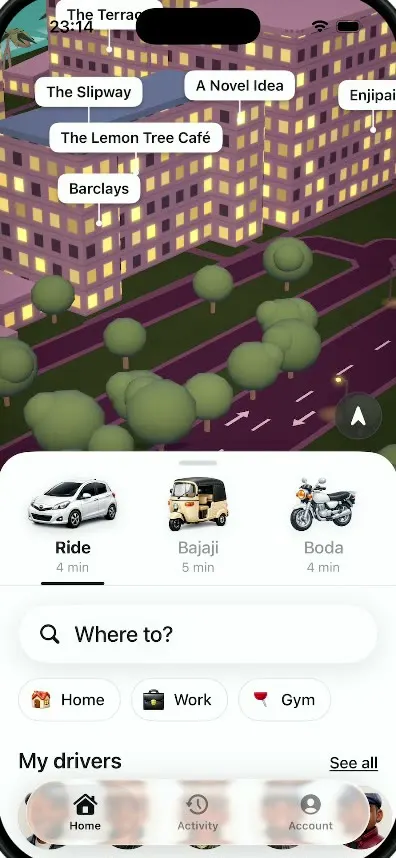
Dar Ride
iOSA ride-hailing app for Dar es Salaam with cars, bajajis and boda bodas, a 3D night map and fares in shillings.
- View template
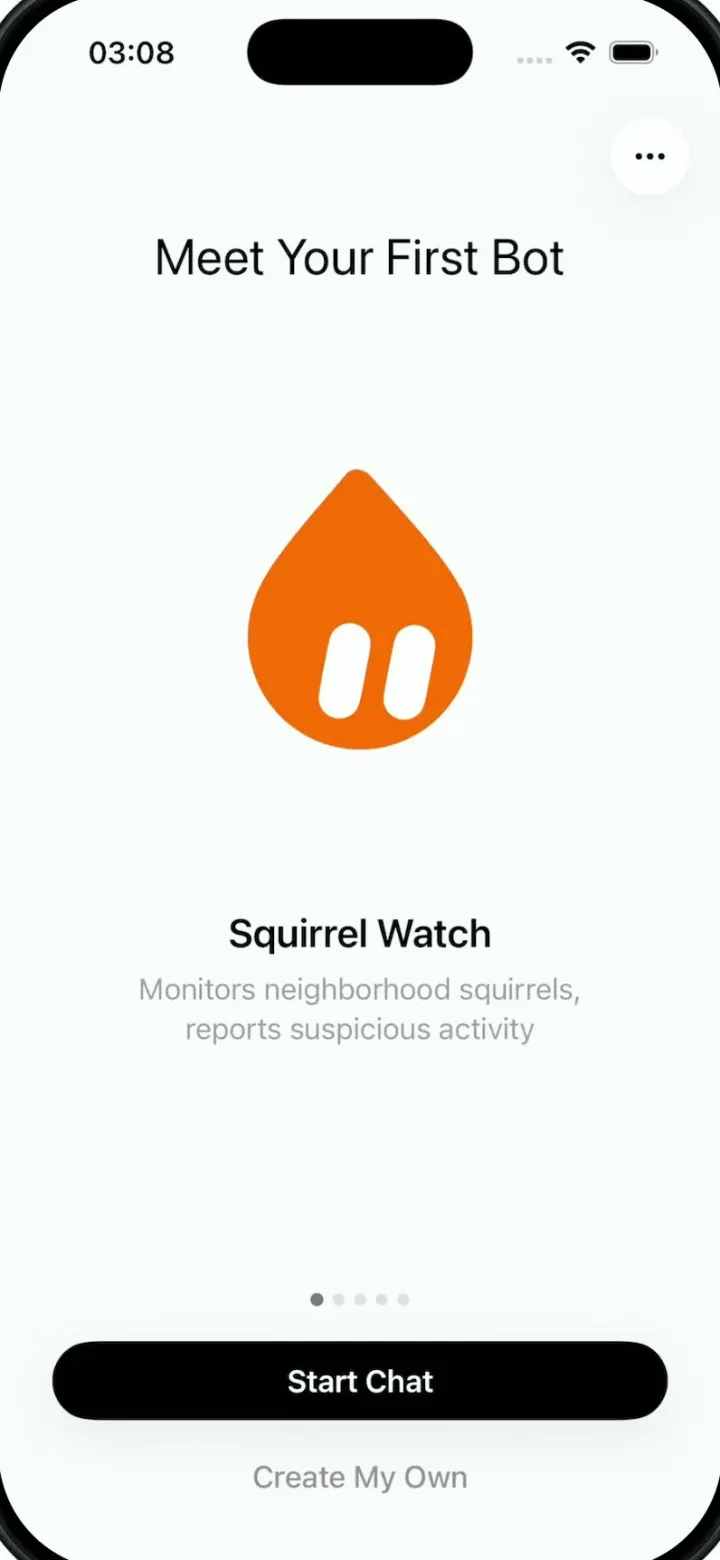
Grok Bark
iOSGrok Bot's look, but the AI agents run your dog's life: squirrel watch, treats, mailman defense and zoomies.
- View template
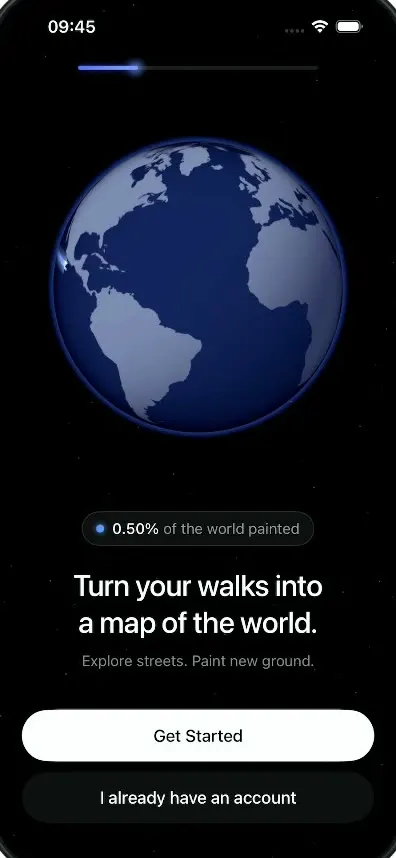
LegWork
iOSOnboarding for a walking app that paints every street you walk onto a spinning globe.
- View template
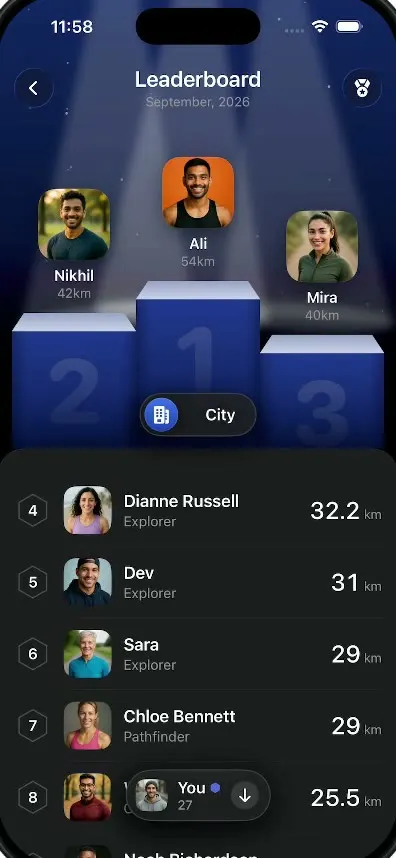
LegWork Leaderboard
iOSA monthly walking leaderboard with a 3D podium, a city or world toggle and your own rank highlighted.
- View template
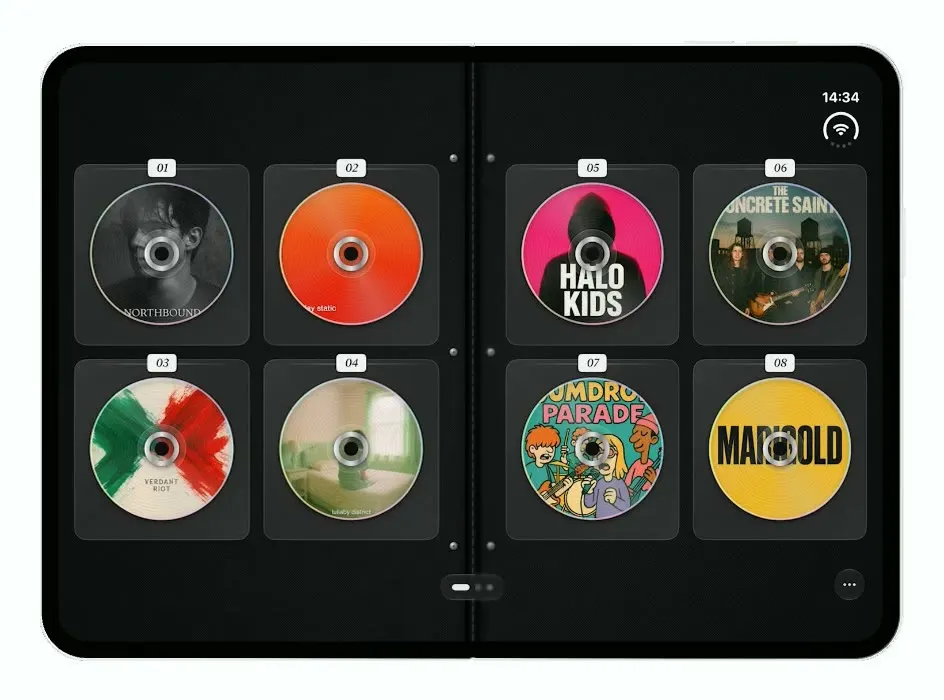
Mixtapes
iOSTurns the iPhone Duo into a zippered CD wallet: closed when folded, a binder of CDs to flip through when open.
- View template
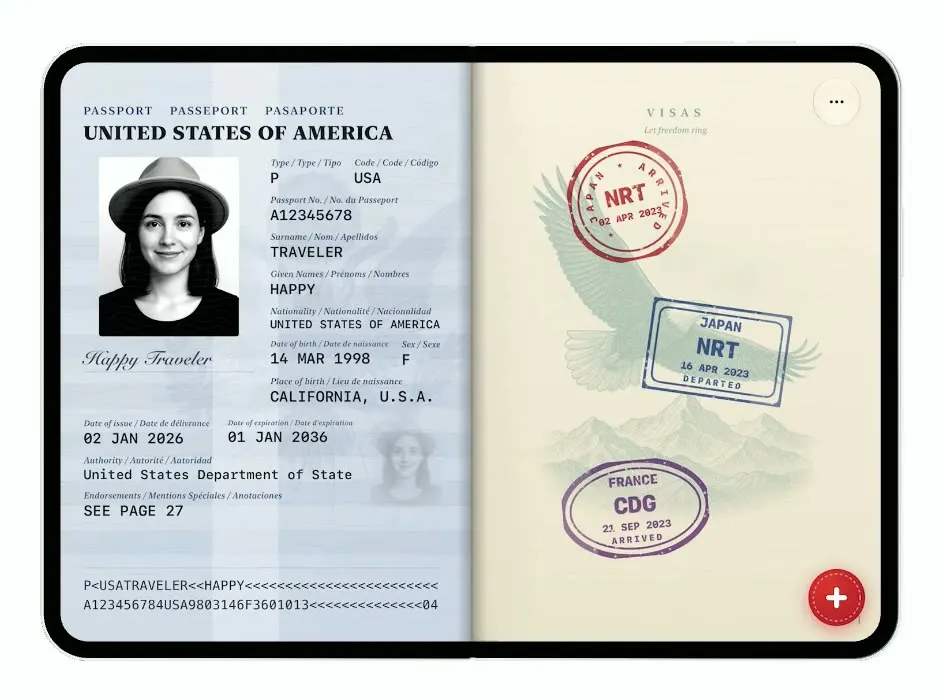
Passport
iOSTurns the iPhone Duo into a US passport: folded it is the cover, unfolded you flip pages and stamp your trips.
- View template
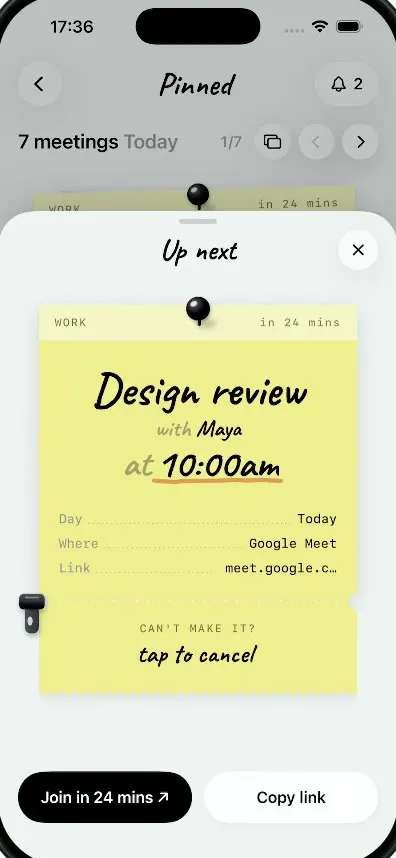
Pinned
iOSMeetings as sticky notes: tear off a note's ticket stub to cancel it and a red CANCELLED stamp slams down.
- View template
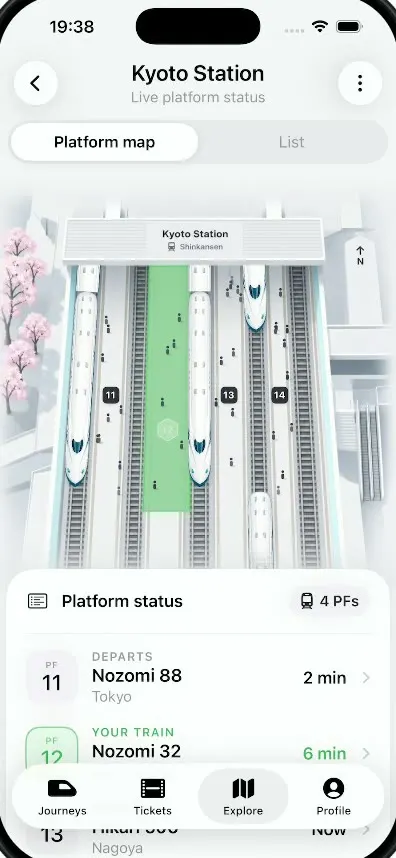
Platform
iOSA live platform view for Kyoto Station: trains glide in and out of a 3D map and your platform glows green.
- View template
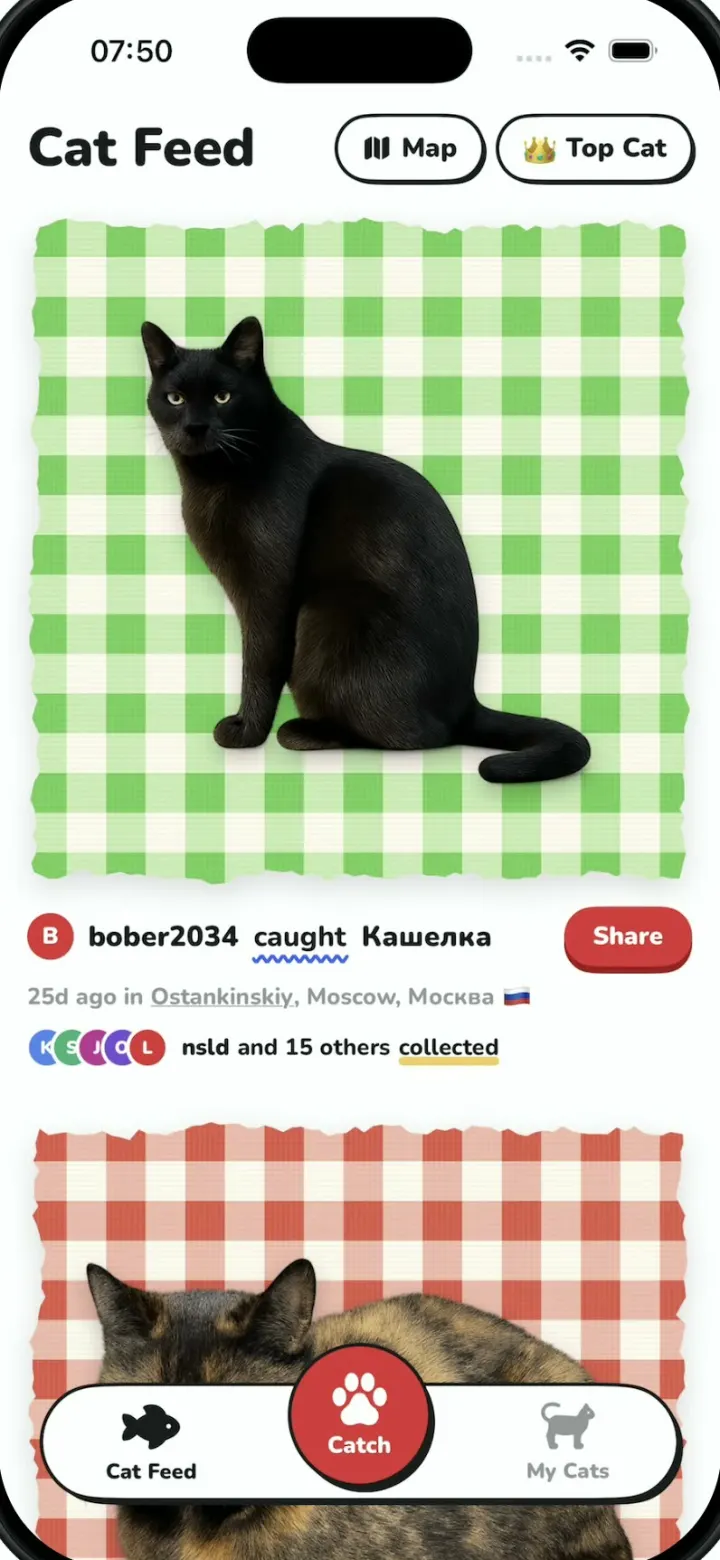
Cat Collector
iOSPokemon GO for street cats: catch cats with the camera, collect sticker cards and vote for Top Cat.
- View template
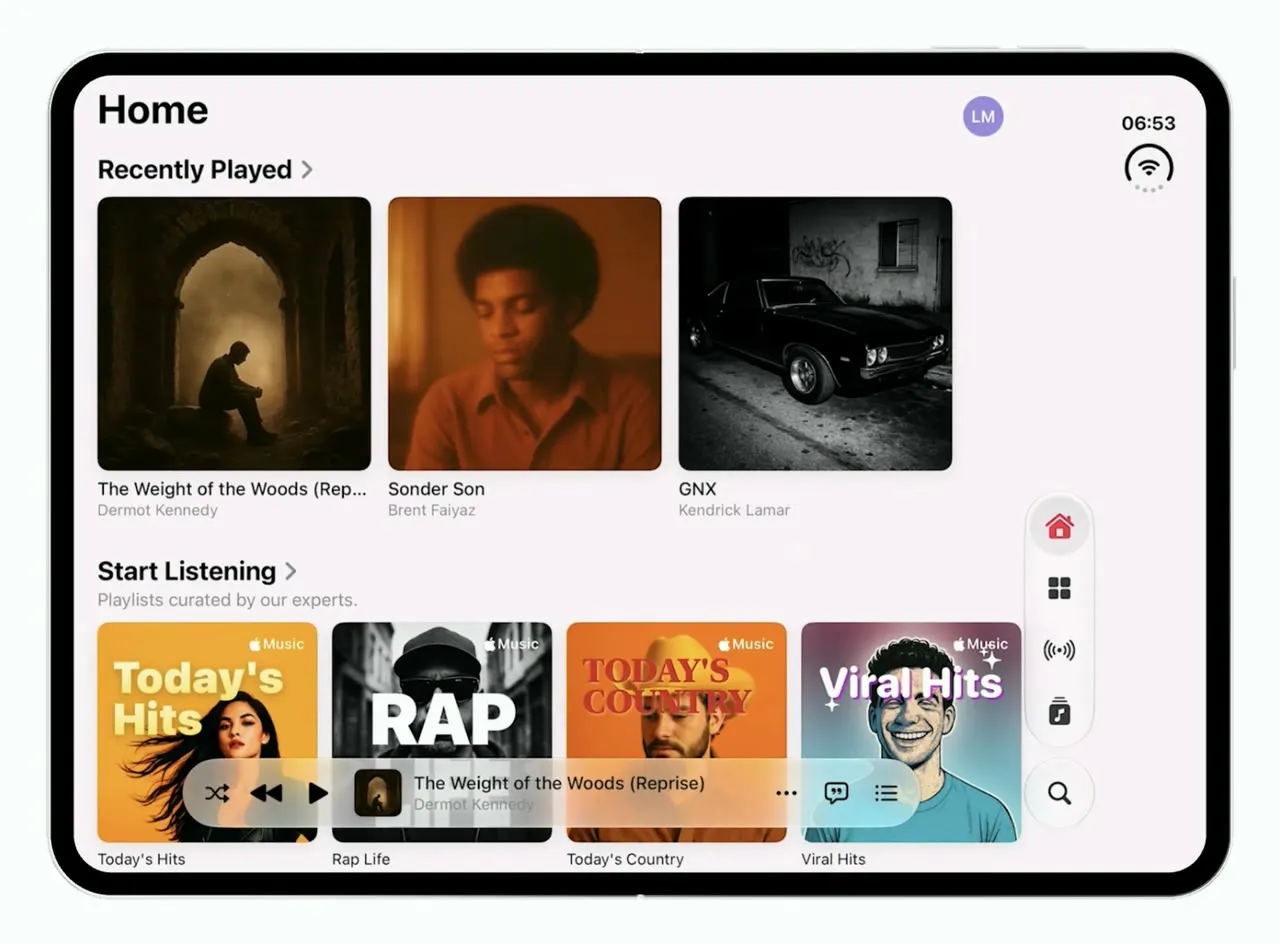
Music
iOSApple Music's iOS 26 look on the foldable iPhone Duo: one column when folded, wide shelves when open.
- View template
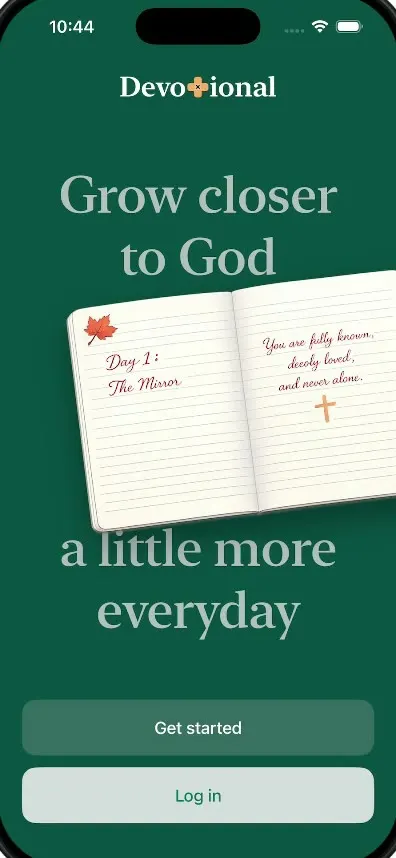
Devotional
iOSThe onboarding of a daily devotional app: pick topics, swipe statements, sign a commitment and get a plan.
- View template
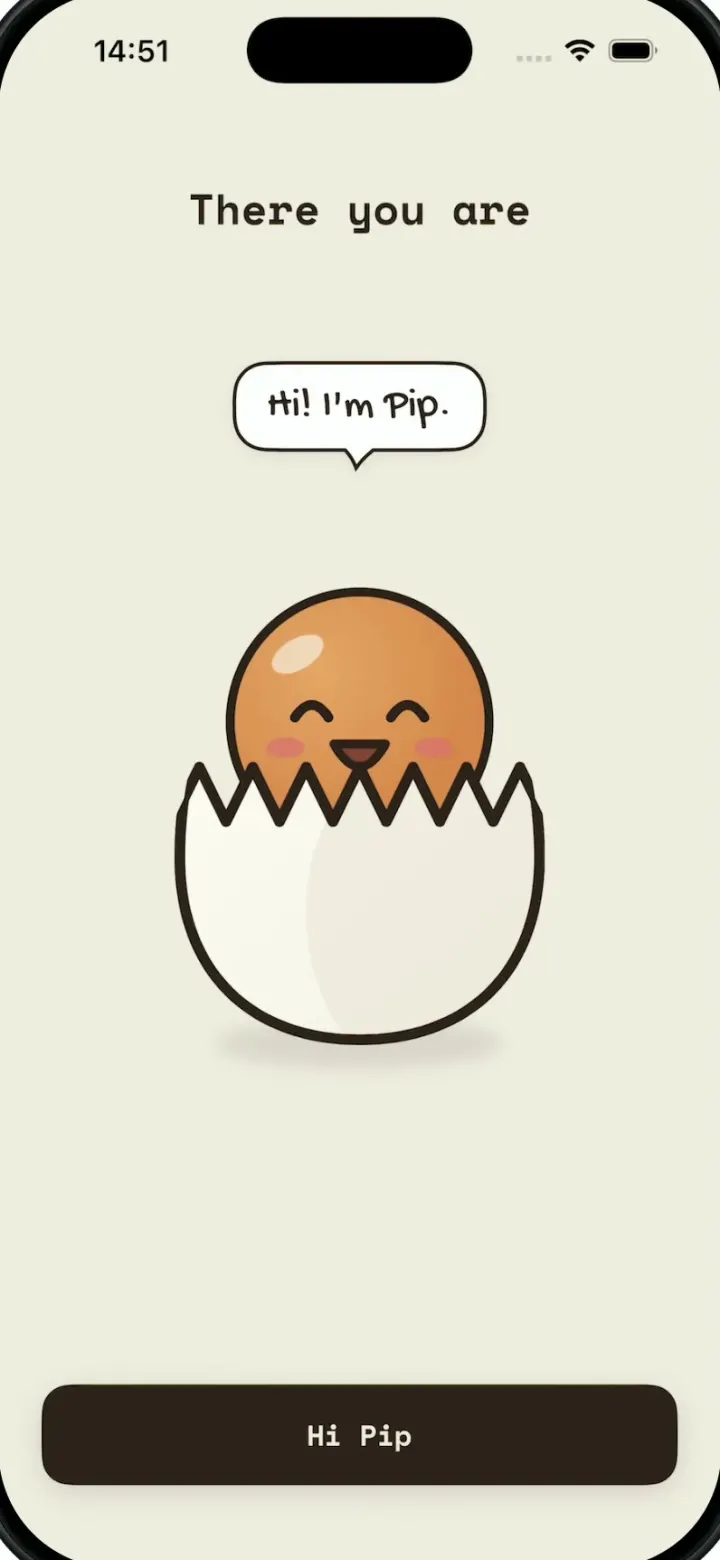
egglu
iOSA cute egg-cooking buddy: wake up Pip, pull a lever to pick an egg, swipe to crack a recipe and run the timer.

What every template includes
- A native iPhone app in Swift and SwiftUI that runs in Vibecode's cloud iOS simulator, in your browser.
- Its own name, logo and colors, with none of the original app's trademarks.
- Realistic sample data with no login or backend, so every screen works right away.
- The exact prompt that built it, so you can rebuild it or change the brief.
Each template has a guide too, like how to build an Instagram clone and how to build an Uber clone, covering what a real version takes and what it costs. Comparing tools? Read the best AI mobile app builders.
Questions
What is an app template?
A working app you start from instead of a blank screen. Each Vibecode template is a native iPhone app written in Swift with SwiftUI that recreates the core screens of a popular app under its own name, running on sample data.
Are the templates free?
Remixing a template is free with a Vibecode account and gives you your own copy of the Swift project. Changes you ask the agent for use credits. Publishing to the App Store needs the Plus plan or higher and an Apple Developer account ($99/year).
Can I publish a template to the App Store?
Yes, once it is your own product. Change the name, design and content first: Apple's App Review Guideline 4.1 rejects apps that copy or impersonate other apps. Publish to App Store signs in with your Apple ID and builds, signs and uploads the app, with no Mac or Xcode.
Do the templates run on Android?
No. They are native iPhone apps in Swift. For Android, start a Mobile app project in Vibecode, which builds React Native apps for iPhone and Android, and paste a template's prompt.