Devotional
Lifestyle app · built by the Vibecode team
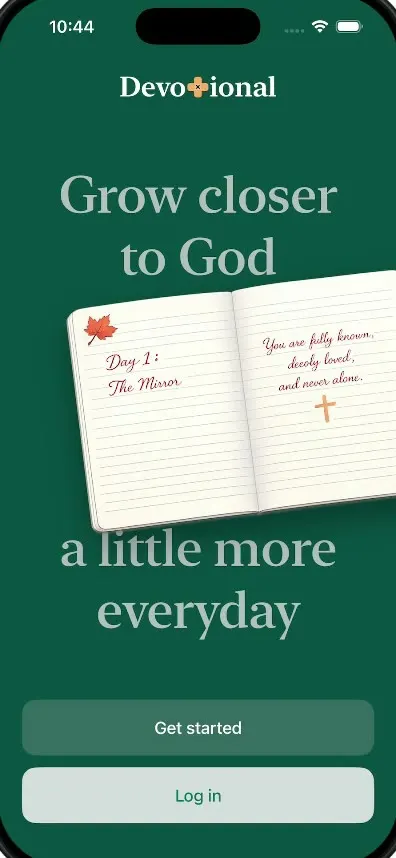
Devotional is an 11-screen onboarding for a Christian daily devotional app. You pick what you want to grow in, swipe true or false on statement cards, write a short commitment letter and finish with a personal plan, with small animations on every screen.
- iPhone · Swift
- Built in 1 prompt
- Free to remix

Remix copies the working app into your account for free, exactly as we built it. It runs in Vibecode's cloud iOS simulator, in your browser.
The prompt that builds it
We built Devotional in one prompt. Paste it into a new app to build your own copy, or change it first.
Prompt · 1,714 words
Download/reference the app shown in this post and clone it exactly, including the iPhone visual design, layout, interactions, animations, typography, spacing, and all visible states. Make it functional and runnable in the simulator. Match the reference as closely as possible and include any interaction shown in the source. Reference: https://x.com/jaydwivedi_/status/2107766127485128851. The actual 49-second video is uploaded as source.mp4 in project Files. Inspect it carefully, extracting frames as necessary.

Build a native SwiftUI iOS app named Devotional using Opus 5.5. This is the 11-screen onboarding of a Christian daily-devotional app, demonstrated on an iPhone in portrait. Do NOT put a fake handset frame inside the actual app; the simulator provides that. Use realistic deterministic fixture data so every screen is rich and usable without permissions or backend. Do not publish externally.

Observed video sequence (0-49s): 0.0 dark green splash, the "Devotional" wordmark fades in; 0.5 "Grow closer to God" fades in and an open notebook flies in from the right edge, rotating as it comes, and settles tilted about -7 degrees across the middle of the screen, overflowing the right edge; 1.5 "a little more everyday" fades in under it; 2.0 the "Get started" and "Log in" buttons fade up. 4.3 tap -> crossfade to the cream testimonials screen, the stars fill in left to right. 7.3 Continue -> "Every journey of faith is unique" illustration screen; the swirls and sprigs around the hands draw in. 10.8 Continue -> the topic grid fades in card by card; 13.8 the user taps "Stop Worrying About Money" and "Find meaning in your work" (each card turns mint with a green border; Continue enables). 15.0 Continue -> "You've already taken a powerful step": the orange card scales in, "86% of users" fades in, and the four progress bars fill from 0. 19.0 Continue -> the screen fades and a lined paper statement card rises from the bottom and grows into the swipe deck (two more cards peek behind it, rotated). 20.8 the user swipes the card right (the True hand turns green), 22.0 swipes the next card left (the False hand turns red), 23.3 swipes the third right. 23.6 -> Commitment screen: the "I'm saying yes to:" letter card fades in and its three lines write in one by one (25-27). 27.0 the user presses and holds the round green lock button: an orange progress ring fills around the button while the letter tilts and slides down into an open envelope with a dark green lining (27.3-28.3), the envelope flap closes over it (28.5), and a red wax seal stamps onto the closed envelope with a small bounce (29.3-29.6). 30.5 -> blank cream screen; the teal signature scribble with a small cross at its end draws itself stroke by stroke in the centre (31-32.5), then fades. 33.7 "Take a deep breath" fades in word by word, then slides up a line as "and press Continue" fades in; 36.8 the Continue button fades in. 38.6 Continue -> full-bleed Welcome screen: glowing open arched doors in the clouds with a path of light, dark green tint, and "Welcome!" fades in. 42.0 "Begin your Story" -> pale yellow "Day 1: The Mirror" screen: "Day 1:" then "The Mirror" fade in centred, move up together, then the four session rows fade in.

Visual details: dark green #0D463C (splash, Welcome tint, Day 1 button); primary button #116654 with white "Continue" (17pt medium, 56pt tall, 14pt corner radius, 24pt side margins, pinned near the bottom); disabled button is the same green at 40% opacity; cream background #EFECE6 on screens 2-9; headings in a serif (Font.system(design: .serif), semibold) dark green #1D4A3C; body text SF Pro in green-grey #3F6B5E; star yellow #EFB71F; accent orange #E3592B; signature teal #3CC9A6; Day 1 background #EFE8D1. Brand mark: a small orange plaster-style cross (#F2A65A) with a tiny black X at its centre. Leaf doodle: a red-orange maple leaf with a dark brown stem. Screens 4-7 share a header: a round white back button (arrow.left) at top-left, and centred above the heading a small serif "From Noise to Clarity" with a teal scribble line ending in a grey cross under it.

Screens, in order:
1. Splash (#0D463C): wordmark "Devotional" in white serif 28pt, the "t" replaced by the orange cross. "Grow closer / to God" serif 52pt in muted #A9B8B4, the notebook overlapping it, then "a little more / everyday" in the same style below. Notebook: open lined notebook with cream pages and a shaded spine, left page has the maple leaf doodle top-left and handwritten dusty-rose script "Day 1 : / The Mirror", right page has script "You are fully known, deeply loved, and never alone." and an orange cross. Buttons: "Get started" (fill #316057, white text) above "Log in" (fill #CFD9D8, text #116654). Both go to screen 2.
2. Testimonials: back button; heading "This is what's possible when the scripture meets [orange cross] real life" centred serif 30pt. Two reviews: round avatar photo (a woman with red hair outdoors; a bearded man), "Diane" serif 22pt, "39 years" grey, 5 stars right-aligned (second review has 4 filled + 1 empty); quote "I always meant to read my Bible more but never knew where to start. The daily verse and short reflection give me a clear next step every morning, and I actually look forward to opening the app." in green-grey 16pt. Between and after the reviews a small divider: two short lines with a tiny heart, cross, heart between them. Continue.
3. "Every journey of / faith is unique" serif 34pt at the top, an orange cross under it, then a full-bleed illustration: two hands gently cupping a lit cream pillar candle, fine line-art with soft watercolour skin tones, green leaves and small orange berry sprigs at the base, grey swirling lines and lavender sprigs rising around it. Continue.
4. "Which topic would you / like to explore first?" serif 30pt. A 2x3 grid of cards (#E4E0DA, 12pt radius, ~110pt tall), small serif title top-left and a thin line-art icon bottom-right: "Biblical Self Discovery" (open book with sun rays), "Build a Faith That Lasts" (cross with a sprouting plant), "Parenting" (parent and child with a heart), "Stop Worrying About Money" (dollar coin with sparkle lines), "Find meaning in your work" (magnifying glass), "Calm an anxious mind" (head profile with a brain). Multi-select: selected cards fill #E6F4E2 with a 1.5pt #6CC56A border and a soft spring. "Start Fresh ->" text link under the grid. Continue is disabled until one card is selected.
5. "You've already taken a / powerful step": orange card (#E3592B, 16pt radius, ~260x150) titled "Biblical Self Discovery" in white serif with a faint book-and-sun icon; "86% of users" serif 34pt; grey "who focused on a single growth area in their first month experienced greater clarity and direction"; a thick orange bar at 95%; then rows with grey-green bars: "Build a Faith That Lasts" 64%, "Parenting" 38%, "Stop Worrying About Money" 16% (bars and percentages count up). Continue.
6. Swipe deck: heading "Share what feels / true to you" serif; a large lined-paper card (cream, slight shadow, rotated about -2 degrees) with the maple leaf top-left and a serif 30pt statement centred; two cards stacked behind it. Statements: "Spending time on spiritual growth makes my life feel balanced", "Setting clear boundaries helps me protect my energy and peace of mind.", "Practicing daily gratitude changes how I experience ordinary moments." Under the deck: "Swipe" serif centred, a pointing-hand icon with a curved arrow left labelled "False" and one with an arrow right labelled "True" (hands grey-green #B9C7BF). Drag the top card with the finger; it rotates with the drag and flies off past a threshold; dragging right tints the True hand green #3CC96A, dragging left tints the False hand red #E25B5B. After the third card, go to screen 7.
7. Commitment: "Commitment" serif 34pt; subtitle "This isn't a big vow - it's a small yes to growing with God" grey 16pt. A lined-paper letter card (~290x290, orange cross top-right) with "I'm saying yes to:" serif 22pt and three lines: "Spend some time each day with God's Word.", "A safe place to pray, reflect and return", "Guidance that points you back to Scripture, not pressure". Below it a grey rounded box (#E4E2DC) with centred serif "Devotional has everything that will help you with prayers, scripture, reflection, and simple action you can carry each day". At the bottom a 72pt round button (#116654) with a white lock icon. Press and hold it for 1.5 s: an orange (#E3592B) ring draws around it while the letter folds into the envelope as described; releasing early rewinds. Once sealed, wait 0.8 s and go to screen 8.
8. Signature: blank cream; the teal scribble (a loop, a wave, a long line ending in a small cross) draws itself with trim animation over 1.5 s, holds, fades, then goes to screen 9 automatically.
9. "Take a deep breath" / "and press Continue" serif 28pt centred, animated as described; Continue goes to screen 10.
10. Welcome: full-bleed image of glowing open arched doors in the clouds with a path of light, dark green tint at the edges and bottom; "Welcome!" white serif 40pt; "You are not here by accident. / God has something for you." white 17pt; "Begin your Story" button (fill #DCE3E2, dark text).
11. Day 1 (#EFE8D1): X close at top-right; "Day 1:" and "The Mirror" serif 36pt centred; a #F6EBC9 band holding a vertical timeline: maple leaf + "Daily Prayer" / "A powerful start of the session", then "Today's scripture", "Quiz", "One-time action" with thin dividers; "Start with Prayer" button (#0D463C) at the bottom. The X restarts the onboarding at screen 1 with every state reset, so the flow can be replayed.

Generate the illustrations (the open notebook, the candle in hands, the doors in the clouds, the two avatar photos, the envelope and the wax seal) with your image generation tool in the same soft hand-drawn style, and bundle them as assets. Do not crop them from the video. Transitions between screens are soft crossfades (0.35 s) with content fading up 8pt. Use native spring animations and gestures, not static screenshots.

Build fully, run compile/build validation, resolve all errors, and launch in the web simulator. Prioritize fidelity to the attached source and functional main interaction flow. Deliver complete implementation rather than a plan.
More templates
All templates- View template
Duo Fridge
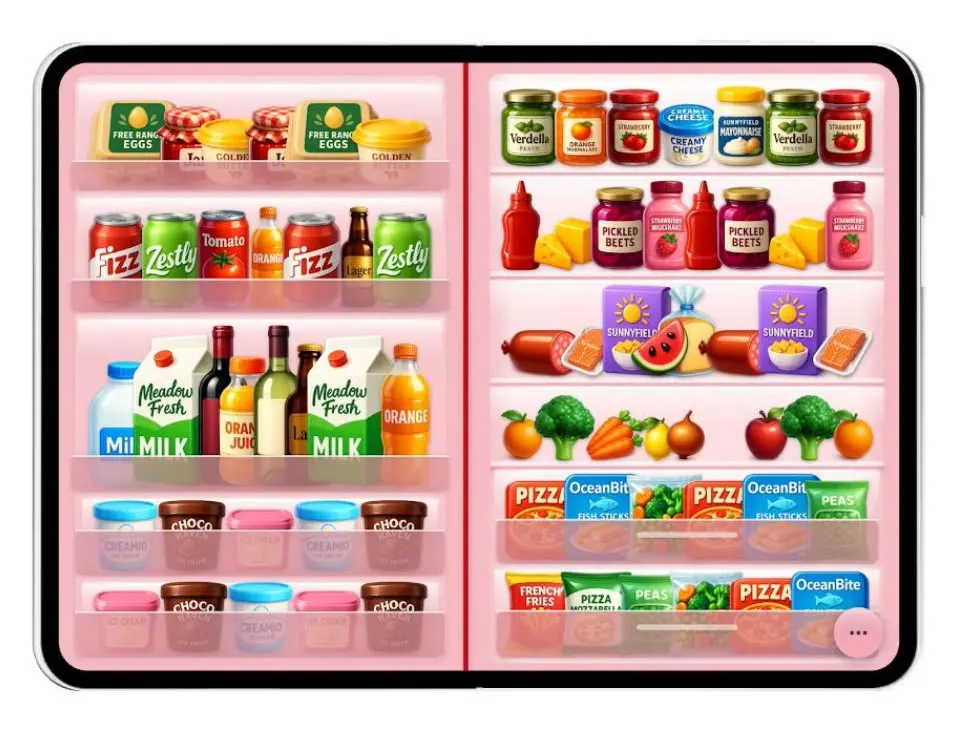
iOSTurns the iPhone Duo into a fridge: folded it is the door with magnets, unfolded it is the stocked shelves.
- View template
Grok Bark
iOSGrok Bot's look, but the AI agents run your dog's life: squirrel watch, treats, mailman defense and zoomies.
- View template
Cat Collector
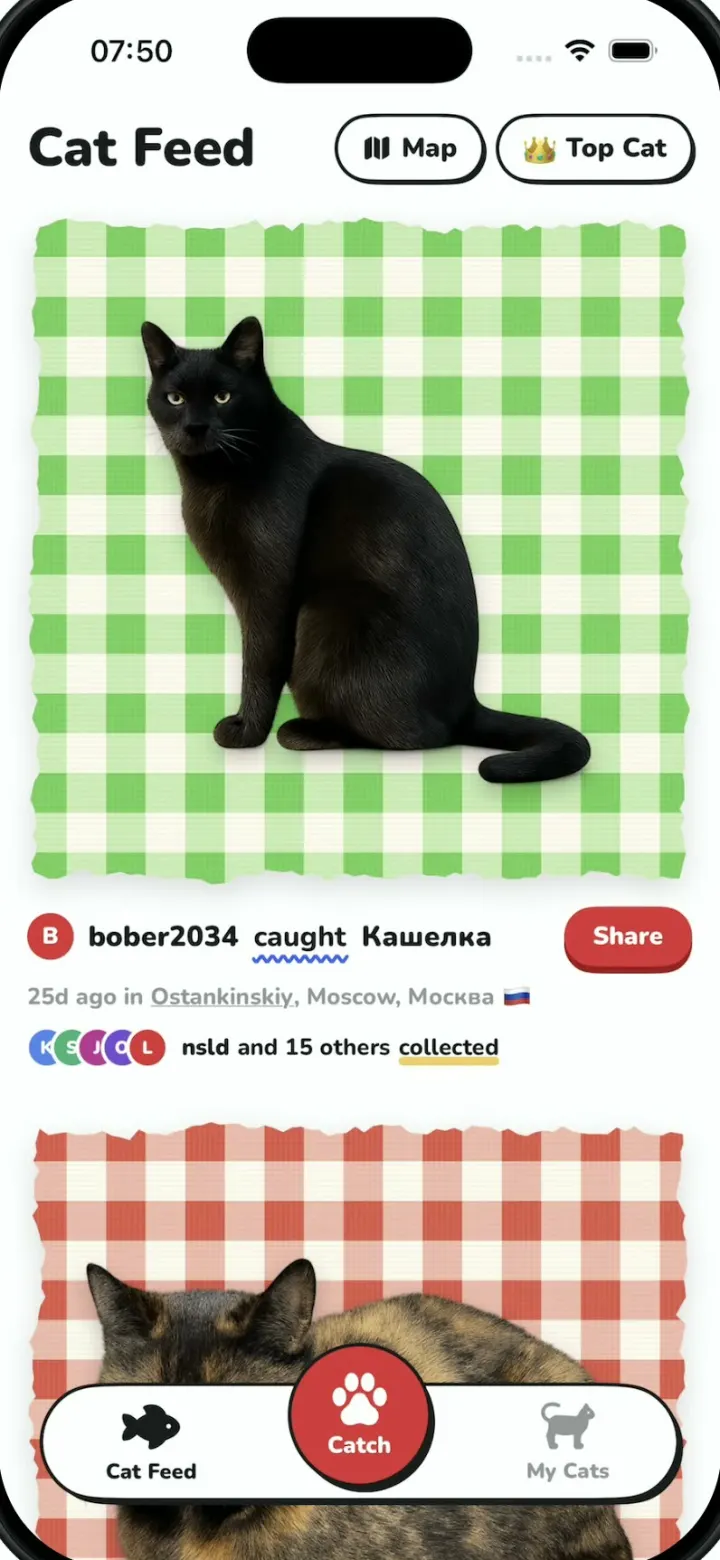
iOSPokemon GO for street cats: catch cats with the camera, collect sticker cards and vote for Top Cat.
- View template
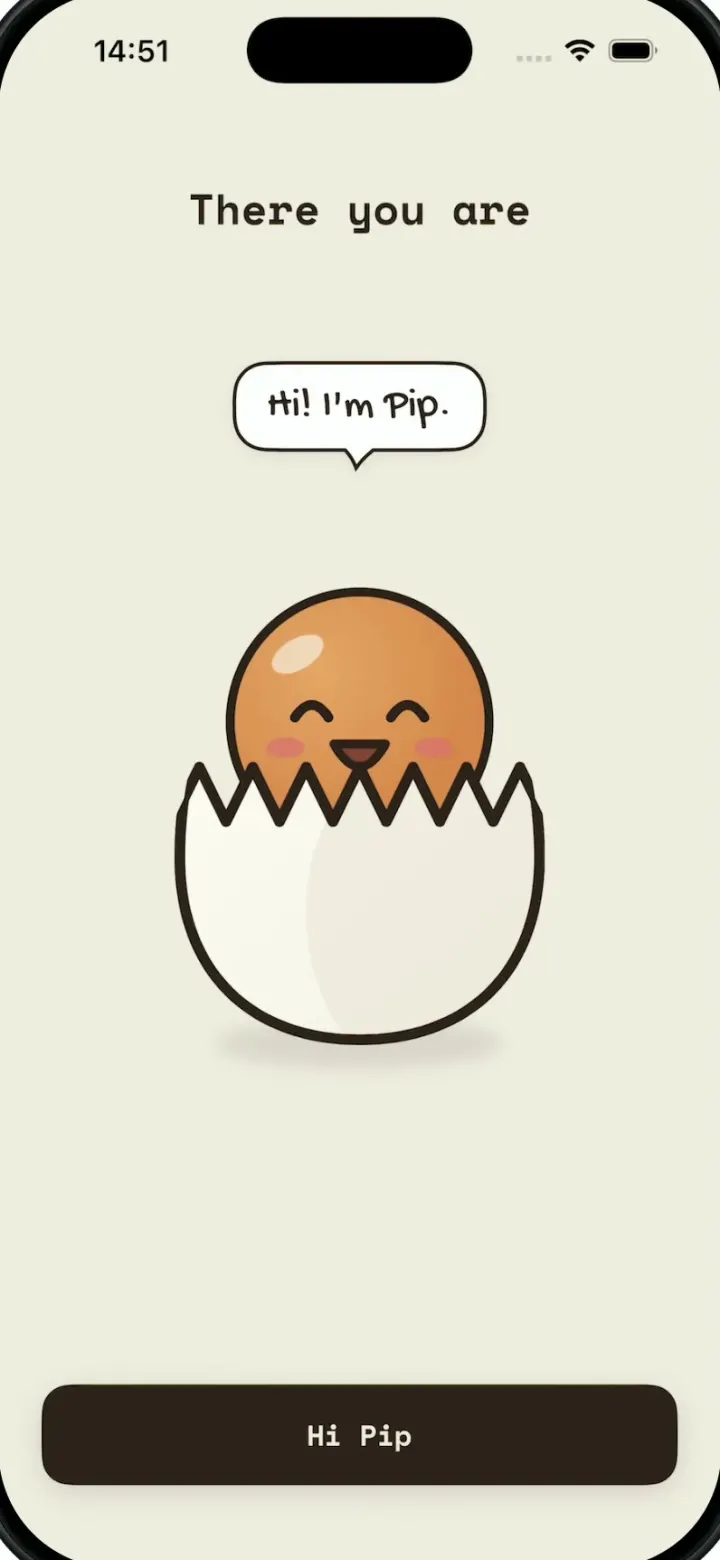
egglu
iOSA cute egg-cooking buddy: wake up Pip, pull a lever to pick an egg, swipe to crack a recipe and run the timer.