egglu
Food app · built by the Vibecode team
egglu walks you through cooking eggs with a little yolk chick called Pip. You wake Pip up, pick how you like your yolk, pull a lever for a random egg dish, swipe to crack it into a recipe and run a timer that ends in a big "Ding!".
- iPhone · Swift
- Built in 2 prompts
- Free to remix

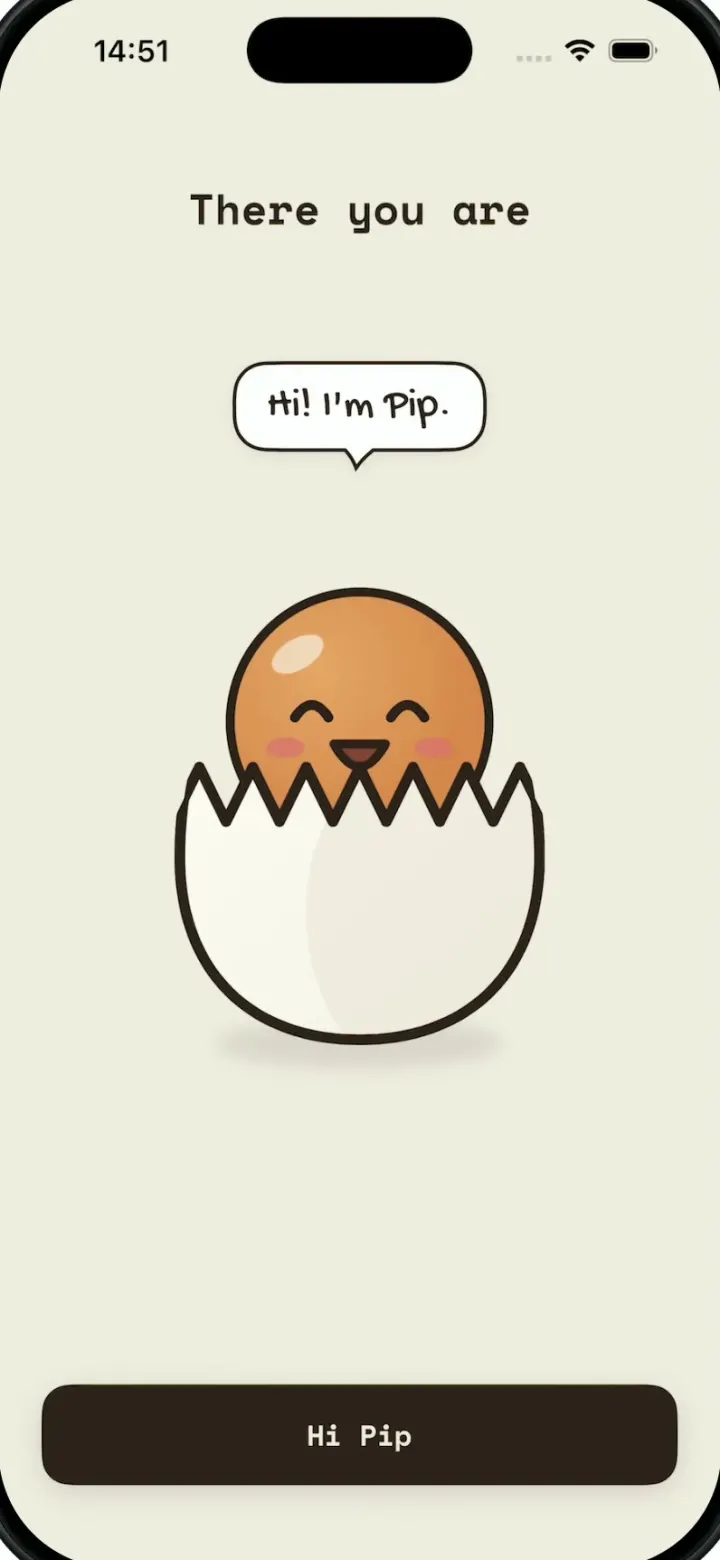
Remix copies the working app into your account for free, exactly as we built it. It runs in Vibecode's cloud iOS simulator, in your browser.
The prompt that builds it
We built egglu in 2 prompts. Here they are folded into one, so a single paste into a new app builds the finished version.
Prompt · 1,348 words
Download/reference the app shown in this post and clone it exactly, including the iPhone visual design, layout, interactions, animations, typography, spacing, and all visible states. Make it functional and runnable in the simulator. Match the reference as closely as possible and include any interaction shown in the source. Reference: https://x.com/jaimintf/status/2108459059922014339.

Build a native SwiftUI iOS app named egglu using Opus 5.5. This is a cute egg-cooking companion demonstrated on an iPhone in portrait: an animated splash, a short onboarding where you wake up and hatch an egg character called Pip, a "what egg should I make" lever randomizer, swipe-to-crack into a recipe, and an egg timer that counts down to a big "Ding!". Do NOT put a fake handset frame inside the actual app; the simulator provides that. Use realistic deterministic data so every screen is rich and usable without permissions or backend.

Observed video sequence (0-40s): 0-2.5s splash: one small egg character in the centre morphs through egg-dish icons one after another (pan with fried egg, fried egg on a plate, red shakshuka pan, two halved eggs); 3-4.5s a dozen egg-dish icons pop out around the centre in a loose grid with a springy stagger and the handwritten wordmark egglu writes in below; 5-5.5s the icons drift up and outward; 5.5-7s a small yellow pill counts up (8, 10, 12, 13) next to "eggs, just right", the handwritten title "Pip & friends ♡" writes on underneath, two icons rest bottom-left and bottom-right, and a dark "Let's crack on" button fades in; 7.5s "Wake Pip up": a big sleeping egg with closed eyes, blush, a small o mouth and floating capital Z's (drawn, or in a font where they can't read as a 3), hint "Tap a few times" at the bottom; each tap jiggles the egg; 8.5s after a couple of taps a speech bubble says "five more minutes..."; 9.5s "There you are": the egg opens its eyes; 10-11s the top of the shell cracks off in a zigzag and Pip (a round orange yolk chick with a happy face) pops up with the bubble "Hi! I'm Pip." and a "Hi Pip" button appears; 12.5-14.5s "How do you like your yolk?": a halved boiled egg, a label under it (Jammy) and a pale yellow slider track with five dots and a glowing knob; dragging the knob changes the yolk from runny orange to firm pale yellow and the label (Runny, Jammy, Medium, Firm, Hard), "Next" button; 15s "Ding when eggs are done?": a slightly tilted notification card "Now", two egg eyes icon, handwritten "Ding!", "Jammy eggs are ready", button "Ding me" and a faint "Not now" link; 16.5s main screen; 18-20s "Your carton" pill at the top, "Don't know what egg to make?", a smiling egg character, a slot-machine strip of three egg cards (SOFT, POACHED, SHAKSHUKA with icons, small dots above) and a lever with an orange ball on the right, hint "Pull the lever →"; 20.5s pulling the lever spins the reels (clipped to the yellow strip, so no card spills outside it), the egg cracks and Pip pops out with little confetti; 22s "YOU SHOULD MAKE", bubble "Ooh, sticky. My favourite cousin.", a yellow result card with two egg-half eyes icon, handwritten "Jammy E..." and "⏱ 7:00", dark button "Make this →", link "Try again"; 24s tapping Make this slides up a sheet "Swipe to crack" with a big plain speckled egg; 25s a swipe across draws a zigzag crack line through the middle, the egg breaks and a round yolk drops in, then it goes straight to the recipe (no result screen in between); 26-29s recipe (all text inside normal margins): a warm food photo of jammy eggs on sourdough toast as a rounded card inset at the top with a round chevron button on it, handwritten "Jammy Eggs", pill "⏱ 7:00", "You need" checklist (2 eggs, Sourdough toast, Chives, Flaky salt), "Steps" numbered (1 Boil water, 2 Lower eggs in, 3 Cook 7 min, 4 Ice bath, peel, salt), sticky dark full-width button "⏱ Start 7:00 timer" inside the margins; 29.5s timer: segmented presets at the top "Soft 6:00", "Medium 8:00", "Hard 10:00" and a "+" button, a happy egg face inside a ring of tick marks, "Jammy Eggs", big "7:00", chips "+30s" and "+1 min", dark "Start" button that becomes "Pause", link "Reset"; 31.5-33.5s middle tab "Pick an egg": a row of small egg icons with the selected one in a yellow rounded square, a big egg illustration in the centre with a small egg character peeking from the right, swiping changes the egg (Jammy Eggs -> Medium Boiled), handwritten name, pills "⏱ 7:00" and "Boil", bottom row dark "Open recipe" and a "⏱ 7:00" chip; 34.5-36.5s back on the timer in its final seconds: the whole background turns warm yellow #F3DEA9, the egg character is cracked and squinting with stress inside a vibrating tick ring, the countdown shows big orange "3", "2", "1", one per second, little bubbles float up; 37s at zero, "Ding!": the background eases back to cream, the stressed egg's shell top pops off and Pip springs out with the bubble "Into cold water!", a huge handwritten "Ding!" replaces the digits with "Into cold water" below, the orange button "Ice bath 2:00" replaces Pause, and the links "Peel it · Reset" sit under it.

Visual details: background cream #EFE9DB everywhere; text and buttons dark brown #2B1E18 (buttons are full-width rounded rectangles with cream monospace labels); accents warm yellow #F6E3A1 cards and pills, orange #E8792F for the yolk and countdown, #F5B13D for the Ice bath button. Two fonts: a bold handwritten marker font for the wordmark and titles (egglu, Pip & friends, Jammy, Jammy Eggs, Ding!, the big timer digits like 7:00, 6:59 and the countdown numbers, speech bubbles) and a monospace font for all UI text (headings, buttons, labels); bundle them from Google Fonts (for example Gochi Hand or Caveat Brush, and Space Mono or IBM Plex Mono). Speech bubbles are white with a dark 2pt outline and a tail. The egg character is a white egg with a thick dark brown outline, soft drop shadow, dot eyes, pink blush and a small mouth; draw it in SwiftUI so its face can animate (sleeping, waking, happy, stressed with cracks). Pip is a round orange yolk with a happy face peeking out of a zigzag-cracked shell. Bottom tab bar: a floating cream capsule with three icons (a slot machine / carton icon, an egg-cluster icon, a stopwatch), the selected one on a dark rounded square.

Illustrations: image generation works here through the proxied OPENAI_API_KEY in the project's environment: call https://api.openai.com/v1/images/generations with model gpt-image-1, background transparent, to make cute flat sticker-style icons with thick dark outlines for: frying pan with a fried egg, red shakshuka pan with steam, fried egg on a plate, two halved jammy eggs, soft-boiled egg in an egg cup with a spoon, scrambled eggs in a bowl with a fork, rolled omelette on a plate, poached egg on a plate, and a halved boiled egg; plus one warm natural-light food photo of jammy eggs on sourdough toast on a ceramic plate for the recipe header.

Interactions: every animation uses springs (pop-ins with overshoot, jiggles, shell cracking off). The lever can be dragged down or tapped. Swipe to crack works with a horizontal drag across the egg. The yolk slider is draggable and tappable on the dots. Tab switching keeps the running timer.

Demo controls: the app always launches on the splash and runs the onboarding every time. Long-pressing the "Your carton" pill for 0.6s restarts from the splash. Long-pressing the big timer digits for 0.6s while the timer runs jumps it to 0:03, so it runs straight into the final countdown (yellow background, stressed egg, big orange 3, 2, 1) and then the Ding! screen.

Build fully, run compile/build validation, resolve all errors, and launch in the web simulator, then test the timer from the long-press jump all the way to the Ding! screen, and the recipe layout. Prioritize fidelity to the reference and functional main interaction flow. Deliver complete implementation rather than a plan.
More templates
All templates- View template
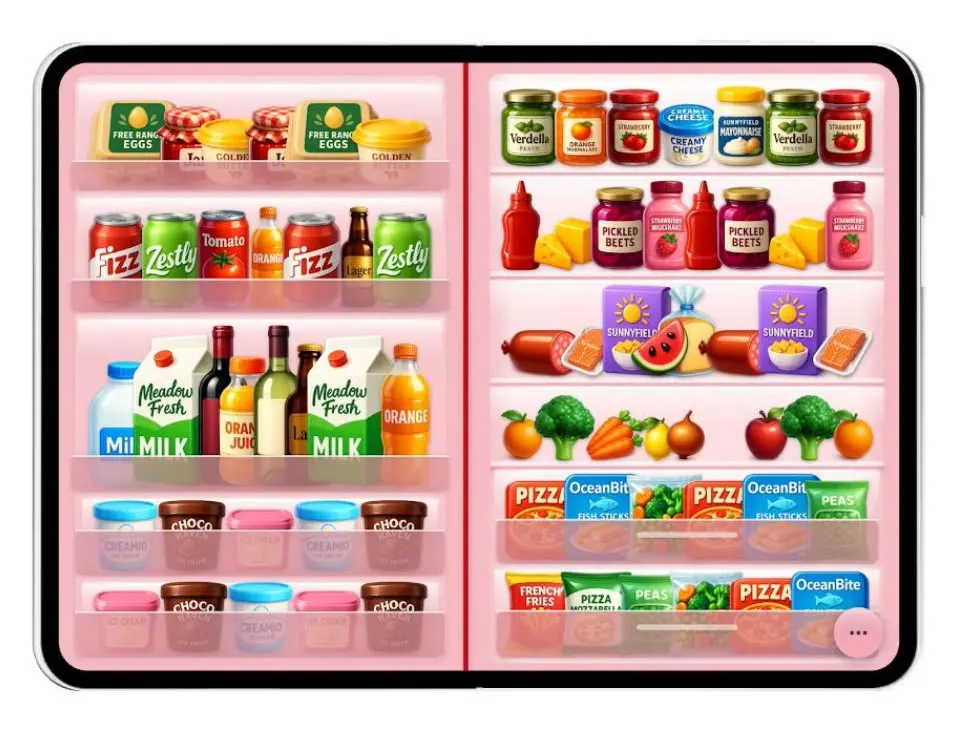
Duo Fridge
iOSTurns the iPhone Duo into a fridge: folded it is the door with magnets, unfolded it is the stocked shelves.
- View template
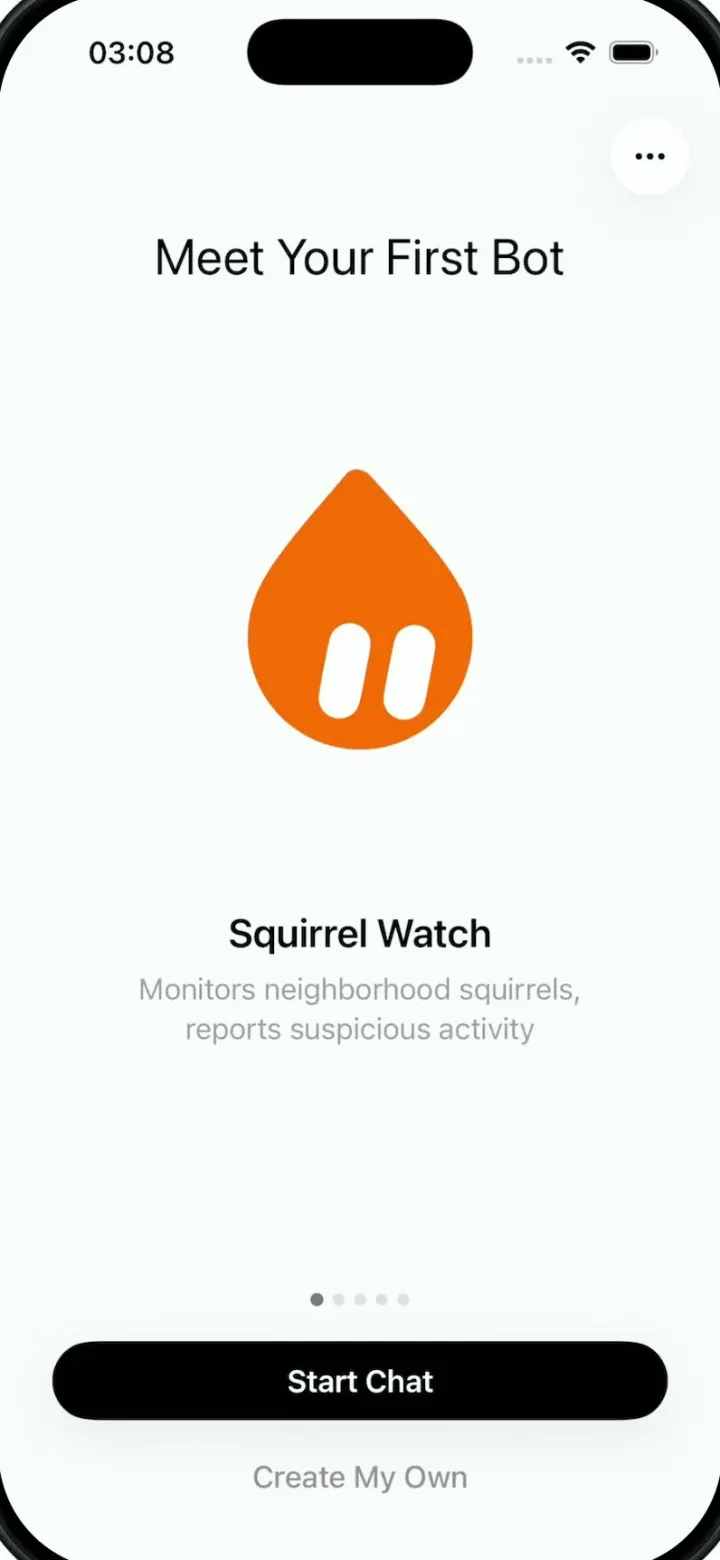
Grok Bark
iOSGrok Bot's look, but the AI agents run your dog's life: squirrel watch, treats, mailman defense and zoomies.
- View template
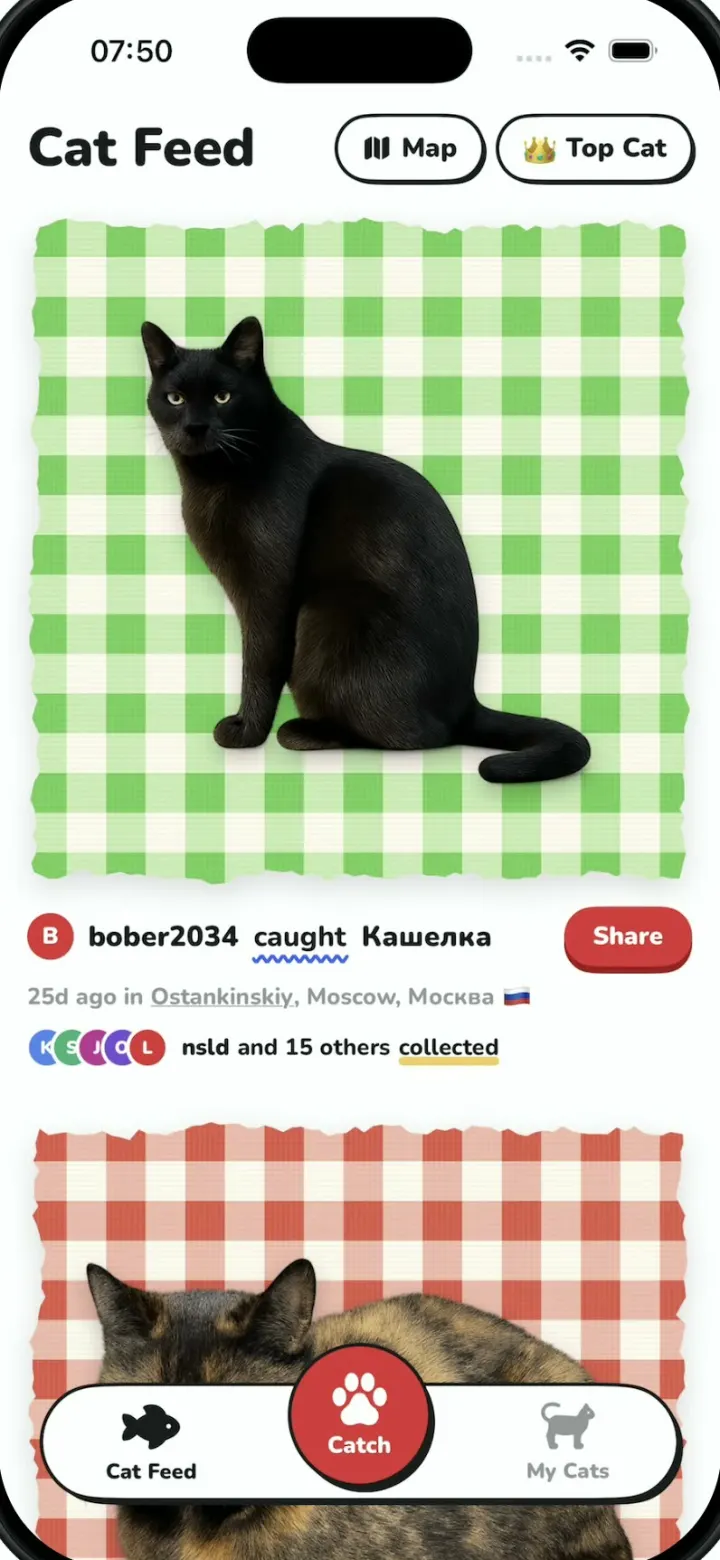
Cat Collector
iOSPokemon GO for street cats: catch cats with the camera, collect sticker cards and vote for Top Cat.
- View template
Devotional
iOSThe onboarding of a daily devotional app: pick topics, swipe statements, sign a commitment and get a plan.