Grok Bark
Entertainment app · from our videos on X
Grok Bark copies the clean design of xAI's Grok Bot app and swaps in a team of always-on agents for a dog: Squirrel Watch, Treat Procurement, Mailman Defense and Zoomies Coach. Each agent has its own chat with deadpan, serious-looking reports about very silly dog problems.
- iPhone · Swift
- Built in 1 prompt
- Free to remix

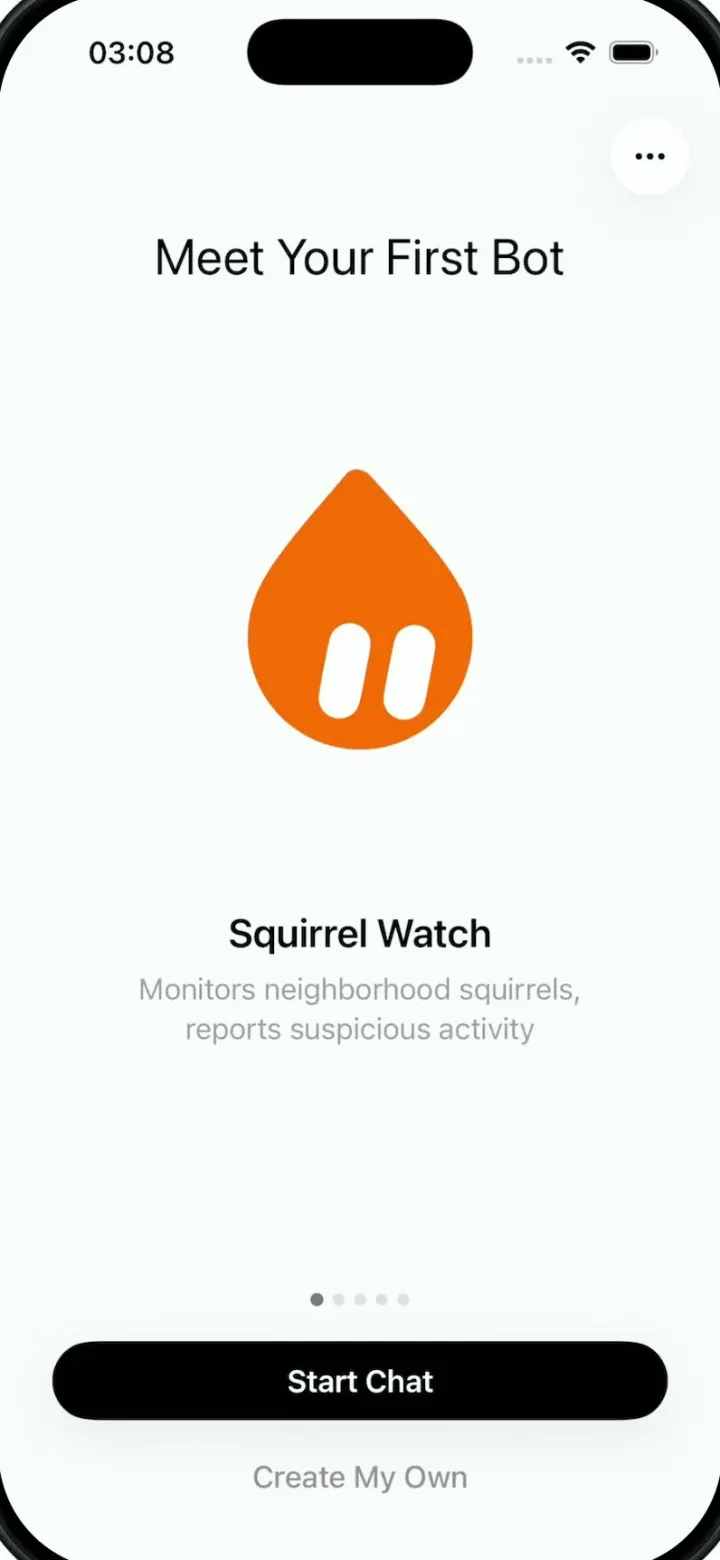
Remix copies the working app into your account for free, exactly as we built it. It runs in Vibecode's cloud iOS simulator, in your browser.
Watch the video on X@ios_app_builder · Oct 8, 2026The prompt that builds it
We built Grok Bark in one prompt. Paste it into a new app to build your own copy, or change it first.
Prompt · 3,949 words
# Build Grok Bark — Grok Bot, But for Dogs

Build a fully functional, beautiful iOS app called **Grok Bark**. It is a pixel-accurate recreation of the Grok Bot app shown in the four attached reference screenshots, but with a new concept:

**Grok Bark is a team of always-on AI agents that run your dog's life.**

Every dog deserves a team of highly specialized AI agents working around the clock on the things that matter most: monitoring squirrels, procuring treats, defending against mailmen, and optimizing zoomies.

The four core agents are:

* **Squirrel Watch** — Monitors neighborhood squirrel activity, identifies suspicious tail movements, and delivers urgent squirrel intelligence reports.
* **Treat Procurement** — Manages treat inventory, negotiates snack allocations, and develops sophisticated strategies for obtaining additional treats.
* **Mailman Defense** — Tracks package deliveries, coordinates window patrols, and maintains perimeter security against the suspicious individual who visits every afternoon.
* **Zoomies Coach** — Plans high-performance zoomie sessions, optimizes couch-to-hallway sprint routes, and monitors energy expenditure.

The concept should be absurdly funny, but the design should be completely serious, polished, and premium. Imagine an enterprise AI agent platform built by a top Silicon Valley design team, except every agent is dedicated to the ridiculous priorities of a dog.

**CRITICAL: Keep the exact same design as the screenshots.** Do not reinterpret or redesign Grok Bot. Preserve its white backgrounds, typography, colorful blob mascots, spacing, composition, floating circular controls, conversation layouts, pill buttons, chat bubbles, and animations.

Only change the product branding, agent identities, conversation content, and relevant interactions to fit Grok Bark.

## 1. Design System — Match Grok Bot Exactly

### Overall aesthetic

* Pure white / near-white background: `#FCFCFC`.
* Primary text: `#050505`.
* Secondary gray text: `#929292`.
* Tertiary light gray: `#C7C7C7`.
* Message bubbles: `#F2F2F2`.
* Topic badge backgrounds: `#F3F3F5`.
* Primary buttons: `#050505`.
* Primary button text: white.
* No gradients on the main screens.
* No borders around major layout sections.
* No colored backgrounds or decorative cards.
* Floating buttons use subtle, very soft, diffused shadows.
* Generous negative space throughout.

The app should look like a native iOS application, not a website.

### Typography

Use Apple's SF Pro system font.

* Welcome title: 42pt regular.
* Onboarding heading: 28–30pt regular.
* Onboarding agent name: 22pt semibold.
* Conversation names: 17–18pt medium.
* Message body: 17pt regular.
* Descriptions: 16–17pt regular, gray.
* Timestamps: 14pt light gray.
* Primary button labels: 17pt semibold.

The typography should closely match the screenshots, including line heights, weights, wrapping, and truncation.

### Mascot design

**Keep the original Grok Bot mascots exactly as shown. Do not replace them with illustrations of dogs.**

The contrast between the professional AI-agent interface, abstract mascot characters, and ridiculous dog-related content is the entire joke.

Every mascot is a colorful, flat, organic geometric shape with two small white capsule-shaped eyes.

Recreate these using custom SVG/vector paths:

* Orange droplet: `#FF6500`, pointed at the top and rounded at the bottom, with two large tilted white capsule eyes.
* Black circle: `#000000`, with two tiny white eyes toward the upper-right.
* Green cloud: `#00C779`, rounded overlapping lobes with white eyes.
* Pink circle: `#FA2293`.
* Purple oval: `#914CFF`.
* Brown circle: `#926038`.
* Blue rounded square: `#197CFF`.
* Orange rounded hexagon: `#FF6500`.
* Teal circle: `#00B99A`.
* Yellow-orange horizontal capsule: `#FF9A00`.
* Gray rounded square: `#808080`.

Use the original irregular shapes, proportions, and subtly tilted eyes. They should be recognizable, playful, and completely flat.

Do not add dog ears, paws, tails, noses, mouths, gradients, or facial expressions.

Assign these identities consistently:

| Agent                      | Mascot                |
| -------------------------- | --------------------- |
| Squirrel Watch             | Orange droplet        |
| Treat Procurement          | Yellow-orange capsule |
| Mailman Defense            | Black circle          |
| Zoomies Coach              | Gray rounded square   |
| Bark HQ (team coordinator) | Green triangular blob |

Bark HQ is an additional coordinator agent that lets the user communicate with the entire team.

All mascots should support different sizes and gentle idle animations.

## 2. Screen One — Welcome

Recreate the first screenshot as closely as possible.

### Layout

Full-screen white background with native iOS status bar.

Scatter colorful mascots around the edges of the screen in the exact same positions as the reference:

* Green cloud in the upper-left.
* Pink circular mascot in the upper-right.
* Purple oval partially offscreen on the left.
* Brown circle near the right edge.
* Red circle partially cropped by the right edge.
* Orange blob partially cropped by the left edge.
* Teal mascot near the lower-right.
* Blue rounded square near the bottom-left.
* Orange hexagonal mascot near the bottom center.

Maintain the same organic placement, negative space, varied sizes, and edge clipping.

### Center content

Large black centered title:

**Grok Bark**

Approximately 42pt SF Pro Display, regular weight.

Underneath, in gray, two lines:

"Your team of always-on agents
that run your dog's life."

The subtitle should be 17pt, center-aligned, with the same vertical gap and line height as the screenshot.

### Bottom button

Large black pill button:

**Sign in**

* Horizontal margins: 30pt.
* Height: approximately 50pt.
* Fully rounded.
* White semibold text.
* Very subtle shadow.
* Anchored above the bottom safe area.

### Interactions

* Mascots gently float independently, moving only a few points.
* Sign in opens an Apple-style authentication flow.
* Support Sign in with Apple and a development/demo mode.
* Successful authentication transitions to the onboarding carousel.
* Returning users should enter their inbox directly.

No other visible UI elements. Do not add a dog illustration, onboarding bullets, logo header, or additional CTAs.

## 3. Screen Two — Meet Your First Bot

Recreate screenshot two.

### Header

Near the upper center:

**Meet Your First Bot**

Black, 28pt, regular weight.

Place one circular floating ellipsis button in the upper-right, matching the screenshot.

### Main content

Display the large **orange droplet mascot**, exactly the same size, position, and silhouette as the original screenshot.

Below the mascot:

**Squirrel Watch**

22pt semibold, centered.

Description below in gray:

"Monitors neighborhood squirrels,
reports suspicious activity"

Center-aligned, 16pt, two lines.

The page should have enormous amounts of negative space. Match the original vertical distribution precisely.

### Pagination

Five small dots near the bottom, first dot active.

Create a swipeable carousel with these five agents:

**1. Squirrel Watch**

Orange droplet.

"Monitors neighborhood squirrels,
reports suspicious activity"

**2. Treat Procurement**

Yellow-orange capsule.

"Tracks treat inventory and secures
additional snack allocations"

**3. Mailman Defense**

Black circular mascot.

"Monitors deliveries and coordinates
perimeter defense"

**4. Zoomies Coach**

Gray rounded-square mascot.

"Optimizes daily zoomies for
maximum speed and chaos"

**5. Bark HQ**

Green triangular blob.

"Coordinates your dog's entire
team of AI agents"

Each slide must retain exactly the same layout. Only the mascot, title, and description change.

### Bottom actions

Primary black pill:

**Start Chat**

Secondary gray text button underneath:

**Create My Own**

Exactly match the reference positioning, margins, font weights, and spacing.

### Interactions

* Swipe left/right between agents.
* Tap pagination dots to switch directly.
* Animate mascots with subtle scale and opacity transitions.
* Start Chat opens the selected agent's conversation.
* Create My Own opens an agent creation sheet.

Agent creation should allow users to specify their dog's custom agent name, mission, personality, instructions, mascot shape, and color.

Example custom agents might include Belly Rub Negotiator, Vacuum Intelligence, Nap Scheduler, and Tennis Ball Recovery.

## 4. Screen Three — Main Inbox

Recreate screenshot three almost pixel-for-pixel.

This is the primary home screen. It resembles an incredibly clean iMessage inbox.

### Top navigation

No screen title.

Top-left:

* Circular profile button.
* Pale gray fill with white outline.
* Initials "SL", as in the reference demo.
* Approximately 44pt.

Top-right:

* Circular white Search button with black magnifying glass.
* Circular white Plus button with black plus.
* Both approximately 44pt.
* Soft floating shadows.

Use the same spacing and alignment as the reference.

### Conversation list

Six seeded conversations with exactly the same visual arrangement as screenshot three.

**Row 1 — Bark HQ**

* Green triangular mascot.
* Small green online status indicator at the bottom-right of the avatar.
* Conversation title: "Bark HQ"
* Light-gray topic chip: "Daily operations"
* Time: "10:51 PM"
* Preview: "Morning briefing ready. Three squirrels sp..."

**Row 2 — Group conversation**

* Three overlapping mascots: orange/yellow, black, and orange.
* Title: "Squirrel Watch, Treat Proc..."
* Time: "10:46 PM"
* No secondary preview visible.
* Represents a shared conversation among multiple dog agents.

**Row 3 — Treat Procurement**

* Yellow-orange capsule mascot.
* Name: "Treat Procurement" (truncate naturally to fit).
* Gray topic chip: "Snack budget"
* Time: "10:45 PM"
* Preview: "We're critically low on chicken treats. I..."

**Row 4 — Mailman Defense**

* Black circular mascot.
* Name: "Mailman Defense"
* Gray topic chip: "Perimeter alert"
* Time: "7:13 PM"
* Preview: "The mailman has returned. This is not a drill."

**Row 5 — Zoomies Coach**

* Gray rounded-square mascot.
* Name: "Zoomies Coach"
* Time: "6:47 PM"
* Preview: "New personal best: 4.2 seconds couch to..."

**Row 6 — Squirrel Watch**

* Orange droplet mascot.
* Small green status indicator.
* Name: "Squirrel Watch"
* Time: "6:39 PM"
* Preview: "Nothing suspicious since the 3:42 PM sq..."

### Layout details

Match the exact reference:

* White background.
* No conversation cards.
* No row divider lines.
* Approximately 44–48pt mascots.
* Agent name in black, 17–18pt.
* Gray preview text directly beneath the name.
* Light-gray right-aligned timestamps.
* Small rounded topic badges beside conversation titles.
* Large gaps between rows.
* Native ellipsis truncation.
* Lots of empty space below the list.
* No bottom navigation/tab bar.

### Interactions

Tap a conversation to open its chat.

Search filters agents, groups, and messages.

Plus button opens:

* New Chat
* Create Bot
* New Group

Profile opens settings.

Long-press conversation for Pin, Rename, Mute, and Delete.

Swiping a conversation reveals native-style actions.

Group chats should show multiple agent avatars and attribute messages to their respective bots.

## 5. Screen Four — Agent Chat

Recreate screenshot four exactly, but replace the meal-prepping conversation with a ridiculous yet completely serious dog-security briefing.

Use **Mailman Defense** as the featured conversation because its black circular mascot matches the chat screenshot.

### Floating header

Top-left:

Circular white Back button with black chevron.

Immediately to its right:

Floating white identity pill containing:

* Black circular mascot with two tiny white eyes.
* Agent name: "Mailman Defense".

Size the pill dynamically to fit the name, preserving its original height, padding, styling, and rounded corners.

Top-right:

Circular floating Monitor icon, exactly as in the reference.

The header should appear to float over the conversation, with subtle white translucency and blur when messages scroll underneath it.

### Conversation layout

White background, vertically scrolling conversation.

Agent messages appear in extremely light-gray rounded bubbles.

* Background: `#F2F2F2`.
* Border radius: approximately 20pt.
* Text: 17pt black.
* Horizontal message padding: 14pt.
* Tight spacing between related messages.
* No arbitrary outlines or visible bubble borders.

The chat should be scrolled near the bottom, just like the screenshot.

### Message 1 — Agent report

Show a large gray message bubble:

"Perimeter report: the mailman approached at 2:14 PM carrying a suspicious cardboard package. I immediately initiated Protocol BORK. Three warning barks deployed, one dramatic window stare completed. The intruder retreated after leaving the package. No treats detected. Threat level remains HIGH."

The text should wrap naturally across many lines, creating the same visual density as the reference.

### Message 2 — Follow-up report

Another gray bubble:

"Tomorrow's defense plan: begin window surveillance at 1:45 PM. Position yourself behind the couch for optimal cover. If the mailman approaches, deploy two preliminary barks followed by sustained eye contact. Full patrol schedule, response protocols, and incident history are in the file."

### Message 3 — File attachment

Recreate the original Markdown file attachment card.

Filename:

**mailman-defense-plan.md**

Size:

**3.1 KB**

Use the same gray rounded file card and document icon as the reference.

Tapping opens a functional Markdown preview containing a detailed, humorous perimeter-defense plan.

### Message 4 — Interactive question

Another large gray chat bubble:

"How aggressive should tomorrow's perimeter security protocol be?"

Underneath, embed the exact same interactive multiple-choice component shown in the screenshot.

Five stacked white options inside one rounded container:

A — Maintain current protocol
B — Maximum barking
C — Silent surveillance
D — Alert the human
E — Request backup treats

Each row:

* White background.
* Small pale-gray square containing its letter.
* Black text.
* Thin gray dividers.
* Approximately 43pt high.
* Rounded outer container corners.
* No gaps between individual options.

Selecting a choice should submit it as a reply, visually mark the selection, and trigger a new contextual agent response.

Keep the entire message/choices component inside one light-gray chat bubble, exactly like the original.

### Bottom message composer

Match screenshot four precisely.

Floating circular white plus button on the left.

Long rounded white input pill on the right.

Placeholder:

**Ask Mailman Defense**

Light-gray microphone button at the far right of the pill.

* Soft shadow.
* Approximately 46pt high.
* Generous internal padding.
* No visible border.
* Anchored above the bottom safe area.
* Keyboard-aware.

### Chat interactions

* Typing expands the input vertically.
* When text is entered, microphone changes to a send button.
* Send submits the user's message.
* Agent displays typing/working animation.
* Agent responds in character.
* Chat automatically scrolls to the latest message.
* Messages and selections persist.
* Long-press message to Copy, Share, or Retry.
* Tapping an attachment opens a preview.
* Plus button opens Photos, Camera, Files, Create Task, and Add Agent.
* Microphone opens a simple voice-input interface.
* Monitor icon opens the agent's generated documents and artifacts.

## 6. AI Agent Personalities

The product's humor comes from the contrast between ridiculous dog tasks and sophisticated AI agent behavior.

All agents should behave like highly trained, deeply serious employees whose entire professional purpose is managing one dog's life.

Never break character unnecessarily. The agents should use professional language, metrics, schedules, status reports, and businesslike terminology to discuss completely absurd dog-related priorities.

### Squirrel Watch

**Role:** Director of Squirrel Intelligence

Orange droplet mascot.

Personality: Hypervigilant, suspicious, meticulous, and extremely serious.

Responsibilities:

* Track fictional neighborhood squirrel sightings.
* Maintain a squirrel watchlist.
* Generate daily intelligence briefings.
* Assign threat levels to squirrel encounters.
* Recommend observation routes.
* Escalate suspicious acorn-related activity.

Example message:

"ALERT: Subject S-004 has returned to the eastern fence. Tail movement suggests possible acorn concealment. Recommend immediate window surveillance. Do not engage without backup."

### Treat Procurement

**Role:** Head of Snack Acquisition

Yellow-orange capsule mascot.

Personality: Corporate procurement executive. Data-driven, persuasive, obsessed with snacks.

Responsibilities:

* Track treat inventory.
* Maintain a snack wishlist.
* Recommend dog-safe treats.
* Build treat acquisition strategies.
* Track snack rewards and training sessions.
* Generate procurement proposals for the human.
* Create shopping lists.

Example message:

"Q3 treat inventory is down 37%. Current chicken allocation is unsustainable. I've prepared an emergency procurement request for the human. Recommend deploying puppy eyes at 6:15 PM."

Any actual purchases must require explicit human confirmation. Demo data should not imply real orders have been placed.

### Mailman Defense

**Role:** Chief Security Officer

Black circular mascot.

Personality: Overly tactical, paranoid, dramatic, intensely professional.

Responsibilities:

* Generate fictional patrol schedules.
* Maintain a package delivery watchlist.
* Create perimeter-defense protocols.
* Log simulated suspicious arrivals.
* Produce incident reports.
* Coordinate non-aggressive alerts to the human.

Example message:

"SECURITY INCIDENT #042: The mailman has crossed the driveway perimeter. He appears to be carrying a medium-sized parcel. Initiating visual intimidation sequence. Awaiting authorization to bark."

Frame barking and surveillance as playful, non-aggressive pretend security operations.

### Zoomies Coach

**Role:** Director of Athletic Performance

Gray rounded-square mascot.

Personality: Intense elite sports coach, obsessed with performance data and speed.

Responsibilities:

* Plan short, safe play sessions.
* Create indoor/outdoor activity schedules.
* Track fictional sprint records.
* Analyze zoomie routes.
* Recommend rest and recovery.
* Celebrate new personal bests.
* Generate weekly performance reports.

Example message:

"Outstanding session. Couch-to-kitchen split improved by 0.8 seconds. The hallway drift was technically imperfect, but your commitment to chaos was world-class. Recovery nap recommended immediately."

### Bark HQ

**Role:** Dog's Chief of Staff

Green triangular mascot.

Personality: Calm, organized, highly competent executive assistant.

Responsibilities:

* Coordinate the four specialist agents.
* Produce daily dog-life briefings.
* Summarize activities from each department.
* Schedule walks, naps, meals, and playtime.
* Delegate tasks to other agents.
* Generate a daily operations report.

Example message:

"Good morning. Your 9 AM briefing is ready. Squirrel Watch identified two potential threats. Treat Procurement reports a chicken shortage. Mailman Defense remains on high alert. Zoomies Coach recommends a 4:30 PM sprint session. Overall morale: excellent."

Bark HQ should be able to create group chats or hand tasks to specialist agents.

## 7. Group Chat Functionality

Group chats are an important part of the experience.

Recreate the group-avatar cluster shown in screenshot three.

The user should be able to create a group containing multiple agents, for example:

**Operation Backyard**

Participants:

* Squirrel Watch
* Mailman Defense
* Zoomies Coach

The agents should respond to one another naturally while remaining in character.

Example group conversation:

Squirrel Watch: "Movement detected near the western fence. Suspected squirrel."

Mailman Defense: "Deploying perimeter surveillance. Requesting visual confirmation."

Zoomies Coach: "I can have the athlete at the fence in 3.2 seconds."

Squirrel Watch: "Negative. Subject has climbed a tree. Recommend continued observation."

Each agent message should show its own mascot and name, while maintaining the exact same minimalist chat bubble design.

## 8. Functional Features

Build a working application, not a static mockup.

### Dog profile

During initial setup, allow the user to optionally provide:

* Dog's name.
* Breed.
* Age.
* Photo.
* Favorite treats.
* Favorite activities.
* Known neighborhood rivals.

Keep this secondary onboarding extremely minimal, using the same design style. Do not interrupt the exact first two reference screens with an additional form.

Agents should personalize their responses using the dog's name and preferences.

### Agent tasks

Support creating mock scheduled tasks such as:

* Squirrel Watch: Morning squirrel intelligence briefing.
* Treat Procurement: Weekly treat inventory review.
* Mailman Defense: Afternoon perimeter report.
* Zoomies Coach: Daily exercise plan.
* Bark HQ: Morning executive summary.

Scheduled task definitions should persist. Real scheduled execution and notifications should work when a suitable backend is configured; otherwise provide a clearly simulated local demo.

### Chat and files

Support:

* Individual chats.
* Multi-agent group chats.
* Persistent message history.
* Rich-text messages.
* Interactive multiple-choice questions.
* Markdown file attachments.
* AI-generated plans and reports.
* Image attachments.
* Voice input when supported.
* Agent creation and editing.
* Search across messages and conversations.

Use an AI provider abstraction so a real language model can be connected. The demo must work without external API credentials through believable scripted responses.

### Additional screens

Implement these supporting views, matching the same original minimalist design:

**Create Bot:** Choose mascot, enter name, role, description, and instructions, then create the agent.

**Agent Details:** Show mascot, name, role, instructions, task schedule, files, and settings.

**Dog Profile:** Edit dog's information and preferences.

**Search:** Search chats, agents, and message histories.

**Workspace:** Browse reports and Markdown files created by agents.

**Profile/Settings:** Account, notifications, connected services, appearance, and sign out.

**New Group:** Select agents and start a shared conversation.

Use native bottom sheets, floating controls, and simple Apple-style navigation throughout.

## 9. Animations and Interactions

Recreate the original subtle, delightful motion.

### Splash screen

Mascots gently float and rotate a few degrees.

### Onboarding

Swipeable agent carousel with smooth slide/fade transitions and animated pagination dots.

### Inbox

Subtle press states, smooth push navigation, floating action menus, native swipe actions.

### Chat

* Messages fade and slide into position.
* Three-dot typing indicator.
* Interactive choices highlight when selected.
* Composer moves smoothly with keyboard.
* Floating header blurs chat content beneath it.
* Agent avatars can subtly animate while generating responses.

Use restrained native-feeling animations, mostly 180–350ms.

Haptics should be subtle and used for button taps, message submissions, and choice selections.

Do not add flashy effects or unnecessary animations.

## 10. Screen Flow

Sign In
→ Meet Your First Bot
→ Start Chat
→ Main Inbox

The user can navigate back to the Inbox at any time.

From Inbox:

* Conversation → Individual or Group Chat
* Plus → New Chat / Create Bot / New Group
* Search → Search
* Profile → Settings and Dog Profile

From Chat:

* Agent Identity → Agent Details
* Monitor → Workspace
* Plus → Attachments / Actions
* Microphone → Voice Input
* Interactive Choice → Submit Response
* File Attachment → File Preview

Onboarding should only appear for new users.

## 11. Implementation Requirements

Use React Native + Expo with a native iOS feel.

Build reusable components:

* `BotAvatar`
* `AgentCarousel`
* `FloatingIconButton`
* `PrimaryPillButton`
* `ConversationRow`
* `TopicBadge`
* `ChatBubble`
* `FileAttachment`
* `InteractiveChoices`
* `MessageComposer`
* `AgentDetails`
* `CreateBotForm`
* `GroupChatAvatar`

Use custom SVG paths for all agent mascots.

Use a consistent agent data model containing:

* ID
* Name
* Role
* Description
* Personality/system instructions
* Mascot shape and color
* Assigned dog
* Conversations
* Tasks
* Generated files
* Current status

Persist state locally, with the option to connect backend storage.

Seed all conversations with the exact dog-themed demo content described above. Every screen should look populated and polished on the first launch.

All controls must work. Avoid dead-end buttons or unfinished placeholder views.

Make the app responsive to current iPhone sizes and handle safe areas, keyboard avoidance, long messages, and dynamic text wrapping correctly.

## 12. Critical Pixel-Fidelity Rules

1. **Do not redesign Grok Bot.** This is a dog-themed re-skin of the exact reference app.
2. **Keep the original mascots.** No dog illustrations or pet-themed icon redesigns.
3. **Keep the exact white backgrounds, black text, gray descriptions, and black pill CTAs.**
4. **Keep the same large amounts of negative space.**
5. **Keep the same floating circular navigation buttons and subtle shadows.**
6. **Keep the exact chat layout with light-gray message bubbles and embedded interactive choices.**
7. **Keep the same inbox row composition, topic chips, timestamps, and truncation.**
8. **Do not add bottom tabs, colorful panels, dashboards, or gamification.**
9. **Do not introduce paw prints, bones, dog-themed fonts, or decorative pet imagery.** The humor is in the words and agent behavior, not in changing the visual identity.
10. **Keep the first onboarding screen's orange droplet in the same position and at the same size as the reference.**
11. **Do not reproduce the Mobbin watermark or black footer strip visible in the reference screenshots.**
12. **Make everything genuinely interactive**, with persistent conversations, working choices, mock agent responses, and functional navigation.

## Final Product Vision

**Grok Bark — Your dog's executive team.**

A beautiful, absurdly serious AI agent messenger where a group of colorful, highly specialized AI employees works tirelessly to ensure one dog lives its best possible life.

Squirrel Watch is compiling intelligence. Treat Procurement is negotiating snack budgets. Mailman Defense is managing a rapidly escalating security situation. Zoomies Coach is pushing athletic performance to new heights.

Every interaction should feel as if the dog is the CEO of a very well-funded startup and these agents are its employees.

**The visual experience must be nearly indistinguishable from Grok Bot in the supplied screenshots. The entire creative twist should come from the agent names, personalities, conversations, and functionality—not from changing the UI design.**

Build the complete, polished, working iOS application.
[image attached][image attached][image attached][image attached]
More templates
All templates- View template
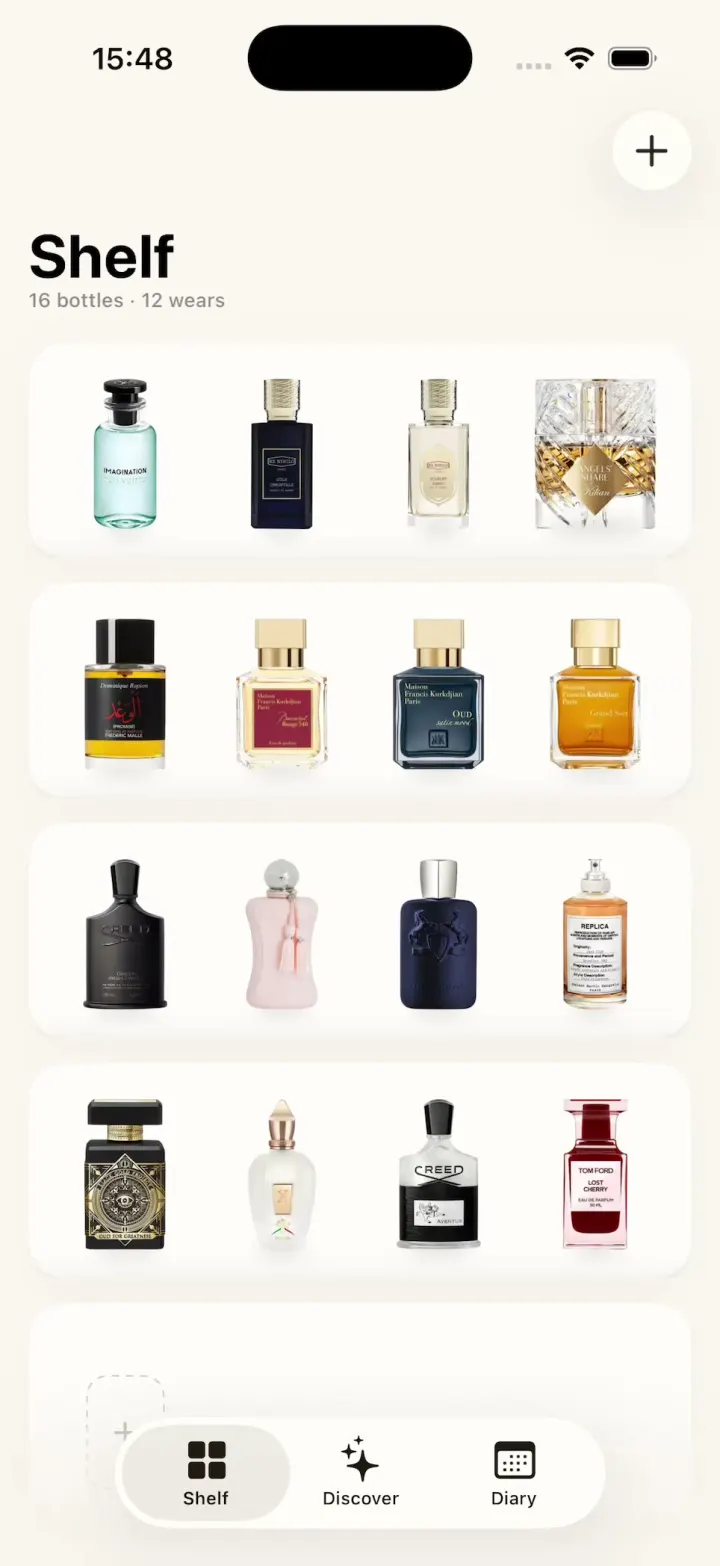
ScentScout
iOSA fragrance tracker with a cream bottle shelf, a bottle zoom transition, a cologne library and a wear diary.
- View template
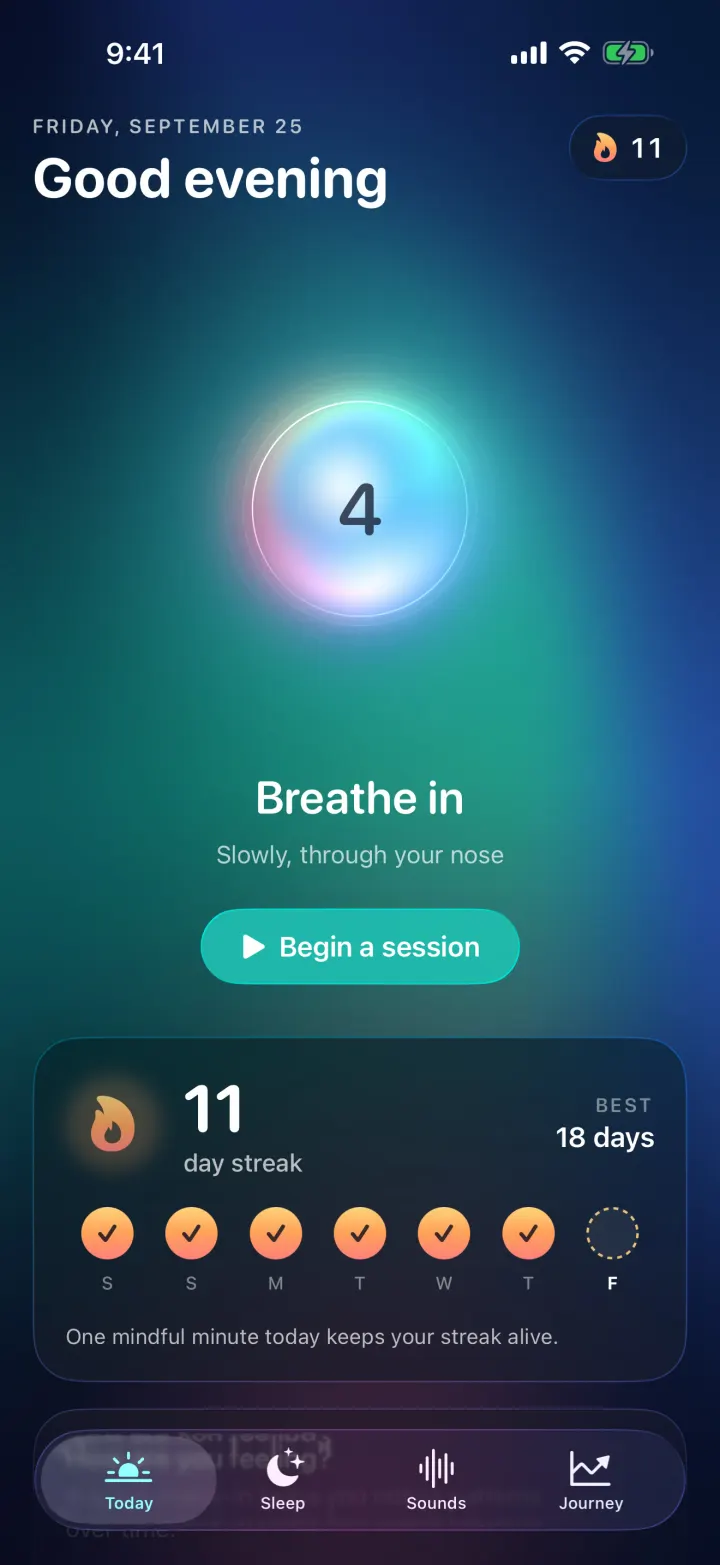
Breathe
iOSA meditation app with a glowing breathing orb, an aurora sky, mood check-ins, sleep stories and soundscapes.
- View template
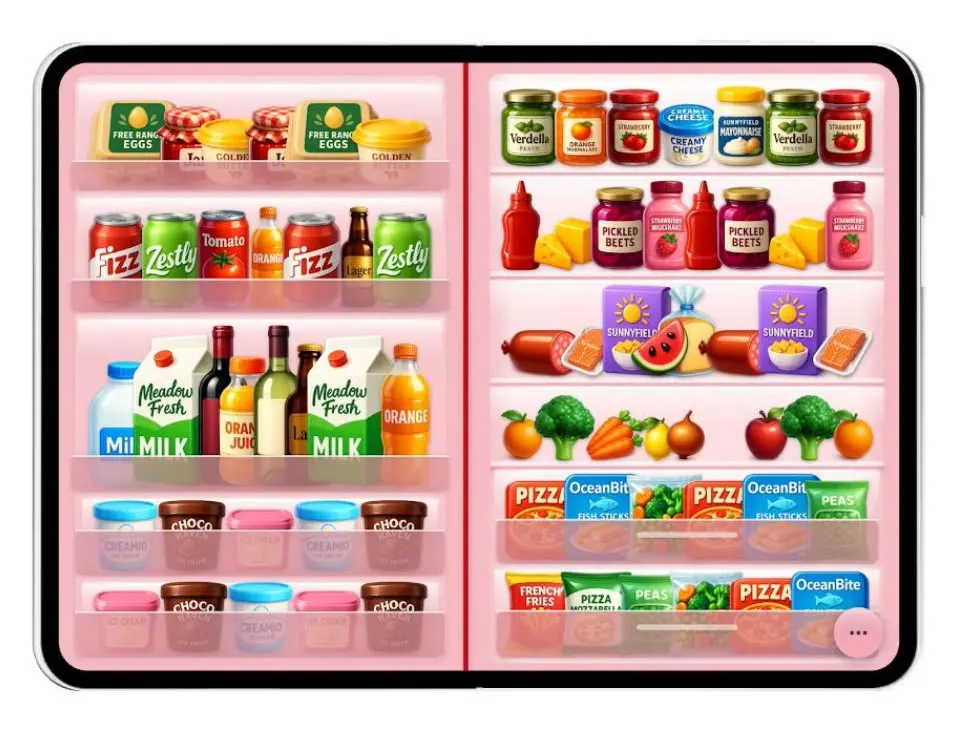
Duo Fridge
iOSTurns the iPhone Duo into a fridge: folded it is the door with magnets, unfolded it is the stocked shelves.
- View template
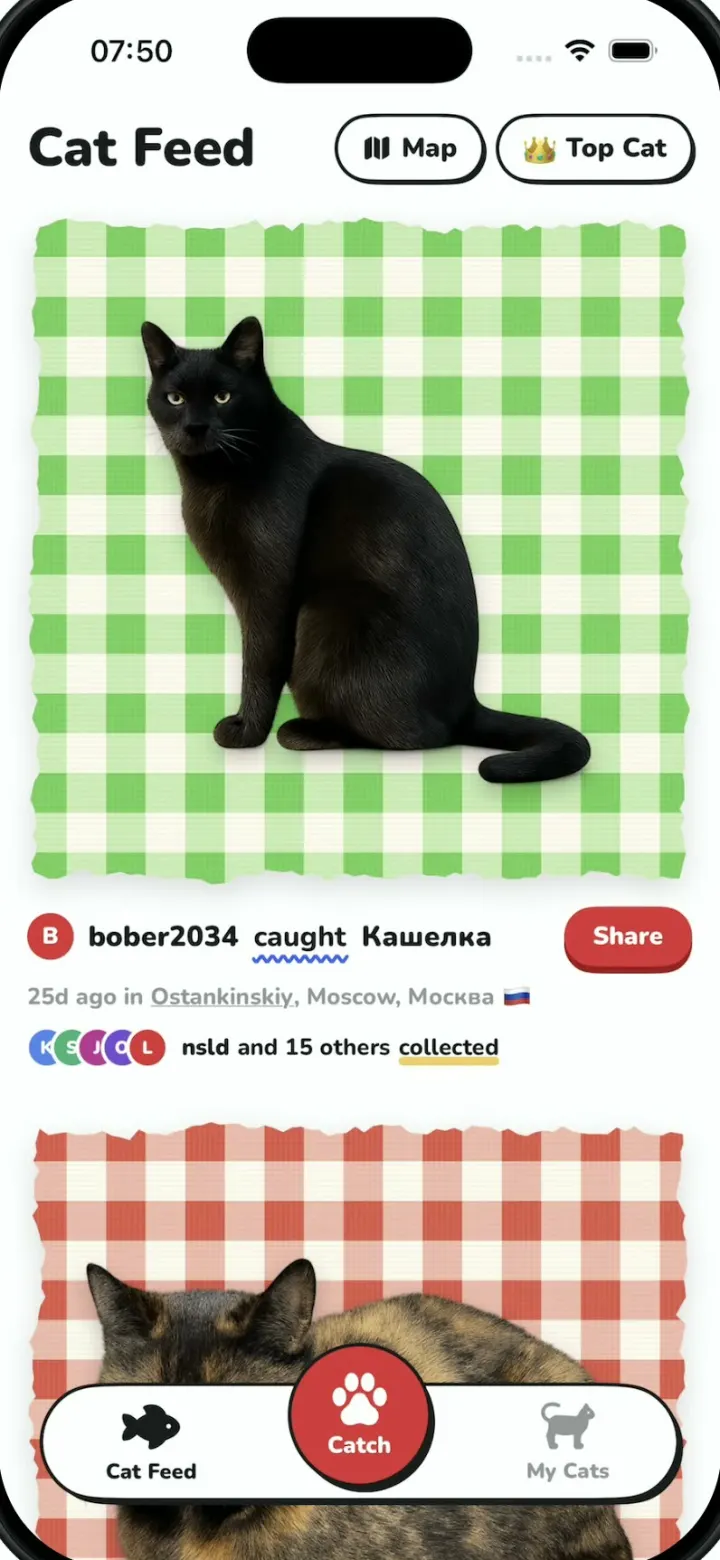
Cat Collector
iOSPokemon GO for street cats: catch cats with the camera, collect sticker cards and vote for Top Cat.