Duo Fridge
Lifestyle app · from our videos on X
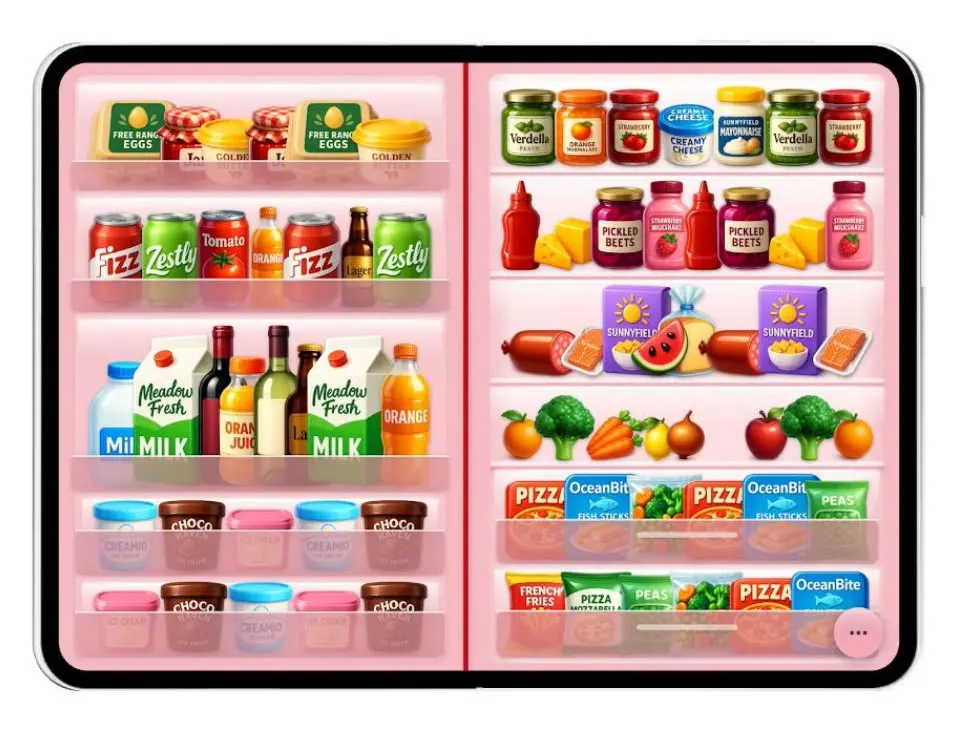
Duo Fridge uses the fold as a fridge door. Closed, the cover screen is the door with magnets on it; open it and the wide screen shows the inside of a full fridge. It is a playful demo of building for a foldable phone.
- iPhone Duo · Swift
- Built in 2 prompts
- Free to remix
Remix copies the working app into your account for free, exactly as we built it. It runs in Vibecode's cloud iOS simulator, in your browser.
Watch the video on X@vibecodeapp · Oct 7, 2026The prompt that builds it
We built Duo Fridge in 2 prompts. Here they are folded into one, so a single paste into a new app builds the finished version.
Prompt · 1,190 words
Download/reference the app shown in this post and clone it exactly, including the iPhone Duo visual design, layout, interactions, animations, typography, spacing, and all visible states. Make it functional and runnable in the simulator. Match the reference as closely as possible and include any interaction shown in the source. Reference: https://x.com/AdityaKTech/status/2107685829711974760. The post is a 39-second video. Inspect it carefully, extracting frames as necessary.

Build a native SwiftUI iOS app named Duo Fridge using Opus 5.5. It turns the foldable iPhone Duo into a fridge: folded, the narrow screen is the fridge's front door covered in magnets; unfolded, the wide screen is the open fridge, stocked with groceries. Pick the layout from the available width (narrow = door, wide = interior) so the fold and unfold in the simulator switch between them, with a quick crossfade. Do NOT put a fake handset frame inside the actual app; the simulator provides that. Use realistic deterministic fixture data so every screen is rich and usable without permissions or backend.

Observed video sequence (0-39s): 0.0 folded: glossy red fridge door. 2.7 the device unfolds and the open fridge interior fills both panes. 4-11 the user drags a few grocery items around the shelves; each lifts with a shadow while dragged and settles onto the nearest shelf when dropped. 11.5 fold back to the door. 14.8 tap the camera magnet: a glass pill menu with "Choose from Library" appears next to it. 16.5 the photo picker opens; 21.2 picking a photo dismisses it and a polaroid of that photo drops onto the door near the camera with a little bounce, held by a heart magnet. 21.5-26 the user drags the polaroid down to the middle of the door; while dragging, a dark round trash target appears at the bottom-left corner. 26.8 tap the round "..." button at the bottom-right: a glass menu springs up with "Colours", "Add Magnet", "Spell with Letters". 27.5 tap Colours: a frosted sheet "Colours" slides up from the bottom with a blue round checkmark button at its top-right and four rows: Cherry Blossom, Night Sky, Star White, Burgundy. 30.7 tap Night Sky: the door animates to dark slate. 32.0 Star White: the door turns warm cream. 33.3 Burgundy: deep wine red. 34.8 tap the checkmark to close the sheet. 36.4 unfold: the interior is now the burgundy theme (darker red walls, same groceries).

Visual details:
Door (folded): fills the screen, glossy vertical gradient red (#D50A1F to #B8001A) with a soft vertical highlight band on the left third. A horizontal seam about 62% down splits the main door from the lower drawer; a slim silver vertical handle on the right edge of each part. Magnets on the main door, in place as in the video: a small red heart top-left, a yellow round magnet top-centre, chrome letter magnets "DUO" across the upper middle with a red round magnet just left of them, a light blue paper note top-right reading "Tap the camera to pin up a polaroid" with a red hand-drawn arrow pointing down to a cream polaroid-camera magnet, a white marker pen magnet with an orange cap and blue tip beside the camera, a yellow sticky note at left "Milk / Eggs / Cheese / Fish" in handwriting, a yellow sticky note at right "Tap the pen to write or draw a note" with a red arrow pointing up at the pen, a blue round magnet and a green round magnet. On the lower drawer: a pale pink sticky note "More fun in the menu down here" with a red arrow pointing to a pink round "..." button at the bottom-right corner. Use handwriting-style text (e.g. "Noteworthy" or "Marker Felt") for notes; magnets have soft drop shadows. Every magnet and note is draggable.
Interior (unfolded, Cherry Blossom theme): one continuous fully stocked fridge across both panes, not two separate cards on a darker background. Both panes share the same pink plastic walls (#F4B9C1) with a thin red door seam at the hinge, a brighter back wall, a soft white LED glow along the top of each shelf, and translucent glass shelves with a pink front lip. Hide the status bar on the unfolded interior. Fill every shelf edge to edge: big grocery items packed side by side with small overlaps, 6-9 items per shelf, reusing the generated item images (duplicates are fine) so no shelf has gaps. The left pane is the door side (narrower inner door with rails): top rail a "Free Range Eggs" box, a jam jar and a butter tub; second rail 6-7 drink cans and small bottles (Fizz, Zestly, Tomato, Riverdale Juice); third rail 8 tall bottles and milk cartons (Milk, Meadow Fresh milk, red wine, white wine, orange juice, lager bottle, orange soda); two bottom bins with 4-5 ice-cream tubs each (Creamio, Choco Haven, Ice cream). The right pane is the main cabinet, every row spanning the full width: a jars row (Verdella pesto, orange marmalade, strawberry jam, Creamy Cheese, a Sunnyfield mayo jar); a ketchup can, cheese blocks, Pickled Beets jar, milkshake bottle; a deli row (salami, a fish fillet, a purple Sunnyfield box, a bread loaf); a fruit and veg row (oranges, broccoli, carrots, lemons, onion, watermelon, apple); then two bottom drawers packed with pizza boxes, OceanBite fish sticks and frozen bags, plus a fries bag, pizza mozzarella and a green bag. The pink "..." button sits at the bottom-right.
Generate the grocery items and the fridge-camera, pen and polaroid-camera magnets with your image generation tool as glossy 3D product renders on transparent backgrounds (about 30 items), and bundle them as assets. Do not crop them from the video. Each item is its own draggable view on its shelf.
Menus: iOS 26 Liquid Glass style (.glassEffect or ultraThinMaterial with a pink tint over the red door). The "..." menu is a rounded glass card with an icon and label per row: "Colours" (paint drop), "Add Magnet" (circle), "Spell with Letters" (textformat). The Colours sheet is a large frosted card: title "Colours" left, a 44pt blue circle with a white checkmark top-right, then a grouped list; each row shows two small rounded swatches (door colour with a white handle stripe, interior colour) then the name, with a blue checkmark on the selected row.
Themes (door gradient / interior walls): Cherry Blossom #D50A1F / #F4B9C1; Night Sky #2E3A42 / #5A6670; Star White #ECE5DA / #F5F1EA; Burgundy #5A0F1E / #8A1C32. Theme changes animate with a 0.4 s ease.
Polaroid: white frame, square photo, slight random tilt, red heart magnet at the bottom edge. "Choose from Library" opens PhotosPicker; if the user cancels, nothing changes. While any magnet is dragged, show a 44pt dark round trash target at the bottom-left; dropping onto it removes the magnet with a shrink. Pen magnet tap: opens a small sticky note editor (optional). Add Magnet adds a random round magnet; Spell with Letters adds chrome letters from a text field.
Use native spring animations and gestures, not static screenshots.

Build fully, run compile/build validation, resolve all errors, and launch in the web simulator. Prioritize fidelity to the reference video and functional main interaction flow. Deliver complete implementation rather than a plan.
More templates
All templates- View template
ScentScout
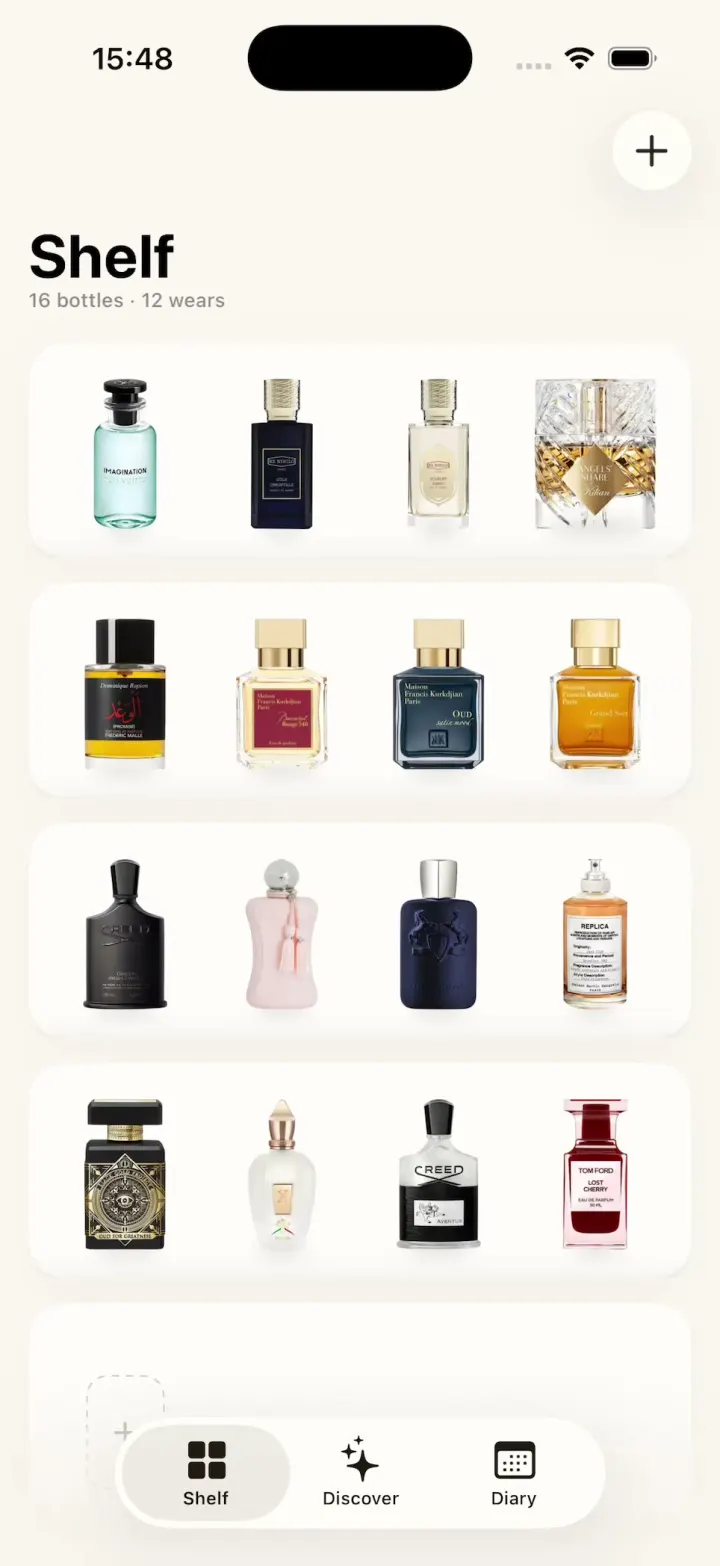
iOSA fragrance tracker with a cream bottle shelf, a bottle zoom transition, a cologne library and a wear diary.
- View template
Breathe
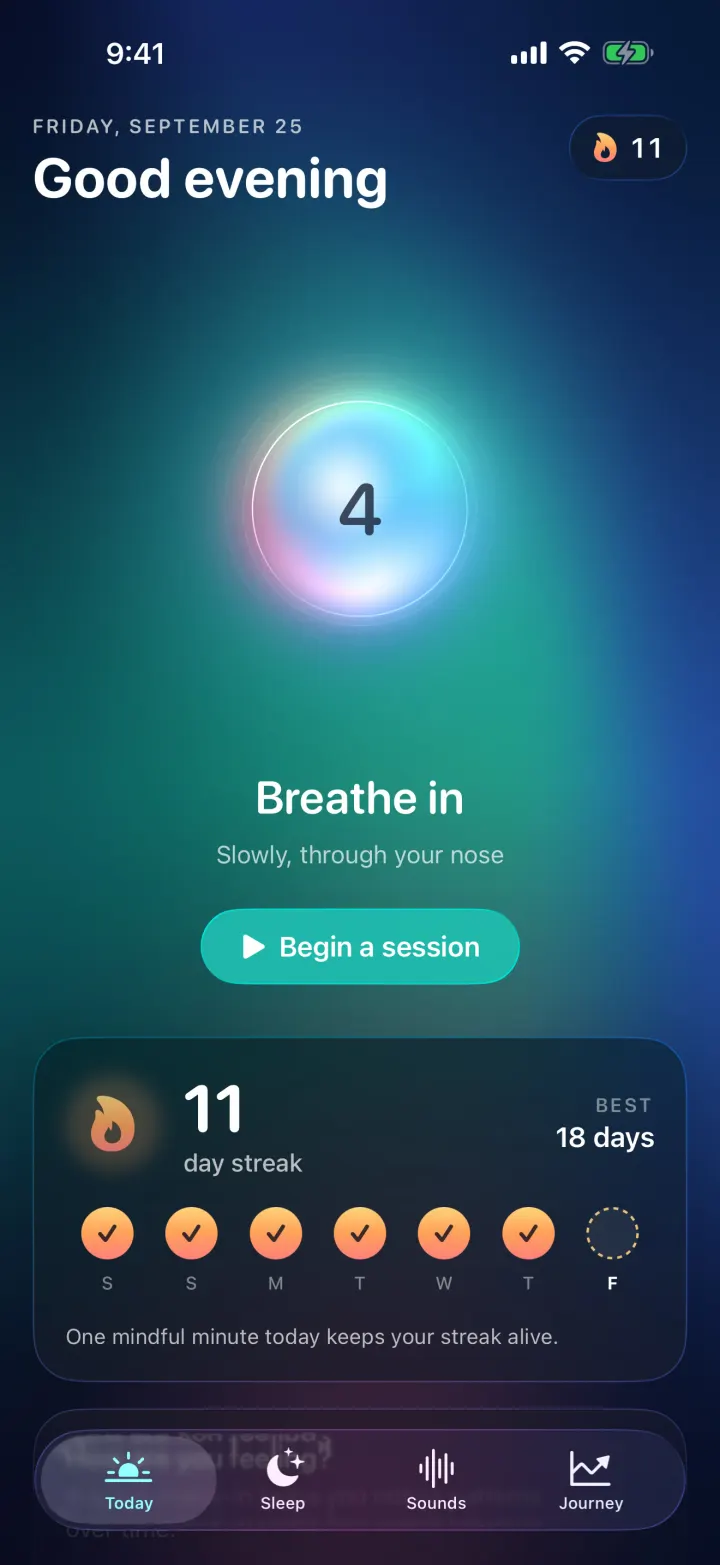
iOSA meditation app with a glowing breathing orb, an aurora sky, mood check-ins, sleep stories and soundscapes.
- View template
Grok Bark
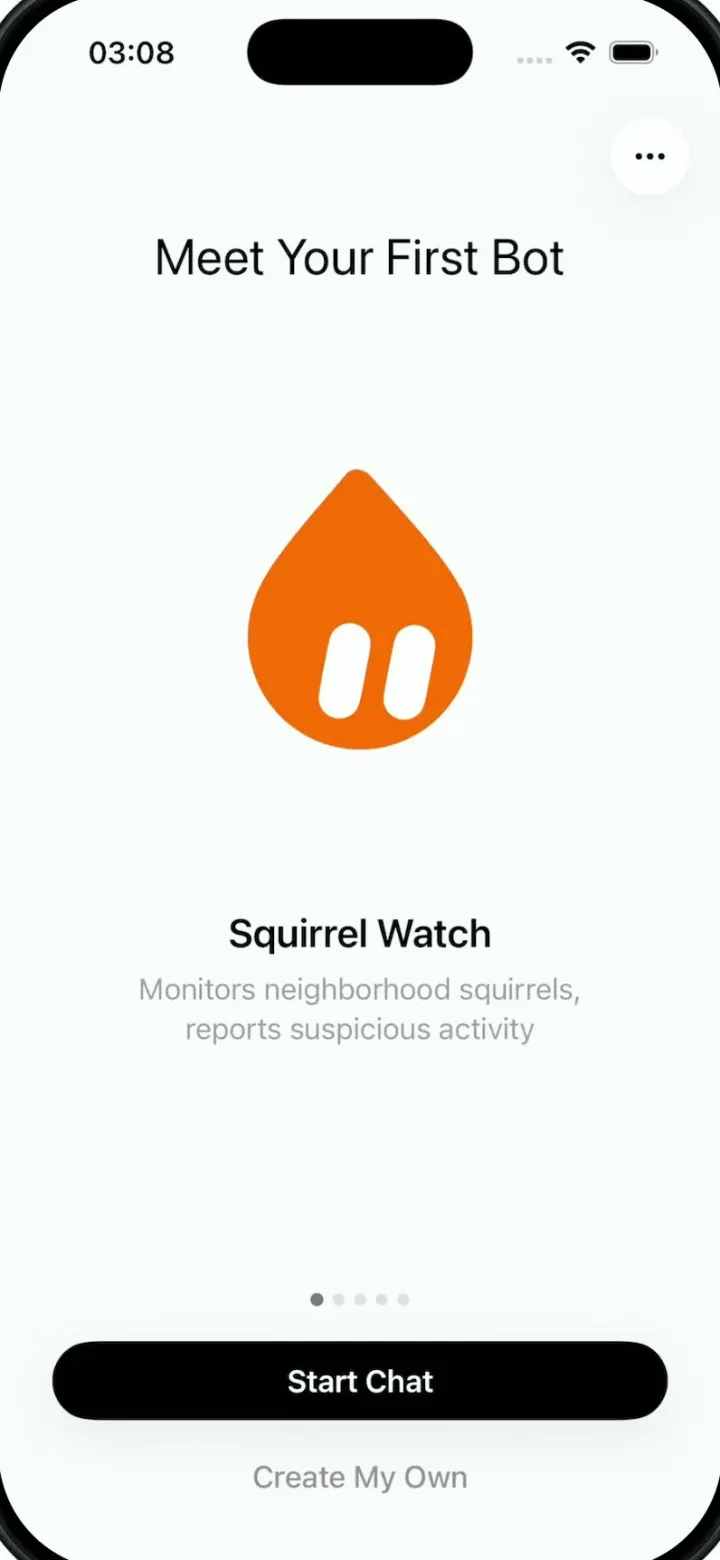
iOSGrok Bot's look, but the AI agents run your dog's life: squirrel watch, treats, mailman defense and zoomies.
- View template
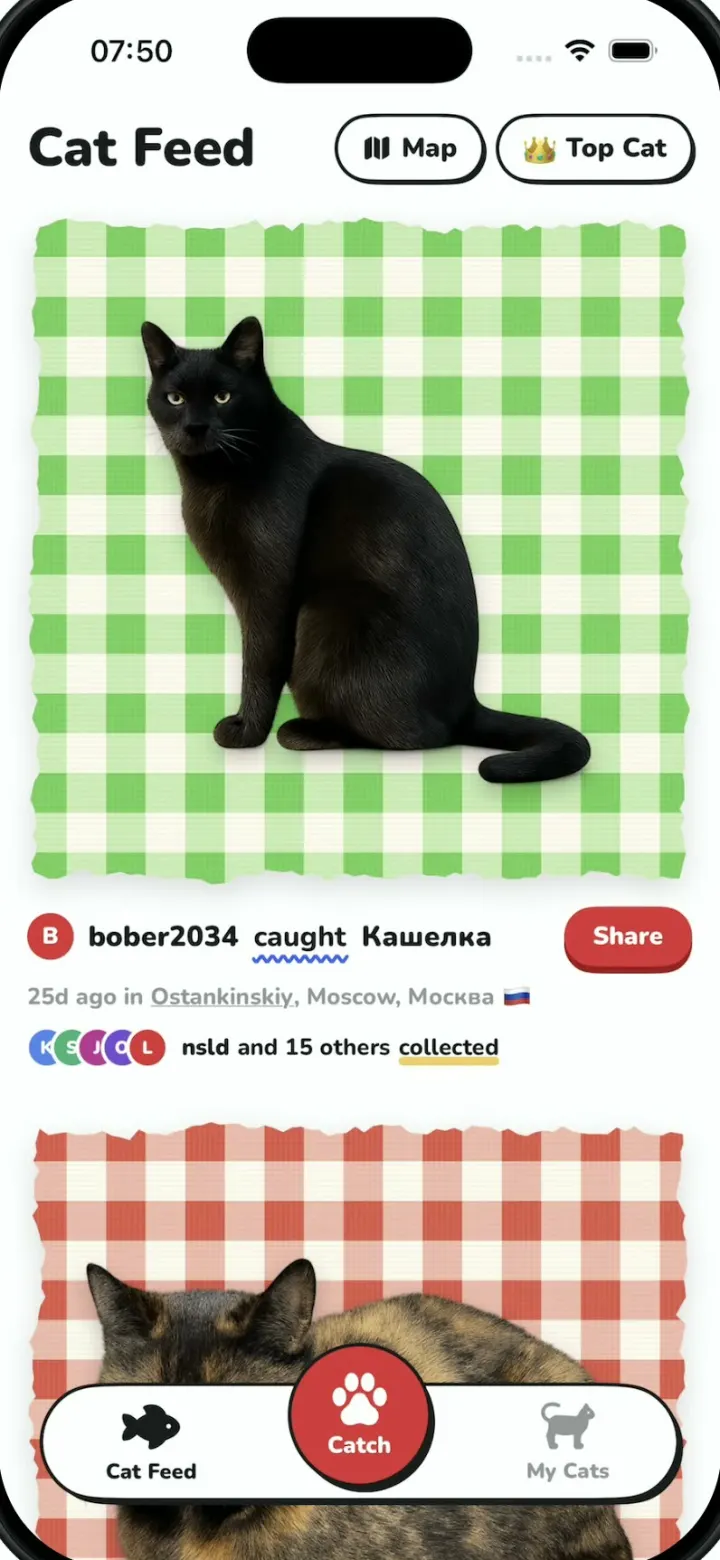
Cat Collector
iOSPokemon GO for street cats: catch cats with the camera, collect sticker cards and vote for Top Cat.