Platform
Travel app · from our videos on X
Platform shows the Shinkansen platforms at Kyoto Station as an isometric 3D illustration. Trains arrive and leave on a loop, tiny people walk the platforms, your platform pulses green, and a card below lists each platform's status.
- iPhone · Swift
- Built in 2 prompts
- Free to remix

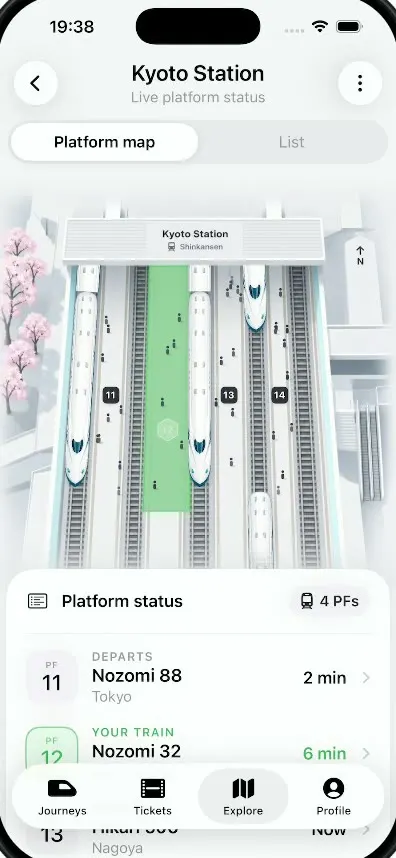
Remix copies the working app into your account for free, exactly as we built it. It runs in Vibecode's cloud iOS simulator, in your browser.
Watch the video on X@anshnanda · Oct 9, 2026The prompt that builds it
We built Platform in 2 prompts. Here they are folded into one, so a single paste into a new app builds the finished version.
Prompt · 1,032 words
Download/reference the app shown in this post and clone it exactly, including the iPhone visual design, layout, interactions, animations, typography, spacing, and all visible states. Make it functional and runnable in the simulator. Match the reference as closely as possible and include any interaction shown in the source. Reference: https://x.com/rehanxahmed/status/2108153244908482987 (the RIGHT phone of the two, "Kyoto Station"; ignore the left sticky-note app).

Build a native SwiftUI iOS app named Platform using Opus 5.5. It is a Japanese rail app's live platform view for Kyoto Station: an isometric 3D illustration of the Shinkansen platforms where trains arrive and depart live, your platform glows green, and a bottom sheet lists platform status. Portrait iPhone, light mode only. Do NOT put a fake handset frame inside the actual app; the simulator provides that. Use realistic deterministic fixture data.

Observed video sequence (0-10s, it loops): 0.0 the map shows three white Shinkansen trains standing at platforms (on the far-left track, the track between platforms 12 and 13, and the track between 13 and 14); platform 12 is a translucent light-green glowing strip with a green hexagon "12" badge pulsing rings; tiny people walk along the platforms. 1.8 platform 12's highlight turns into a solid deeper green strip and the badge fades to a faint ghost (boarding). 2.0-3.7 the far-left train departs: it glides down its track and disappears under the status card (slow start, accelerating), and a new train glides in from under the station canopy at the top and stops. 3.7-5.5 the train next to platform 12 does the same. 5.5-8.0 the right train does the same. 8.3 everything eases back to the starting state (light-green glow and pulsing badge) and the loop repeats. The rest of the screen is static.

Visual details, top to bottom:
- Header: a 44pt round frosted-glass button with chevron.left on the left; centred "Kyoto Station" (SF Pro semibold 22, black) over "Live platform status" (15, grey #8E8E93); a 44pt round frosted button with an ellipsis (vertical, three dots) on the right. Screen background #F4F4F6.
- A segmented control in a light grey capsule track #E4E7EB, full width: "Platform map" (selected: white pill with soft shadow, semibold 16 black) and "List" (grey). List shows the same platform rows as the sheet below, full screen.
- The platform map, full bleed, tall enough to fill everything down to the status card: a soft, pale, isometric architectural illustration seen from above and slightly behind (the camera looks down the tracks, which run vertically, converge slightly towards the top and reach far toward the viewer). Four platforms numbered 11, 12, 13, 14 (small dark rounded squares with white numbers) with six tracks (grey ballast, dark rails, sleepers). At the top a white station canopy/building spans the tracks with a centred label "Kyoto Station" and "Shinkansen" with a small train icon. Pink cherry blossom trees on the left edge, a white tower with "↑ N" (north arrow) at the top right, white escalators and stairs on the right edge. Everything pale white/grey with light blue-grey shading, very clean, like a premium Apple-style 3D render. Generate this illustration with your image generation tool as the background WITHOUT trains and WITHOUT people, and generate the train as a separate transparent sprite: a white N700-style Shinkansen seen from above at the same angle, long duck-bill nose pointing down towards the viewer, a teal-blue window band and nose tip. Place three train sprites on their tracks as SwiftUI views so they can move; standing trains stop with their noses about three quarters of the way down the map, with track visible below them.
- Platform 12 highlight: a vertical strip over platform 12 between its tracks, light translucent green #9EF0B0 at 45% with a soft glow; a green #3BBA53 hexagon badge with white "12" near its lower half, with two expanding, fading rings pulsing every 1.2 s. Boarding state: the strip animates to solid #7DC08A at 85% and the badge fades to 25% white.
- People: 30-40 tiny dark figures (4x9pt) on the platforms walking slowly up or down (random deterministic paths), slight fade at the ends.
- Bottom sheet card (white, radius 28, soft shadow) overlapping the map's lower edge and starting at about 66% of the screen height, so only its header row, the PF 11 row and the top half of the PF 12 row show above the floating tab bar (scroll for the rest): header row with a list icon (list.bullet.rectangle) + "Platform status" (semibold 17) on the left and a grey capsule "🚆 4 PFs" (tram icon + "4 PFs") on the right; hairline. Rows: a 52pt rounded square tile "PF / 11" (light grey #F2F2F6, "PF" tiny grey caps, "11" 22pt) then "DEPARTS" (caps 12 grey semibold) over "Nozomi 88" (semibold 18) over "Tokyo" (grey 15), and "2 min" (semibold 17) + chevron on the right. Next row: tile "PF / 12" in pale green #E2F5E8 with green text, "YOUR TRAIN" (green #34A853 caps), "Nozomi 32", "Shin-Osaka", "6 min" in green. Third row: "PF 13", "ARRIVING", "Hikari 506", "Nagoya", "Now". Fourth: "PF 14", "DEPARTS", "Kodama 741", "Hakata", "11 min".
- A floating frosted-glass tab bar capsule at the bottom over the sheet: Journeys (a bullet-train icon), Tickets (a ticket/film-strip icon), Explore (map icon, selected: grey pill behind it), Profile (person.crop.circle.fill). Labels 11pt.

Animation details: each train departure is 1.6 s with easeIn (it slides along its track direction, down and slightly outward because of the perspective, and gets very slightly bigger as it nears the viewer), then the replacement enters from the canopy at the top over 1.4 s with easeOut and stops at the platform. The whole cycle loops forever, 8.3 s long, matching the order above. Use TimelineView or withAnimation sequences; keep it smooth at 60fps.

Every launch starts with platform 12 highlighted (light-green glow, pulsing "12" badge) and the loop at its first state. Tapping a platform row highlights that platform on the map (the green strip moves to it). Tapping the map's "12" badge bounces it.

Build fully, run compile/build validation, resolve all errors, and launch in the web simulator. Prioritize fidelity to the reference and the live map animation. Deliver complete implementation rather than a plan.
More templates
All templates- View template
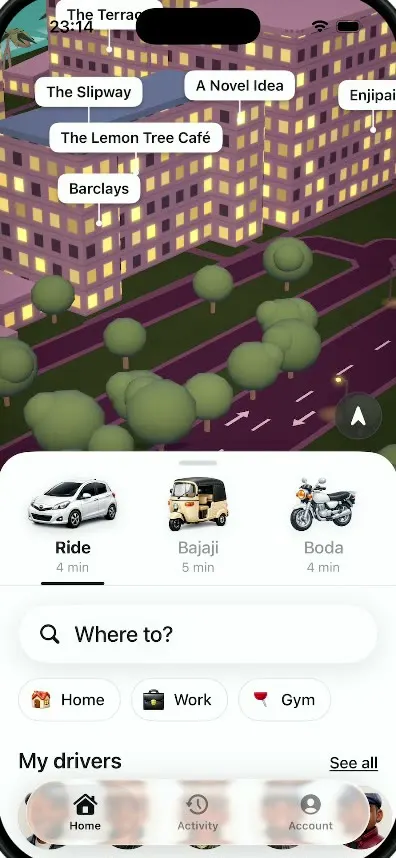
Dar Ride
iOSA ride-hailing app for Dar es Salaam with cars, bajajis and boda bodas, a 3D night map and fares in shillings.
- View template
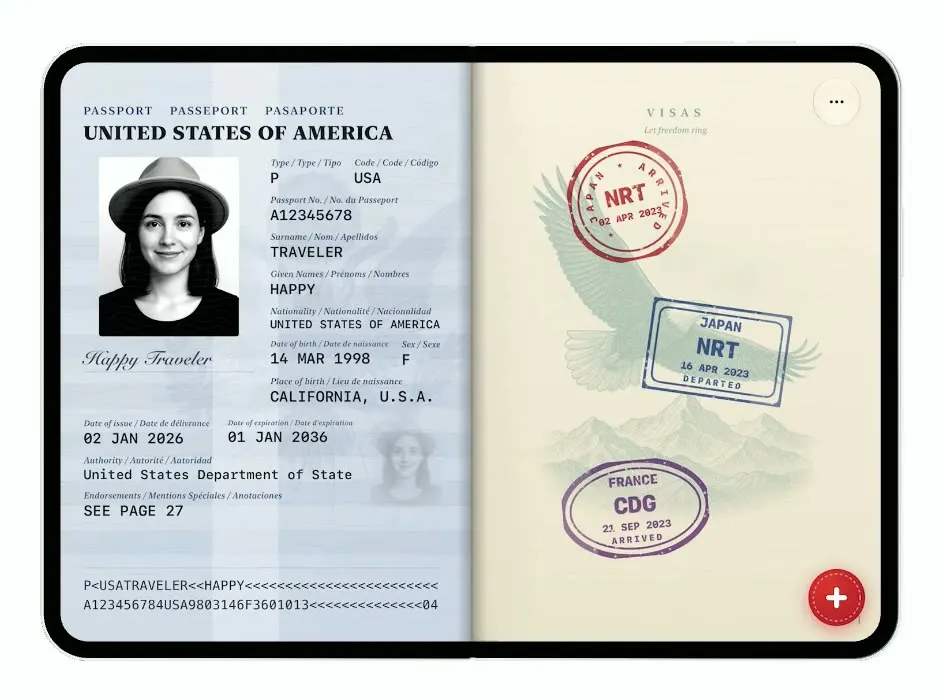
Passport
iOSTurns the iPhone Duo into a US passport: folded it is the cover, unfolded you flip pages and stamp your trips.
- View template
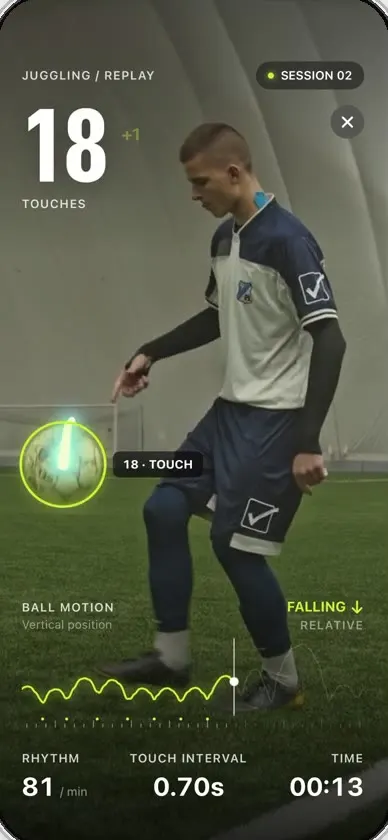
Keepy
iOSCounts your football juggling touches from a clip or the live camera, with ball tracking and rhythm stats.
- View template
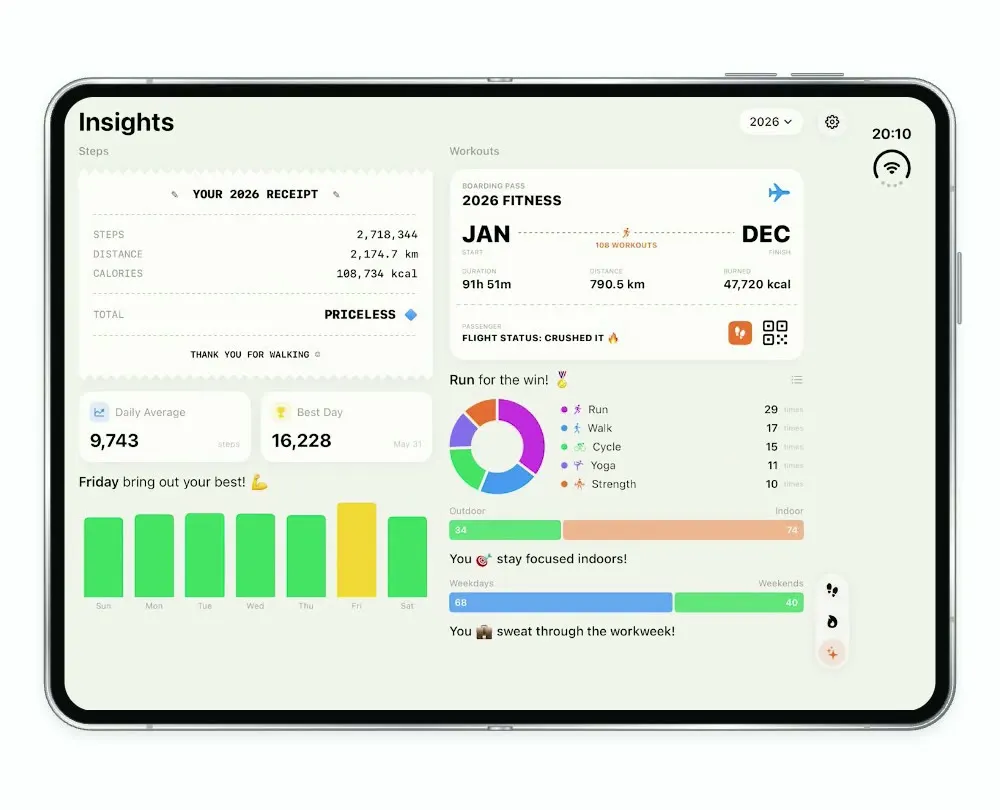
Steps Duo
iOSA step and workout tracker for the foldable iPhone Duo, with a calendar, run maps and shareable stat cards.