Steps Duo
Fitness app · from our videos on X
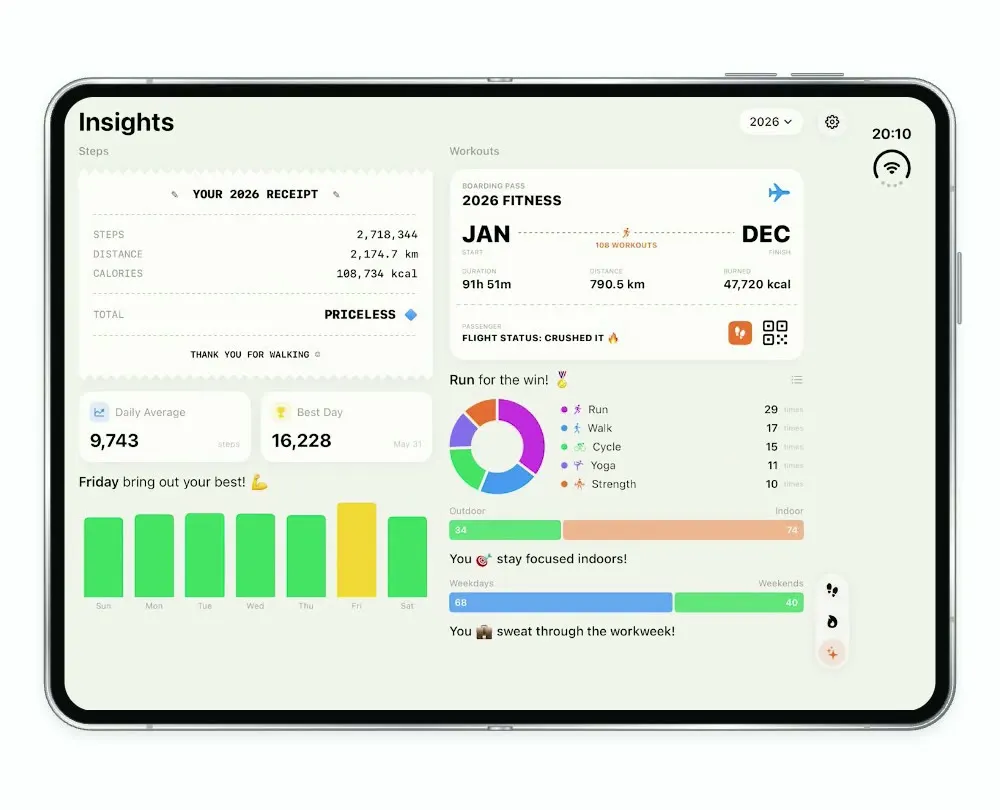
Steps Duo shows today's steps, a monthly calendar, your workouts with a replay of an outdoor run on a map, and insights styled as receipts and boarding passes. It uses the two halves of the iPhone Duo as two panes and runs on built-in sample data, so it needs no Health access.
- iPhone Duo · Swift
- Built in 2 prompts
- Free to remix
Remix copies the working app into your account for free, exactly as we built it. It runs in Vibecode's cloud iOS simulator, in your browser.
Watch the video on X@anshnanda · Oct 7, 2026The prompt that builds it
We built Steps Duo in 2 prompts. Here they are folded into one, so a single paste into a new app builds the finished version.
Prompt · 761 words
Download/reference the app shown in this post and clone it exactly, including the iPhone Duo visual design, two-phone/two-pane layout, interactions, animations, typography, spacing, and all visible states. Make it functional and runnable in the simulator. Match the reference as closely as possible and include any interaction shown in the source. Reference: https://x.com/hieudinh_/status/2107516361333518736 . The post is a 32-second video. Inspect it carefully, extracting frames as necessary. Direct video playlist: https://video.twimg.com/amplify_video/2107516323836354560/pl/heFik7x08w6lBOXu.m3u8?tag=16 .

Build a native SwiftUI iOS app named Steps Duo using Opus 5.5. This is a Steps / workout tracker demonstrated on a folding iPhone Duo: one continuous adaptive display, not two separate unrelated phones. Support iPhone narrow layout and true iPhone Duo expanded dual-pane layout, with fluid responsive transitions. Do NOT put a fake handset frame inside the actual app; the simulator provides that. Use realistic deterministic fixture data so every screen is rich and usable without Health permissions or backend.

Observed video sequence (0-32s): 0s narrow daily dashboard; 1-2s narrow Insights; 3-4s return Steps; 5-10s device unfolds into wide two-pane Steps, scrollable calendar on left and daily dashboard right; 11-14s Workouts tab shows monthly calendar left, two-column workout card history right scrolling from September to July; 16-17s wide Insights with annual receipt left and fitness boarding pass right; 18s select July 9 Outdoor Run; 19-23s full-screen green map with vivid purple route and floating glass workout stats at bottom-left; 24s collapsed stats; 25-26s expand tall stats left including comparison; 27-29s collapse; 30-32s fold back into portrait map.

Visual details: warm very pale gray/cream #F2F2EC background, black SF Pro typography, quiet gray secondary text, small rounded white/ivory glass-like cards with fine borders and soft shadows, generous but compact native spacing. Right edge has circular settings/actions near top and compact vertical pill navigation near bottom: orange footsteps Steps, flame Workouts, sparkles Insights; active orange. In narrow mode maintain appropriate accessible navigation. Daily screen: 'Night owl!' and moon, bold 'Tuesday, October 6'; four 2x2 metrics: Steps 5,784 (orange), Distance 4.63 km (blue), Calories 231 (pink), Flights 0 (green). Underneath two small pills '2 days streak' and 'Stepboard'. Then 'Three quarters there - amazing!' and lightning with thin orange hourly histogram, axis 0/250/500/750/1,000, times 0:00/6:00/12:00/18:00. Largest spike around 7am. Bottom date strip in compact mode. Wide left pane is scrolling monthly calendar with softly rounded square date cells and green/orange totals e.g. 11K, 15K, 14K, 6K; October 2026 header. Date taps update selected day and metrics/chart.

Workouts: compact monthly calendar using multicolored sport SF symbols, with adjacent rounded history cards (two columns wide). Include September 2026 history then July 2026: Traditional Strength Training 218 cal July 30, Hiking 5.55 km July 28, Strength 469 cal July 24, Indoor Walk 10.45 km July 18, Strength 305 cal July 16, Indoor Walk 3.91 km July 14, Jump Rope 253 cal July 11, Outdoor Run 5.31 km Thursday July 9 at 7:39 AM, Elliptical 438 cal, Indoor Cycle 449 cal. Search/filter/add controls and working settings should have sensible local functional states.

Insights: bold title, year 2026 dropdown. Left 'Steps' section has serrated receipt card 'YOUR 2026 RECEIPT', STEPS 2,718,344; DISTANCE 2,174.7 km; CALORIES 108,734 kcal; TOTAL PRICELESS and diamond; 'THANK YOU FOR WALKING'. Daily Average 9,743 steps, Best Day 16,228 May 31, green weekday bars and yellow best-day bar. Right 'Workouts' boarding pass with 2026 FITNESS, JAN to DEC, 108 WORKOUTS, DURATION 91h 51m, DISTANCE 790.5 km, BURNED 47,720 kcal, FLIGHT STATUS: CRUSHED IT. Below donut and list Run 29, Walk 17, Cycle 15, Yoga 11, Strength 10, outdoor/indoor split. Stack appropriately on iPhone, two panes on Duo.

Outdoor Run detail: real MapKit map centered around Singapore Queenstown / one-north / North Buona Vista Rd, light streets and vivid green parks, continuous vivid magenta-purple route, visible start/end. Full-screen edge-to-edge map; right floating circular close X, purple play button, ellipsis. Frosted/translucent pale lime stats card left/bottom with purple runner icon, Outdoor Run, Thursday July 9 2026 at 7:39 AM, 27 C and 76%; Duration 37m 11s, Distance 5.31 km, Active Energy 532 kcal, Total Energy 582 kcal, Average Pace 7:00 /km. Expand/collapse by tapping/dragging handle. Expanded comparison: last 5 workouts, duration 49m 48s down25%, distance 8.17km down35%, active energy 663kcal down20%, pace 6:03/km. Play animates a progress dot along route and toggles pause/replay; ellipsis offers useful actions without publishing. Close returns to workout history preserving scroll. Use native spring animations and gestures, not static screenshots.

Build fully, run compile/build validation, resolve all errors, and launch in the web simulator. Prioritize fidelity to the reference video and functional main interaction flow. Deliver complete implementation rather than a plan.
More templates
All templates- View template
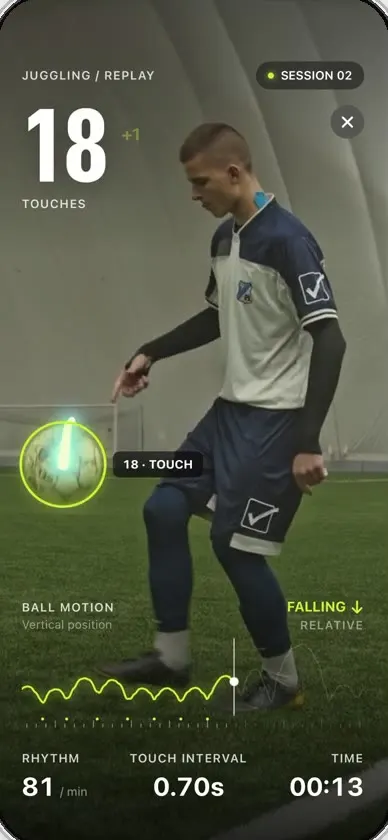
Keepy
iOSCounts your football juggling touches from a clip or the live camera, with ball tracking and rhythm stats.
- View template
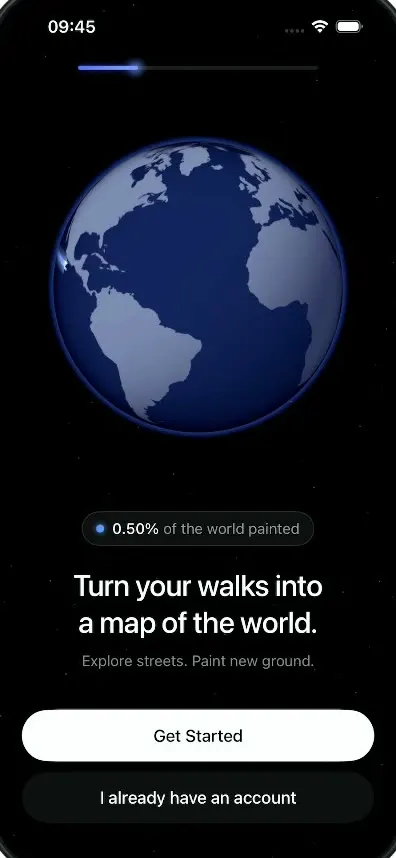
LegWork
iOSOnboarding for a walking app that paints every street you walk onto a spinning globe.
- View template
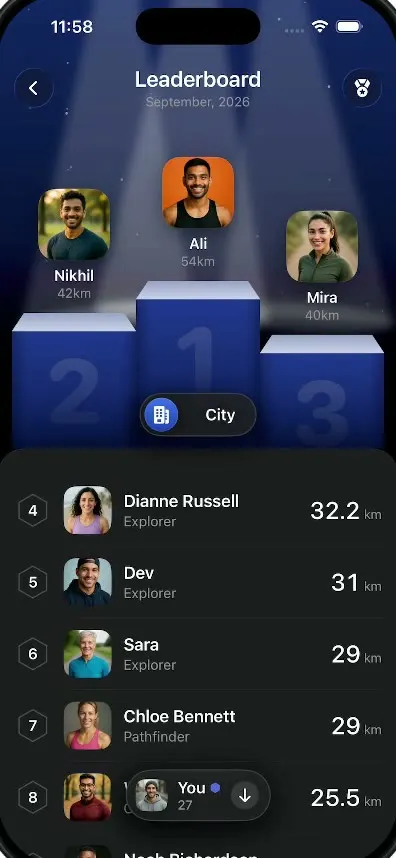
LegWork Leaderboard
iOSA monthly walking leaderboard with a 3D podium, a city or world toggle and your own rank highlighted.
- View template
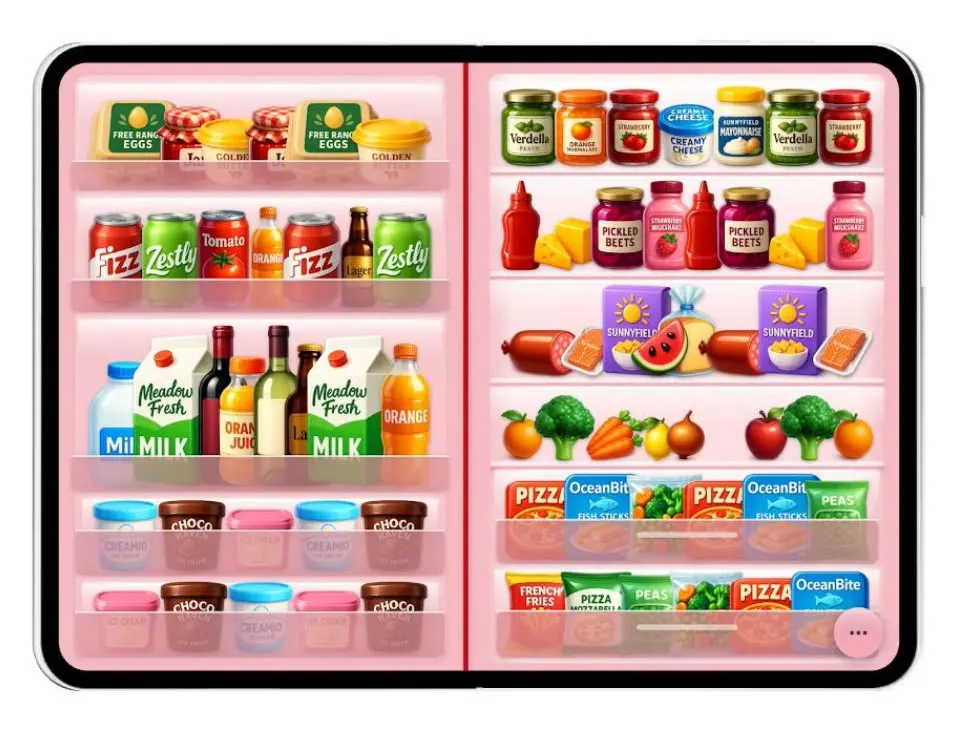
Duo Fridge
iOSTurns the iPhone Duo into a fridge: folded it is the door with magnets, unfolded it is the stocked shelves.