LegWork Leaderboard
Fitness app · from our videos on X
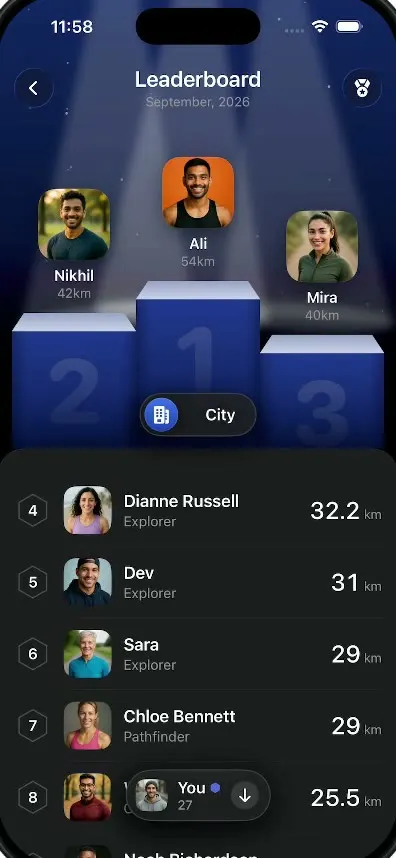
The leaderboard screen from the LegWork walking app. The top three walkers stand on a 3D podium, you can switch between your city and the world, and your own row stays highlighted in the list.
- iPhone · Swift
- Built in 2 prompts
- Free to remix

Remix copies the working app into your account for free, exactly as we built it. It runs in Vibecode's cloud iOS simulator, in your browser.
Watch the video on X@anshnanda · Oct 8, 2026The prompt that builds it
We built LegWork Leaderboard in 2 prompts. Here they are folded into one, so a single paste into a new app builds the finished version.
Prompt · 1,298 words
Download/reference the app shown in this post and clone it exactly, including the iPhone visual design, layout, interactions, animations, typography, spacing, and all visible states. Make it functional and runnable in the simulator. Match the reference as closely as possible and include any interaction shown in the video. Reference: https://x.com/BThreeAgency/status/2107463482505662977 (a 23-second video). Inspect it carefully, extracting frames as necessary.

Build a native SwiftUI iOS app named Leaderboard using Opus 5.5. This is the monthly walking leaderboard screen of a walking app (LegWork), demonstrated on an iPhone in portrait: a spotlit 3D podium for the top 3, a City/World scope toggle, and a long ranked list with the user's own row highlighted. Do NOT put a fake handset frame inside the actual app; the simulator provides that. Use realistic deterministic fixture data so every screen is rich and usable without permissions or backend.

Observed video sequence (0-23s): 0.0 black; 0.25 the header fades in. 0.5 three spotlight beams sweep in from the top edge and the podium blocks rise from below: block 2 (left) and block 3 (right) first, block 1 (centre, tallest) right after, settling by 0.9 with a soft spring. 1.0 Mira's avatar drops onto block 3, 1.25 Nikhil's onto block 2, 1.75 Ali's onto block 1: his tile is orange, lands with a bounce inside a glowing rounded ring, and a burst of small multicolour confetti pops around it (1.8-2.6), then the ring fades. 2.3 the "City" scope pill pops in centred over the lower podium; 2.5 the dark list card slides up from the bottom with ranks 4-8; 2.9 a floating "You" pill fades up at the bottom centre. 3.6 tap the scope pill: its round icon slides from the left end to the right end while the label changes to "World", and the podium avatars and the list rows blur-crossfade to the World ranking (4.0). 6.2 tap again: back to City. 8.0 the user drags the list up: the podium scrolls away under the header, the scope pill pins just below the header, and the list scrolls through ranks 9-36 (8-14 s), passing the highlighted row "27 Chris · Wanderer · You" (a light shimmer sweeps across it as it comes into view); the You pill hides while that row is visible and shows an up or down arrow pointing to it otherwise. 15.0 with Chris's row on screen the user taps the pill to World: Chris's row stays fixed in place, its rank changes 27 -> 453, and the rows above and below crossfade to his World neighbours. 16.8 tap again: back to City (rank 27 neighbours). 18.0 the list scrolls back to the top and the podium returns (19.0). 21.7 the list card slides down and everything fades to black.

Visual details: background black, with a deep navy glow (#13245A fading to black by mid-screen) behind the podium and 3 white spotlight cones from the top edge at 12-18% opacity that sway slowly across the podium, plus faint floating dust specks. Header: a 40pt circular glass button with a chevron.left at the top-left, a matching button with a medal/award icon at the top-right, centred title "Leaderboard" (SF Pro 22pt semibold, white) and "September, 2026" under it (13pt, #8E8E93). The header and, once it pins, the scope pill sit on an opaque black band (with the faint navy glow at the very top); the list card is clipped so it starts just below the pinned pill, with its rounded top corners visible right under the pill. No row should ever be visible behind the title or the pill. Podium: three 3D blocks in deep blue (front face gradient #1E3488 to #0D1A4A, a light grey-blue top face), big faint engraved numerals "1", "2", "3" on the fronts; block 1 is centred and tallest, 2 on the left a bit lower, 3 on the right lowest. Each podium avatar is a 72pt rounded-square photo tile (18pt radius) with the name under it in white 15pt semibold and the distance in grey 13pt. Ali's tile has a bright orange (#F05A28) background. Scope pill: dark glass capsule (#1C1C1E at 80% with a 1pt #3A3A3C border), 44pt tall: City state = round blue city-skyline icon at the left + "City"; World state = "World" + a round globe icon at the right. List card: #1C1C1E, top corners 26pt radius, rows 72pt with thin #2C2C2E dividers: rank (ranks 4-10 inside a thin hexagon outline badge, 11 and up as a plain grey number), a 48pt rounded-square avatar photo (12pt radius), name in white 17pt semibold with the title under it in #8E8E93 14pt, and on the right the distance in white 24pt medium with a small grey "km". The user's row is tinted (#1B2550 fill, 1pt #4A64D8 border, 16pt radius). You pill: dark glass capsule at the bottom centre, 52pt tall: the user's 32pt avatar, "You" in white 16pt semibold with a small hexagon icon and the rank ("27" / "453") under it in grey, then an arrow.down or arrow.up.

Fixture data (names, title, km), exactly:
City podium: 1 Ali 54km, 2 Nikhil 42km, 3 Mira 40km. City list: 4 Dianne Russell Explorer 32.2; 5 Dev Explorer 31; 6 Sara Explorer 29; 7 Chloe Bennett Pathfinder 29; 8 Wade Warren Cartographer 25.5; 9 Noah Richardson Cartographer 25; 10 Nathan Scott Explorer 24.6; 11 Megan Carter Explorer 24.6; 12 Emily Foster Pioneer 24.3; 13 Cole Harrison Pioneer 22; 14 Taylor Brooks Pathfinder 22; 15 Sydney Collins Pioneer 21.4; 16 Lucas Bennett Pathfinder 21.3; 17 Connor Davis Pathfinder 21; 18 Grace Thompson Pathfinder 20.7; 19 Brooke Williams Cartographer 20.5; 20 Sophie Reynolds Cartographer 20.4; 21 Ethan Cole Pathfinder 20; 22 Ava Brooks Cartographer 19; 23 Mason Reed Pioneer 18.5; 24 Chloe Grant Wanderer 17; 25 Liam Parker Pathfinder 16.6; 26 Mia Hayes Pathfinder 16; 27 Chris "Wanderer · You" 15; 28 Noah Bennett Wanderer 15; 29 Zoe Carter Wanderer 15; 30 Owen Scott Wanderer 12; 31 Lily Morgan Wanderer 10; 32 Jack Turner Wanderer 9.6; 33 Isla Ward Wanderer 9.2; 34 Ryan Cole Wanderer 8.8; 35 Emma Reed Wanderer 8.4; 36 Alex Morgan Wanderer 8; 37 Leo Brooks Wanderer 7.6; 38 Nina Patel Wanderer 7.2.
World podium: 1 Riley Johnson 81km, 2 Lucas 80km, 3 Dylan 79.9km. World list top: 4 Ethan Parker Explorer 78; 5 Caleb Morgan Explorer 77.2; 6 Avery Collins Pathfinder 76.5; 7 Sara Pathfinder 75.9; 8 Luke Bryant Cartographer 75.1; then plausible descending values. World around the user: 448 Jordan Price Pathfinder 24.6; 449 Hannah Lee Explorer 24.4; 450 Olivia Grant Pathfinder 24.1; 451 Megan Carter Explorer 23.6; 452 Emily Foster Wanderer 23.3; 453 Chris "Wanderer · You" 15; 454 Taylor Brooks Pathfinder 22.5; 455 Luke Hayes Explorer 22.1; 456 Alex Morgan Wanderer 21.8; 457 Ryan Cole Pioneer 21.4; 458 Ella Morris Wanderer 21.
Generate about 20 realistic, varied, athletic portrait photos (head and shoulders, outdoor or studio light) with your image generation tool, bundle them, and assign them deterministically; Chris wears a grey hoodie and beanie; Ali is shot on the orange background.

Interactions: the intro animation plays on launch. Tapping the scope pill toggles City/World as described (0.45 s, spring for the icon slide). The list scrolls with the podium as its scroll header and the scope pill pinned once it reaches the header. When the user's row is visible the You pill hides; tapping the You pill scrolls so the user's row sits in the middle of the visible list, not right under the pinned pill. The back chevron resets everything (scroll to top, City, state cleared) and replays the intro animation. Use native spring animations and gestures, not static screenshots.

Build fully, run compile/build validation, resolve all errors, and launch in the web simulator. Prioritize fidelity to the reference and a functional main interaction flow. Deliver complete implementation rather than a plan.
More templates
All templates- View template
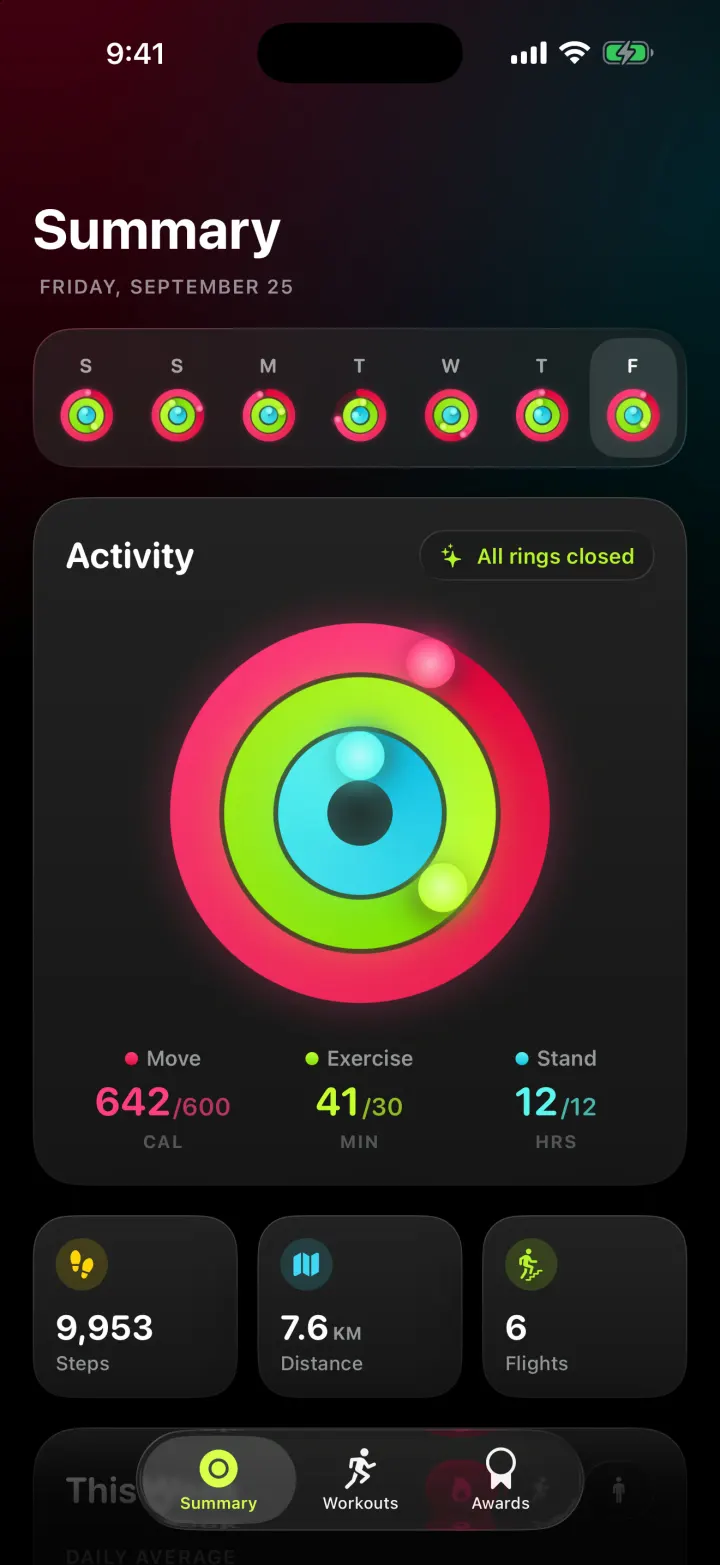
Pulse
iOSAn Apple Fitness-style tracker with animated activity rings, weekly charts and workouts with a route map.
- View template
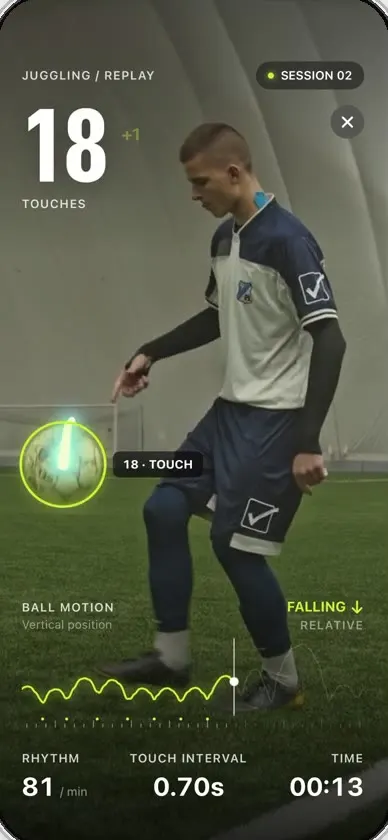
Keepy
iOSCounts your football juggling touches from a clip or the live camera, with ball tracking and rhythm stats.
- View template
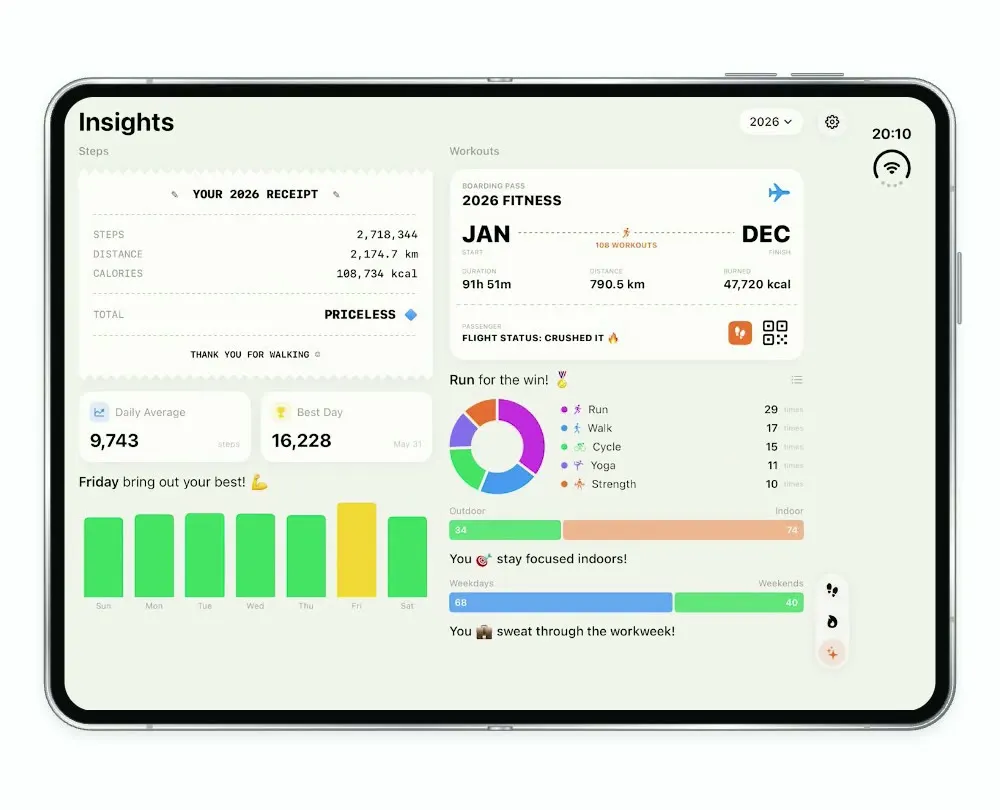
Steps Duo
iOSA step and workout tracker for the foldable iPhone Duo, with a calendar, run maps and shareable stat cards.
- View template
LegWork
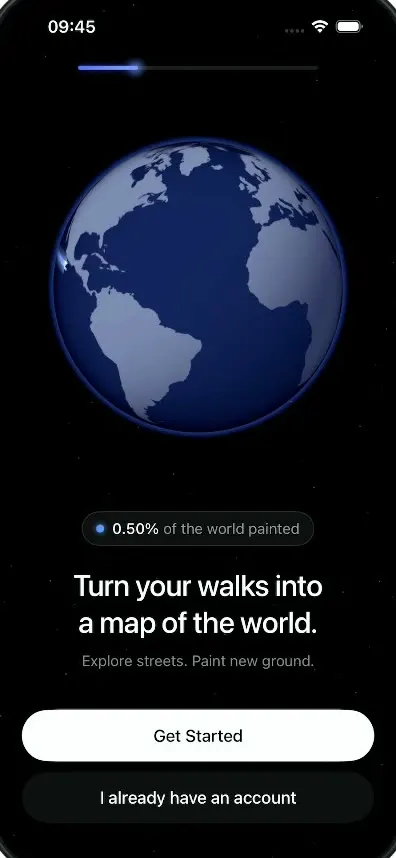
iOSOnboarding for a walking app that paints every street you walk onto a spinning globe.