Keepy
Sports app · from our videos on X
Keepy watches a video of you juggling a football, tracks the ball with an on-device Core ML model and counts every touch. It shows a touch counter, a ball-motion graph, rhythm and time between touches, and keeps your sessions and personal best. A live mode counts touches straight from the camera.
- iPhone · Swift
- Built in 6 prompts
- Free to remix

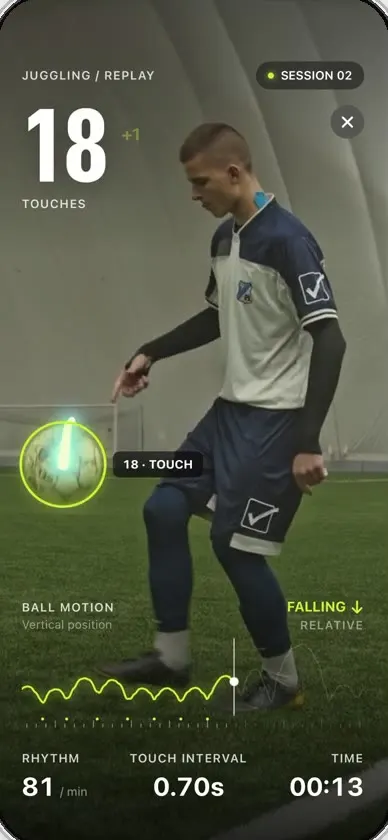
Remix copies the working app into your account for free, exactly as we built it. It runs in Vibecode's cloud iOS simulator, in your browser.
Watch the video on X@anshnanda · Oct 6, 2026The prompt that builds it
We built Keepy in 6 prompts. Here they are folded into one, so a single paste into a new app builds the finished version.
Prompt · 280 words
Download this video and clone this app exactly with all the amazing football animations and all the animations below too, and allow me to test it using some mock football juggling footage you find and download from online or YouTube.

https://x.com/hewad_mubariz/status/2107145896467030483

Make it a native SwiftUI iPhone app called Keepy that tracks the ball and counts every juggling touch, with the replay HUD from the video: the big touch counter with a "+1" on each touch, a glowing ring and light trail on the ball with a burst on every touch, the ball motion graph, and rhythm, touch interval and time along the bottom. Home shows your personal best, Go live, Try sample (the footage you downloaded), Upload a clip from Photos, and your saved sessions.

- Run the AI on the phone: bundle the Ultralytics YOLO26n (nano) object detector converted to Core ML, run it with Vision on the video frames and keep only the "sports ball" detections. Count a touch at the lowest point of the ball's path right before it rises again.
- The tracking overlay must line up exactly with the ball, with no fixed offset in any direction: map the model's coordinates through the same orientation, aspect-fill scaling and crop as the video on screen, so the ring, trail and touch effects sit right on the ball the whole time.
- Add a live mode: the back camera full screen with the same HUD, tracking the ball and counting touches in real time, a reset button, and a record button that saves the clip as a session you can replay. It needs a real iPhone camera, so in the simulator it just shows a message.
More templates
All templates- View template
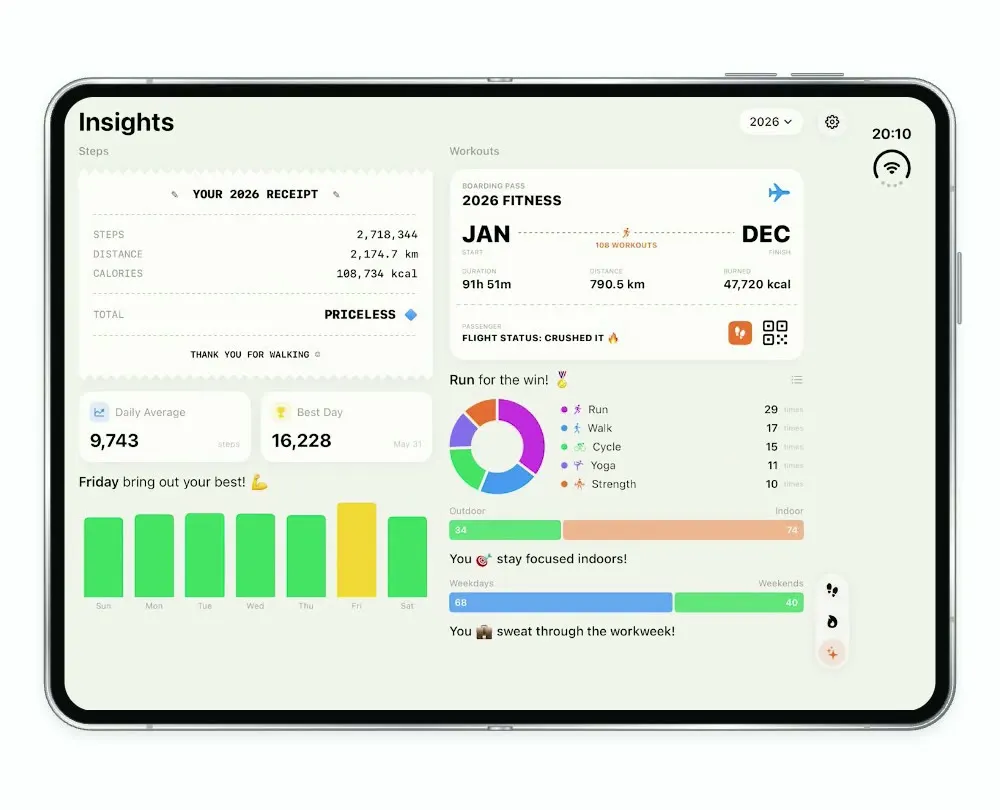
Steps Duo
iOSA step and workout tracker for the foldable iPhone Duo, with a calendar, run maps and shareable stat cards.
- View template
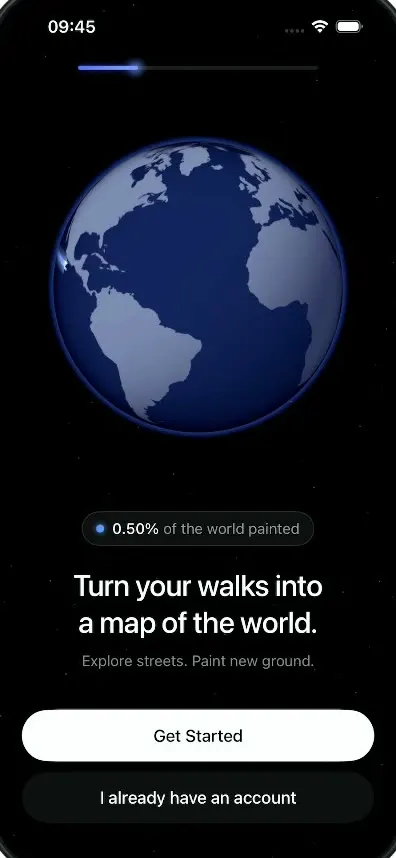
LegWork
iOSOnboarding for a walking app that paints every street you walk onto a spinning globe.
- View template
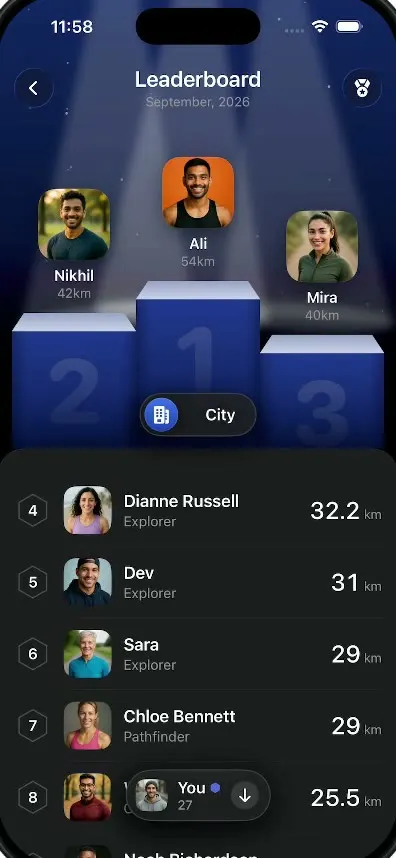
LegWork Leaderboard
iOSA monthly walking leaderboard with a 3D podium, a city or world toggle and your own rank highlighted.
- View template
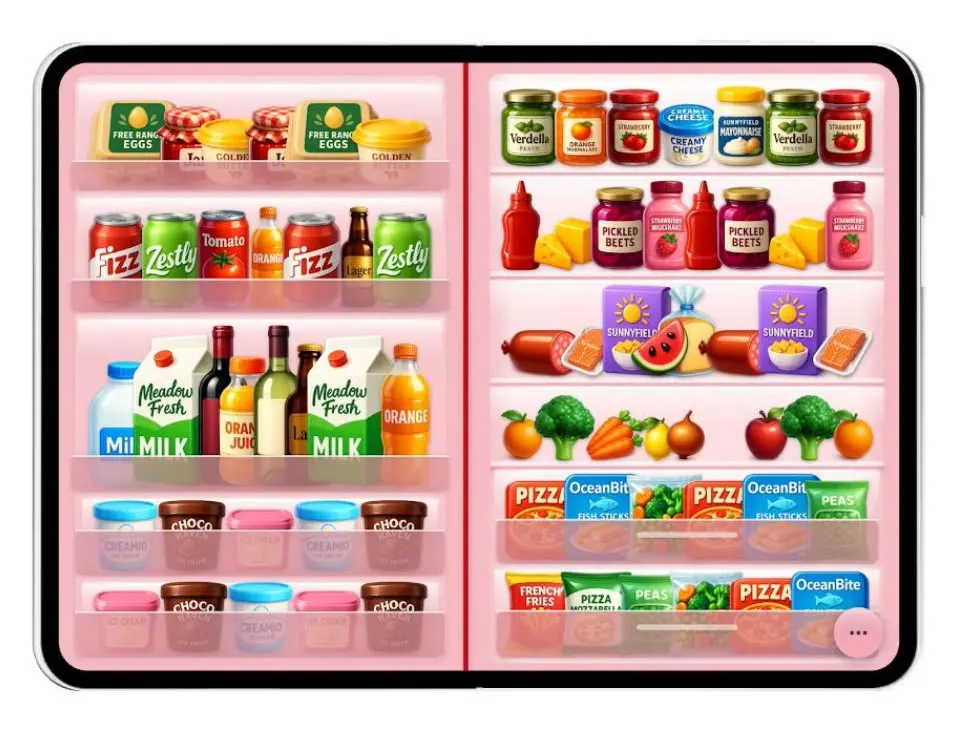
Duo Fridge
iOSTurns the iPhone Duo into a fridge: folded it is the door with magnets, unfolded it is the stocked shelves.