Passport
Travel app · from our videos on X
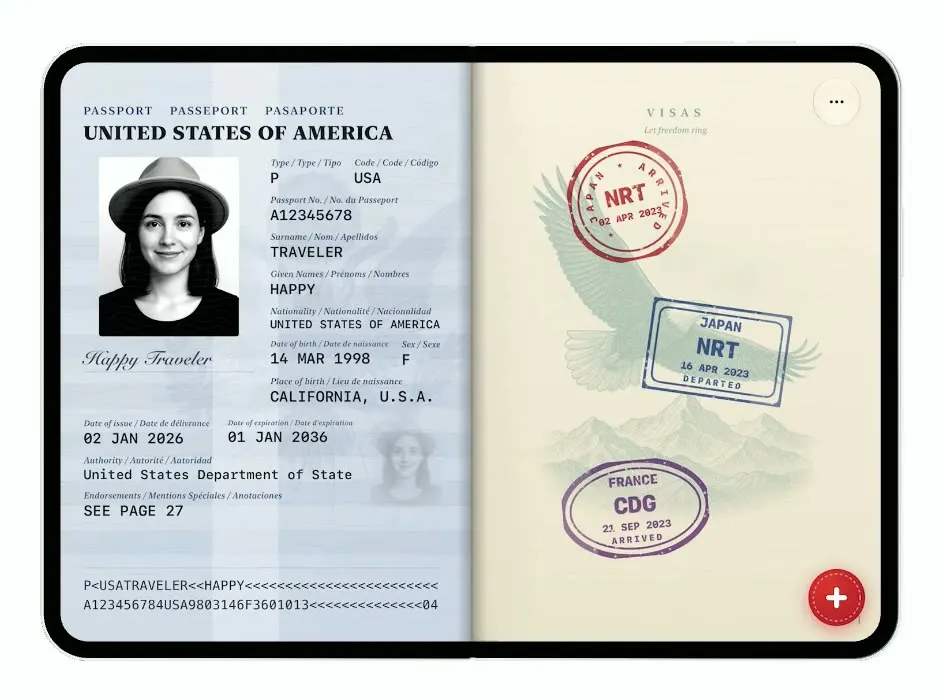
Passport makes the fold the spine of a passport book. Folded, the cover fills the screen; unfolded, you see the open pages with the photo page and ink stamps from past trips. Swipe to turn pages and tap + to slam down a new stamp.
- iPhone Duo · Swift
- Built in 5 prompts
- Free to remix
Remix copies the working app into your account for free, exactly as we built it. It runs in Vibecode's cloud iOS simulator, in your browser.
Watch the video on X@learn2vibecode · Oct 8, 2026The prompt that builds it
We built Passport in 5 prompts. Here they are folded into one, so a single paste into a new app builds the finished version.
Prompt · 1,269 words
Build an original iPhone Duo app: a native SwiftUI iOS app named Passport, using Opus 5.5. It turns the iPhone Duo into a US passport that collects a stamp for every trip, styled as the real NEW US passport (the 2026 redesign that went viral). Reference cover image, download and look at it: https://pbs.twimg.com/media/HTztFrrXIAAc-vQ.jpg?name=orig (the old one for contrast: https://pbs.twimg.com/media/HTztFr6XkAAdk2s.jpg?name=orig). The iPhone Duo itself IS the passport, and the fold is the book: folded, the narrow cover screen is the closed passport cover; unfolded, the wide screen is the open passport, two facing pages with the spine exactly at the screen's centre fold line. Both fill the ENTIRE screen edge to edge (full bleed, ignoresSafeArea), with no background scene, margins or shadow box around them. Opening is done by unfolding the phone, not by tapping. Switch layouts on the available width (narrow = closed cover, wide = open spread) with a quick crossfade, and keep the current page across fold/unfold. Hide the iOS status bar (time, wifi, battery) on every screen, folded and unfolded, so nothing sits on top of the cover or the pages (.statusBarHidden(true) on the root plus UIViewControllerBasedStatusBarAppearance / UIStatusBarHidden in Info.plist so it applies on both Duo displays). Do NOT put a fake handset frame inside the app; the simulator provides that. No permissions prompts, no backend, deterministic content. This needs to look like a premium design piece, every surface textured and lit.

Closed cover (narrow screen, full bleed): near-black navy leather (#11141C to #181C27) with a very fine leather grain and a subtle vignette, no border line. All lettering and artwork are matte metallic gold foil (#B8955A to #E2C48A) with a soft diagonal sheen sweeping across the gold every 4 s. Top: "PASSPORT" small, in wide-tracked caps. Under it, large gold "UNITED STATES" and "of AMERICA" ("of" in italic), in a classic high-contrast serif like Trajan/Baskerville caps (use Font.custom("Baskerville-SemiBold") or Times New Roman bold, tracking +2). Centre: a LARGE gold Great Seal eagle filling most of the cover width: generate it with your image generation tool as fine engraved gold line art on a transparent background (eagle with spread wings, shield with vertical stripes on its chest, olive branch in the right talon, bundle of arrows in the left, a banner "E PLURIBUS UNUM" in its beak, a glory of 13 stars in a scalloped circle above its head), no text other than the banner, no background. Bottom: the gold e-passport chip symbol (a rounded rectangle with a circle inside).

Open spread (wide screen, full bleed): two facing pages with a soft shadow and darker crease down the centre spine, page edges slightly darker. Visa pages are cream paper (#F4EEDF) with a fine guilloche security pattern (thin overlapping wave/rosette lines in pale teal and pale rose drawn with Canvas) and the US passport look: a faint full-page engraved landscape vignette in pale blue-green ink on each page (generate 4 with your image generation tool: a bald eagle in flight over mountains, the Statue of Liberty, a lighthouse on a rocky coast, a western canyon with a river), "VISAS" at the top in small spaced serif, page numbers at the bottom outer corners in small serif, and a short patriotic quote in small italic serif at the top of some pages (e.g. "Let freedom ring." "We the People of the United States, in Order to form a more perfect Union"). Bottom centre a dark glass capsule with page dots.

Spread 1, left page = identity data page, the US Next Generation passport card. Polycarbonate look: pale grey-blue with fine guilloche, a faint eagle/flag background illustration, an iridescent hologram strip that shimmers subtly with a moving gradient. Header "PASSPORT  PASSEPORT  PASAPORTE" small caps, and "UNITED STATES OF AMERICA" bold. Portrait: generate a real photo of a friendly young woman traveller (studio passport-photo style, light grey background) with your image generation tool and bundle it as an asset, then show it laser-engraved style: high-contrast black-and-white, plus a smaller faded "ghost" copy of it to the right. Large, readable labelled fields (small trilingual-style label above, monospace-ish value): Type P; Code of Issuing State USA; Passport No. A12345678; Surname TRAVELER; Given Names HAPPY; Nationality UNITED STATES OF AMERICA; Date of birth 14 MAR 1998; Place of birth CALIFORNIA, U.S.A.; Sex F; Date of issue 02 JAN 2026; Date of expiration 01 JAN 2036; Authority United States Department of State; Endorsements SEE PAGE 27; a scribbled signature. Bottom MRZ in OCR-B style monospace: "P<USATRAVELER<<HAPPY<<<<<<<<<<<<<<<<<<<<<<<<" and "A123456784USA9803146F3601013<<<<<<<<<<<<<<04". Right page = the first visa page with the first stamps.

Stamps: each stamp is an ink impression in a distinct colour and shape, 120-170pt across in bold coloured ink so three stamps fill most of a page, slightly transparent so the vignette shows through and they read as real entry/exit stamps. Each is slightly rotated (-12 to 12 degrees), with a rough ink texture (uneven opacity, a few gaps), city name, country code, a date, an airplane arrow (in or out) and a small icon: TOKYO JPN 12 FEB 2026 (red circle, torii gate), LISBON PRT 03 MAR 2026 (blue rectangle with rounded corners, tram), REYKJAVIK ISL 21 APR 2026 (green triangle, volcano), MARRAKECH MAR 09 MAY 2026 (orange octagon, lantern), NEW YORK USA 30 MAY 2026 (purple rectangle double border, skyline), CAPE TOWN ZAF 18 JUN 2026 (teal circle, mountain), KYOTO JPN 07 JUL 2026 (red rectangle, pagoda), SANTORINI GRC 26 JUL 2026 (blue circle, dome), MEXICO CITY MEX 15 AUG 2026 (magenta hexagon, sun), SYDNEY AUS 03 SEP 2026 (navy oval, opera house). Lay them out loosely and overlapping like a real passport across 3 spreads (spread 1 right page: 3 stamps; spread 2: 4 + 3; spread 3: the rest with free space).

Interactions:
1. Turn pages with a horizontal DragGesture anywhere on the open spread (left = next, right = previous), or a tap on the outer 15% of each page: the page turns over the spine with rotation3DEffect around the spine edge, perspective, a curl-like shading gradient on the turning page, and a shadow sweeping across the page underneath (~0.7 s spring). 3 spreads.
2. A red round rubber-stamp "+" button in the bottom-right corner of the right page. Tapping it slams a new stamp for the next trip, "SEOUL KOR 08 OCT 2026" (red circle with a palace roof icon), onto an empty spot: it drops from scale 1.8 with a slight rotation, hits the paper at full speed, squashes slightly, and settles with an ink bloom (a quick radial burst of ink specks and a faint darker ring that fades), plus a heavy haptic; the page jolts 2pt down and back. Add up to 3 new stamps (SEOUL, BALI IDN, PARIS FRA), each in a new spot, then the button turns grey.
3. Long-press any stamp to lift it: it scales to 1.15 with a shadow and shows a small card above it with the trip ("Tokyo, 6 nights, 214 km walked") until release.
4. A small round glass "…" button in the top-right corner of the right page opens a menu with "Reset passport", which clears added stamps and goes back to spread 1.

Folding and unfolding the Duo in the simulator should look great: the closed cover and the open spread both feel like the same physical object.

Build fully, run compile/build validation, resolve all errors, and launch in the web simulator on iPhone Duo. Check that the folded cover and the open spreads both fill the whole screen with no status bar. Prioritize visual polish of the cover, the paper, the stamps and the stamp-slam animation. Deliver complete implementation rather than a plan.
More templates
All templates- View template
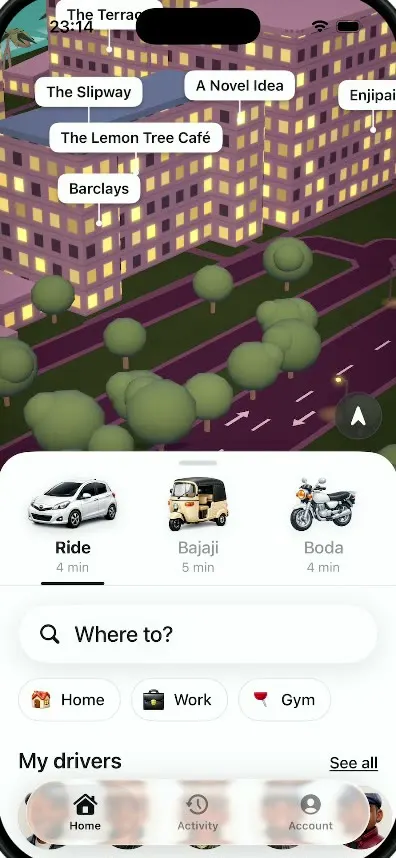
Dar Ride
iOSA ride-hailing app for Dar es Salaam with cars, bajajis and boda bodas, a 3D night map and fares in shillings.
- View template
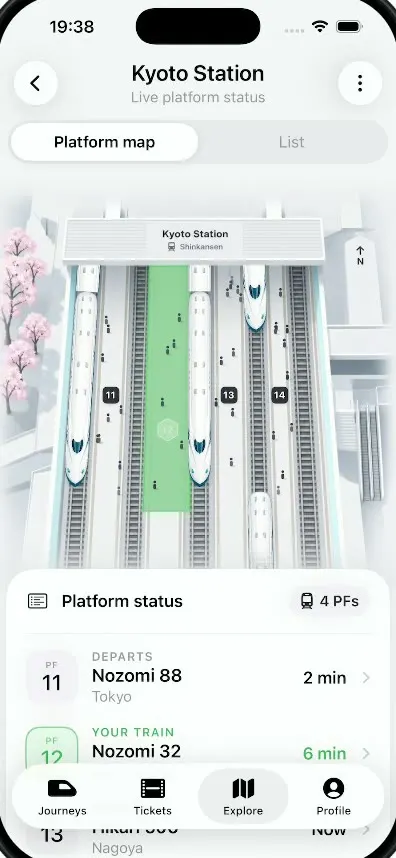
Platform
iOSA live platform view for Kyoto Station: trains glide in and out of a 3D map and your platform glows green.
- View template
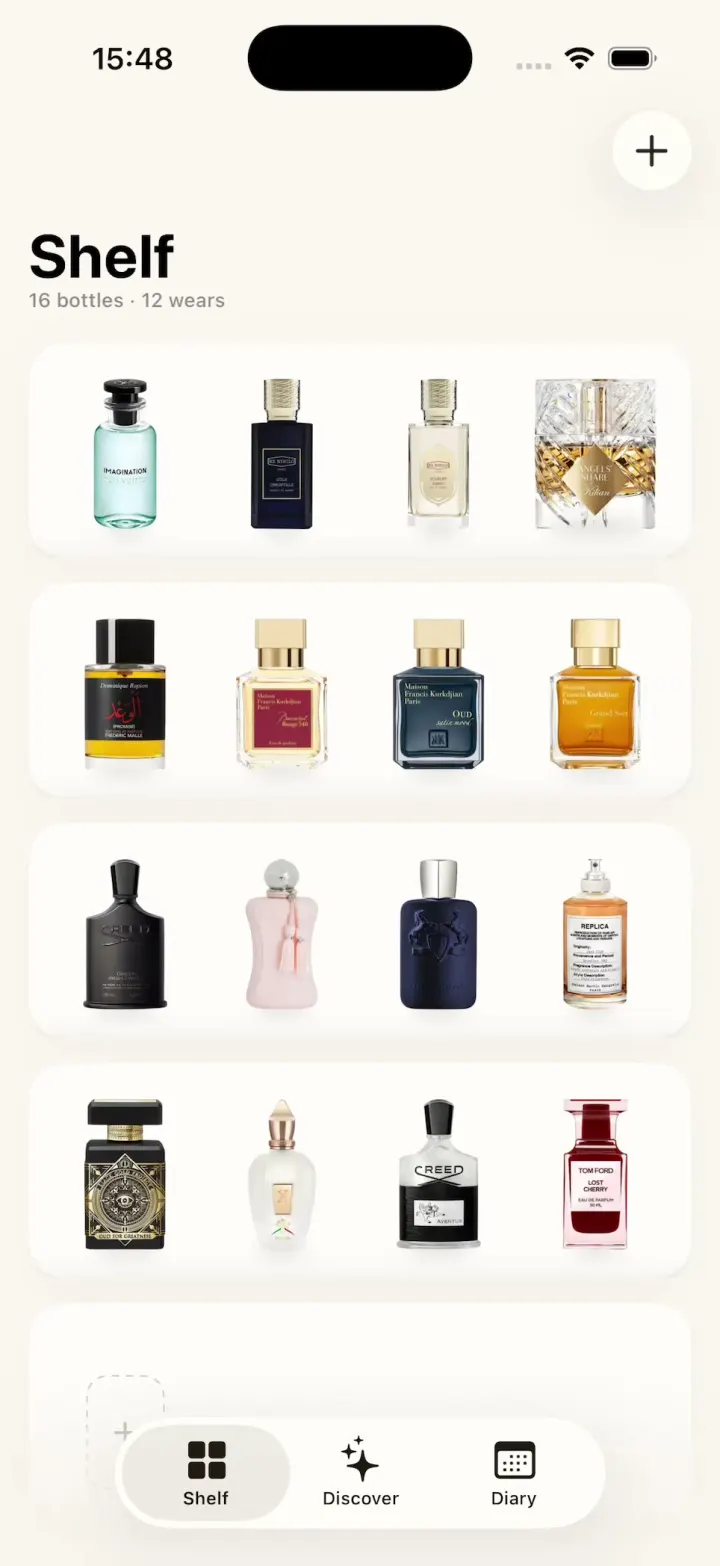
ScentScout
iOSA fragrance tracker with a cream bottle shelf, a bottle zoom transition, a cologne library and a wear diary.
- View template
Hearthguard
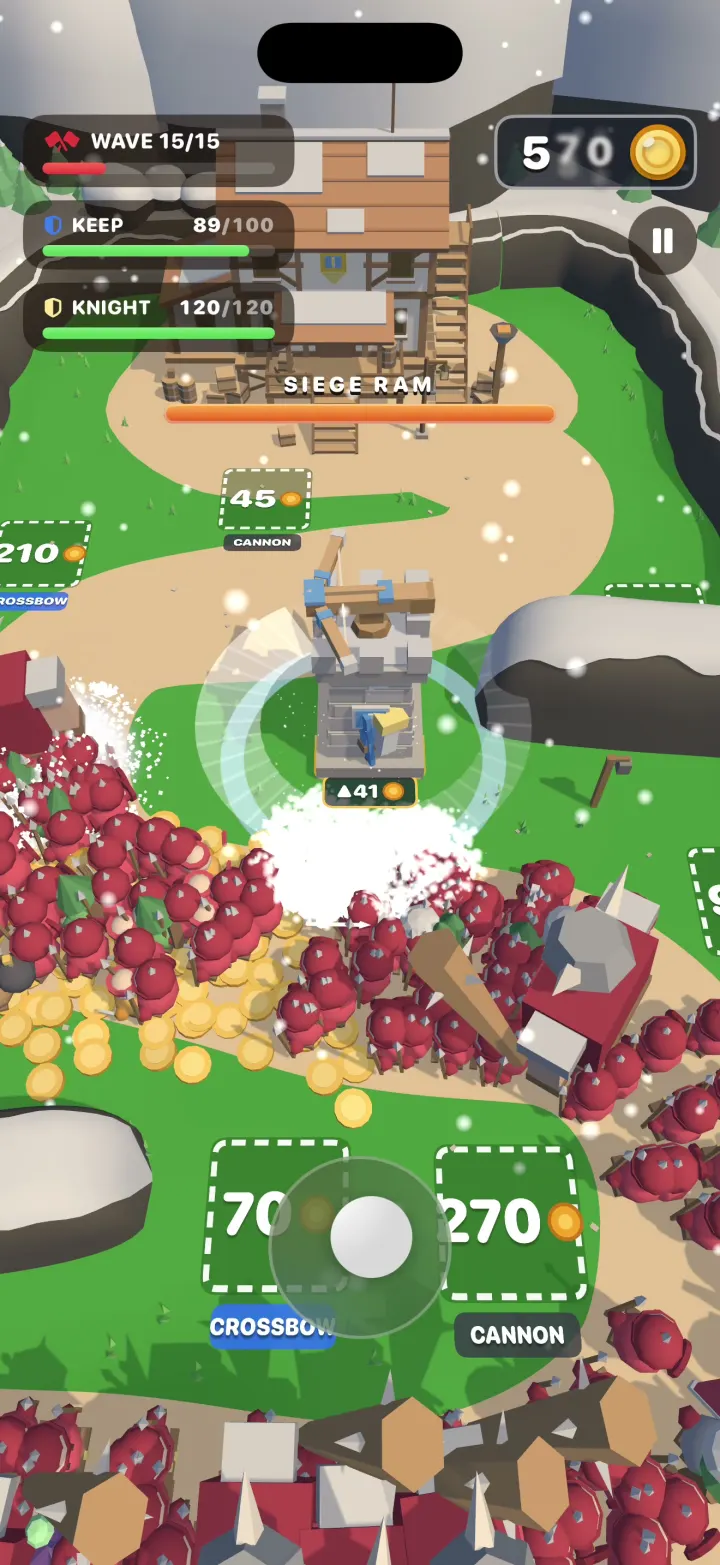
iOSA 3D tower defense game where your hero cuts through hordes of hundreds, grabs their gold and builds towers.