
Uber clone
Zipride · Ride-hailing app template
A working Uber-style iPhone app in Swift, running on sample data. Map with moving cars, destination search, ride options, driver matching, live trip and rating.
- iOS
- Swift · SwiftUI
- Sample data
- Free to remix

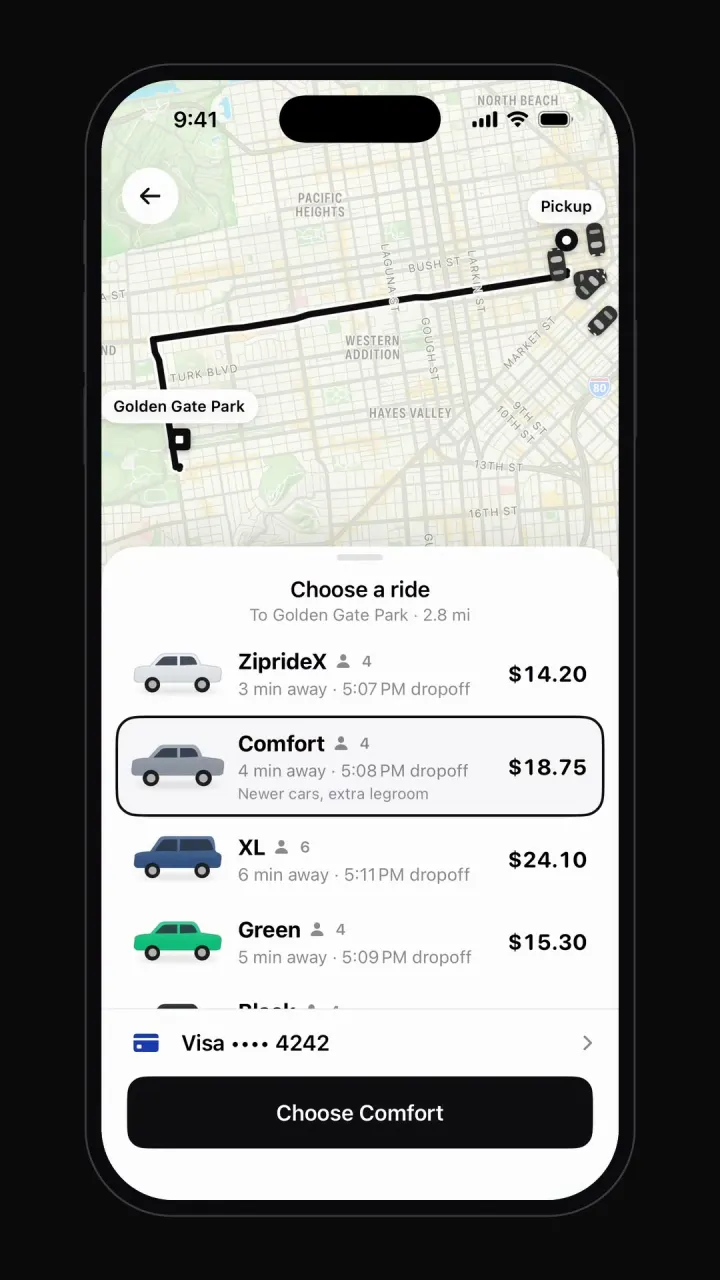
Remix copies the working Swift app into your account for free. It runs in Vibecode's cloud iOS simulator, in your browser.
What's inside
- Home map
- Destination search
- Route and fare estimate
- Payment picker
- Driver matching
- Live tracking
- Driver chat
- Rating and tips
- Trip history and account
About this template
An Uber clone is three products: a rider app, a driver app and a dispatch backend that matches them in real time. Most of the work, and most of the cost in clone scripts, sits in the backend. Vibecode's template, Zipride, is the complete rider app (map, destination search, ride options, driver matching, live trip, rating and receipts) as a native iPhone app written in Swift, with simulated drivers. Remix it, then add the driver side and real dispatch by chatting.
How to use it
- 1
Remix the template
Open the Zipride share page and press Remix. Vibecode copies the whole Swift project into your account, so you start from a working app instead of an empty screen. Remixing is free.
- 2
Make it yours by chatting
Tell the agent what to change in plain English, for example: “Rename the app to Hopper, make it a campus shuttle service, and replace ride types with Shuttle and Night Safe Ride.” Each change rebuilds the app and runs it in Vibecode's cloud iOS simulator, right in your browser.
- 3
Publish to the App Store
Click Publish, choose Publish to App Store and sign in with your Apple ID. Vibecode builds, signs and uploads the app to Apple, with no Mac and no Xcode. You need an Apple Developer account ($99/year) and the Plus plan or higher.
Features
Home map
Apple Maps view with a pulsing pickup point and nearby cars moving along the streets, plus a 'Where to?' sheet.
Destination search
Pickup and drop-off inputs, saved places like Home and Work, recent trips and live filtering.
Route and fare estimate
Route line between pins and ride types with seats, arrival time and price.
Payment picker
Saved card row and a sheet to switch payment method before you confirm.
Driver matching
'Finding your driver' state, then a driver card with photo, rating, car, plate, call and message.
Live tracking
The car drives to the pickup with an arrival countdown, then along the route with trip progress and ETA.
Driver chat
Message sheet with quick replies and driver responses.
Rating and tips
Five-star rating, tip chips and a receipt saved to trip history.
Trip history and account
Past trips with receipts, services grid, wallet and settings.
Add next, with one prompt each
Driver app. Go online, accept or decline requests, navigate to the pickup and see earnings.
Real location. The rider's GPS position for pickup and live driver positions.
Dispatch and payments. Matching backend, card charges and driver payouts.
The prompt that built it
Paste it into a new iOS app to build your own copy from scratch, or change the brief first.
Prompt · 755 words
Build a polished, fully working native iOS app in SwiftUI named Zipride: an original ride-hailing app that recreates the core experience of Uber, but with its own name, its own original logo and its own color palette. Do NOT use the Uber name, logo, wordmark, app icon or any trademarked asset anywhere in the app. Design an original Zipride logo mark, drawn with SwiftUI shapes (Path/Canvas) or made as a generated image asset, and use it in the header.

Screens and flows (bottom tabs: Home, Services, Activity, Account; clean light UI, black primary buttons, your own accent color):
1. Home: a full-screen SwiftUI MapKit Map of downtown San Francisco with a muted map style (no location permission: show a custom pulsing annotation at a fixed coordinate instead of the user's location) with a pulsing blue "you are here" dot and 5 small car annotations slowly driving along fixture street coordinates. Bottom sheet: "Where to?" search pill with a "Now" schedule chip, saved places (Home: 1458 Oak Street, Work: 200 Market Plaza), 3 recent destinations with distances, and service shortcuts (Ride, Reserve, Package, Rental).
2. Destination search: tapping "Where to?" opens a screen with pickup "Current location" and destination inputs; typing filters 12 fixture places (name, address, distance), plus suggestions before typing.
3. Ride options: choosing a place returns to the map, which draws an animated MapPolyline route from pickup pin to destination pin (MKDirections, with a fixture polyline fallback) and animates the camera to fit it. Bottom sheet lists ride types with car illustrations, seats, arrival time and price: ZiprideX $14.20 (4 seats, 3 min), Comfort $18.75, XL $24.10, Green $15.30, Black $32.40. Tapping selects with a highlight; payment row "Visa •••• 4242" opens a payment picker; big black "Choose ZiprideX" button.
4. Matching: confirm shows "Finding your driver" with a radar pulse on the pickup pin for about 3 s, then a driver is matched: card with driver photo, "Marcus", 4.92 star rating, "Toyota Camry · Gray", plate "8KJD372", call and message buttons, "Cancel ride". The driver's car annotation drives along the route coordinates to the pickup over about 8 s while the header counts down "Arriving in 3 min" to "Your driver has arrived".
5. Message button opens a chat sheet with quick replies ("I'm on my way", "I'm at the pickup spot"); sending shows the driver replying.
6. Trip: "Start trip" (or automatically after arrival) moves the car along the route to the destination over about 8 s with a trip progress bar and ETA; arrival opens a "How was your ride with Marcus?" screen with 5 tappable stars, tip chips ($1, $2, $5, Custom), and Done returns Home with the trip added to Activity.
7. Activity: past trips with mini route maps, date, price; tap for a receipt. Services: grid of service tiles. Account: profile, rating, wallet, settings rows.

Rules for the whole app:
- Native SwiftUI for iOS 26, the deployment target the Vibecode iOS template already uses (do not change it). iPhone-first layout. SF Symbols are fine for UI icons (never for the Uber logo or any brand mark).
- Everything runs on-device from realistic, deterministic fixture data in one Swift file (e.g. Fixtures.swift: real-sounding names, handles, numbers, timestamps, captions). No backend (leave the backend/ folder alone and make no network calls except loading images and media), no login, no permissions (no camera, photos, location, contacts, notifications, microphone). Do not persist state (no UserDefaults, @AppStorage, SwiftData or files): every launch starts from the same fixture state, so the demo is repeatable.
- Remote images: load images.unsplash.com photo URLs (with ?w=800&q=80 style params) with AsyncImage (or a small cached image view) and a tasteful placeholder. Verify every image and media URL with `curl -s -o /dev/null -w "%{http_code}" <url>` before you use it and replace any that do not return 200. No broken or blank images anywhere.
- Polish: native-feeling spacing and typography, safe areas, smooth spring animations (.spring/.snappy, most under 350 ms), matchedGeometryEffect for hero and expand/collapse transitions where it helps, .sensoryFeedback haptics on key taps, pressed states, and loading/empty states. Simulated waits stay short (under 3 s). Every button visible on screen does something sensible; nothing is a dead end.
- Keep the compiler happy: small files (under ~300 lines each), big view bodies split into subviews, and no long chained expressions, so nothing hits "unable to type-check this expression in reasonable time".
- It must build with zero errors and run in the iOS simulator with no crash. Walk through every flow above and fix anything broken.
More templates
All templates- View template
Airbnb clone
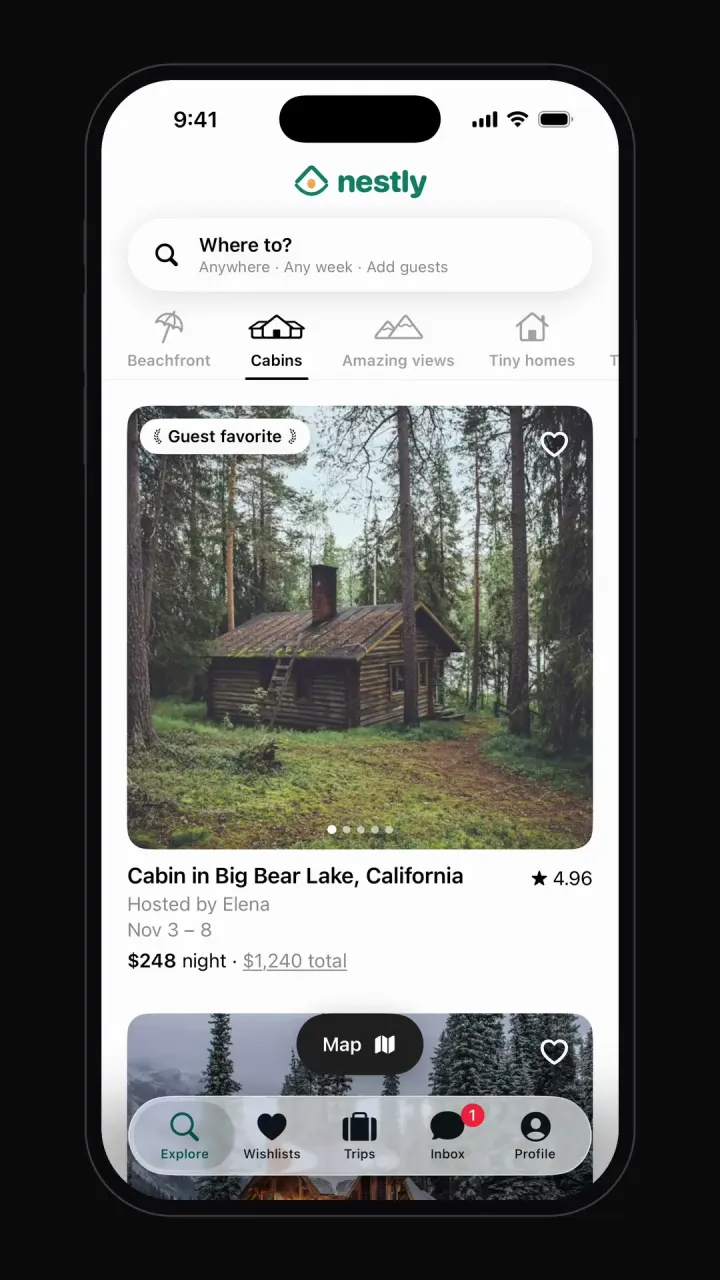
iOSCategory browsing, map view, date and guest search, listing pages, checkout, wishlists and trips.
- View template
Cash App clone
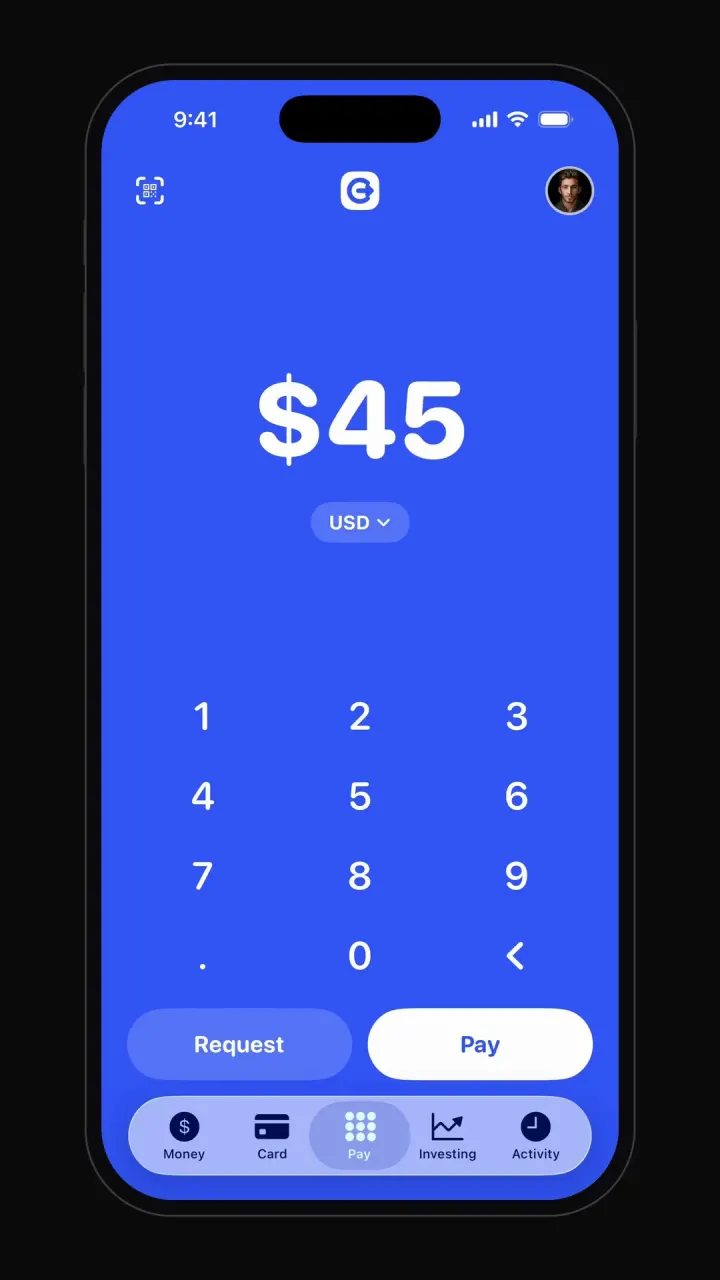
iOSBig-number pay pad, pay and request flows, balance, debit card, investing charts and activity.
- View template
Tinder clone
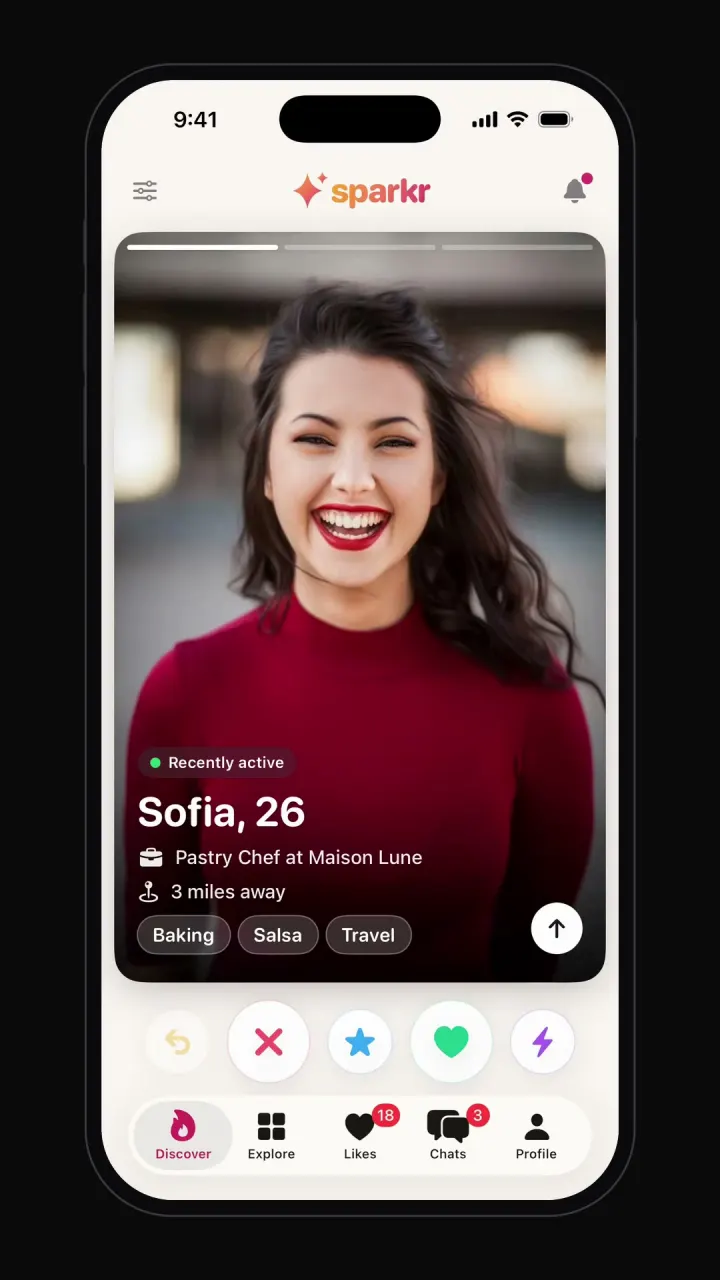
iOSSwipe deck with like, nope and super like, It's a Match screen, chat, filters and profile editor.
- View template
Instagram clone
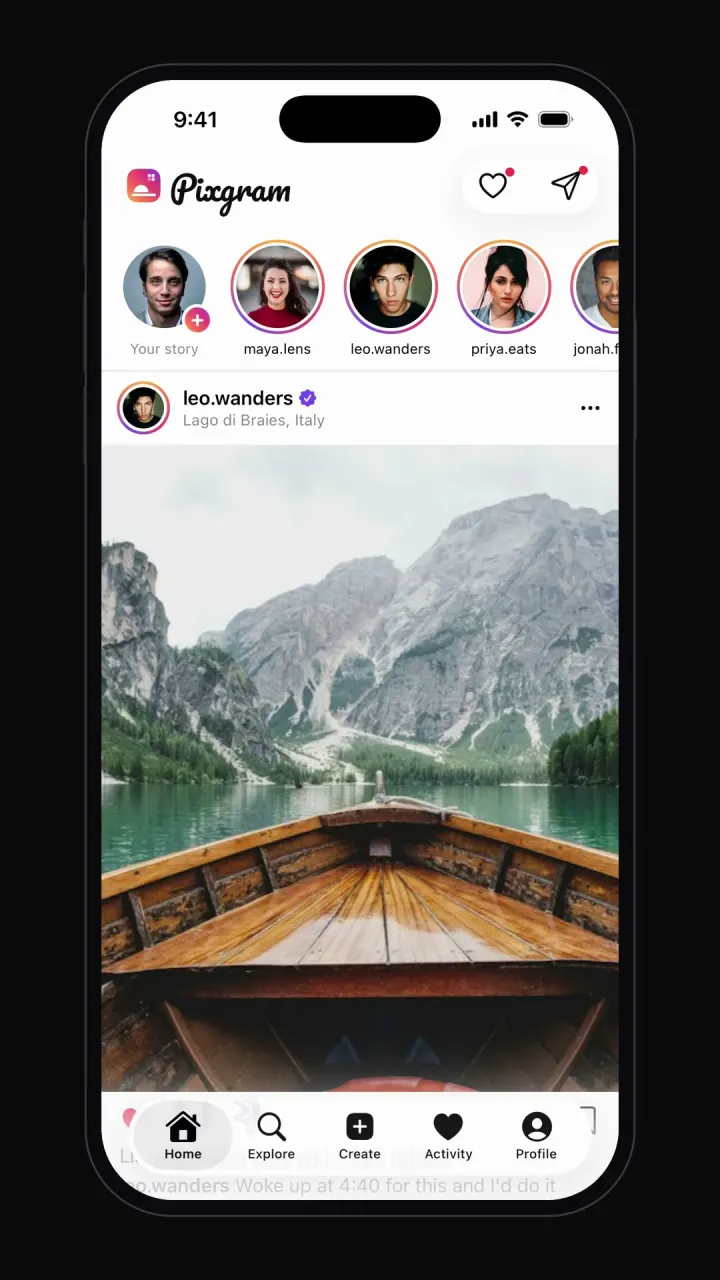
iOSPhoto feed, stories, double-tap likes, comments, explore grid, DMs and profiles.