Music
Music app · from our videos on X
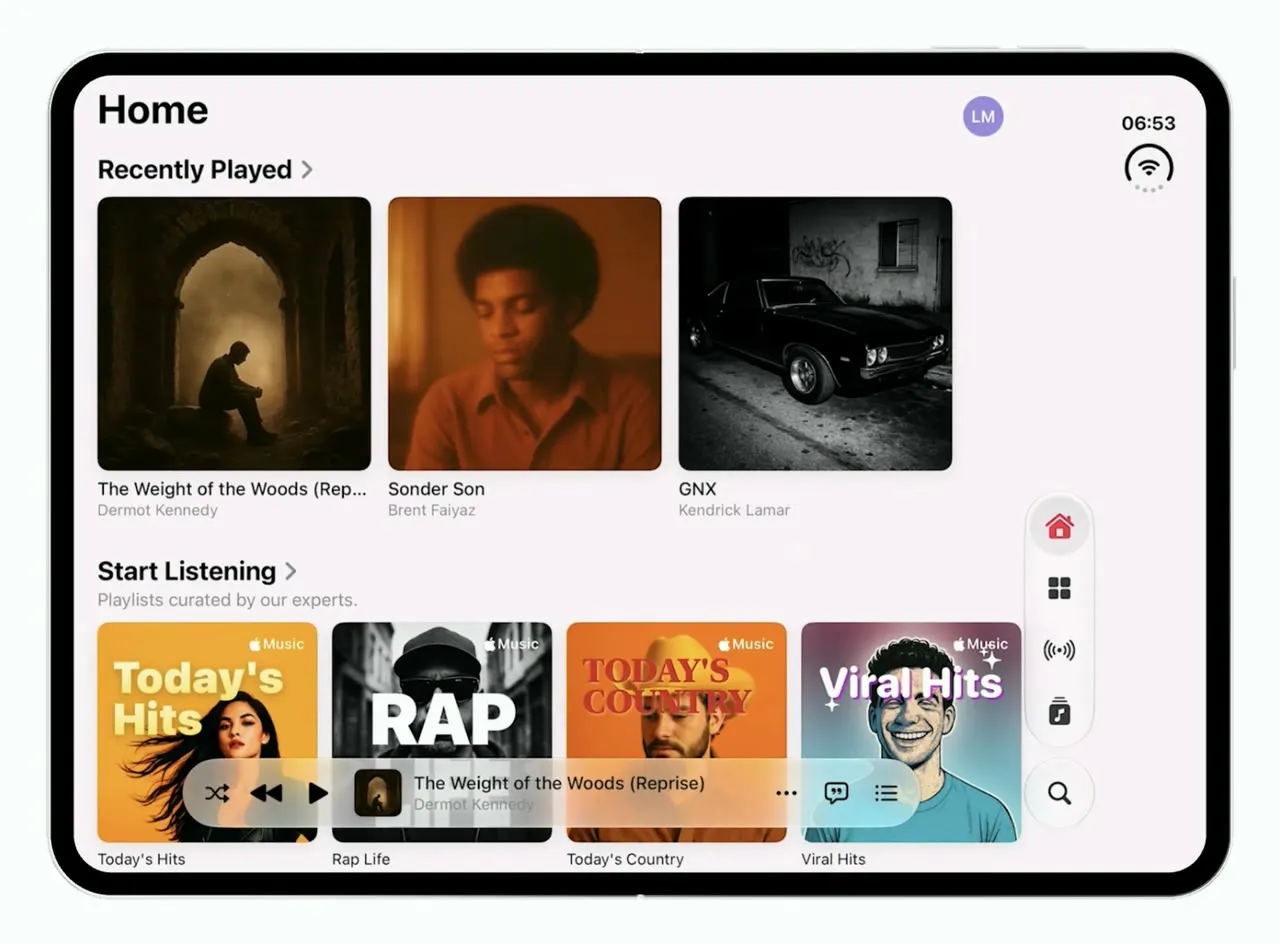
A recreation of Apple Music's Liquid Glass design that adapts to the iPhone Duo. Folded, Home is a single column with a compact mini player; unfolded, the shelves spread into several columns, and what is playing stays put through every fold.
- iPhone Duo · Swift
- Built in 1 prompt
- Free to remix
Remix copies the working app into your account for free, exactly as we built it. It runs in Vibecode's cloud iOS simulator, in your browser.
Watch the video on X@ios_app_builder · Oct 11, 2026The prompt that builds it
We built Music in one prompt. Paste it into a new app to build your own copy, or change it first.
Prompt · 1,255 words
Download/reference the app shown in this post and clone it exactly, including the iPhone Duo visual design, layout, interactions, animations, typography, spacing, and all visible states. Make it functional and runnable in the simulator. Match the reference as closely as possible and include any interaction shown in the source. Reference: https://x.com/adiicodess/status/2108815007882616855. The actual 28-second video is uploaded as source.mp4 in project Files. Inspect it carefully, extracting frames as necessary.

Build a native SwiftUI iOS app named Music using Opus 5.5. This is Apple Music (iOS 26 Liquid Glass design) demonstrated on the foldable iPhone Duo. Switch layouts on the available width: narrow (folded cover screen) = one column of content with a compact floating mini player; wide (unfolded inner screen) = the same Home with bigger multi-column shelves and the expanded mini player. Keep all state (selected tab, scroll position, now playing, play/pause) across fold/unfold, and animate the reflow with a spring. Do NOT put a fake handset frame inside the actual app; the simulator provides that. Use realistic deterministic fixture data so every screen is rich and usable without permissions, network, MusicKit or backend. Do not publish externally.

Observed video sequence (0-28s): 0.0 the Music app launches on the unfolded Duo; 1.8 the "New" tab is showing with an "AutoMix Is On" sheet over it; 2.8 the user taps OK, the sheet slides down and the app switches to the Home tab; 3.0 Home shows its large title over an empty page for a moment; 4.0 the Home shelves fade/slide in; 4.3-5.5 the device folds; 5.5-7.0 Home in the narrow folded layout; 7.0-8.5 the device unfolds; 8.5-10 Home in the wide layout; 10-19.5 the device is half-folded like a book several times and opened again (the layout stays wide and steady); 19.5-20.5 folds closed; 20.5-23.5 narrow layout; 23.5-24.5 unfolds; 24.5-28 wide layout.

Visual details: very light pink-white background (#FBF5F8, slightly pink like the real app in light mode), SF Pro, large bold left-aligned titles, black primary text, grey (#8A8A8E) secondary text, accent red #FA2D48. Status bar shows 12:00. Top-right of every tab: a 34pt circular avatar, lavender/purple fill (#9C8CE0) with white initials "LM".

Tab bar: a floating Liquid Glass capsule running VERTICALLY along the right edge of the screen (in both folded and unfolded layouts), icons only, top to bottom: Home (house.fill), New (square.grid.2x2.fill), Radio (dot.radiowaves.left.and.right), Library (music.note.square.stack / music note in a square), Search (magnifyingglass, separated slightly at the bottom). Selected tab icon is red #FA2D48, others dark grey. Tapping switches tabs.

Mini player: a floating Liquid Glass capsule at the bottom, to the left of the tab rail. Narrow layout: small artwork, "The Weight of the Woods (Reprise)" truncated as "The Weight of the W…", "Dermot Kennedy" below, then play (play.fill) and forward (forward.fill) buttons. Wide layout: shuffle, backward.fill, play.fill, then artwork + "The Weight of the Woods (Reprise)" / "Dermot Kennedy", then an ellipsis button, a lyrics speech-bubble button (quote.bubble) and a queue button (list.bullet). Play toggles to pause and back.

New tab (behind the AutoMix sheet): large title "New". A big featured card row: label "NEW DELUXE EDITION", title "B'DAY (20th Anniversary Edition)", subtitle "Beyoncé", with a blue-sky landscape artwork and the caption "Beyoncé opens up the vault with a deluxe edition of her second album." Next card: label "PRE-ADD", title "Bass Persuasion", subtitle "Miley Cyrus", dark artwork with caption "Listen to the title track ahead of the upcoming album." Below that a "Latest Songs" row of square covers.

AutoMix sheet (shown on first launch over the New tab, centered card with rounded 32pt corners, dimmed backdrop): top half is a hot pink/magenta (#E3138C to #FF2DA0) banner with soft vertical stripes of lighter pink, and centered on it a frosted pill-shaped toggle graphic whose white knob has a small ring/record icon; a circular close (xmark) button top-right of the banner. Bottom half white: the Apple logo + "Music" (small, bold), then the bold headline "AutoMix Is On", then centered grey body text exactly: "Like a DJ, AutoMix knows when to seamlessly transition one song into the next. Find it in your player with Shuffle, Repeat, and AutoPlay." At the bottom a wide red (#FA2D48) capsule button "OK" with white text. Tapping OK or the close button dismisses the sheet with a slide-down spring and switches to the Home tab.

Home tab: large title "Home", avatar "LM" top-right. When Home first appears after OK, show the title over an empty page for about 0.8s, then the shelves fade and slide up into place. Sections in order:
1. "Recently Played": one large square card, album art of a man sitting in a stone archway/ruin with light behind him (sepia), title "The Weight of the Wo…" (full: "The Weight of the Woods (Reprise)"), subtitle "Dermot Kennedy".
2. "Start Listening" with subtitle "Playlists curated by our experts." then a horizontal shelf of square playlist covers, each with a small " Music" mark in the top-right corner, title and subtitle under it: "Today's Hits" / "Apple Music Hits" (orange-yellow background, young woman with long dark hair, big yellow-white "Today's Hits" lettering); "Rap Life" / "Apple Music Hip-Hop" (black and white photo of a man in sunglasses and cap, huge white block letters "RAP LIFE"); "Today's Country" / "Apple Music Country" (orange background, man in a yellow cowboy hat, big red "TODAY'S COUNTRY" lettering); "Viral Hits" / "Apple Music" (blue/cyan dotted background with pink-purple top, smiling man, white script "Viral Hits" with sparkles); "#OnRepeat" / "Apple Music" (black and white photo with repeating bright green "#OnRepeat" text).
3. "Just the Essentials" with subtitle "The songs that made artists who they are." then a shelf of "Essentials" covers: "Taylor Swift Essentials", "Drake Essentials", "Billie Eilish Essentials", "The Weeknd Essentials", "SZA Essentials" (each a portrait photo on a pastel colour block with the word "Essentials" in large type).
4. "Made for You": "Favorites Mix", "Chill Mix", "New Music Mix", "Get Up! Mix".
Narrow layout: covers ~150pt, about 2.3 visible per shelf. Wide layout: covers ~185pt, 4-5 visible per shelf, Recently Played shows 3 cards ("The Weight of the Woods (Reprise)" / "Dermot Kennedy", "Sonder Son" / "Brent Faiyaz", "GNX" / "Kendrick Lamar").

Radio, Library and Search tabs: simple but real native screens with the same large title style and fixture data (Radio: "Apple Music 1" live card; Library: Playlists / Artists / Albums / Songs rows plus Recently Added grid; Search: search field "Artists, Songs, Lyrics, and More" and category tiles).

Generate all artwork (album/playlist covers, the AutoMix banner pattern if needed) with your image generation tool: run env and use the project's proxied OPENAI_API_KEY with https://api.openai.com/v1/images/generations and gpt-image-1, and bundle the PNGs in the asset catalog. Render the cover lettering ("Today's Hits", "RAP LIFE", "TODAY'S COUNTRY", "Viral Hits", "#OnRepeat", "Essentials") in SwiftUI over the generated photos so the text is crisp and spelled right.

Demo reset (needed for filming): tapping the "LM" avatar on any tab resets the app to its launch state: the New tab selected, scrolled to the top, with the AutoMix sheet presented again (spring in), playback paused, so the OK -> Home flow can be replayed without relaunching. Use native spring animations and gestures, not static screenshots.

Keep every file you create inside /home/user/workspace (fonts, generated images, scripts): tool access to /tmp and other paths outside the workspace is denied in this sandbox.

Build fully, run compile/build validation, resolve all errors, and launch in the web simulator on the iPhone Duo. Test folded and unfolded. Prioritize fidelity to the attached source and functional main interaction flow. Deliver complete implementation rather than a plan.
More templates
All templates- View template
Tempo
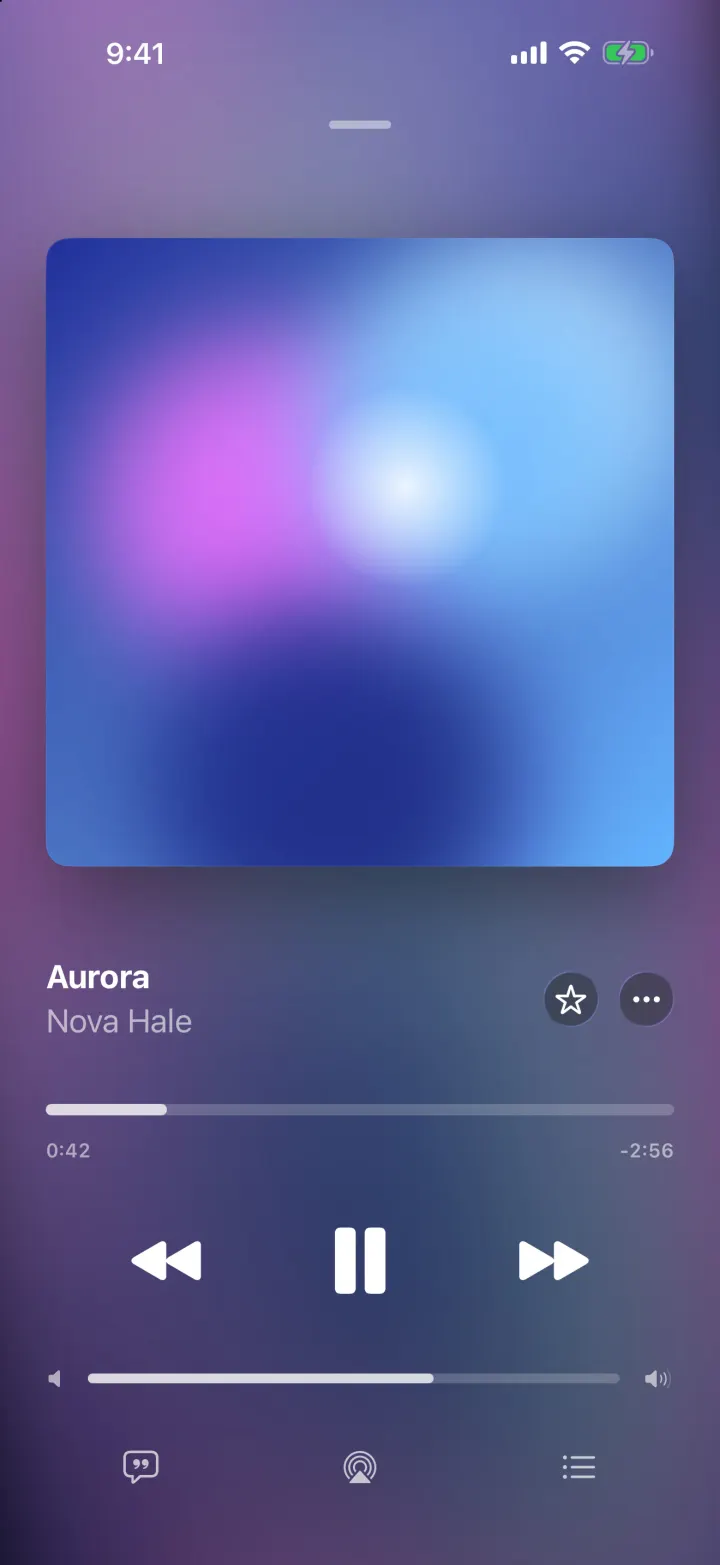
iOSA music player with a drifting gradient from the album art, springy artwork and lyrics that scroll in time.
- View template
Mixtapes
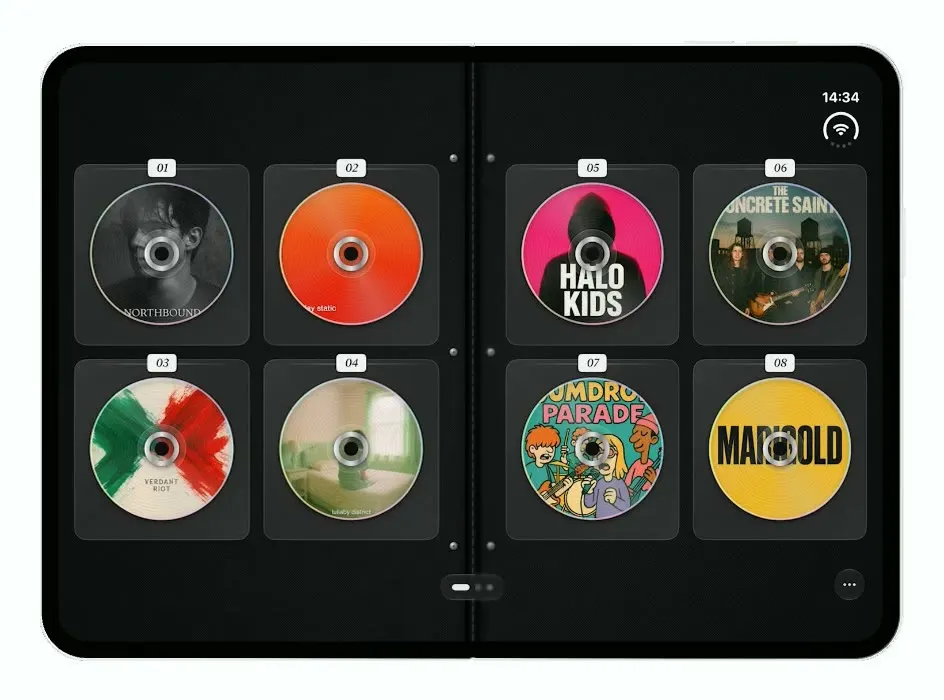
iOSTurns the iPhone Duo into a zippered CD wallet: closed when folded, a binder of CDs to flip through when open.
- View template
ScentScout
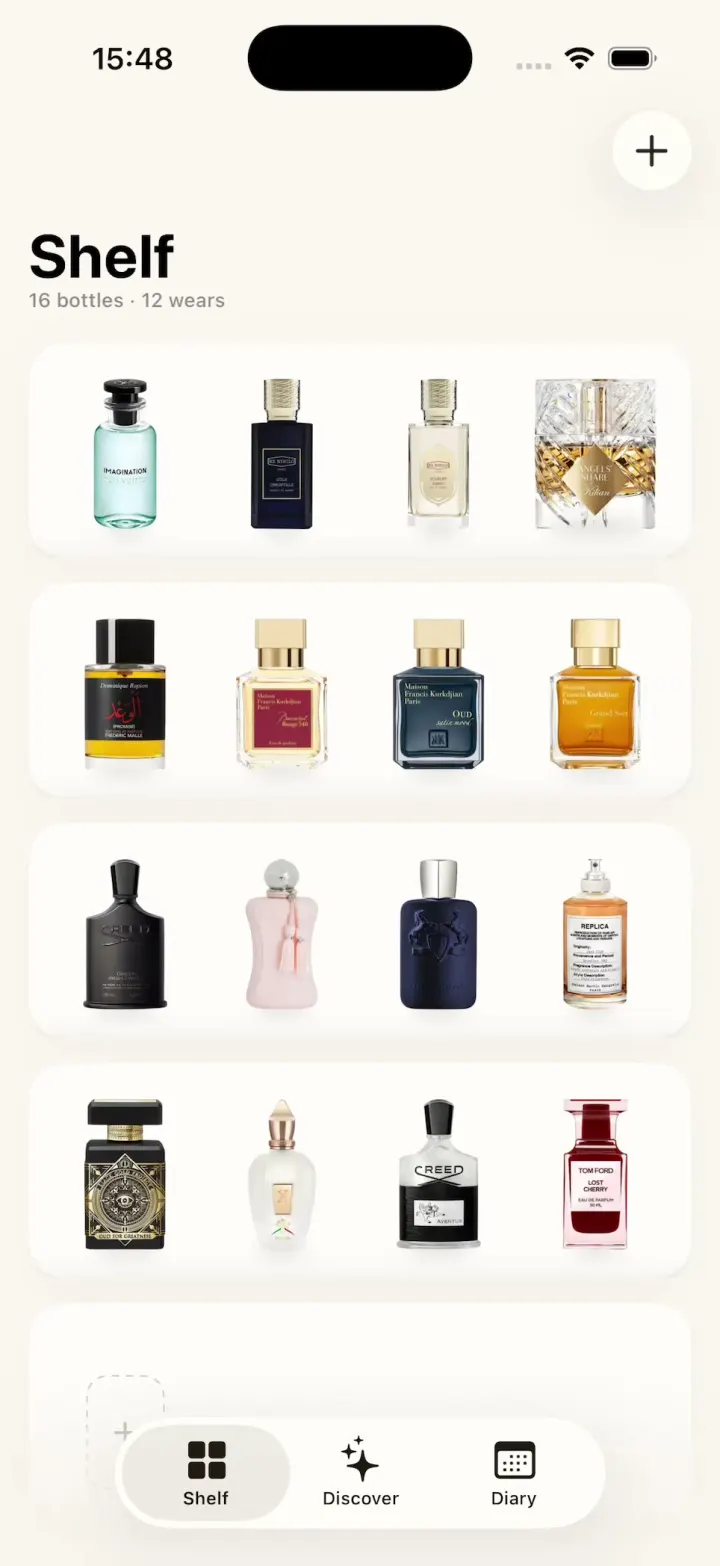
iOSA fragrance tracker with a cream bottle shelf, a bottle zoom transition, a cologne library and a wear diary.
- View template
Hearthguard
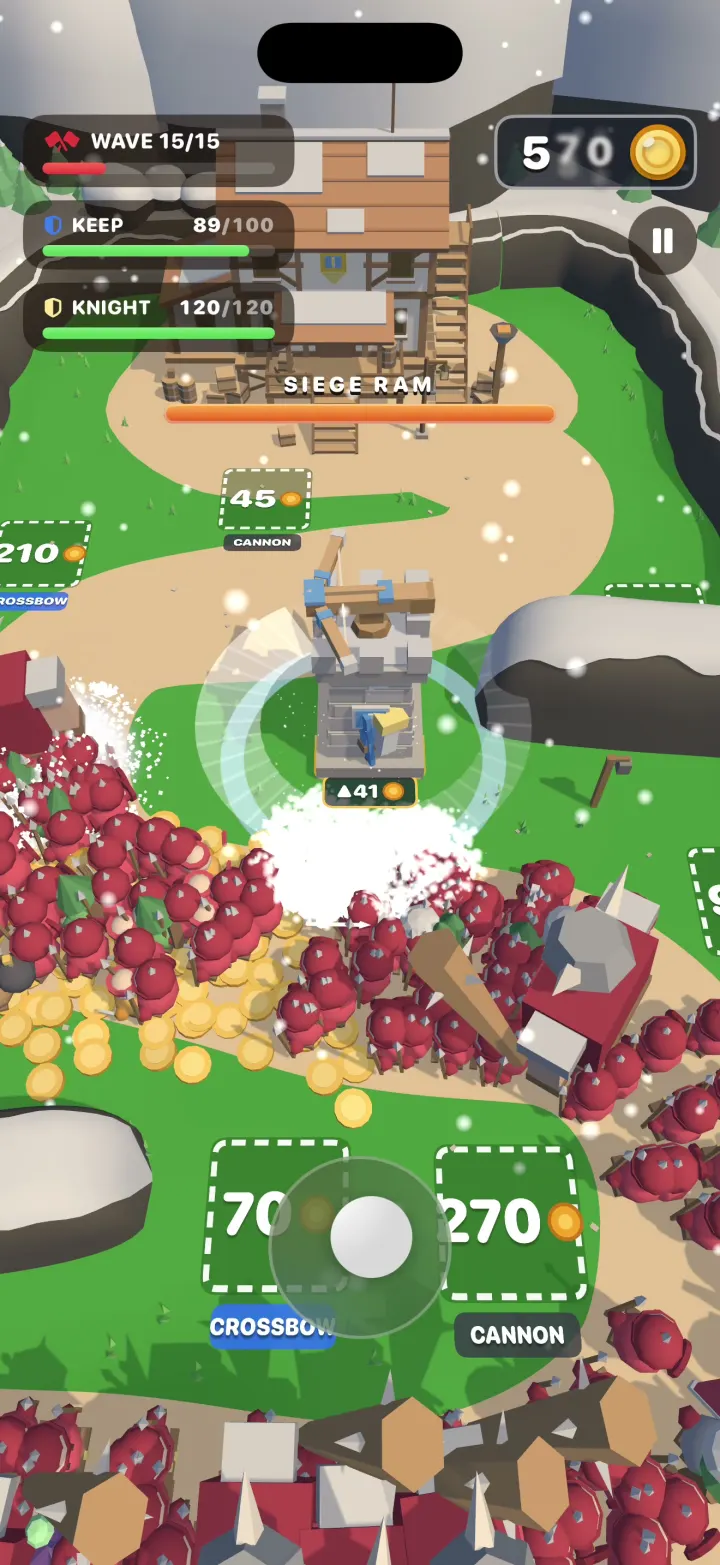
iOSA 3D tower defense game where your hero cuts through hordes of hundreds, grabs their gold and builds towers.