TypeDraw
Productivity app · from our videos on X
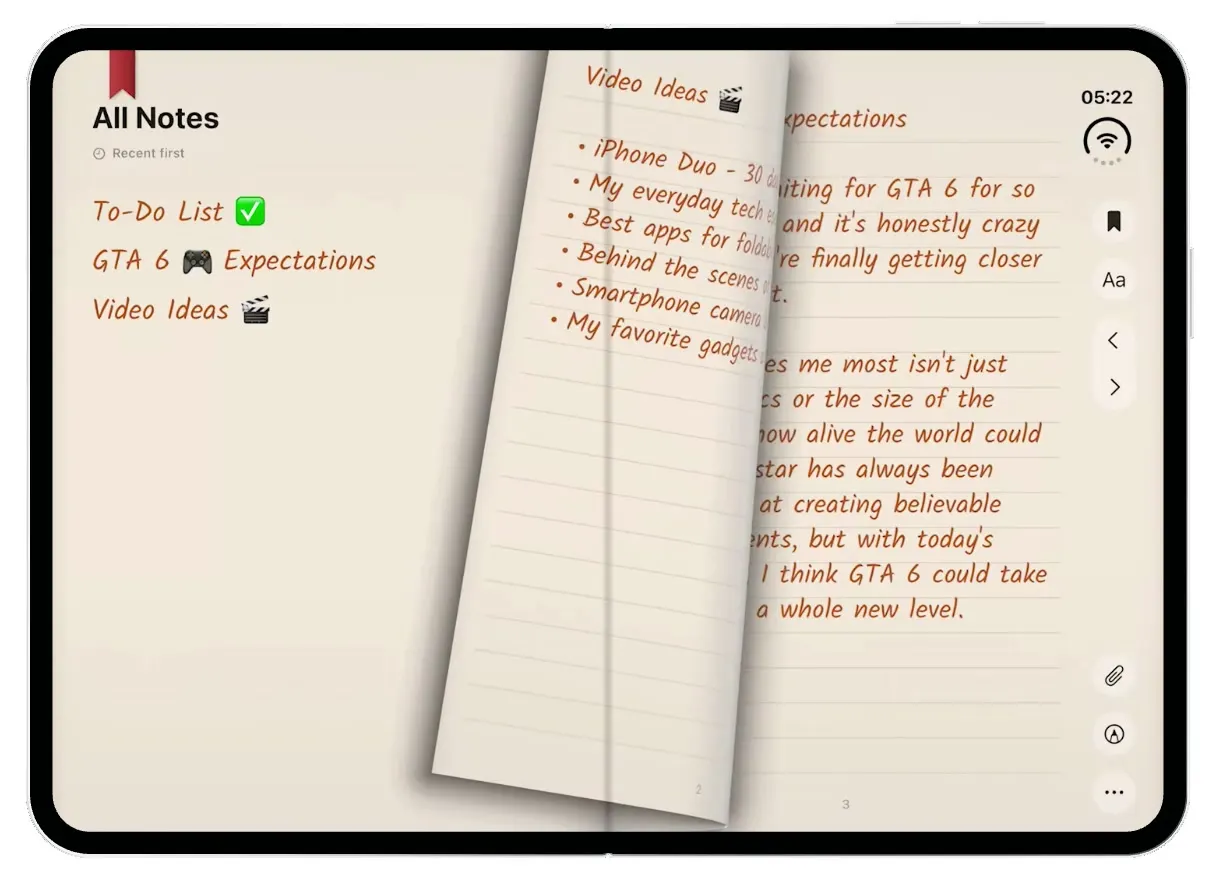
TypeDraw turns the iPhone Duo into a paper notebook. Folded, the cover screen is the notebook's leather cover with an orange elastic band and your name on the label; swipe it and the cover curls open onto your latest page, or swipe up for a shelf of covers like The Great Wave, Atlantis and Bordeaux. Unfold it and you get two ruled cream pages side by side with your notes in a handwriting font, and dragging a page turns it with a real page curl. Tick off to-dos, pull up the pen palette to highlight in yellow or write and circle things in red, and change the paper, ink, handwriting and cover from Customize.
- iPhone Duo · Swift
- Built in 1 prompt
- Free to remix
Remix copies the working app into your account for free, exactly as we built it. It runs in Vibecode's cloud iOS simulator, in your browser.
Watch the video on X@ios_app_builder · Nov 12, 2026The prompt that builds it
We built TypeDraw in one prompt. Paste it into a new app to build your own copy, or change it first.
Prompt · 3,027 words
[image attached][image attached][image attached][image attached][image attached][image attached][image attached][image attached][image attached][image attached][image attached][image attached][image attached][image attached][image attached]
Download/reference the app shown in this post and clone it exactly, including the iPhone Duo visual design, layout, interactions, animations, typography, spacing, and all visible states. Make it functional and runnable in the simulator. Match the reference as closely as possible and include any interaction shown in the source. Reference: https://x.com/BenGeskin/status/2120687664760307841 ("This is TypeDraw on the iPhone Duo. The cover screen looks like a closed notebook. Unfold and you get two pages side by side. You can type, doodle right on the page, and flip through your notes. Just look at that page curl."). The 15 attached screenshots are frames of the 46-second source video, in time order (described one by one at the end). Study every one of them before writing code.

Build a native SwiftUI iOS app named TypeDraw using Opus 5.5. TypeDraw is a skeuomorphic paper notebook for the iPhone Duo: FOLDED, the cover display shows the notebook's closed leather cover (with an elastic band and a name label); UNFOLDED, the inner display shows the open book, two ruled cream pages side by side with handwritten-looking notes, real page-curl page turns, and ink you draw with your finger. Pick the layout from the window shape: when the window is wider than it is tall (inner display, book open) show the two-page spread; when it is taller than wide (cover display) show the cover. Light mode only. Do NOT put a fake handset frame or fake status bar inside the app; the simulator provides the device, the camera and the real status bar. No permissions, no backend, no login: deterministic fixture data below.

Observed video sequence (0-46 s):
0.0-2.0 Folded: the cover display shows the closed BLACK leather notebook with an orange elastic band and a cream label reading "TypeDraw" and a handwritten owner name. A finger taps the label.
2.0-3.4 The phone unfolds like a book (the device does that, not the app).
3.4-4.6 Inner display: the open book. Left page "All Notes" (index of notes), right page "To Do List". A finger drags the right page leftward and it CURLS like real paper (UIKit page curl), turning to the next spread, then back.
4.6-7.0 Close-up of the To Do List: handwritten items with circle checkboxes; two items are checked (filled orange-brown circles with white ticks). Tapping a circle checks it with a little animation.
7.0-9.6 Markup: a floating tool palette slides up at the bottom (red marker, fountain pen, black brush, pencil, YELLOW HIGHLIGHTER, and colour dots). The highlighter is picked and a finger drags across "Back up photos and videos": a wide translucent yellow stroke appears behind the words.
9.6-13.0 More ink: a black brush stroke / handwriting "Let's" written with a finger on a page.
13.0-16.5 "Aa" opens a Customize sheet: paper colour, ink colour dots, handwriting font, and "Choose Cover - The TypeDraw Collection" with cover thumbnails (black leather, The Great Wave woodblock print, camel, a floral). The Great Wave cover is chosen.
16.5-17.8 Folded again: the cover display now shows the GREAT WAVE notebook cover (same orange band and cream "TypeDraw" label, the wave art full-bleed behind it).
17.8-18.6 A finger swipes from the right edge leftward on the cover display: the front cover CURLS OPEN like a real book cover (page curl, its back side darker), revealing the first ruled page (the "GTA 6 Expectations" note) on the cover display.
19.0-27.0 Unfolded: "Choose Handwriting" (illustrated font cards "FRESH TEA", "cookies & milk", ...) and "Create own Handwriting" (pick languages, then trace letters).
27.2-29.3 Folded: the NOTEBOOK SHELF on the cover display, a vertical carousel of notebooks on cream: the black TypeDraw, a blue "Atlantis" (with a small orange price tag), a burgundy "Bordeaux" with a magenta band, a green "Forest" with a mint band, a mustard "Saffron" with a yellow band. A finger flicks up through them; the centred notebook is big, its neighbours peek above and below.
29.3-31.0 Unfolded spread "Video Ideas | GTA 6 Expectations": a big red "Do it!" is handwritten under the list and the finger draws a red ring around "30 days".
31.0-35.5 Typing in the handwriting font (the text is real editable text on the ruled lines); a red strike-through line on a checked to-do; a yellow highlight on "Can't".
35.5-41.4 The "..." page menu: "Customize", "Attach Photo >", "Draw", "Customize Page", "Copy Page", "Clear Page" (red); Attach Photo > "Add Date to Page", "Take Photo", "Choose Photo". A photo sticker is placed on the page and pinched to resize.
41.4-46 The phone folds shut; the cover display shows the closed black notebook again.

COVER DISPLAY (folded), screenshots 1, 8, 9, 11, 12:
- Full-bleed: the cover art fills the WHOLE cover display edge to edge, under the status bar and the camera strip (ignore all safe areas; use FullScreenLayout if the Duo SDK offers it). The cover display has a strip along its right edge where the camera, the clock and Wi-Fi sit; the art runs under it.
- Black leather cover: near-black (#1B1B1B) leather with a subtle grain texture (generate a seamless black leather texture with gpt-image-2.5-flare, or draw fine noise). A vertical elastic band, 12 pt wide, orange (#E8781E) with a slight vertical sheen, running the full height at about 74% of the display width from the left. A cream (#F6EFE2) label band across the full width from about 64% to 82% of the display height; the elastic band runs OVER the label. In the label, left aligned with 16 pt margin: "TypeDraw" in bold black sans (SF Pro Display Bold, ~34 pt), under it the owner name "Alex Rivera" in the handwriting font in orange-brown (#C0622E, ~20 pt) on a dotted grey underline that runs to the elastic. To the right of the elastic, inside the label: a 36 pt round button, cream-white (#FBF7F0) with a soft shadow and a thin black "→" arrow.
- Great Wave cover (screenshot 8): the same label, band and button, but the art is a cream (#EFE3C8) background with an ukiyo-e woodblock print of a huge curling Prussian-blue wave with white foam claws (Hokusai's public-domain "The Great Wave off Kanagawa"); the wave fills the top two thirds, and more waves show below the label. Generate it with gpt-image-2.5-flare.
- Opening the cover (screenshot 9): a swipe leftward starting on the right half of the cover display, or a tap on the → button, turns the front cover like a real book cover: a UIPageViewController with transitionStyle .pageCurl, spineLocation .min (left edge), the cover as page 1 and the first ruled note page underneath. The finger drag drives the curl. Underneath is a single cream ruled page showing "GTA 6 🎮 Expectations" (text below) with page number "3" at the bottom. The back of the turning cover is a darker version of the cover art. Swiping rightward from the left edge turns the cover closed again.
- Notebook shelf (screenshots 11, 12): a swipe UP on the closed cover (not on the button) opens the shelf with a spring: the cover shrinks into a smaller notebook on a cream (#F3ECDF) background. A vertical paging carousel of 6 notebooks, each about 70% of the display width and 52% of its height, with rounded 6 pt corners, a soft drop shadow, its elastic band and a small cream label "TypeDraw" + the notebook's name in grey handwriting. The centred one is full size; the ones above and below peek in (scale 0.9). Order: "Black" (black leather, orange band), "Great Wave" (the wave art, orange band), "Atlantis" (blue linen #2E4D8F, pale blue band, small orange tag "$1.99" at its top-right corner), "Bordeaux" (burgundy leather #6E1527, magenta band #C2338A), "Forest" (green leather #24533A, mint band #8FD3B5), "Saffron" (mustard #D9A23B, golden band #F2C14E, tag "$1.99"). Flicking up/down pages smoothly with momentum and snapping. Tapping the centred notebook makes it the cover and springs back to the full-size closed cover.

INNER DISPLAY (unfolded), screenshots 2-7, 10, 13-15:
- The open book fills the display: two pages side by side, a warm cream paper (#F4E9DC, very subtle paper grain), with a soft vertical gutter shadow down the middle and a faint page-edge darkening at the outer edges. Pages have thin ruled lines (#E2CDB8, 1 pt) every ~27 pt, starting ~70 pt from the top, inset ~18 pt from the page edges. A small grey page number centred at the bottom of each page (SF Pro, 11 pt, #9A8F84).
- A red bookmark ribbon (#B53A32, notched tail) hangs from the top edge near the left page's top-left corner.
- Right-edge toolbar column (screenshots 2-5): the inner display also has the system status (moon, clock, Wi-Fi ring) in its top-right corner. Below it, centred in a ~44 pt column along the right edge, top to bottom: a filled black bookmark icon, a 36 pt BLUE (#2F7CF6) circle with a white checkmark (Done; only visible while in markup or text editing, otherwise a pale circle), an undo arrow (grey), "Aa" (Customize), a chevron "<", a chevron ">", then lower down a paperclip, a pen-tip-in-a-circle (markup), and "...". Icons are thin black/dark grey SF Symbols ~18 pt, on the paper, no background, except the blue Done circle.
- Handwriting font: all note text uses a neat, slightly slanted print handwriting. Download Google Font "Kalam" (Light and Regular, OFL) into the workspace and bundle it; if that fails, use "Bradley Hand". Note text ~19 pt, ink colour orange-brown #B9582C, sitting on the ruled lines (line height = the ruling).
- Spread 1 (screenshot 2): LEFT page: "All Notes" bold black sans (SF Pro Display Bold 26 pt) at top-left, under it a small grey clock icon + "Recent first" (11 pt grey); a 30 pt round light button with "≡" at the left page's top-right. Then the note index in the handwriting font, each row on a ruled line with its page number right-aligned in small grey sans: "To-Do List ✅" 1, "GTA 6 🎮 Expectations" 3, "Video Ideas 🎬" 2. Tapping a row turns to that page with the curl. RIGHT page (page 1): "☀️ To Do List" title, then items each with a 16 pt circle checkbox (unchecked: hollow #CDBFB2 ring; checked: filled #C2622D with a white tick): "Finish editing new tech video", "Reply to brand emails", "Test iPhone Duo camera" (checked), "Take product photos in the studio" (checked), "Prepare next Instagram Reel", "Check upcoming deliveries", "Plan weekend activities", "Back up photos and videos". Long items wrap onto the next ruled line. Tap a circle: it fills with a spring pop.
- Spread 2: LEFT page (page 2) "Video Ideas 🎬" with bullets: "• iPhone Duo - 30 days later", "• My everyday tech essentials", "• Best apps for foldable phones", "• Behind the scenes of my studio", "• Smartphone camera blind test", "• My favorite gadgets of 2026". RIGHT page (page 3) "GTA 6 🎮 Expectations": "I've been waiting for GTA 6 for so many years and it's honestly crazy to think we're finally getting closer to playing it." blank line "What excites me most isn't just the graphics or the size of the map. It's how alive the world could feel. Rockstar has always been incredible at creating believable environments, but with today's hardware, I think GTA 6 could take things to a whole new level."
- Spread 3: LEFT page (page 4): "If Rockstar delivers excellent optimization, I'd love to experience the city at 4K, high settings, and smooth 60 FPS." blank line "The expectations are ridiculously high, maybe higher than for any game in history. But if there's one studio capable of delivering something special, it's Rockstar." blank line "Can't wait to get lost in Vice City. 🌴". RIGHT page (page 5): empty ruled page.
- PAGE CURL (the hero interaction): build the book with UIPageViewController (transitionStyle .pageCurl, spineLocation .mid, isDoubleSided true, two view controllers per spread) wrapped in UIViewControllerRepresentable, so dragging the right page leftward curls it over with the real UIKit paper curl and turns to the next spread; dragging the left page rightward turns back. The chevrons do the same animated. Text and ink live inside the page views so they curl with the paper.
- Markup mode (screenshots 4, 5, 13, 15): the pen-in-circle button (or "Draw" in the ... menu) slides up a floating palette centred at the bottom of the spread: a rounded 22 pt capsule, translucent warm white (#FBF6EF at 95%) with a soft shadow, containing 5 drawn tools standing upright with coloured tips (red marker, grey fountain-pen nib, black brush marker, black fine pencil, yellow highlighter), a thin divider, then colour dots in two rows (black with a ring = selected, blue #2F6BF2, green #38C759 / yellow #F5C518, red #E5332A, a rainbow colour wheel), and a "..." button. The selected tool rises 8 pt. Tapping the selected tool again shows a small popover above it with 5 stroke-style samples and an opacity slider (screenshot 4). In markup mode page turns are disabled and finger drags draw ink on the page under the finger: draw with PencilKit (PKCanvasView per page, drawingPolicy .anyInput, transparent background, tool from the palette) or an equivalent Canvas path renderer. Highlighter = wide (~22 pt) flat translucent yellow (#FFD60A at 45%) drawn BEHIND the handwriting (the words stay readable); red marker = 4 pt crayon-like red #E0322B; brush = black variable-width; pencil = thin dark grey. Ink is saved per page (it stays after leaving markup and after page turns). The blue Done circle ends markup; undo removes the last stroke.
- Customize sheet (screenshots 6, 7): "Aa" opens a cream (#FBF6EF) panel, 70% of the spread's width, sliding up from the bottom with rounded 20 pt top corners: "Customize" bold 22 pt at top-left, a blue "Done" pill at top-right. Row "Classic Paper" (two swatches: cream, white; cream selected with an orange ring) and "Leather Ink" (dots: navy, purple, orange-selected, teal, black, red). "Lined Paper" (3 small page-preview cards). "Handwriting  Medium ⌄" with "Also use for All Notes" and an orange toggle (on); a sample line in the handwriting font "the quick brown fox jumps over the lazy dog." with the font name "Inkina" under it in small grey. "Choose Cover" bold, "The TypeDraw Collection" small grey, then a horizontal row of cover thumbnails (portrait 3:4, 8 pt corners): Black leather (selected: orange 2 pt outline), The Great Wave, Camel (#C8964A), a dark floral (orange flowers on near-black), then Atlantis, Bordeaux, Forest, Saffron. Choosing a cover changes the cover-display cover and the shelf's selection.
- Choose Handwriting (screenshot 10): tapping "Handwriting Medium" pushes "Choose Handwriting" with a back arrow and "✎ Create own Handwriting" at the right: a horizontal carousel of illustrated font cards (a lime-green card "FRESH TEA", a brown cookie card "cookies & milk", a yellow card "Sunny"), then a list of fonts with sample lines in that font and a radio on the right: "feels like written with ink." / Inkina (selected, orange radio), "looks like a very tidy, serif text font." / Fresh Tea, "brings a lot of text together by being narrow." / Cookies and Milk, "comes with that signature vibe." / Sunny. Use Kalam for Inkina and other bundled or system fonts (Noteworthy, Marker Felt, Snell Roundhand) for the rest; picking one changes the notes' font.
- Text editing: tapping a note's text puts a caret there and brings up the keyboard; typing inserts text in the handwriting font on the ruled lines. A small format bar sits above the keyboard (checklist icon, list icon, "Title").
- "..." page menu: a rounded popover with "Aa Customize", "Attach Photo >", "Draw", "Aa Customize Page", "Copy Page", "Clear Page" (red); "Attach Photo" expands to "Add Date to Page", "Take Photo", "Choose Photo". "Choose Photo" places a fixture photo (a neon Vice City sunset street with palm trees, generated with gpt-image-2.5-flare) as a sticker on the page that can be dragged and pinched to resize.

Fold/unfold: on fold, the cover display shows the closed cover of the selected notebook (cover closed, shelf closed). On unfold, the inner display shows the book at the spread you were on.

FILMING RESET (important for me): a long-press (0.8 s) on the red bookmark ribbon resets EVERYTHING to the launch state: all ink cleared, to-do checks back to the initial two, spread 1, markup off, sheets closed, cover = Black, cover closed, shelf closed. A long-press on the "TypeDraw" word on the cover display does the same reset. Launch always opens in that state.

Screenshots, in order: 1 closed black cover (0.8 s); 2 the open spread with the right page mid-curl (4.4 s); 3 To Do List close-up (6.2 s); 4 tool palette with the stroke popover (7.6 s); 5 yellow highlighter on "Back up photos" (9.2 s); 6 Customize sheet (13.8 s); 7 Customize sheet scrolled to Choose Cover (15.6 s); 8 Great Wave cover (17.0 s); 9 the Great Wave cover curling open on the cover display (18.2 s); 10 Choose Handwriting (21.0 s); 11 the shelf with the black notebook centred (27.6 s); 12 the shelf with Bordeaux centred, Atlantis with its price tag above (28.6 s); 13 "Video Ideas" with "30 days" ringed in red and "Do it!" (30.6 s); 14 a red strike-through on a checked to-do (33.0 s); 15 the "Draw 'Let's'" page with the palette (12.8 s, the device held sideways).

Use native spring animations and real gestures, not static screenshots. Keep every file you create inside /home/user/workspace (fonts, generated images, scripts): tool access to /tmp and other paths outside the workspace is denied in this sandbox. For images run env and use the project's proxied OPENAI_API_KEY with https://api.openai.com/v1/images/generations and model gpt-image-2.5-flare.

Build fully, run compile/build validation, resolve all errors, and launch in the web simulator on the iPhone Duo. Prioritize, in this order: the cover display (black + Great Wave covers, curl-open, shelf), the spread with the UIKit page curl, markup with the highlighter and red marker, the Customize sheet with covers, then the rest. Build it in small source files, one screen at a time, and get a first version compiling and running before polishing. Deliver complete implementation rather than a plan.
More templates
All templates- View template
Streaks Clone
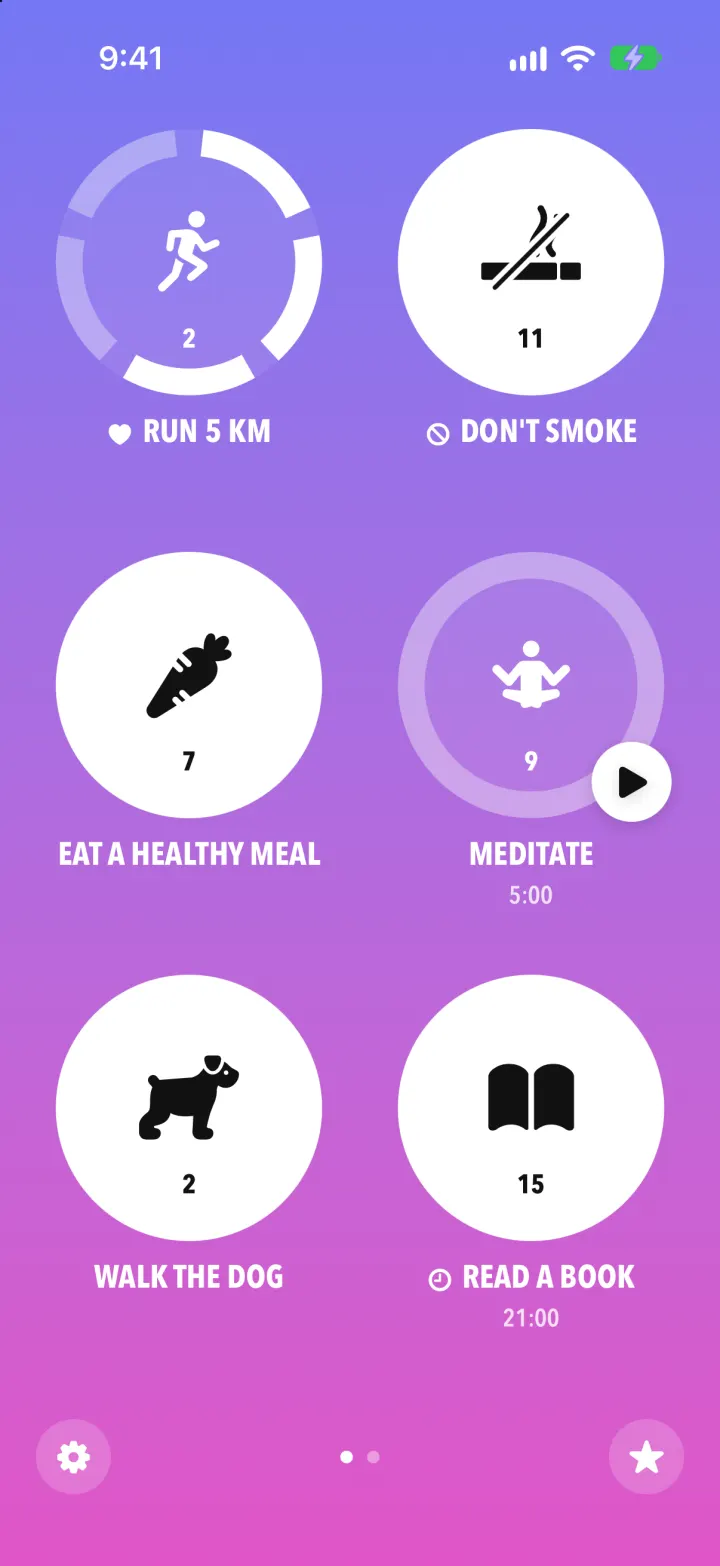
iOSStreaks with its real look: hold a circle to check in, watch the ring fill and the streak count climb.
- View template
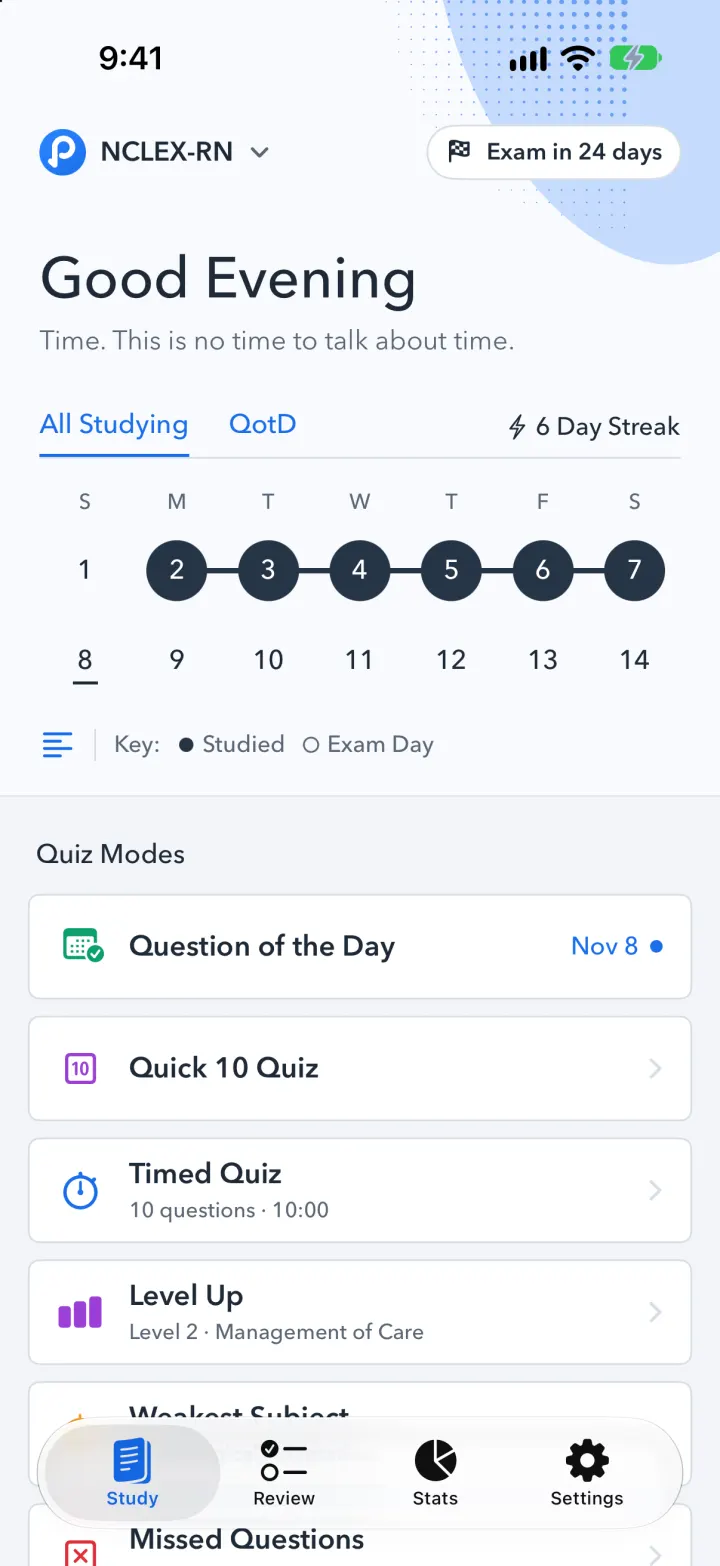
Pocket Prep Clone
iOSPocket Prep's NCLEX quiz app: streak calendar, 8 study modes, explanations and an AI tutor
- View template
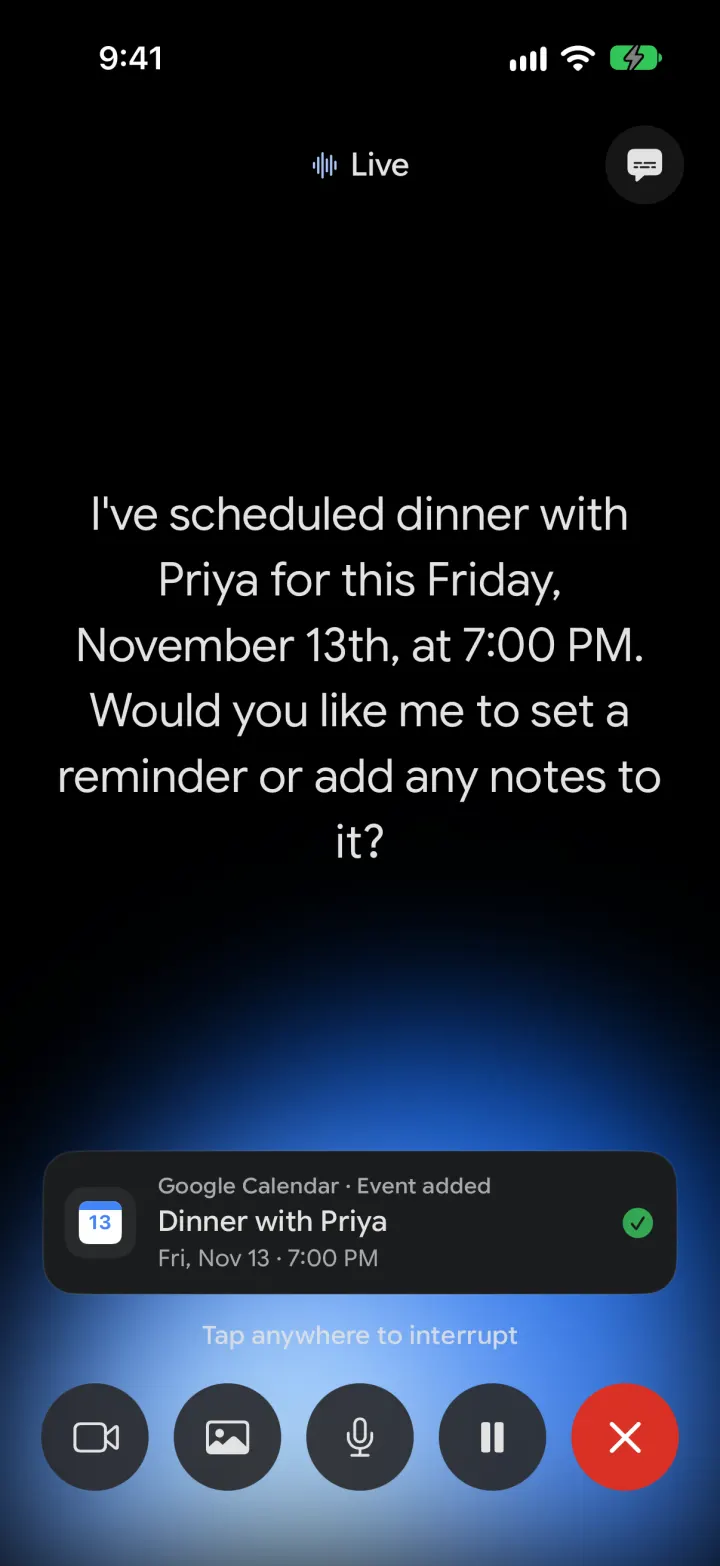
Google Gemini Clone
iOSGemini with real models: streamed chat with Google Search, Nano Banana images and Gemini Live voice
- View template
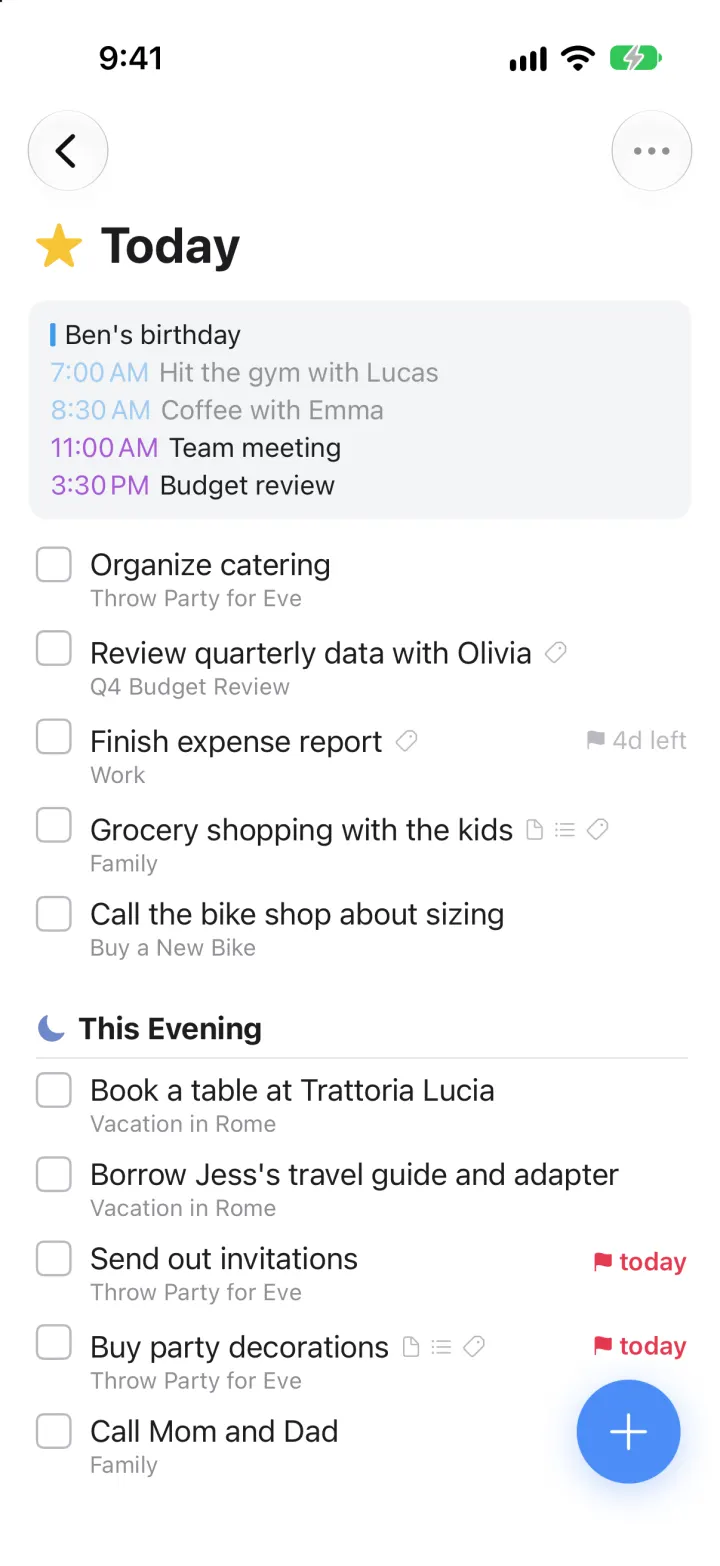
Things 3 Clone
iOSToday, This Evening, the Magic Plus and the dark When picker: the award-winning to-do app, ready to remix