Google Gemini Clone
Google Gemini clone · AI voice assistant app · built by the Vibecode team
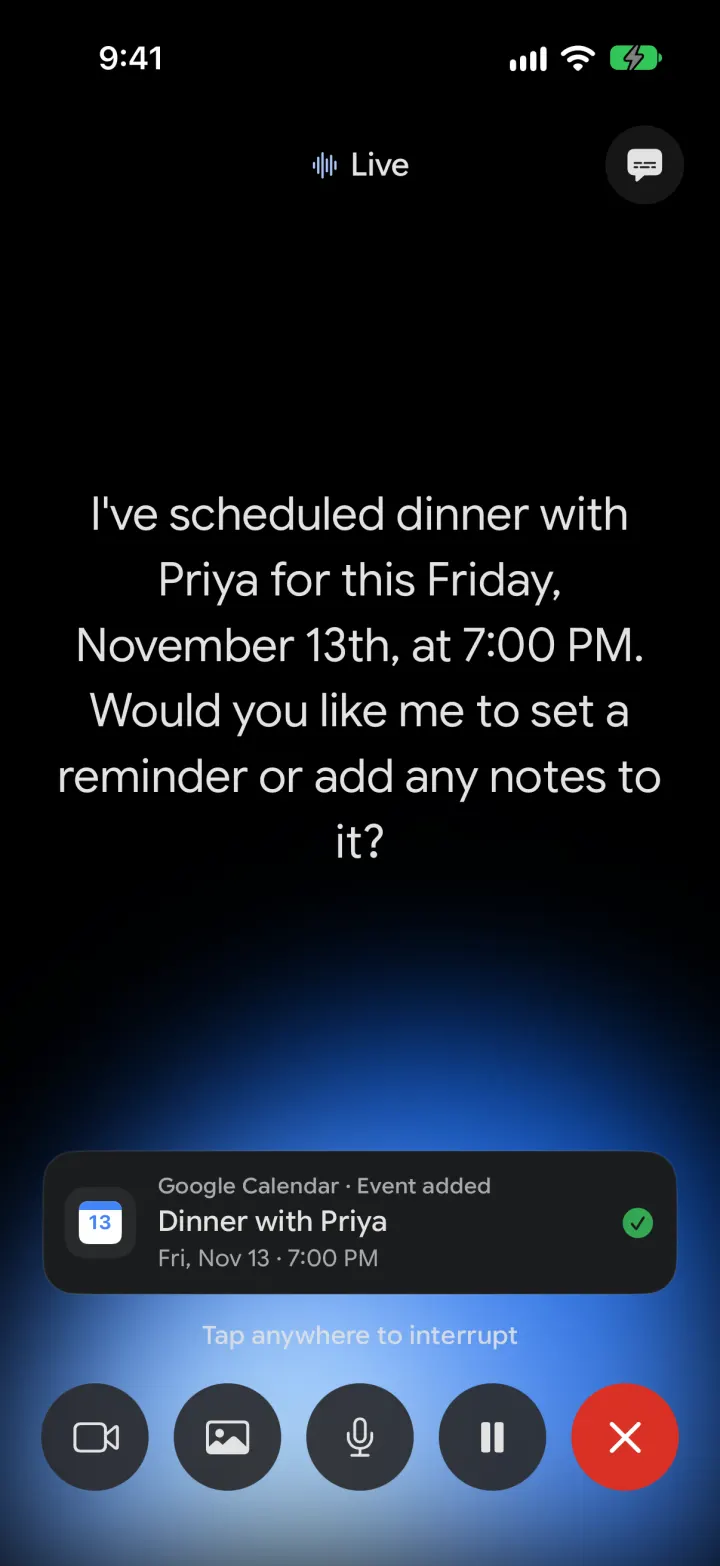
This rebuilds Google Gemini for iPhone with its real name and look: the colourful spark, "Hi Maya, where should we start?", the Ask Gemini bar and the blue Gemini Live glow. Chat streams real Gemini answers grounded in Google Search with source pills, switch between Fast, Thinking and Pro, and make images with Nano Banana. Tap Live to talk: it listens, answers out loud in a real Gemini voice you choose, and can add Google Calendar events, tasks or open websites while you talk. Make Gems, custom assistants like Jarvis with their own persona and voice, and turn on a "Hey Gemini" wake phrase or a Face ID lock in Settings.
- iPhone · Swift
- Hand-built
- Free to remix

Remix copies the working app into your account for free, exactly as we built it. It runs in Vibecode's cloud iOS simulator, in your browser.
The prompt that builds it
We wrote Google Gemini Clone by hand. This prompt describes the finished app: paste it into a new app to build your own version, or change it first.
Prompt · 914 words
Build a polished native iOS clone of Google Gemini in SwiftUI with a Bun + Hono backend: chat with real Gemini models that stream answers grounded in Google Search, Nano Banana image generation, Gemini Live voice mode with its blue glow, Gems (custom assistants with their own name, persona and voice), and tools that open websites and add Google Calendar events and Google Tasks.

It is Gemini on screen, in its dark theme: its name and its own words ("Hi Maya", "Where should we start?", "Ask Gemini", "Gemini Flash", "Fast / Thinking / Pro", "Show thinking", "Gemini is AI and can make mistakes.", "Live", "Gems", "Premade by Google", "Search for chats", "Recent", "Settings & help"). Black background, #1B1C1D surfaces, #282A2C user bubbles, #E3E3E3 text, light blue #A8C7FA accents, the blue-purple-pink gradient (#4285F4, #9B72CB, #D96570) on the greeting. Font: Google Sans Flex (OFL, bundled, variable weight). Draw the four-point spark in SwiftUI (a concave four-point star filled with a blurred red/yellow/green/blue conic gradient); it spins while Gemini thinks. The user is Maya Chen, Seattle, with a golden retriever called Maple.

SHELL
One main screen, no tabs. Top bar: a glass circle with the hamburger, "Gemini Flash ⌄" (opens the model sheet), and a glass capsule with new chat and ••• (pin, share, delete, settings). The hamburger slides a side drawer in from the left and pushes the screen aside. Opens straight on a new chat: no splash, onboarding, login, paywall or permission prompt.

SCREENS
1. New chat: small spark + gradient "Hi Maya", big "Where should we start?", then left-aligned pill chips: 🍌 Create image, Write anything, Help me learn, Boost my day, Plan a trip. With a Gem selected it shows the Gem's avatar, name and tagline instead.
2. Composer: a rounded #1B1C1D bar with +, "Ask Gemini", a dictation mic and the Live button (navy circle, light blue waveform). It becomes a light blue send arrow when there's text, and a stop button while streaming. + offers Photos and Create image (an "🍌 Image" chip appears).
3. Chat: user prompts in right-aligned rounded bubbles (with photo thumbnails); Gemini replies with no bubble, rendered Markdown (headings, bullets, numbered lists, bold, quotes, code blocks, rules), source pills under grounded answers, tool cards ("Google Calendar · Event added", "Google Tasks · Task added", "Opened in browser"), and an action row (thumbs up/down, regenerate, copy, share). Thinking model replies have a collapsible "Show thinking". Generated images appear inline.
4. Gemini Live (full screen): black with a soft blue glow rising from the bottom that breathes with your voice and Gemini's voice; "Live" title, captions toggle; captions in the middle (what you say in grey, Gemini's words in white, sentence by sentence as they're spoken); status "Listening… / Thinking… / Tap anywhere to interrupt / Paused"; controls: camera, share a photo, mute, pause, red end. Hands-free (end of speech after ~1.2 s of quiet) or push to talk (a hold-to-talk pill). Ending saves a "Live transcript" into the chat.
5. Drawer: "Search for chats" (searches titles and messages), New chat, Gems, your Gems, Recent chats (pinned first, Live chats marked with a waveform), and Maya's avatar with "Settings & help".
6. Gems: My Gems (Jarvis, a witty British butler with the Charon voice; Profe Rio, a Spanish tutor) and Premade by Google (Brainstormer, Career guide, Coding partner, Learning coach, Writing editor). Tap to chat with it; New Gem / edit: name, tagline, instructions (persona), Live voice with a preview, colour.
7. Model sheet: Fast (answers quickly), Thinking (solves complex problems), Pro.
8. Settings: Gemini Live voice (12 Gemini voices with real previews), talk mode, visual style (glow or orb), captions; "Hey Gemini" wake phrase (editable) that starts Live while the app is open; language; Google Calendar, Google Tasks and Open websites toggles plus a Calendar & tasks list; Saved info; Lock with Face ID.

AI (backend, keys via the Vibecode proxy)
- POST /api/chat streams SSE events (text, thought, sources, action). Fast = gemini-3.8-flash (thinkingLevel low), Thinking = gemini-4-argon (includeThoughts), Pro = gemini-3.1-pro-preview. Tools: google_search plus function declarations open_website, add_calendar_event, add_task (tool_config.include_server_side_tool_invocations = true). The backend answers function calls with a done response and lets Gemini write its confirmation; the phone runs the action.
- POST /api/live: one short spoken-style turn (same tools). POST /api/tts: gemini-3.8-flash-lite-tts with a prebuilt voice (Aoede default), returned as WAV; the app fetches every sentence at once and plays them in order with metering for the glow. POST /api/transcribe: gpt-4o-mini-transcribe fallback when on-device speech recognition isn't available. POST /api/image: Nano Banana (gemini-3.1-flash-image), with an optional attached photo to edit.
- Every request carries context: Maya's name, the local time, language, saved info, upcoming events and open tasks.

DATA
SwiftData: Chat, Message (text, thoughts, sources, actions, images, fromLive), Gem, AgendaItem (event or task). Seed 8 realistic chats (Roman aqueducts, Maple's training plan, a Spanish Live practice, Kyoto itinerary, compound interest, cover letter, Python fix, Dad's 60th), 7 Gems, this week's events and tasks; shift demo dates forward at launch so they never look stale.

RULES
Every button works. Fictional people only. Real models, real voice; no canned replies. Logs with [Live], [API], [Assistant] prefixes. Files under 300 lines.

REMIX-READY
Brand/Theme.swift (name, words, colours, font), Data/Fixtures.swift (demo data), features in small files, backend routes in backend/src/routes, README.md with a file map and remix ideas. A -DemoTour YES launch argument types a prompt, streams the answer, runs a Live turn that adds a calendar event and returns to the chat; -DemoScreen <name> jumps to a screen.
More templates
All templates- View template
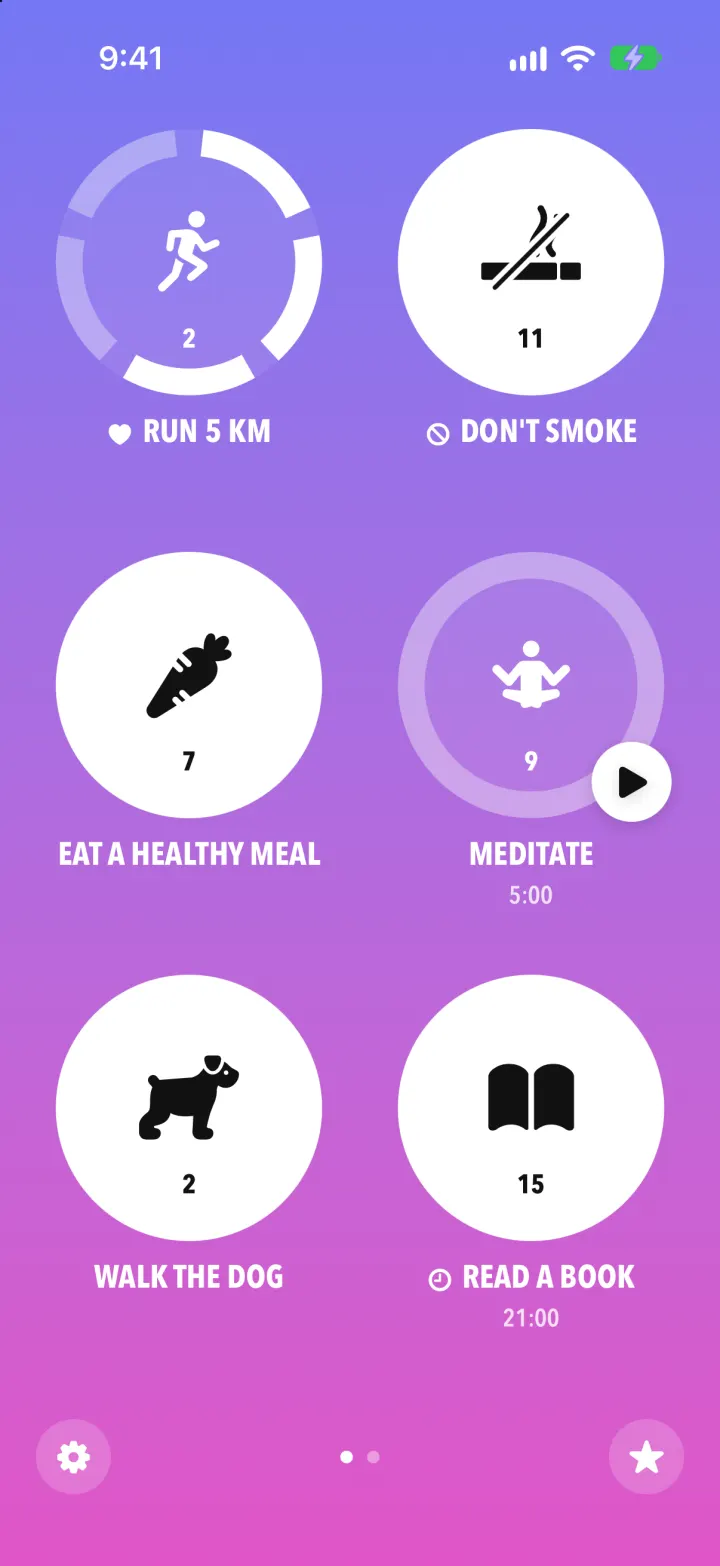
Streaks Clone
iOSStreaks with its real look: hold a circle to check in, watch the ring fill and the streak count climb.
- View template
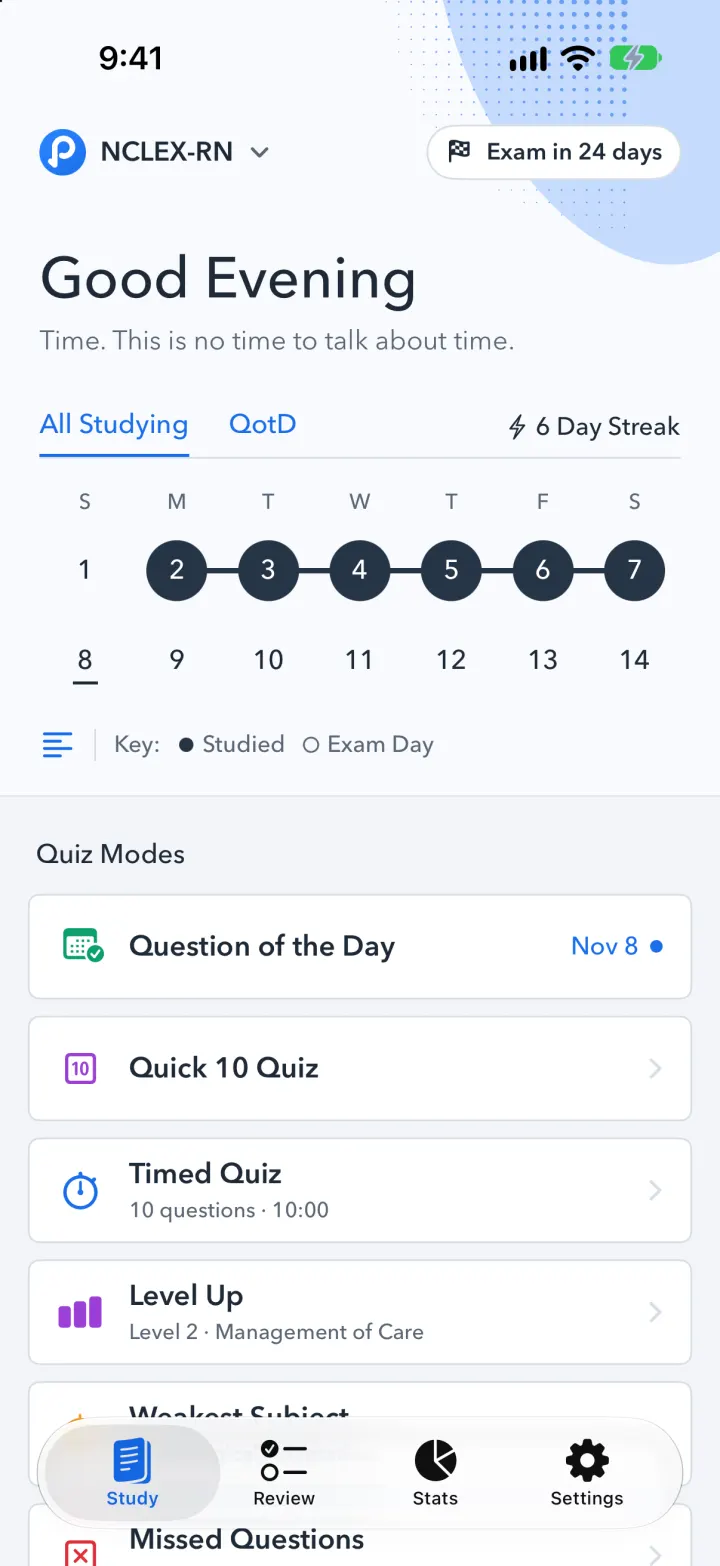
Pocket Prep Clone
iOSPocket Prep's NCLEX quiz app: streak calendar, 8 study modes, explanations and an AI tutor
- View template
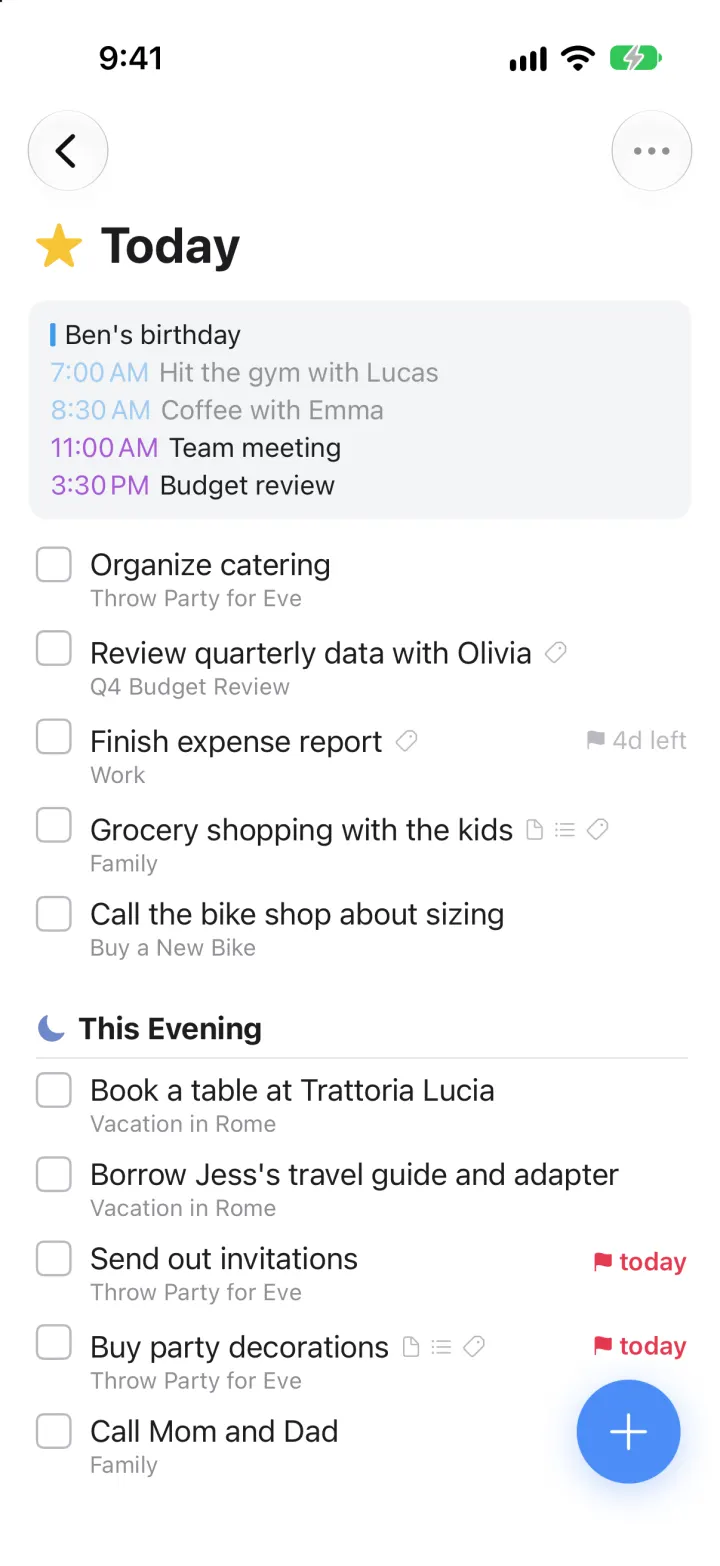
Things 3 Clone
iOSToday, This Evening, the Magic Plus and the dark When picker: the award-winning to-do app, ready to remix
- View template
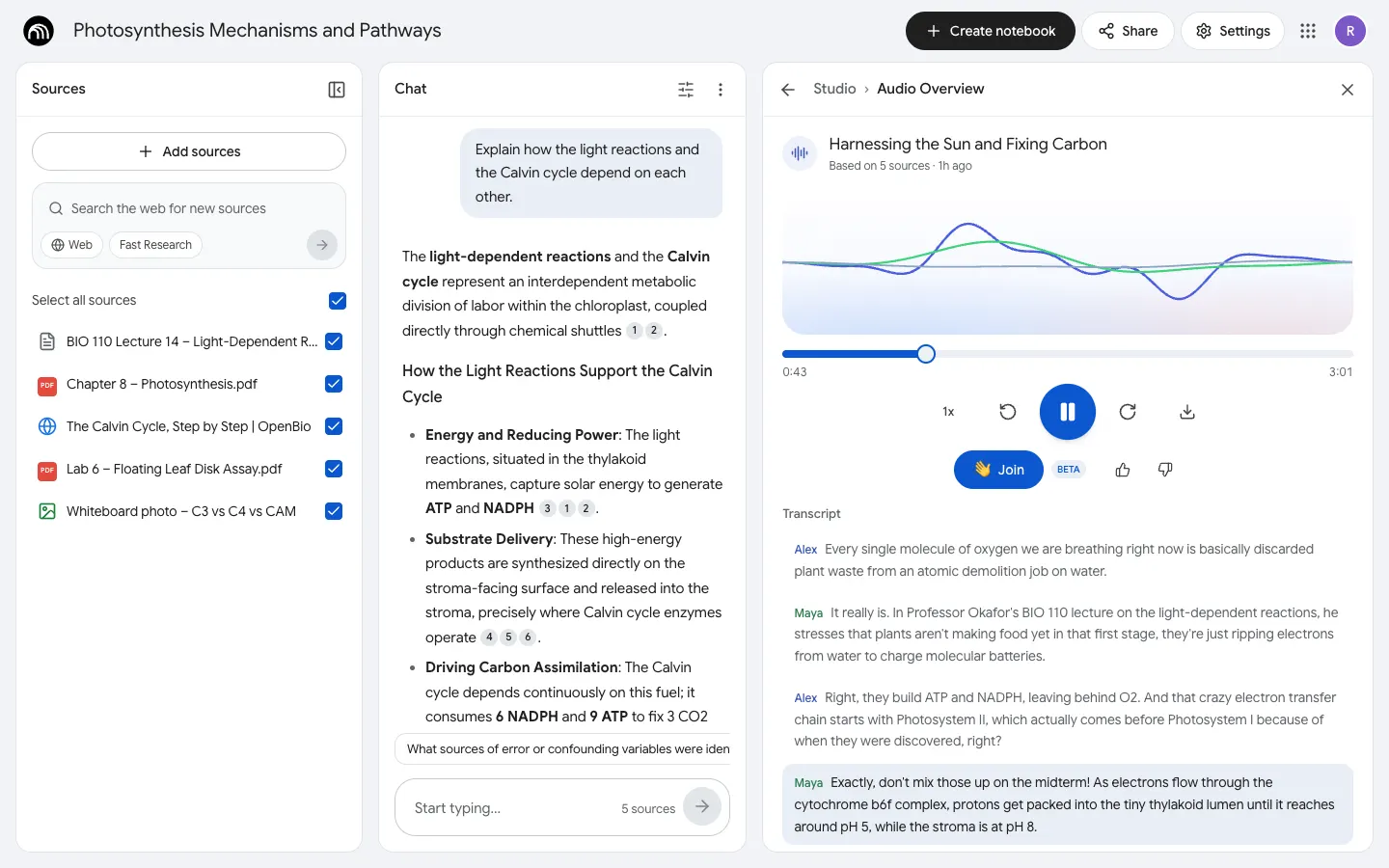
NotebookLM Clone
WebDrop in notes, PDFs and links, chat with cited answers, then hear two AI hosts talk them through.