Pocket Prep Clone
Pocket Prep clone · Exam prep app · built by the Vibecode team
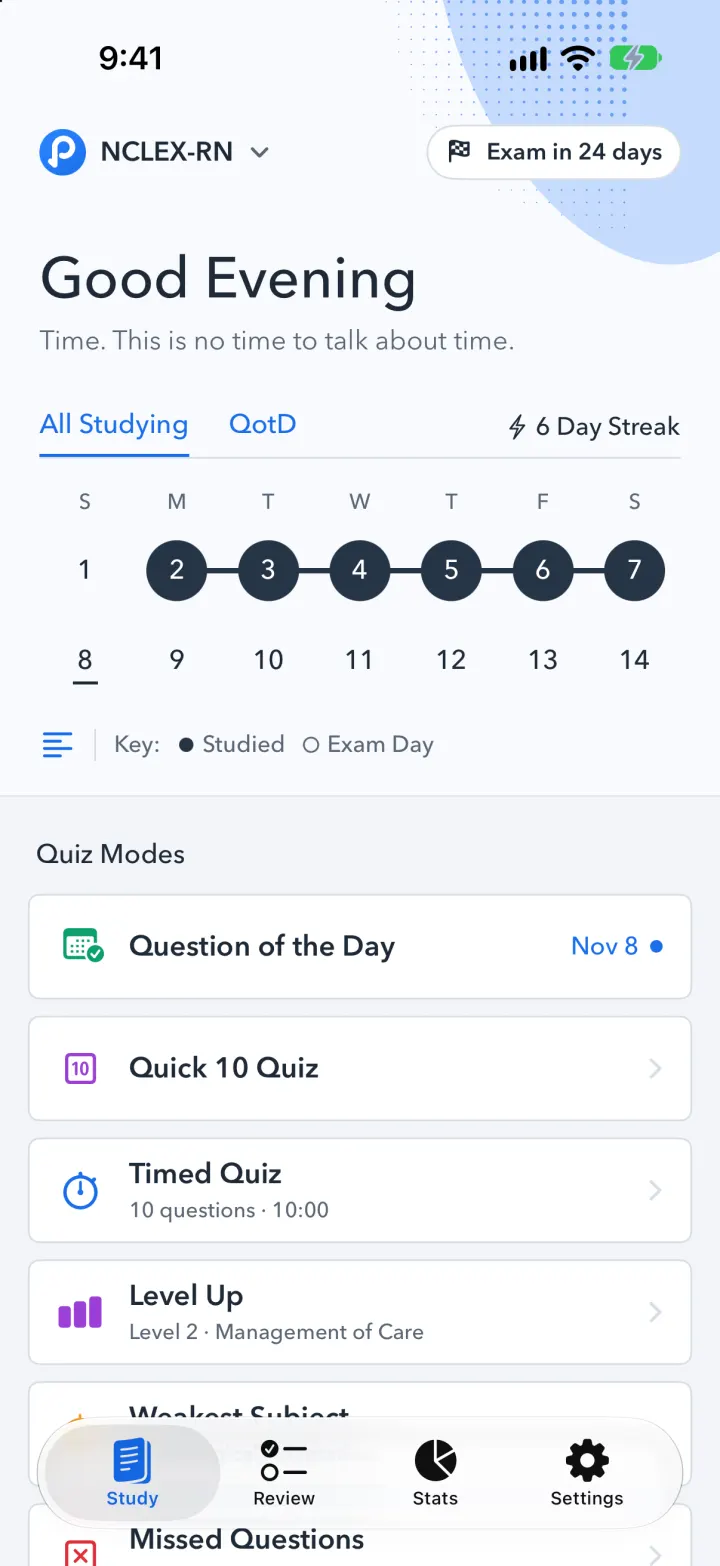
This rebuilds Pocket Prep with its real name and look: the blue P logo, the navy quiz screens and the Good Evening home with a two-week streak calendar. Answer the Question of the Day, run Quick 10, Timed, Level Up, Weakest Subject, Missed, Build Your Own or a 30-question Mock Exam, and see right and wrong answers with explanations as you go. Ask Tutor explains any question with a real AI model. Review every answered or flagged question, track subject scores on Stats, and import your own questions from a CSV spreadsheet. It ships with 60 original NCLEX-RN questions and two weeks of study history.
- iPhone · Swift
- Hand-built
- Free to remix

Remix copies the working app into your account for free, exactly as we built it. It runs in Vibecode's cloud iOS simulator, in your browser.
The prompt that builds it
We wrote Pocket Prep Clone by hand. This prompt describes the finished app: paste it into a new app to build your own version, or change it first.
Prompt · 887 words
Build a polished native iOS clone of Pocket Prep in SwiftUI: an exam-prep app for the NCLEX-RN with a question bank by subject, Question of the Day and a streak calendar, eight quiz modes with instant right/wrong feedback and explanations, an AI Tutor, Review, Stats and spreadsheet import of questions.

It is Pocket Prep on screen: its name, its round blue "P" logo (drawn in SwiftUI), brand blue #1A6EEB, navy #253446, and its own words ("Good Evening", "All Studying", "QotD", "6 Day Streak", "Key: Studied / Exam Day", "Quiz Modes", "Question of the Day", "Quick 10 Quiz", "Timed Quiz", "Level Up", "Weakest Subject", "Missed Questions", "Build Your Own", "Mock Exam", "Question 5 / 10", "Show Explanation", "Hide Explanation", "Ask Tutor", "Answered Correctly", "Community", "Study Progress", "Subject Scores"). The student is Maya, studying for the NCLEX-RN.

SHELL
Tabs: Study, Review, Stats, Settings (blue selected). Opens on Study: no splash, onboarding, login, paywall or permission prompt.

SCREENS
1. Study: top row with the logo, "NCLEX-RN ⌄" and a white "Exam in 24 days" chip; a soft blue blob with halftone dots in the top right. "Good Evening" (Morning/Afternoon by time) and a quip. Tabs "All Studying | QotD" with a blue underline and "⚡ 6 Day Streak". A two-week calendar (last week + this week, S M T W T F S): studied days are navy filled circles joined by a navy line, today underlined, exam day a hollow ring; in QotD view, right answers are green filled and wrong ones red rings. Then "Quiz Modes": white bordered rows with a coloured icon, title and detail (QotD shows today's date and a blue dot until answered; Level Up shows "Level 2 · Management of Care"; Missed shows the count).
2. Quiz (full screen): navy backdrop, segmented progress (current segment yellow), a white sheet with X, "Question 1 / 10" (timer in Timed/Mock), flag. Subject caption, stem, four shuffled options in bordered boxes. Tap an option: the right one turns green with a check, a wrong pick red with an X, the rest fade; "Show Explanation ⌄" inside the right answer expands the explanation; "67% of Pocket Prep users got this right". Bottom: "Ask Tutor" and a blue "Next" / "Submit Quiz". Mock Exam and Build Your Own can hold answers until submit.
3. Results: navy header with an open green arc gauge and big %, "8 / 10 Answered Correctly", time; a "Next step" tip; every question with check or X, tap for the full explanation; Done.
4. Question of the Day: a dark navy card sheet with "Question of the Day", the date, the question in big white type, dark option rows, gold "Show Explanation" and a gold Done. Answering fills today on the calendar and grows the streak.
5. Tutor: dark chat sheet "Tutor  Question 1", starter chips ("Why is this the right answer?", "Explain it more simply", "Give me a memory trick"), a Reply field. Replies come from a real model: POST /api/tutor on the backend sends the question, choices, answer, explanation and chat to Claude (Sonnet) via the Vibecode proxy and returns a short explanation with an exam-day tip.
6. Review: "Review" with counts All / Flagged / Incorrect / Correct (big numbers, underline on the selected), "Search Questions" and a subject "Filter"; cards with subject, flag/check/X and the stem; tap for the question with your answer, the right answer, explanation and Ask Tutor.
7. Stats: navy header with the green arc gauge (overall %), black boxes "38 / 47 Answered Correctly" and "61% • Community"; collapsible "Study Progress • 78%" and "6 Subject Scores" (each % with "x / y Correct" and a green/orange/red bar); a "Quiz Scores" bar chart.
8. Build Your Own Quiz: Subjects menu "6 of 6", "When do you want to see the correct answer and explanation?" (After each question / After submitting quiz radios), Include New / Answered / Flagged / Incorrect with counts and checkboxes, "How many questions?" big number with − and +, Start Quiz.
9. Settings: logo card with "Premium", exam, exam date picker (drives the countdown and calendar), questions in bank, "Import Questions (CSV)" (pick a .csv or paste rows; columns subject, question, choice_a..d, correct A-D, explanation; preview then import; imported questions join every mode), Reset Progress.

DATA
60 original NCLEX-RN questions, 10 per subject: Management of Care, Safety and Infection Control, Pharmacological and Parenteral Therapies, Physiological Adaptation, Reduction of Risk Potential, Basic Care and Comfort; each with difficulty 1-3 and an explanation. SwiftData keeps every answer, flag and quiz. On first launch seed two weeks of history relative to today (a 6 day streak, ~45 answered, a few flags) and shift demo rows forward on later launches so nothing looks stale.

LOOK
Page #F3F5F8, cards white with a 1 pt #D6DDE6 border and 6 pt corners, ink #1E2A38, secondary #5A6675, green #0C9F6C, red #E0303A, orange #F5A027, yellow #F2B84B, gold #F4C95D. Avenir Next (Demi Bold titles, Medium body).

RULES
Native SwiftUI, iOS 26, standard TabView, sheets and full-screen covers. Files under 300 lines. Launch arguments -DemoTour YES (a 20 s tour), -DemoScreen <name>, -ResetDemo YES.

REMIX-READY
Brand/Brand.swift (names, words), Brand/Theme.swift (colours, fonts), Data/Fixtures/ (one file per subject), Data/Seeder.swift, Engine/ (QuizMode, QuizBuilder, QuizSession, StudyStats), Features/<Tab>/. README.md under 80 lines with how to swap the exam, rename, recolour, and 3 remix prompts; "Read README.md first." atop CLAUDE.md.
More templates
All templates- View template
Streaks Clone
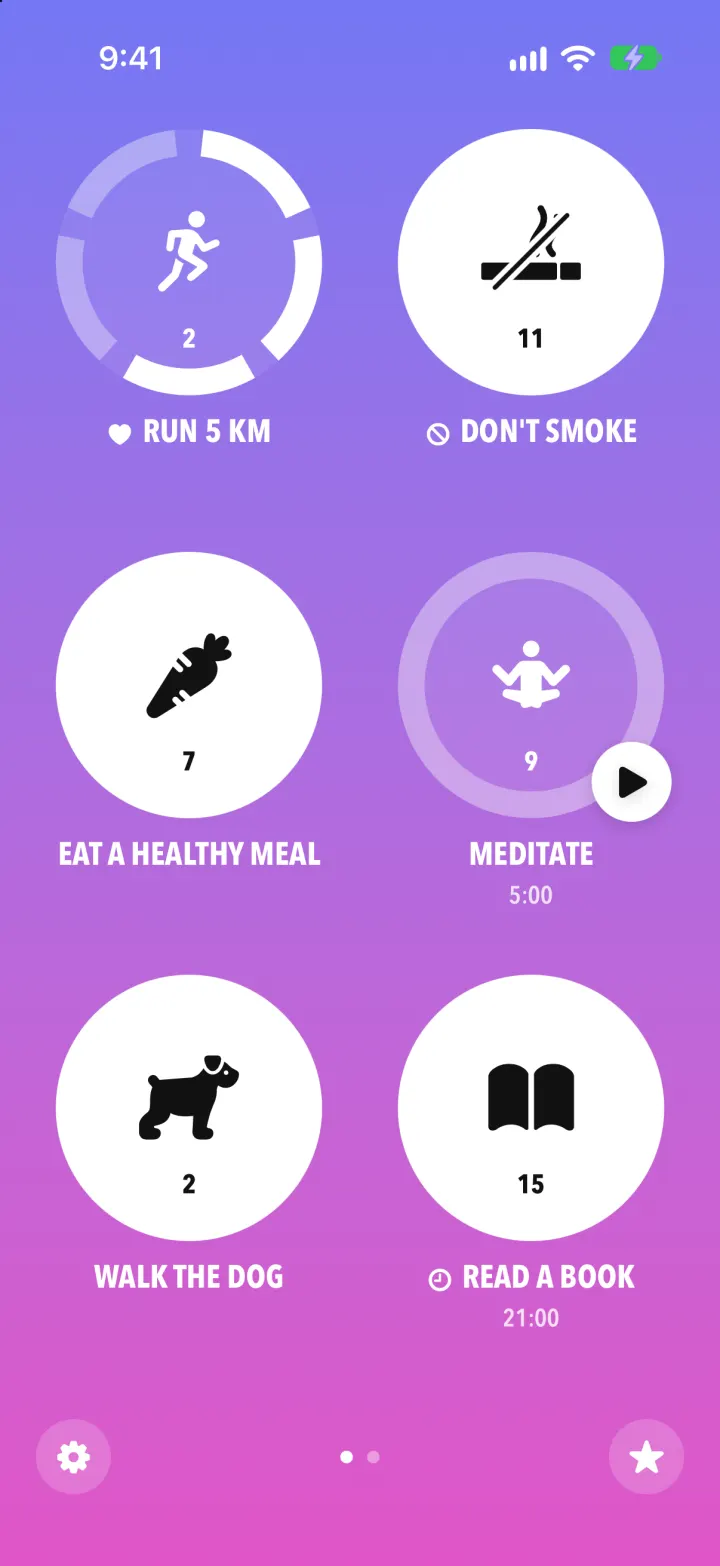
iOSStreaks with its real look: hold a circle to check in, watch the ring fill and the streak count climb.
- View template
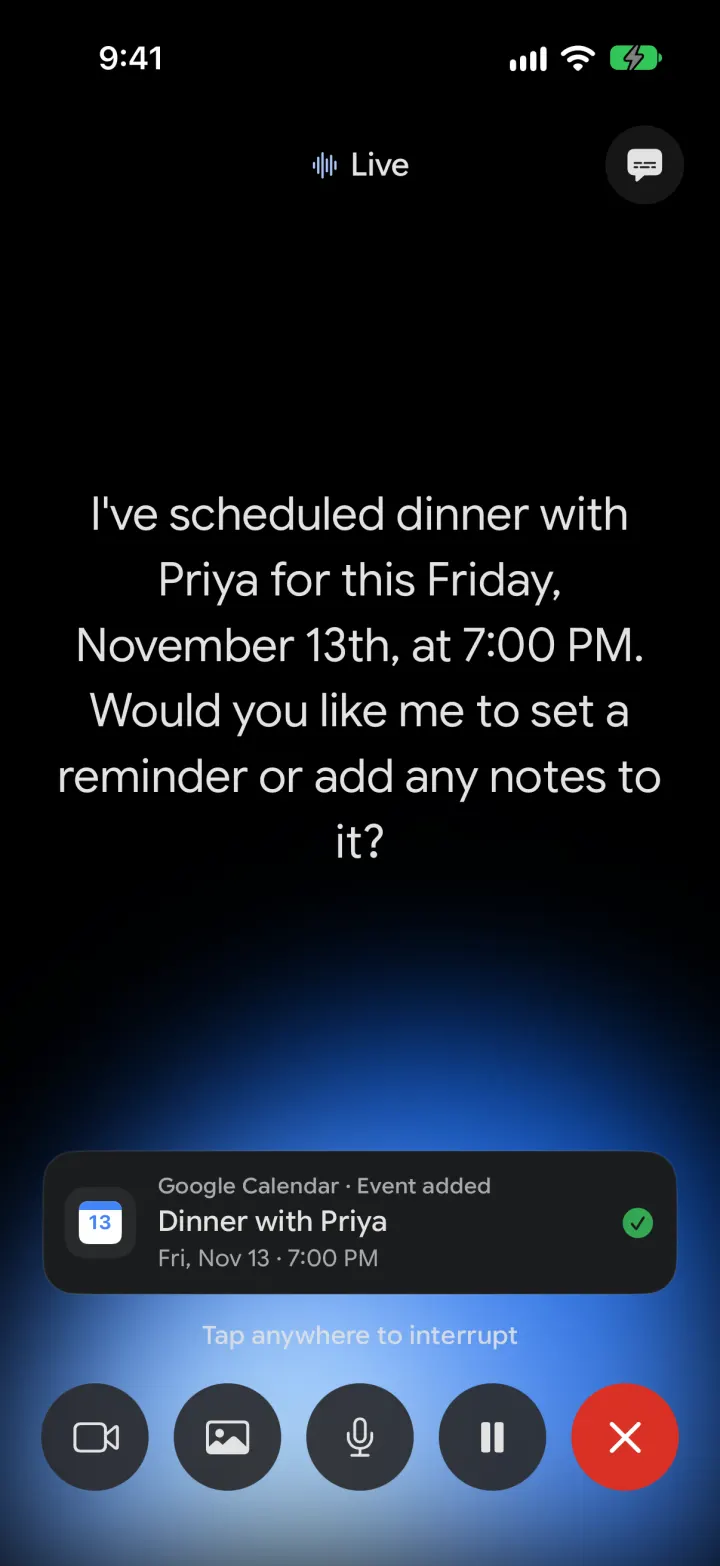
Google Gemini Clone
iOSGemini with real models: streamed chat with Google Search, Nano Banana images and Gemini Live voice
- View template
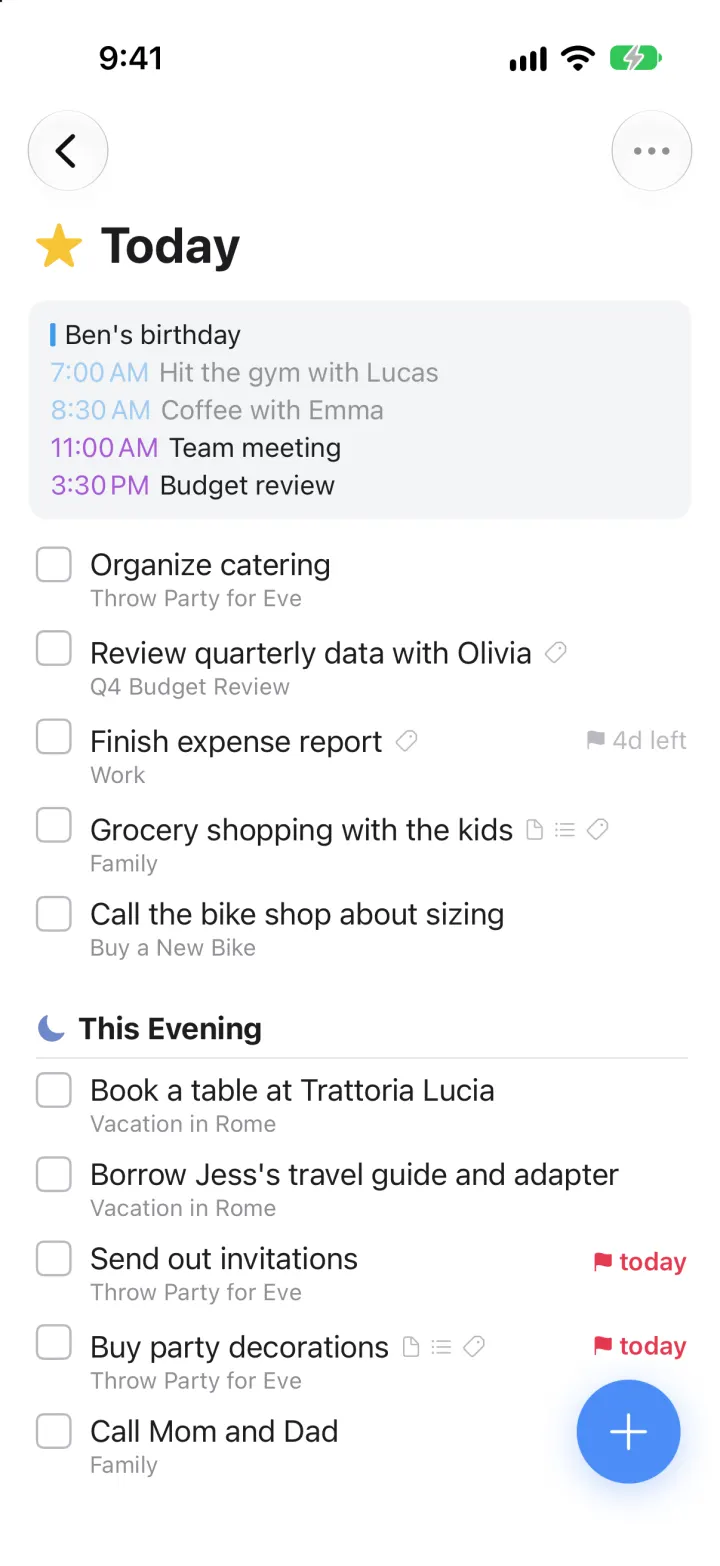
Things 3 Clone
iOSToday, This Evening, the Magic Plus and the dark When picker: the award-winning to-do app, ready to remix
- View template
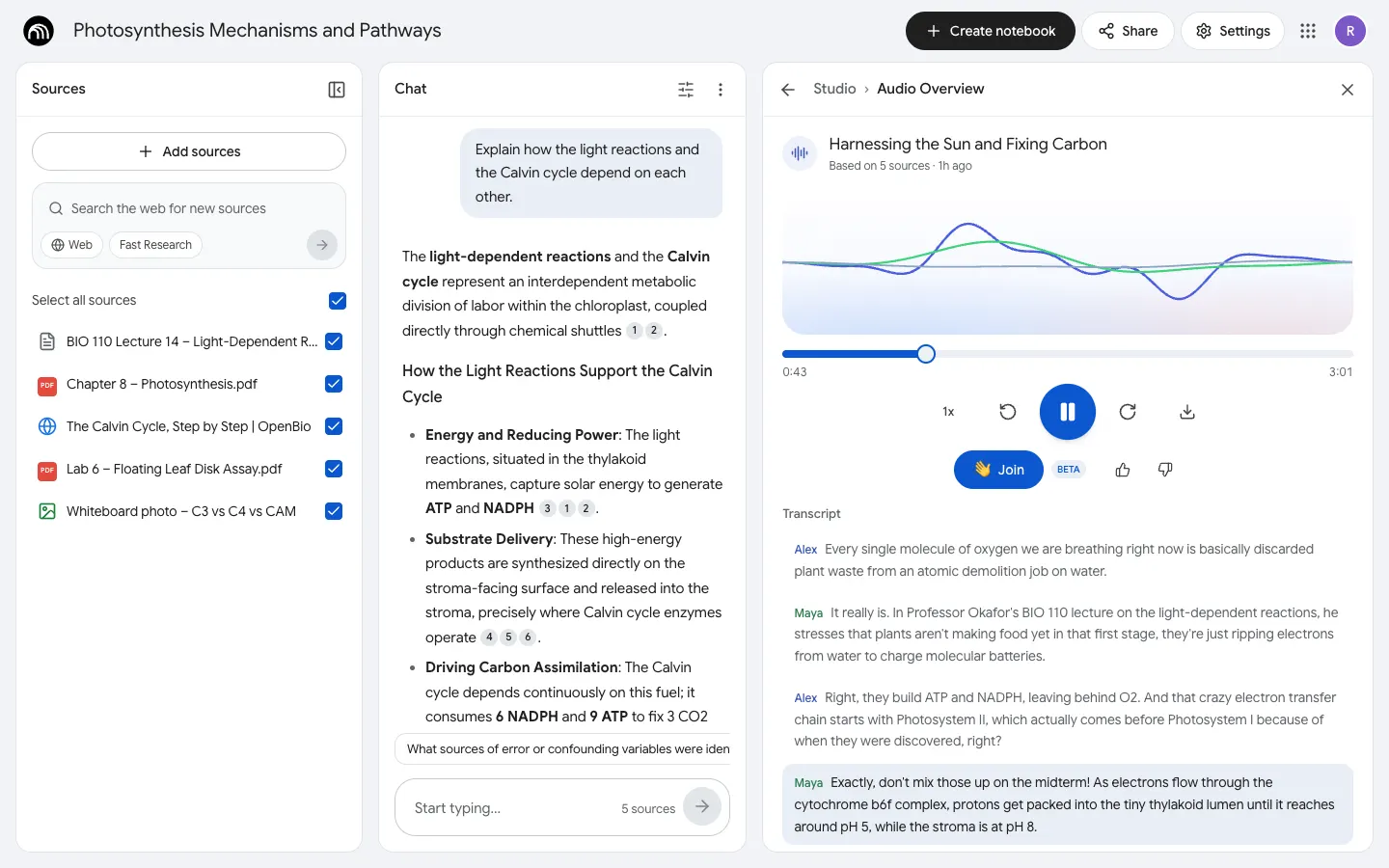
NotebookLM Clone
WebDrop in notes, PDFs and links, chat with cited answers, then hear two AI hosts talk them through.