Things 3 Clone
Things 3 clone · To-do list app · built by the Vibecode team
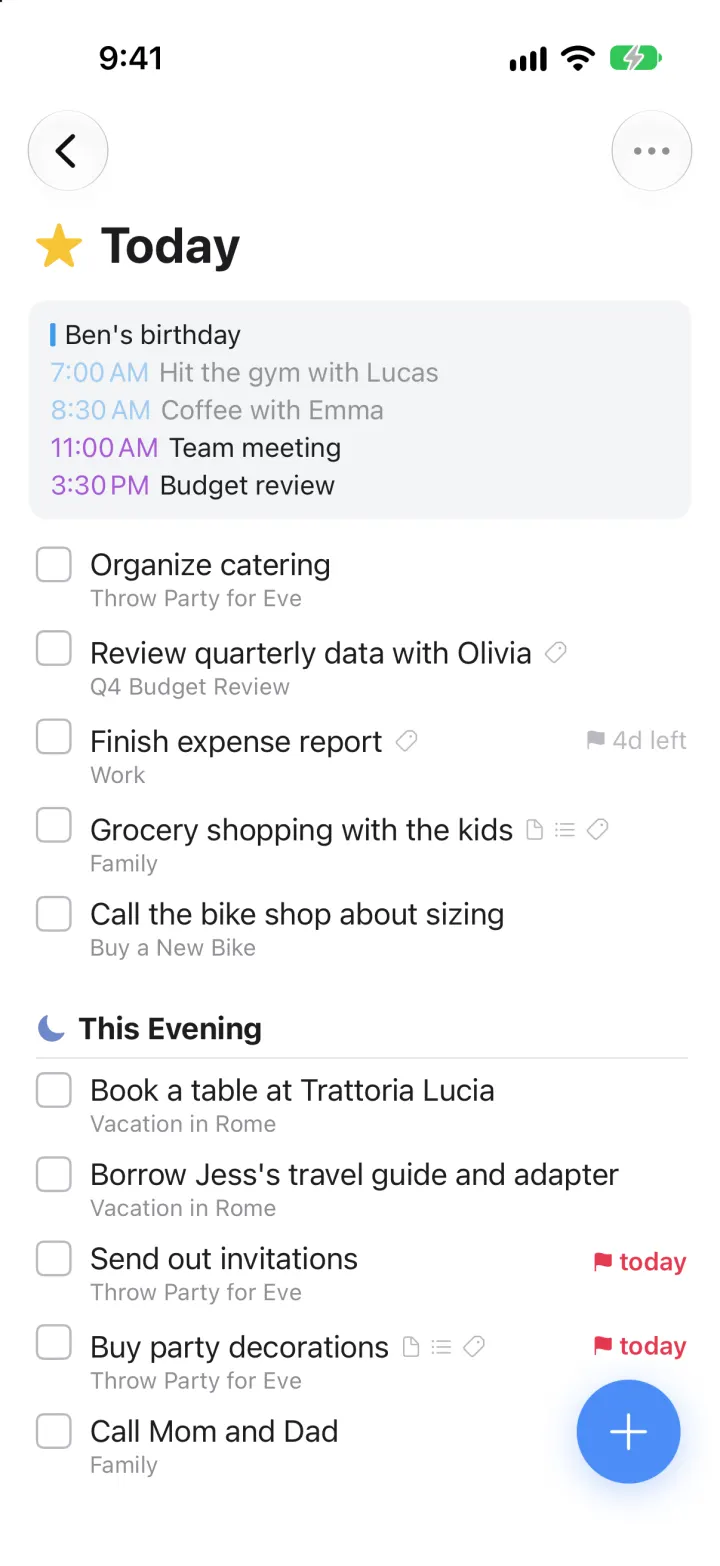
This template rebuilds Things 3 by Cultured Code with its real name, white look and list icons. Home shows Quick Find, Inbox, Today, Upcoming, Anytime, Someday and Logbook above your areas and projects with progress pies. Today mixes calendar events with to-dos and a This Evening section; check a box and it slides off to the Logbook. The blue Magic Plus opens a to-do card with notes, checklists, tags, deadlines and the dark When calendar, and new to-dos land in whatever list is open. Everything is saved on the phone, and the sample lists move forward with the date so they never look stale.
- iPhone · Swift
- Hand-built
- Free to remix

Remix copies the working app into your account for free, exactly as we built it. It runs in Vibecode's cloud iOS simulator, in your browser.
The prompt that builds it
We wrote Things 3 Clone by hand. This prompt describes the finished app: paste it into a new app to build your own version, or change it first.
Prompt · 984 words
Build a polished native iOS clone of Things 3 (the Apple Design Award to-do app by Cultured Code) in SwiftUI with SwiftData: Inbox, Today with calendar events and This Evening, Upcoming, Anytime, Someday, Logbook, areas and projects with headings, the blue Magic Plus, the dark When picker, deadlines, tags, checklists and Quick Find.

It is Things on screen, in its white light look: its name and its words ("Quick Find", "Inbox", "Today", "This Evening", "Upcoming", "Anytime", "Someday", "Logbook", "When", "Deadline", "New To-Do", "Notes", "Save", "Show 3 completed to-dos"). SF Pro throughout. Draw every list icon in code: blue tray (Inbox), yellow star (Today), red calendar with a dot grid (Upcoming), teal stack (Anytime), khaki box (Someday), a green book with a white check (Logbook), a grey outlined pie that fills as a project's to-dos get done, a grey cube for areas.

SHELL
No tab bar: one NavigationStack. Opens straight on Home: no splash, onboarding, login, paywall or permission prompt. A 58 pt blue Magic Plus circle (#4C8EF7, thin white plus, soft blue shadow) floats bottom-right on every list. Pushed lists use the system back chevron (grey) and a "..." menu on the right; the big title fades into the nav bar on scroll.

SCREENS
1. Home: a grey "Quick Find" field; Inbox (grey count); Today (pink-red #E8476B pill with the count of to-dos due today or overdue, then the grey total), Upcoming, Anytime, Someday; Logbook; a hairline; projects without an area (Plan Kitchen Remodel); then each area (Family, Work, Health) in bold with a cube and its projects with pies; Settings at the bottom.
2. Today: star + "Today" title; a light grey card of today's calendar events (coloured times, past ones faded: Ben's birthday, 7:00 AM Hit the gym with Lucas, 8:30 AM Coffee with Emma, 11:00 AM Team meeting, 3:30 PM Budget review); to-dos with a rounded square checkbox, the title, small grey icons for notes / checklist / tags, the project name in grey below and a red flag + "today" or grey "4d left" deadline on the right; then a moon + "This Evening" section.
3. Checking a box fills it blue with a white check; the row stays a second, then slides away to the Logbook. Swipe right for When, left to delete; long-press to reorder.
4. To-do card: tapping a to-do (or the Magic Plus) dims the list and drops a white rounded card from the top: checkbox + title, Notes, a checklist with circles (tap to tick, strikethrough), green tag pills, a When chip (star Today / moon This Evening / calendar date / Someday) and a red "Deadline: Fri, Nov 14" chip, each with an x; bottom-right icons calendar, tag, checklist, flag. A new to-do also shows its destination (Inbox, Today, the project...) and a blue Save pill, and lands in the list that was open.
5. When picker: a dark rounded card titled "When": "Today" (star), "This Evening" (moon), a five-week calendar starting this week (today is a yellow star, past days dimmed, month initials on the 1st, the selection a blue rounded square), "Someday" (box), "Clear". The flag icon opens the same card as "Deadline" (selection in red).
6. Upcoming: the next seven days, each with a big bold day number and "Tomorrow" / weekday in grey, that day's events card and to-dos; later to-dos grouped by month with a blue date label.
7. Anytime and Someday: to-dos grouped under project / area headers (pie or cube, bold title, chevron). Anytime marks today's to-dos with a star or moon. Inbox is a flat list.
8. Project: blue pie + title, the notes, loose to-dos, then blue headings (with "...") and their to-dos; a "Show N completed to-dos" pill. Menu: Add Heading, Complete Project, Delete Project. Area: its projects with open counts, then its own to-dos; menu: New Project.
9. Logbook: completed to-dos grouped Today / Yesterday / weekday dates / months, each row a blue checked box + blue "today" or "11/7" label; tapping the box puts it back. Menu: Clear Logbook.
10. Quick Find: a sheet with a search field and Cancel; matches lists, areas, projects, to-dos and tags, and jumps there. Settings: totals of open vs completed to-dos, due today or overdue, active projects, a Show Calendar Events toggle, Reset Demo Data.

DATA
Family: Vacation in Rome (Before we go / In Rome), Buy a New Bike, Throw Party for Eve (Invites / Food & drinks / Decorations, "Buy party decorations" with notes, a Balloons / Party hats / Streamers checklist, tag Errand and a deadline today). Work: Prepare Presentation (Slides and notes / Preparation), Onboard Julia, Q4 Budget Review. Health: Run a Marathon, Learn Basic Italian. About 70 fictional to-dos across Inbox, Today, This Evening, the next 24 days, Anytime, Someday and the last 11 days of the Logbook, all stored as day offsets from today.

LOOK
White page, ink #1C1C1E, secondary #8E8E93, hairlines #E4E4E8, field #EEEFF2; Inbox #3E8DF3, Today star #F8C537, Upcoming #E6455F, Anytime #2F9C8E, Someday #CDB677, Logbook #4FB35B, evening moon #6E86C9, accent / checked / headings #2F6FDB, deadline red #E53950, tags #DDF1E2 on #3B8A51. Titles 28 pt bold, rows 17 pt, subtitles 13 pt.

RULES
- Native SwiftUI, iOS 26 (keep the template's target), iPhone portrait, light mode. SwiftData models ToDo (when = inbox / anytime / dated / someday, startDate, evening, deadline, tags, checklist, project, area, heading, completedAt, order), Project, Area.
- Seed the sample data once, flag it as demo, and shift every demo date forward by the days since the seed on each launch so Today never looks stale.
- No backend, login, permissions or network. Snappy springs, no dead buttons. Files under 300 lines.

REMIX-READY
Brand/Theme.swift (name, words, colours, fonts), Brand/ListIcons.swift, Models/Models.swift, Data/Fixtures.swift (areas, projects, to-dos, tags, calendar events as day offsets), Data/Seeder.swift, Data/AppModel.swift (navigation, open card, picker), Data/DemoScript.swift (-DemoTour YES, -DemoScreen <name>, -ResetDemo YES), Features/<Screen>/. README.md under 80 lines; "Read README.md first." atop CLAUDE.md.
More templates
All templates- View template
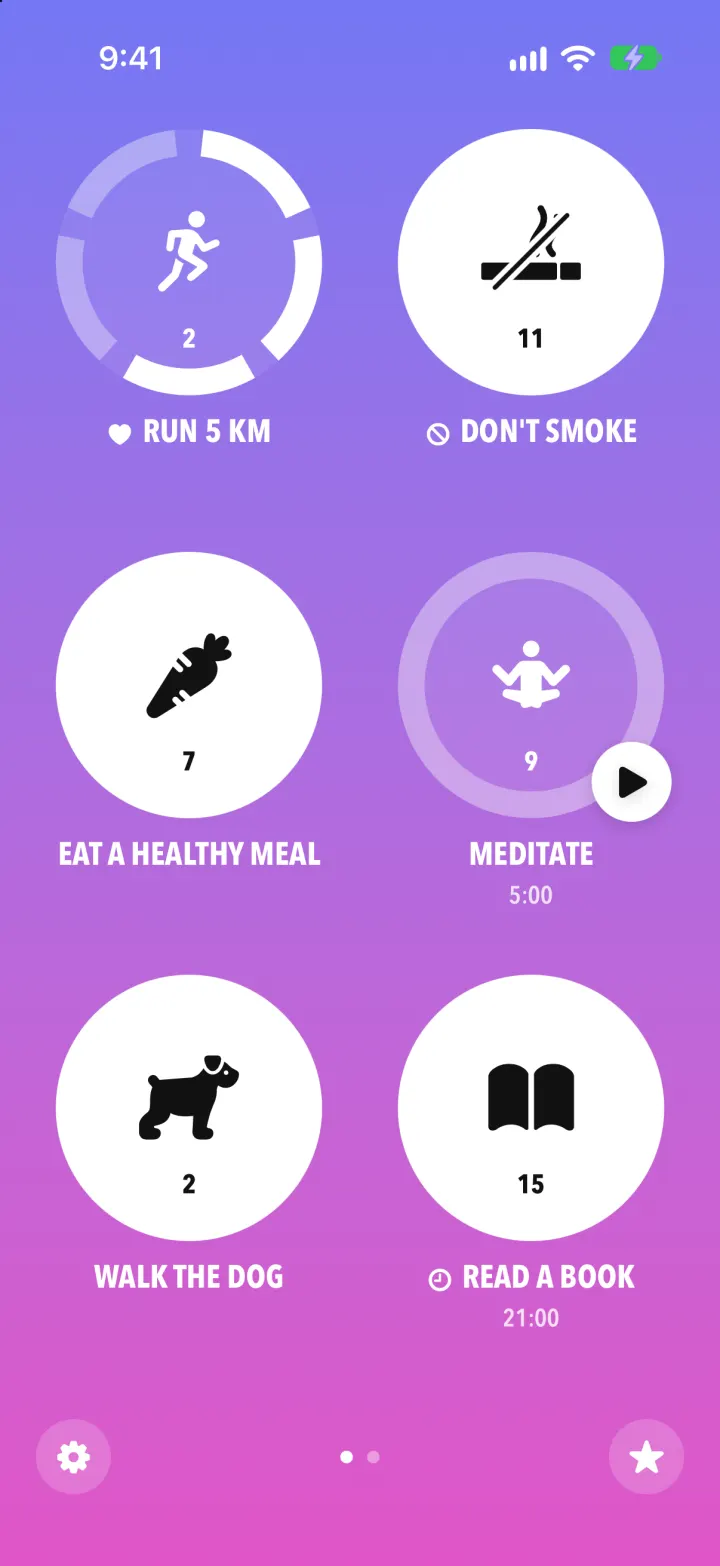
Streaks Clone
iOSStreaks with its real look: hold a circle to check in, watch the ring fill and the streak count climb.
- View template
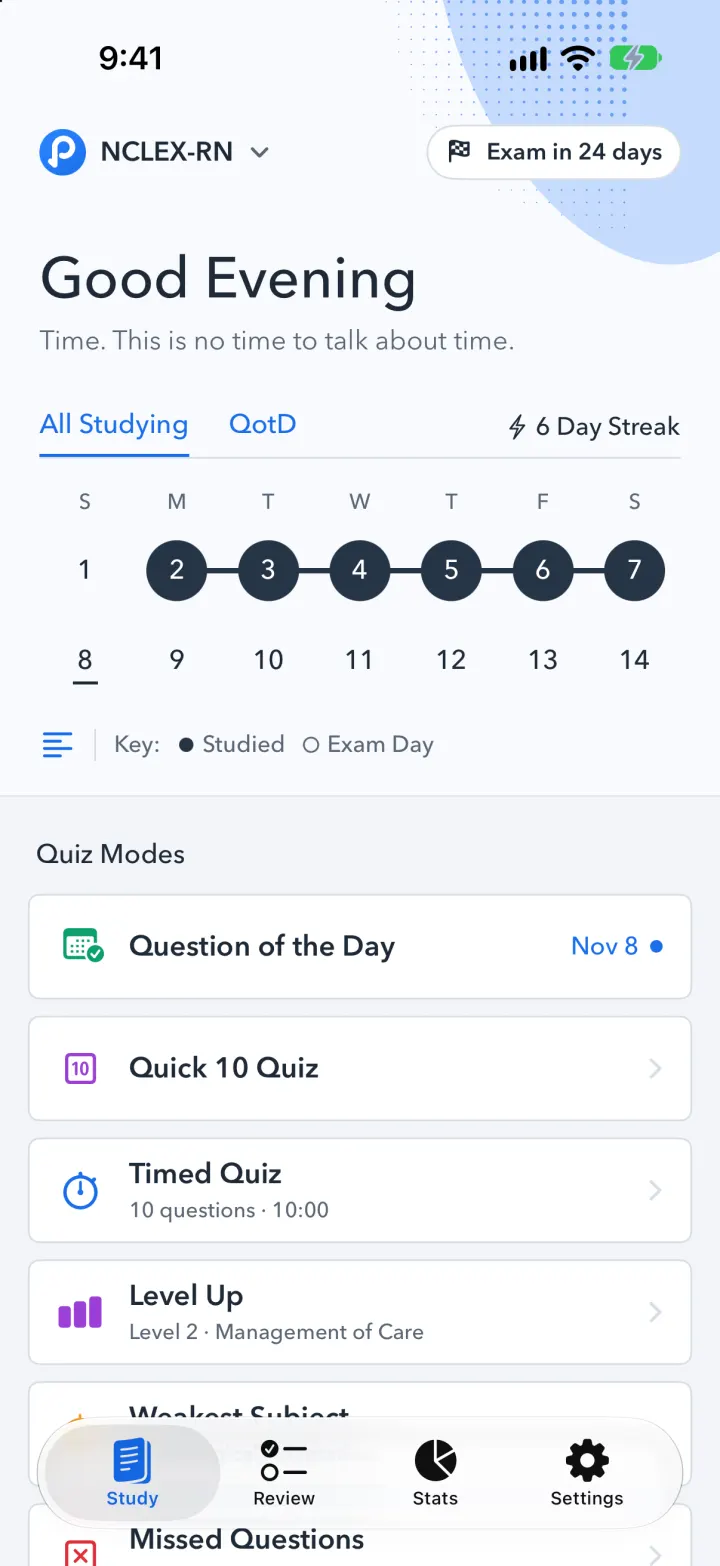
Pocket Prep Clone
iOSPocket Prep's NCLEX quiz app: streak calendar, 8 study modes, explanations and an AI tutor
- View template
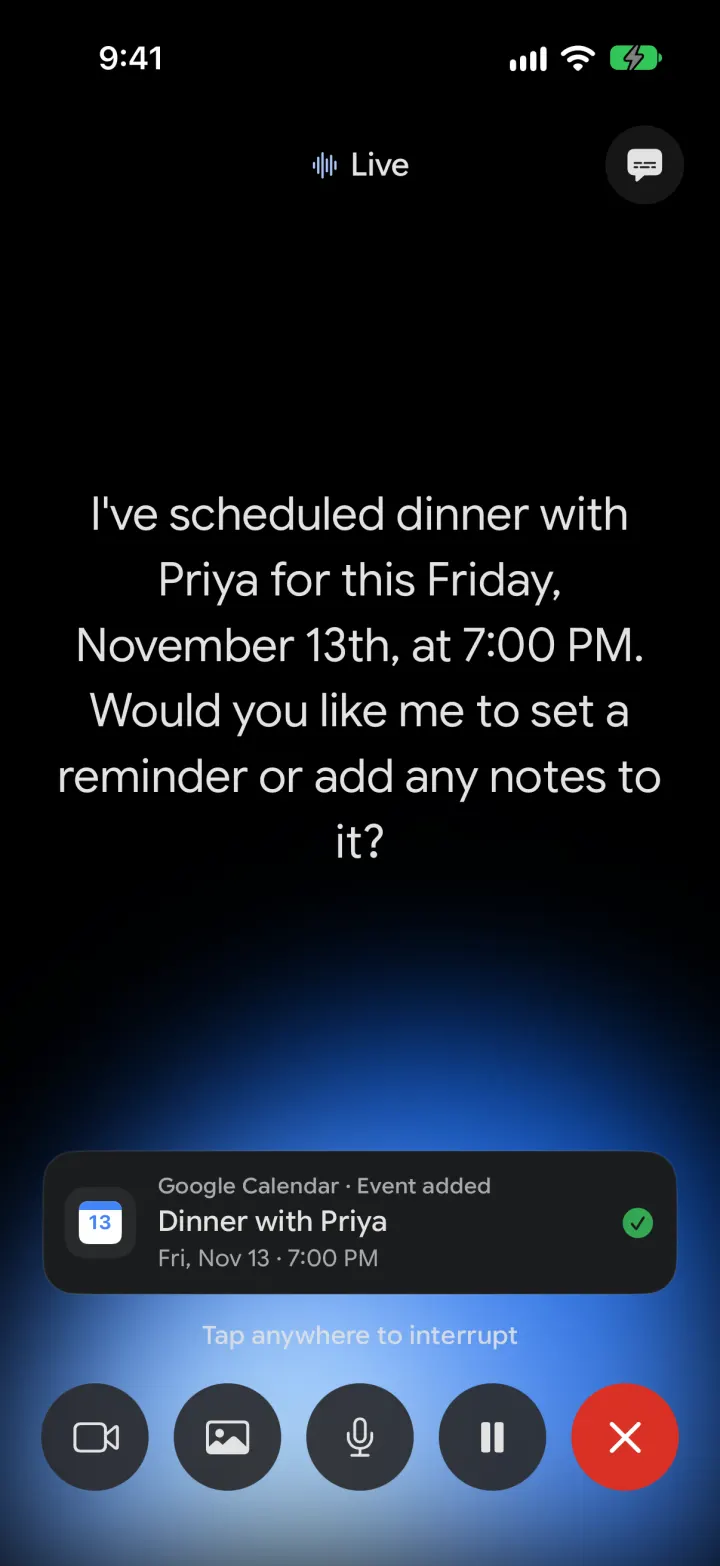
Google Gemini Clone
iOSGemini with real models: streamed chat with Google Search, Nano Banana images and Gemini Live voice
- View template
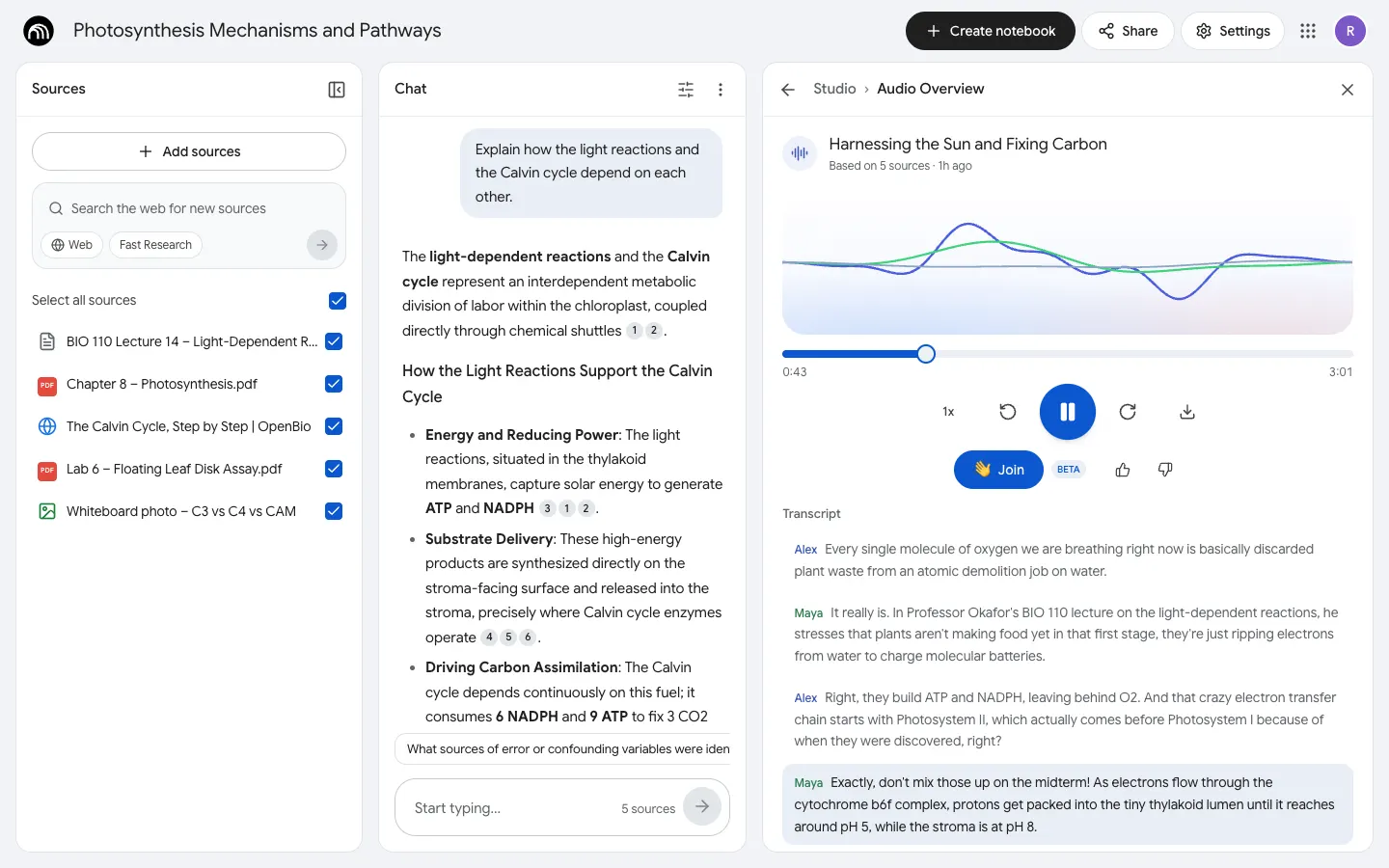
NotebookLM Clone
WebDrop in notes, PDFs and links, chat with cited answers, then hear two AI hosts talk them through.