NotebookLM Clone
NotebookLM clone · AI study notebook app · built by the Vibecode team
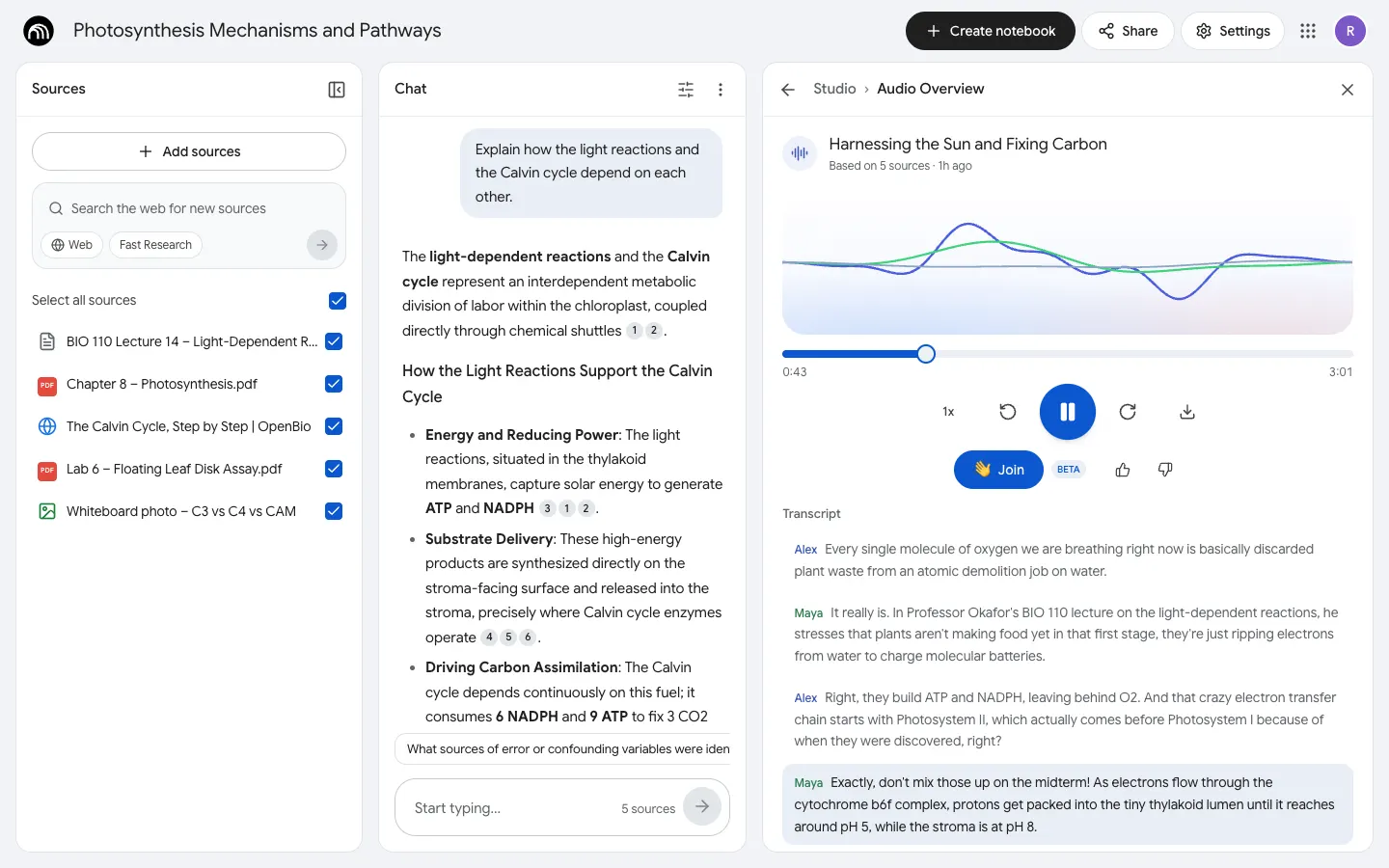
NotebookLM Clone rebuilds Google's NotebookLM with its real name, arches logo, Google Sans and light Sources | Chat | Studio layout. Add PDFs, photos of notes, websites, YouTube videos, audio or pasted text, and Gemini reads them into sources with a Source guide. Ask questions and every answer cites numbered passages you can hover and click to see highlighted in the source. Studio turns the notebook into a two-host Audio Overview you can join with a question, a narrated Video Overview, a mind map, study guides, flashcards, quizzes, an infographic and slide decks, all made live by real models.
- Web app
- Hand-built
- Free to remix
Remix copies the working app into your account for free, exactly as we built it. It runs in your browser.
The prompt that builds it
We wrote NotebookLM Clone by hand. This prompt describes the finished app: paste it into a new app to build your own version, or change it first.
Prompt · 660 words
Build a polished web clone of Google's NotebookLM, the AI research and study notebook: add your sources, chat with answers grounded only in them with numbered citations, and turn them into Studio outputs. React + Tailwind front end, a Bun + Hono backend that makes every AI call with Gemini (never mock it).

It is NotebookLM on screen, in its light theme: its name, the black-disc "arches" logo drawn as SVG, Google Sans, Google blue #0B57D0, white rounded panels on a #F1F3F6 page, and its own words ("Create new", "Featured notebooks", "Recent notebooks", "Add sources", "Search the web for new sources", "Fast Research", "Select all sources", "Source guide", "Key Topics", "Save to note", "Start typing...", "Configure Chat", "Learning Guide", "Studio", "Audio Overview", "Deep Dive", "Join", "Add note", "Convert to source"). The user is Riley Chen, a biology student.

SHELL
Opens straight on Home (no login, onboarding or paywall). Top bar: logo + "NotebookLM", Settings (output language, help, feedback, reset demo), apps grid, avatar. A notebook page has three panels side by side: Sources | Chat | Studio, each collapsible; on phones they become bottom tabs.

SCREENS
1. Home: chips All / My notebooks / Featured notebooks, grid/list toggle, "Most recent" sort, black "+ Create new". Featured notebooks: 4 big photo cards (publisher, title, "Oct 10 · 3 sources"). Recent notebooks: a "Create new notebook" card, then pastel cards (emoji, title, date · N sources, kebab: Edit title, Delete).
2. Sources: "+ Add sources" opens the modal (drag & drop PDF / text / Markdown / photos of notes / audio; Website and YouTube links; Copied text; "Source limit 5 / 50"). Rows show a type icon (red PDF badge, globe, YouTube, image) + checkbox; new rows shimmer while the backend reads them (Gemini reads PDFs, photos and audio; pages are fetched; YouTube URLs go to Gemini directly). The web search box runs Gemini with Google Search and lists pages to import. Clicking a source opens its Source guide (summary + Key Topics chips that ask the chat) and the full text.
3. Chat: overview card (big emoji, title, "5 sources", summary with bold key terms, Save to note / Audio Overview / Mind map). Answers cite numbered passages: grey number chips; hover shows the passage, click opens the source with it highlighted. Save to note, copy, thumbs; follow-up chips; input "Start typing..." with "N sources" and a round blue send button. Configure Chat: Default / Learning Guide (step-by-step tutor) / Custom, length Default / Longer / Shorter.
4. Studio: tinted tiles Audio Overview, Video Overview, Mind Map, Reports, Flashcards, Quiz, Infographic, Slide deck (pencil = customize: format Deep Dive / Brief / Critique / Debate, length, count, difficulty, focus). Rows show "Generating Audio Overview..." then the result; notes sit in the same list.
5. Viewers inside a widened Studio panel: Audio Overview (two hosts, Gemini multi-speaker TTS, live three-line waveform, scrubber, speed, transcript that follows along, "Join" to ask the hosts a question and hear the answer), Video Overview (narrated slides), interactive mind map (expand/collapse, click a node to ask about it), report (Study Guide, Briefing Doc, FAQ, Timeline, Blog Post, custom), flip flashcards, multiple-choice quiz with hints, explanations and a score, Gemini image infographic, slide deck.

DEMO DATA
Six student notebooks (Photosynthesis BIO 110 with lecture notes, a textbook chapter PDF, a web explainer, a leaf disk lab report and a whiteboard photo; French Revolution; Microeconomics; Memory & Learning; Urban Heat Islands; Guitar Theory) and four featured ones, all written by the model once and saved, with the hero notebook pre-filled (chat, Audio Overview, mind map, study guide, flashcards, quiz, infographic). Dates shift forward on load so nothing looks stale. Saved in localStorage.

RULES
Answers use only the selected sources; every claim is cited. All media is generated, never stock. Fictional people only.

REMIX-READY
brand.ts for name, colours and words; seed.json for demo data; one file per Studio viewer; all prompts in backend/src/lib/studio-prompts.ts; a README with the file map.
More templates
All templates- View template
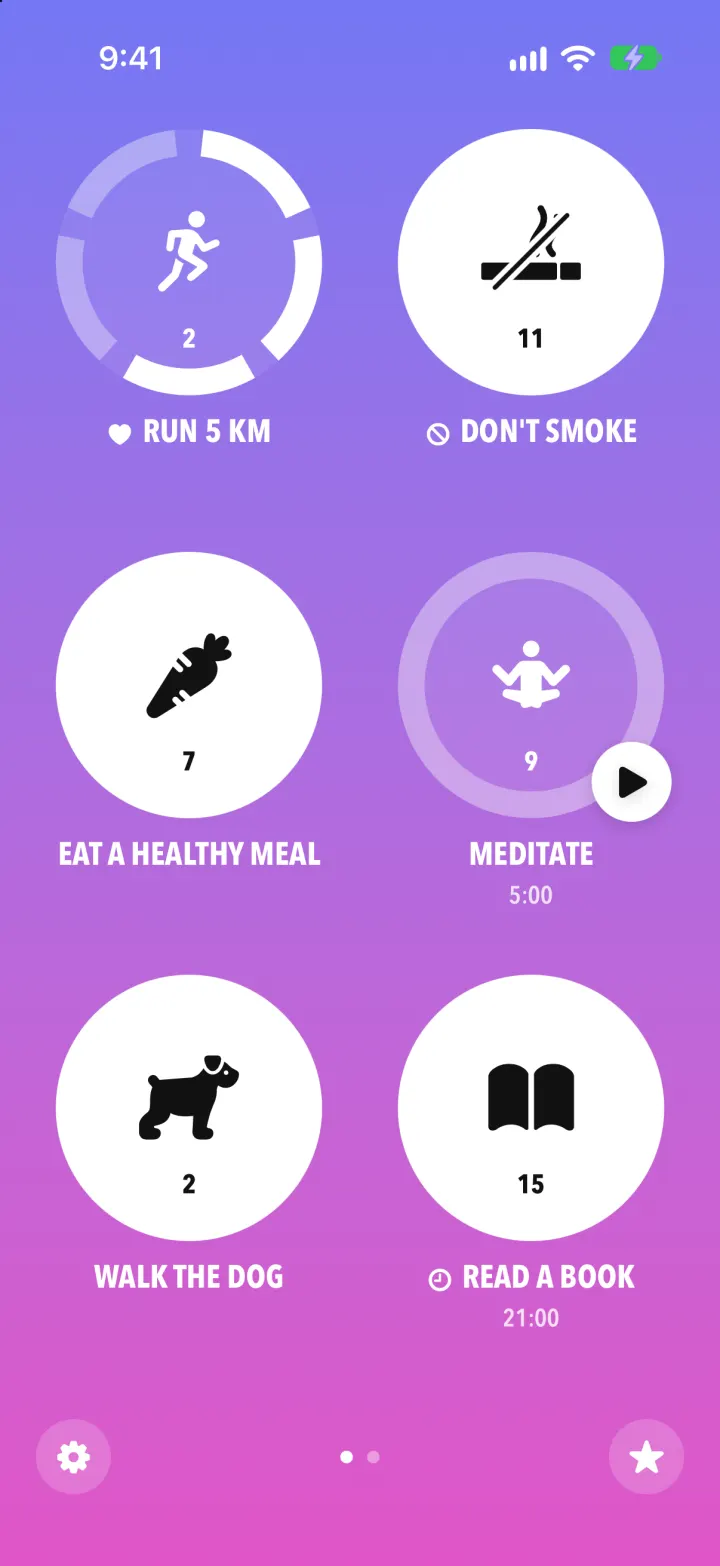
Streaks Clone
iOSStreaks with its real look: hold a circle to check in, watch the ring fill and the streak count climb.
- View template
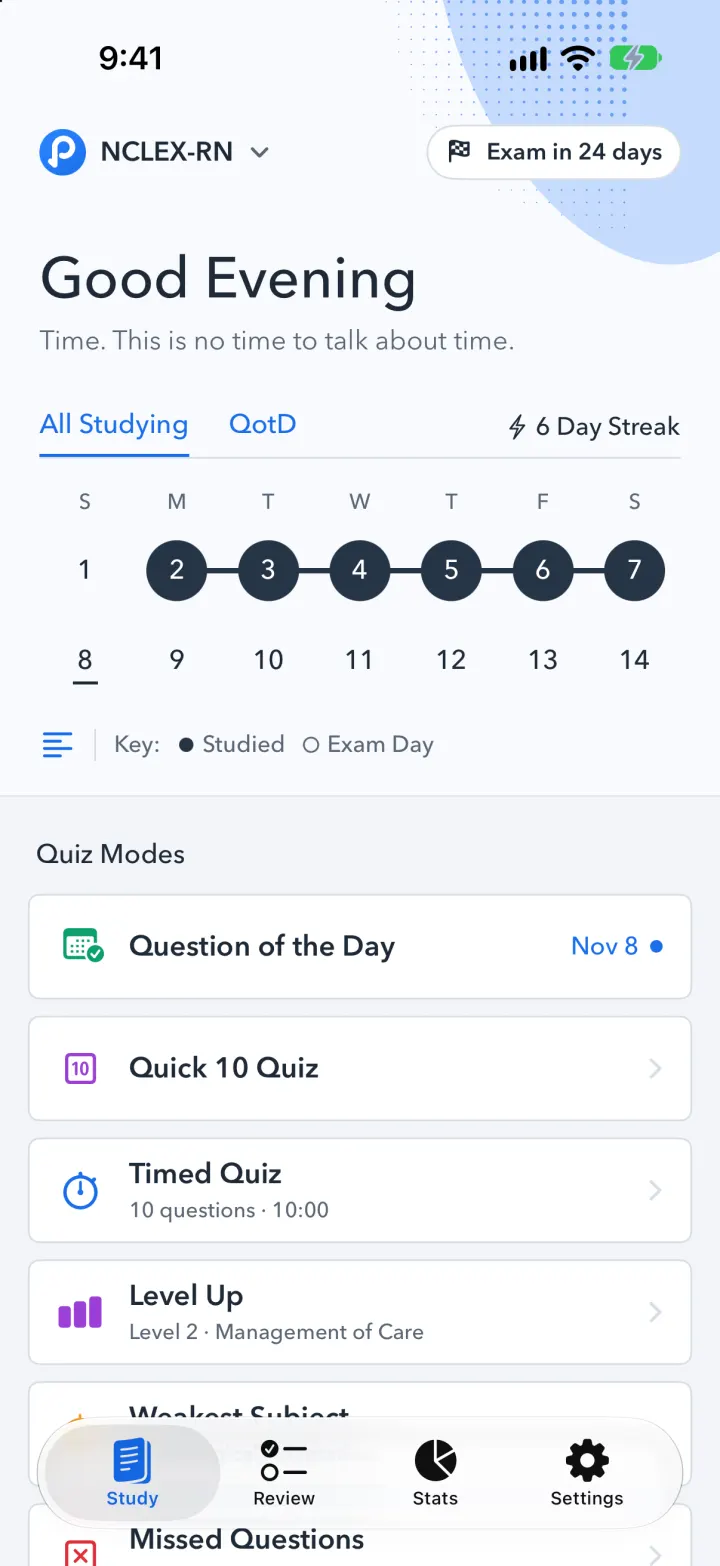
Pocket Prep Clone
iOSPocket Prep's NCLEX quiz app: streak calendar, 8 study modes, explanations and an AI tutor
- View template
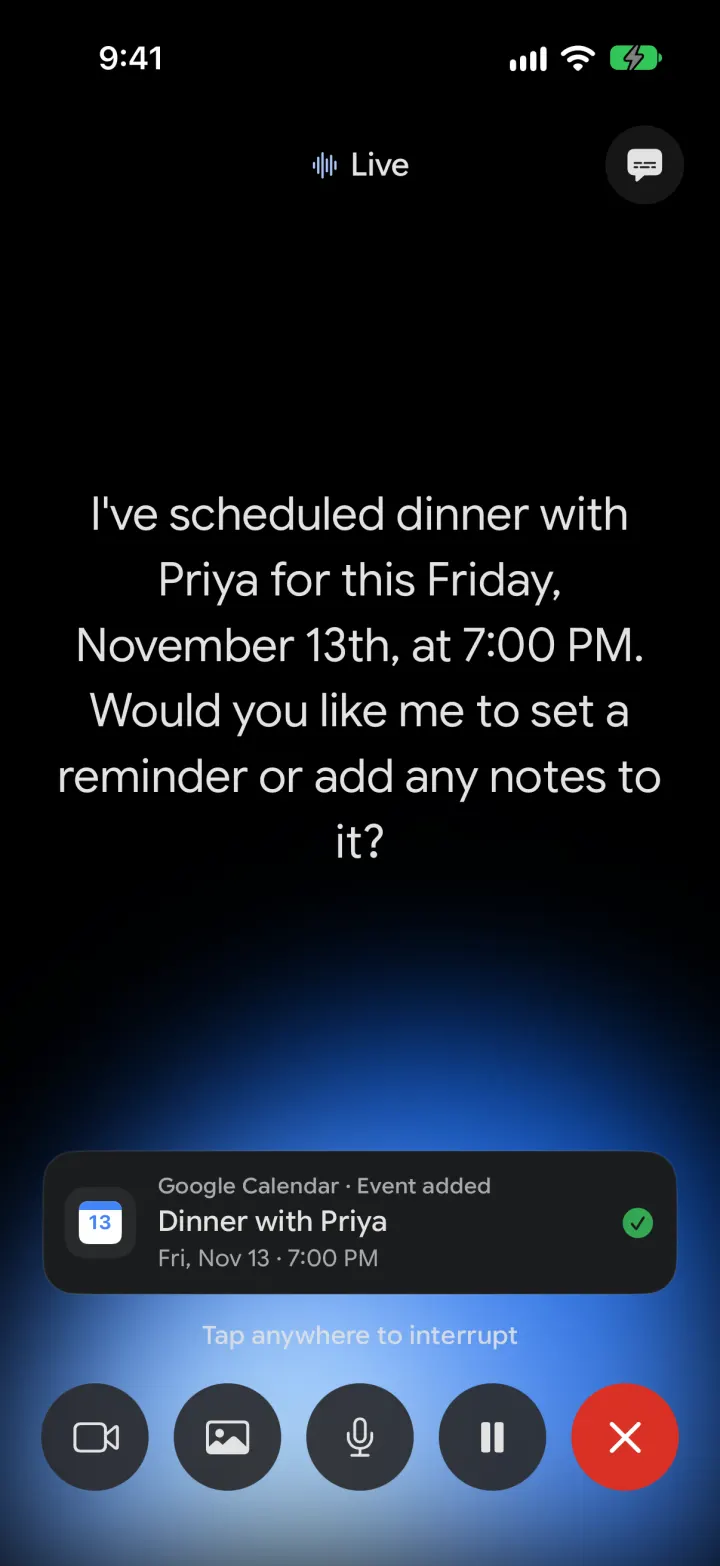
Google Gemini Clone
iOSGemini with real models: streamed chat with Google Search, Nano Banana images and Gemini Live voice
- View template
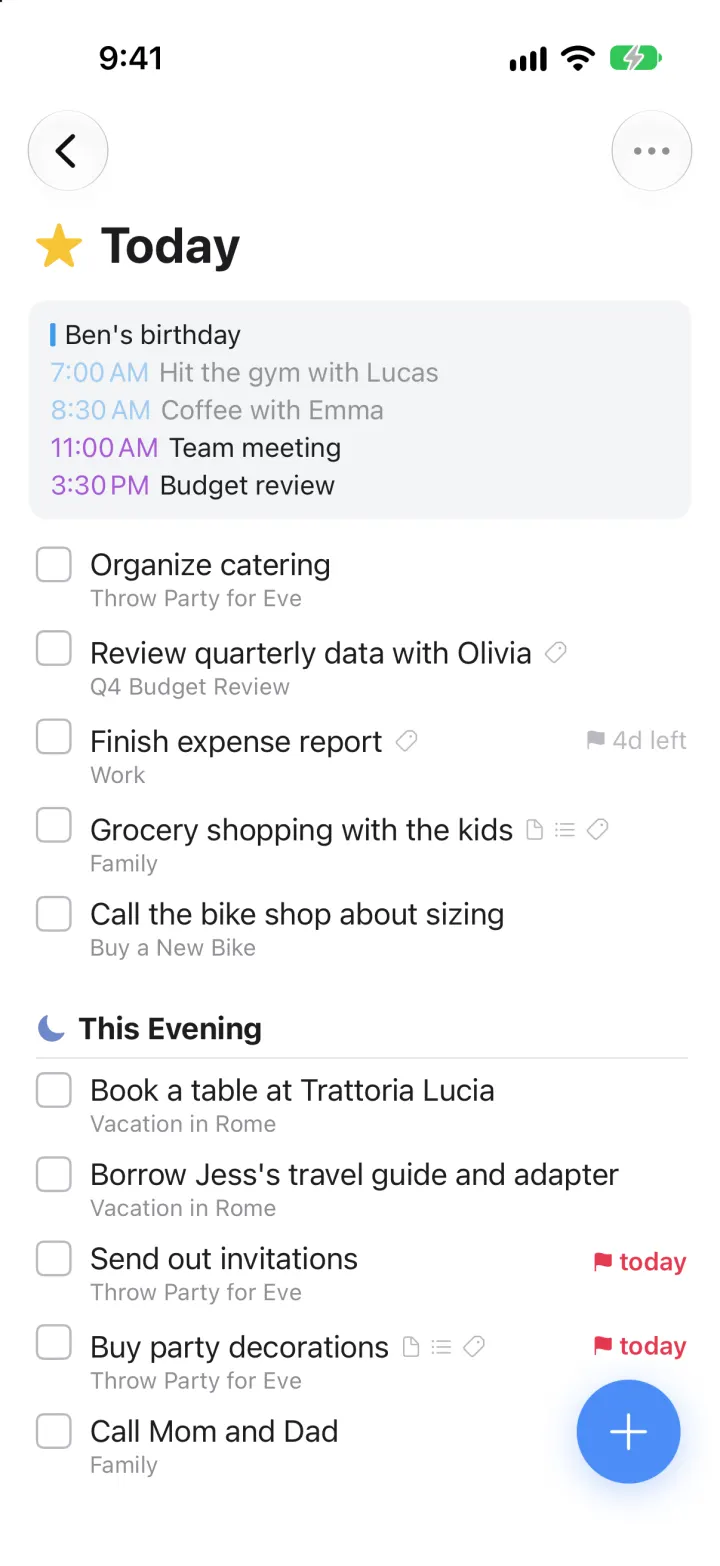
Things 3 Clone
iOSToday, This Evening, the Magic Plus and the dark When picker: the award-winning to-do app, ready to remix