Structured Clone
Structured clone · Day planner app · built by the Vibecode team
This rebuilds Structured, the visual day planner, with its real name, coral look and words. Your day is a timeline of colour pills joined by a dashed line, with little hints in the gaps and a live countdown on whatever is happening now. Tap the date for the month, flip to a week of columns, plan Inbox tasks, add repeating tasks with alerts and keep track of birthdays. The AI tab really asks Claude to plan or reschedule your day, and a Home Screen widget shows what's up next.
- iPhone · Swift
- Hand-built
- Free to remix

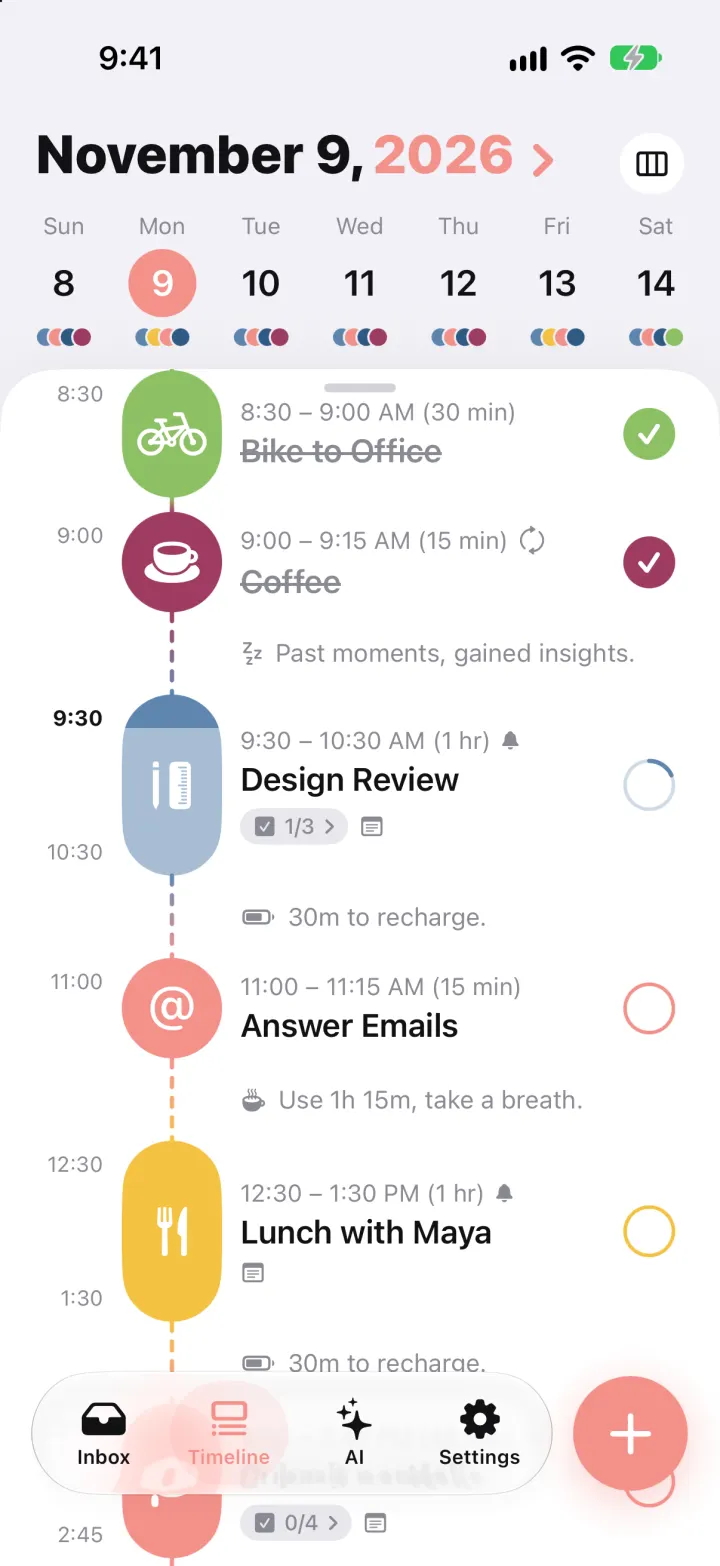
Remix copies the working app into your account for free, exactly as we built it. It runs in Vibecode's cloud iOS simulator, in your browser.
The prompt that builds it
We wrote Structured Clone by hand. This prompt describes the finished app: paste it into a new app to build your own version, or change it first.
Prompt · 981 words
Build a polished native iOS clone of Structured, the visual day planner, in SwiftUI: a Timeline of colour pills joined by a dashed line, a week strip that drops down into a month, a week-columns view, all-day circles and birthdays, an Inbox, a real AI planner, repeats, alerts and a Home Screen widget.

It is Structured on screen: its name and its words ("Structure Your Day", "Suggestions", "Continue", "Create Task", "REMAINING", "Inbox", "Hi there! What do you need to schedule?", "Generate", "Past moments, gained insights.", "Task ahead! 8m to prep.", "Interval over! What's next?"). Light theme: lavender-grey page #F2F1F7, white timeline sheet with rounded top and grabber, coral accent #F4918A. Task colours: coral, orchid #EE7CF0, ocean #5E86AF, navy #2E5A85, leaf #8CC063, plum #9E3B62, sun #F5C242, lagoon #4FB7B3, stone #B4B7C0. SF Pro, header 30 pt heavy.

SHELL
Floating glass capsule tab bar (icon over label, coral selected): Inbox, Timeline, AI, Settings, plus a separate round coral "+" (64 pt). Opens on Timeline today: no onboarding, login, paywall or permission prompt.

SCREENS
1. Timeline: header "November 9, 2026 ›" (date black, year and chevron coral); tap it to drop down a month grid with < > arrows (tap a day to jump). Right: "Today" pill when not on today, and a day/week toggle. Week strip: weekday labels, day numbers, selected day in a coral circle, and a cluster of overlapping task-colour dots under each day; swipe it for the next week. Below, the white sheet: a row of all-day circles (grey circle, coloured SF Symbol, label; birthdays say "turns 62"), then each task as a vertical pill in its colour with a white icon (15 min or less = 56 pt circle; longer pills grow 1 pt per minute), start time left (end time too for 45 min+), "7:00 – 7:15 AM (15 min)" + repeat/bell glyphs, bold title, subtask chip "1/3 ›" and notes glyph, and a hollow ring on the right in the task colour that fills with a check (haptic, strikethrough). The live task's pill fills top-down with progress, its ring traces progress and its time is bold. Between tasks: a dashed connector blending the two colours and a grey hint ("Past moments, gained insights.", "Task ahead! 8m to prep.", "Use 1h 15m, take a breath.", "30m to recharge."); the current time sits bold in the gap with a dot. Tap a gap to add a task there. Swipe left/right for the next/previous day. Long press: Edit, Duplicate, Move to Inbox, Delete. Week view: 7 columns of grey tracks from 6 AM to midnight with pills placed by time; tap a column to open that day.
2. New task sheet: header band in the task colour with a close X, an icon circle (tap for an icon grid) and a big title field ("Structure Your Day"); the icon follows the title (run -> figure.run, email -> at, coffee -> cup). "Suggestions" card: Answer Emails 10:00, Go Shopping 5 PM, Go for a Run! 12:00, Watch a Movie 8 PM, Read a Book; coral "Continue". Then cards: When? (At a time / All-day / Inbox, date, start), How long? (1, 15, 30, 45, 1h, 1.5h + stepper), What color?, How often? (Once / Daily / Weekly / Monthly pill switch, "Every week - +", weekday circles), Need alerts? (At start, 5m, 15m, 30m, 1h before), Any details? (notes + subtasks). "Create Task" pill in the task colour; the timeline jumps and scrolls to it.
3. Task detail: header gradient in the task colour with a big white icon, title in colour, time range, a huge live countdown "48:56 REMAINING" (or "UNTIL START", "COMPLETED"), subtasks you can tick, notes, alerts, and Edit + Complete pills.
4. Inbox: "Inbox" title, quick add field (icon guessed as you type), white card of untimed tasks with a coloured circle icon and a tinted "Plan" pill that opens the editor at the next half hour; a "Left behind" list of undone tasks from the last 3 days with "Today" to move them.
5. AI: "Hi there!" (coral) "What do you need to schedule?" (black, 30 pt heavy), "Try asking" ideas, a bottom input card with mic and coral "Generate". The backend sends the prompt plus today's, tomorrow's and Inbox tasks to Claude (JSON-schema output: title, icon from the app's list, colour key, date, start, duration, repeat, sourceId to move an existing task) and shows a pulsing "Structuring your day..." card, then proposals as pills with toggles, "Discard" and "Add 3 to Timeline".
6. Settings: Structured Pro card, App color (recolours the whole app), Day starts at, Default duration, Birthdays (soonest first, "turns 32", "in 4 days", add with born-in year), Task alerts toggle and "Send a test reminder", Home Screen widgets gallery, this week's stats, Reset Demo Data.

REMINDERS AND WIDGET
Alerts and birthdays are real local notifications (next 7 days, shown as banners in the app). A WidgetKit extension (small "Up Next: in 15 min / Designing", medium "Today" with the next 3 tasks) reads a snapshot the app writes to the App Group group.<bundle id>.

DATA
SwiftData. A realistic day: Wake Up 7:00 (daily), Yoga 7:30, Take a Shower 8:00, Bike to Office 8:30, Coffee 9:00 (done), Design Review 9:30-10:30 in progress with subtasks, Answer Emails 11:00, Lunch with Maya 12:30, Submit portfolio 2:00 with 4 subtasks, Clean Up 4:00, Go for a Run! 6:00 PM, Call Mom 8:00 PM, Wind Down 10:30 PM; all-day Stay Hydrated and Dad's birthday (turns 62); 1-3 filler tasks on every day for three weeks either side; six Inbox items. Dates are offsets from today and shift forward on each launch.

RULES
Every button works; no placeholders. Deterministic demo data, fictional people. Launch args: -DemoTour YES (20 s tour), -DemoScreen <name>, -DemoTime 09:41, -ResetDemo YES.

REMIX-READY
Brand/Theme.swift (name, words, palette, fonts), Brand/TaskIcons.swift, Data/Fixtures.swift, features in small files under 300 lines, README.md with a file map and remix ideas.
More templates
All templates- View template
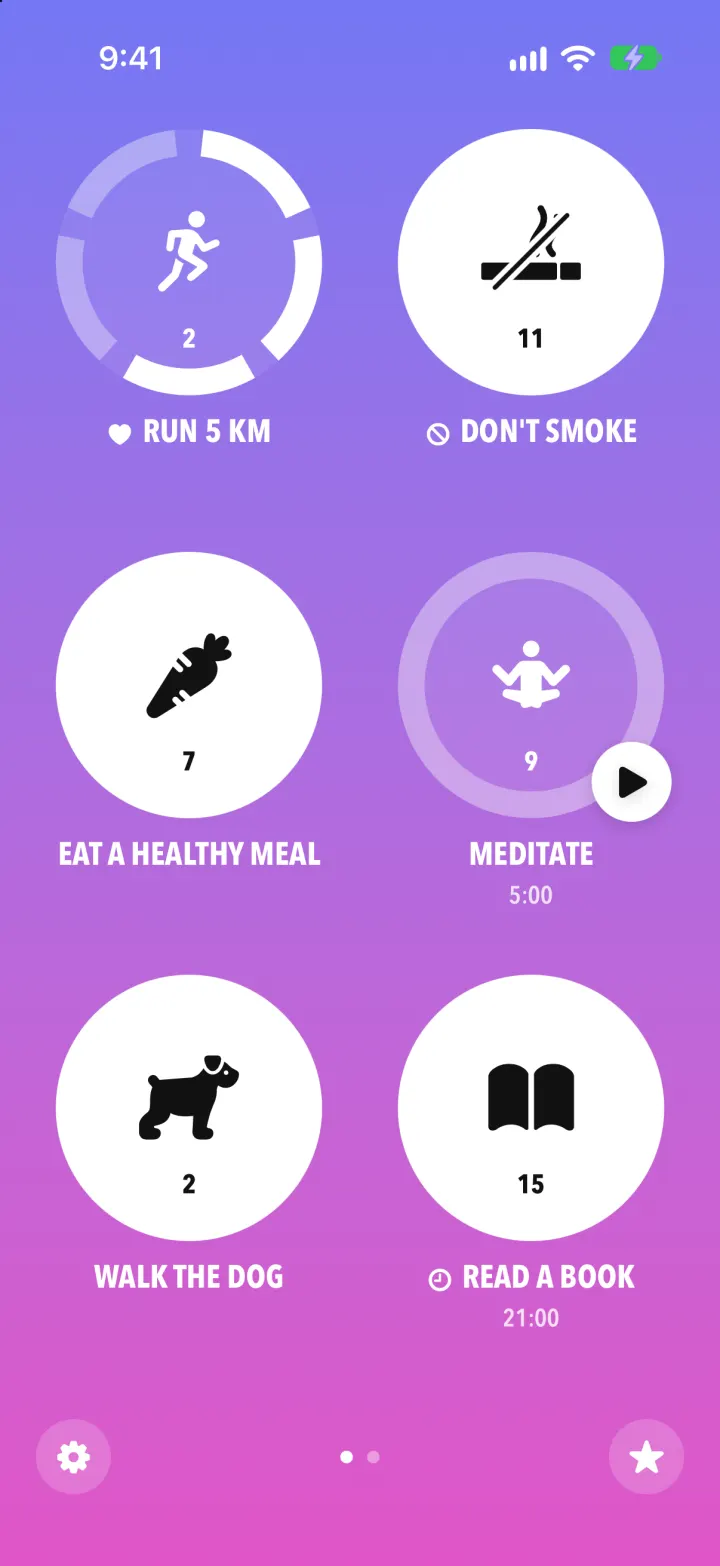
Streaks Clone
iOSStreaks with its real look: hold a circle to check in, watch the ring fill and the streak count climb.
- View template
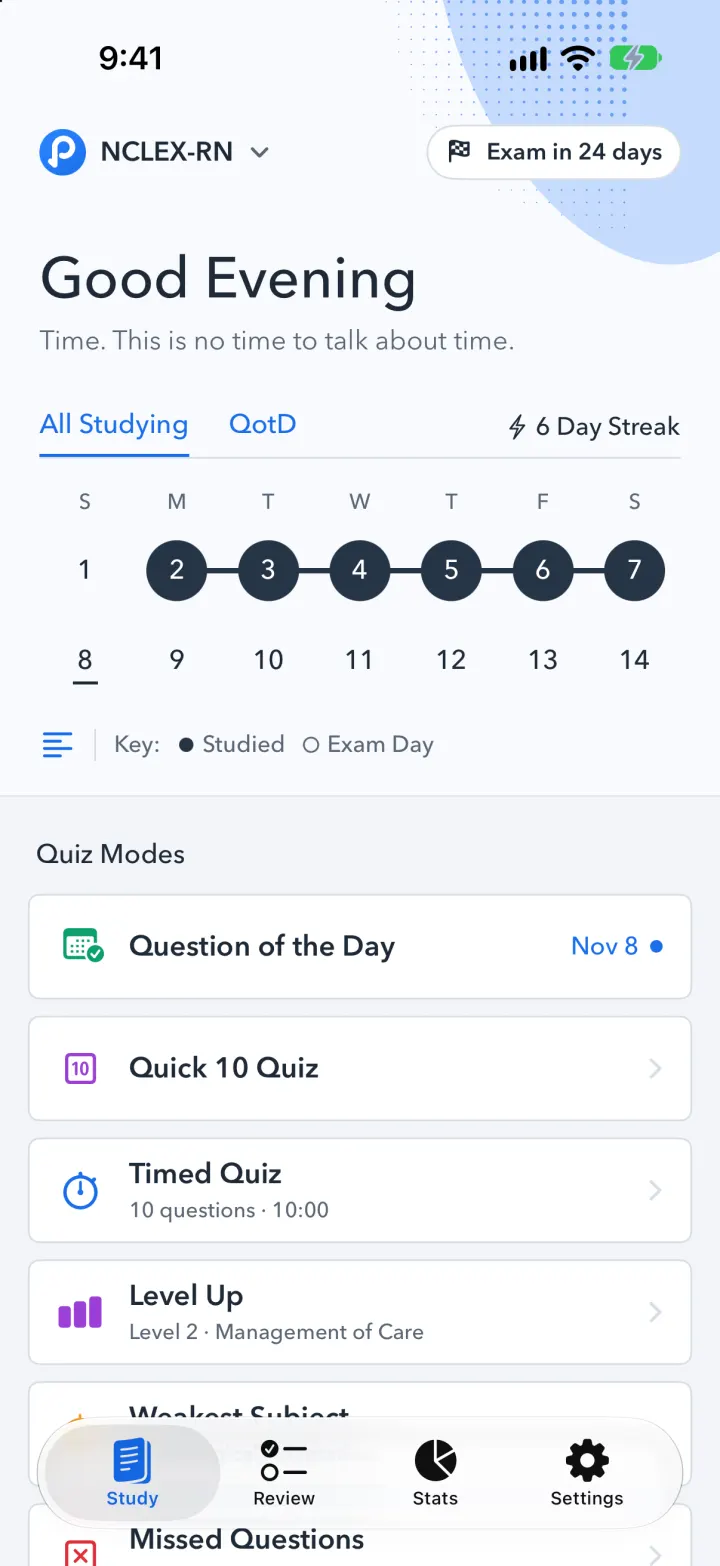
Pocket Prep Clone
iOSPocket Prep's NCLEX quiz app: streak calendar, 8 study modes, explanations and an AI tutor
- View template
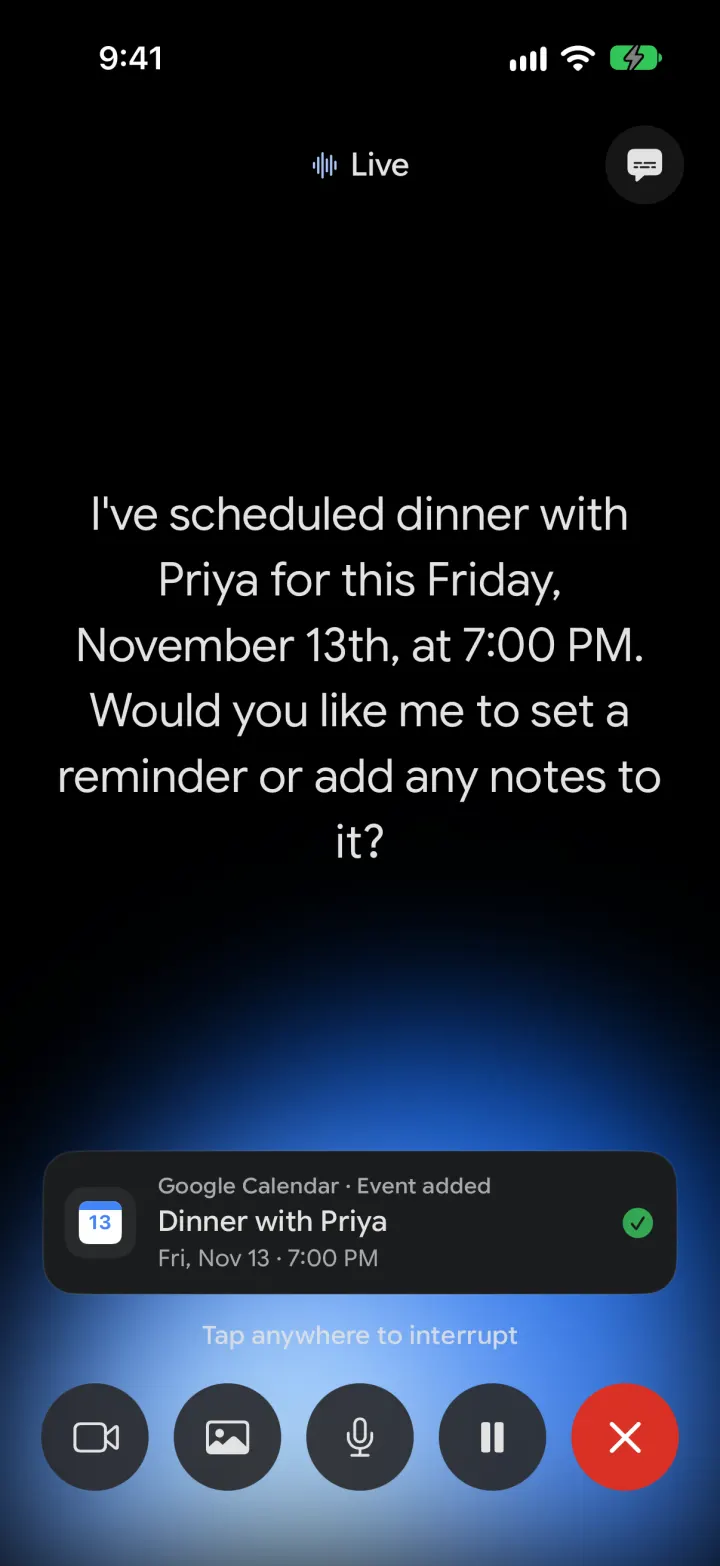
Google Gemini Clone
iOSGemini with real models: streamed chat with Google Search, Nano Banana images and Gemini Live voice
- View template
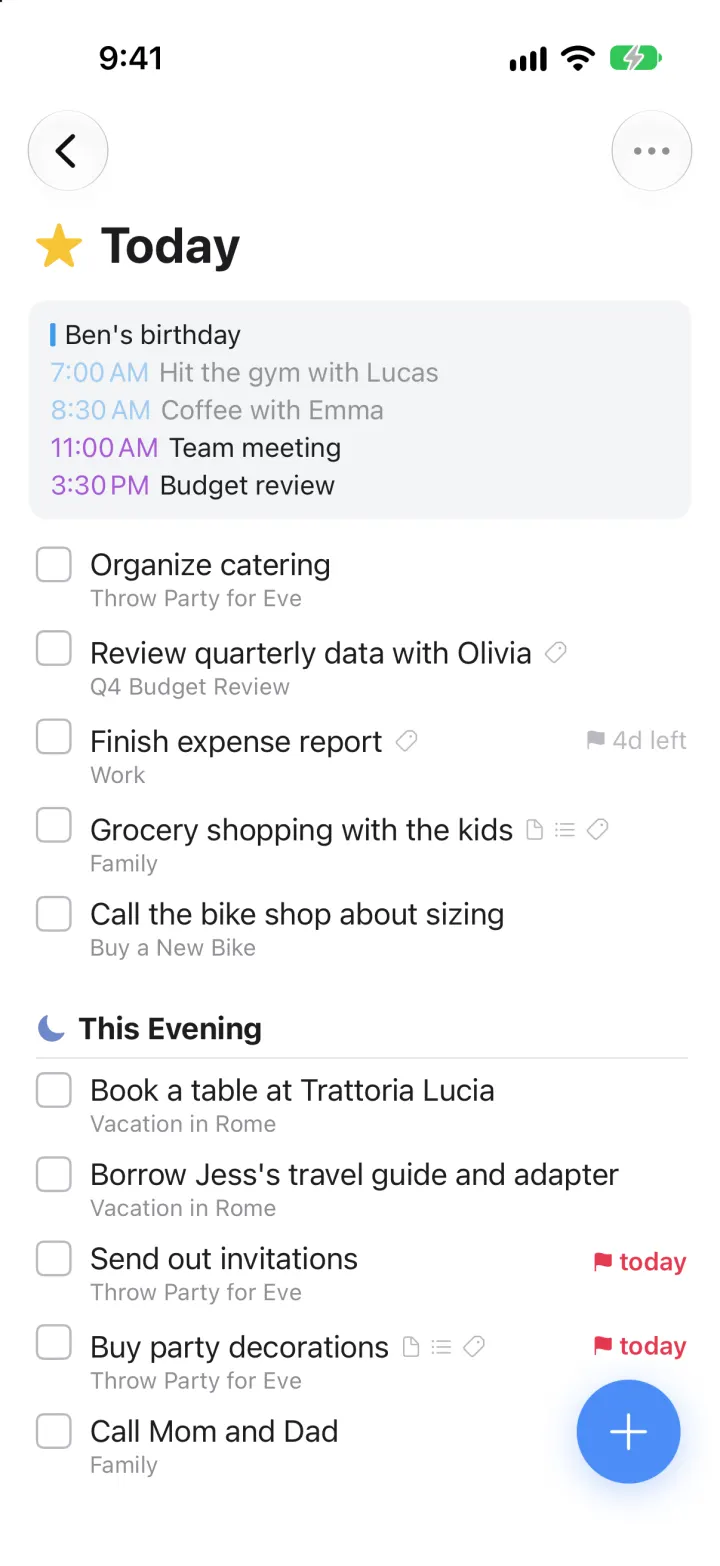
Things 3 Clone
iOSToday, This Evening, the Magic Plus and the dark When picker: the award-winning to-do app, ready to remix