Starbucks Clone
Food app · from our videos on X
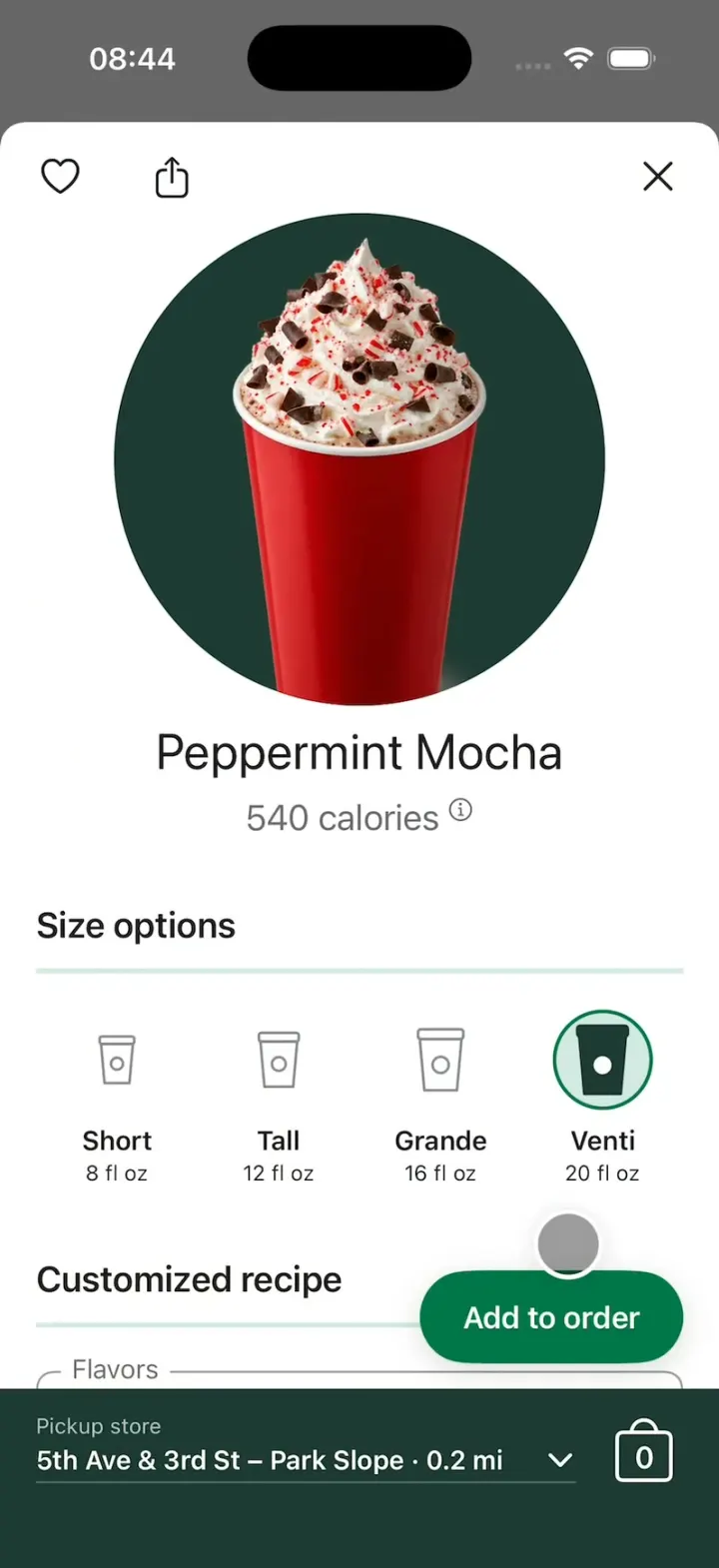
Starbucks Clone rebuilds the Starbucks iPhone app in its current design, with the Siren, its greens and its own words, on the day the 2026 holiday menu launched. Pick a holiday drink like the Peppermint Mocha or the new Tiramisu Velvet Latte, tap Short, Tall, Grande or Venti and watch the ring slide and the photo grow while the pumps step up, then Add to order and the drink drops into the bag. Review order, Choose payment and Place order lead to "See you soon, Maya!", where the tracker moves from Got it! to Order in progress to Ready to go! and the Stars land in your balance. Scan & pay shows the Starbucks Card with a barcode and Add funds, and Rewards shows the Stars track and the Rewards menu. Every drink and food photo is made by gpt-image-2.5-flare, and the README shows how to turn it into the ordering app for your own café, boba shop or food truck.
- iPhone · Swift
- Built in 2 prompts
- Free to remix
Remix copies the working app into your account for free, exactly as we built it. It runs in Vibecode's cloud iOS simulator, in your browser.
Watch the video on X@vibecodeapp · Nov 5, 2026The prompt that builds it
We built Starbucks Clone in 2 prompts. Here they are folded into one, so a single paste into a new app builds the finished version.
Prompt · 2,691 words
Build a polished native iOS clone of the Starbucks app in SwiftUI: Home with the Star balance, the Order menu with the 2026 holiday drinks, the drink page with the Short / Tall / Grande / Venti size cups, Add to order and the bag, Review order, checkout, the "See you soon" order tracker, Scan & pay, Gift cards and Starbucks Rewards, on the day the 2026 holiday menu and red cups launch (Thursday, November 5, 2026).

It is the Starbucks app on screen: its name, the Siren logo, its greens and its own words (Order, Menu, Featured, Previous, Favorites, Size options, Short, Tall, Grande, Venti, Trenta, Customized recipe, Pump(s), Customize, Add to order, Pickup store, Review order, Checkout, Choose payment, Place order, See you soon, Got it!, Order in progress, Ready to go!, Star balance, Scan in store, Scan & pay, Earns 1★ per $1, Starbucks® Rewards, Earn & Redeem, Status & Benefits). The member is Maya R., Gold status, 214★, Starbucks Card $24.60. The attached screenshots are the current app: match their layout, type sizes, spacing and colours.

LOGO
curl -L https://vibecode-starbucks-media.beacon.host/brand.zip once and put siren-green.png and siren-white.png (1024 px, transparent) in the asset catalog as Siren and SirenWhite. Never draw the Siren yourself.

SHELL
Opens on Home: no splash, onboarding, sign-in or permission prompts. A 5-tab bar: Home (house), Scan (QR grid), Order (to-go cup), Gift (gift box), Rewards (star); white, 10 pt labels, selected #00754A with a filled icon, others #6B6B6B. The status bar stays visible on every screen: dark on light screens, white on dark green ones. Light mode only.

SCREENS
1. Home on #F2F0EB: "Morning, Maya ☀️" (bold 34 pt). A row: envelope "Inbox" (green dot) and pin "Stores" left, receipt and person icons right. A gold Star balance card (#CBA258 to #B8913E with soft leaf shapes): "Star balance", "214★" big, "GOLD STATUS" + chevron (opens Rewards). A holiday hero card: a wide photo of the 2026 holiday cups, "Holiday is here", "Peppermint Mocha, Caramel Brulée and the new Tiramisu Velvet Latte are back today.", a green "Order now" pill (opens Holiday Drinks). "Your Usuals": 104 pt circle photos on #1E3932 with a white "+" badge that adds that drink to the bag, names and modifier lines under them. A floating #00754A pill bottom right, "Scan in store"; with items in the bag it becomes "Start checkout" with a white bag badge and the count, plus a white "Clear bag" pill above it.
2. Order: title "Order", search top right; tabs Menu / Featured / Previous / Favorites with a 3 pt #00754A underline. Menu: "The Latest", two photo cards "Holiday Drinks" and "Holiday Food"; "Drinks" + green "See all 199", rows of a 64 pt circle photo on #1E3932 and a 20 pt name: Holiday Drinks, Hot Coffee, Cold Coffee, Matcha, Hot Tea, Refreshers, Frappuccino® Blended Beverage; "Food" + "See all 67": Holiday Food, Bakery, Breakfast, Treats. A category opens its item list (circle photo, name, calories). Featured: "Holiday Favorites", a carousel of 150 pt circles. Previous: past orders with "Reorder". Favorites: hearted items.
   Pickup bar under the Order screens and the drink page: #1E3932, "Pickup store" (12 pt, white 70%), "5th Ave & 3rd St – Park Slope · 0.2 mi" + chevron (a Stores sheet: 4 stores with distance, hours, "Order here"), and right a white bag outline with the count inside (opens Review order).
3. Drink page (a sheet to just under the status bar; the screen behind dims to black 60%): heart and share icons top left, X top right; a 240 pt circle photo on #1E3932; the name (28 pt) and "350 calories ⓘ" (20 pt #6B6B6B). "Size options" (20 pt semibold) over a 3 pt #D4E9E2 rule. Four sizes in a row, each a to-go cup drawn as a SwiftUI shape (a body narrowing to the bottom, a lid band, a small circle in the middle; 1.5 pt #8A8A8A outline; heights 26/30/34/38 pt), the name 15 pt semibold and "8 fl oz" / "12 fl oz" / "16 fl oz" / "20 fl oz" 12 pt under it. The selected size sits in a 56 pt circle: 2 pt #00754A ring, #D4E9E2 fill, the cup filled #1E3932 with a white circle. Cold drinks: Tall 12, Grande 16, Venti 24, Trenta 30. A tap slides the ring to the new size (one shared ring, matched geometry, 0.22 s spring), scales the photo (0.86 / 0.93 / 1.0 / 1.07 by size, 0.3 s spring), updates calories and price, and steps every pump count with the size (Short 2, Tall 3, Grande 4, Venti 5 hot / 6 iced).
   "Customized recipe" (same rule), then outlined fields with a small floating label: "Flavors · 3 Pump(s) Peppermint Syrup" ⊖ 3 ⊕ (32 pt #00754A circle buttons), "Sauces · 3 Pump(s) Mocha Sauce" ⊖ 3 ⊕, "Milk · 2% Milk" with a check-circle menu (2%, Whole, Nonfat, Oatmilk, Almond, Coconut, Soy), "Espresso & Shot Options · Signature Espresso", "Toppings · Whipped Cream", "Toppings · Dark Chocolate Curls". A #1E3932 pill "✨ Customize" opens a Customize page (the same fields by section, "Done customizing", "Reset to standard recipe"). Then a #1E3932 panel: a gold-outlined "200★ item" chip, the description, the size's nutrition line ("540 calories, 66g sugar, 22g fat ⓘ" for Venti). "Add to order": a floating #00754A pill (white 17 pt semibold, 52 pt tall) bottom right above the pickup bar.
   Add to order: a copy of the photo shrinks to 30 pt and arcs into the bag over 0.4 s, visible every frame; the count pops 1.3x → 1.0; a dark green toast slides up over the pickup bar (thumbnail, "Peppermint Mocha added", "Undo") and holds 2 s. The toast belongs to the Order screen: it is drawn under every cover and sheet and hides the moment Review order opens.
4. Review order (a full-screen cover from the bag): a #1E3932 header: "214★" top left, round X top right, "Review order (1)" 34 pt white; "Store" (a rounded #2A4A40 field: store icon, name, "0.2 mi", up/down chevrons); "Pickup method" In store and "Pickup time" "4–7 mins / or schedule". Item rows: 56 pt circle photo, the name 20 pt, "Venti 20 fl oz", changed recipe lines ("5 Pump(s) Peppermint Syrup"), "200★ item", the price; pencil, heart, duplicate and trash icons in #00754A. "Rewards available" ⓘ with black pills "Use 60★" and "Use 200★" (applying one zeroes that item, "200★ Reward applied"). "YOU MAY ALSO LIKE": food circles with + badges (Bearista Cake Pop, Cranberry Bliss Bar, Snowman Cookie). A floating "Checkout $7.32" pill.
5. Choose payment (a sheet over the dimmed Review order): "Choose payment" over a rule; "Payment · Starbucks Card $24.60" (card thumbnail, chevron); "Tip amount · Want to leave a tip?" (No tip, $0.50, $1.00, $2.00, $5.00); dotted-leader rows Subtotal $6.75, Tax $0.57, Total (28 pt bold) $7.32; "Place order". Place order builds the order from the bag and puts the order screen up in that same frame, over Review order and the payment sheet, which stay exactly as they were underneath (never re-rendered at $0.00 or empty); only then is the card debited, 2★ per $1 earned and the bag emptied.
6. Order screen (replaces Review order in the same cover): a #1E3932 header: "See you soon, Maya!" 28 pt white, "Ready around 10:23 AM (in 4 – 7 minutes)" (now + 4 min), round X. A white tracker card like Starbucks' Live Activity: "In-store pickup · 5th Ave & 3rd St – Park Slope", the step's title and subtitle on the left ("Got it!" / "We received your order", then "Order in progress" / "We're working on it now", then "Ready to go!" / "See you at the pickup counter"), three 40 pt circle icons joined by a line on the right (paper plane, barista, cup). Steps advance every 5 s (HOOK MODE uses its own times); a reached icon fills #00754A with a white glyph and pops 1.15x, the line fills over 0.3 s, the words swap in one frame (never a fade through blank). The card keeps one fixed height for all three steps: the title on one line (lineLimit 1, shrinking to 80% if needed, a wide left column) and the subtitle in a fixed two-line area, so nothing below it moves when a step changes. On "Ready to go!" a gold "+14★" pill flies into a Star balance bar under the card that fills 214★ → 228★. Below: the store card (name, "312 5th Ave", a small MapKit map with a green pin), "1 item in your order" + green "Receipt & tipping"; "Question 1 of 3 · How was your ordering experience?" with boxes 1–5; "In-store pickup: Head to the pickup counter and look for an order for Maya."
7. Scan: "214★" left, "Maya R." centred 28 pt, ⊕ right; tabs "Scan & pay" / "Scan only" with the green underline; a white card (16 pt corners, shadow): the Starbucks Card art, "$24.60" 34 pt, a gold-outlined chip "Earns 1★ per $1", a Code 128 barcode (CICode128BarcodeGenerator, "6061 2205 4183 9921"), and Make default / Manage / Add funds icon buttons. Add funds: a sheet with $10 / $25 / $50 / $100 chips and "Add $25" (the balance updates).
8. Gift: "Gift cards", a "Got a gift card? Add it here" row, "Featured" (a carousel of wide card designs), rows "HOLIDAY", "THANK YOU", "BIRTHDAY". A card opens Create eGift (To, Amount $25, From, Message, "Checkout"; no purchase).
9. Rewards: "Starbucks® Rewards" big title; a segmented control "Earn & Redeem" / "Status & Benefits" (selected #00754A with white text on a #EFEDE6 track). Earn & Redeem: a #00754A card "REDEEMABLE STARS", "214★" (64 pt heavy white) with soft leaf shapes, a track with markers 25, 100, 200, 300, 400 filled to 214; "Rewards menu" rows with small product photos: 25★ "$1 off a drink customization", 60★ "Up to $2 off your order", 100★ "Brewed coffee, tea or a bakery item. Up to $6 value.", 200★ "Handcrafted drink or hot breakfast. Up to $10 value.", 300★ "Sandwich or packaged coffee. Up to $16 value." with a lock chip "86★ away", 400★ "Select merchandise. Up to $20 value." "186★ away". "Just for you": "Double Star Day is here" with "Activate now". Status & Benefits: a Gold emblem and benefit rows (Free Mod Mondays, Birthday Reward, Bonus Stars).

MENU (Data/Fixtures.swift; prices Tall / Grande / Venti)
Holiday Drinks (today's 2026 holiday menu): Peppermint Mocha $5.95 / 6.45 / 6.75 (350 / 440 / 540 cal), the hook's drink; Caramel Brulée Latte; Sugar Cookie Latte (iced); Gingerbread Chai; Tiramisu Velvet Latte (NEW: Velvet Mascarpone Cold Foam, cocoa powder); Tiramisu Velvet Cold Brew (NEW: vanilla syrup, Velvet Mascarpone Cold Foam, cocoa); Apple Pomegranate Refresher (NEW: popping pomegranate-flavored pearls; cold sizes with Trenta); Snowy Apple Drink (coconut milk). Holiday Food: Bearista Cake Pop (NEW), Braised Short Rib Grilled Cheese (NEW), Turkey & Stuffing Sandwich, Cranberry Bliss Bar, Snowman Cookie, Sugar Plum Cheese Danish. Every other category: 3-4 classics (Pike Place® Roast, Caffè Latte, Caramel Macchiato; Cold Brew, Iced Brown Sugar Oatmilk Shaken Espresso; Matcha Latte; Chai Latte; Pink Drink, Mango Dragonfruit; Caramel Frappuccino®; Butter Croissant, Blueberry Muffin; Bacon, Gouda & Egg Sandwich; Cake Pops). Your Usuals: Caramel Brulée Latte · Oatmilk, Butter Croissant · Warmed, Iced Sugar Cookie Latte · Extra shot.

HOOK (the video's first 3 seconds)
- HOOK MODE: tapping an invisible 44x44 pt area centred at the top, just below the status bar, on every screen (above every sheet and cover; a tap closes whatever is open and empties the bag) plays this run through the real size, add and order code, identical every time (seconds from the tap): 0.00 the Order tab with the Peppermint Mocha page already fully up (no slide-in) on Tall, 3 pumps, bag 0, a touch dot landing on Grande; 0.15 tap Grande: the ring slides, the photo grows, pumps 3 → 4; 0.40 the dot glides to Venti; 0.50 tap: ring to Venti, pumps 4 → 5, "540 calories"; 0.80 the dot glides to Add to order; 0.95 tap: the photo arcs into the bag (lands 1.35), count 1, the toast; 1.55 the page slides down (0.25 s); 1.85 tap the bag: Review order slides up (0.3 s); 2.45 tap Checkout: Choose payment; 2.95 tap Place order; 3.20 the order screen on "Got it!"; 3.70 "Order in progress"; 4.20 "Ready to go!" and the +14★ flight; hold to 6.0.
- The touch dot: 44 pt, black at 35%, a 3 pt white ring, a soft shadow, drawn above everything; it scales in as it lands, glides 0.25 s between points and fades after its last tap.
- What the eye must see: the ring moves, never jumps or blinks; the flying photo is on screen every frame and lands in the bag; the toast holds ≥1.2 s; flashes ≤0.12 s at ≤35%; sheets slide fully and never cross-fade over each other. Waits use these times, not the app's normal delays. Every image is preloaded and decoded off the main thread at launch; warm up haptics at launch.

LOOK
Starbucks Green #00754A (buttons, selected, links), House Green #1E3932 (headers, panels, circle backdrops, pickup bar), Light Green #D4E9E2 (rules, selected fill), Gold #CBA258 (Stars, chips), Warm Neutral #F2F0EB (backgrounds behind white cards), white cards with 12 pt corners and a soft shadow, text #1E1E1E / #6B6B6B. SF Pro (bold titles, heavy Star numbers); pills are capsules with a slight shadow, pressed states darken.

RULES
- Native SwiftUI, iOS 26 (keep the template's target), iPhone portrait; MapKit for the store map.
- Deterministic fixtures. No backend, login, permissions, location, analytics or network calls at runtime (images are bundled). No persistence: delete the SwiftData starter, no UserDefaults or files.
- Images with gpt-image-2.5-flare (run env; POST https://api.openai.com/v1/images/generations with the project's OPENAI_API_KEY, transparent PNG): each drink and food item as a centred studio product photo with no logo, text or brand mark (drinks in clear glass mugs or clear cups; holiday hot drinks in a plain red holiday paper cup, no lid, the whipped cream showing). The Peppermint Mocha: a red holiday cup topped with a tall swirl of whipped cream, dark chocolate curls and crushed red peppermint. Also the Home holiday hero (red, cranberry and mint holiday cups with bows, garlands and little evergreen trees on a café counter, wide, no text), the two Latest cards, 4 gift card designs and the Starbucks Card art (no text). A coloured placeholder until each exists.
- Springs under 350 ms, haptics on taps, pressed states.
- Files under 300 lines, big bodies split into subviews, no long chained expressions.

REMIX-READY
Theme/Brand.swift (name, logo assets, a Copy enum with every word), Theme/Theme.swift (colours, fonts; no colour literals elsewhere), Data/Fixtures.swift (menu, categories, stores, member, rewards, gift designs), Data/DemoScript.swift (HOOK MODE timings). Codable models with String ids: MenuItem with sizes: [DrinkSize] where each size has name, ounces, pumps, price, calories and an icon value (the drawn cup by default, so a remix can swap size icons), RecipeOption, Store, Order, Reward; behind one AppDataSource protocol (FixtureDataSource) feeding @Observable stores (MenuStore, BagStore, OrderStore, MemberStore); views never read Fixtures. Features/<Screen>/, Components/. README.md under 80 lines: file map; how to rename, recolour, swap the logo, change the menu and add a menu category; 3 one-prompt remixes ("the Starbucks app for your own café", "for a boba shop", "for a food truck"). "Read README.md first." atop CLAUDE.md and ios/AGENTS.md; replace ios/CLAUDE.md's structure block with this app's files. No scratch folders.

FILMING
Long-press the Home greeting to reset everything to launch (bag empty, 214★, $24.60, Home tab).

BUILD
Theme, Brand, Fixtures, then each screen in small files, a one-line status per screen; launch in the simulator every two or three files. The Order tab, the drink page and the bag first, then Review order, Choose payment and the order screen, then Home, Scan, Gift and Rewards. Fetch brand.zip once the shell runs and start the images as a background job; check each file exists and has an alpha channel, never view them. Walk each flow once and fix what breaks; no pixel measuring or debug modes. Deliver the whole app, not a plan.
More templates
All templates- View template
Pinterest Clone
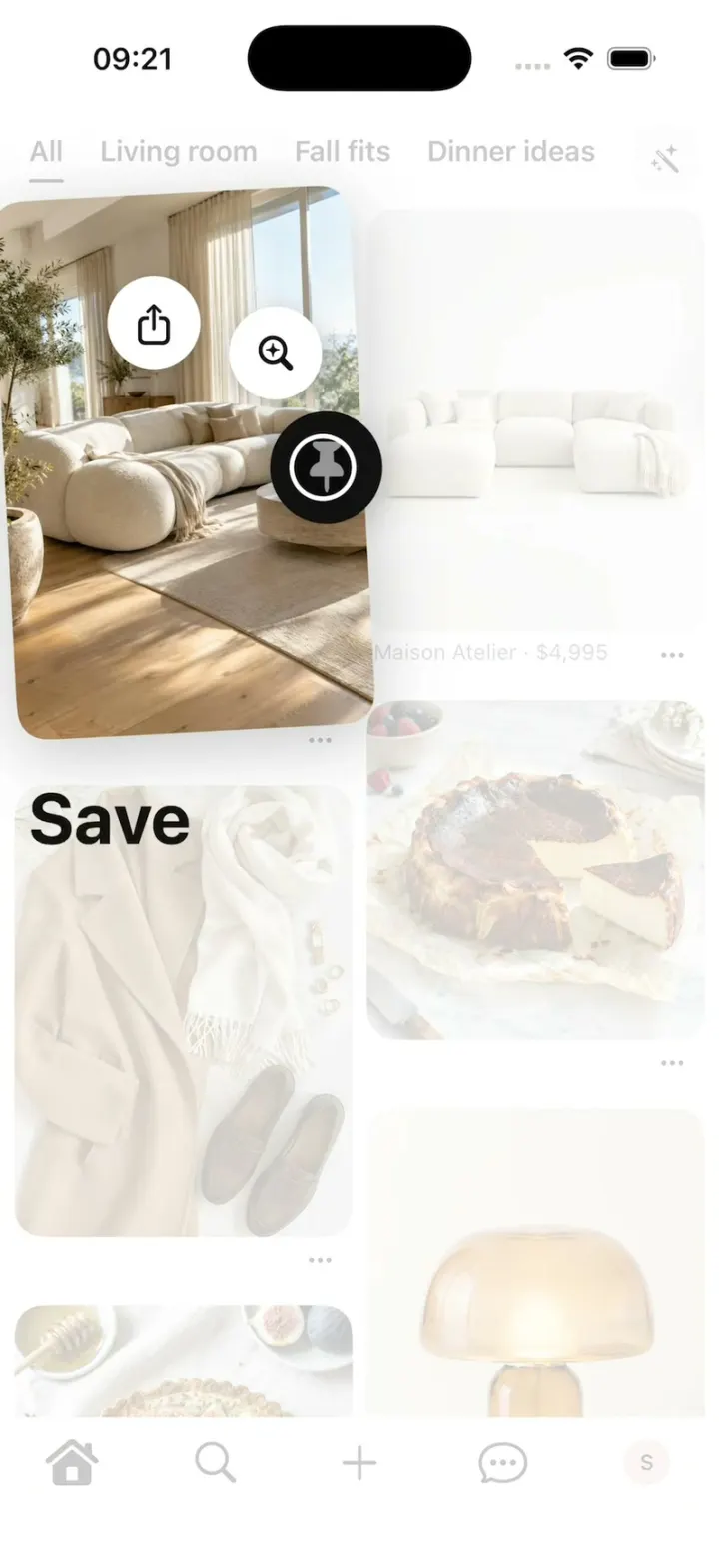
iOSPinterest's long-press save: the lifted Pin, the Save fan, Saved to your board, boards, closeups and Search.
- View template
Bite Club
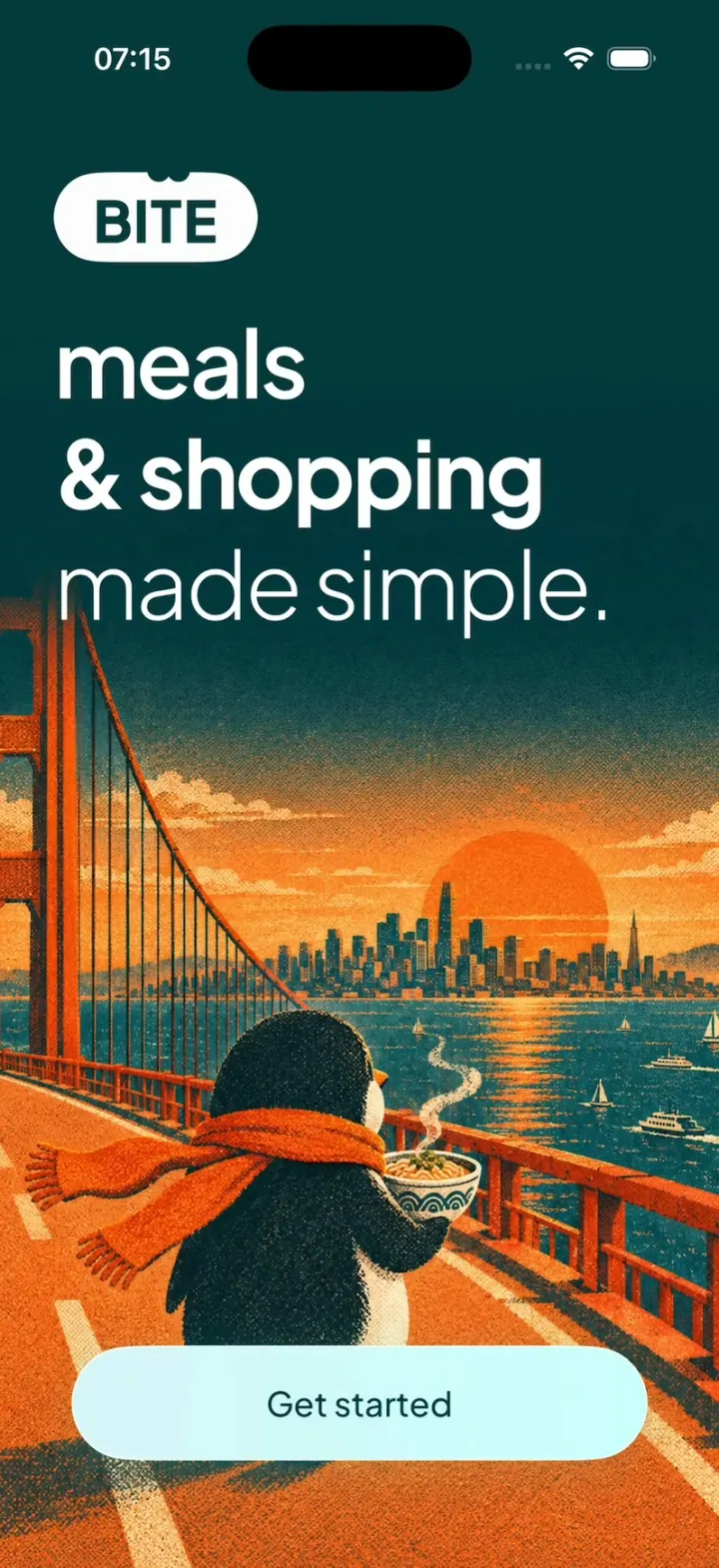
iOSA penguin meal planner: 3-tap quiz, a week you drag dishes around, a tick-off grocery list, cook timer, XP.
- View template
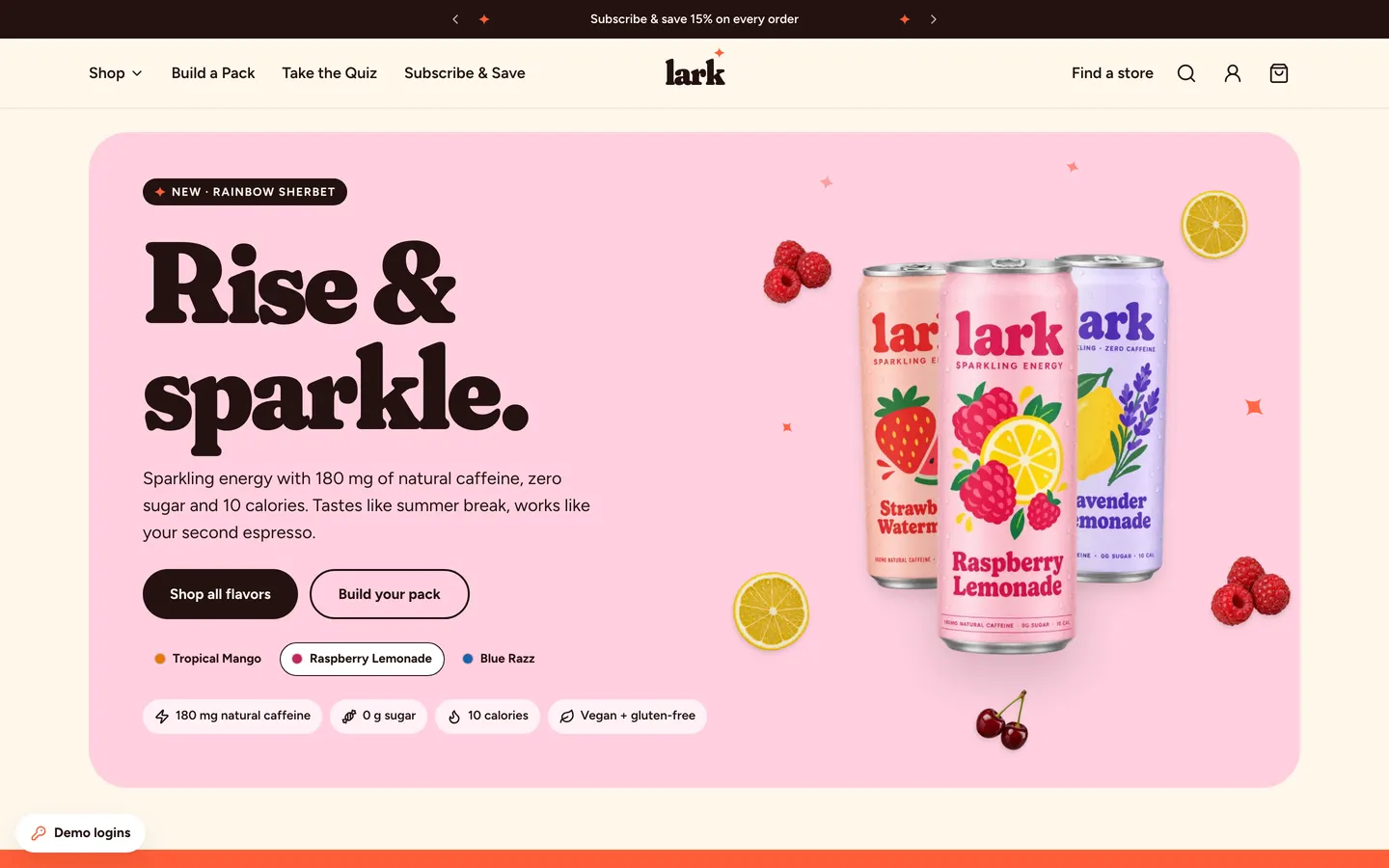
Energy Drink Store
WebPastel energy-drink store with Shopify-style checkout, Subscribe & Save 15%, a pack builder and full admin.
- View template
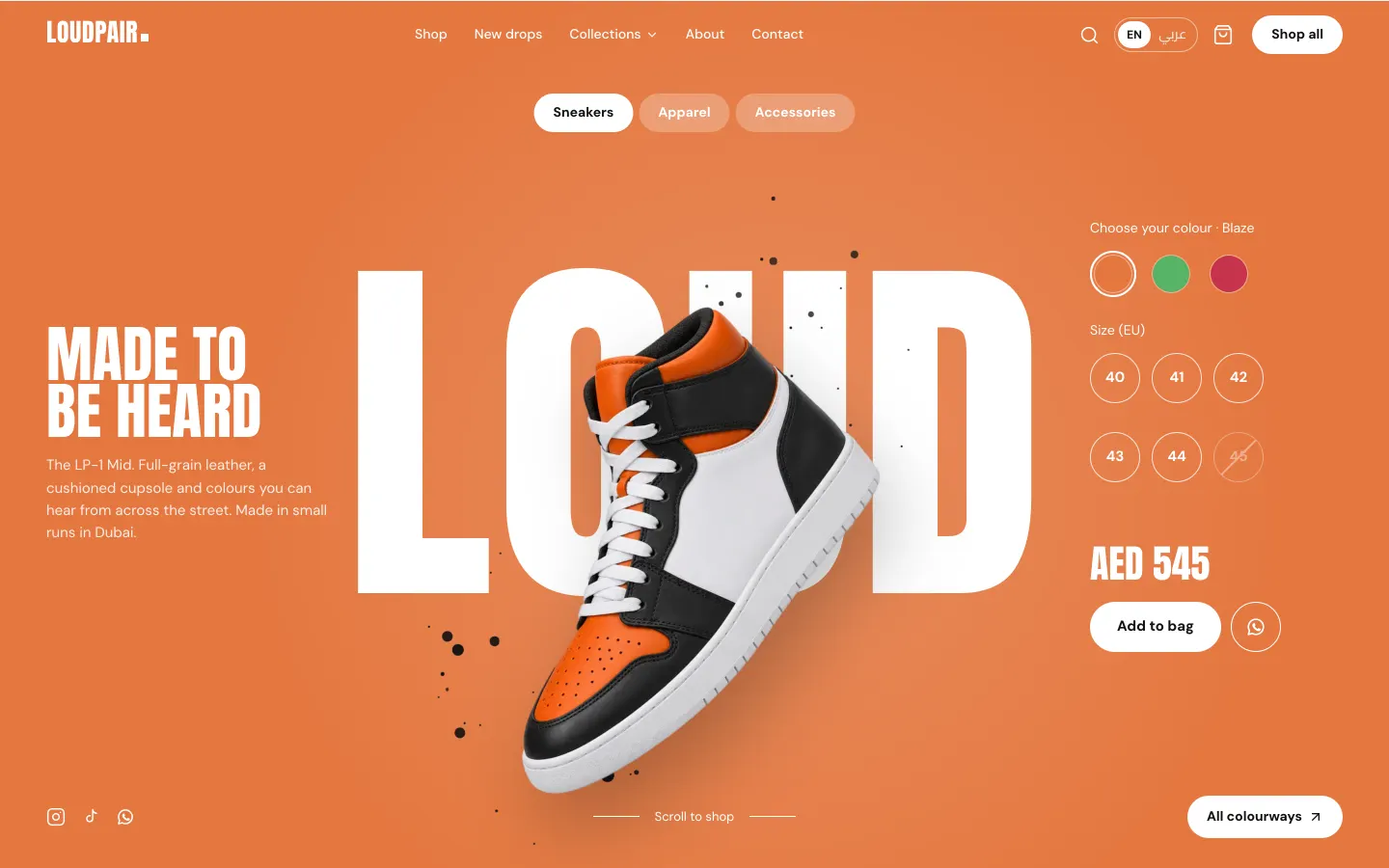
Sneaker Boutique Shop
WebA loud sneaker store with card, cash-on-delivery and WhatsApp checkout, Arabic RTL and a full owner admin.