
Square Point of Sale Clone
Square Point of Sale clone · Point of sale + inventory app · built by the Vibecode team
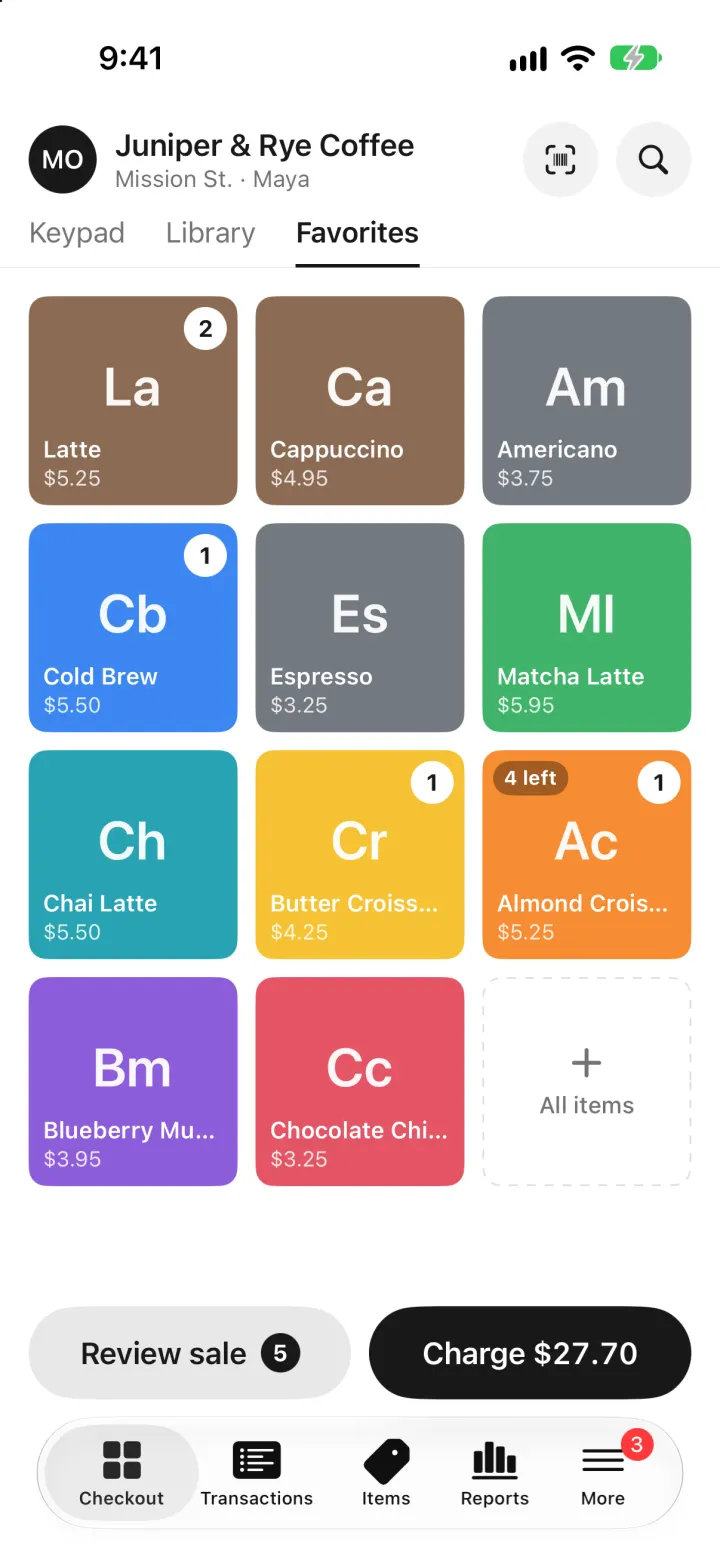
Square Point of Sale Clone rebuilds Square Point of Sale with its real name, mark and black-and-white look, set up for a café called Juniper & Rye Coffee. Tap coloured item tiles or type an amount on the keypad, review the sale with a discount, then charge with Tap to Pay on iPhone or cash and pick a receipt. Every sale deducts stock, so the Items tab shows on-hand counts, low-stock alerts, a stock history and Receive stock / Adjust. Reports compare today's sales with last week and show cost of goods and profit to owners. Transactions support refunds that restock, and team members sign in with a passcode and see less.
- iPhone · Swift
- Hand-built
- Free to remix

Remix copies the working app into your account for free, exactly as we built it. It runs in Vibecode's cloud iOS simulator, in your browser.
The prompt that builds it
We wrote Square Point of Sale Clone by hand. This prompt describes the finished app: paste it into a new app to build your own version, or change it first.
Prompt · 998 words
Build a polished native iOS clone of Square Point of Sale in SwiftUI for a small café: ring up sales from a coloured item grid or the keypad, take Tap to Pay or cash, and have stock deducted automatically, with transactions and refunds, inventory with low-stock alerts and a stock history, a profit dashboard, barcode scanning, CSV/PDF exports, and owner vs team-member roles.

It is Square on screen: its name and its own words ("Checkout", "Keypad", "Library", "Favorites", "Review sale", "Charge $27.70", "Tap to Pay on iPhone", "Cash App Pay", "New sale", "How would you like your receipt?", "Issue refund", "Gross sales", "Net sales", "Receive stock", "Balance", "AVAILABLE", "Transfer", "Enter your passcode"). Draw the Square mark (a rounded square ring around a small square) and the "Square" wordmark in SwiftUI. The business is Juniper & Rye Coffee, Mission St.; everyone is fictional (owner Maya Okafor, manager Theo Lindqvist, team members Inez Marlowe and Ravi Castellano).

SHELL
Square's bottom navigation bar: Checkout, Transactions, Items, Reports, More (More shows a badge with the low-stock count). Opens on Checkout > Favorites: no splash, onboarding, login, paywall or permission prompt.

SCREENS
1. Checkout: the seller's avatar, "Juniper & Rye Coffee", "Mission St. · Maya", round scan and search buttons; underlined tabs Keypad / Library / Favorites. Favorites is a 3-column grid of coloured square tiles with a 2-letter abbreviation ("La", "Cb", "Cr"), name and price, a white count bubble once added, "4 left" / "Sold out" badges, and a dashed "All items" tile. Library: search, category chips (All items, Coffee, Tea & More, Bakery, Retail) and rows with tile, name, stock and price. Keypad: a huge "$18.50", "Add note", a 1-9 / C / 0 / + pad. Bottom: gray "Review sale" pill with a count and a black "Charge $X" pill whose number rolls.
2. Review sale sheet ("Current sale", Clear): lines with - qty + steppers and swipe to remove, "Add discount" (Loyalty 10%, Staff 20%, Grand Opening 15%), Subtotal, Discounts, Tax (8.625%), Total, black Charge.
3. Payment (full screen): huge amount, a bordered card with a black "Tap to Pay on iPhone" pill and "Insert, tap or swipe with a reader", then rows Cash, Cash App Pay, Gift card, Check, Other. Tap to Pay: black screen, pulsing contactless rings, "Hold card or phone near the top of this iPhone", then a green check and "Approved". Cash: "AMOUNT DUE", tender pills ("$14.94 exact", "$15.00", "$20.00", "$50.00") and an Other amount field. Done: green check, "$0.06 change / out of $15.00" or "All done", "Receipt #42nb", Text / Email / Print / No receipt, black "New sale".
4. Transactions: All / Card / Cash / Refunds, search, days ("Today $582.24") with rows (method icon, customer or "Receipt #z6xc", time + items, amount; refunded ones struck through). Detail: amount, items, subtotal, tax, total, payment ("Amex •••• 3181"), team member, customer, PROFIT (cost of goods, gross profit, margin) for owners and managers, "Send receipt", "Issue refund" (restocks the items).
5. Items: Stock value, Low stock and Sold out cards, a low-stock-only toggle, rows by category with cost and margin and a stock badge; scan, export inventory CSV, + Create item. Item detail: tile, name, star for Favorites, IN STOCK in big digits (orange when low, red when out), "Receive stock" and "Adjust" (Recount, Damaged, Theft, Lost, Return) with a quantity, note and "New stock" preview; Pricing (price, unit cost, profit per unit, margin); Last 30 days (units sold, gross sales, gross profit); a real Code 128 barcode; Stock history (Received +6 · Morning bake, Sale -5, Damaged -3 · Dropped tray, with "9 on hand" balances). Item editor: name, tile colour, category, price, unit cost, margin, track stock, stock, alert level, barcode, delete.
6. Reports ("Sales", "Today, Nov 8", 1D / 1W / 1M): SALES OVERVIEW grid (Gross sales, Net sales, Sales, Average sale, Refunds, Discounts) with green/red changes vs the same day last week; blue hourly bars against gray last-week bars (daily bars for 1W/1M); a Profit card (gross profit, margin pill, cost-vs-profit bar, net sales, COGS, tax, total collected); Top items, Sales by category, Payment methods; export a PDF sales summary or a CSV.
7. Scan: VisionKit barcode scanner with a viewfinder and a sweeping red line (on the simulator: a counter of printed item labels to tap), plus "Enter barcode or SKU". Scans add to the sale or open the item.
8. More: business card, Balance ("AVAILABLE $893.50", Transfer with a 1.75% instant fee, Deposits), Notifications (low-stock and sold-out items), Team (current member + Switch, roles), Settings (currency, sales tax, Reset demo data). Switch opens "Enter your passcode" with 4 dots and a round keypad (wrong code shakes).

DATA
22 items with price and cost in cents (lattes, cold brew, matcha, croissants, muffins, beans, mugs, a gift card); drinks are not stock-tracked, bakery and retail are. SwiftData models Product, Sale, SaleLine, StockMove. A seeded RNG builds 30 days of sales (about 45-60 a day, busier mornings and weekends, 30% with a named customer, a few discounts and refunds) that always end "now", plus morning bakes and weekly deliveries. Sales you ring up and items you create are kept.

ROLES
Owners and managers see cost and profit, edit items, adjust stock and refund. Team members can take payments and see sales; profit is locked.

LOOK
White canvas, ink #1A1A1A, secondary 55% black, gray fills 5-9% black, hairlines 12% black, Square blue #006AFF for links, selection and chart bars, green for good changes, red #CC0023. Black and gray pill buttons. SF Pro, bold amounts with monospaced digits; small gray caps section labels.

RULES
Native SwiftUI, iOS 26, iPhone portrait; standard TabView, NavigationStack and sheets. Money is integer cents; one Totals helper does subtotal, discount, tax and total. Every stock change writes a StockMove. No dead buttons. Files under 300 lines.

REMIX-READY
Brand/Brand.swift (names, tax rate, palette, tile colours, fonts, words), Data/Fixtures.swift (catalog, team with passcodes, customers, busy hours), Data/Seeder.swift, Data/DemoScript.swift (-DemoTour, -DemoScreen, -ResetDemo), a README with a file map and remix ideas.
More templates
All templates- View template
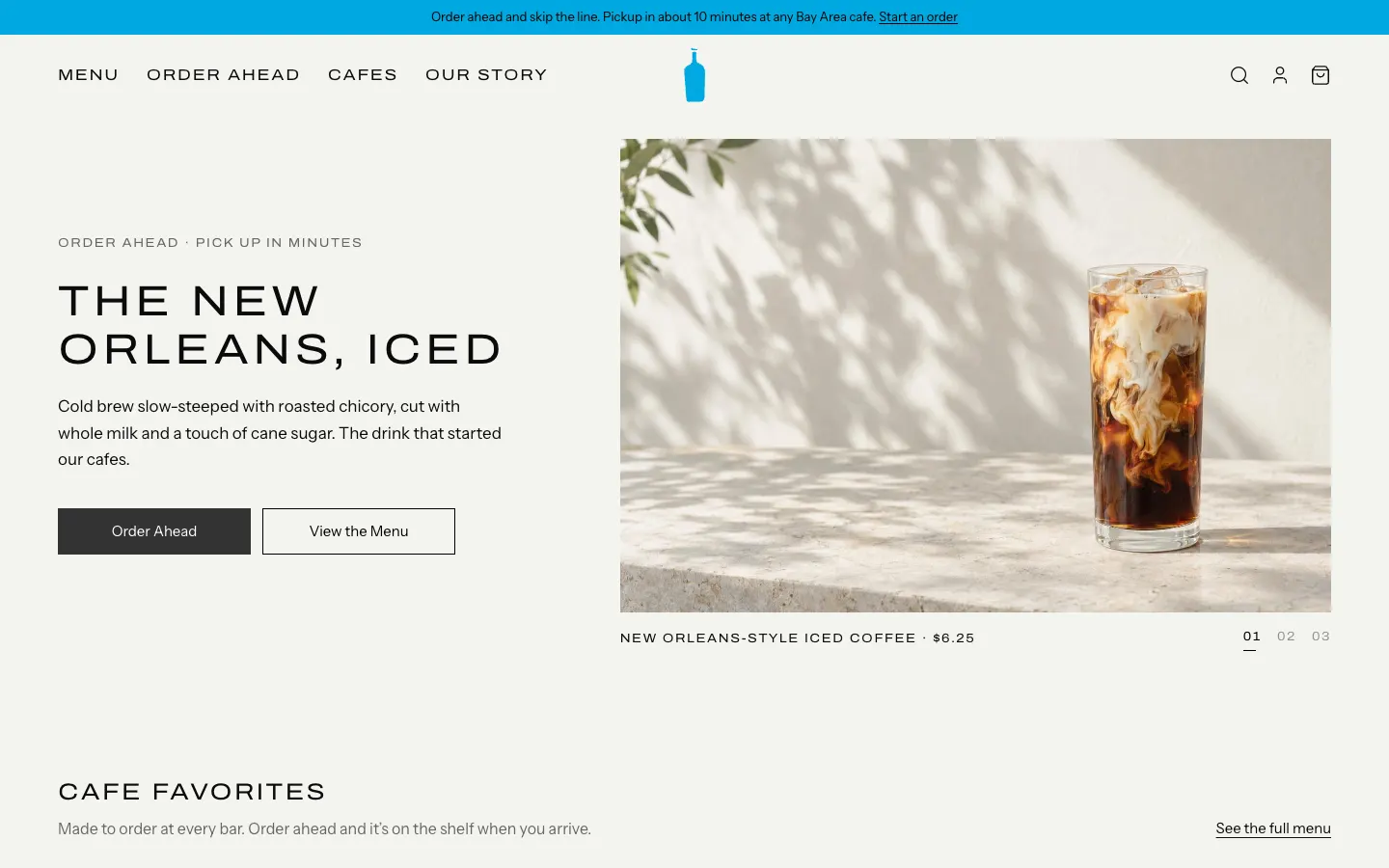
Blue Bottle Coffee Clone
WebBlue Bottle's cafe site rebuilt: priced menu, cafe map with live hours, order-ahead pickup, barista board.
- View template
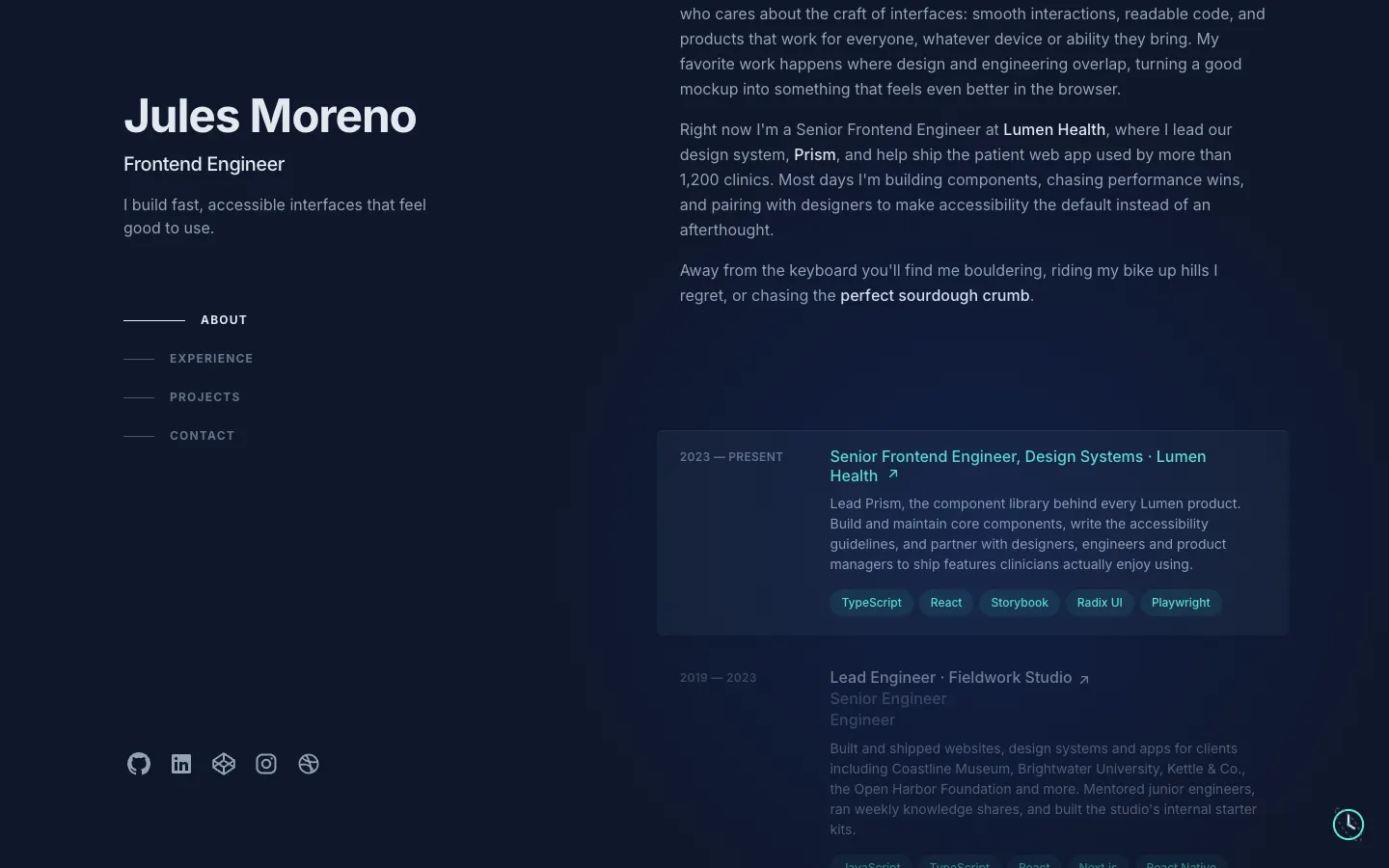
Brittany Chiang Portfolio Clone
WebThe famous slate-and-teal developer portfolio, with case studies, a résumé, a contact inbox and an editor.
- View template
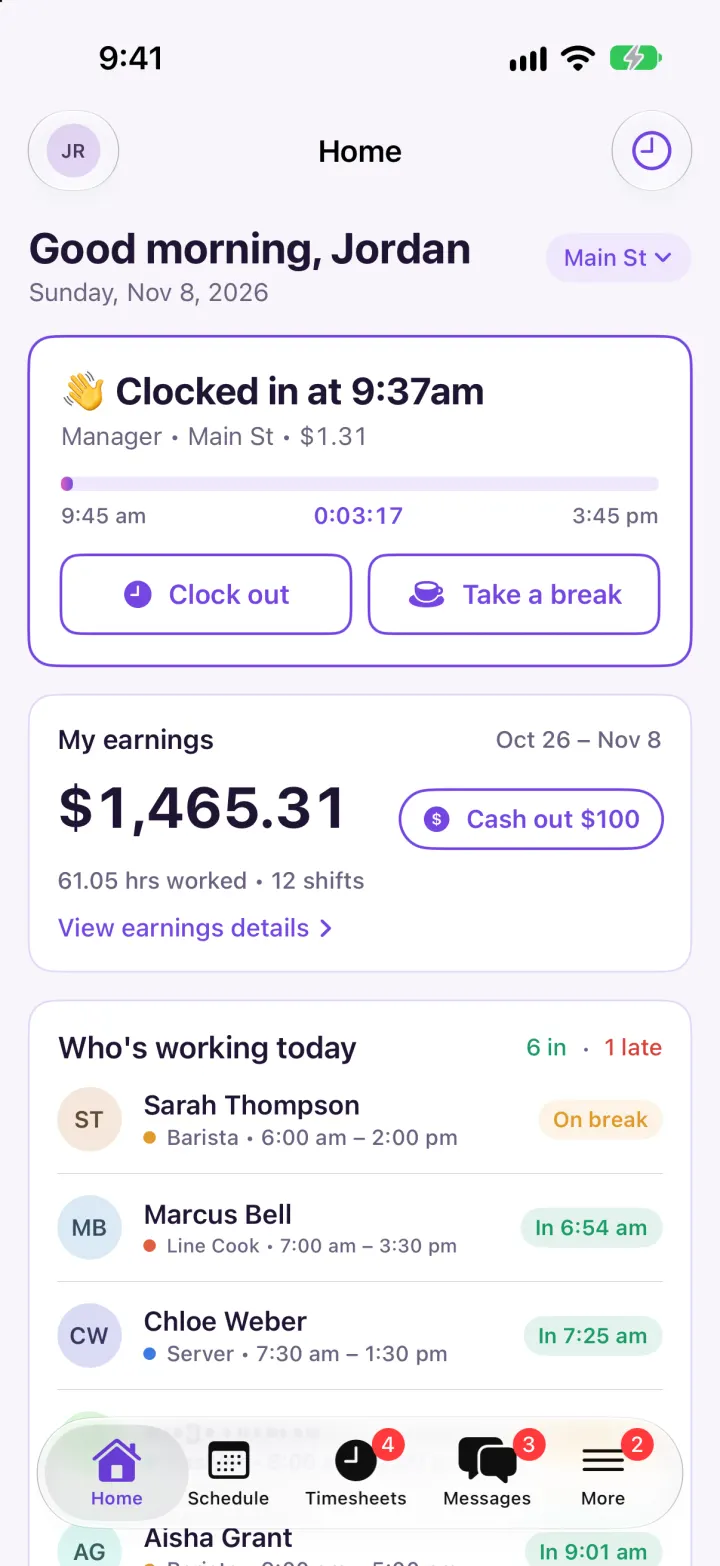
Homebase Clone
iOSClock in on a geofenced map, build next week's schedule in one tap, then fix and approve timesheets.
- View template
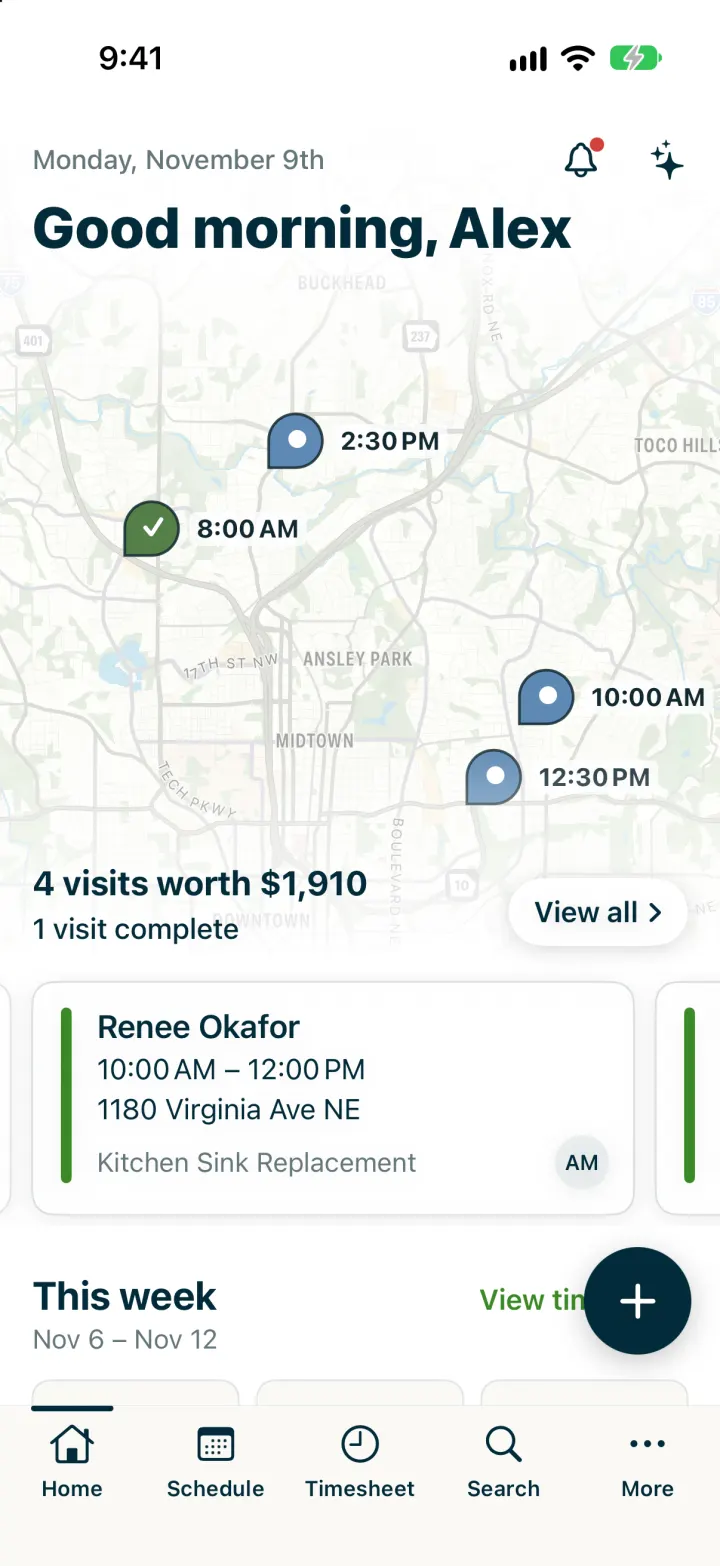
Jobber Clone
iOSRun a plumbing crew's day: map of visits, team schedule, finish a job, invoice it and Tap to Pay on the spot.