
Jobber Clone
Jobber clone · Field service app · built by the Vibecode team
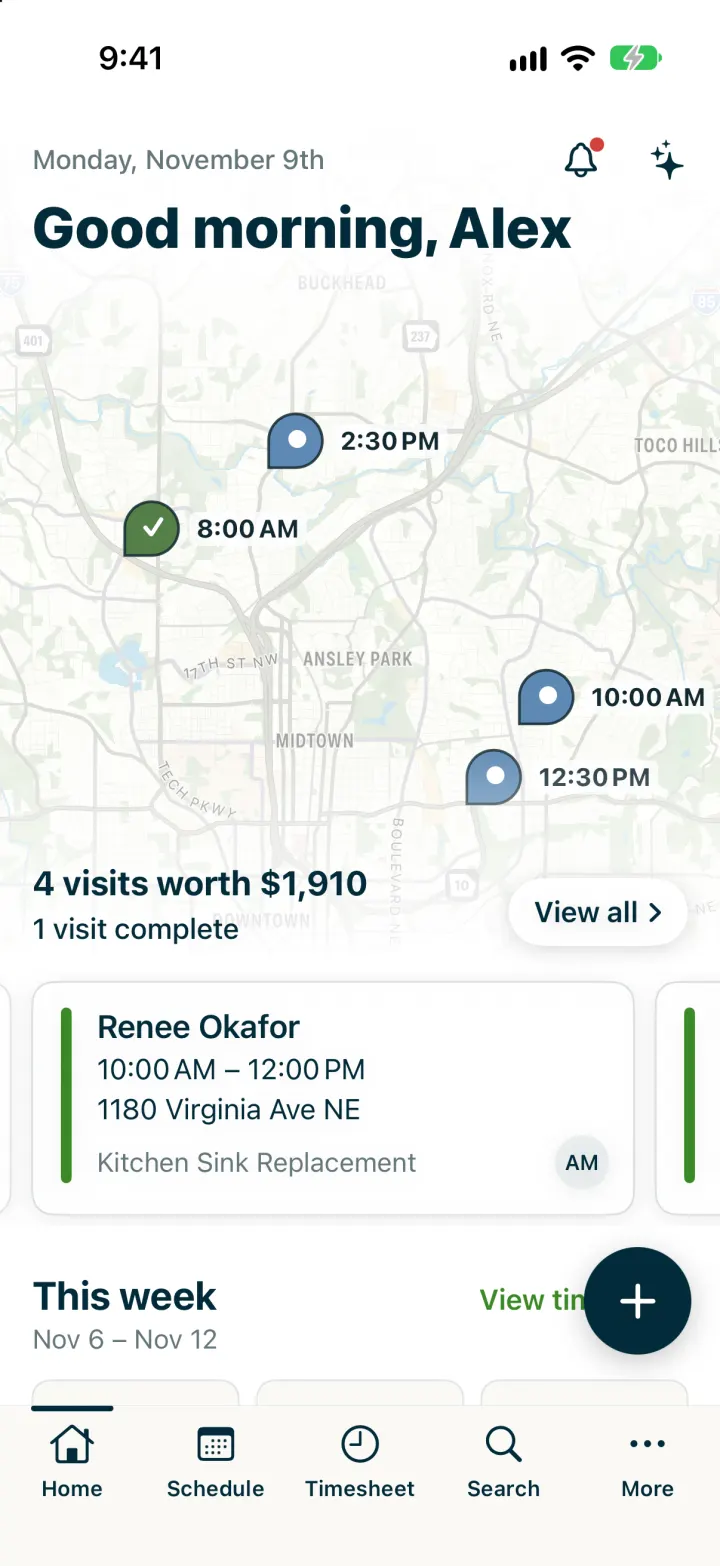
This rebuilds Jobber, the field service app, with its real name, navy-and-green look and words. You open on today's visits on a map with swipeable visit cards, then open a visit to tick its checklist, add notes and photos, get a customer signature, and complete it with "Close job & invoice now". The invoice opens straight into Collect Payment with Tap to Pay, card on file, cash or check. The Schedule shows the whole team's day in columns, a week list and a map, and Timesheet tracks your clock-in live. Jobber AI answers questions about your day and drafts quotes using a real model.
- iPhone · Swift
- Hand-built
- Free to remix

Remix copies the working app into your account for free, exactly as we built it. It runs in Vibecode's cloud iOS simulator, in your browser.
The prompt that builds it
We wrote Jobber Clone by hand. This prompt describes the finished app: paste it into a new app to build your own version, or change it first.
Prompt · 882 words
Build a polished native iOS clone of Jobber in SwiftUI, the field service app for home service pros: today's visits on a map, a team schedule, visit details with checklists, notes, photos and customer sign-off, "Complete visit and invoice now", Collect Payment with Tap to Pay, a timesheet, quotes, clients, search and Jobber AI.

It is Jobber on screen: its name and words ("Visit for ...", "Complete Visit", "Complete visit and...", "Leave job open", "Close job & invoice later", "Close job & invoice now", "Collect Payment", "Tap to Pay", "OR RECORD PAYMENT", "Approve & Pay Deposit", "Send Booking Confirmation", "Arrival window", "Schedule later", "Tracked time", "Clock Out", "Jobber AI Beta"). Colours: navy #032B3A for headings, the "+" button and Tap to Pay; interactive green #3B8A26 for primary buttons and the selected day; slate #65777B secondary text; warm grey #F1F0EB bands between sections; work-object colours request brown #A56118, quote magenta #B5306E, job olive #5E8E1F, invoice purple #6B4FA8. Heavy bold titles, clean sans body. Draw the lime-on-navy Jobber "bug" mark in SwiftUI. The business is Brightside Home Services, a small Atlanta plumbing + HVAC shop: owner Alex Morgan and technicians Jordan Reyes and Tasha Greene, 15 fictional clients with real-looking Atlanta addresses.

SHELL
Custom bottom bar: Home, Schedule, Timesheet, Search, More (outline navy icons with labels, a short navy bar over the selected tab). A floating navy round "+" opens Create: Client, Quote, Job, Invoice (pick a finished job), Clock In/Out, Ask AI. Opens on Home with no splash, login or permission prompt.

SCREENS
1. Home: "Monday, November 9th", "Good morning, Alex", bell (activity feed) and sparkle (Jobber AI); a muted MapKit map of today's visits with Jobber pins (blue drop with white dot, green check when done) and their start times, faded into white; "4 visits worth $1,910" / "1 visit complete" and a white "View all >" pill; swipeable visit cards (green left bar, client, time range, street, job title, tech initials); This week (visits done, hours tracked, invoiced, day bars); To do (requests, approved quotes, jobs to invoice, past due invoices).
2. Visit detail: hammer icon + status chip (Today, In progress, Late, Completed), "Visit for Renee Okafor", job title in slate, address, outline Directions button (Apple Maps / Google Maps), schedule and assignee, big green Complete Visit + "..." (call, "On my way" text, collect signature, create invoice, view client, reopen). Tabs Visit | Notes. Visit: Instructions, Photos, Checklist (tick to strike through), Line items with total, Client contact rows, Customer sign-off (finger signature pad). Notes: add a note with photos from the photo picker; notes with author, time and job-site photos.
3. Complete visit and... sheet: Leave job open / Close job & invoice later / Close job & invoice now (creates the invoice and opens it).
4. Invoice: status chip, title, client, Issued / Due, Collect Payment + send; line items, payments, Balance due; Paid in full when settled.
5. Collect Payment: "Payment Amount $960.00" with pencil to edit, navy Tap to Pay (full-screen "Hold card near the top of iPhone" with pulsing rings, then "Payment approved"), Visa ••••4242 Default, Manual Card Entry, OR RECORD PAYMENT: Cash, Check, Other Payment Record.
6. Schedule: "November v" (opens a month grid), today and team-filter icons, Day | List | Map segmented control, week strip with a green circle on the selected day. Day = one column per team member on an hour grid with navy visit blocks ("Kitchen Sink Replacement / Renee Okafor • 1180 Virginia Ave NE"), lighter assessment blocks, grey done blocks and a green now line. List = the week by day with totals. Map = pins plus visit cards.
7. Timesheet: week strip, Tracked time 01:56 ticking live with a green Clock In / Clock Out, time entries, visits completed, last 7 days bars.
8. Search with filter chips (All, Clients, Requests, Quotes, Jobs, Invoices); More with Work lists (clients, requests, quotes, jobs, invoices with status filters), Jobber AI, Activity, Team. Client page with Call / Text / Email / Directions, New Job, balance, jobs, quotes, invoices, notes. Request page with Convert to Quote. Quote page: "Quote for Benjamin Hart", total, Created / Sent, Send Quote, Approve & Pay Deposit (signature sheet), Convert to Job (schedules it).
9. New job: client, title, instructions, line items from a price book, Schedule later toggle, month calendar, start time, duration chips, Arrival window sheet (None / 15 min / 30 min / 1 hr / 2 hr / 3 hr, add after or center on start time), team chips, Save Job.
10. Jobber AI (Beta): chat with suggestions; the backend asks Claude with a text snapshot of the business (visits, quotes, unpaid invoices, requests, clients, price book) and returns a short answer plus an optional quote draft card with Create Draft Quote.

RULES
Everything works and persists (JSON in Documents). Demo data is built around today on each new day (visits before now are done, one late visit, a running clock-in from 7:45 AM); rows the user creates are kept. Real job-site photos are bundled sample images. Tap to Pay is simulated. No real people.

REMIX-READY
Brand.swift (names, trade words, colours, fonts), Fixtures files (team, clients, price book, a week of work), one Store with actions, features in small files, README with remix ideas, -DemoTour / -DemoScreen launch args.
More templates
All templates- View template
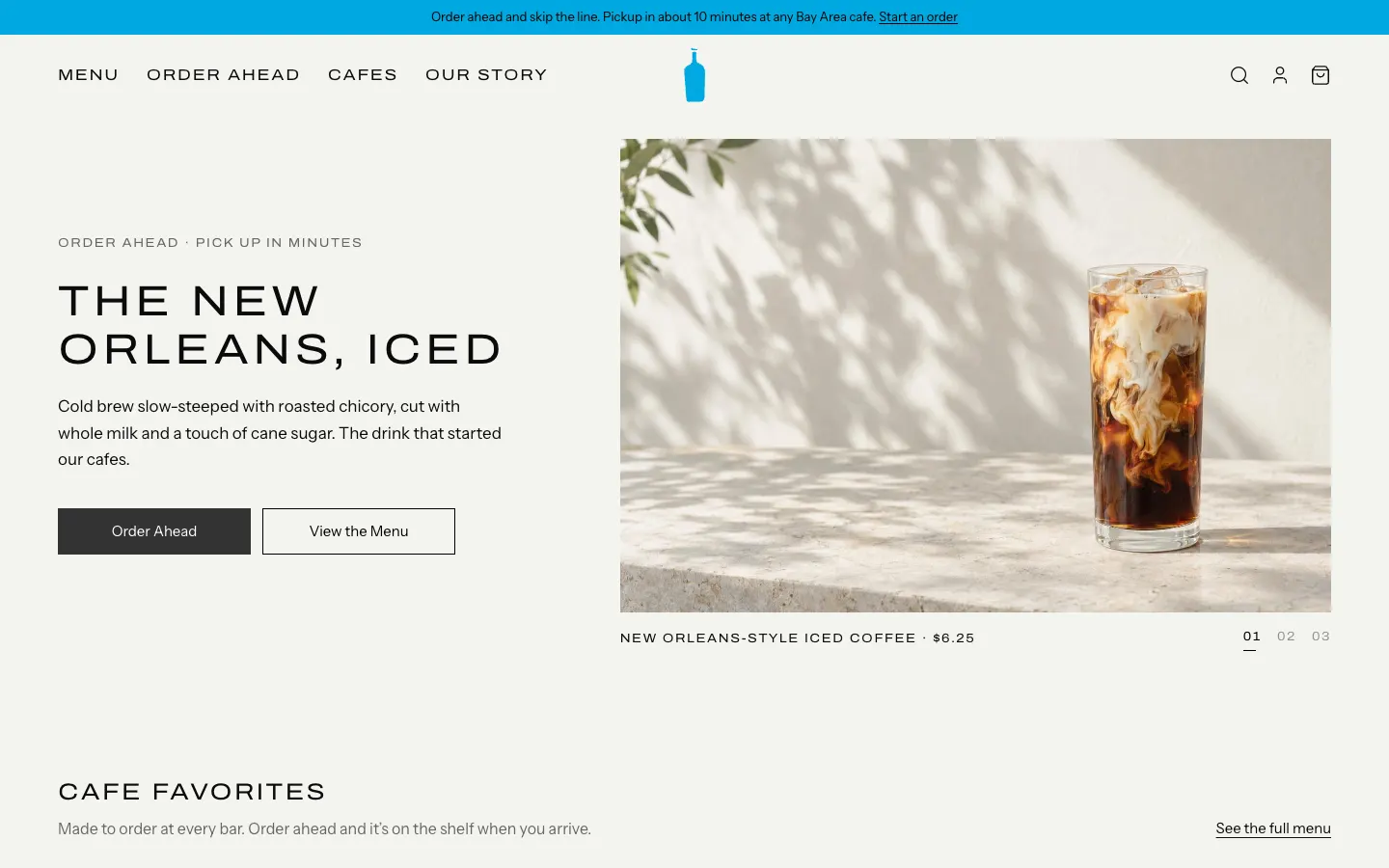
Blue Bottle Coffee Clone
WebBlue Bottle's cafe site rebuilt: priced menu, cafe map with live hours, order-ahead pickup, barista board.
- View template
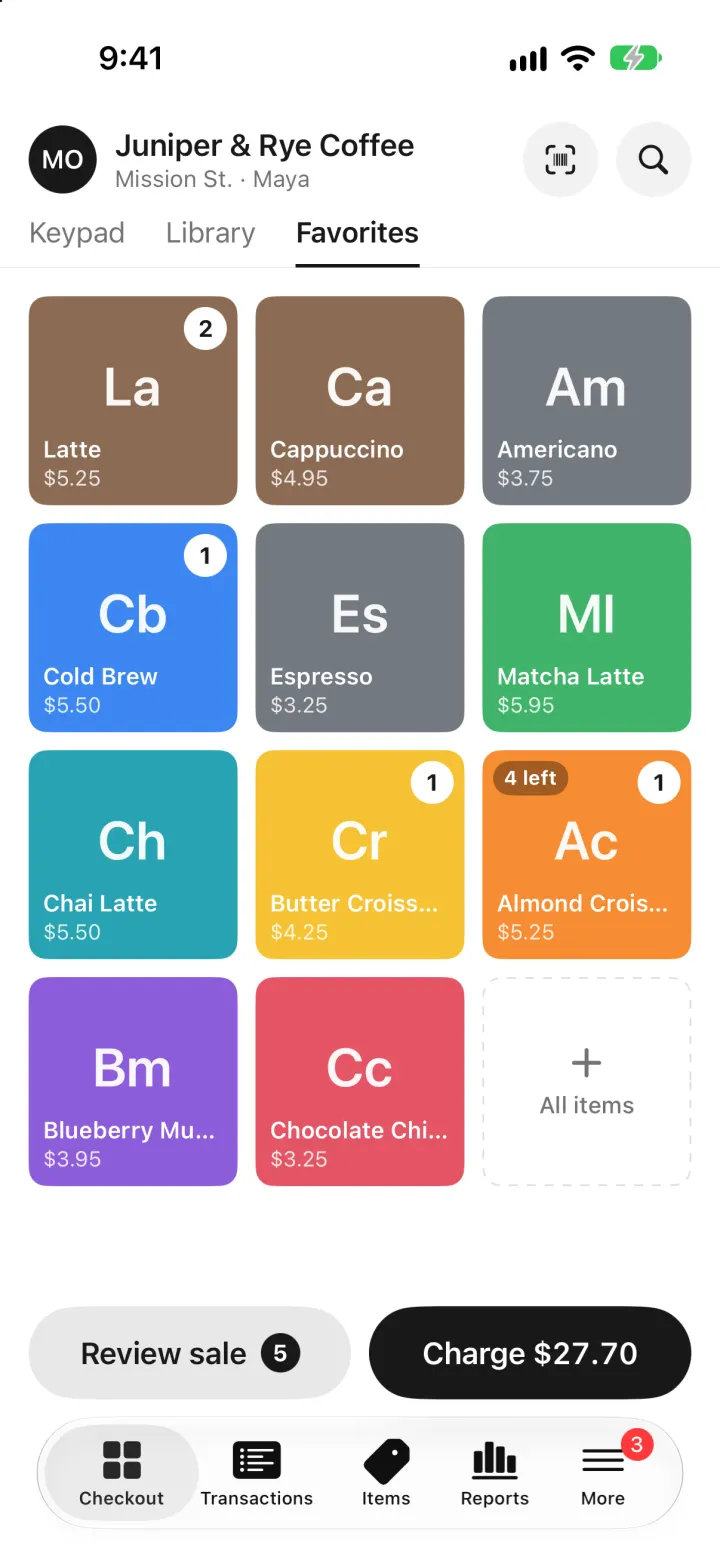
Square Point of Sale Clone
iOSSquare POS for a café: tap tiles, charge with Tap to Pay or cash, and watch stock and profit update live.
- View template
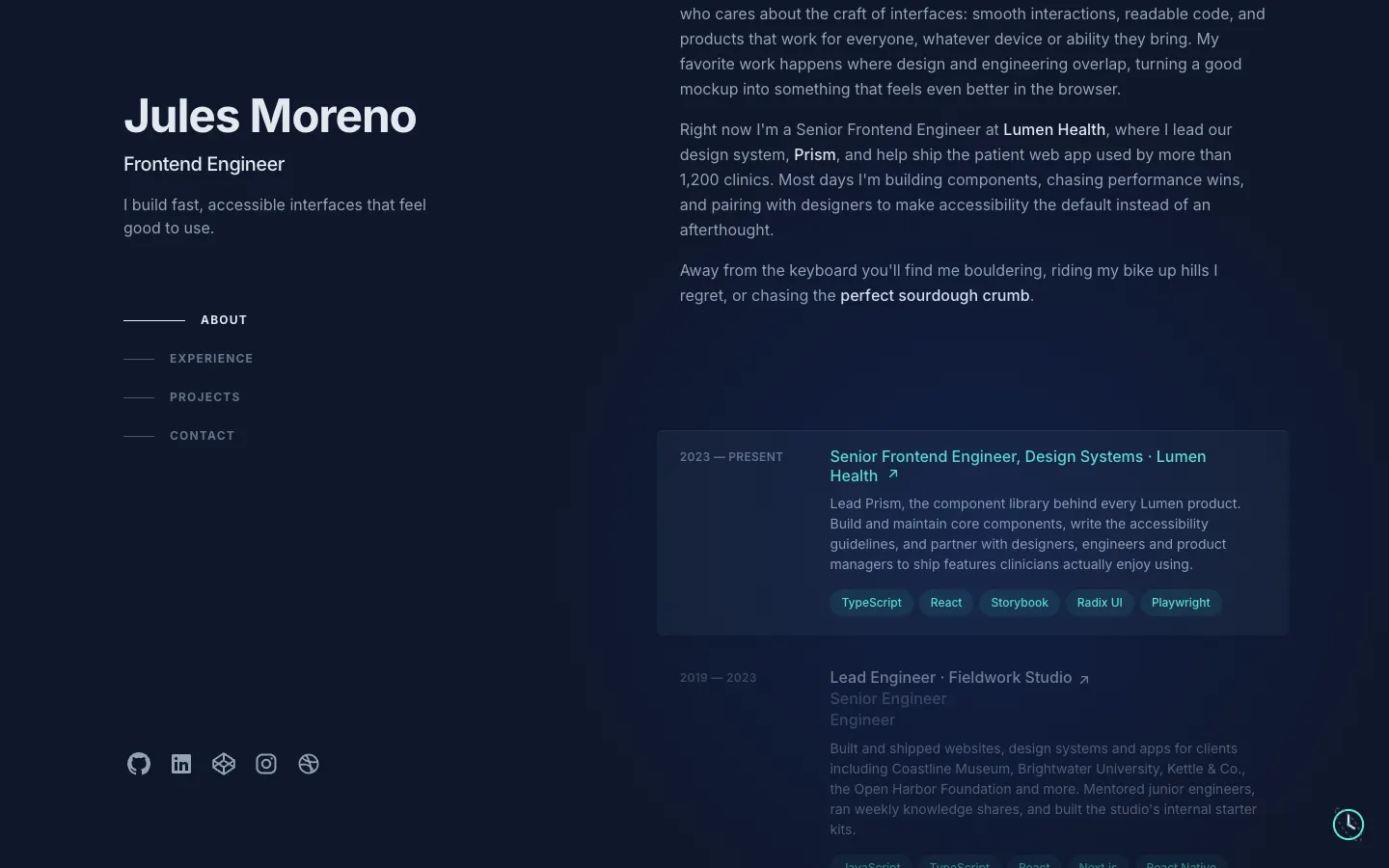
Brittany Chiang Portfolio Clone
WebThe famous slate-and-teal developer portfolio, with case studies, a résumé, a contact inbox and an editor.
- View template
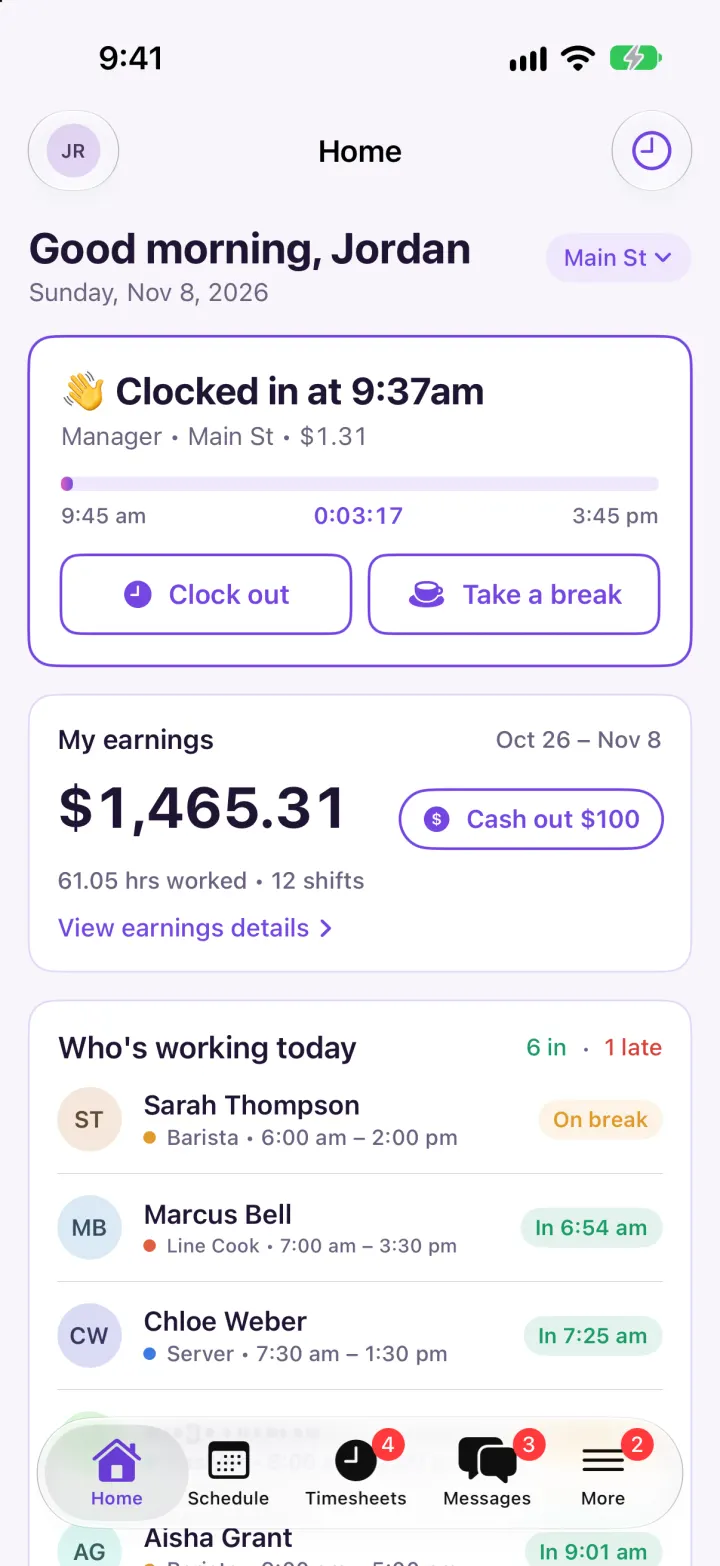
Homebase Clone
iOSClock in on a geofenced map, build next week's schedule in one tap, then fix and approve timesheets.