Blue Bottle Coffee Clone
Blue Bottle Coffee clone · Café website · built by the Vibecode team
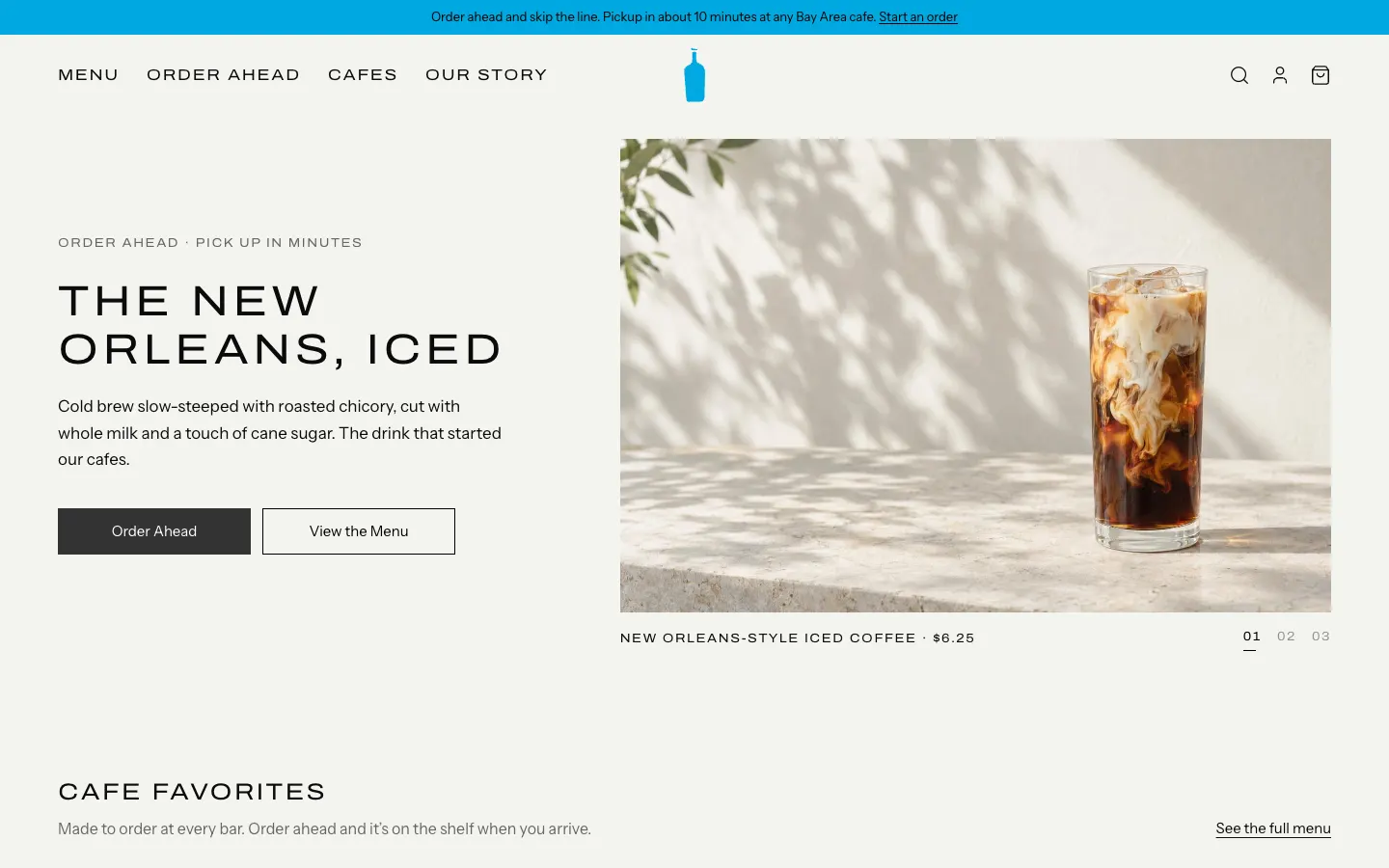
This rebuilds the Blue Bottle Coffee website with its real name, bottle mark, paper-white look and wide uppercase type. Visitors browse the cafe menu with photos and prices, customize a latte (oat milk, iced, extra shot), find a cafe on the map with live open hours, and order ahead for pickup with a status page that moves from Received to Ready. Staff get an admin with a live order board, a menu and price editor with sold-out switches, and printable QR codes that open a phone-friendly menu for each cafe. Everything is stored in a small SQLite database, so it works as a real cafe site after a rename.
- Web app
- Hand-built
- Free to remix
Remix copies the working app into your account for free, exactly as we built it. It runs in your browser.
The prompt that builds it
We wrote Blue Bottle Coffee Clone by hand. This prompt describes the finished app: paste it into a new app to build your own version, or change it first.
Prompt · 1,101 words
Build a polished web clone of the Blue Bottle Coffee website (bluebottlecoffee.com) as a cafe site with order-ahead: an animated hero of signature drinks, the full cafe menu with photos and prices, a cafe finder with map and hours, a bag and checkout for pickup with a live order status page, reviews, a gallery, a staff admin for orders and the menu, and printable QR mobile menus.

It is Blue Bottle on screen: its name, the blue bottle mark drawn as an SVG path (blue #00A9E0), warm off-white paper #F5F5F0, black text, charcoal #333333 for solid buttons and the footer, hairlines #D9D9D3 and red #A33A2E for "Cafe Closed". Headings are uppercase, wide and tracked (Archivo at width 118%, letter-spacing 0.1em, regular weight) like Blue Bottle's ABC Marfa; body text is Instrument Sans 16 px. Square corners everywhere; buttons are 48 px tall, either 1 px black outline ("Learn More", "Explore our Locations", "View the Menu") or solid charcoal ("Order Ahead", "Select cafe", "Checkout", "Place Order"). Use its words: "Find a cafe near you", "Search for a cafe", "Nearby cafes", "Cafe Closed", "Get directions", "Hours", "Select cafe", "Explore our cafes", "Brewing a regenerative future", "What our customers are saying", "Verified Buyer", "Gibraltar", "New Orleans", "Bella Donovan", "Hayes Valley Espresso". Real Blue Bottle Bay Area cafes with their real addresses; customers are fictional.

SHELL
A thin brand-blue announcement bar ("Order ahead and skip the line... Start an order"), then a sticky header: uppercase nav on the left (MENU, ORDER AHEAD, CAFES, OUR STORY), the blue bottle centered, search / account / bag icons on the right (bag shows a blue count badge). Charcoal footer with COMPANY, LEARN, MORE and SUBSCRIBE AND STAY UPDATED (email signup with a toast). Opens straight on the home page; mobile gets a hamburger sheet.

SCREENS
1. Home: hero split, text left (eyebrow "ORDER AHEAD · PICK UP IN MINUTES", big uppercase title, paragraph, Order Ahead + View the Menu), photo right. Three signature drinks (New Orleans iced, latte, pour over) cross-fade every 5 s with a slow zoom; the title and copy slide with the photo; caption "NEW ORLEANS-STYLE ICED COFFEE · $6.25" under it with a 01 02 03 pager whose underline fills over the slide. Then "Cafe favorites" (6 menu cards), a full-width cafe photo carousel with "HAYES VALLEY CAFE, SAN FRANCISCO" and 01-04, "Explore our cafes"; the story split (misty coffee farm photo + "Brewing a regenerative future"); "What our customers are saying" (white cards: product name in caps, thumbnail, stars, title, quote, NAME + Verified Buyer + date relative to today, arrow buttons); "From our cafes" 6-photo gallery with a lightbox.
2. Menu: "CAFE MENU", search box, pickup cafe dropdown (each cafe with live open state), sticky category tabs that follow the scroll (Espresso, Brewed, Cold, Matcha & Tea, Pastries, Breakfast, Whole Bean). Square photo cards with tag chips (Signature, Most loved, New, Sold out), name in caps, price, two-line description. 20 items with real-feeling prices (Espresso $4.00, Gibraltar $5.00, Cappuccino $5.75, Latte $6.00, New Orleans $6.25, Liège Waffle $4.75, Bella Donovan 12 oz $22.00...).
3. Item customizer (dialog): photo left, name, price, description, square chip pickers for Milk (oat/almond +$0.75), Temperature, Extras (extra shot +$1.00), Size, Origin, Grind; quantity stepper; "Add to Bag · $7.75" with the live price; sold-out items say "Sold out today". Adding toasts "Latte added to your bag · View bag".
4. Bag sheet from the right: lines with photo, options, steppers, Remove, pickup cafe, subtotal, Checkout.
5. Cafes: search + "Nearby cafes" rows like the Blue Bottle app (photo left, NAME, address, "Cafe Closed" in red or "Open until 6:00 PM") beside a greyed OpenStreetMap with white teardrop pins holding the blue bottle. A cafe opens its detail in place: big photo with a dark square close button, NAME, address, open state, Get directions (Google Maps), blurb, Hours table (today bold), "Select cafe" (sets pickup and opens the menu). The map flies to it.
6. Checkout ("ORDER AHEAD"): 1. Pickup (cafe + pickup time: ASAP while open, else 15-minute slots from the next opening, computed from real hours in the cafe's timezone), 2. Your details (name, mobile, barista notes; zod-validated), 3. Payment (pay at pickup). Order summary card with subtotal, 8.625% tax, total, Place Order.
7. Order status: bottle mark, "ORDER #1037", headline that changes with status ("We've got your order, Nora" / "Your barista is on it" / "Ready on the pickup shelf" with a bottle wiggle; scheduled orders say "You're all set"), a blue progress bar Received > Preparing > Ready for pickup, cafe card with directions, the order lines. It polls every 3 s.
8. Admin (/admin): "CAFE ADMIN", tabs Live Orders / Menu & Prices / QR Menus, Reset demo data. Live Orders: cafe filter, counts and picked-up sales, three columns New / Preparing / Ready for pickup with order cards (number, name, cafe, ASAP or time, lines, notes, total, Cancel, Start / Mark ready / Picked up), and a Completed list. Menu & Prices: rows per category with photo, name, price, an Available switch, edit (name, category, price, description, tag, photo picker or URL, sold out) and delete, plus Add item. QR Menus: a printable card per cafe with a real QR code to /m/:cafeId.
9. QR mobile menu (/m/:cafeId): phone-first page for one cafe, bottle + cafe name + open state, sticky category chips, compact rows (name, price, description, thumbnail), the same customizer and bag, and a "View bag · 2 · $12.75" bar.

LOOK
Lots of paper-coloured space, 60 px side margins at desktop, photos edge to edge with no rounding or shadows, one consistent photo style (bright daylight, pale stone, white ceramics; generate them, no text or logos). Motion is quiet: cross-fades, slow zoom, cards scaling 4% on hover with an "Add +" tag sliding up.

RULES
Backend (Bun + Hono) with SQLite via bun:sqlite: menu items, orders and meta tables; the DB file is tracked in git with clean seed data and demo order dates shift forward at boot; it reopens itself if git swaps the file. Routes /api/menu (CRUD), /api/orders (create, get, list, PATCH status), /api/cafes, /api/admin/reset. New ASAP orders move to Preparing after 12 s and Ready after 45 s unless staff move them; scheduled orders start 10 min before pickup. Bag and "your orders" persist in localStorage. Responsive down to 375 px.

REMIX-READY
brand.ts for name, words, nav and currency; CSS variables for colours; fixtures.ts for hero slides, reviews and gallery; backend/src/data for menu, cafes (hours, coordinates, tax) and demo orders; small files under 300 lines and a README with a file map and remix ideas.
More templates
All templates- View template
Square Point of Sale Clone
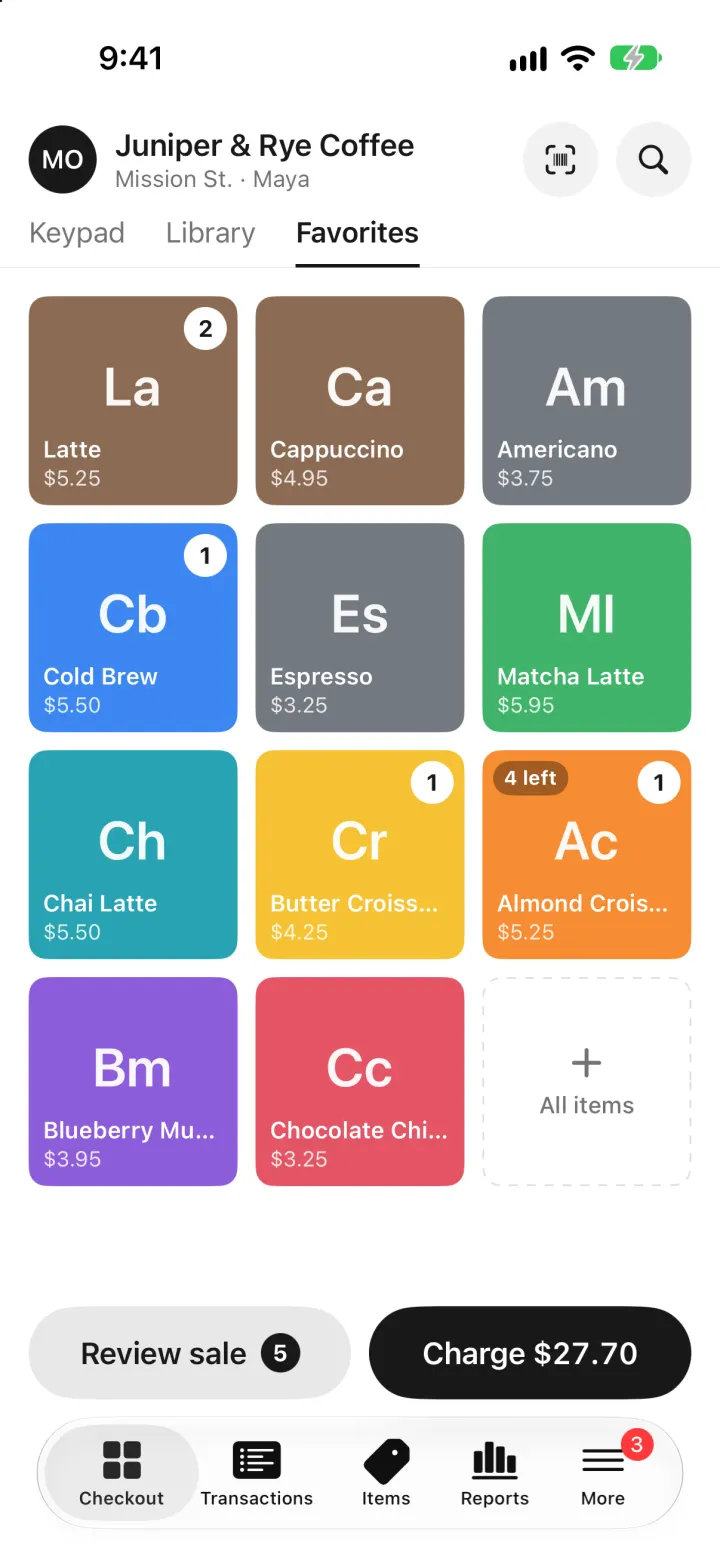
iOSSquare POS for a café: tap tiles, charge with Tap to Pay or cash, and watch stock and profit update live.
- View template
Brittany Chiang Portfolio Clone
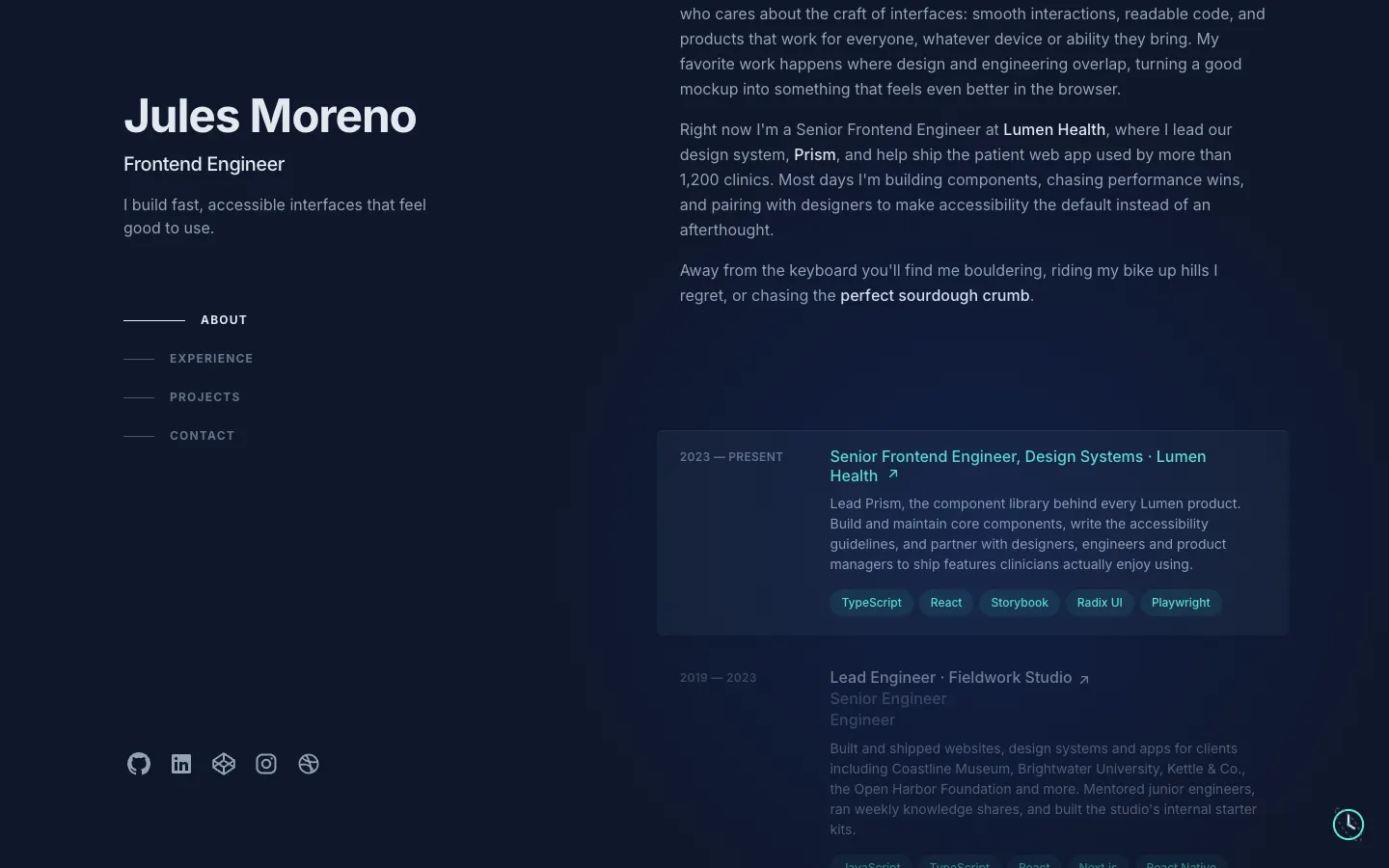
WebThe famous slate-and-teal developer portfolio, with case studies, a résumé, a contact inbox and an editor.
- View template
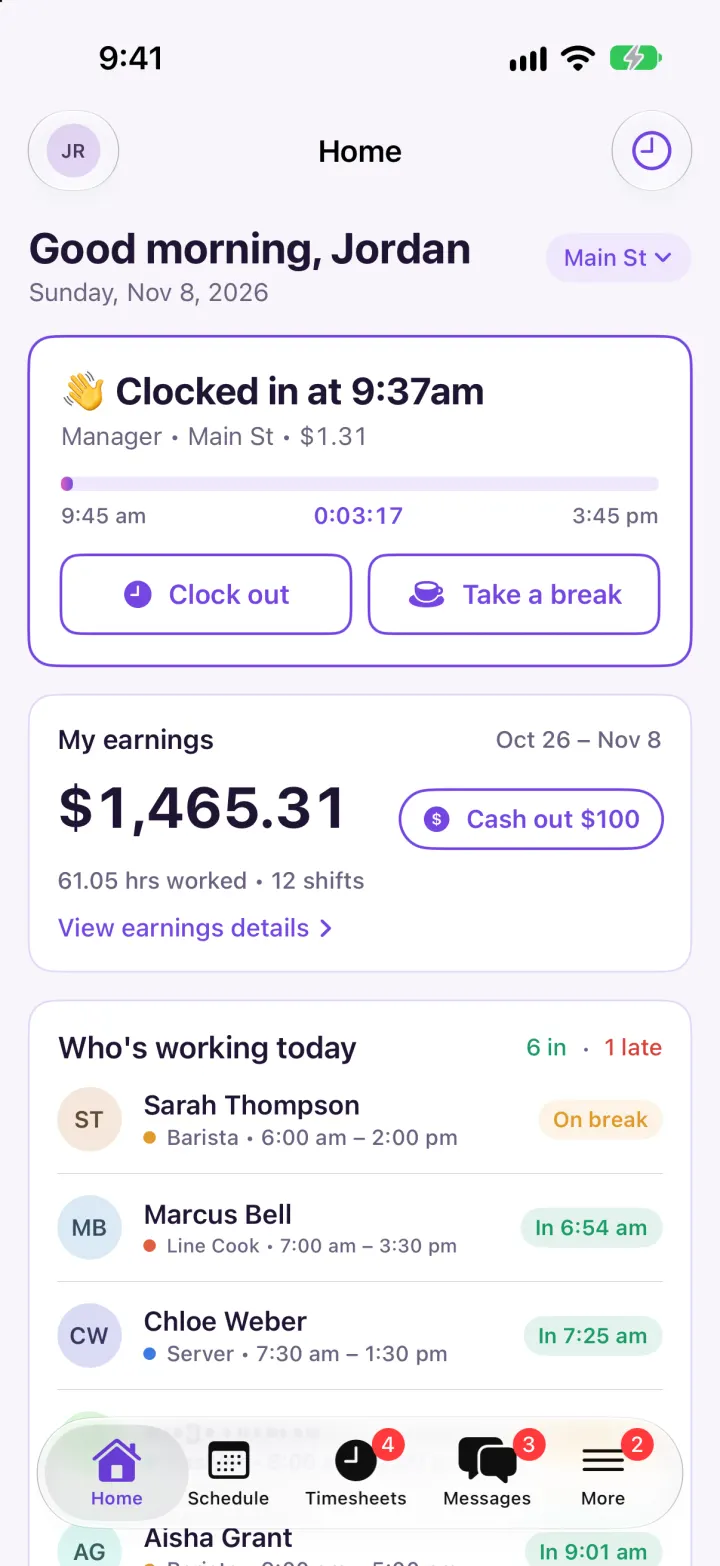
Homebase Clone
iOSClock in on a geofenced map, build next week's schedule in one tap, then fix and approve timesheets.
- View template
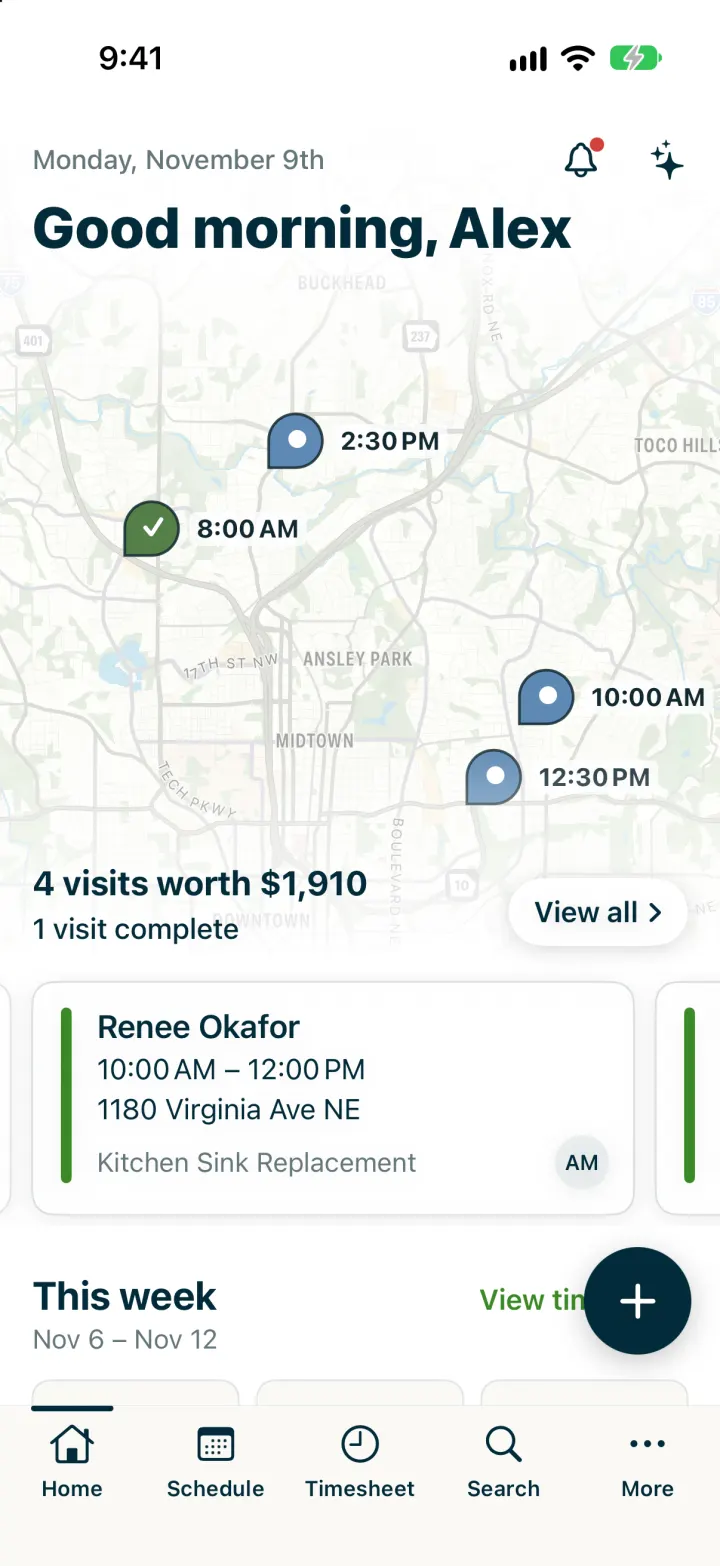
Jobber Clone
iOSRun a plumbing crew's day: map of visits, team schedule, finish a job, invoice it and Tap to Pay on the spot.