
Homebase Clone
Homebase clone · Time clock app · built by the Vibecode team
This rebuilds Homebase, the time clock and scheduling app for hourly teams, with its real name, purple look and words. As the manager of a small café you clock in after a map location check, take breaks and watch your earnings tick up, and see who's in, on break or late today. Build schedule copies last week into drafts and works around time off before you Publish. Timesheets flag missed clock outs and breaks, total the pay period with overtime, approve in one tap and export to Excel or PDF, and Messages, Attendance and Time off requests round out the team tools.
- iPhone · Swift
- Hand-built
- Free to remix

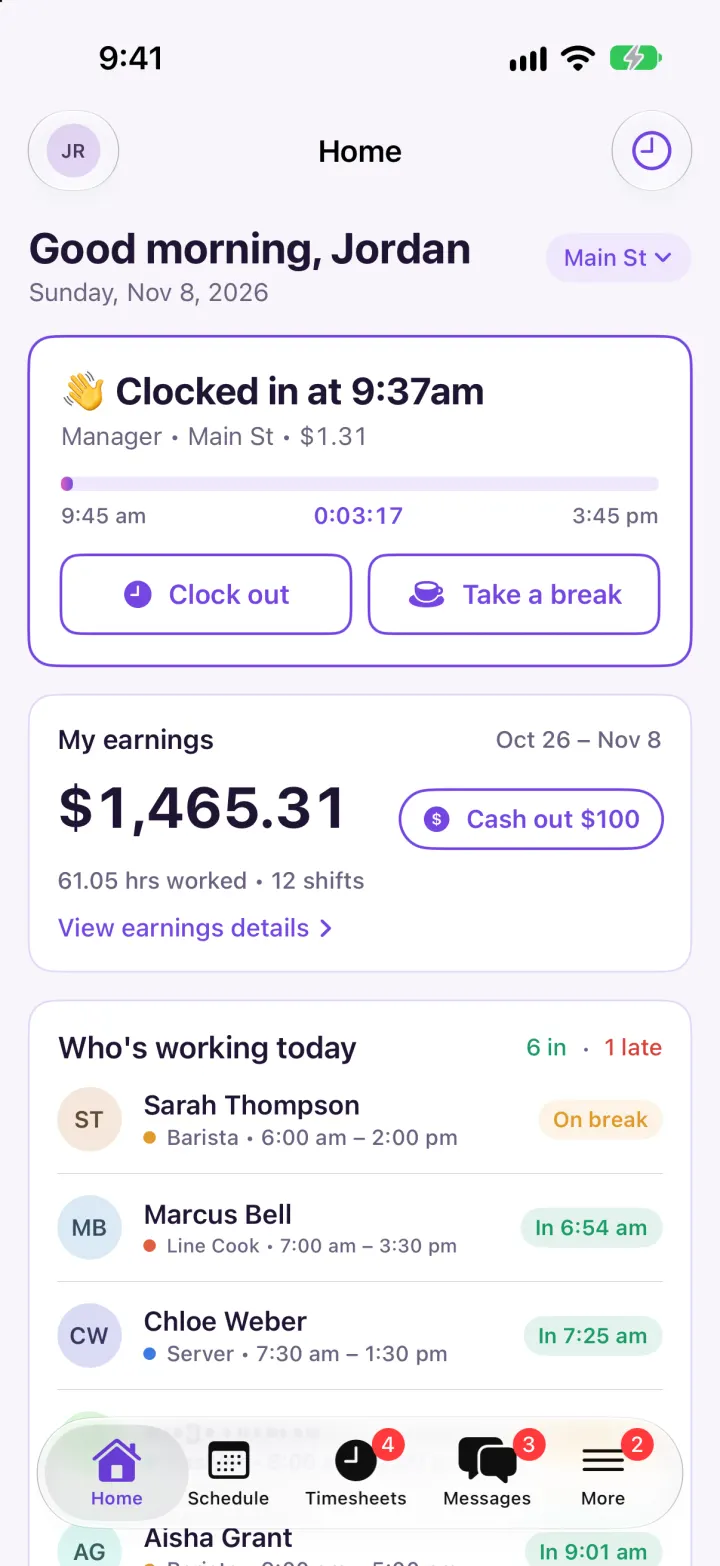
Remix copies the working app into your account for free, exactly as we built it. It runs in Vibecode's cloud iOS simulator, in your browser.
The prompt that builds it
We wrote Homebase Clone by hand. This prompt describes the finished app: paste it into a new app to build your own version, or change it first.
Prompt · 1,084 words
Build a polished native iOS clone of Homebase, the time clock and scheduling app for hourly teams, in SwiftUI: a manager's Home with a live time clock, a Schedule with one-tap Build schedule and Publish, Timesheets with daily and pay period review and Excel/PDF export, team Messages, and More with Team, Attendance and Time off.

It is Homebase on screen, in its light theme: its name, Homebase purple #7445E2 on white cards with thin lavender borders (#E2D8F6) over #F7F5FB, a deep aubergine #2E1A4F Schedule header, ink #1F1433, a pink #E45BB8 to purple progress gradient, and its own words ("Clock in", "Clock out", "Take a break", "Confirm clock in", "Shift details", "My earnings", "Cash out", "Build schedule", "Built using ... as a base", "Got it", "Draft", "Day view", "Week view", "Daily review", "Pay period review", "TOTAL PAID", "Total Paid: 18 hrs", "time card issues", "Paid (0 min) • Unpaid (30 min)", "Announcements", "Search Messages..."). Draw the lowercase "homebase" wordmark and the purple rounded-square "h" mark in SwiftUI. The business is the fictional "Sunny Side Café · Main St" in Portland; the user is manager Jordan Reyes ($24/hr) with 10 fictional staff (Sarah Thompson barista, Marcus Bell line cook, Priya Nair server, Diego Alvarez cashier, Hannah Kim host, Tyler Brooks dishwasher, Aisha Grant barista, Leo Martinez line cook, Chloe Weber server, Ben Okafor cashier), each with a role colour, wage and weekly shift pattern. US dollars, 12-hour times ("9:30 am").

SHELL
Tabs: Home, Schedule, Timesheets (red badge = open time card issues), Messages (unread), More (pending time off). Opens on Home: no splash, onboarding, login, paywall or permission prompt.

SCREENS
1. Home: inline "Home" title with Jordan's initials avatar and a clock button; "Good morning, Jordan" + date and a "Main St" location pill. Time clock card: off the clock it says "Your shift starts in 3 min" with "Manager • 9:45 am – 3:45 pm" and a purple Clock in button; on the clock it has a purple border, "👋 Clocked in at 9:41am", "Manager • Main St • $1.31" earned so far, a pink-to-purple progress bar from shift start to end with a live h:mm:ss timer, and outlined Clock out and Take a break buttons (break turns the bar and button amber, "☕️ On break since ..."). My earnings: this two-week pay period's gross pay, hours and shifts, a "Cash out $100" pill (sheet: "Cash out now", then "On its way!"), "View earnings details". Who's working today: today's shifts with initials avatars, role dot + times and status chips (green "In 6:54 am", amber "On break", amber late clock-ins, red "Late 12 min", grey upcoming time, purple "Sick"), counts "6 in · 1 late"; rows open the person's profile. Labor today: actual vs scheduled hours and cost, labor % of a $2,350 sales forecast. Upcoming shifts.
2. Confirm clock in (sheet): MapKit map of the café with a purple geofence circle and a blue "You" dot, "Checking your location…" then a green "You're at Sunny Side Café · 85 ft away", Shift details card (Location, Shift, Role), purple Confirm clock in. A Settings toggle turns the location check off.
3. Schedule: aubergine nav bar and header: "Nov 9, 2026 – Nov 15, 2026" with arrows, seven day circles (selected = filled purple, dot = has shifts), Day view / Week view underline tabs. Day view: white rows with a role-colour left edge: start/end times, initials, "Sarah T.", "Barista • 8hr", grey Draft pill. Week view: people down the side, seven days across, role-coloured time blocks (dashed when draft), shifts, hours and projected labor. An empty week shows a "Build schedule" card with a yellow-pink-purple gradient border: it copies last week as drafts, moves shifts off anyone with time off to a free teammate with the same role, and shows the sheet "Built using Nov 2 – Nov 8 as a base" with "3 shifts reassigned due to Priya Nair's requested time-off" lines and Got it. A bottom bar "52 draft shifts · Not visible to your team yet" with Publish & notify publishes them and posts an announcement. + adds a draft shift.
4. Timesheets: "Sunny Side Café ▾" title, export button. Daily review (red issue count badge): dark date pill with arrows and one card per punch: name, "Barista | Main St", "Sat, Nov 7 (5:57 am – 2:01 pm)", "Total: 7 hrs 34 min", "Paid (0 min) • Unpaid (30 min)", pay, and red issues (No clock out, Missed meal break, Clocked in 18 min late). Pay period review: "Oct 26, 2026 – Nov 8, 2026" pill, TOTAL PAID "671 hrs" in big purple, EST. GROSS PAY, Approve all timesheets (turns green), and a card per person with Total Paid hours (OT), pay • shifts • rate and "1 time card issue". A person's timesheet: Regular / Overtime / Breaks / Gross tiles, each day's punches with Fix (add the missing clock out) and Add break, and Approve timesheet. Overtime is hours past 40 in a Monday week at 1.5x. Export: Excel (.csv, every punch + summary) or PDF (one-page payroll report), then share the file.
5. Messages: Messages / Announcements tabs, "Main St" dropdown, "Search Messages..." field, threads (All company, Managers, Kitchen team with icons; one-on-ones with avatars) with "Sarah: ..." previews, times and red unread counts. Chat: purple bubbles for you, white for others with names in groups; one-on-ones reply after a moment ("Got it, see you then").
6. More: profile, Team (search, status chips, profile with Message / Call / Timesheet, pay period stats, wage, phone, upcoming shifts), Attendance (week strip, Present / Late / Absent counts, each person's status for the day, tap to mark Present, Absent or Excused), Time off requests (Approve / Deny), My earnings (current and past periods, cash outs), Settings (location check, break reminders, overtime alerts, reset demo data).

RULES
All data is local and deterministic: two pay periods of shifts and punches built around today with a few planted problems. Today's punches follow the schedule and the real clock so the roster looks right at any hour; on a new day demo rows are rebuilt and your own punches, shifts and messages are kept. Light mode only. Add a -DemoTour launch argument that clocks in, builds and publishes next week, fixes and approves timesheets and replies to a message, plus -DemoScreen and -DemoTime 09:41.

REMIX-READY
Brand/Theme.swift (name, colours, fonts, words), Data/Fixtures.swift (business, team, patterns, time off, conversations), small feature files under 300 lines, and a README with a file map and remix ideas.
More templates
All templates- View template
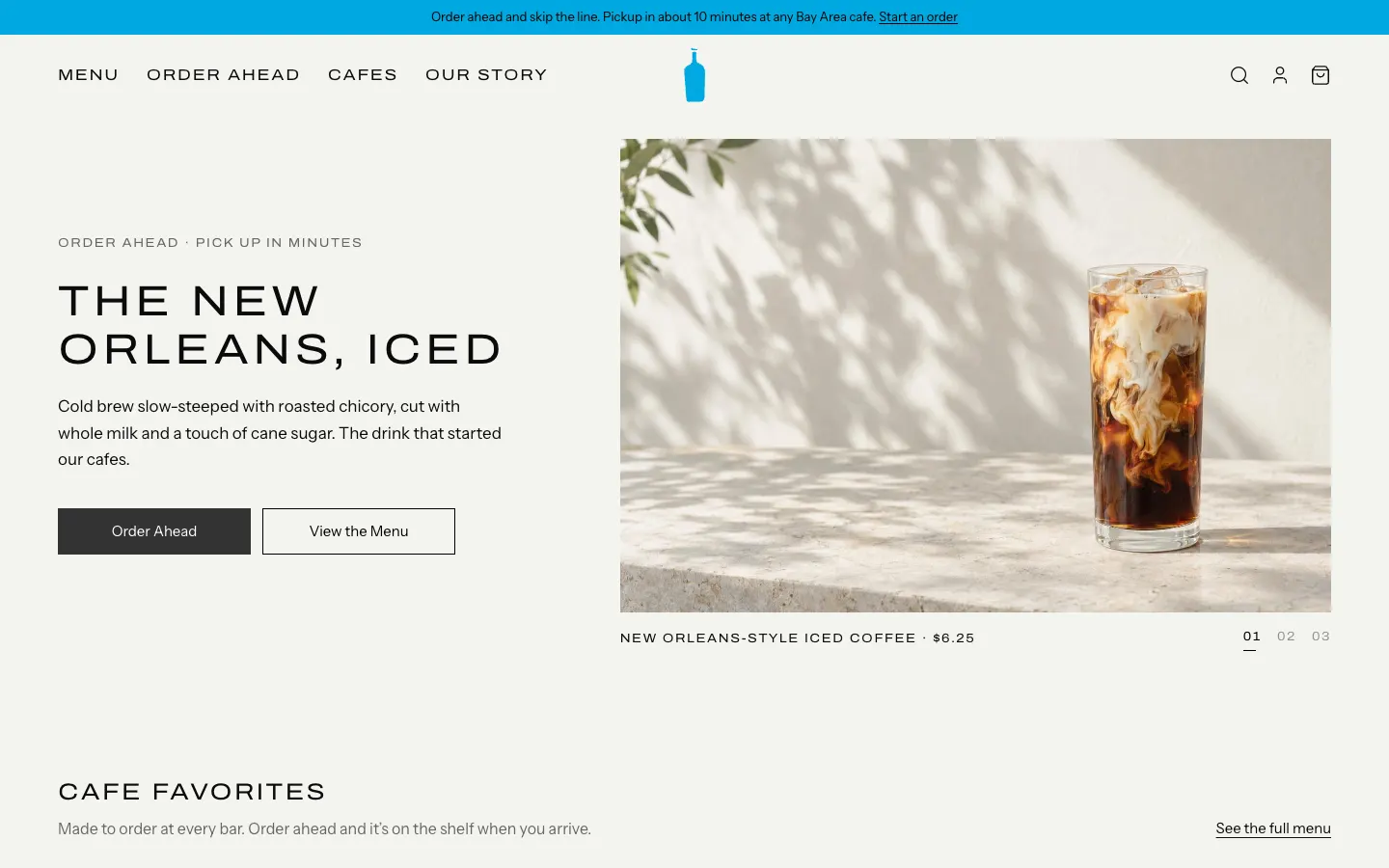
Blue Bottle Coffee Clone
WebBlue Bottle's cafe site rebuilt: priced menu, cafe map with live hours, order-ahead pickup, barista board.
- View template
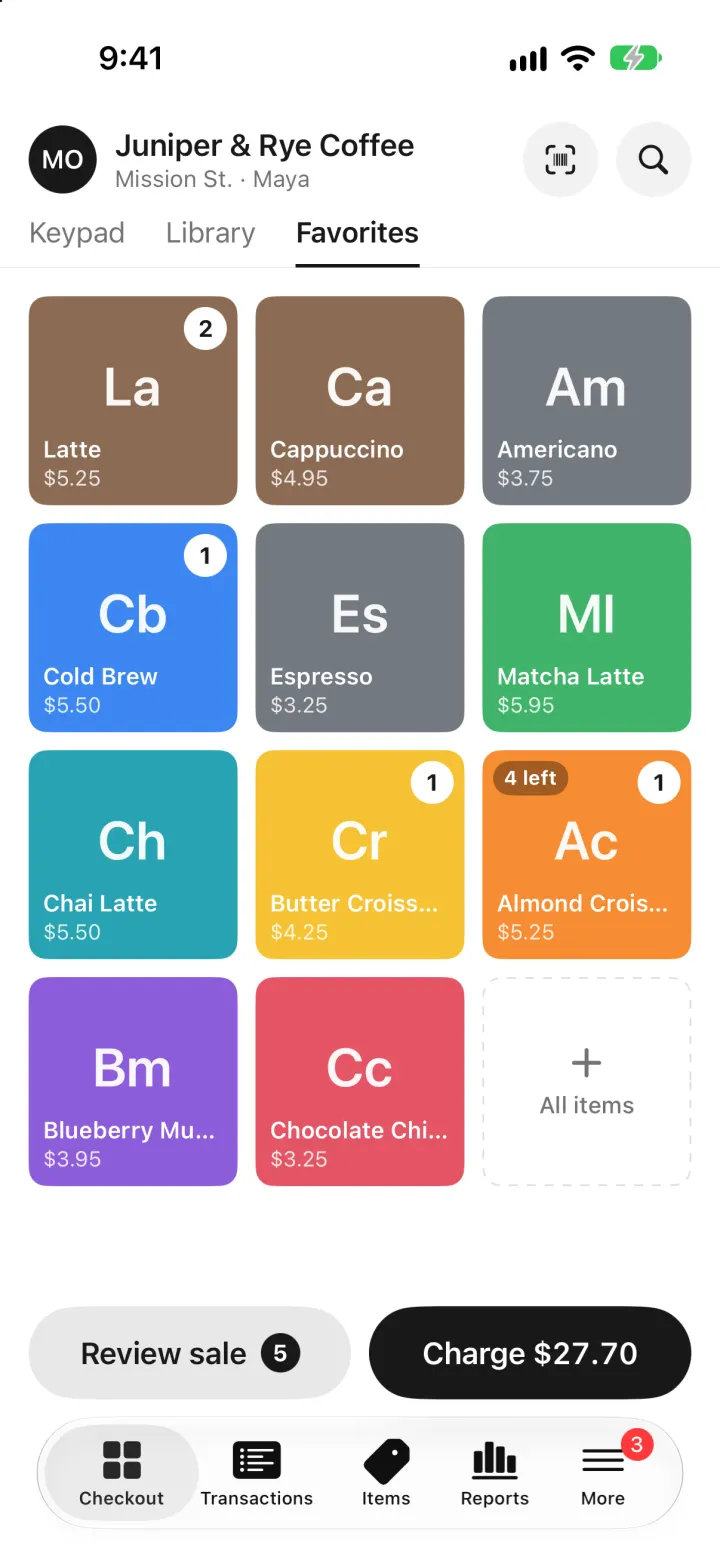
Square Point of Sale Clone
iOSSquare POS for a café: tap tiles, charge with Tap to Pay or cash, and watch stock and profit update live.
- View template
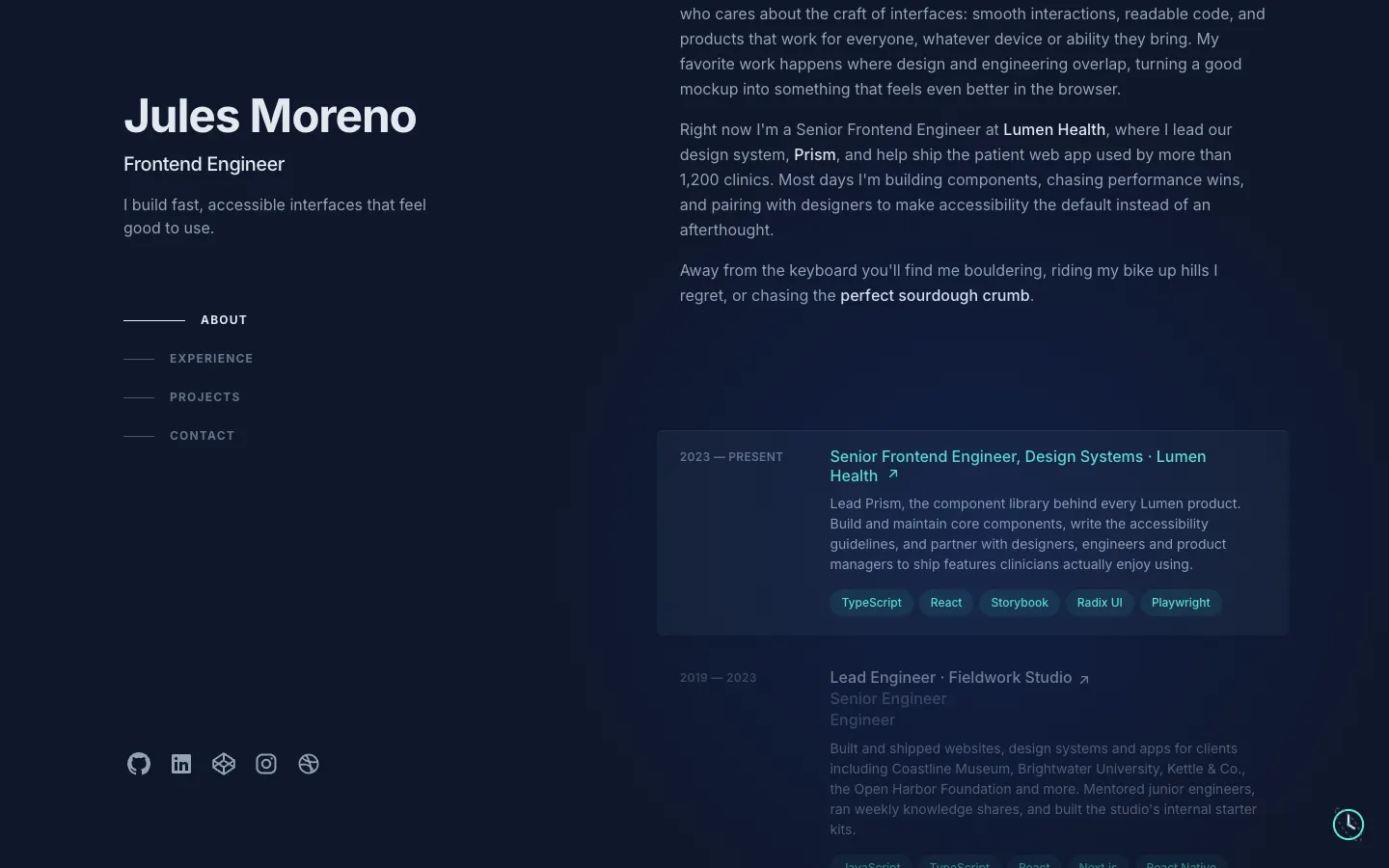
Brittany Chiang Portfolio Clone
WebThe famous slate-and-teal developer portfolio, with case studies, a résumé, a contact inbox and an editor.
- View template
Jobber Clone
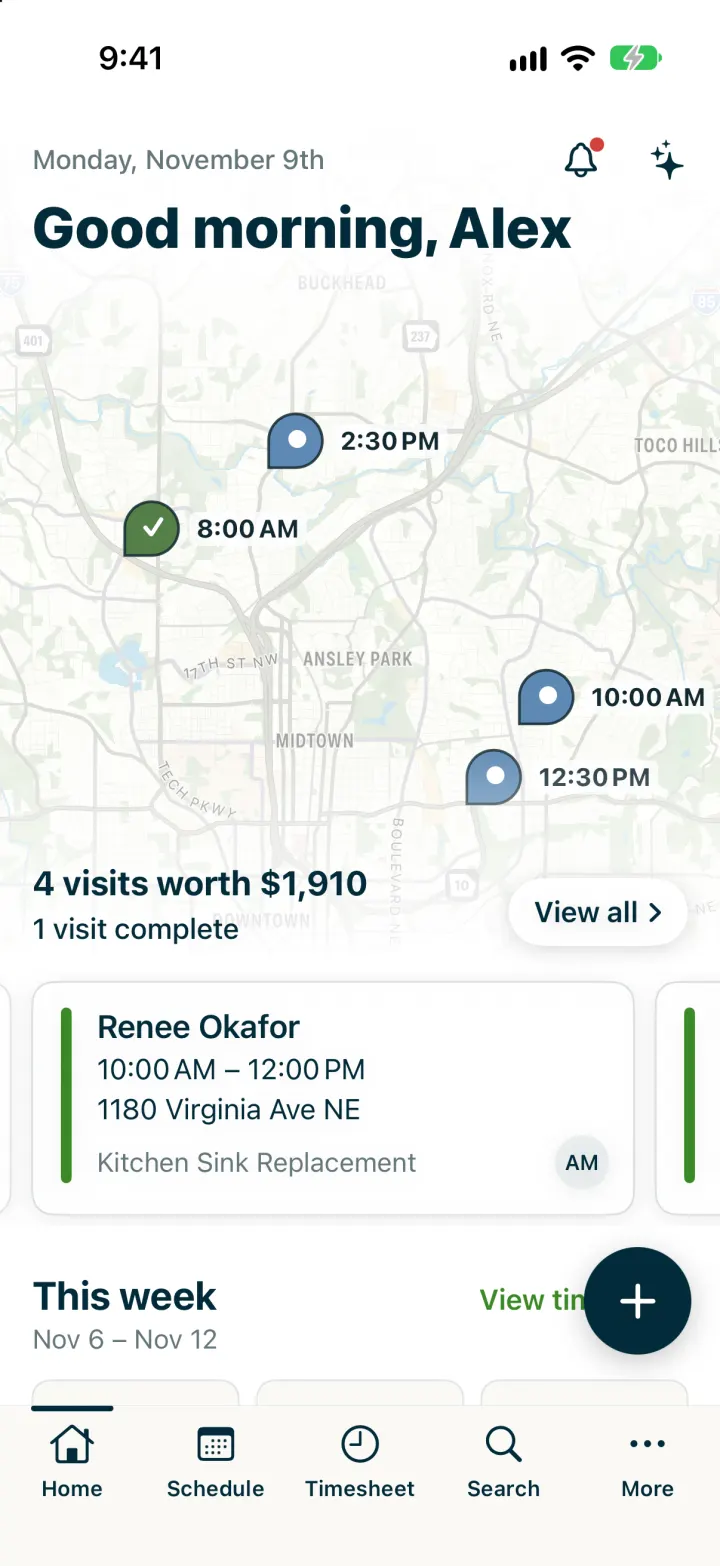
iOSRun a plumbing crew's day: map of visits, team schedule, finish a job, invoice it and Tap to Pay on the spot.