Brittany Chiang Portfolio Clone
Brittany Chiang Portfolio clone · Portfolio website · built by the Vibecode team
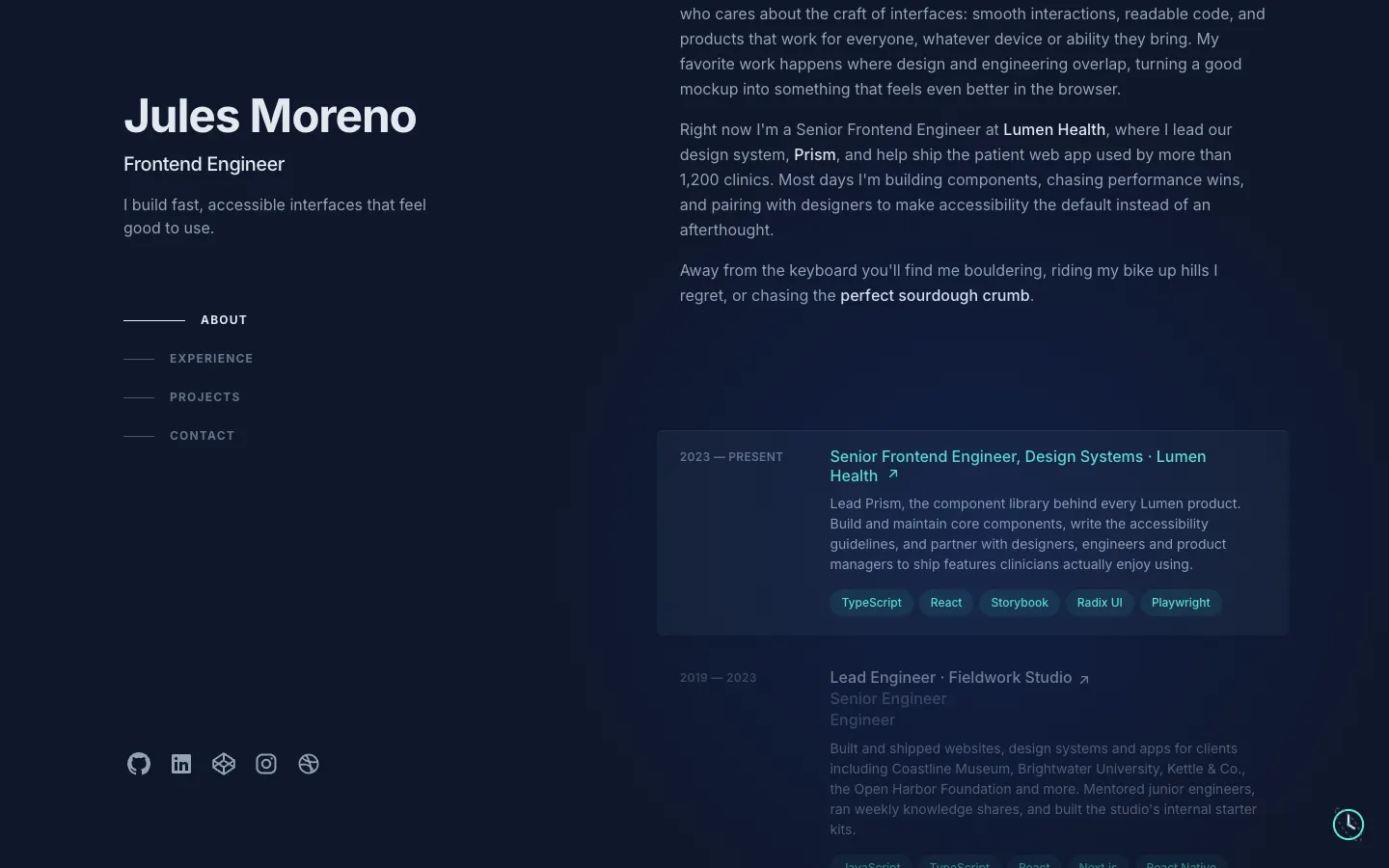
This rebuilds Brittany Chiang's portfolio (brittanychiang.com) with its real layout and look: a sticky left column with the name, title, growing-line nav and socials, and a right column of About, Experience, Projects and Writing with a cursor spotlight and hover cards that dim their neighbours. It is filled with a fictional developer, Jules Moreno, so you can swap in your own story. Every project opens a case study with count-up stats and a gallery, there is a full project archive table and a printable résumé. Visitors can send a message from the contact form, and the owner logs in at /admin to edit text, photos and projects and read the inbox. A small time-travel clock switches between the slate, navy (2019) and light paper themes.
- Web app
- Hand-built
- Free to remix
Remix copies the working app into your account for free, exactly as we built it. It runs in your browser.
The prompt that builds it
We wrote Brittany Chiang Portfolio Clone by hand. This prompt describes the finished app: paste it into a new app to build your own version, or change it first.
Prompt · 787 words
Build a developer portfolio website that recreates brittanychiang.com (Brittany Chiang's v5 portfolio), filled with a fictional owner, plus a working contact inbox and an owner-only content editor.

It is Brittany Chiang's portfolio on screen: her two-column layout, her slate-and-teal palette and her small details, with all text about a fictional frontend engineer, Jules Moreno (Portland, OR; Senior Frontend Engineer at "Lumen Health", earlier "Fieldwork Studio", "Orbit Audio", "Northbound Studio"). Never use her bio, jobs or projects. Inter for all text.

SHELL
Opens straight on the home page. Desktop (lg+): max width 1280, two columns. Left 48%, sticky full height (py-24): name (bold 48 px, tight tracking, #e2e8f0), title "Frontend Engineer" (20 px medium), tagline (max-w-xs), then the in-page nav: ABOUT / EXPERIENCE / PROJECTS / CONTACT in 12 px bold uppercase, wide tracking, each preceded by a 1 px line that is 32 px wide in #475569 and grows to 64 px and turns #e2e8f0 on hover and for the section in view (scrollspy). Socials at the bottom of the column (GitHub, LinkedIn, CodePen, Instagram, Dribbble, 24 px, #94a3b8). Right 52%: the sections. Below lg: one column, a hamburger in the top right opens a sheet with numbered links ("01. About"...) plus Résumé and Project archive, and each section gets a sticky blurred uppercase heading.

SCREENS
1. Home. About: three paragraphs; company names in #e2e8f0 medium; the phrase "perfect sourdough crumb" letters lift and turn rainbow colours one by one on hover. Experience: rows in an 8-column grid (date like "2023 — PRESENT" 12 px uppercase #64748b in 2 columns, content in 6): "Title · Company" with a north-east arrow that nudges up-right on hover, earlier titles in grey below, description 14 px, optional link row (link icon + label), tech pills (rounded-full, teal-400 at 10% background, #5eead4 text, 12 px). Hovering a row shows a card behind it (slate-800 at 50%, 1 px top highlight, drop shadow), turns its title teal, and dims the other rows to 50%. "View Full Résumé →". Projects: same rows with a 16:9 thumbnail on the left (2 px border at 10% white, 30% on hover), blurb, optional badge ("★ 80k+ Installs"), pills, then "View Full Project Archive →". Writing: year + title rows with thumbnails. Contact: "What's next?" in teal, "Get In Touch", a short note, Name/Email/Message form and an outlined teal "Say Hello" button; sending shows "Thanks, Sam. Your note is in my inbox." Footer: "Loosely designed in Figma and coded in Visual Studio Code by yours truly..." plus a small "Owner login" link.
2. /archive: teal "← Jules Moreno" back link, "All Projects" (48 px bold), a table Year | Project | Made at | Built with (pills) | Link (domain + arrow), 12 projects, rows split by faint lines, sticky blurred header.
3. /projects/:slug case study: company · year in teal, big title, blurb, pills, a large thumbnail, Role / Timeline / Team, Overview, three stat tiles that count up when scrolled into view (e.g. "4,000 tickets, first Saturday", "2x more memberships"), The challenge, Approach (▹ teal bullets), a gallery grid that opens a lightbox with Prev/Next, Outcome, "Next: <project> →".
4. /resume: a printable résumé card built from the same data, "Download PDF" prints it on white.
5. /writing/:slug: article page. /admin: passcode gate (OWNER_PASSCODE, default "vibecode"), then a site editor with tabs Profile & About (name, title, tagline, email, photo upload, about paragraphs, social URLs), Experience and Projects (add, delete, reorder, edit every field, cover image upload or a drawn illustration with a style picker and colour slider, "show on home page" switch), and Inbox (contact messages with unread dots, mark read/unread, reply by email, delete; unread count on the tab). Save changes / Reset to demo.

LOOK
Background #0f172a, body #94a3b8, headings #e2e8f0, labels #64748b, accent #5eead4, leading-relaxed, selection teal. A 600 px radial spotlight rgba(29,78,216,0.15) follows the cursor on desktop. Project thumbnails are drawn in SVG (component library, map, code editor, museum site, dashboard, phones, calendar), no image files. A small spinning clock button bottom-right ("Click to time travel") opens a menu of themes: Slate (today), Navy (2019: #0a192f, #64ffda, Fira Code labels) and Paper (light, warm orange accent); the choice is remembered.

RULES
Backend (Bun + Hono) stores saved content and messages in a JSON file; GET/PUT/DELETE /api/content, POST /api/owner/login, POST /api/contact, GET/PATCH/DELETE /api/messages (owner header). The site always renders: with nothing saved it uses the demo content. Four demo inbox messages ship in a seed file and are re-dated to "3 hours ago", "1 day ago"... at boot.

REMIX-READY
src/brand/brand.ts (themes, fonts, all fixed words), src/data/content.ts and projects.ts (all content), small components per section, a README with the file map, how to rename, recolour and swap data, and three remix ideas.
More templates
All templates- View template
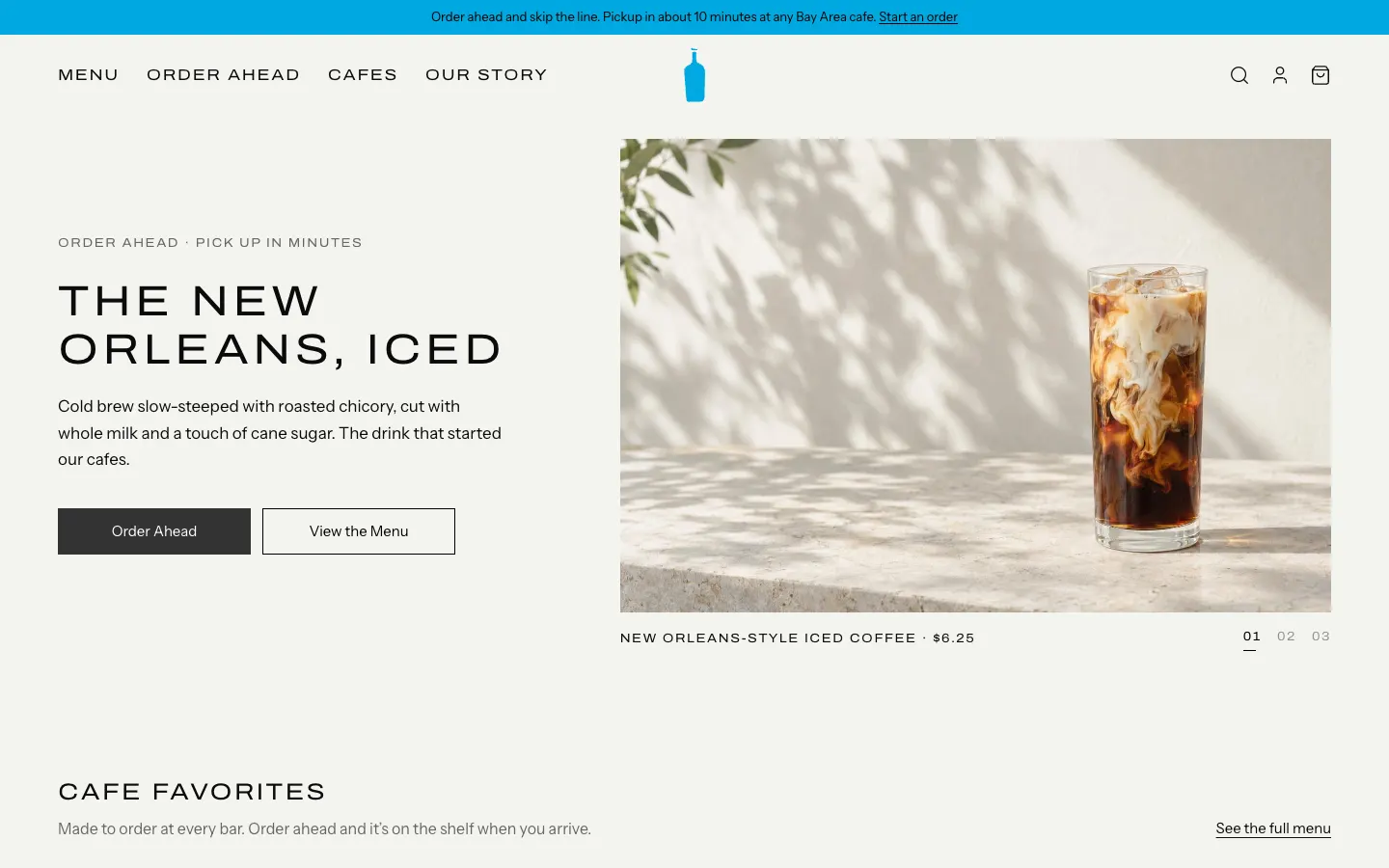
Blue Bottle Coffee Clone
WebBlue Bottle's cafe site rebuilt: priced menu, cafe map with live hours, order-ahead pickup, barista board.
- View template
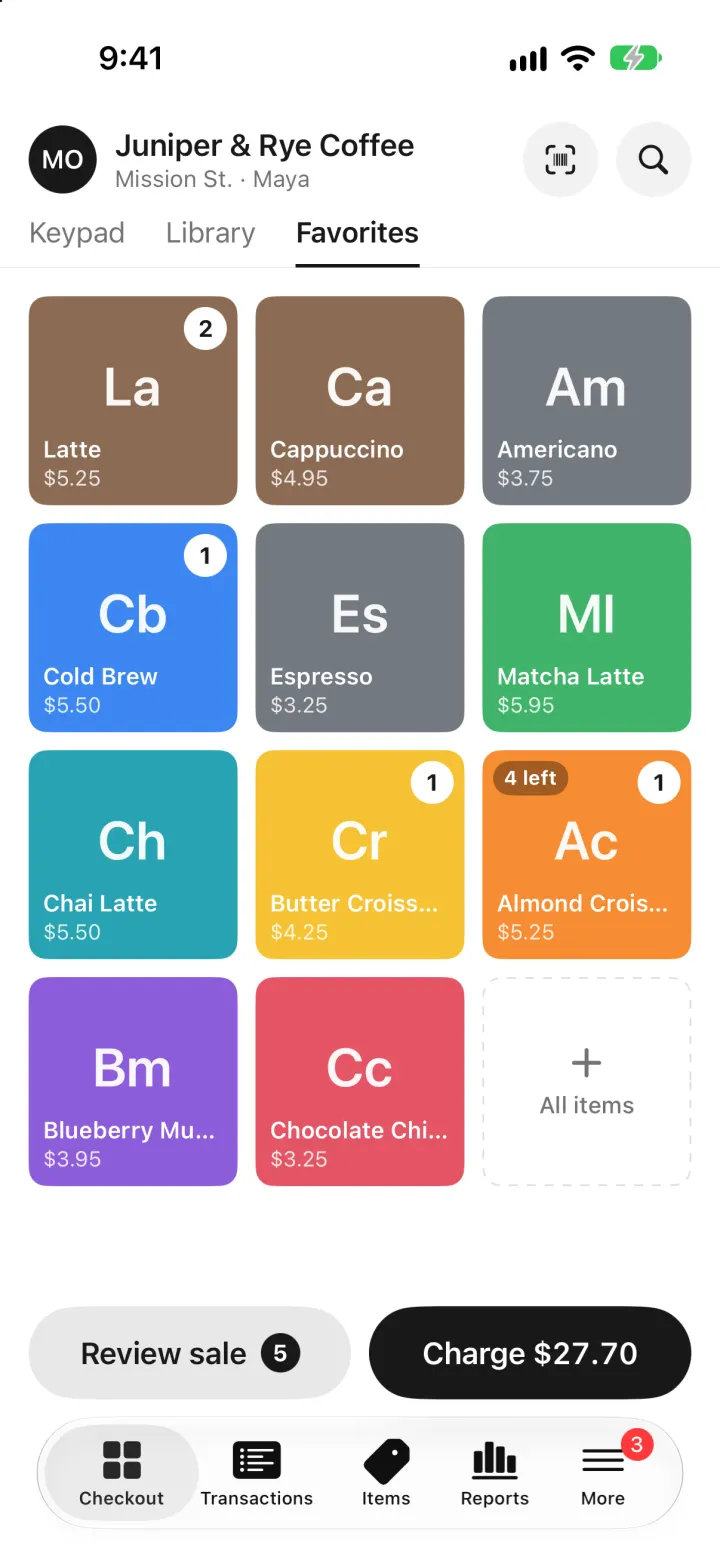
Square Point of Sale Clone
iOSSquare POS for a café: tap tiles, charge with Tap to Pay or cash, and watch stock and profit update live.
- View template
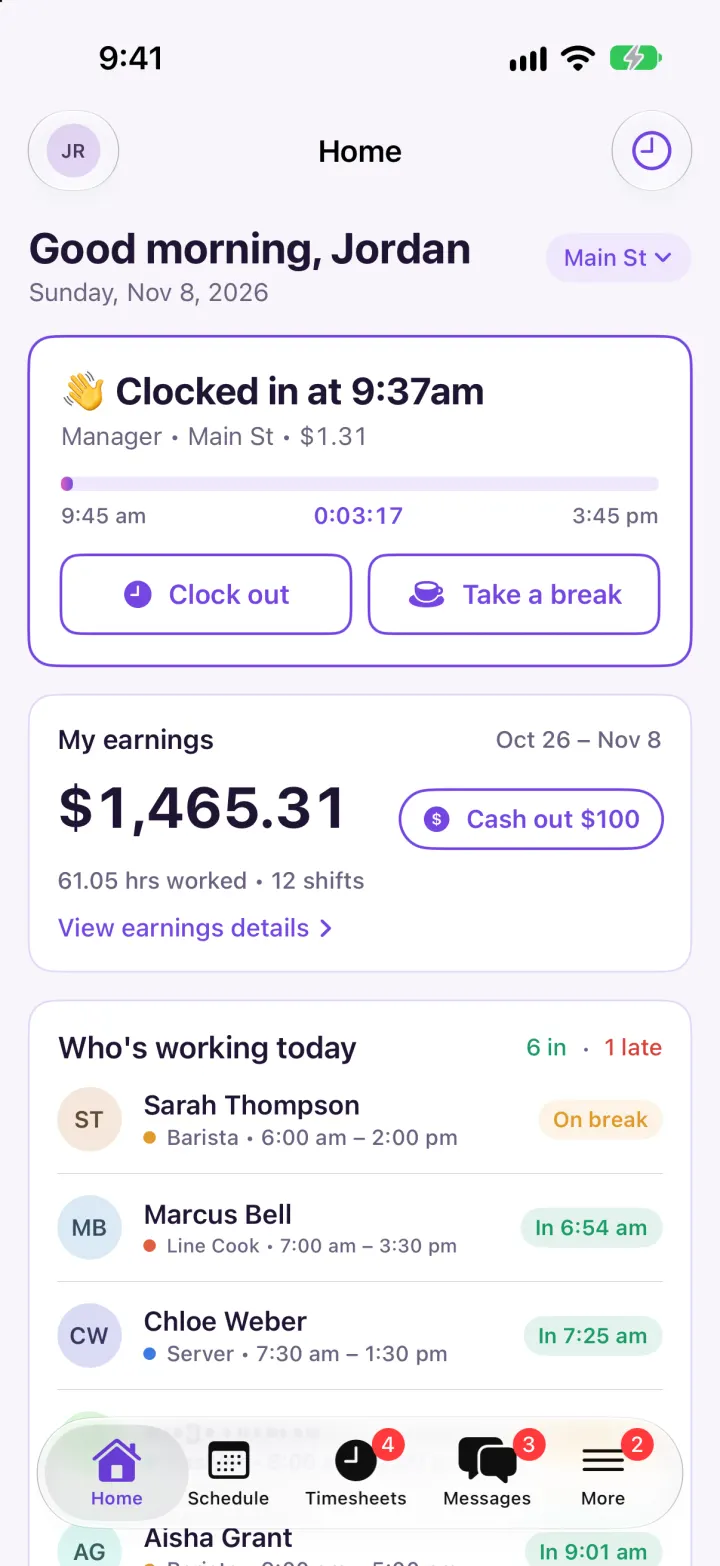
Homebase Clone
iOSClock in on a geofenced map, build next week's schedule in one tap, then fix and approve timesheets.
- View template
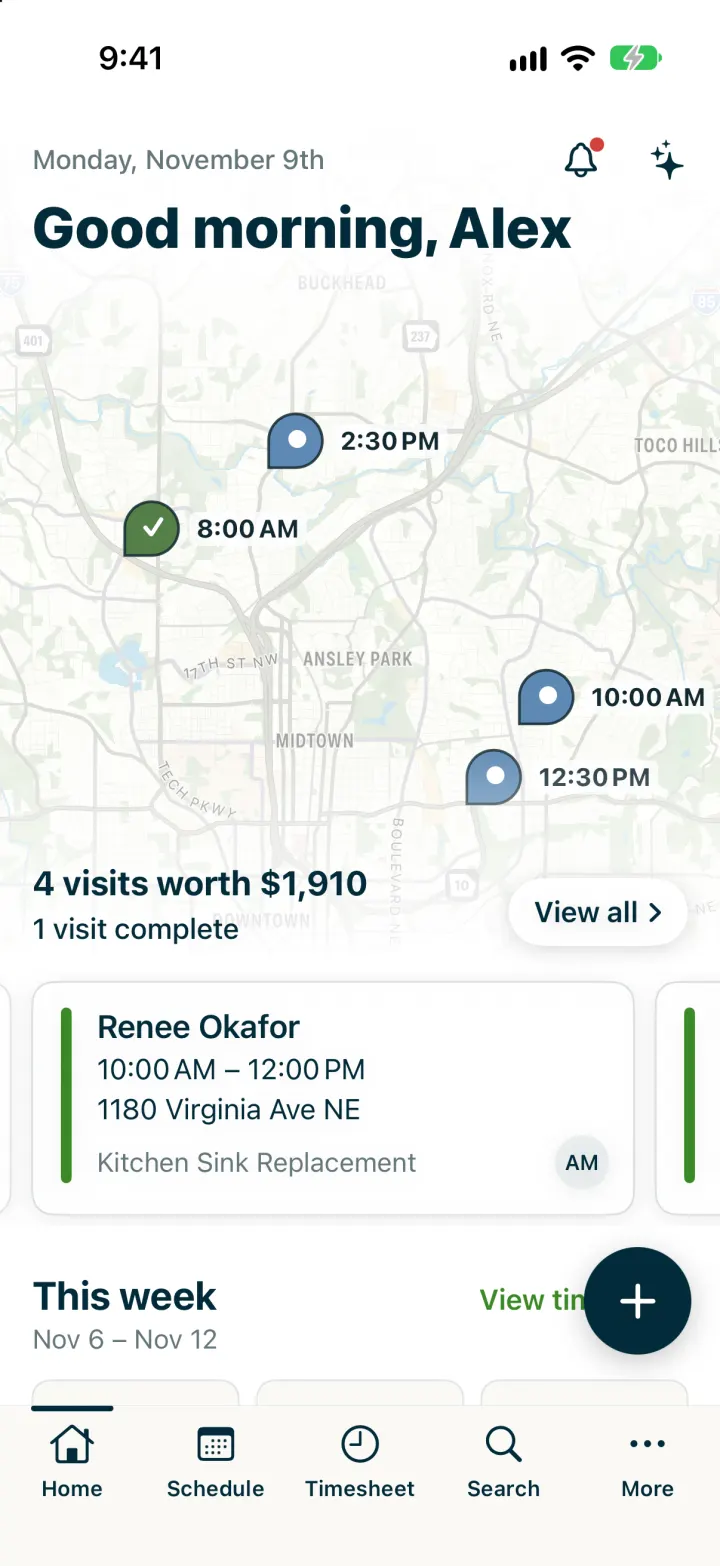
Jobber Clone
iOSRun a plumbing crew's day: map of visits, team schedule, finish a job, invoice it and Tap to Pay on the spot.