
Samsara Clone
Samsara clone · Fleet management app · built by the Vibecode team
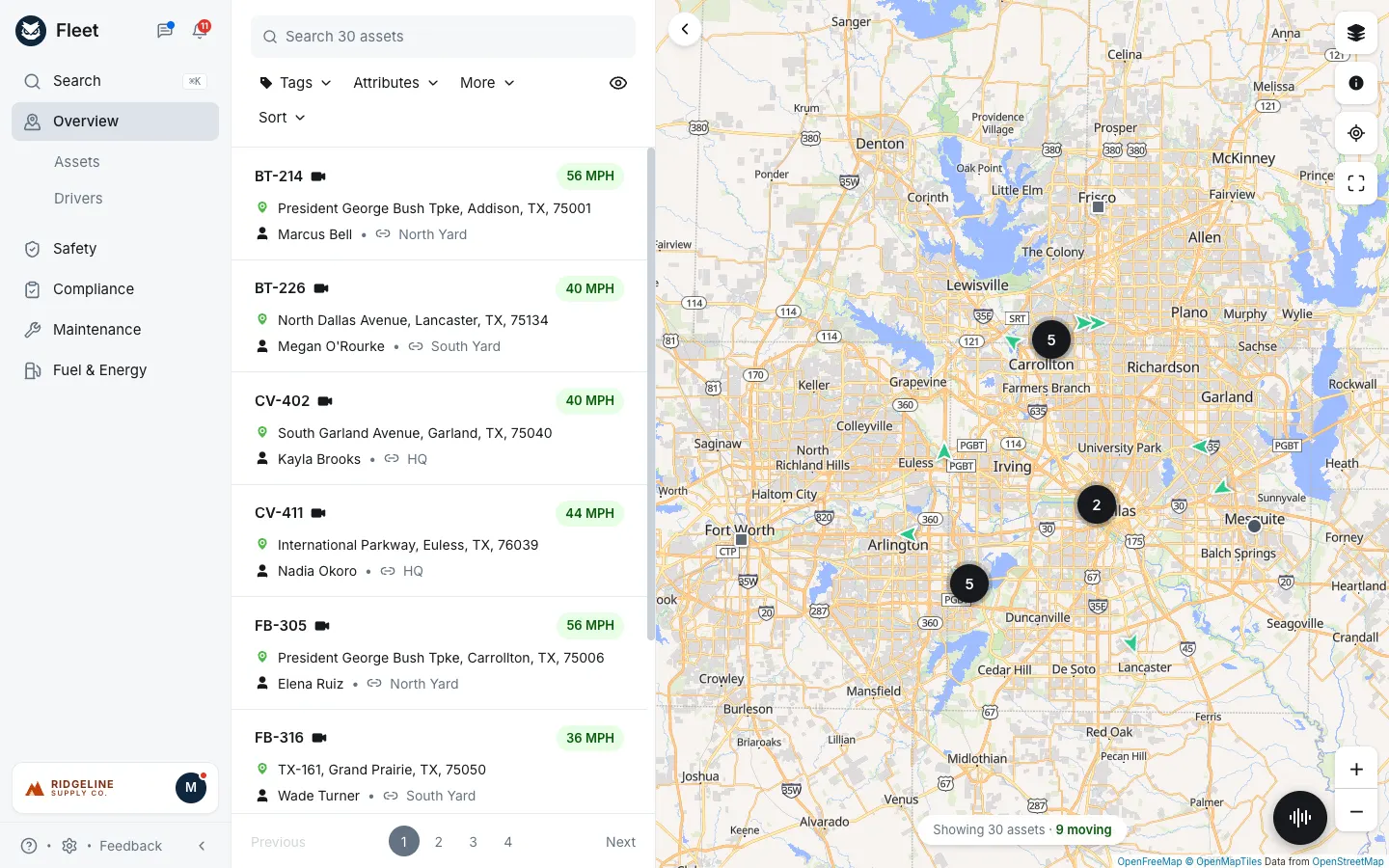
This rebuilds the Samsara Fleet dashboard with its real name and look: the navy owl mark, the grey left nav, the asset list with green MPH pills and a live map where trucks drive real Dallas-Fort Worth roads. Click a truck to follow it with its route and ETA, or open Assets, Drivers with Hours of Service clocks, the Safety Inbox with dash cam events, Compliance alerts, Maintenance schedules, DVIRs and work orders, and Fuel & Energy costs. Every action changes the data: assign drivers, log a service, resolve a defect, coach an event, add an expense. Settings switch equipment types, roles and language, and Samsara Assistant answers questions about the fleet with a real AI model.
- Web app
- Hand-built
- Free to remix
Remix copies the working app into your account for free, exactly as we built it. It runs in your browser.
The prompt that builds it
We wrote Samsara Clone by hand. This prompt describes the finished app: paste it into a new app to build your own version, or change it first.
Prompt · 1,052 words
Build a working web clone of the Samsara Fleet dashboard (cloud.samsara.com) in React + Vite + Tailwind + shadcn, with a small Bun + Hono backend for the AI assistant: a fleet manager's console with a live map of moving trucks, an asset registry, drivers with Hours of Service, a Safety Inbox, Compliance, Maintenance (preventive schedules, DVIRs, work orders), Fuel & Energy with costs, Settings, and Samsara Assistant.

It is Samsara on screen: its name, the navy owl mark (#0F263E, drawn in SVG, in a round badge next to the word "Fleet"), blue #0369EA actions, Inter, a light grey left nav (#F6F7F9, active item #DDE2E9) and its own words ("Overview", "Assets", "Drivers", "Safety", "Compliance", "Maintenance", "Fuel & Energy", "Search 30 assets", "Tags", "Attributes", "More", "Sort", "56 MPH", "Stopped", "Idling", "Safety Inbox", "Needs review", "Mark coached", "DVIRs", "Hours of Service", "Feedback"). The fleet is a fictional building-supply company, Ridgeline Supply Co., in Dallas-Fort Worth: 22 vehicles (box trucks, flatbeds, tractors, pickups, cargo vans), 4 trailers, 4 pieces of equipment, 22 drivers. The user is Morgan Avery, Full Admin. It opens straight on the Overview map: no login, onboarding or paywall.

SHELL
Left nav 240 px: owl badge + "Fleet", messages and bell icons (red count of alerts); Search (opens a Cmd-K palette over assets, drivers and pages); Overview with Assets and Drivers indented below it; Safety, Compliance, Maintenance, Fuel & Energy; a white org card (customer logo + "M" avatar); footer "? · gear · Feedback" and a collapse chevron. A black round Assistant button (voice-wave icon) sits bottom right on every screen.

SCREENS
1. Overview: a 440 px asset list (grey search field, Tags/Attributes/More dropdown filters, eye toggle for trailers and equipment, Sort with "In motion first"), cards with unit name, dash cam icon, red "!" on faults, a green "56 MPH" pill (amber Idling, grey Stopped), green pin + "I-35E, Lewisville, TX, 75067", person + driver • link + yard tag, numbered pages. Right: a full map (Leaflet + MapLibre with OpenFreeMap "liberty" tiles, Esri satellite in the layers popover) with green heading arrows for moving vehicles, dark dots stopped, amber idling, grey squares for trailers/equipment, dark numbered clusters for parked assets at a yard, dashed geofence circles; square white buttons for layers, legend, recentre, full screen; zoom +/-. Vehicles really drive: 16 real road loops (yard to job site and back, fetched once from OSRM) with real segment speeds and 10-18 minute stops at the customer, so speed, street, city and ETA update every second. Clicking a card or marker swaps the list for the vehicle (back arrow, "En route to Legacy West Lofts · ETA 12 min", location, driver with Message, fuel bar, odometer, engine hours, fault codes, View details), flies the map to it and draws its route.
2. Assets: tabs All / Vehicles / Trailers / Equipment, searchable table (name, type, year make model, plate, driver, live status pill, odometer or engine hours, maintenance OK/Due soon/Overdue). Add asset dialog creates the asset with default PM schedules. Asset detail: header with assign-driver select, Message, New work order; mini live map + stats card; tabs Maintenance (schedules + service history), DVIRs, Costs (30-day totals + expenses + Add expense), Details (VIN, plate, registration, gateway, dash cam).
3. Drivers: duty status tabs (Driving, On Duty, Off Duty, Sleeper Berth) derived from the live vehicle, table with Drive / Shift / Cycle time left, vehicle, license, safety score. A driver sheet shows four HOS ring clocks (Break, Drive, Shift, Cycle), vehicle assignment, qualifications and recent safety events.
4. Safety Inbox: tabs Needs review / Needs coaching / Coached / Dismissed / All; each event (Harsh Brake, Speeding, Following Distance, Rolling Stop, Mobile Usage, Harsh Turn, Lane Departure) has a drawn dash cam still (road, lead vehicle, stop or speed-limit sign, timestamp and MPH overlay), a speed chart 10 s either side, and Mark coached / Needs coaching / Dismiss (coaching nudges the driver's score).
5. Compliance: alerts built from the data (CDL or medical card expiring, registration expiring, annual DOT inspection overdue, unresolved DVIR defects, HOS violations) with Acknowledge; HOS violations with Mark reviewed and a duty-status grid; driver qualification files sorted by what expires first.
6. Maintenance: stat tiles (engine faults, unsafe DVIRs, PM overdue / due soon, open work orders); Status tab listing vehicles that need attention with Create work order; Preventive schedules with progress bars by miles, engine hours or months and Log service (resets the interval, files a completed work order and the cost); DVIRs with Resolve per defect; a three-column work order board (Open, In progress, Completed; completing a fault repair clears the fault).
7. Fuel & Energy: 30-day tiles (fuel spend vs prior 30 days, gallons, MPG, idle %), weekly bar chart, vehicle efficiency table; Costs tab with a stacked weekly cost chart (fuel, maintenance, tires, tolls, registration, insurance), expenses table and cost per mile.
8. Settings: Organization (and Reset demo data), Equipment types (rename inline, add with category and meter, delete unused), Users & roles (view the dashboard as Full Admin, Fleet Manager, Maintenance Technician or Read Only; buttons a role can't use are disabled with a tooltip; permission matrix), Language (English, Español, Français for all UI words).
9. Messages sheet (driver threads, send, the driver replies) and Alerts sheet (fault codes + compliance alerts).
10. Samsara Assistant: a right sheet with suggestions ("Which vehicles are overdue for maintenance?", "Who should I coach this week?"); the backend sends the question plus a text snapshot of the live fleet to Claude and the answer comes back as one sentence plus short bullets with bold vehicle and driver names, in the UI language.

LOOK
White pages with 26 px semibold titles, underline tabs with grey count pills, rounded-xl bordered cards, small uppercase grey table headers, pills for status (green #E7FEE6 / #0B5A0E, amber, red, blue). Desktop-first, 1440 px.

RULES
Deterministic seeded demo data generated relative to today (nothing future-dated, nothing stale); one store saved in localStorage that shifts dates forward each new day; fictional people and companies only; every button changes real state.

REMIX-READY
brand/theme.ts (name, org, colours, fonts), brand/words.ts (all UI words per language), brand/Logo.tsx, data/catalog.ts (vehicles, drivers, sites, types), data/routes.ts + data/sim.ts (road loops and live telematics), one folder per screen under features/, a ?demo=1 attract tour, and a README with the file map.
More templates
All templates- View template
Blue Bottle Coffee Clone
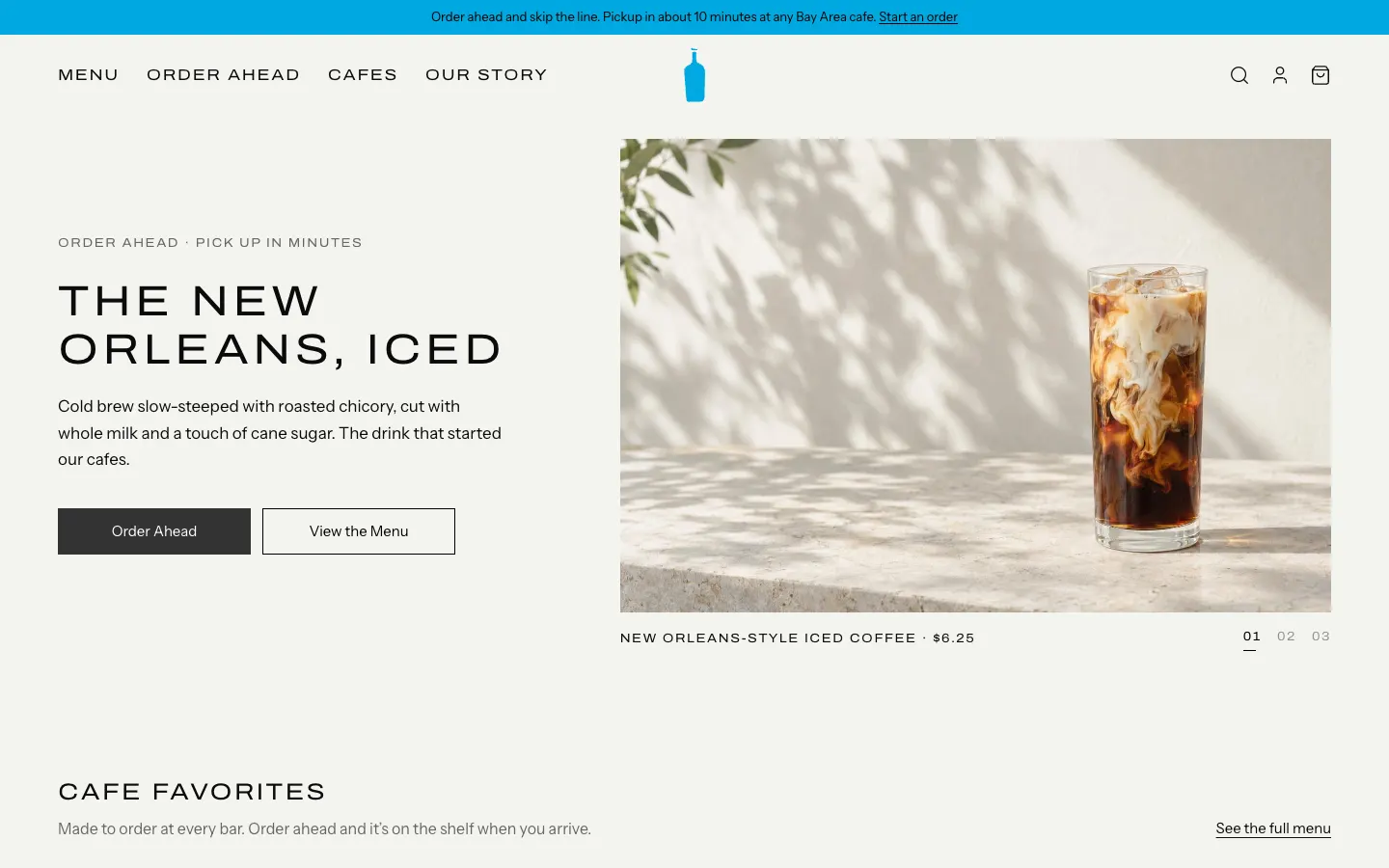
WebBlue Bottle's cafe site rebuilt: priced menu, cafe map with live hours, order-ahead pickup, barista board.
- View template
Square Point of Sale Clone
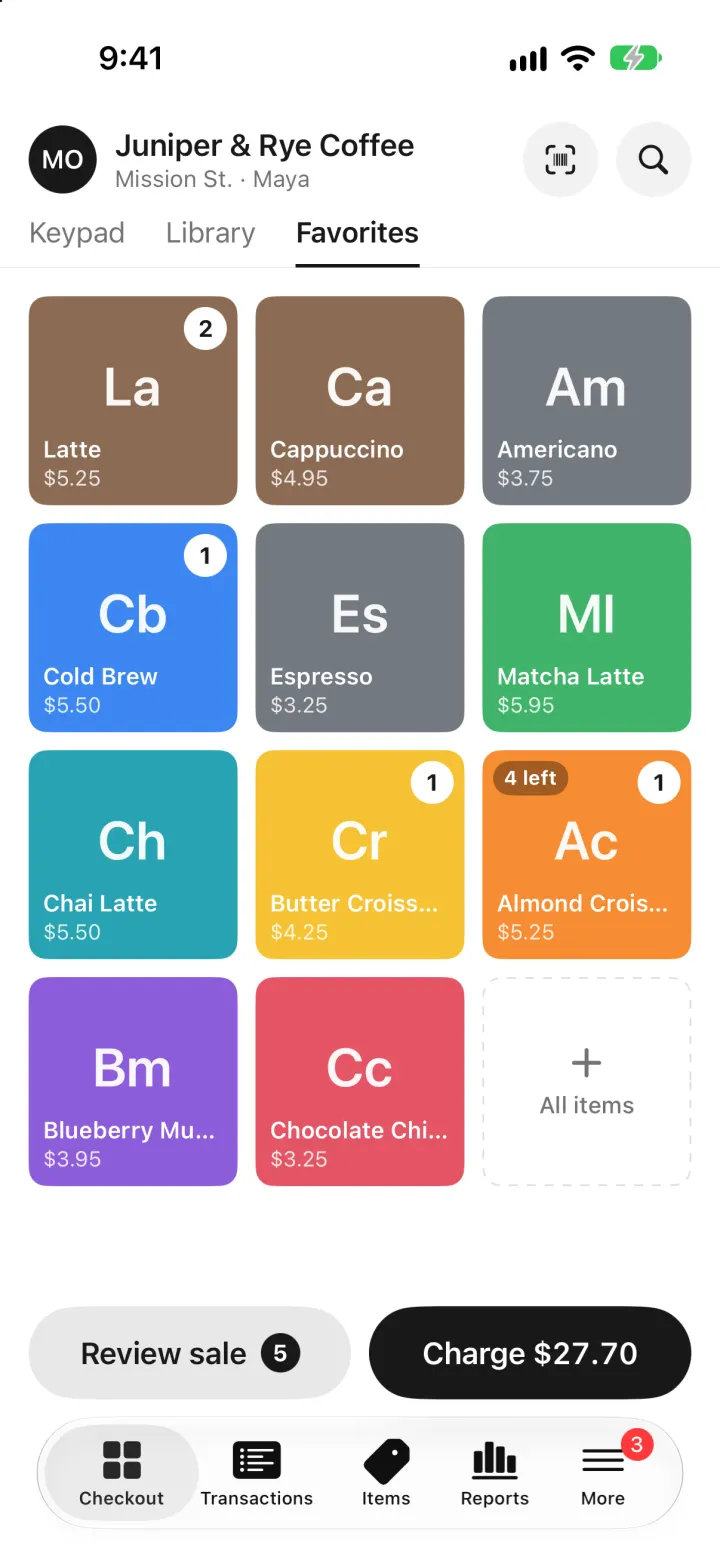
iOSSquare POS for a café: tap tiles, charge with Tap to Pay or cash, and watch stock and profit update live.
- View template
Brittany Chiang Portfolio Clone
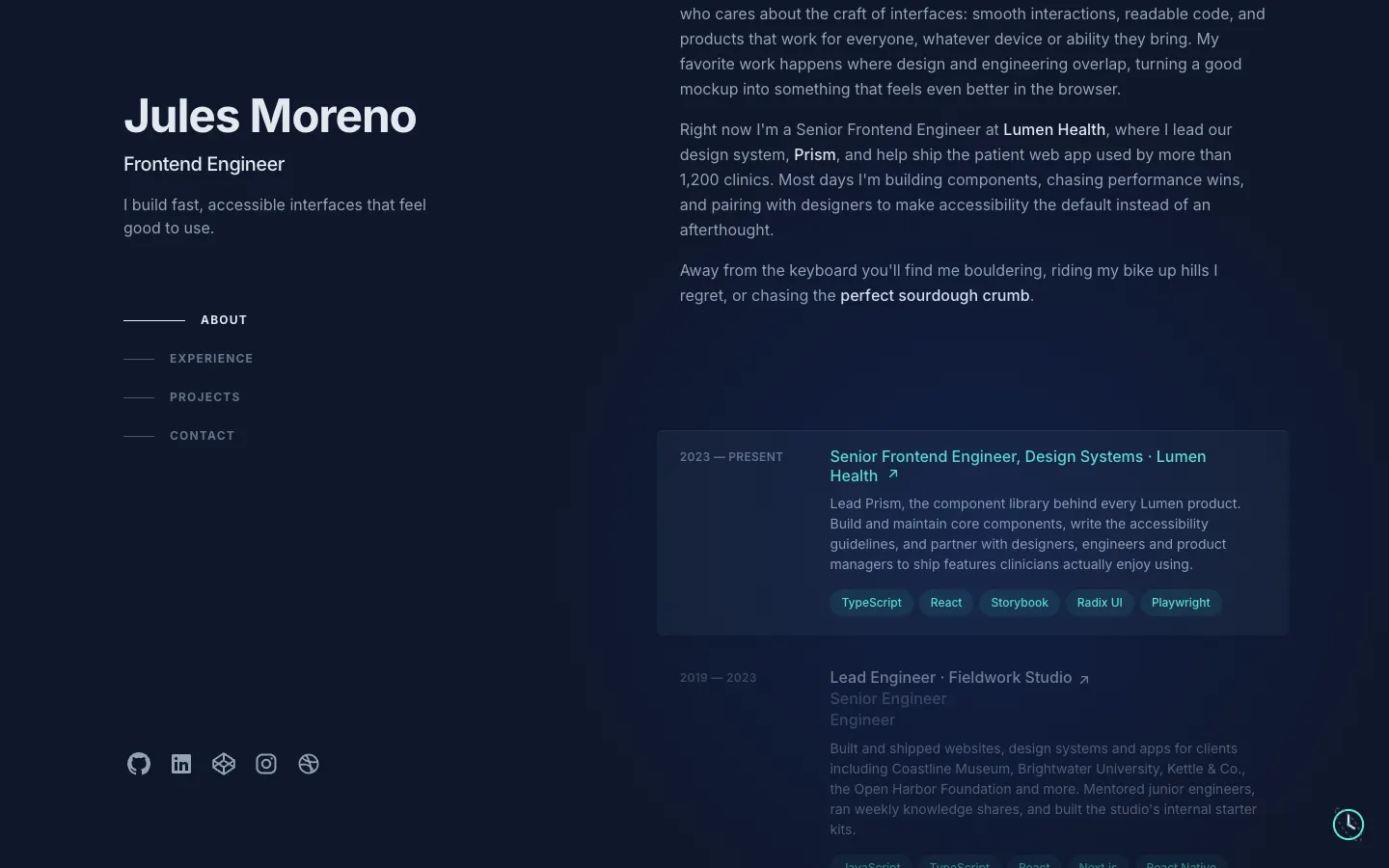
WebThe famous slate-and-teal developer portfolio, with case studies, a résumé, a contact inbox and an editor.
- View template
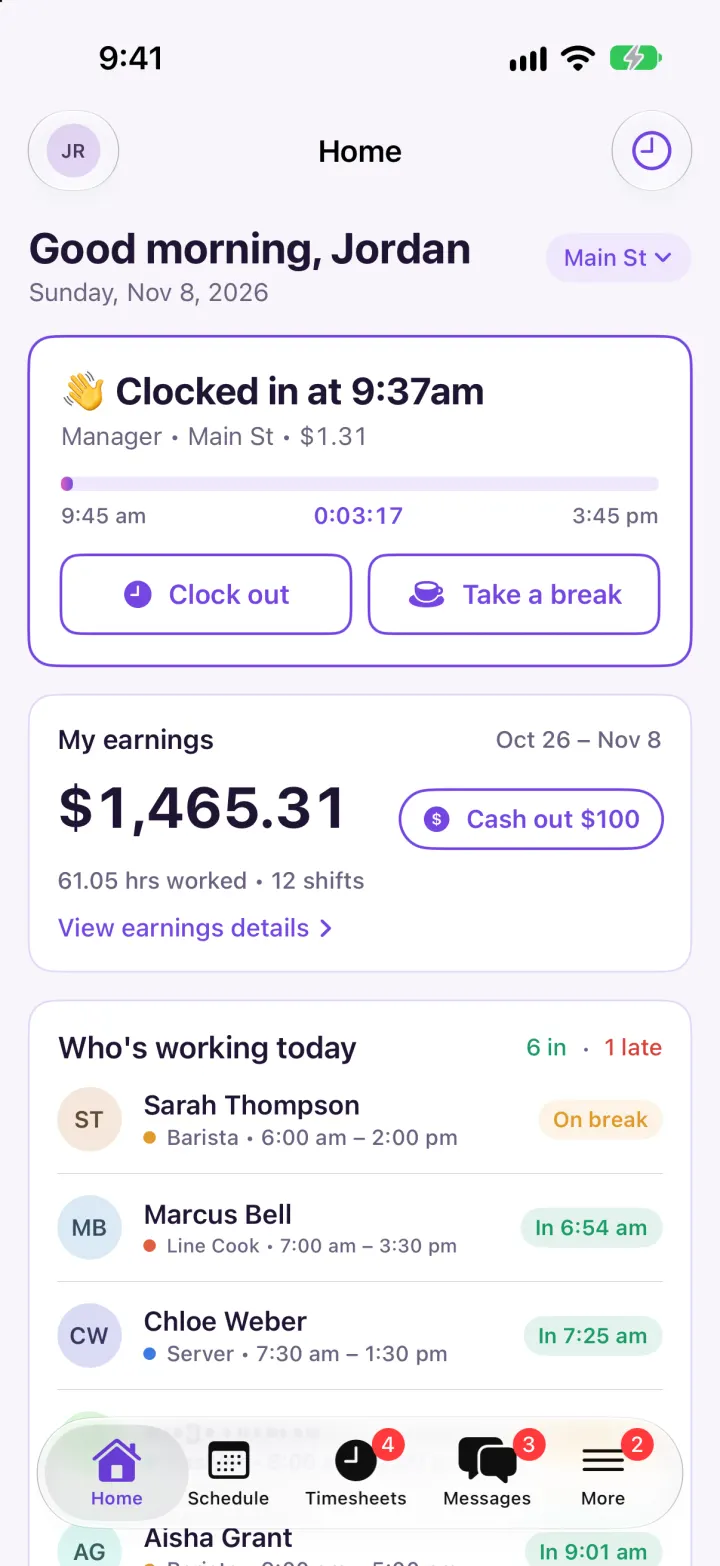
Homebase Clone
iOSClock in on a geofenced map, build next week's schedule in one tap, then fix and approve timesheets.