Ripple Player
Music app · from our videos on X
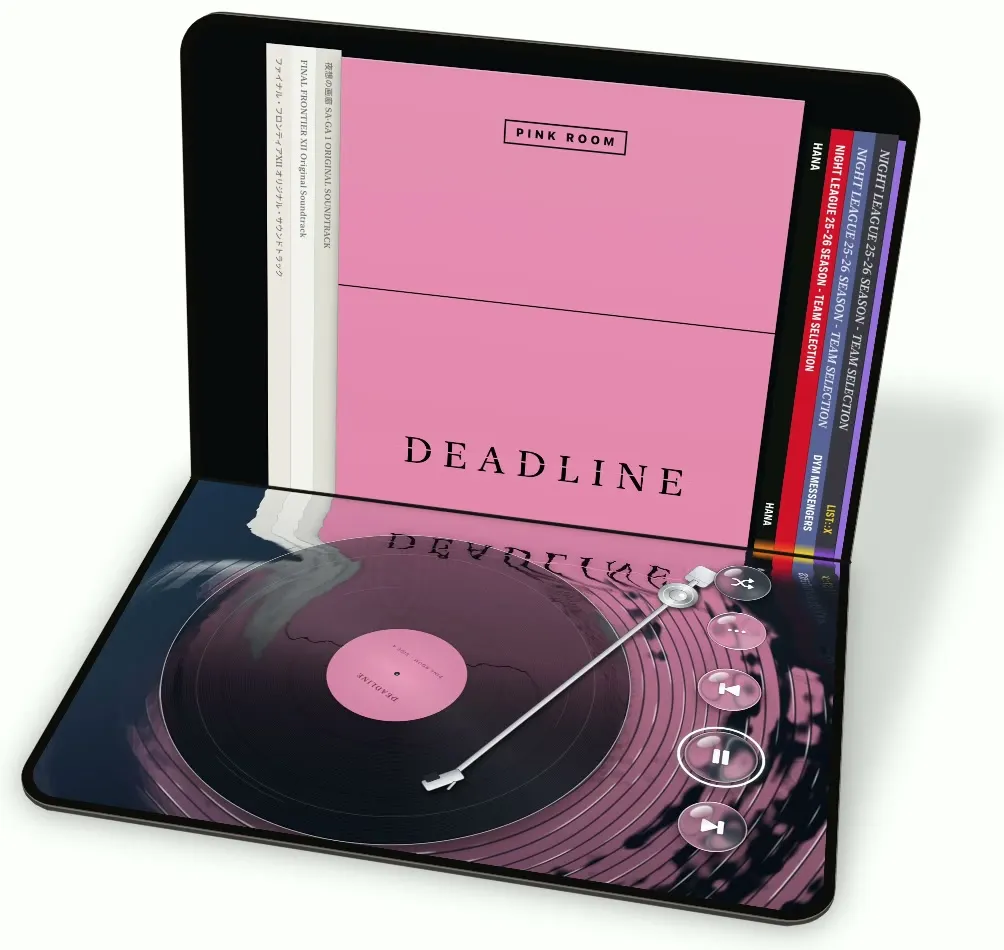
Ripple Player turns a half-folded iPhone Duo into a record player. The upright half is a CD shelf with the album that's playing pulled out in front, and the flat half is a dark pool of liquid with a spinning vinyl record in it. The album cover reflects in the pool, and the music sends ripples through the reflection, so its colour swirls around the record like wet paint. Tap a spine on the shelf to swap albums: the case slides out, the record label and the whole pool change colour, and the tonearm lifts and drops again. Opened flat like a book, the shelf and the pool sit side by side.
- iPhone Duo · Swift
- Built in 2 prompts
- Free to remix
Remix copies the working app into your account for free, exactly as we built it. It runs in Vibecode's cloud iOS simulator, in your browser.
Watch the video on X@ios_app_builder · Nov 22, 2026The prompt that builds it
We built Ripple Player in 2 prompts. Here they are folded into one, so a single paste into a new app builds the finished version.
Prompt · 1,864 words
Download/reference the app shown in this post and clone it exactly, including the iPhone Duo visual design, layout, interactions, animations, typography, spacing, and all visible states. Make it functional and runnable in the simulator. Match the reference as closely as possible. Reference: https://x.com/UltimateEz/status/2124271214822887484 ("Bought this iPhone Duo app for 800 yen. So good. The ripples move to the music it hears."). The post is a 10-second video of the real app, Ripple Player, on a real iPhone Duo standing half-folded like a little laptop on a desk.

Build a native SwiftUI iOS app named Ripple Player using Opus 5.5. Ripple Player turns the half-folded iPhone Duo into a record player: the upright half is a CD shelf showing the album that's playing, and the flat half is a dark pool of liquid with a spinning vinyl record in it. The album cover reflects in the liquid, and the music sends ripples through the reflection, so the cover's pink colour swirls around the record like wet paint. Do NOT put a fake handset frame, fake status bar or fake hinge inside the app; the simulator provides the device. Use deterministic fixture data so it works with no permissions and no backend.

HOW THE DUO IS HELD AND THE LAYOUT
- The Duo is unfolded, turned sideways so the hinge runs horizontally across the middle of the inner display, then half-folded: the top half stands up like a laptop screen and the bottom half lies flat. In that pose the app's window on the inner display is PORTRAIT-shaped (669 x 951 pt) and the hinge sits exactly at the vertical midpoint.
- Support every interface orientation except upside-down, and pick the layout from the window shape with GeometryReader (never from the device model). Build it as ONE view parameterised by axis:
  - Portrait-shaped window (height > width; the hero layout, also used on the folded 466 x 678 pt cover display): TOP half = the CD shelf, BOTTOM half = the record pool, an exact 50/50 split so the hinge falls between them. The reflection mirrors vertically across the split line.
  - Landscape-shaped window (Duo opened flat like a book, 951 x 669 pt, hinge vertical): the same two halves side by side, shelf on the LEFT half, pool on the RIGHT half, reflection mirrored horizontally across the split.
- Full bleed, ignore safe areas, hide the status bar and home indicator (persistentSystemOverlays(.hidden)), dark appearance, idle timer disabled while playing.
- The app launches straight into PLAYING the first album (DEADLINE): record already spinning, tonearm on the record, ripples moving within 0.3 s of launch. No onboarding, no permission prompt at launch.

TOP HALF: THE CD SHELF
- Background near-black #0B0A0F.
- The playing album's CD case stands in front, its cover filling most of the half: about 64% of the half's width, left edge at ~22% of the width, top edge ~4% below the top of the half, bottom edge just at the split line (the case stands on the hinge). Flat colour, a faint 1 px lighter top edge.
- LEFT of the cover: three off-white CD spines (#EDEAE4, #F6F4F0, #E3E0D9), each ~3.6% of the width, standing upright from the split line to the top edge of the cover, with tiny grey (#6E6A64) vertical text running top to bottom: "ファイナル・フロンティアXII オリジナル・サウンドトラック", "FINAL FRONTIER XII Original Soundtrack", "夜想の画廊 SA·GA 1 ORIGINAL SOUNDTRACK".
- RIGHT of the cover: a ~2% black gap, then FIVE spines side by side, each ~3.3% wide, from ~6% below the top edge down past the split line (their coloured bases poke ~6 pt into the top of the bottom half). Text on spines is rotated 90 degrees clockwise (reads top to bottom), small condensed caps:
  1. black #121212, white "HANA" near the top and again near the bottom, base band orange #F07A1E;
  2. red #E3262B, white "NIGHT LEAGUE 25-26 SEASON - TEAM SELECTION", base band red-orange;
  3. slate blue #5A6699, "NIGHT LEAGUE 25-26 SEASON - TEAM SELECTION" at the top and "DYM MESSENGERS" at the bottom, base band yellow #F2C230;
  4. graphite #3B3B44, "NIGHT LEAGUE 25-26 SEASON - TEAM SELECTION" at the top and "LIST::X" at the bottom in yellow #F2C230, base band purple;
  5. a thin lavender #9A7BE0 edge spine (1.2% wide, no text).
- Albums (draw every cover in SwiftUI, no images needed). The playing one is the big cover; the others are spines.
  1. DEADLINE by PINK ROOM: cover flat pink #F09CB8 (a very subtle vertical gradient to #EC94B0), a thin black 1.5 pt horizontal rule across the full width at 49% of the cover's height, a small boxed wordmark "PINK ROOM" centred at 12% height (black wide-tracked bold caps ~11 pt inside a 1.5 pt black rectangle), and "DEADLINE" centred at 86% height in a high-contrast didone serif (black, ~40 pt at 669 pt wide, tracking ~0.32 em; use .fontDesign(.serif) with weight .regular, or bundle Playfair Display). Tint = pink #F09CB8.
  2. HANA: black cover, one thin white line-drawn flower, "HANA" in small white tracked caps. Tint = silver white #E8E8F0.
  3. TEAM SELECTION: red #E3262B cover, big white condensed "TEAM SELECTION" over "NIGHT LEAGUE 25-26". Tint = red #FF4A4A.
  4. DYM MESSENGERS: slate blue cover, white "DYM MESSENGERS". Tint = periwinkle #8E9BEA.
  5. LIST::X: graphite cover, yellow "LIST::X". Tint = yellow #F2C230.
- Tapping a spine pulls that album: the current case slides back into its spine slot and the tapped spine slides out and grows into the cover position (matchedGeometryEffect, spring ~0.55 s); the record label, the reflection and the ripple tint switch to that album; the tonearm lifts and drops again.

BOTTOM HALF: THE RECORD POOL
- The whole half is a dark glossy liquid surface: base #0D1322 (navy-black) with a soft diagonal sheen.
- REFLECTION: render the top half's shelf view a second time, flipped vertically about the split line (a mirror image: the cover's "DEADLINE" reads upside down just below the split, the white spines show as white streaks at the upper left), at ~90% opacity near the split fading to ~45% at the far edge. This reflected layer is what turns pink.
- RIPPLES (the signature effect): apply a SwiftUI Metal shader (a [[ stitchable ]] distortion/layer function in a .metal file, used with .layerEffect or .distortionEffect via ShaderLibrary, driven by TimelineView(.animation) time and the current audio level) to the reflection layer:
  - concentric circular waves spreading outward from the record's centre (wavelength ~20 pt, speed ~70 pt/s), whose amplitude follows the music: every kick pushes a new stronger ring out;
  - a strong SWIRL that smears the reflection into CONCENTRIC ARCS hugging the record: rotate each sample position around the record's centre by an angle that depends on the radius (strongest just outside the rim, about 70-110 degrees, falling to 0 by ~1.7x the record's radius) and keeps advancing clockwise with time, so the white CD spines become long white arcs curving around the left and top of the record and the pink cover becomes thick pink arcs wrapping its right side and bottom, with thin dark groove lines between the arc bands;
  - fine high-frequency wobble so the edges of the reflected shapes break into ragged streaks, and white specular glints added where the wave slope faces up-left, so it reads as wet pink paint with white highlights;
  - the heaviest, widest pink is around the right and lower right of the record (between the record and the buttons, and spilling toward the bottom right corner); toward the left edge the pool is mostly dark navy with thin curved white streaks.
- RECORD: a vinyl disc in the pool, diameter 90% of the half's height (about 64% of its width), centre at 41% of the width and 55% of the half's height, so its lower edge nearly touches the bottom edge. It is dark tinted glass, not opaque black: the rippled reflection shows through the disc, strongly (~55%) across its upper half so the top of the record glows pink-purple, fading to dark navy-black toward its bottom. Fine concentric grooves (0.5 pt, white at ~5%), a broad conic sheen, a thin bright rim. Label in the album's tint colour, ~30% of the disc's diameter, tiny dark text "DEADLINE" and "PINK ROOM - SIDE A" around a small spindle dot. Disc and label rotate clockwise at 33 1/3 rpm (1.8 s per turn) while playing, spin up from 0 over 0.8 s on Play, coast to a stop over 1.2 s on Pause.
- TONEARM: chrome (gradient #F4F4F4 to #9A9AA0, dark 0.5 pt edge). Pivot at 77% x / 19% y of the half: a round chrome pivot base (~40 pt) with a chunky white-silver counterweight block behind it toward the top right. A straight arm (~6 pt) runs down-left to a headshell with a small cartridge that rests on the record's lower grooves (~51% x, ~84% y). Paused: the arm swings back to rest, rotated ~24 degrees clockwise off the record. Play: it swings onto the record over 0.7 s with a soft spring, then tracks very slowly inward.
- BUTTONS: a vertical column of FIVE round clear glass marbles along the right edge, centre x 86% of the width, centres at 12%, 28%, 46%, 65% and 83% of the half's height: shuffle (56 pt), more "..." (56 pt), previous backward.end.fill (58 pt), play/pause (64 pt, with a bright 2.5 pt white ring around it), next forward.end.fill (58 pt). All five are the same clear, untinted glass that shows the pool behind it, with a bright top-left highlight: .glassEffect(.clear.interactive()) where available, fallback an .ultraThinMaterial circle with a white rim gradient, a bright top highlight and a soft dark shadow; white SF Symbols. Previous/next switch albums exactly like tapping a spine. Play/pause toggles playback (record, arm, ripples and sound).

AUDIO
- The real app listens through the microphone to whatever music is playing and ripples to it. Implement that as an option: the "..." button opens a small menu with "Listen to the room" (AVAudioEngine input node RMS; ask for mic permission only when this is chosen) and "Demo groove" (default).
- Default, with no permission and in the simulator: Play drives the ripples from a built-in deterministic demo groove, 96 BPM: a kick on every beat (sharp attack, ~0.35 s decay), a snare on beats 2 and 4 (smaller), a soft 16th-note shimmer; level 0-1 smoothed at 60 fps. Also synthesize and play that groove quietly with AVAudioEngine (sine kick + filtered-noise snare) while playing, but the visuals must never depend on audio output working.

PERFORMANCE
- Keep it at 60 fps: TimelineView(.animation) only around the record, arm and shader layers; draw the reflection from the same shelf view (or a cached rendered image of it, re-rendered when the album changes) rather than rebuilding the whole tree every frame.

Build fully, run compile/build validation, resolve all errors, and launch in the web simulator on the iPhone Duo. Check both layouts there (book-open landscape window = side by side; folded cover display = stacked, the same layout as the hero half-folded pose). Prioritise fidelity to the reference: the pink reflected liquid rippling around the spinning record is the whole point of the app. Deliver the complete implementation, not a plan.
More templates
All templates- View template
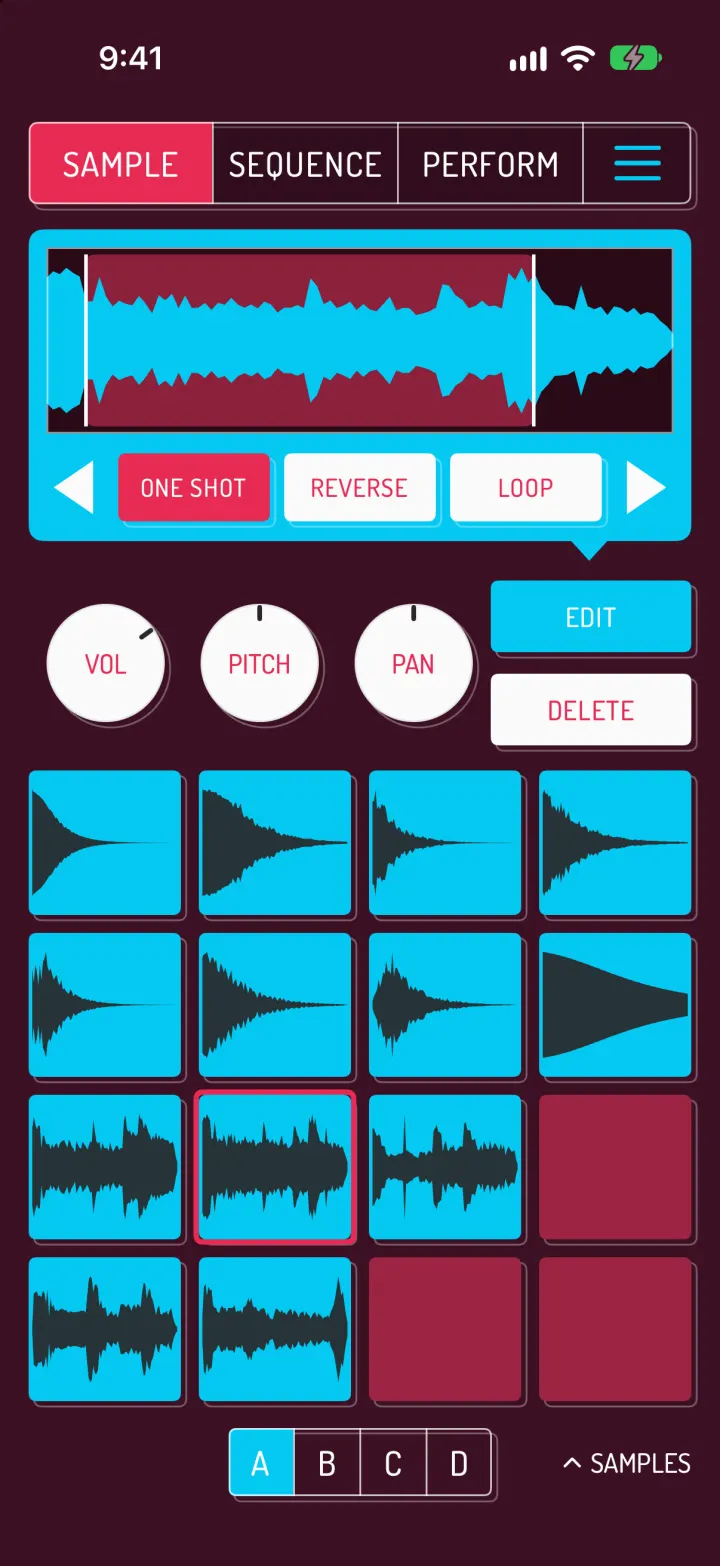
Koala Sampler Clone
iOSA pocket sampler that really plays: 64 pads, a live and step sequencer, 16 FX and hold-to-sample.
- View template
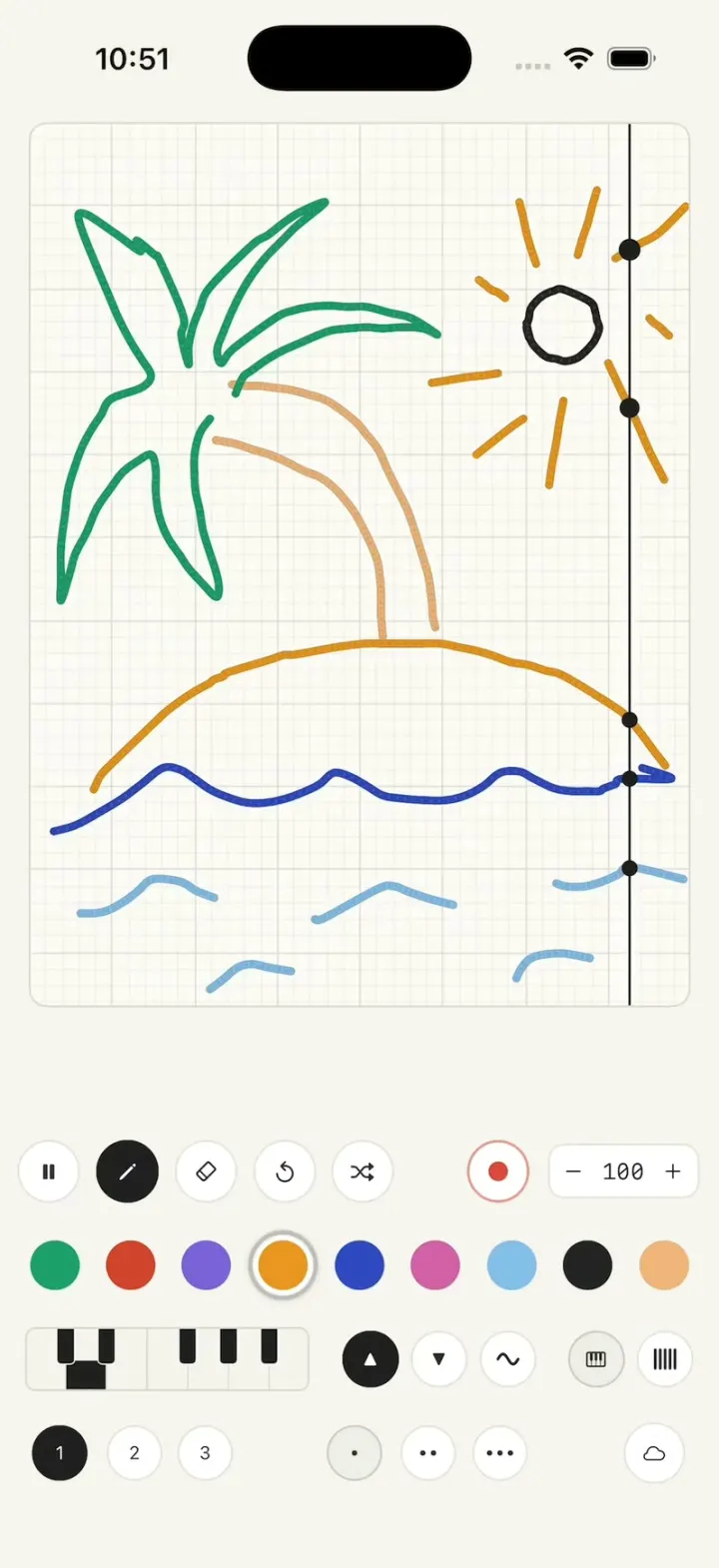
Draw Music
iOSDraw on graph paper and a playhead turns every line into notes, so your doodle becomes a looping song.
- View template
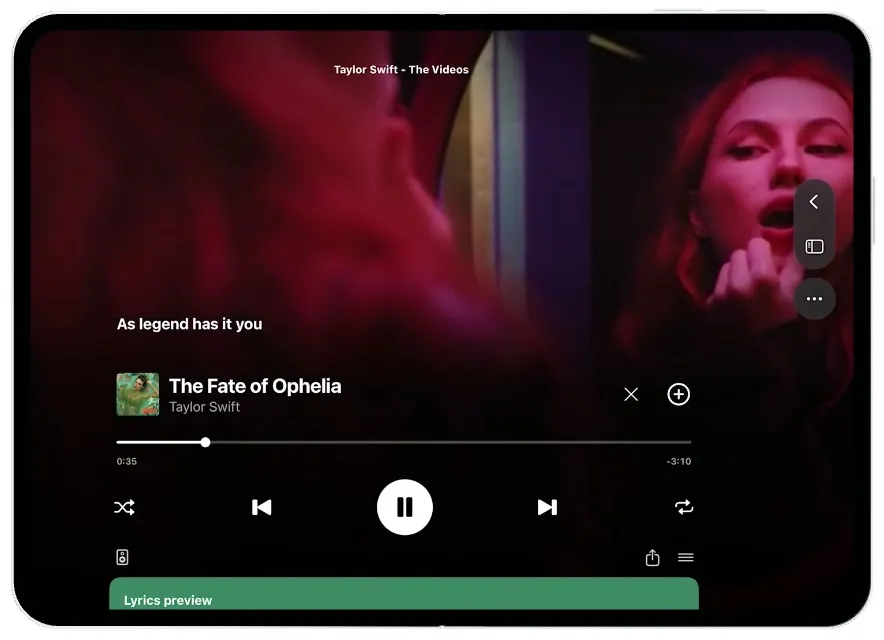
Spotify Duo
iOSSlide Spotify into split view, expand its video player, and scroll from lyrics to the artist.
- View template
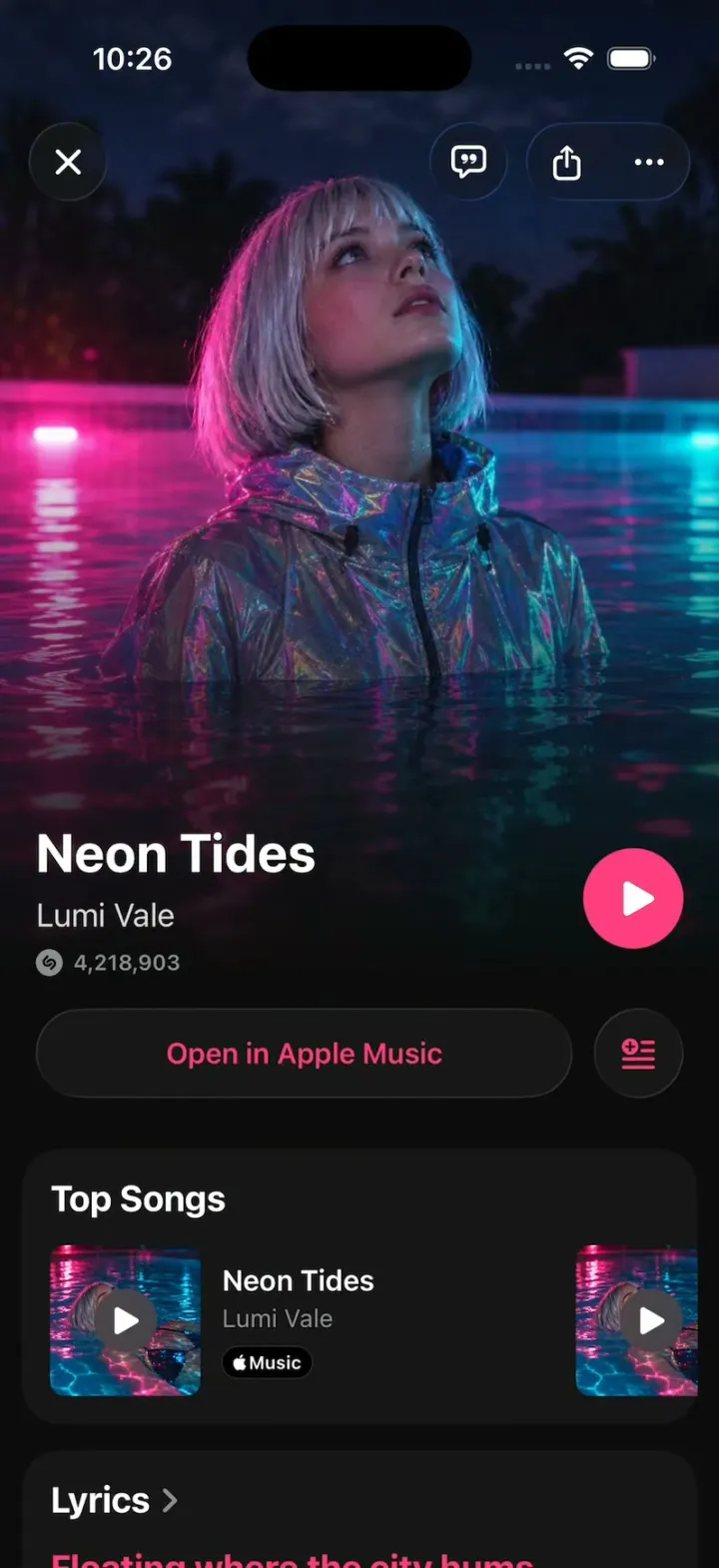
Shazam Clone
iOSShazam's real look: tap the S, rings ripple and the song blooms out of the button; synced lyrics, Auto Shazam.