Koala Sampler Clone
Koala Sampler clone · Sampler app · built by the Vibecode team
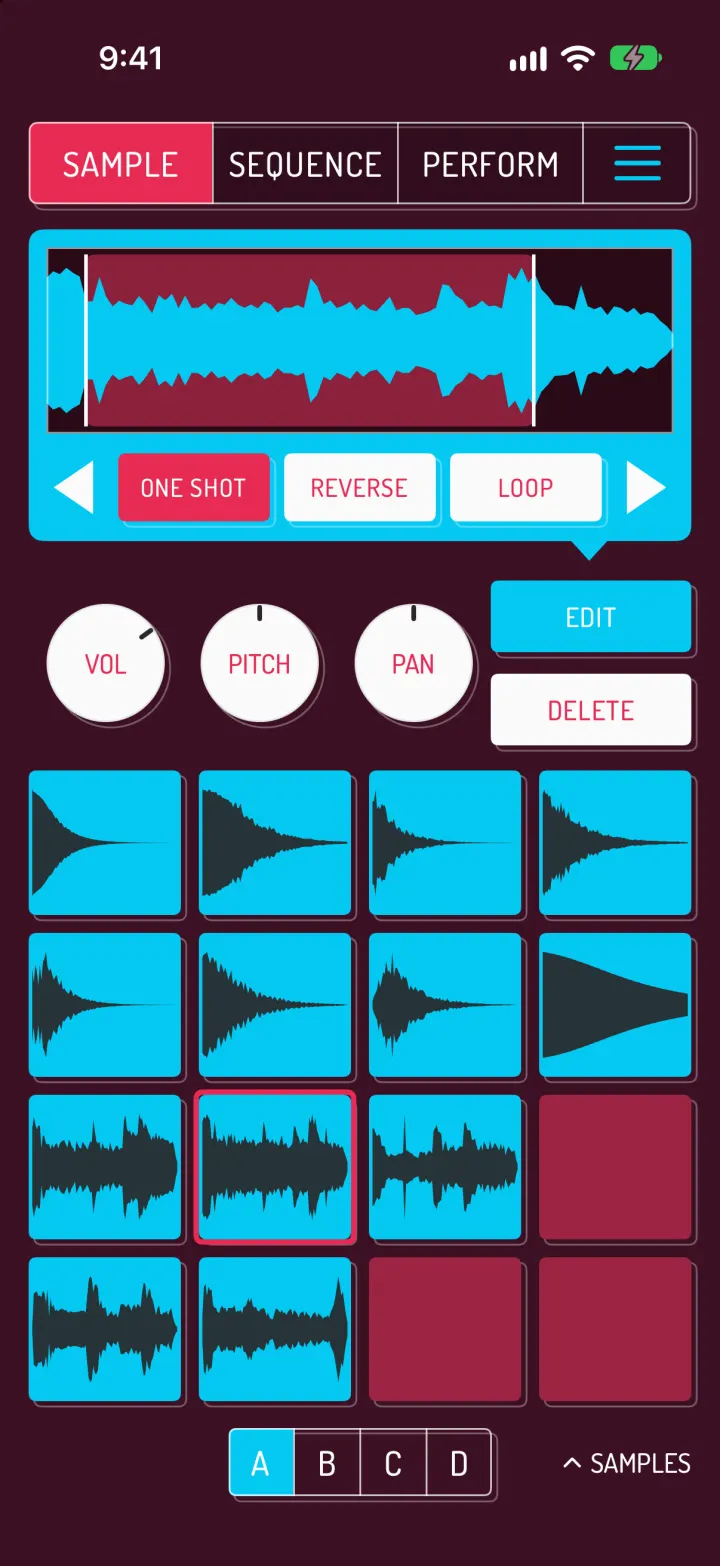
This rebuilds Koala Sampler with its real name and look: the SAMPLE, SEQUENCE and PERFORM pages, cyan waveform pads on wine, charcoal and indigo, and the Vanilla and Strawberry effect banks. Tap pads to play a lo-fi beat, record into the loop or program it in the step grid, and switch between 16 sequence slots. Trim, pitch, reverse and loop any sample, hold to sample from the mic or resample the beat into a new pad, and import your own sounds from Files. On PERFORM you touch tall strips to crush, stutter, filter and drown the mix in reverb, then export the loop or song as a WAV.
- iPhone · Swift
- Hand-built
- Free to remix

Remix copies the working app into your account for free, exactly as we built it. It runs in Vibecode's cloud iOS simulator, in your browser.
The prompt that builds it
We wrote Koala Sampler Clone by hand. This prompt describes the finished app: paste it into a new app to build your own version, or change it first.
Prompt · 664 words
Build a native iOS clone of Koala Sampler in SwiftUI: a pocket sampler and groovebox with 64 pads, a step and live sequencer, 16 performance effects, hold-to-sample from the mic or resample the app's own output, Files import and WAV export. Everything makes real sound.

It is Koala on screen: its name, its three-page layout and its words ("SAMPLE", "SEQUENCE", "PERFORM", "ONE SHOT", "REVERSE", "LOOP", "VOL", "PITCH", "PAN", "EDIT", "DELETE", "UNDO", "CLEAR", "2 BARS", "VANILLA", "STRAWBERRY", "HOLD", "SAMPLES", "HOLD TO SAMPLE"). Draw the outlined pink K logo in code. Font: Dosis Medium (bundle it, SIL OFL), all caps.

SHELL
One outlined top bar: SAMPLE | SEQUENCE | PERFORM | three cyan bars (menu); the active page fills pink #E82B53. Each page has its own background: SAMPLE wine #3C1023, SEQUENCE charcoal #2F2A2A, PERFORM indigo #2D2250. Under the pads: an A B C D bank selector (selected bank cyan) and "^ SAMPLES" on the right. Opens on SEQUENCE with the demo project loaded: no splash, onboarding, login or paywall.

SCREENS
1. SAMPLE: a cyan rounded box holding the selected pad's waveform (cyan on near-black) with a pink trim region; drag its edges to set start and end. Under it: ◀ ONE SHOT  REVERSE  LOOP ▶ (cream buttons, pink when on); the arrows page to CHOKE / NORMALIZE / TRIM and COPY / IMPORT / BROWSE. A row of cream knobs VOL, PITCH (±24 semitones), PAN (drag up/down, the value shows while dragging) and a cyan EDIT (swaps to ATTACK, RELEASE, CHOKE) over a cream DELETE. Then the 4x4 pads. An empty pad shows HOLD TO SAMPLE with MIC / RESAMPLE: hold to record, let go to trim silence, save a WAV and load it on the pad.
2. SEQUENCE: cyan ▶ and red ● record, "90 BPM" (drag to change) with a cyan metronome toggle; 16 sequence slots in two pages of 2x4, each a tiny picture of its hits with a moving playhead (tap to switch, queued to the end of the loop while playing; long-press to copy or clear); a toolbar with a piano toggle (keyboard mode), UNDO, CLEAR and a "2 BARS ▲" length menu (1, 2, 4, 8). Record plays pads into the loop, quantized. STEPS turns the pads into 16 steps of one bar for a chosen pad, with bar buttons. Keyboard mode turns the pads into notes of the selected sample in one of 10 scales ("PENTATONIC ▲").
3. PERFORM: the same transport and slots, VANILLA (cream) / STRAWBERRY (pink) tabs, and 8 tall FX strips per bank: CRUSH PITCH COMB RING REVERB STUTTER GATE FILTER and DELAY DRIVE CHORUS VINYL TAPE STOP SQUASH TREMOLO WIDE. Touch to engage, slide for the amount, let go to release; HOLD latches them.
4. SAMPLES drawer: My Samples, Koala Kit, Melodic, Lo-Fi Dust, Voice & FX, Import from Files. Rows show a waveform icon, file name, kB and length; tap to hear, LOAD puts it on the selected pad.
5. Menu: projects (Late Night Tape 90 BPM, Koala Bounce 144 BPM, Voice Memo Flip 76 BPM), rename, new project, BPM -/+ and TAP, swing, quantize OFF 1/8 1/16 1/32, metronome, EXPORT LOOP / EXPORT SONG as WAV to the share sheet.

LOOK
Loaded pads are cyan #05C9F3 with a dark waveform and light up while they sound; empty pads are #9C2441 on SAMPLE and dark outlined squares on SEQUENCE; the selected pad has a pink outline. Every block carries a thin light outline offset 3 pt down-right, like hardware. Cream #FAFAFA buttons with pink text.

AUDIO
AVAudioEngine with one AVAudioSourceNode running your own sampler: sample-accurate sequencer at 192 ticks per bar with swing, per-pad pitch, pan, reverse, loop, trim, attack/release, gate for non-one-shot pads, choke groups, and all 16 master effects written in Swift. Bundle original sounds only (synthesise the drums; generate melodic loops).

REMIX-READY
Brand.swift (name, page colours, font, words), Fixtures.swift (sound packs, demo projects, step patterns as "x...x..." strings), features in small files, README with a file map and remix ideas.
More templates
All templates- View template
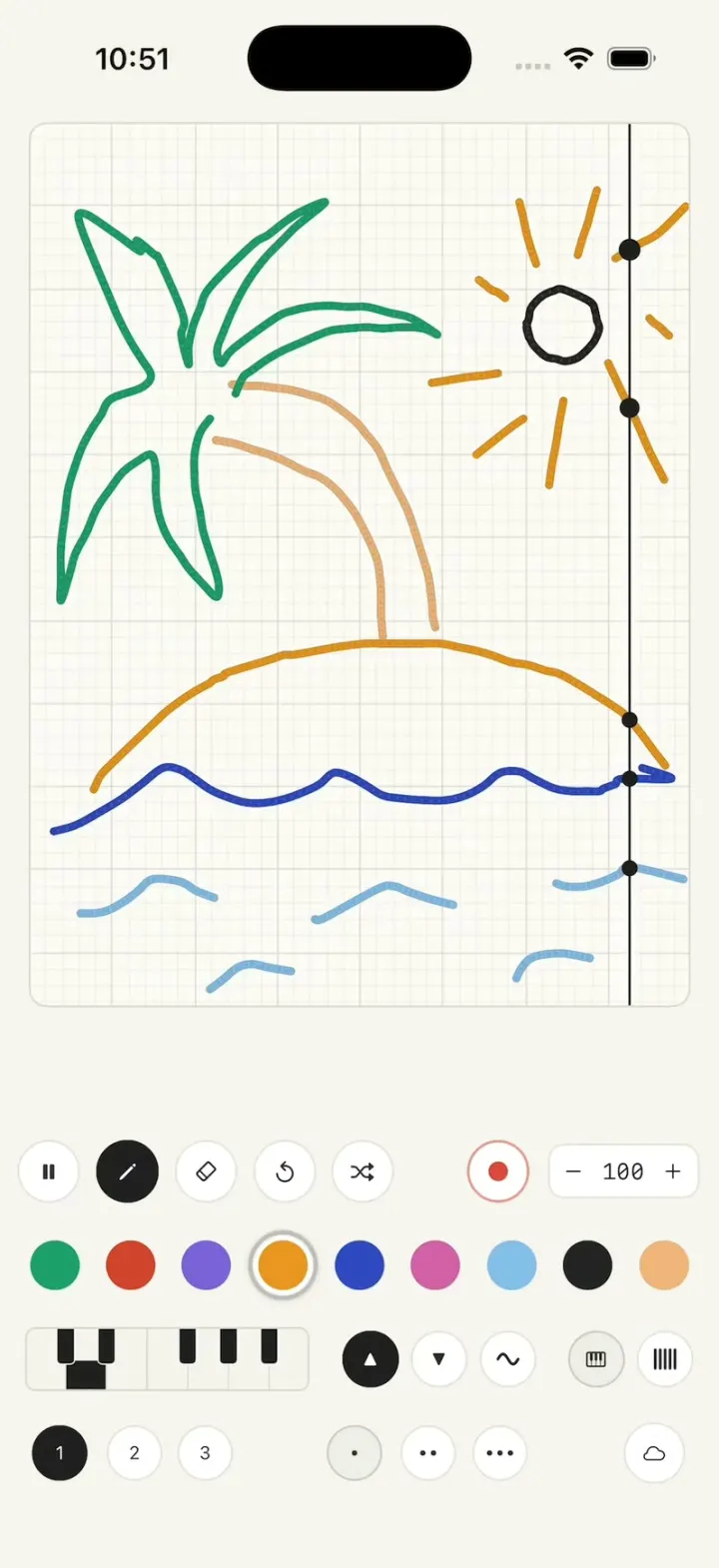
Draw Music
iOSDraw on graph paper and a playhead turns every line into notes, so your doodle becomes a looping song.
- View template
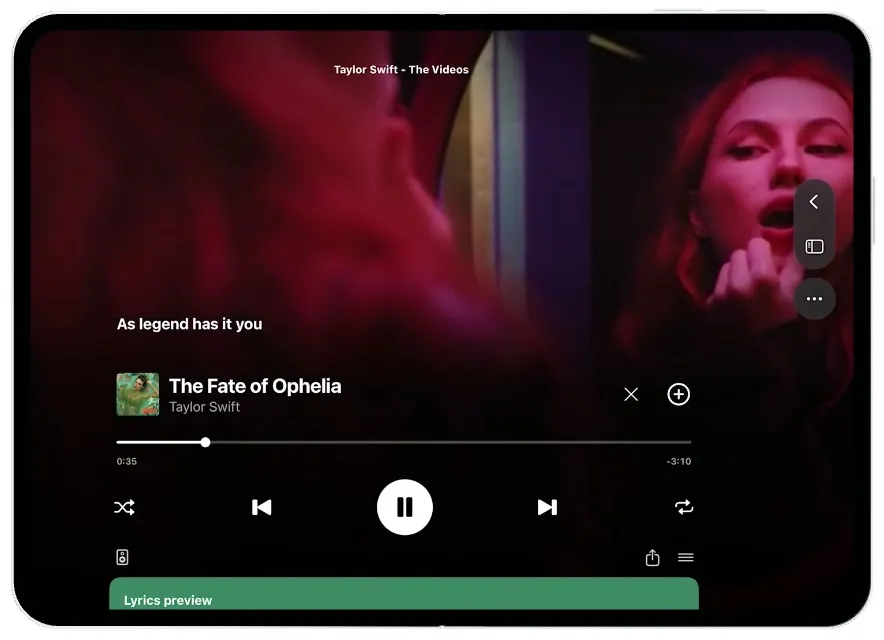
Spotify Duo
iOSSlide Spotify into split view, expand its video player, and scroll from lyrics to the artist.
- View template
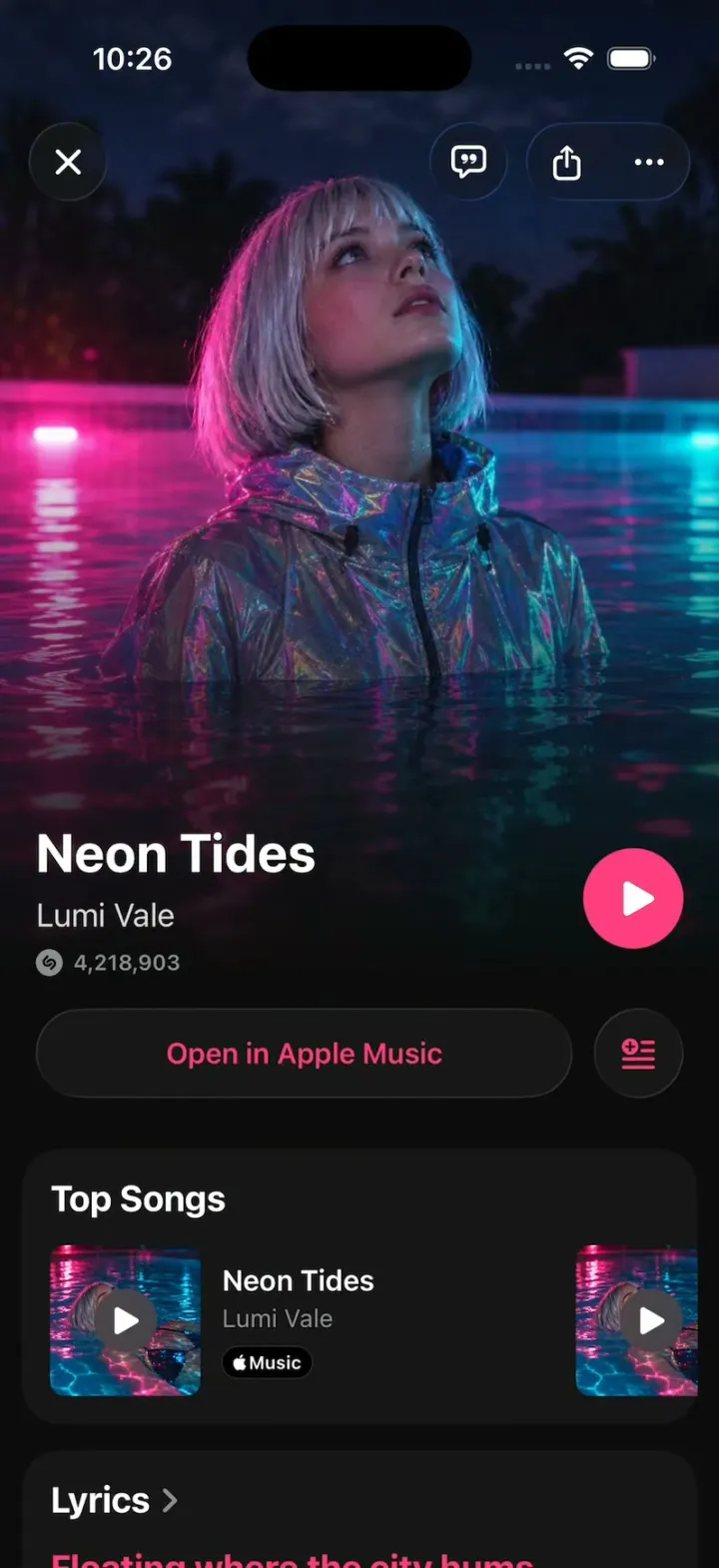
Shazam Clone
iOSShazam's real look: tap the S, rings ripple and the song blooms out of the button; synced lyrics, Auto Shazam.
- View template
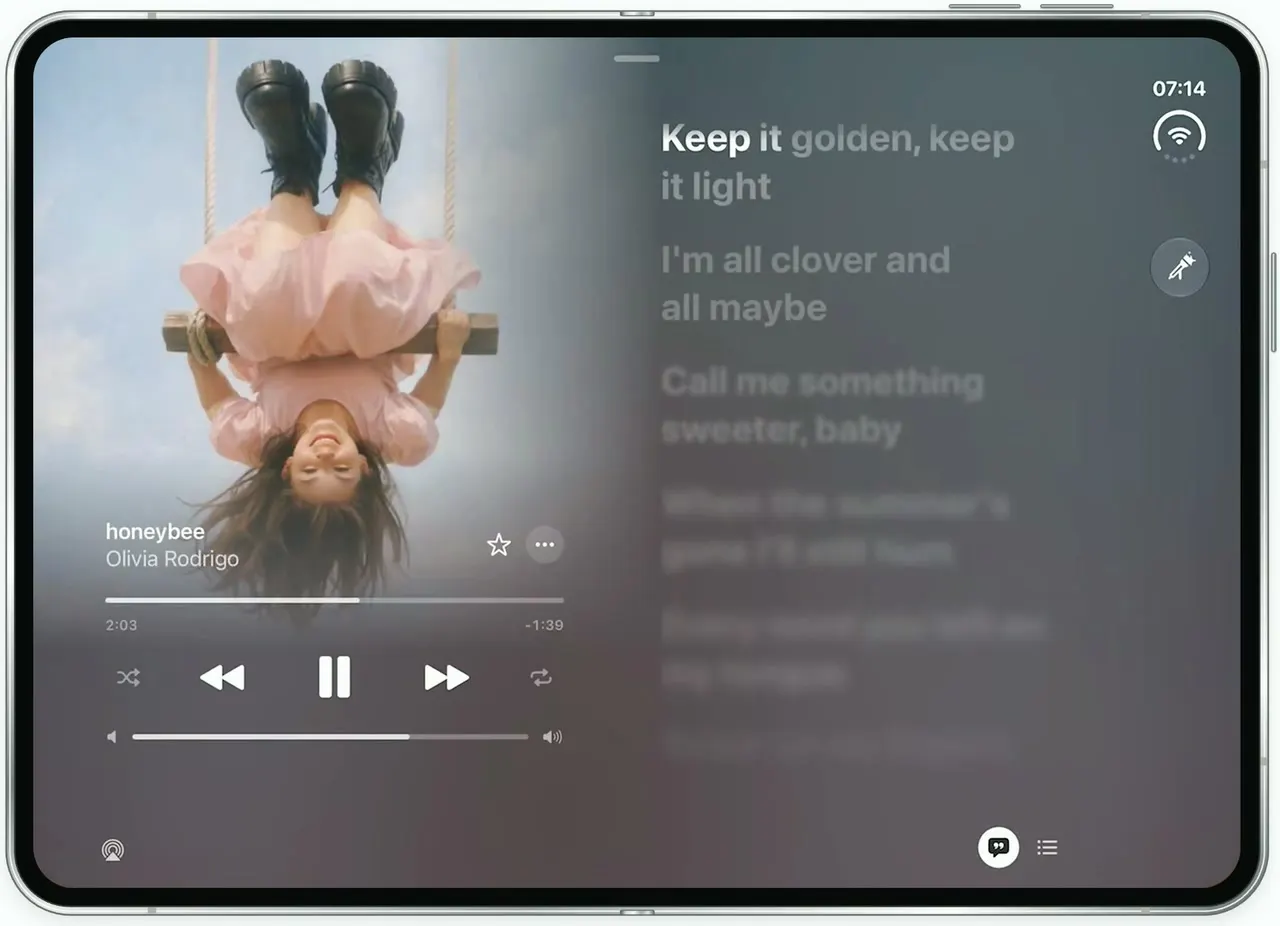
Apple Music Lyrics
iOSApple Music's lyrics view on the unfolded iPhone Duo: full-bleed art, words that light up as they're sung.