Draw Music
Music app · from our videos on X
Draw Music turns doodles into songs. Pick a marker colour and draw on the graph paper; a playhead sweeps across the page every 4.8 seconds, and wherever it crosses a line a black dot pops and a note plays, higher on the page for higher notes. Change the tempo, shift the octave, switch between a sine synth, piano and plucked sound, shuffle every stroke's colour, undo or erase, and keep three separate drawings. Notes are synthesised on the device, so it works offline with no account.
- iPhone · Swift
- Built in 1 prompt
- Free to remix
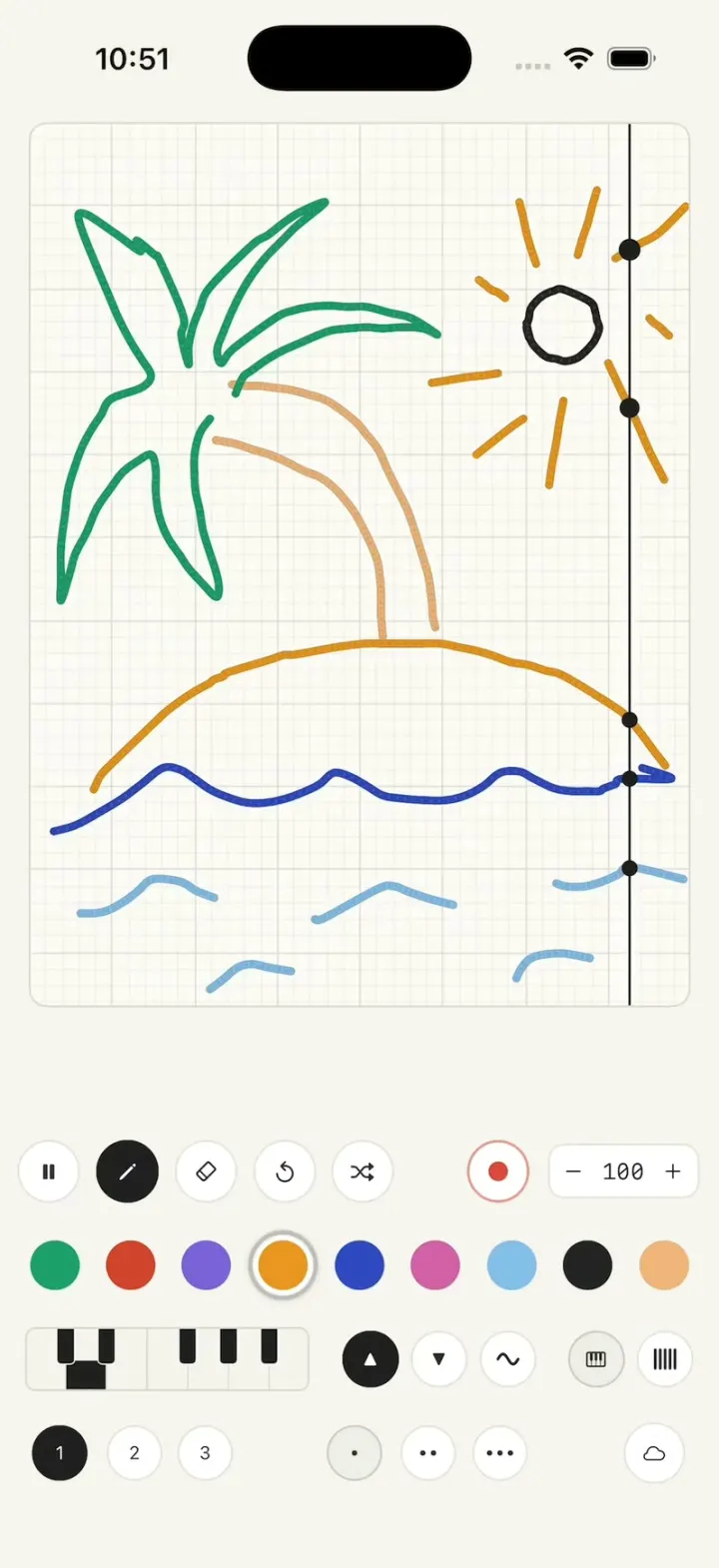
Remix copies the working app into your account for free, exactly as we built it. It runs in Vibecode's cloud iOS simulator, in your browser.
Watch the video on X@ios_app_builder · Nov 7, 2026The prompt that builds it
We built Draw Music in one prompt. Paste it into a new app to build your own copy, or change it first.
Prompt · 1,377 words
[image attached][image attached][image attached][image attached][image attached][image attached][image attached][image attached][image attached][image attached]
Download/reference the app shown in this post and clone it exactly, including the iPhone visual design, layout, interactions, animations, typography, spacing, and all visible states. Make it functional and runnable in the simulator. Match the reference as closely as possible and include any interaction shown in the source. Reference: https://x.com/ErnestoSOFTWARE/status/2118736470244475230. The attached screenshots are frames of that 46-second video of the app (made by @play_music_theory): eight frames as the drawing grows (a wave, an island, a palm trunk, palm leaves, small water ripples, a sun with rays), a close-up of the bottom toolbar and a close-up of strokes. Ignore the TikTok overlays burned into the video (the "@play_music_theory" pill at the top left, the "12.5M" view count and the dark gradient at the bottom); they are not part of the app. Look at every screenshot before writing code.

Build a native SwiftUI iOS app named Draw Music using Opus 5.5. It is a "draw to make music" app: you draw on a sheet of graph paper with coloured markers, and a playhead line sweeps across the drawing left to right, over and over; wherever the playhead crosses a stroke, a black dot pops on the line and a note plays, so every drawing becomes a looping song. Higher on the page = higher note. Portrait iPhone only, light mode. Do NOT put a fake handset frame inside the actual app; the simulator provides that. No accounts, permissions or network. Do not publish externally.

Observed video sequence (0-46s), all one screen:
- 0-3: the blank graph-paper canvas with the playhead sweeping; blue is the selected colour; a blue wave line is drawn across the lower third, left to right, in two pen strokes.
- 4-7: orange is selected; a big orange dome (the island) is drawn over the wave from left to right.
- 8-12: peach is selected; two curved palm-trunk lines are drawn rising from the island, bending to the upper left.
- 12-20: green is selected; palm leaves are drawn as pointed loops fanning out from the top of the trunk.
- 20-24: light blue is selected; short wavy ripple marks are drawn in the water below the wave.
- 27-34: black is selected; a small round sun is drawn at the upper right; then orange is selected and short rays are drawn around the sun.
- 34-46: the finished picture plays: the playhead keeps sweeping and black dots pop on every stroke it crosses (on the waves, the island, the trunk, the leaves, the sun).
- The playhead never stops during drawing: drawing and playback happen at the same time.

Layout (match the screenshots; positions as fractions of the screen):
- Whole background: warm off-white paper, #F7F5F0.
- Canvas: a rounded rectangle (10 pt corners, 1 pt #D9D6CF border) with 16 pt side margins, from just below the status bar down to about 66% of the screen height. Its aspect is EXACTLY 3:4 (width:height); if the space is taller, keep 3:4 and leave the extra space above the toolbar. Inside: graph paper on #FBFAF6, minor grid lines every 1/40 of the canvas width (very light, #ECEAE4, 0.5 pt) and major vertical and horizontal lines every 5 minor cells (slightly darker, #DEDBD3, 0.8 pt). So there are 8 major columns across: one per beat.
- Playhead: a thin vertical line (1.5 pt, #2B2B2B) spanning the full canvas height, with a soft white glow band about 10 pt wide on either side of it (white at 70% fading out). It moves left to right at constant speed and crosses the whole canvas width in exactly 4.8 s (8 beats at tempo 100, one beat per major column), then jumps back to the left edge and continues. Drive it from the wall clock (TimelineView(.animation) or CADisplayLink) so it is perfectly smooth and never stutters while drawing.
- Strokes: round-cap, round-join marker lines about 4.5 pt wide in the selected colour, with a subtle hand-drawn texture (a slightly darker 0.5 pt edge and a faint bead/stipple along the line, like the close-up); smooth the touch points (Catmull-Rom or quad curves) so curves are fluid. The line appears under the finger with no lag.
- Note dots: wherever the playhead currently crosses a stroke, draw a black dot (#1E1E1E, 9 pt diameter) on the playhead at that crossing; the dots slide along each stroke as the playhead moves (compute the crossing y for each stroke at the playhead x every frame). When a crossing first appears, play that stroke's note (see Sound).
- Toolbar under the canvas, four rows (see the toolbar close-up):
  Row 1: five 44 pt circular buttons with a 1 pt light border on white: pause/play ("pause.fill" / "play.fill"), pen ("pencil", selected = black fill with a white icon), eraser ("eraser"), undo ("arrow.uturn.backward", circular arrow style), shuffle ("shuffle"). At the right: a record button (44 pt white circle with a light red ring and a red #D9483B dot) and a tempo pill "−  100  +" (white, 1 pt border, monospaced digits).
  Row 2: nine 40 pt colour swatches, evenly spaced: green #1E9E69, red #D2432D, purple #7A62D8, orange #EA951F, blue #2F48C1, pink #D35FA6, light blue #84BDE8, black #232323, peach #F0B47A. The selected swatch has a 3 pt grey (#BDBDBD) ring with a 3 pt white gap.
  Row 3: a mini piano keyboard (a rounded rectangle with 7 white keys and 5 black keys; the first octave's keys shaded black = the selected range), then three circular buttons: ▲ (selected: black fill, white triangle), ▼, and a sine-wave "∿", then a piano-keys icon button and a "||||" bars button.
  Row 4: three small round buttons "1", "2", "3" ("1" selected black), then "•", "••", "•••" (note length), and a cloud button at the far right.
- All buttons are white circles with a 1 pt #E2E0DA border and dark #2B2B2B icons unless selected (black fill, white icon).

Behaviour:
- Pen draws with the selected colour; eraser erases strokes it touches; undo removes the last stroke; shuffle randomises the colours of all strokes; pause/play stops and starts the playhead and sound; − / + change the tempo by 5 (the sweep time = 8 beats at that tempo); ▲ / ▼ shift the octave; ∿ / piano / bars switch the instrument (sine synth, piano, plucked); 1/2/3 switch between three separate drawings; • •• ••• set the note length; the record button records the loop to a file (a simple implementation is fine); cloud saves the drawing.
- Sound: synthesise notes with AVAudioEngine (no audio files needed): each stroke crossing plays a short soft piano-like note (sine + a quieter octave partial with a fast attack and ~0.4 s decay). Map the crossing's y to a C major pentatonic scale over 3 octaves (top of the canvas = highest). Different colours may use slightly different timbres but keep it pleasant. Cap at 16 simultaneous voices. Never block the main thread for audio.

Filming requirements (important):
- Launch state = reset state: empty canvas, pen tool selected, BLUE swatch selected, tempo 100, playhead at the left edge starting to sweep.
- Long-press the cloud button (0.6 s) resets to that state immediately: clears the canvas, selects pen + blue, and restarts the playhead from the left edge at the moment the long-press fires (so the playhead phase is predictable for filming). No relaunch, no alerts.
- Drawing must respond to a single-finger drag on the canvas from the first touch (no long-press delay, no scroll or zoom gestures on the canvas). Tapping a swatch must select it instantly.

Keep every file you create inside /home/user/workspace (fonts, generated images, scripts): tool access to /tmp and other paths outside the workspace is denied in this sandbox.

Build it in small source files (Theme, Stroke model, CanvasView, PlayheadView, NoteEngine (AVAudioEngine), Toolbar rows, AppState), getting a first version compiling and running before polishing. Keep SwiftUI types simple and split complex view bodies. Build fully, run compile/build validation, resolve all errors, and launch in the web simulator. Test it yourself in the simulator: draw a few strokes and check the playhead crosses them with dots. Prioritize fidelity to the attached screenshots, a perfectly smooth playhead and instant drawing. Deliver complete implementation rather than a plan.
More templates
All templates- View template
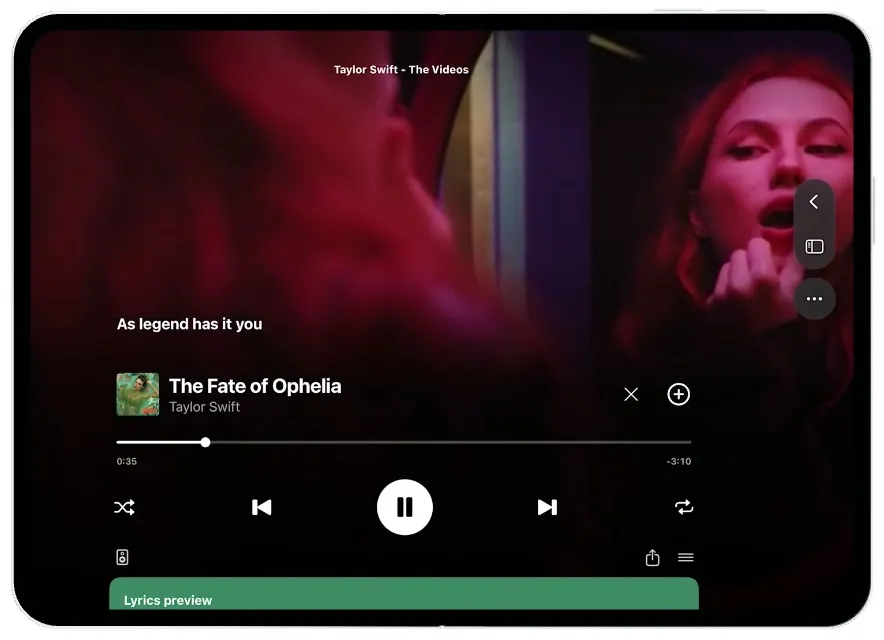
Spotify Duo
iOSSlide Spotify into split view, expand its video player, and scroll from lyrics to the artist.
- View template
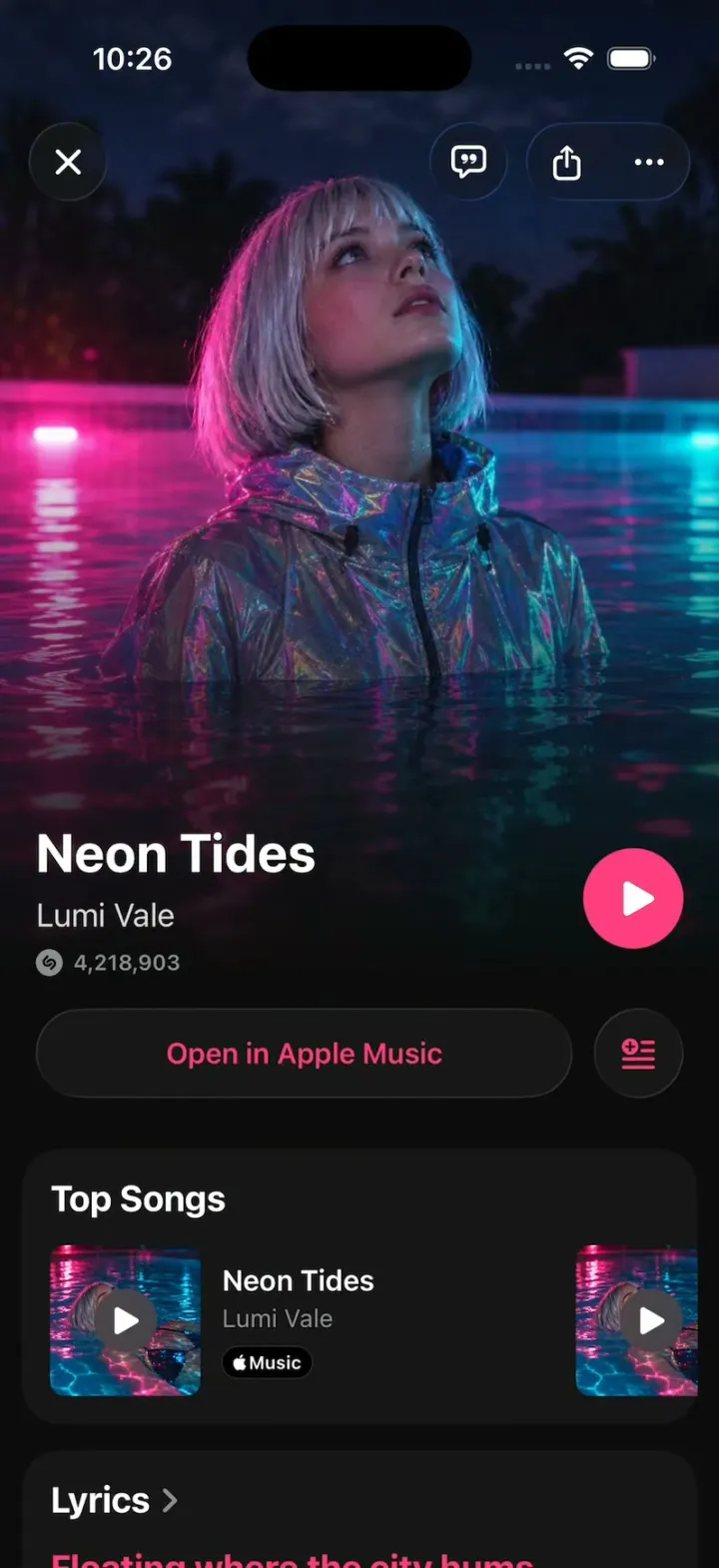
Shazam Clone
iOSShazam's real look: tap the S, rings ripple and the song blooms out of the button; synced lyrics, Auto Shazam.
- View template
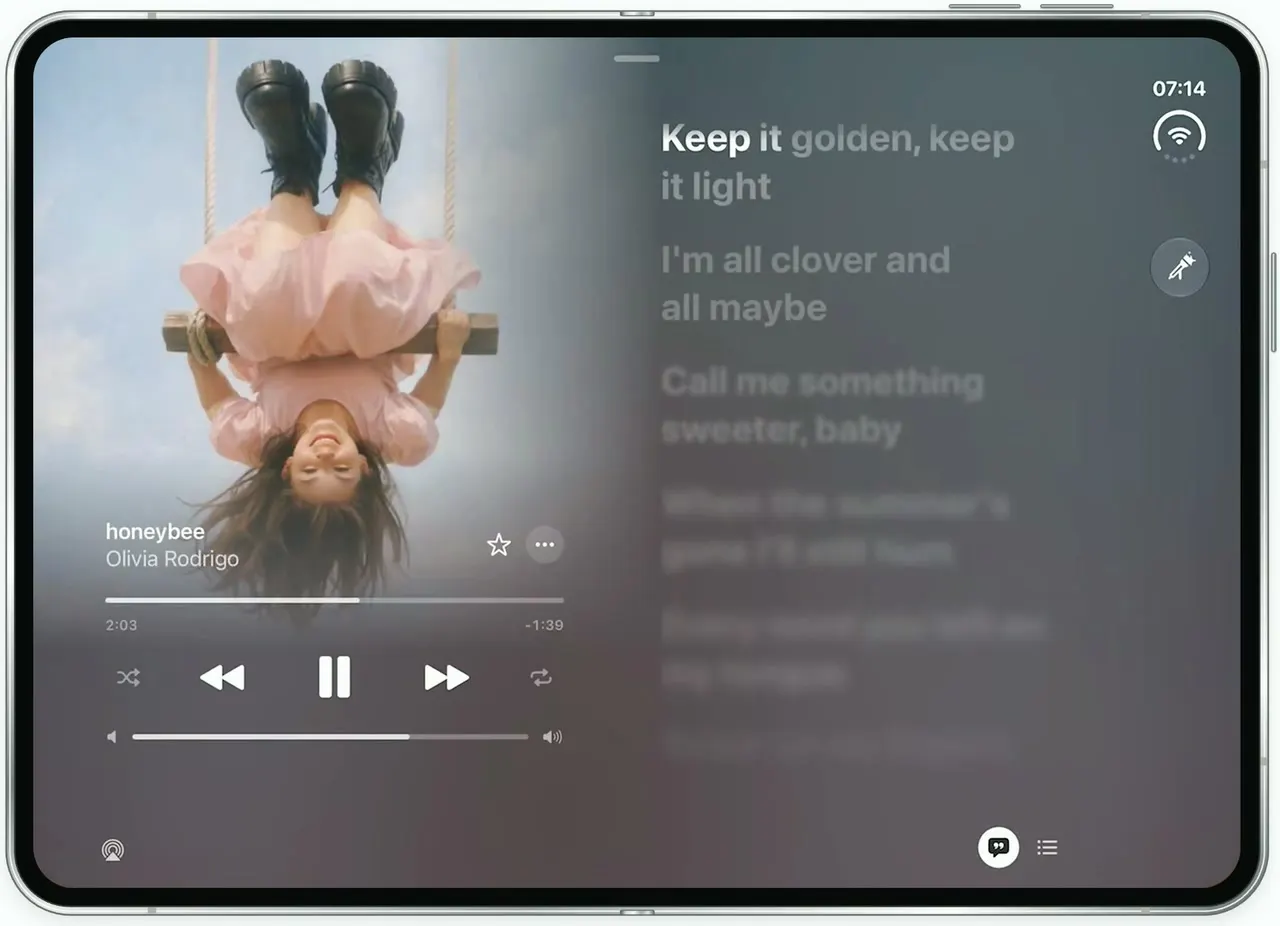
Apple Music Lyrics
iOSApple Music's lyrics view on the unfolded iPhone Duo: full-bleed art, words that light up as they're sung.
- View template
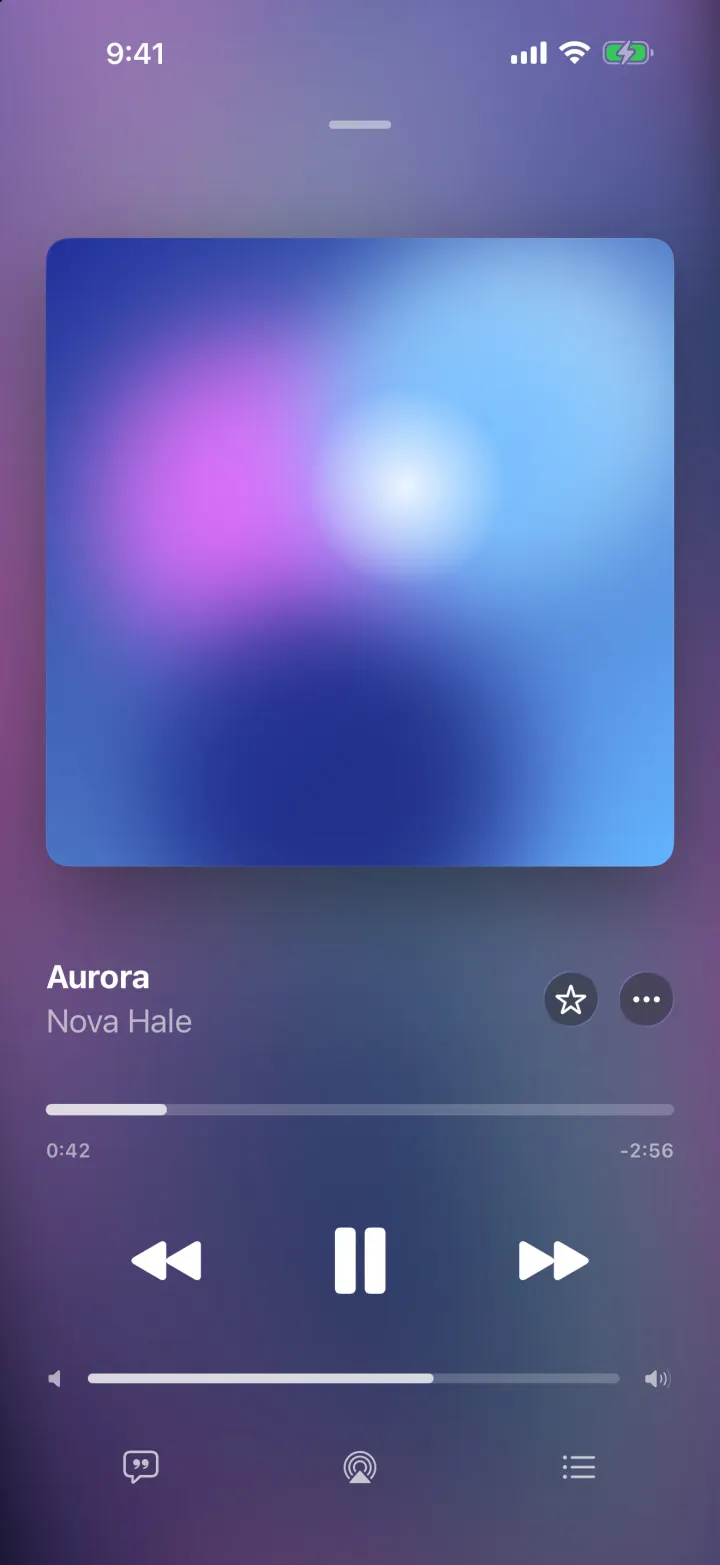
Tempo
iOSA music player with a drifting gradient from the album art, springy artwork and lyrics that scroll in time.