Shazam Clone
Music app · from our videos on X
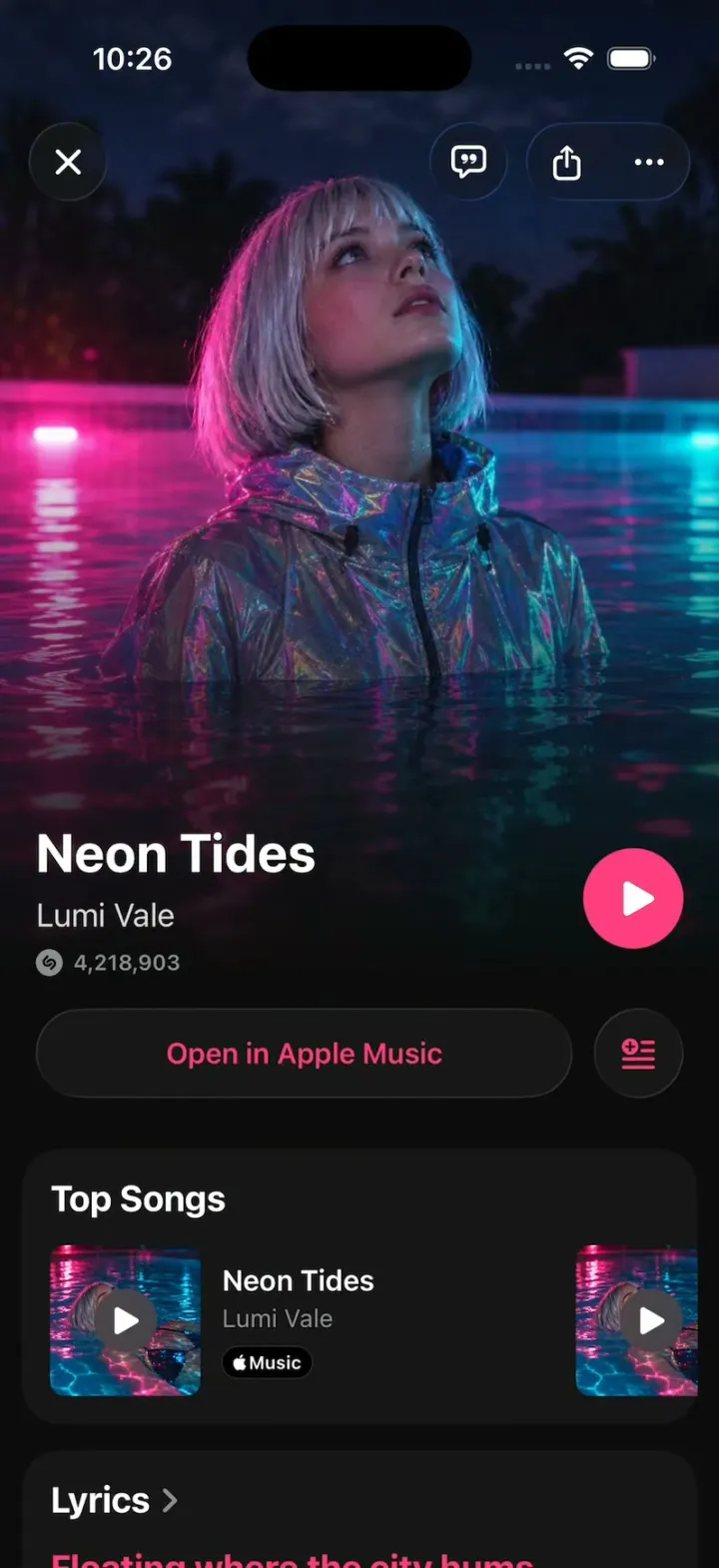
Shazam Clone rebuilds Shazam's iPhone app with its real name, blue, S mark and words. Tap the big S and rings ripple out under "Listening for music" until the match blooms out of the button into the song's page: the artist photo, the Shazam count, the play button and Open in Apple Music, then Top Songs, Lyrics, Upcoming Concerts and You Might Also Like. Lyrics scroll in time over the song's blurred cover, touch and hold the button for Auto Shazam, and Library, Concerts (with the concert page, Tickets and Save) and Search work like the real app. The simulator has no microphone, so listening is scripted over a fictional catalog of 8 songs with generated art, and the README shows where ShazamKit plugs in on a real device.
- iPhone · Swift
- Built in 2 prompts
- Free to remix
Remix copies the working app into your account for free, exactly as we built it. It runs in Vibecode's cloud iOS simulator, in your browser.
Watch the video on X@vibecodeapp · Nov 2, 2026The prompt that builds it
We built Shazam Clone in 2 prompts. Here they are folded into one, so a single paste into a new app builds the finished version.
Prompt · 2,199 words
Build a polished native iOS clone of Shazam in SwiftUI: Home with the big Shazam button, listening with rippling rings, the match that blooms into the song's page, synced lyrics, Auto Shazam, Library, Concerts and Search.

It is Shazam on screen: its name, the S mark, Shazam blue and its own words (quoted below, plus "Home", "Library", "Concerts", "No result", "Try Again"). The attached screenshots are the real app (Home, track page, Library, concert page; thin grey connector lines are help-page callouts, not UI): copy their layouts and words, but every song, artist and person is fictional (below); never use the real names in them. Draw the S mark with Shazam's real geometry, the ShazamSMark shape at the end of this prompt, filled white, everywhere it appears (the big button at 45% of its diameter, the Home tab icon, the glyph before each Shazam count). The listener is Mia, in Brooklyn. The simulator has no microphone: listening is scripted and always matches the next song in the catalog.

SHELL
A floating Liquid Glass capsule tab bar: Home (the S mark), Library (a music note in a rounded square), Concerts (a ticket), the selected tab in a lighter pill; a separate round glass Search button to its right. Opens on Home: no splash, onboarding, login, paywall or permission prompt (no microphone or location prompt). The status bar stays visible on every screen: white on Home, listening, Auto Shazam, the track page, lyrics and the concert page; dark on Library, Concerts and Search.

SCREENS
1. Home: a vertical gradient #0096FF (top) to #003DF6 (bottom); a gear in a glass circle top right; "Tap to Shazam" (white, bold 22 pt) at ~27% of the height; the button (230 pt) at ~43%: a translucent lighter-blue disc (#2084FF) with a thin light rim and a soft glow, the white S mark at 45% of its size; "Recently Found" (white 70%, semibold) above horizontal glass cards (white 12% fill, 20 pt corners): art 56 pt, "Just now" / "Yesterday" (small, white 60%), title (semibold), artist (white 60%). Tap the button to listen; touch and hold it for Auto Shazam.
2. Listening: the tab bar, gear and Recently Found fade out (0.2 s); an X in a glass circle appears top left; "Listening for music" (bold 22) with "Make sure your device can hear the song clearly" (15 pt, white 70%) cross-fades directly with "Tap to Shazam" (never a frame without text); the button grows to 1.1x and breathes (1.1 to 1.16 and back every 0.6 s); white rings (3 pt, 60% opacity at the button's edge) start every 0.35 s and grow to 2.4x while fading to 0, so 3-4 rings are always visible. A normal listen lasts 3.0 s, then matches the next song in a fixed cycle; X cancels back to Home.
3. Match and track page: the page blooms out of the button: a circle centred on the button grows to cover the screen in 0.30 s (ease-out, no overshoot), the page fully drawn inside it from its first frame, while Home keeps its listening look around it (no tab bar, gear or Recently Found; rings frozen) until the circle covers the screen; closing (X or a swipe down) shrinks it back into the button in 0.25 s, and the song slides into the front of Recently Found as "Just now". Layout as the attached track page: the artist photo full bleed over the top ~62%, fading to #0C0C0C; X (glass circle) top left; a lyrics button (quote bubble) and a glass capsule with share and "..." top right; the title (bold 30, up to 2 lines), the artist (18 pt), the small Shazam glyph + the count ("4,218,903") in grey; a round 56 pt play button in the song's accent colour right of the title (play toggles to pause with a progress ring; there is no audio); a dark glass pill "Open in Apple Music" in the accent colour plus a round queue button. Once the hero scrolls away, a compact bar fades in under the status bar (black at 85% with a blur; the title centred, semibold 17; X left; share and "..." right), so cards never run under the status bar or the buttons. Below, rounded #161616 cards: Top Songs (horizontal: art with a play overlay, title, artist, a black "Music" badge with the Apple logo), Lyrics (first 3 lines; tap for the lyrics screen), Upcoming Concerts (date in red, venue, city), You Might Also Like, then Album / Label / Released.
4. Lyrics: full screen over the song's cover art, scaled to fill, blurred (radius 60) and darkened to about 45%, so each song's lyrics sit in its own colour; a small header (art, title, artist, X); lines bold 28 pt; the current line white, the others white 35%; it advances every 2.2 s with a spring scroll that keeps the current line at ~35% of the height.
5. Auto Shazam: touch and hold the button 0.5 s: "Auto Shazam is on" (bold 22) / "Tap the Shazam button to turn off"; the button keeps breathing with a bright arc slowly turning around its rim, and every 4 s a found song slides into the front of Recently Found ("Just now") with a light haptic. Tap the button to stop.
6. Library (as attached): #F2F2F7, "Library", "N songs", sort and "..." glass buttons; chips (list icon, Artists, Genres, Cities); sections Today / Yesterday / This Week of white rounded rows: art with a play overlay, title, artist, "Sun, Nov 1, 2026 at 9:41 AM", "...", the Music badge. A row opens its track page.
7. Concerts: "Concerts", "Near You · Brooklyn", cards (artist photo, artist, date, venue) opening the concert page (as attached): photo header, "UPCOMING CONCERT", the artist, "Dec 11, 2026 | Brooklyn", white "Tickets" and "+ Save" (becomes "Saved"), "Concert Guide" (date row "December 11, 2026 · Friday" / "8:00 PM", address row with a map icon), "Get Ready for the Show" (an "Essentials" card).
8. Search: a field "Songs, artists, lyrics"; empty: "Top 200" / "The most Shazamed songs this week", ranked rows 1-8; typing filters. 9. Settings (gear): toggles Shazam on App Start, Video Previews, Notifications.

SONGS (fictional; accent; Shazams; the two images)
Neon Tides, Lumi Vale (synth-pop, #FF3D7F, 4,218,903; cover: a woman floating in a night pool lit hot pink and cyan; photo: Lumi, silver bob, in that pink-lit pool, looking up). Midnight Static, KAIRO (R&B, #FF453A, 2,904,117; a man in a red-lit car at night, rain on the glass). Low Tide Lovers, Sable & Rue (folk duo, #19A9A3, 931,442; a couple on a foggy beach). Sunflower Season, The Marlowes (indie rock, #F5A623, 1,577,020; a four-piece band in a sunflower field). Cherry Soda Summer, Mina Park (pop, #FF2D55, 3,310,876; a woman with cherry earrings against a red wall). Ghost Town Radio, Wilder Coast (alt-country, #FF9F0A, 688,305; a desert highway at dusk with a radio tower). Yellow Wall, Ayo Rivers (afrobeats, #FFD60A, 2,145,560; a dancer in yellow mid-spin against a blue wall). Rooftops in Paris, Elodie Mar (French pop, #5E5CE6, 1,206,977; a woman on a Paris rooftop at blue hour). Each song: an album (two more songs on it, same cover, for Top Songs), a label, a 2026 release date, 14 original lyric lines, 1-2 concerts (fictional venues, real cities, Nov-Dec 2026). The match cycle: Neon Tides, Midnight Static, then the rest in order. Recently Found starts with Rooftops in Paris and Yellow Wall (Yesterday); Library starts with the six non-hook songs over the past week.

HOOK (the video's first 3 seconds)
- HOOK MODE: tapping an invisible 44x44 pt area centred at the top, just below the status bar, on every screen (above every sheet and cover; a tap closes whatever is open) plays this run through the real listening, bloom and track page code, identical every time (seconds from the tap): 0.00 everything closed, Home, Recently Found back to its launch state, listening already started and fully drawn on the first frame ("Listening for music" at full opacity, tab bar, gear and Recently Found already gone, button at 1.1x, three rings mid-ripple); 0.60 match: Neon Tides blooms (0.30 s); 1.45 its X: the page shrinks into the button (0.25 s), Neon Tides slides into Recently Found; 1.90 listening again; 2.50 match: Midnight Static blooms; hold to 5.0.
- What the eye must see: rings moving on every frame of a listen; the page inside the bloom fully drawn from its first frame (photo, title, play button; never a placeholder, grey or black); the title readable ≥0.6 s; no flash. Holds use these times, never the app's normal 3.0 s listen. Warm up haptics; decode and cache every image at launch, off the main thread.

LOOK
Shazam blue #0088FF, home gradient #0096FF to #003DF6, button disc #2084FF, track page #0C0C0C, cards #161616, library #F2F2F7 with white rows, secondary text #8E8E93, concert dates #FF3B30; each song's accent tints its play button, Open in Apple Music and lyrics. SF Pro; titles bold; Liquid Glass (glassEffect) on the tab bar and round buttons.

RULES
- Native SwiftUI, iOS 26 (keep the template's target), iPhone portrait.
- Deterministic fixtures. No backend, login, permissions, microphone, location, analytics or network calls. No persistence: delete the SwiftData starter, no UserDefaults or files.
- Images with gpt-image-2.5-flare (run env; POST https://api.openai.com/v1/images/generations with the project's OPENAI_API_KEY): per song a 1:1 album cover and a 2:3 artist photo (16), cinematic, fictional people, no text, logos or celebrities. A gradient in the song's accent until each exists.
- Springs under 350 ms, haptics on matches, pressed states, nothing hidden under the tab bar.
- Files under 300 lines, big bodies split into subviews, no long chained expressions.

REMIX-READY
Theme/Brand.swift (name, the S mark, a Copy enum with every word), Theme/Theme.swift (role colours, fonts; no colour literals elsewhere), Data/Fixtures.swift (songs as id/title/artist/album/genre/label/released/accent/cover/artistPhoto/shazams/lyrics/albumTracks/concerts, recently found, library seed, charts), Data/DemoScript.swift (HOOK MODE timings, the match cycle), Recognition/Recognizer.swift (a Recognizer protocol, ScriptedRecognizer returning the next catalog item: the seam where ShazamKit plugs in on a real device). Codable models with String ids behind one AppDataSource protocol (FixtureDataSource) feeding one @Observable AppStore; views never read Fixtures. Features/<Screen>/, Components/. README.md under 80 lines: file map; how to rename, recolour, add a song; how to swap in ShazamKit (SHManagedSession, real device + microphone permission); 3 one-prompt remixes ("Shazam for car noises", "for birdsong", "for plants"). "Read README.md first." atop CLAUDE.md and ios/AGENTS.md; replace ios/CLAUDE.md's structure block with this app's files. No scratch folders.

FILMING
Long-press the gear on Home to reset everything to launch.

BUILD
Theme, Brand, Fixtures, then Home, Listening, the bloom and the track page first, then the other screens, in small files with a one-line status per screen; launch in the simulator every two or three files. Start the images as a background job once Home runs; check each file exists, never view them. Walk each flow once and fix what breaks; no pixel measuring or debug modes. Deliver the whole app, not a plan.

THE S MARK
/// The Shazam S mark: the two hook subpaths of the official glyph (Simple Icons "shazam", CC0),
/// normalized to a unit box and scaled into `rect` (square, centred). Fill it white.
struct ShazamSMark: Shape {
    func path(in rect: CGRect) -> Path {
        let side = min(rect.width, rect.height)
        let ox = rect.midX - side / 2, oy = rect.midY - side / 2
        func pt(_ x: CGFloat, _ y: CGFloat) -> CGPoint { CGPoint(x: ox + x * side, y: oy + y * side) }
        var p = Path()
        p.move(to: pt(0.373, 0.786))
        p.addCurve(to: pt(0.162, 0.710), control1: pt(0.297, 0.786), control2: pt(0.220, 0.761))
        p.addCurve(to: pt(0.041, 0.470), control1: pt(0.089, 0.647), control2: pt(0.046, 0.562))
        p.addCurve(to: pt(0.126, 0.229), control1: pt(0.035, 0.381), control2: pt(0.066, 0.295))
        p.addCurve(to: pt(0.321, 0.032), control1: pt(0.194, 0.153), control2: pt(0.316, 0.037))
        p.addCurve(to: pt(0.438, 0.034), control1: pt(0.354, 0.000), control2: pt(0.406, 0.001))
        p.addCurve(to: pt(0.435, 0.152), control1: pt(0.470, 0.067), control2: pt(0.469, 0.120))
        p.addCurve(to: pt(0.249, 0.340), control1: pt(0.434, 0.153), control2: pt(0.313, 0.269))
        p.addCurve(to: pt(0.206, 0.460), control1: pt(0.219, 0.373), control2: pt(0.203, 0.416))
        p.addCurve(to: pt(0.270, 0.585), control1: pt(0.209, 0.507), control2: pt(0.231, 0.551))
        p.addCurve(to: pt(0.481, 0.582), control1: pt(0.320, 0.628), control2: pt(0.419, 0.638))
        p.addCurve(to: pt(0.563, 0.500), control1: pt(0.518, 0.549), control2: pt(0.563, 0.500))
        p.addCurve(to: pt(0.680, 0.495), control1: pt(0.594, 0.466), control2: pt(0.646, 0.464))
        p.addCurve(to: pt(0.685, 0.612), control1: pt(0.714, 0.526), control2: pt(0.716, 0.578))
        p.addCurve(to: pt(0.592, 0.705), control1: pt(0.683, 0.614), control2: pt(0.634, 0.667))
        p.addCurve(to: pt(0.373, 0.786), control1: pt(0.532, 0.759), control2: pt(0.453, 0.786))
        p.move(to: pt(0.874, 0.780))
        p.addCurve(to: pt(0.679, 0.977), control1: pt(0.806, 0.855), control2: pt(0.684, 0.972))
        p.addCurve(to: pt(0.622, 1.000), control1: pt(0.663, 0.992), control2: pt(0.642, 1.000))
        p.addCurve(to: pt(0.562, 0.974), control1: pt(0.600, 1.000), control2: pt(0.578, 0.991))
        p.addCurve(to: pt(0.564, 0.857), control1: pt(0.530, 0.941), control2: pt(0.531, 0.889))
        p.addCurve(to: pt(0.751, 0.669), control1: pt(0.566, 0.856), control2: pt(0.687, 0.740))
        p.addCurve(to: pt(0.794, 0.548), control1: pt(0.781, 0.635), control2: pt(0.797, 0.592))
        p.addCurve(to: pt(0.730, 0.424), control1: pt(0.791, 0.501), control2: pt(0.768, 0.457))
        p.addCurve(to: pt(0.519, 0.427), control1: pt(0.680, 0.381), control2: pt(0.581, 0.371))
        p.addCurve(to: pt(0.437, 0.509), control1: pt(0.482, 0.460), control2: pt(0.437, 0.509))
        p.addCurve(to: pt(0.320, 0.514), control1: pt(0.406, 0.543), control2: pt(0.354, 0.545))
        p.addCurve(to: pt(0.315, 0.397), control1: pt(0.286, 0.483), control2: pt(0.284, 0.431))
        p.addCurve(to: pt(0.408, 0.303), control1: pt(0.317, 0.395), control2: pt(0.366, 0.342))
        p.addCurve(to: pt(0.838, 0.299), control1: pt(0.526, 0.198), control2: pt(0.719, 0.195))
        p.addCurve(to: pt(0.959, 0.538), control1: pt(0.911, 0.361), control2: pt(0.954, 0.446))
        p.addCurve(to: pt(0.874, 0.780), control1: pt(0.965, 0.627), control2: pt(0.934, 0.713))
        return p
    }
}
More templates
All templates- View template
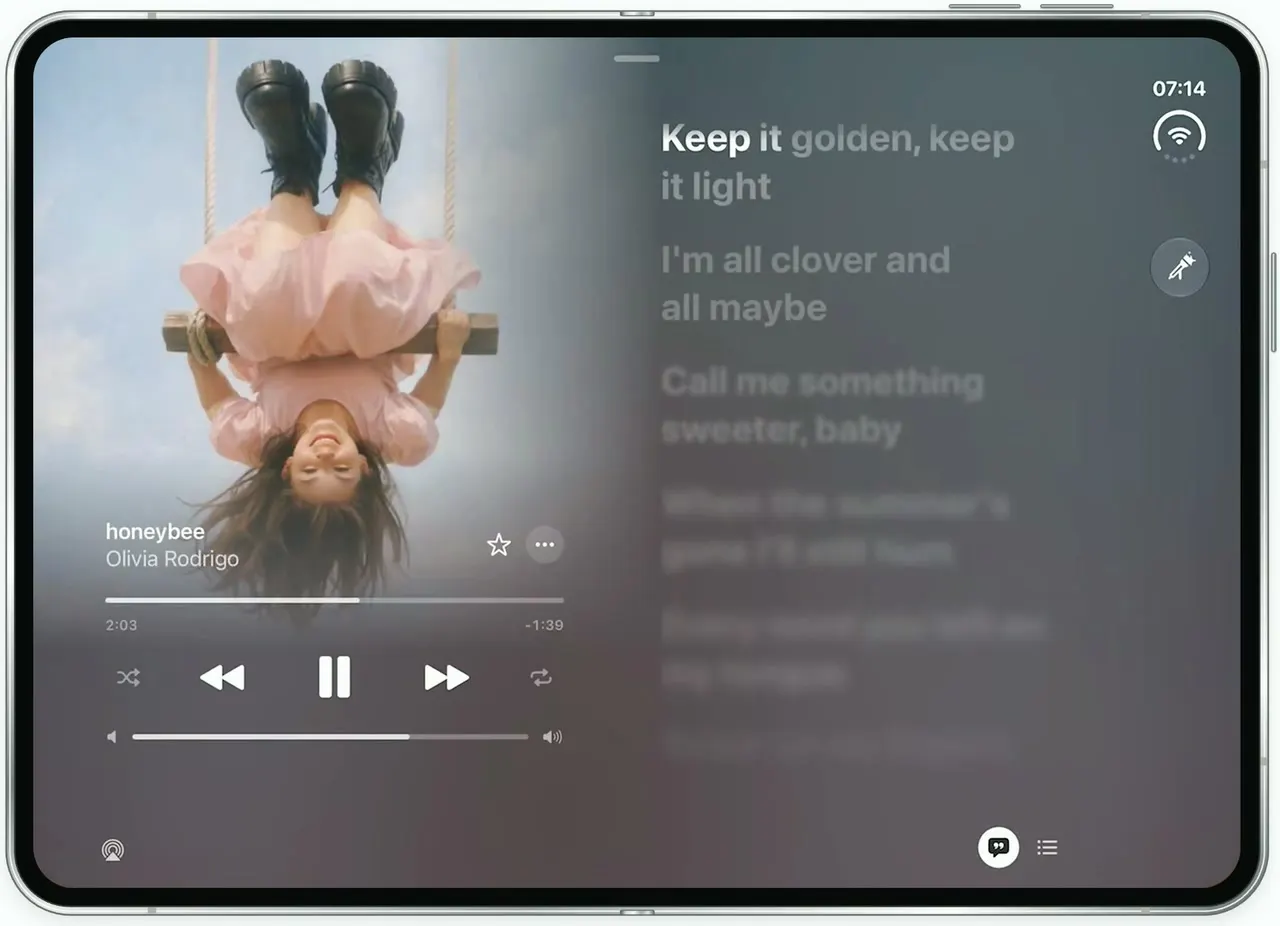
Apple Music Lyrics
iOSApple Music's lyrics view on the unfolded iPhone Duo: full-bleed art, words that light up as they're sung.
- View template
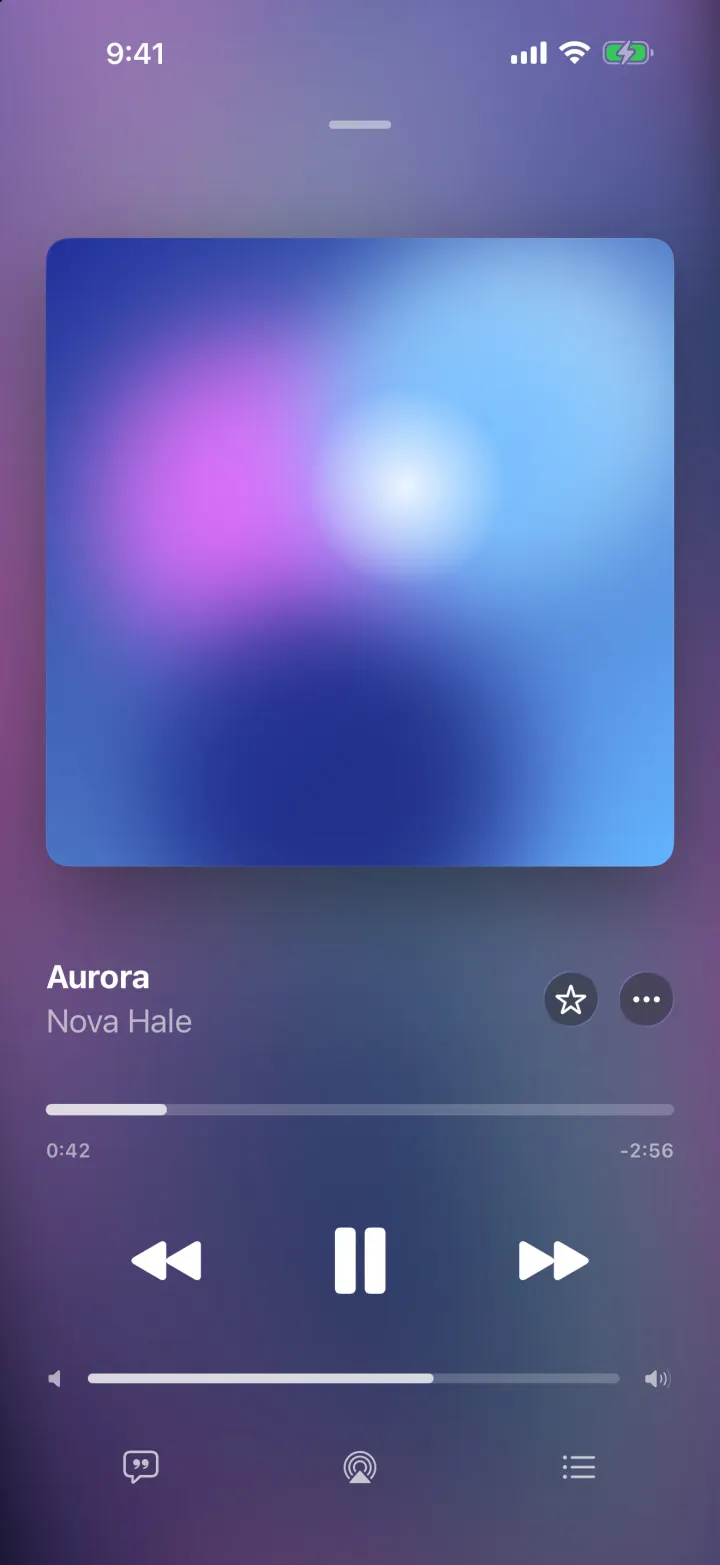
Tempo
iOSA music player with a drifting gradient from the album art, springy artwork and lyrics that scroll in time.
- View template
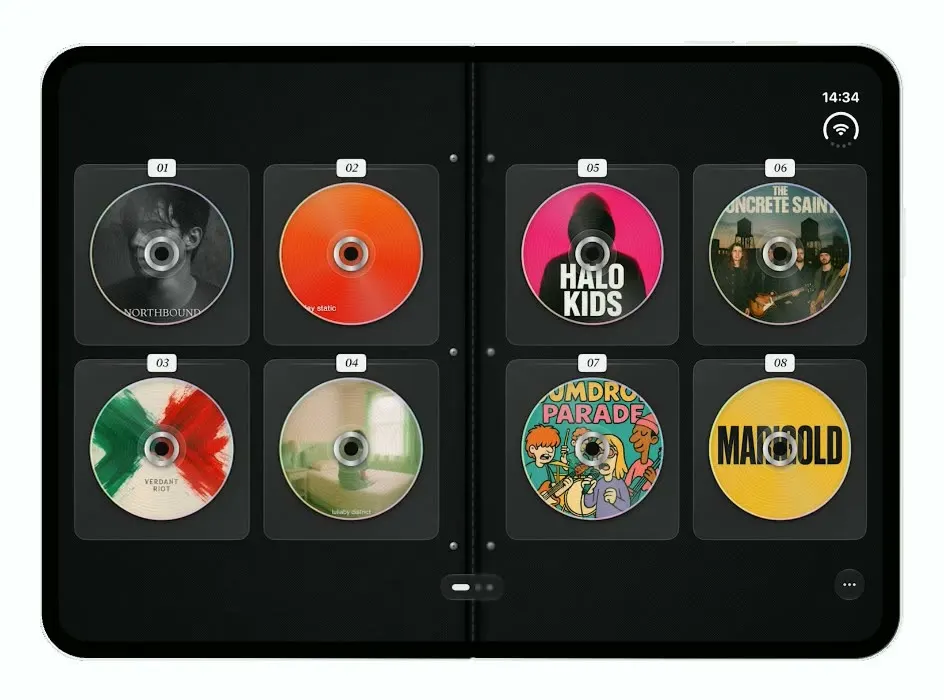
Mixtapes
iOSTurns the iPhone Duo into a zippered CD wallet: closed when folded, a binder of CDs to flip through when open.
- View template
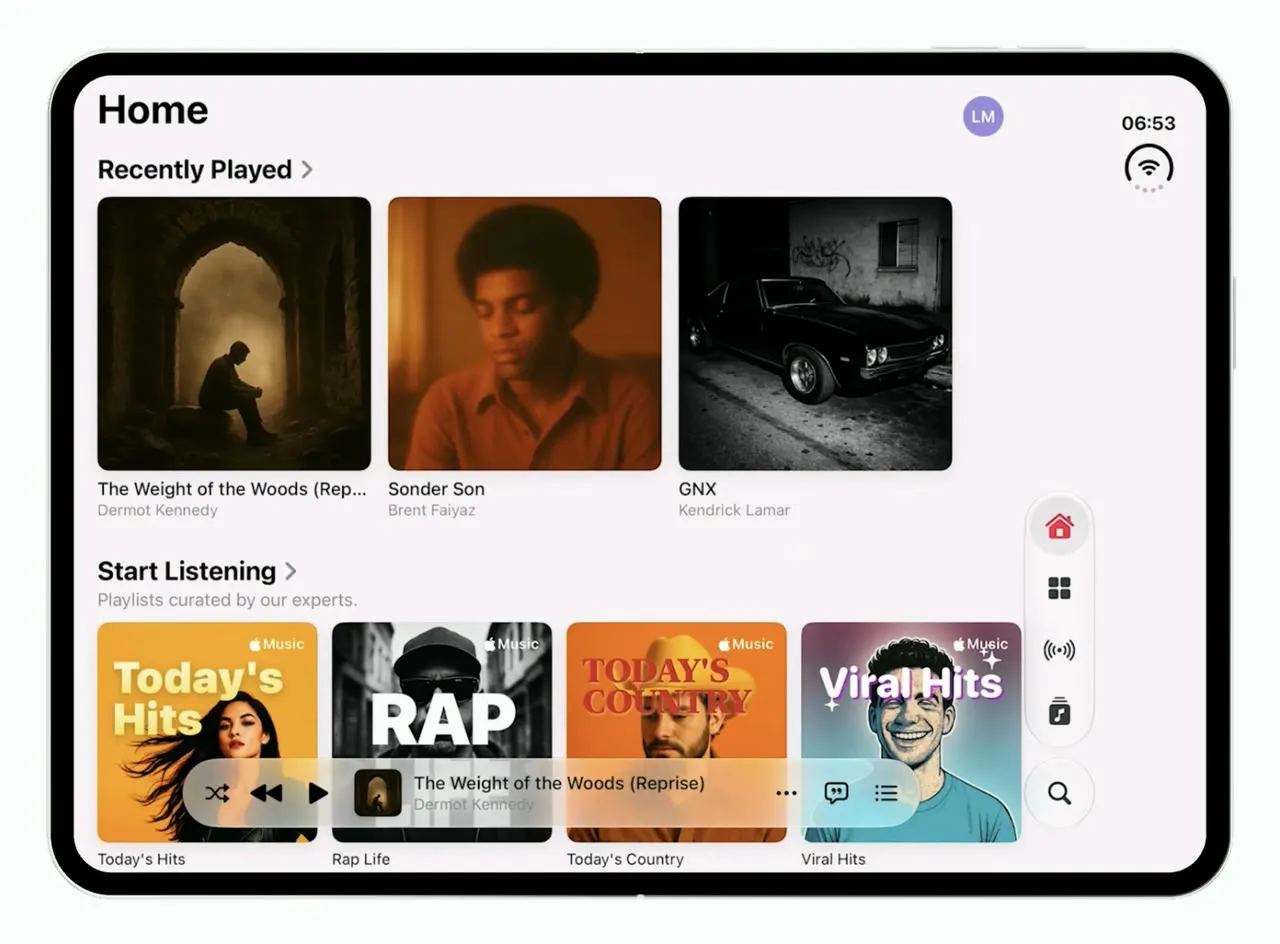
Music
iOSApple Music's iOS 26 look on the foldable iPhone Duo: one column when folded, wide shelves when open.