Apple Music Lyrics
Music app · from our videos on X
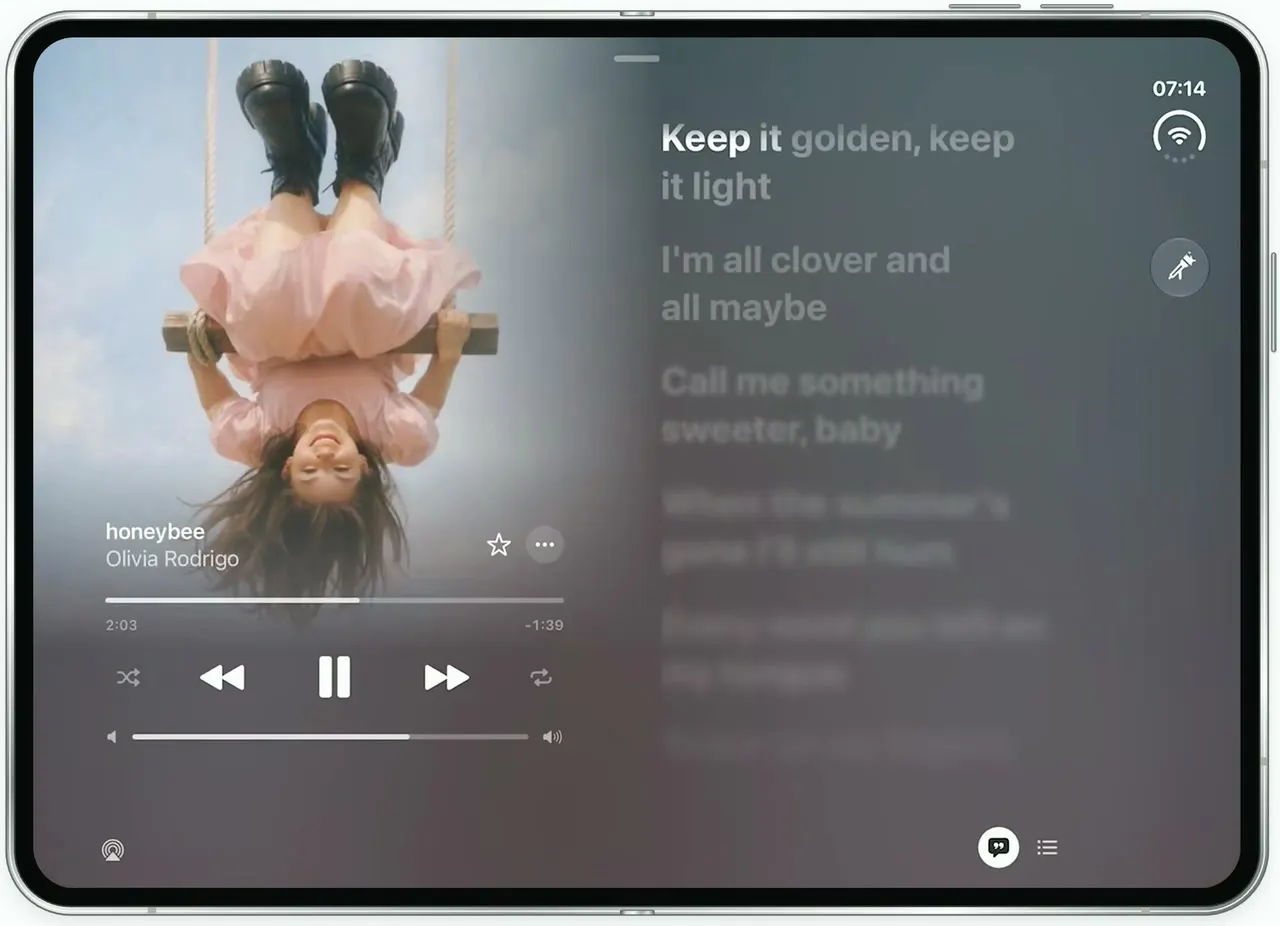
Apple Music Lyrics recreates the music app's iOS 27 look on the unfolded iPhone Duo, where the wide inner screen becomes a two-pane landscape canvas. Now Playing puts the artwork full-bleed on the left, fading into a colour field taken from the cover, with time-synced lyrics on the right that light up word by word and blur as they fall away. Skip through five songs, each with its own palette, or drag Now Playing down to the Top 100: USA playlist and the Addison album, with a vertical Liquid Glass tab rail and a floating mini player. Tap any track and it starts playing; tap the mini player to open it full screen.
- iPhone Duo · Swift
- Built in 1 prompt
- Free to remix
Remix copies the working app into your account for free, exactly as we built it. It runs in Vibecode's cloud iOS simulator, in your browser.
Watch the video on X@ios_app_builder · Oct 24, 2026The prompt that builds it
We built Apple Music Lyrics in one prompt. Paste it into a new app to build your own copy, or change it first.
Prompt · 1,516 words
Download/reference the app shown in this post and clone it exactly, including the iPhone Duo visual design, layout, interactions, animations, typography, spacing, and all visible states. Make it functional and runnable in the simulator. Match the reference as closely as possible and include any interaction shown in the source. Reference: https://x.com/BetaProfiles/status/2113632209605415215. The actual 19.7-second video is uploaded as source.mp4 in project Files (the top device is the iPhone Duo; ignore the iPad below it). Inspect it carefully, extracting frames as necessary.

Build a native SwiftUI iOS app named Music using Opus 5.5. This is Apple Music (iOS 27 Liquid Glass design) on the iPhone Duo's UNFOLDED inner display, which is a landscape canvas: every screen uses a wide two-pane layout, artwork full-bleed on the left half bleeding into a colour field, content on the right. (When folded on the narrow cover screen, show a simple one-column version of the same screens.) Do NOT put a fake handset frame inside the actual app; the simulator provides that. Use realistic deterministic fixture data so every screen is rich and usable without permissions, network, MusicKit or backend. Do not publish externally.

Observed video sequence (0-19.7s), seven screens with hard cuts every 2.84 s, lyrics animating inside each: 0.0 Now Playing "honeybee" (Olivia Rodrigo) with time-synced lyrics; 2.84 the "Top 100: USA" playlist page; 5.71 Now Playing "hate that i made you love me" (Ariana Grande); 8.54 Now Playing "Great Expectation" (SIENNA SPIRO); 11.38 the album page "Addison" (Addison Rae); 14.21 Now Playing "Patient Zero" (Taylor Swift); 17.05 Now Playing "Eternity" (Alex Warren).

NOW PLAYING (full screen, no tab rail). The background is a soft vertical gradient sampled from that song's artwork, darkened (honeybee slate blue #3F5462 to dusty mauve #5B4A52; hate that i made you love me near-black #161616 to #262626; Great Expectation burnt orange #A8532E at top-left fading to brown #4E3532; Patient Zero deep magenta-maroon #3A0F22; Eternity dark moss green #1E3A1C to #142414). The artwork fills the left ~52% of the screen edge to edge from the top down to ~72% height, with no frame or corner radius, and its right edge and bottom fade into the background over ~20% of the width. Bottom-left over the faded art: song title (SF Pro Semibold 17, white) and artist (SF Pro Regular 17, white 75%) at x≈6%, y≈60%; a star outline (filled for "hate that i made you love me") and a "…" button to their right at x≈38-44%. Below: a thin scrubber (white 30% track, white 75% fill, 4 pt tall, rounded) spanning x 6-44% with elapsed and remaining times in tiny grey text under its ends (honeybee 1:50 / -1:53, hate that i made you love me 0:34 / -2:44, Great Expectation 0:48 / -2:06, Patient Zero 0:42 / -3:04, Eternity 0:43 / -2:27; the elapsed time ticks every second). Transport row centred under it: shuffle (small, dim), backward.fill, a big pause.fill, forward.fill, repeat (small, dim). Then a volume slider (speaker.fill, white 75% fill to ~70%, speaker.wave.3.fill). Bottom-left corner: AirPlay glyph. Bottom of the lyrics side, at x≈80% and 84%: a filled white quote-bubble lyrics button (selected) and a list.bullet queue button. A small grabber capsule (36x5, white 35%) at the top centre.
LYRICS column on the right (x 52-86%, top padding ~9%): time-synced lyrics in SF Pro Bold 30, left-aligned, two lines per lyric, 22 pt between lyrics. The current lyric is bright white and its words light up left to right as they are "sung" (dim white 35% -> white, per word); lines below are white 25% and increasingly blurred (radius 0, 2, 4, 6 pt); the line above fades away. Every ~2.6 s the next lyric becomes current and the column scrolls up with a smooth spring (~0.6 s). Lyrics auto-play from launch so the screen is always alive. Write ORIGINAL lyric lines (8-12 per song, in the mood of each title; do not use any real song's lyrics). A round Liquid Glass button with a "mic + sparkles" (sing) glyph sits at the right edge at x≈95%, y≈27%.
Next/previous (forward.fill/backward.fill) moves through the queue with a quick crossfade of the whole screen (art, colours, lyrics restart): honeybee -> hate that i made you love me -> Great Expectation -> Patient Zero -> Eternity -> back to honeybee. Dragging the grabber down or tapping it closes Now Playing back to the page underneath.

PLAYLIST / ALBUM PAGES (shown under Now Playing, with the tab rail). Same two-pane idea: the artwork is full-bleed on the left half fading into a saturated colour field. "Top 100: USA" page: background crimson #8E1232 to #6C0C26; artwork = a blurred pixel mosaic of big squares going from indigo #3B2C9A top-left through violet to crimson and pink #E86A8A bottom-right; centred under the art at x≈26%: "Top 100: USA" (SF Pro Bold 22, white), "Apple Music" (Regular 20, white), "Updated 5hr ago" (Semibold 11, white 60%); then a row: 44 pt glass circle with shuffle, a white capsule "▶ Play" (crimson text, Semibold 17, 150x44), a 44 pt glass circle with "+"; then two lines "The most-played songs in the United States, updated every day." (Regular 14, white 70%). Right pane (x 53-79%): numbered track list with 40 pt square thumbnails (generated), rows 50 pt tall with hairline separators: 1 Housewife – Tate McRae; 2 Lies (feat. Lana Del Rey) – Zach Bryan & Lana Del Rey; 3 BbY WOW – KAROL G, Judeline & rusowsky; 4 Choosin' Texas – Ella Langley; 5 Solar Eclipse [E] – Drake & Don Toliver; 6 Nicole Kidman – ADÉLA; 7 Janice STFU [E] – Drake; 8 Quebec [E] – Drake; 9 Been By Now – Morgan Wallen; 10 Lodi When – Zach Bryan; 11 Last Thing You Need – Morgan Wallen; each with a "…" at the right. The list scrolls.
"Addison" album page: background deep crimson-maroon #6E0A20 to #4A0614; artwork = a warm golden-hour portrait of a fictional blonde woman in a soft yellow-orange haze; under it: "Addison" (Bold 22), "Addison Rae" (Regular 20), "Pop · 2025 · Dolby Atmos · Lossless" (11, white 60%), the same shuffle / Play / + row, and "Introduced to the world as a bubbly TikTok influencer, the singer/dancer/actor spent 2024 pulling off what looks… MORE". Right pane: tracks with numbers only (no thumbnails): 1 New York; 2 Diet Pepsi (the playing track: animated equalizer bars instead of the number); 3 Money is Everything; 4 Aquamarine; 5 Lost & Found; 6 High Fashion [E]; 7 Summer Forever; 8 In The Rain; 9 Fame is a Gun; 10 Times Like These; 11 Life's No Fun Through Clear Waters.
TAB RAIL on these pages: a vertical Liquid Glass rail on the right edge (x≈94%). Top group in one capsule: back chevron, share, "…". Bottom group in a white 85% capsule: Home (house.fill), Browse (square.grid.2x2.fill), Radio (dot.radiowaves.left.and.right), Library (music.note.square), and Search (magnifyingglass) in its own circle below. The selected tab icon is red #FA2D48 on a light pill. Browse shows "Top 100: USA"; Library shows the "Addison" album; Home shows a simple shelf page in the same style. MINI PLAYER: a floating glass capsule at the bottom spanning x 7-71%, tinted with the page colour: shuffle, backward, pause, forward, repeat, 30 pt art, two-line title/artist ("Housewife / Tate McRae" on Top 100, "Diet Pepsi / Addison Rae" on Addison), "…", lyrics bubble and list buttons. Tapping it opens Now Playing for the current song. Tapping a track row plays it and updates the mini player.

ARTWORK: generate every cover with gpt-image-1.5 (the project's proxied OPENAI_API_KEY, https://api.openai.com/v1/images/generations, 1024x1024, quality high; run env to find the key). Fictional people only, nobody who resembles a real person, no text on the covers. honeybee: a girl in a pink dress and black platform shoes swinging upside down on a rope swing against a pale hazy blue sky, seen from below. hate that i made you love me: a black-and-white close-up of a laughing woman with tousled hair across her face, film grain. Great Expectation: a woman with sleek dark hair and winged eyeliner in front of a flat bright orange backdrop. Patient Zero: a showgirl in a sparkly gold fringe dress on a red velvet stage with falling glitter. Eternity: a young man in a black pinstripe suit lying on lush green grass, shot from above. Plus the Top 100 mosaic, the Addison portrait and 11 small Top 100 thumbnails (moody photo squares). Keep the files in the asset catalog. If image generation fails, draw gradient placeholders so the app still builds.

App launch state: Now Playing "honeybee" with lyrics running (so the first frame matches 0.0 of the video), on top of the Browse tab's "Top 100: USA" page with "Housewife" in the mini player. Status bar: leave the system one.

Keep every file you create inside /home/user/workspace (fonts, generated images, scripts): tool access to /tmp and other paths outside the workspace is denied in this sandbox.

Build fully, run compile/build validation, resolve all errors, and launch in the web simulator on the iPhone Duo, unfolded. Prioritize fidelity to the attached source and functional main interaction flow. Deliver complete implementation rather than a plan.
More templates
All templates- View template
Tempo
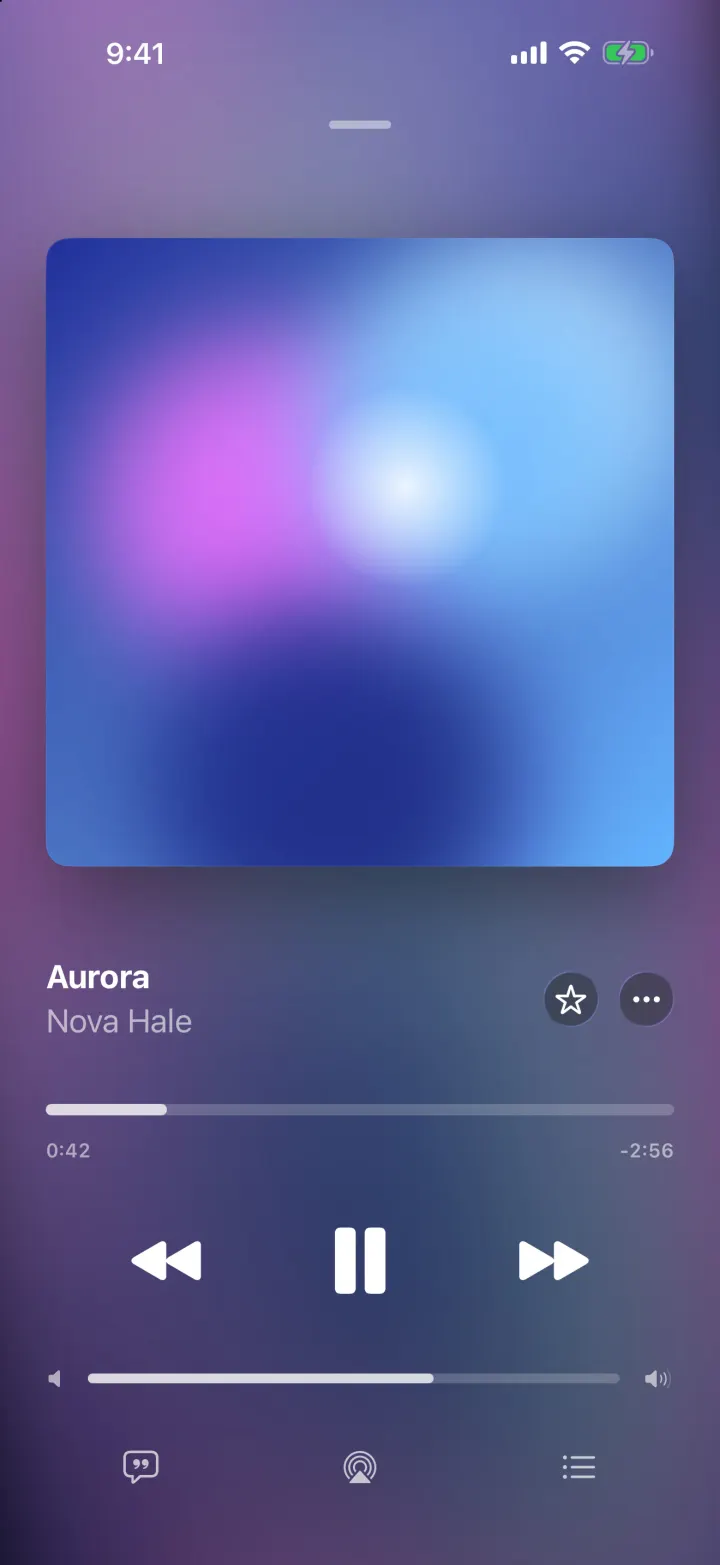
iOSA music player with a drifting gradient from the album art, springy artwork and lyrics that scroll in time.
- View template
Mixtapes
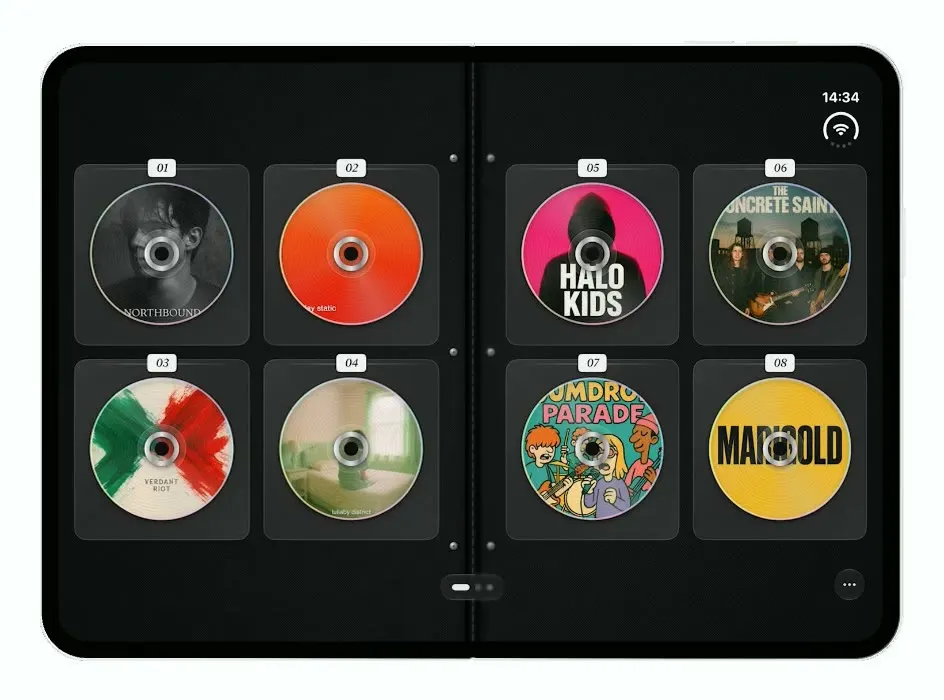
iOSTurns the iPhone Duo into a zippered CD wallet: closed when folded, a binder of CDs to flip through when open.
- View template
Music
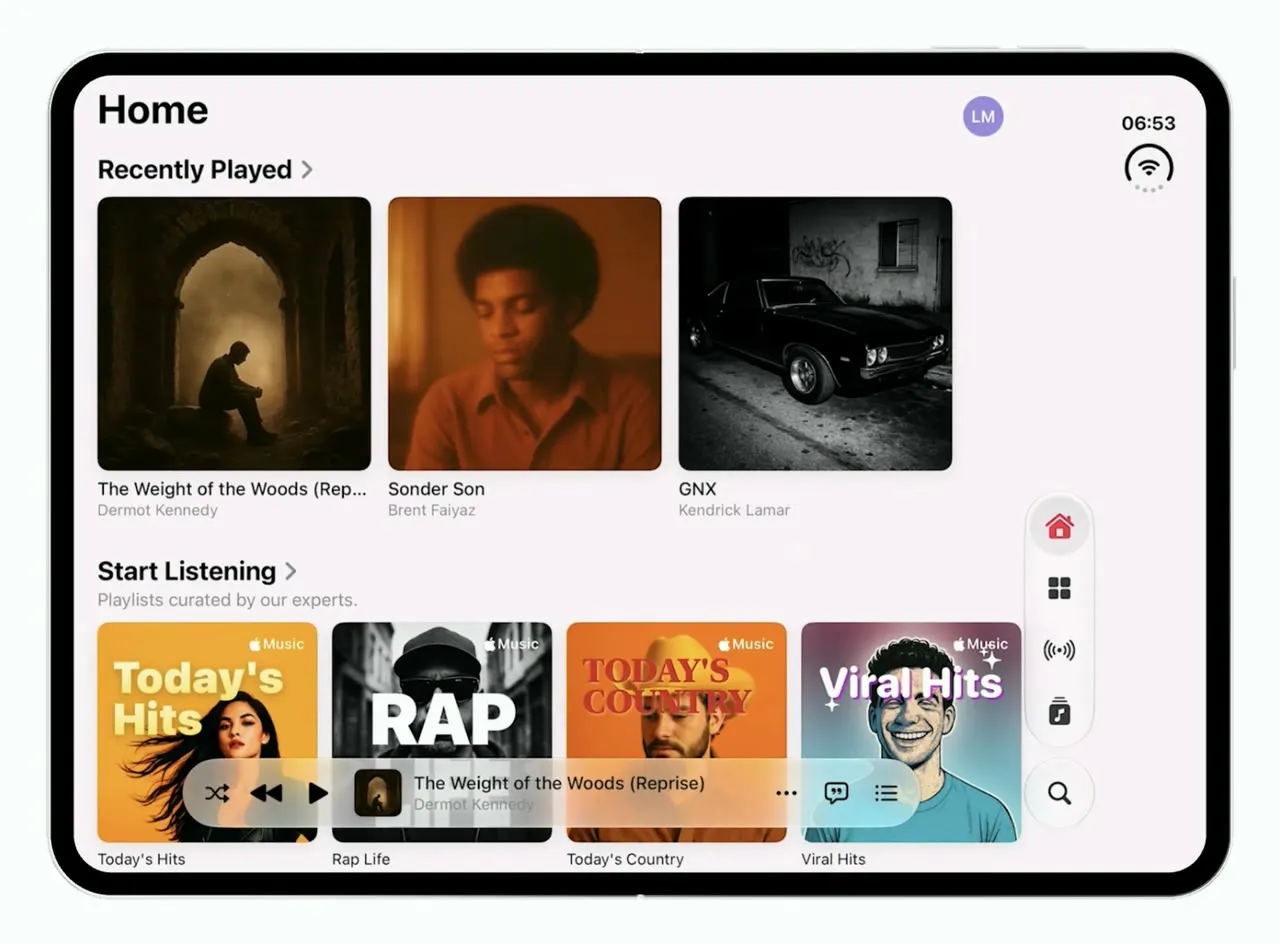
iOSApple Music's iOS 26 look on the foldable iPhone Duo: one column when folded, wide shelves when open.
- View template
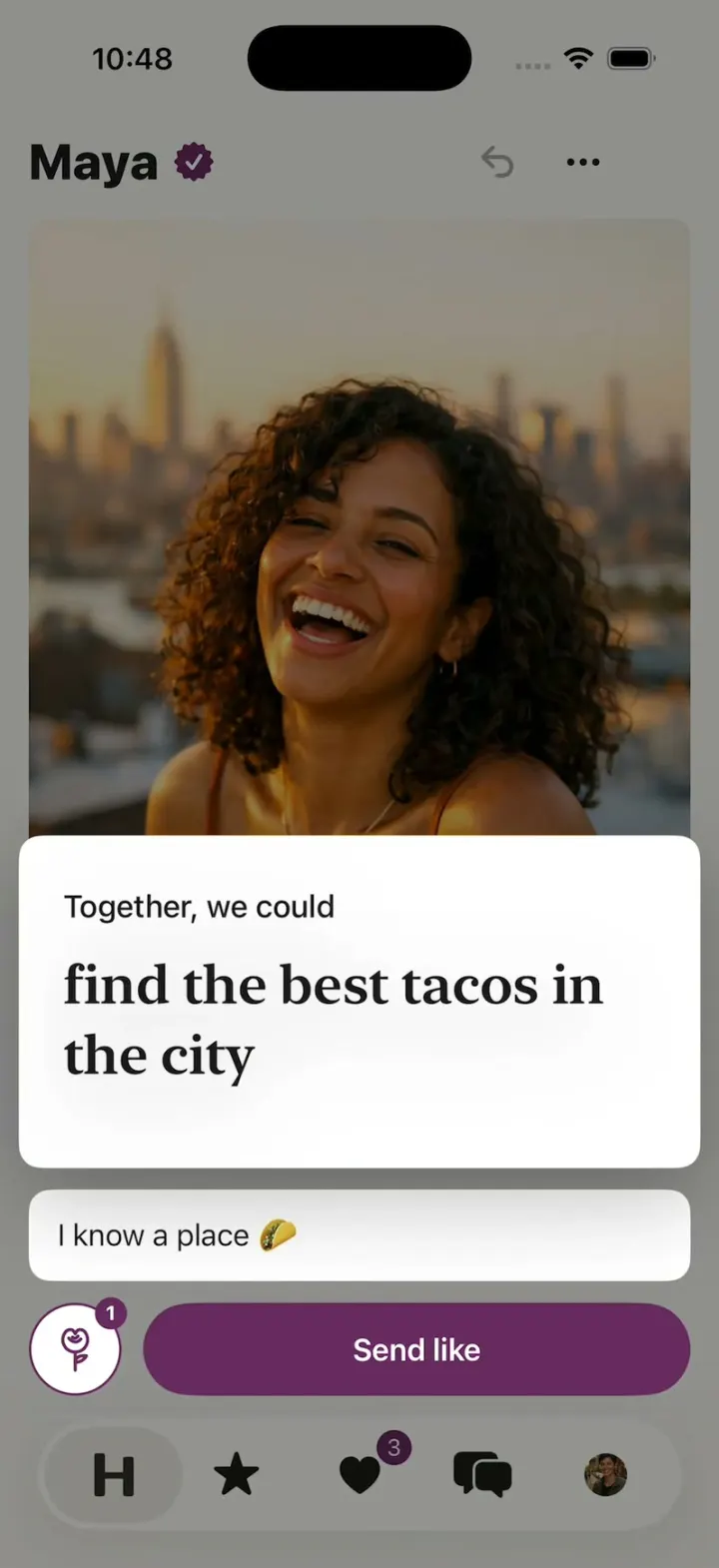
Hinge Clone
iOSHinge with its real look: like one prompt, add a comment, Send like, and the next profile slides in.