Hinge Clone
Dating app · from our videos on X
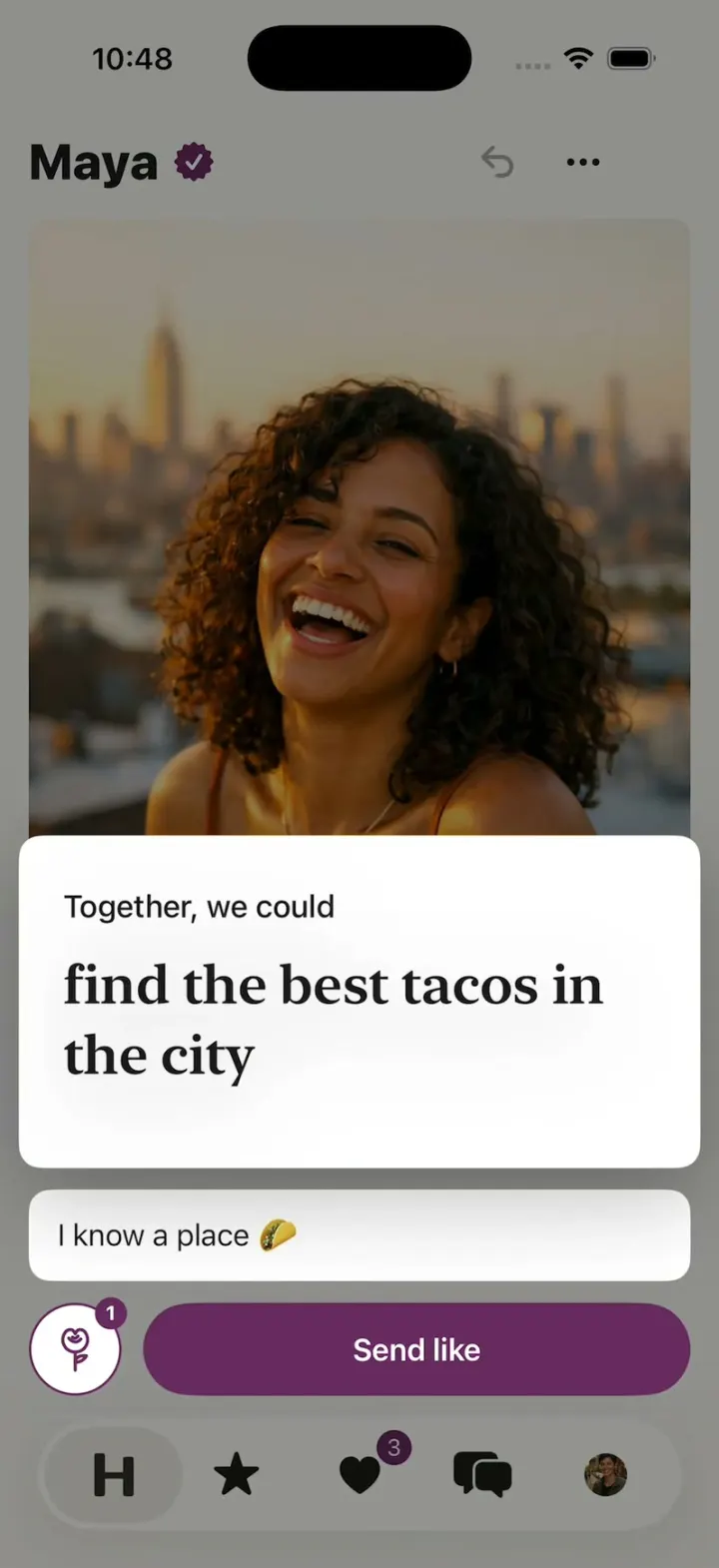
Hinge Clone rebuilds Hinge with its real name, plum, serif prompt answers and words. Scroll one profile at a time, tap the heart on a photo or prompt, and it lifts into a sheet with "Add a comment", a Rose and "Send like"; send it and the next profile slides in. Standouts has Roses to send, Likes You shows who liked which prompt and what they said, and liking back opens "It's a match!" and a chat that answers after typing dots. Your profile has a photo grid and written prompts picked from Hinge's list, and every person is AI-generated.
- iPhone · Swift
- Built in 2 prompts
- Free to remix

Remix copies the working app into your account for free, exactly as we built it. It runs in Vibecode's cloud iOS simulator, in your browser.
Watch the video on X@vibecodeapp · Oct 25, 2026The prompt that builds it
We built Hinge Clone in 2 prompts. Here they are folded into one, so a single paste into a new app builds the finished version.
Prompt · 1,383 words
Build a polished native iOS clone of Hinge in SwiftUI: profiles you scroll, likes on one photo or prompt with a comment, Roses, Standouts, Likes You, Matches with Your turn, chat, and your profile with prompts.

It is Hinge on screen: its name, plum, serif prompt answers and its own words ("Send like", "Add a comment", "Rose", "Standouts", "Your turn", "Designed to be deleted"). Draw the H tab icon and the "Hinge" wordmark in SwiftUI. The user is Sam Rivera, 30, Brooklyn.

SHELL
Tabs (icons only, black selected, grey otherwise): H (Discover), star (Standouts), heart (Likes You, plum badge "3"), bubbles (Matches), Sam's round photo (Profile). Opens on Discover: no splash, onboarding, login, paywall or permission prompt. The status bar stays visible.

SCREENS
1. Discover: one profile at a time, scrolled vertically with momentum. Sticky header: the name (heavy sans 28 pt) with a plum verified seal (scalloped, white check); undo arrow and "•••" right. Then photo 1, prompt 1, a vitals card ("28", "5' 6"", "Product designer", "Brooklyn", "Long-term relationship"), photo 2, prompt 2, photo 3, prompt 3. Photos 4:5, full width minus 16 pt margins, 10 pt corners. Prompt cards: white, 12 pt corners, label 17 pt sans, answer New York serif 30 pt semibold. Every photo and prompt has a 48 pt white circle with an outlined heart at its bottom-right. A round white X (56 pt, soft shadow) floats bottom-left above the tab bar and skips. 6 profiles:
- Maya 28, product designer; photo 1 laughing on a rooftop at golden hour; "Together, we could" / "find the best tacos in the city", "My simple pleasures" / "the first sip of iced coffee", "I'm weirdly attracted to" / "people who parallel park on the first try".
- Theo 31, pastry chef; photo 1 in a bakery kitchen; "Typical Sunday" / "croissants at 6, nap by noon", then 2 more.
- Priya 29 urban planner, Jonah 33 nurse, Lena 30 architect, Marcus 32 music teacher.
2. Like: a heart pops (0.85 to 1.1 to 1.0, fills plum) and its photo or prompt card lifts into a sheet over the dimmed profile: the item on top, an "Add a comment" field, a round Rose button (plum outline) and a wide plum "Send like" pill. Send like: the sheet drops and the profile slides out left as the next slides in from the right. Rose: a plum rose blooms on the card, "Rose sent", then the next profile. Theo, Lena and every 3rd like after them like you back.
3. It's a match!: white; Sam's and their round photos slide together and a plum heart pops between them; "It's a match!" (serif 40 pt) springs in; a "Start the chat with Theo" field and "Keep browsing". Send opens the chat.
4. Standouts: "Standouts", "1 free Rose", a paged row of 4 tall cards (a big photo or prompt) with "Send Rose".
5. Likes You: 3 likes, Roses first; each shows what they liked ("Liked your photo" + the item) and their comment. Tap: their profile with the like on top, X and a plum heart that makes a match.
6. Matches: "Your turn (2)" then "Their turn (2)": photo, name, "Start the chat with Ava" or the last line. Chat: the liked prompt on top as a #EEEEEE card (label + serif answer); bubbles theirs #EEE1DB with a round photo, mine #D2C4D4; "Send a message"; typing dots for 1.5 s, then a scripted reply.
7. Profile: Sam, "Edit profile": 6 photo slots (3 photos, 3 "+"), "Written prompts": "Don't hate me if I" / "pick two restaurants", "My simple pleasures" / "a long walk with no plan", and an empty "Select a prompt" that opens Hinge's prompt list ("Dating me is like", "Green flags I look for", "I go crazy for", "My most irrational fear", "Typical Sunday"); picking opens a serif editor ("0/150", Done) and the card drops into its slot. A plum "Hinge+" card with the wordmark: "See everyone who likes you" (demo, no payment).

HOOK (the video's first 3 seconds)
- HOOK MODE: tapping an invisible 44x44 pt area at the top right, just below the status bar, on every screen, plays this run through the real like code, identical every time (seconds from the tap): 0.00 close everything; Discover on Maya scrolled so her "Together, we could" card is centred, held still; 0.40 its heart pops; 0.45-0.70 the card lifts into the sheet; 0.75-1.00 "I know a place 🌮" types; 1.10 Send like; 1.15-1.45 page slide to Theo; 1.55-1.95 Theo momentum-scrolls up until his first prompt is centred; 2.05 its heart pops; 2.10-2.35 sheet; 2.40-2.65 "save me one 🥐" types; 2.75 Send like; 2.80 It's a match! (photos meet 2.80-3.10, title 0.6x to 1.0x by 3.05, heart 3.10, field and Keep browsing by 3.30).
- Holds use these times, never the app's normal delays. Motion stays in the middle 80% of the screen. Warm up haptics at launch.

MOTION
- The liked item lifts as one piece: in the frame its heart is tapped, a floating copy sits exactly over it (the original hidden in that same frame), stays at full opacity and rises into the sheet over 0.25 s ease-out, scaling to 1.03 with a deeper shadow, while the dim fades in and the field and buttons slide up. Never blink or fade the item.
- Send like: the item never returns to the feed; the item, the field and the buttons slide down off the bottom together over 0.25 s while the dim fades, and the feed slot stays hidden until the profile has left.
- A profile change is one clean page slide on every path (Send like, X, HOOK MODE): the old profile moves left off screen as one piece while the new one comes in from the right edge beside it, never on top of it, both 0.30 s ease-in-out; nothing fades, overlaps or leaves an empty frame.
- Typed text appears letter by letter (no keyboard in HOOK MODE). Every screen is fully drawn on its first frame. Flashes at most 0.12 s at 35%. Decode images off the main thread.

LOOK
Page #F7F6F3, cards #FFFFFF, ink #1A1A1A, secondary #6F6A6B, hairlines #E8E4E1, plum #67295F (seal, Send like, Rose, badges), light plum #D2C4D4, beige #EEE1DB, heart outline #B58C84. New York serif for prompt answers and big titles, SF Pro for the rest.

RULES
- Native SwiftUI, iOS 26 (keep the template's target), iPhone portrait; standard TabView, NavigationStack and sheets.
- Deterministic fixtures. No backend, login, permissions, analytics or network calls. No persistence: delete the SwiftData starter, no UserDefaults or files, so every launch starts the same.
- Photos: every person is fictional, made with gpt-image-1.5 (run env; POST $OPENAI_BASE_URL/images/generations with the project's OPENAI_API_KEY; a person's later photos via /images/edits from their first, so the face matches): 6 people x 3, 8 Likes You and Matches people x 1, Sam x 3; candid phone photos in warm natural light, ~900 px JPEGs in the asset catalog. No logo, text or celebrity in any image. A warm gradient placeholder until a photo exists.
- Springs under 350 ms, haptics on key taps, pressed states, no dead buttons, nothing under the tab bar.
- Files under 300 lines, big bodies split into subviews, no long chained expressions.

REMIX-READY
Theme/Brand.swift (name, wordmark, H icon, seal, rose, a Copy enum with every word), Theme/Theme.swift (role colours, fonts; no colour literals elsewhere), Data/Fixtures.swift (people, photos, prompts, likes, chats, prompt list), Data/DemoScript.swift (HOOK MODE run and timings, who likes back, comments, replies). Codable models with String ids behind one AppDataSource protocol (FixtureDataSource) feeding one @Observable AppStore; views never read Fixtures. Features/<Tab>/, Components/. README.md under 80 lines: file map; how to rename, recolour, swap the people; 3 one-prompt remixes ("Hinge for X"). "Read README.md first." atop CLAUDE.md and ios/AGENTS.md; replace ios/CLAUDE.md's structure block with this app's files. No scratch folders.

FILMING
Long-press the header name to reset everything to launch.

BUILD
Theme, Brand, Fixtures, then each screen in small files, a one-line status per screen; launch in the simulator every two or three files. Start the photos as a background job once Discover runs; check each file exists, never view them. Walk each flow once and fix what breaks; no pixel measuring or debug modes. Deliver the whole app, not a plan.
More templates
All templates- View template
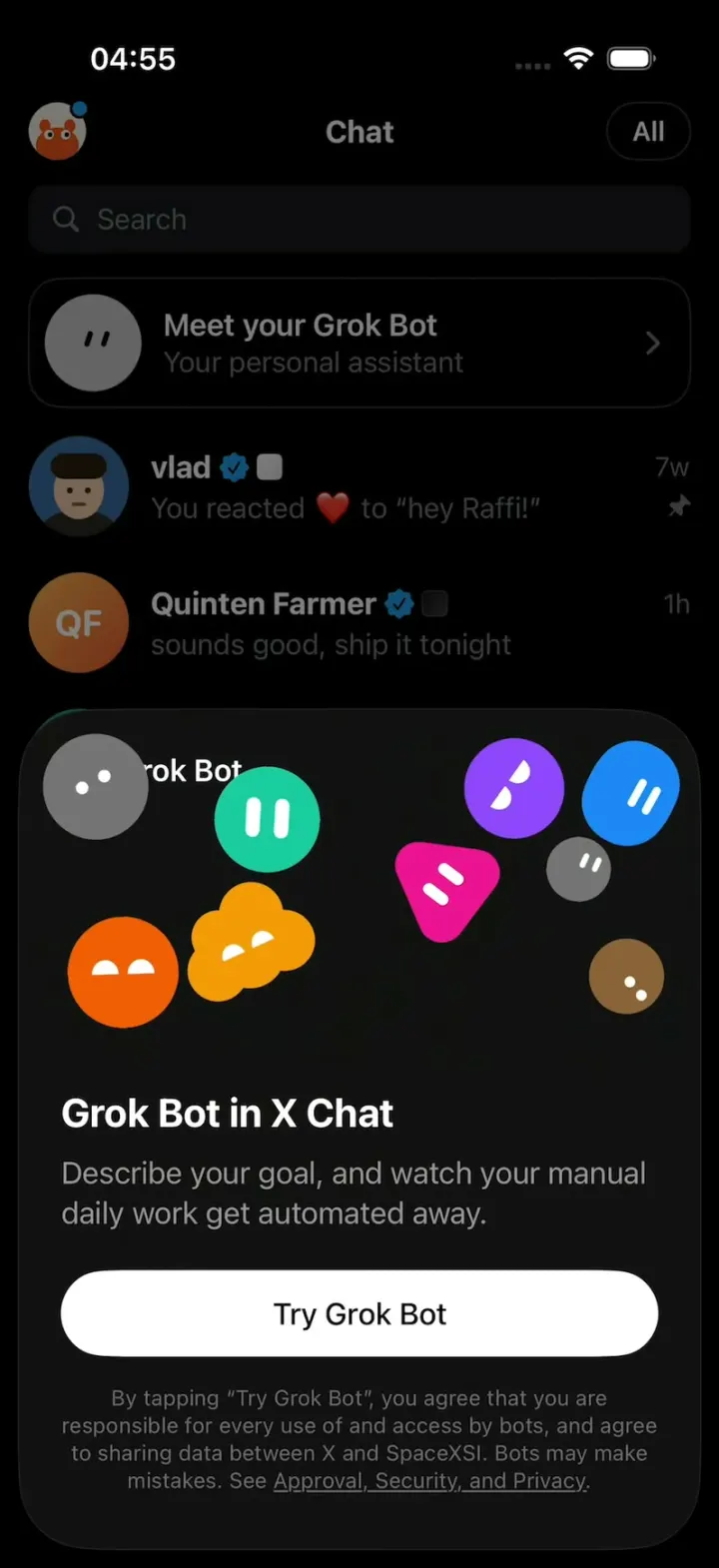
X Chat Grok Bot
iOSX's Grok Bot upsell sheet: nine blob characters pile up, pop apart and float around in zero gravity.
- View template
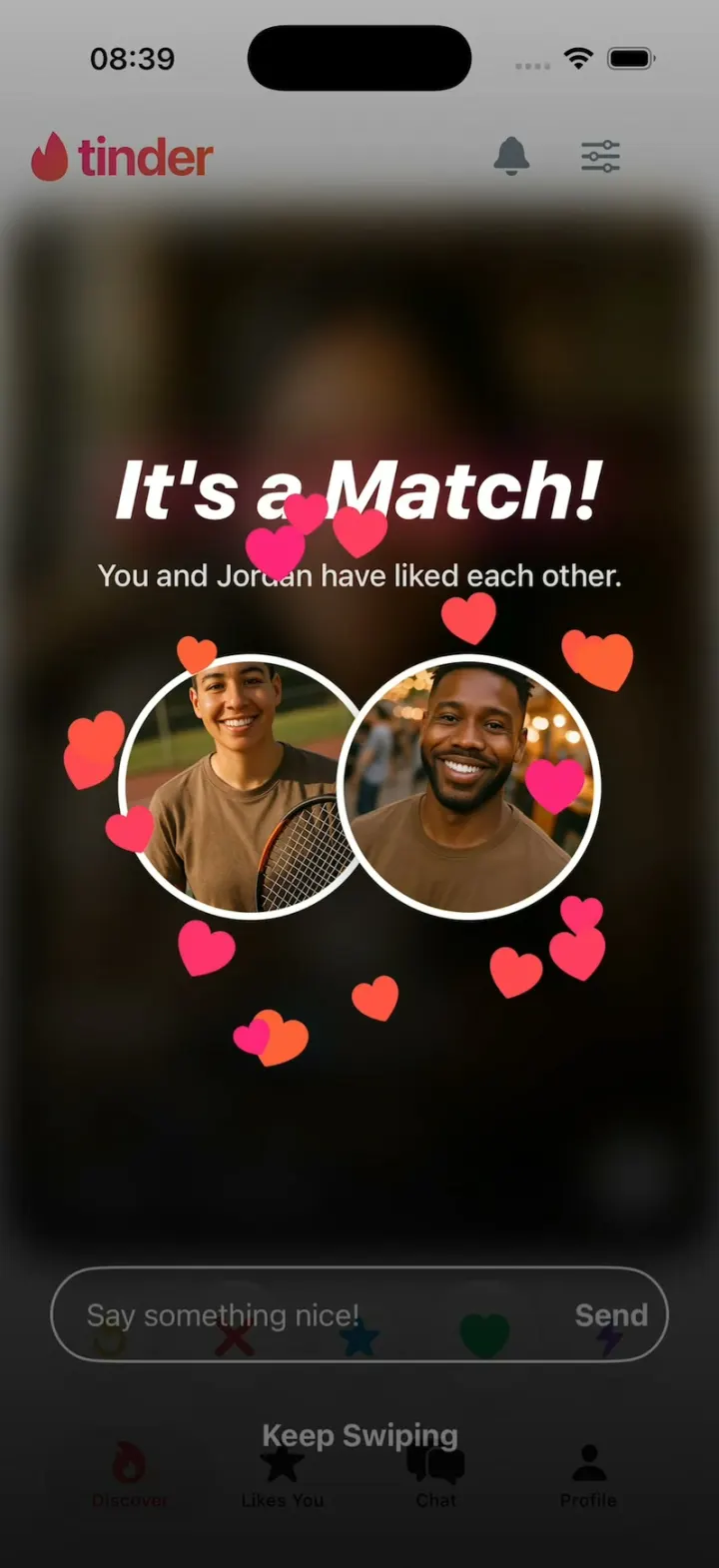
Tinder Clone
iOSTinder with its real look: drag a card to LIKE, Super Like or Rewind, and It's a Match! bursts into hearts.
- View template
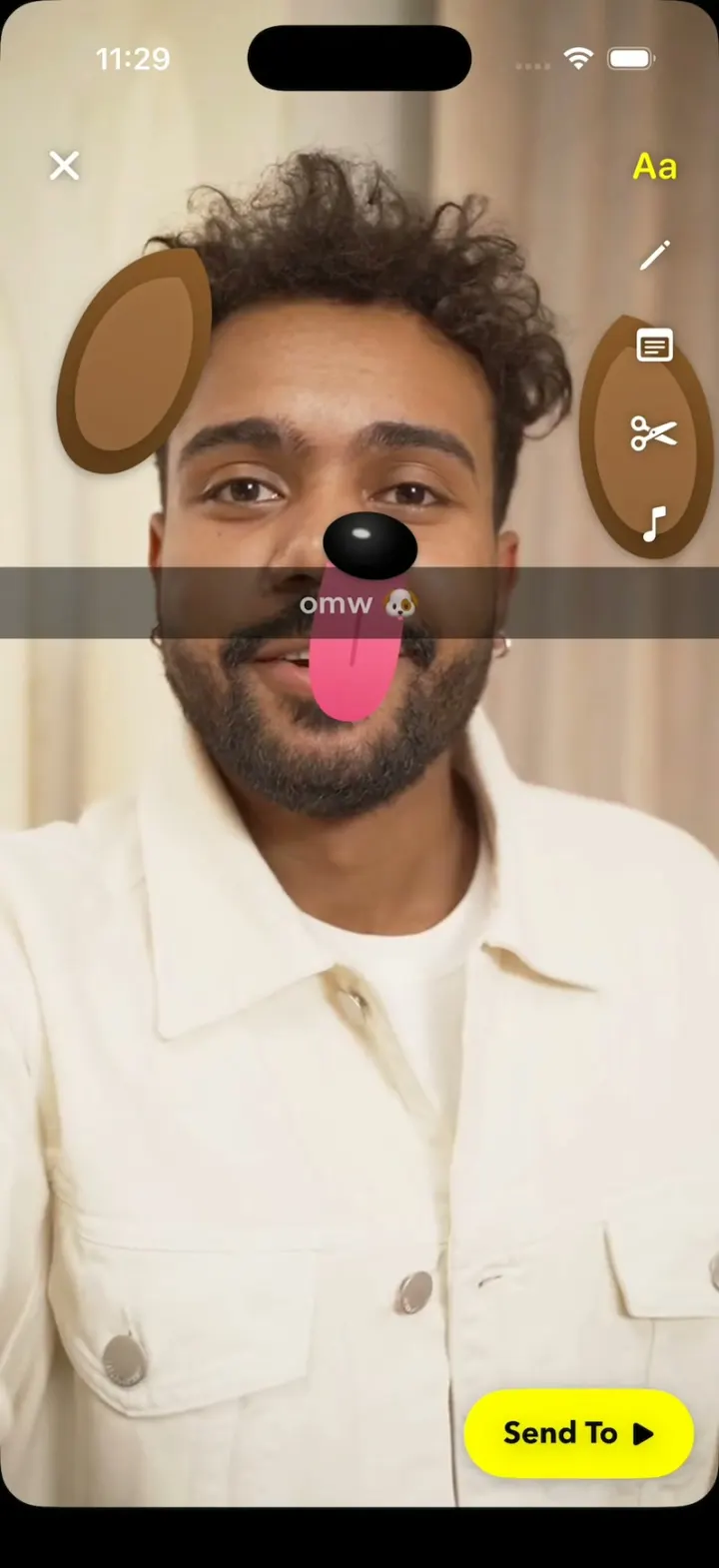
Snapchat Clone
iOSSnapchat with no camera: Lenses track a real selfie video, the Dog's tongue drops, and a streak hits 248🔥.
- View template
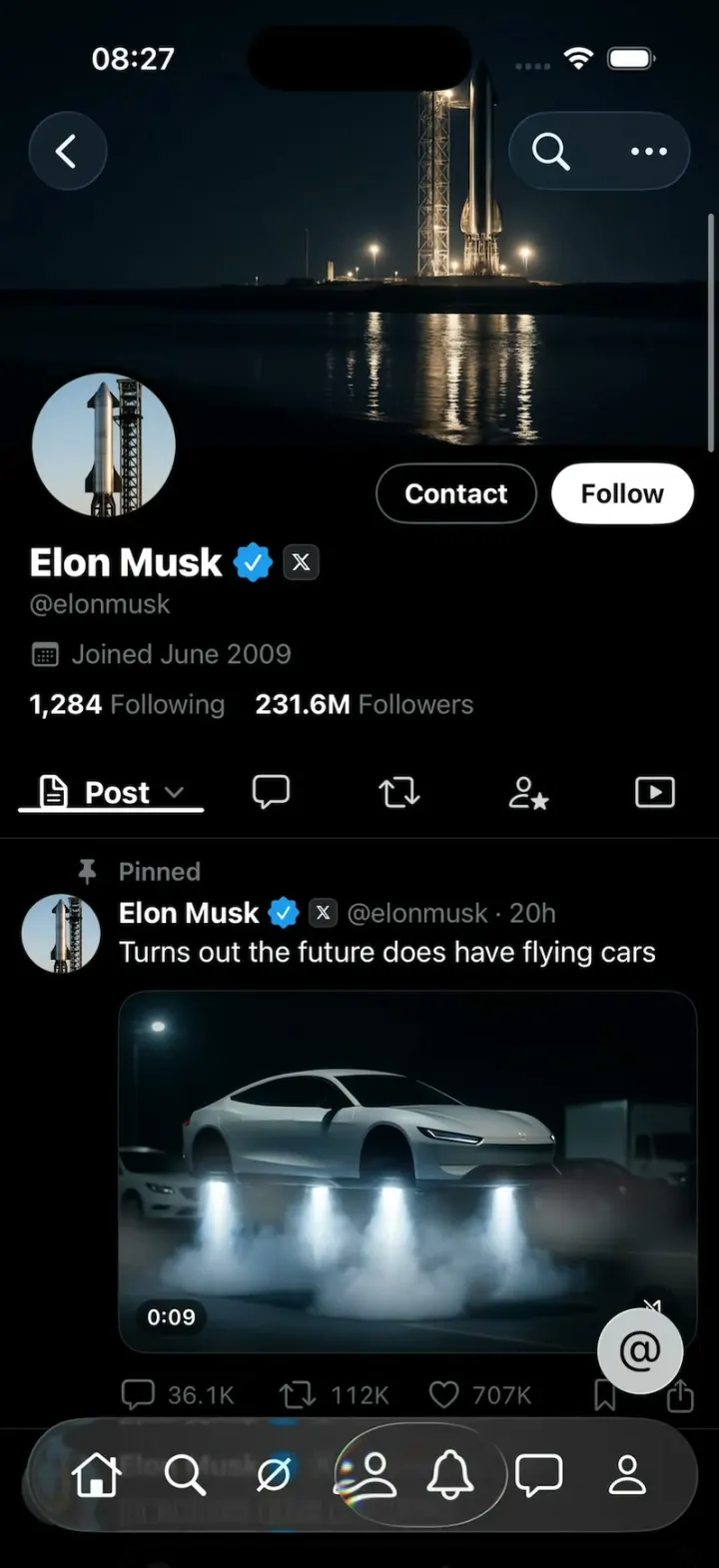
X Glass
iOSX with Apple's Liquid Glass: the 7-tab bar shrinks as you scroll and a glass lens follows your finger.