Tinder Clone
Dating app · built by the Vibecode team
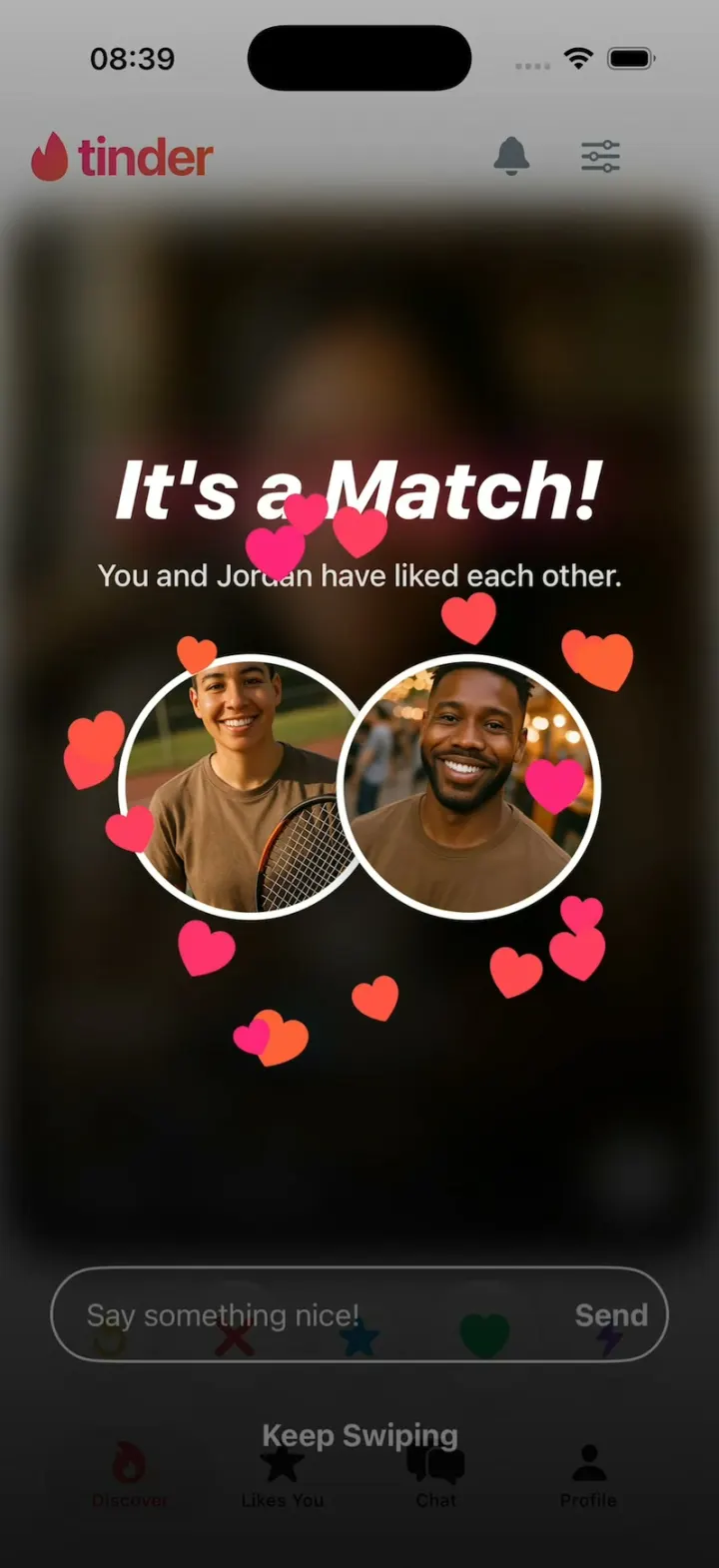
Tinder Clone rebuilds Tinder with its real name, flame wordmark, pink-to-orange gradient and words. Drag a card and it tilts under a LIKE, NOPE or SUPER LIKE stamp, then flies off the screen; Jordan likes you back, so "It's a Match!" springs in over your two photos with a burst of hearts. Tap a card to step through its photos or open the full profile, and use Super Like, Rewind and Boost from the button row. Likes You shows 24 blurred people until the demo Tinder Gold sheet (no payment) unblurs them, chats answer with typing dots and a scripted reply, and every person is AI-generated.
- iPhone · Swift
- Built in 2 prompts
- Free to remix

Remix copies the working app into your account for free, exactly as we built it. It runs in Vibecode's cloud iOS simulator, in your browser.
The prompt that builds it
We built Tinder Clone in 2 prompts. Here they are folded into one, so a single paste into a new app builds the finished version.
Prompt · 1,132 words
Build a polished native iOS clone of Tinder in SwiftUI: the swipe deck with LIKE, NOPE and SUPER LIKE, "It's a Match!", Rewind, Boost, chats, Likes You with Tinder Gold, and a profile editor.

It is Tinder on screen: the "tinder" wordmark with the flame drawn in SwiftUI, the pink-to-orange gradient and Tinder's own words. The user is Sam Rivera, 29.

SHELL
Tabs (icons, selected in the gradient): flame (Discover), star (Likes You), bubbles (Chat), person (Profile). Opens on Discover with the deck loaded: no splash, onboarding, login, paywall or permission prompt. Top bar: flame + "tinder" left, bell and filter right.

SCREENS
1. Discover: 12 people. Maya's first photo: laughing on a golden-hour rooftop; Jordan's: smiling at a street market. Cards: 16 pt corners, full-bleed photo, 3 segment bars (tap left or right to step photos), a dark gradient over the bottom third with white "Maya 27", a blue verified check, "2 miles away", "Long-term, open to short", 2 interest chips, an up-arrow. Dragging tilts the card up to 12°; past 30% of the width it flies off, else springs back. Stamps fade in with the drag: green "LIKE" top-left, red "NOPE" top-right, blue "SUPER LIKE" (up). Below, 5 round white buttons: Rewind (gold arrow, 48 pt), Nope (red X, 64), Super Like (blue star, 48), Like (green heart, 64), Boost (purple bolt, 48). Rewind flies the last card back in; Boost glows the deck purple, toast "You're being Boosted! 30:00".
2. Profile: the up-arrow opens a sheet: photos, "Maya 27", "Product designer · 2 miles away", "Looking for: Long-term, open to short", About me, 6 interests, floating Nope, Super Like, Like.
3. It's a Match!: Jordan (card 2) and every 3rd like after him like you back. The deck blurs under a dark gradient; "It's a Match!" springs in (white, heavy italic, 46 pt) over "You and Jordan have liked each other."; both round photos tilt together; 18 hearts, 22-36 pt, pink to orange, burst out from the overlap to 120-170 pt away in every direction over 0.7 s (fast ease-out, fading in the last 0.2 s), drawn above the photos; a "Say something nice!" field with Send, and "Keep Swiping", fade in. Send opens the chat.
4. Chat: "New Matches" (a gold "24 Likes" tile, then 5 photos), then "Messages" (4 chats: photo, name, last line, "2m"). In a chat (gradient outgoing, grey incoming bubbles) each sent message gets typing dots for 1.5 s, then a scripted reply.
5. Likes You: "24 Likes" | "Top Picks", a 2-column grid of 8 blurred people, a gold "See Who Likes You" button opening Tinder Gold ("Unlimited Likes", "1 Free Boost a month"; "1 month $24.99", "6 months $14.99/mo"). "Get Tinder Gold" is a demo, no payment: the grid unblurs.
6. Discovery Settings (filter sheet): "Maximum Distance" 25 mi, "Age Range" 24-35, "Show Me" Everyone.
7. Profile tab: Sam in a gradient ring "80% COMPLETE", Settings, Edit Profile, Add Media, a gold "Get Tinder Gold" card. Edit Profile: 3x3 photo grid, "About Me", interest chips, "Preview".

SIGNATURE MOMENTS (filmed, make them perfect)
The drag, Super Like, Rewind, photo taps, It's a Match!, typing dots then the reply, the Likes You grid unblurring.

MOTION
- A decided card always flies off over 0.25 s, still tilting, on every path (drag, buttons, HOOK MODE): its exit ends just past the screen edge (about 1.15 card widths sideways, 1.1 card heights up for Super Like) on an ease-in curve such as .timingCurve(0.5, 0, 0.9, 0.6, duration: 0.25), so it accelerates away from where it was released and stays visible for 6-7 frames at 30 fps. Never remove it in the transaction that starts its exit. The next card waits at 0.95 and springs to 1.0.
- Particles draw above the photos with a fast ease-out. Flashes ≤0.12 s at ≤35%. Decode images off the main thread.

HOOK (the video's first 3 seconds)
- HOOK MODE: tapping an invisible 44x44 pt area at the top-right, below the status bar, closes any sheet, resets the deck (Maya, then Jordan) and plays a scripted run through the same code paths as real touches, identical every time. Times from the tap: 0.00-0.40 Maya rests; 0.40-0.70 dragged from rest to 16% of the card width right, +4°, accelerating, LIKE to 35%; 0.70-1.30 the drag continues steadily to 40%, +10°, LIKE to 100%; 1.30 release, she flies off right and is gone by 1.55; Jordan springs to 1.0 by 1.60; 1.65-1.95 Jordan dragged right with LIKE; 1.95-2.20 he flies off; 2.20 It's a Match! (title 0.6x to 1.0x by 2.45, photos tilt together 2.30-2.60, hearts 2.60); 2.90 field, Send, Keep Swiping fade in; 3.05 the field focuses, keyboard rises; 3.45 "hey :)" types.
- Motion stays inside the middle 80% of the screen; the logo stays in the header.

LOOK
White page, ink #21262E, grey #7C8591, surfaces #F0F2F4. Gradient #FD267A to #FF6036 (logo, wordmark, selected tab, buttons, outgoing bubbles). Like #21D07C, Nope #FF4458, Super Like #1EA1F1, Rewind #F5B748, Boost #A65CFF, Gold #E8B547 to #C68B1E. SF Pro, bold names.

RULES
- Native SwiftUI, iOS 26 (keep the template's target), iPhone portrait; standard TabView, NavigationStack and sheets.
- All content from deterministic fixtures. No backend, login, permissions or network calls. No persistence: delete the SwiftData starter, so every launch starts the same.
- Images: every person is fictional, made with gpt-image-1 (run env; POST $OPENAI_BASE_URL/images/generations with the project's OPENAI_API_KEY): 12 deck people x 3 photos (same face), 9 chat people x 1, Sam x 3, ~900 px JPEGs in the asset catalog, warm natural light. No logo, text or celebrity in any image.
- Polish: springs under 350 ms, haptics, pressed states, no dead buttons, nothing under the tab bar. Files under 300 lines.

REMIX-READY (strangers remix it with one prompt)
- Theme/Brand.swift: Brand (name, wordmark, flame, plan names) and Copy with every signature word; no such literals in views. Theme/Theme.swift: role colours, gradients, fonts; no colour literals elsewhere.
- Data/Fixtures.swift: all content. Data/DemoScript.swift: who likes back, replies, delays, HOOK MODE's deck and timeline.
- Models/: Codable structs with String ids behind protocol AppDataSource (FixtureDataSource only), feeding one @Observable AppStore. Features/<Screen>/, Components/.
- README.md (under 80 lines): file map, how to rename, recolour or re-niche, 3 "Tinder for X" remix prompts. CLAUDE.md and ios/AGENTS.md start "Read README.md first."; replace the structure block in ios/CLAUDE.md with this app's files. Scratch files go in .scratch/ (gitignored).

BUILD
Write Theme, Brand, Fixtures, then each screen in small files; launch in the simulator every two or three files. Start the photos as a background job once the deck runs; check each file exists, never view them. Signature moments replay whenever their screen appears; long-press the logo to reset everything. Walk each flow once and fix what breaks; no pixel measuring. Deliver the whole app, not a plan.
More templates
All templates- View template
Snapchat Clone
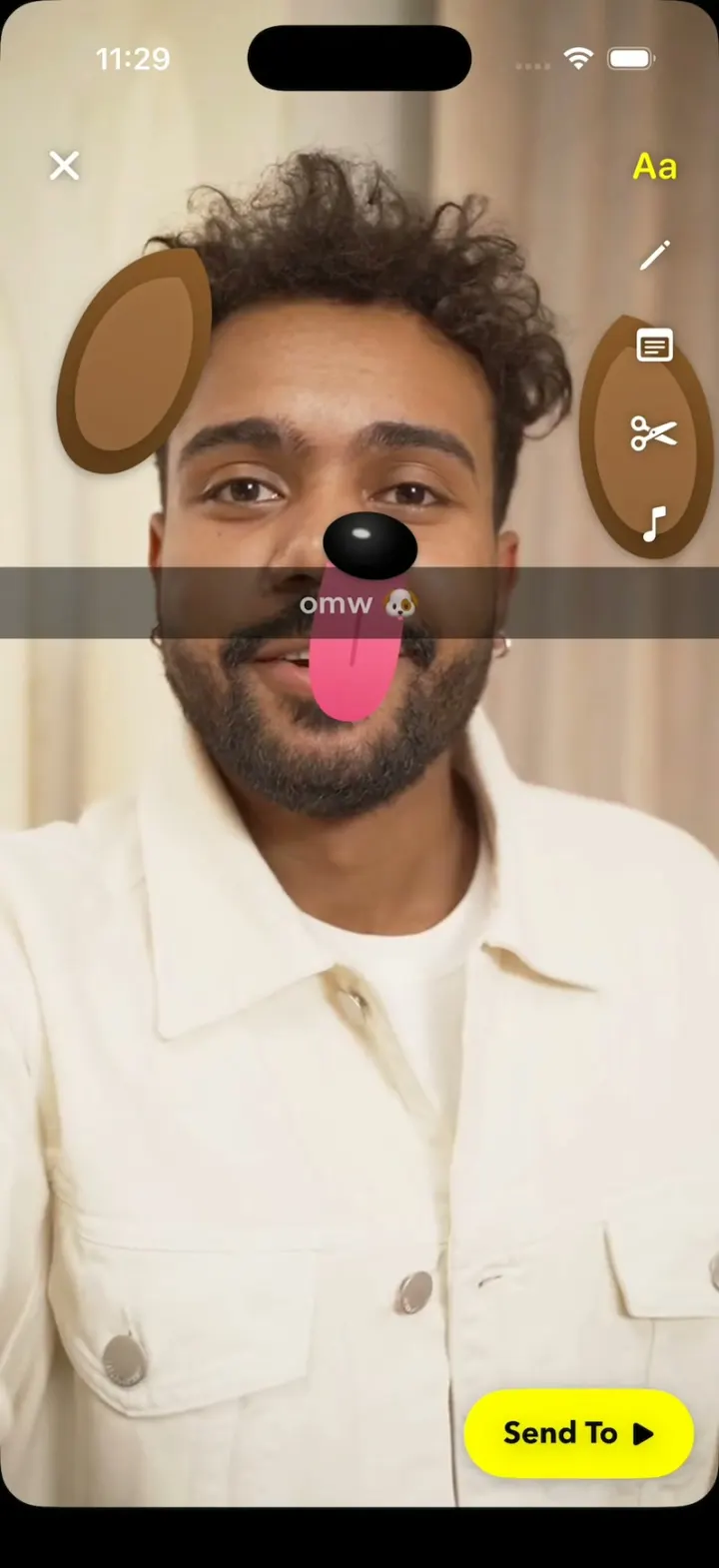
iOSSnapchat with no camera: Lenses track a real selfie video, the Dog's tongue drops, and a streak hits 248🔥.
- View template
X Glass
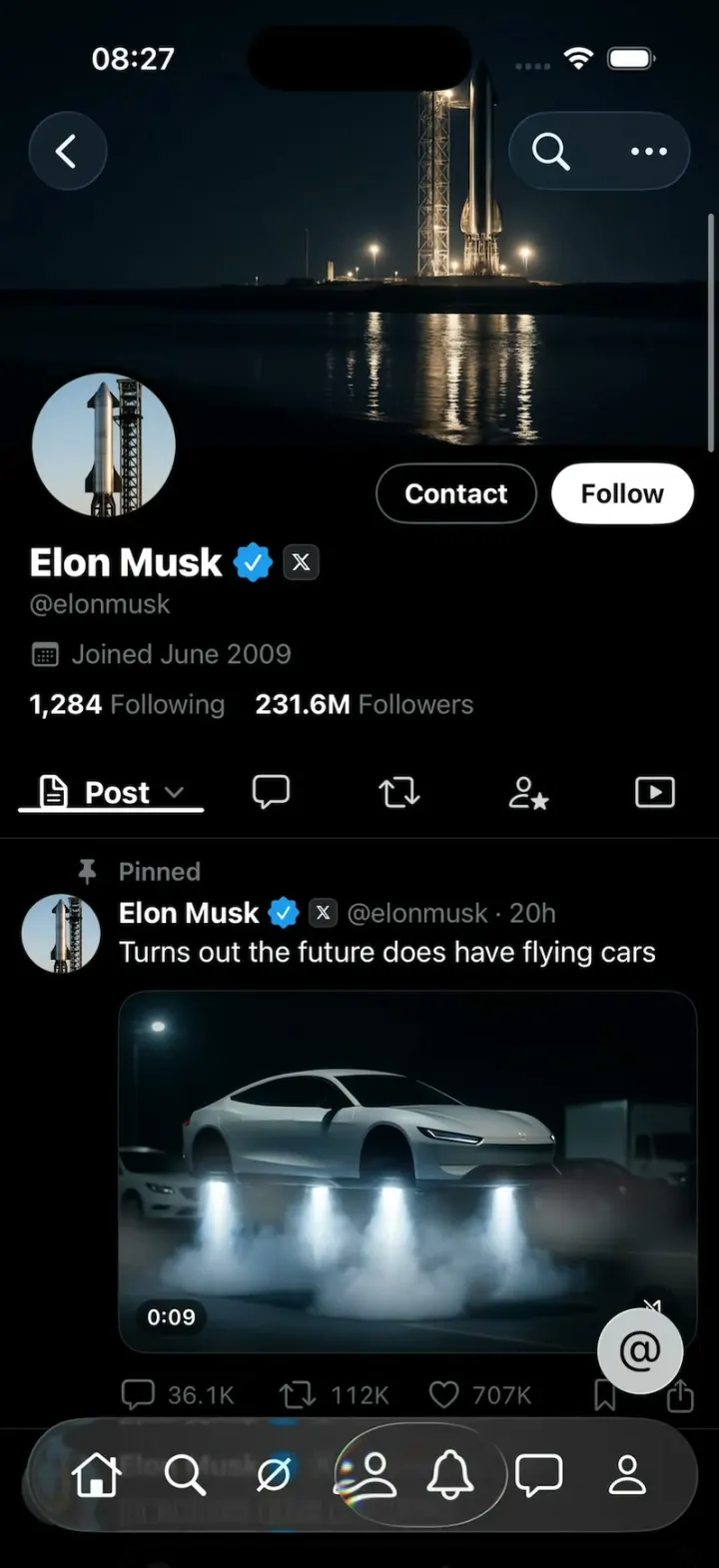
iOSX with Apple's Liquid Glass: the 7-tab bar shrinks as you scroll and a glass lens follows your finger.
- View template
Gift Profiles
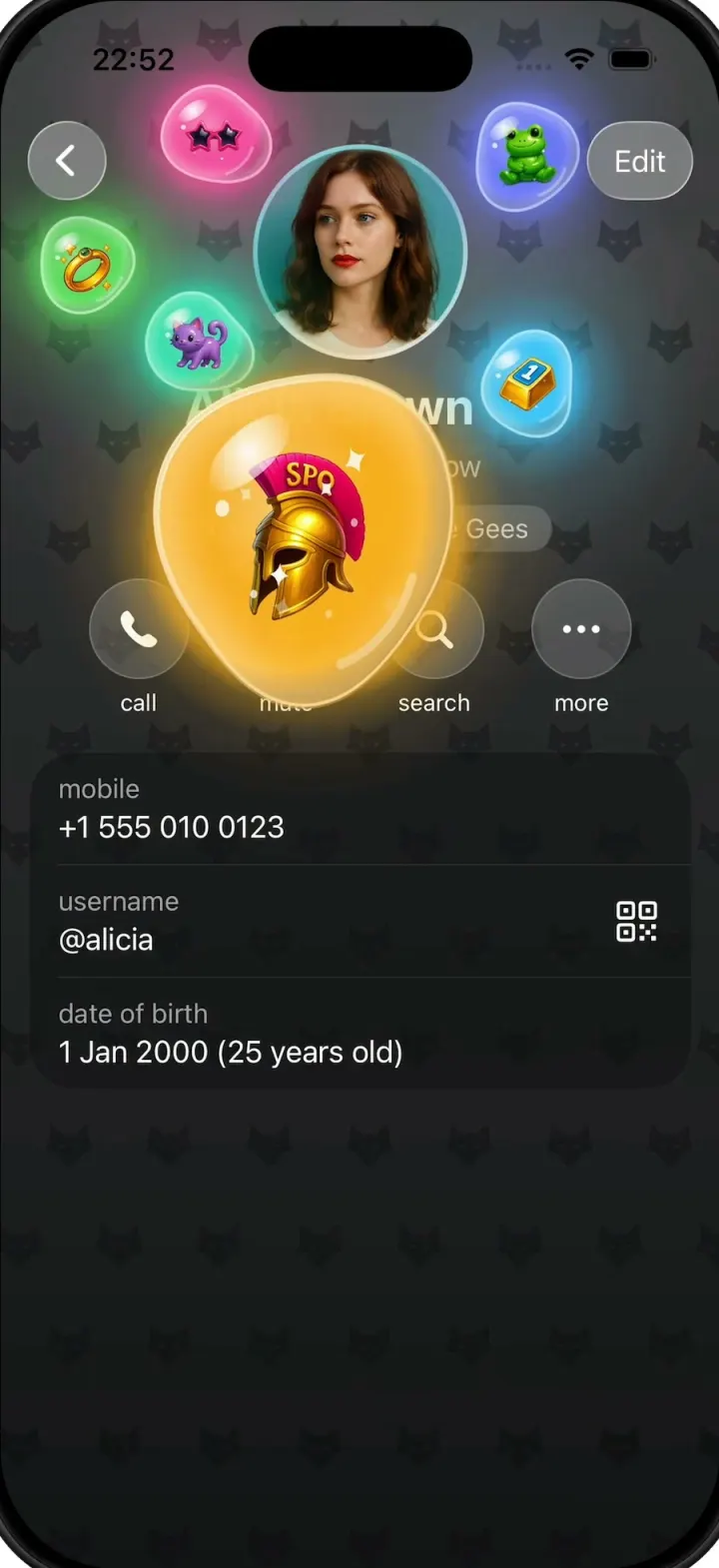
iOSA Telegram-style profile where gift bubbles pop out of the avatar and swell into jelly blobs as you drag them.
- View template
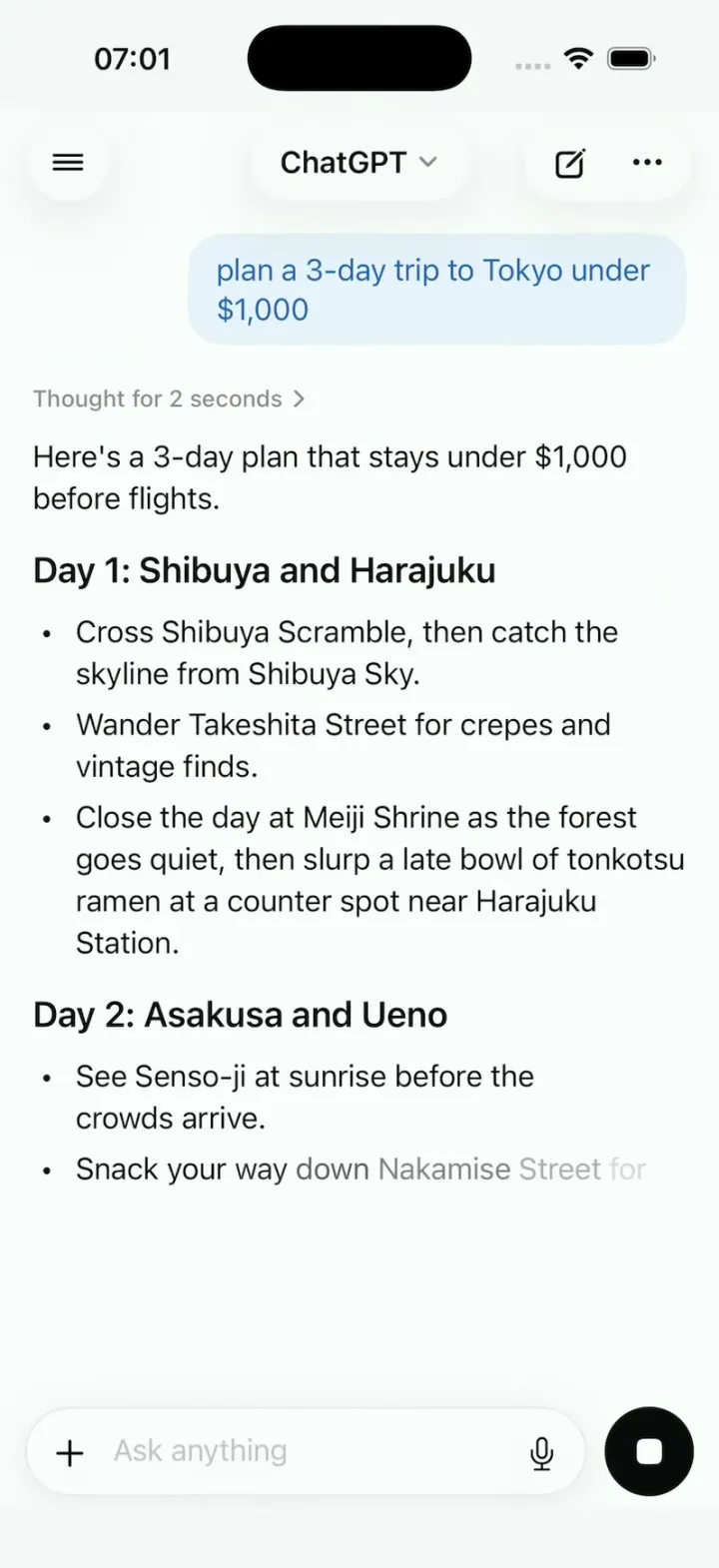
ChatGPT Clone
iOSChatGPT on iPhone: answers stream in word by word, a Tokyo map sharpens from a blur, and voice mode breathes.