ChatGPT Clone
AI chat app · built by the Vibecode team
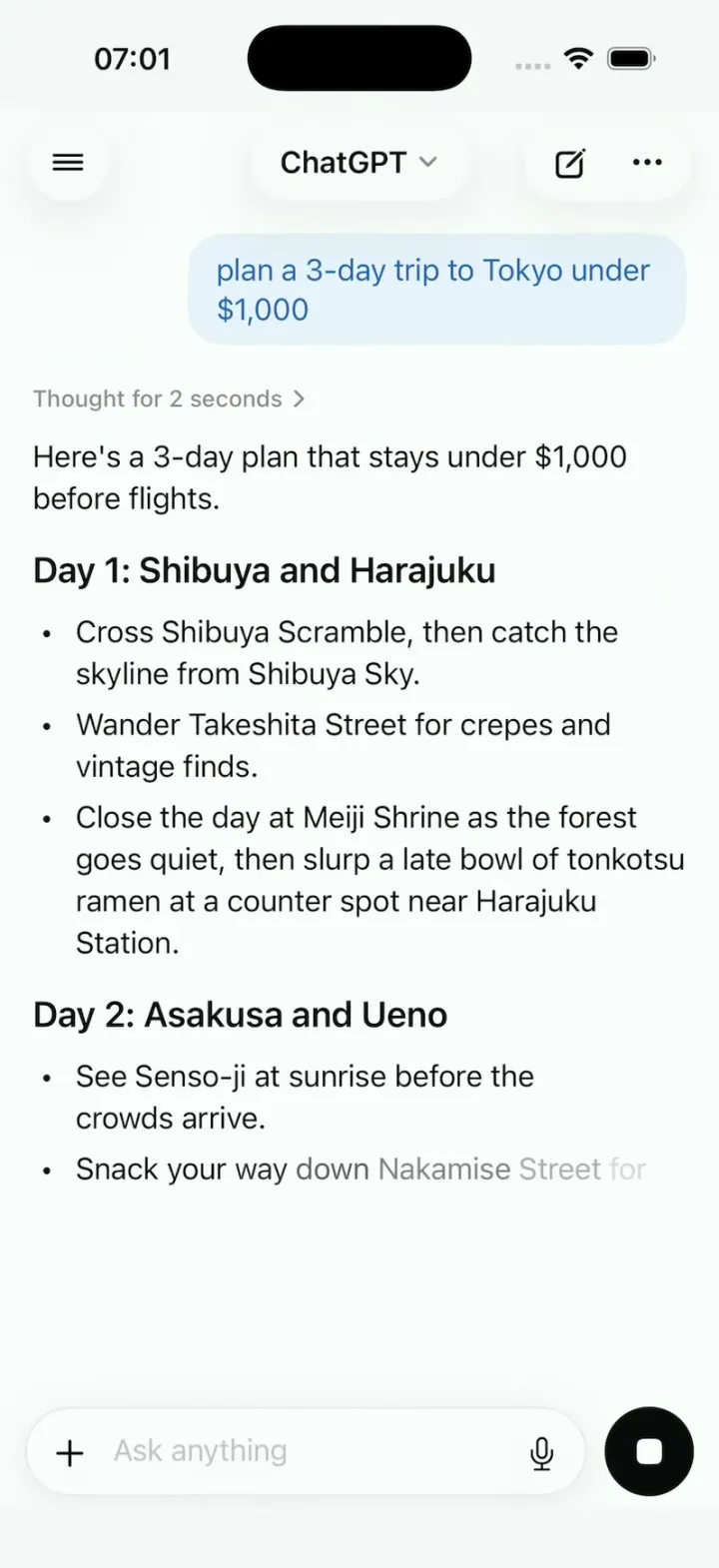
ChatGPT Clone looks like ChatGPT on iPhone, with its name, knot logo, pale-blue bubbles and "Ask anything" composer. Ask for a 3-day Tokyo trip and, after "Thought for 2 seconds", the plan streams in word by word, day by day, ending in a budget table. Tap "Draw it as a map" and an illustrated map sharpens from a blur, top to bottom. The sidebar holds 14 past chats, the model picker switches between Auto, Instant, Thinking and Pro, and voice mode opens a breathing blue orb with live captions. Every answer is a scripted fixture, and the README explains how to plug in a real model.
- iPhone · Swift
- Built in 1 prompt
- Free to remix

Remix copies the working app into your account for free, exactly as we built it. It runs in Vibecode's cloud iOS simulator, in your browser.
The prompt that builds it
We built ChatGPT Clone in one prompt. Paste it into a new app to build your own copy, or change it first.
Prompt · 1,159 words
Build a polished native iOS clone of ChatGPT in SwiftUI: answers that stream in word by word, a chat sidebar, a model picker, image answers that sharpen from a blur, and a voice orb.

It is ChatGPT on screen: its name, its knot logo (six interlocking rounded loops in a hexagonal rosette, drawn as a SwiftUI Shape), its colours and its words. Every answer is a scripted fixture streamed on device; no AI API calls. The user is Sam Rivera.

SHELL
No tabs. It opens on the chat "Tokyo trip" and plays HOOK MODE once. Top bar: a round glass sidebar button on the left, a centred glass pill "ChatGPT" with a chevron (the model picker), and a glass pill with new chat (pencil in a square) and "..." on the right.

SCREENS
1. Chat: Sam's messages on the right in pale-blue bubbles with blue text; ChatGPT's on the left, no bubble. A shimmering "Thinking" for 2 s becomes a collapsible "Thought for 2 seconds", then the answer streams at 45 words a second with a fade per word and auto-scroll; the round button becomes a black stop square. A finished answer gets copy ("Copied" toast), read aloud, thumbs up, thumbs down, regenerate, share and 2 follow-up chips.
2. Answers are typed blocks in Fixtures (heading, paragraph, bullets, numbered, table, code, image), not markdown.
- Tokyo: Sam asks "plan a 3-day trip to Tokyo under $1,000". ChatGPT: "Here's a 3-day plan that stays under $1,000 before flights.", "Day 1: Shibuya and Harajuku", "Day 2: Asakusa and Ueno", "Day 3: Shinjuku" (3 bullets each), "Budget" and a table (Item, Cost): Hotel $420, Food $180, Transit $60, then "That's $660, so $340 is left for fun." Chips: "Draw it as a map", "Make it cheaper".
- "Draw it as a map": "Creating image", then a square illustrated map sharpens from a blur, top to bottom, over 3 s, with Save and Share.
- Each new-chat chip has its own answer (the cat astronaut is an image). Anything typed gets a short answer naming the topic ("python": a code block with copy).
3. New chat (the new-chat button): the logo, "What can I help with?", 4 chips in two rows ("Plan 3 days in Lisbon", "Explain black holes like I'm 10", "Write a birthday poem for Mia", "Create an image of a cat astronaut"), and the composer: a white pill with "+", "Ask anything" and a mic, beside a round blue button (a waveform when empty, for voice; an up arrow with text), never under the keyboard.
4. Sidebar (edge swipe or the button; the chat slides right and dims): "Search", "New chat", "Library", "GPTs", then 14 past chats under "Today", "Yesterday", "Previous 7 days" ("Tokyo trip", "Lisbon trip plan"...), each opening a short exchange; long-press: Rename, Share, Delete. "Sam Rivera" opens Settings (rows only, plan "ChatGPT Plus").
5. Model picker (tap the pill): "Auto", "Instant", "Thinking", "Pro", each with a one-line description and a check. Thinking takes 4 s.
6. Voice: a dark screen, a blue-to-white orb that breathes, ripples while "Listening", then a scripted 2-turn exchange with live captions; mute and a black X.
7. Attach: "+" opens Camera, Photos, Files; Photos shows the 6 photos; a picked one is described.
8. "GPTs" opens "Explore GPTs": a grid of 8 ("Travel Planner", "Code Copilot", "Recipe Chef", "Study Buddy"...), each opening a chat with its own greeting and 3 chips.

SIGNATURE MOMENTS (filmed, so make them perfect)
Streaming lists and the table build, the map sharpening, the sidebar push, the voice orb.

HOOK (the first 3 seconds of the video)
- No splash, onboarding, login, paywall or permission prompt before the Tokyo stream. Pre-warm haptics at launch.
- HOOK MODE: an invisible 44x44 pt area at the top-right, just below the top bar, resets the Tokyo chat (its first frame is already the 0.0 s state) and plays a 4-second script through the same code paths as taps, the same every time: 0.0 s Day 1, 2 bullets done, the 3rd half-written, stop square; 0.6 s "Day 2"; 1.3 s "Day 3"; 2.0 s the table builds row by row; 2.3 s the stream ends (the button returns, actions and chips fade in); 2.45 s "Draw it as a map" is tapped; 2.6 s its image starts sharpening.
- Motion stays in the middle 80% of the screen.

LOOK
White; text #0D0D0D, secondary #8E8E93; user bubble #E8F2FC with text #2E64BE; blue #0078FC for the voice button, orb and links; stop square #0D0D0D. Dark mode #212121. SF Pro 17 pt, semibold headings, SF Mono code on #1E1E1E.

RULES
- Native SwiftUI, iOS 26 (keep the template's target), iPhone portrait; standard NavigationStack and sheets, so it also runs on iPhone Duo.
- All content from deterministic fixtures. No backend, login, permissions, analytics or network calls except loading images. No persistence (delete the SwiftData starter, no UserDefaults or files), so every launch starts the same.
- Images: make the map and the cat astronaut once with gpt-image-1 (POST $OPENAI_BASE_URL/images/generations, no text in the art) into the asset catalog. Photos: images.unsplash.com/photo-<id>?w=800&q=80 for 1441974231531-c6227db76b6e, 1490750967868-88aa4486c946, 1493246507139-91e8fad9978e, 1472214103451-9374bd1c798e, 1504674900247-0877df9cc836, 1514888286974-6c03e2ca1dba; curl-check, never review by eye.
- Decode and downsample images off the main thread; never re-blur a full-size image per frame (blur a small copy once, animate only the mask edge).
- Motion: springs under 350 ms; nothing appears or vanishes in one frame; flashes at most 0.12 s at 35%; haptics on key taps, pressed states, no dead buttons.
- Compile hygiene: files under 300 lines, big bodies split into subviews, no long chained expressions.
- Keep every file inside /home/user/workspace (/tmp is denied).

REMIX-READY (a public template strangers remix with one prompt)
- Brand.swift (name, logo view, enum Copy with every signature word) and Theme.swift (role colours, fonts, radii); views hold no names, copy or colour literals.
- Fixtures/ (all content), DemoScript.swift (stream rates, HOOK MODE timings), Codable models, block kinds as an enum with one view per case.
- One seam: AppDataSource with FixtureDataSource in one @Observable store (views never read Fixtures); Engine/ChatEngine with ScriptedEngine as its only implementation.
- Feature folders. README.md under 80 lines: screens, file map, the files to edit to rename, recolour or change content, what plugging in a real model takes, 3 remix prompts that re-niche it. "Read README.md first." atop CLAUDE.md and ios/AGENTS.md; replace the <structure> block in ios/CLAUDE.md with this app's files. No scratch files.

FILMING
Long-press the logo on the new-chat screen to reset every chat to the launch state.

BUILD
Screens first: Theme, Brand, Fixtures and the engine, then the chat screen with HOOK MODE, then the rest, one small file per step, launching in the simulator every two or three files. Make the images and photos once the chat runs, in the background. Don't plan more than one file ahead. Walk each flow once and fix what breaks; no pixel measuring or debug modes. Deliver the whole app, not a plan. Do not publish.
More templates
All templates- View template
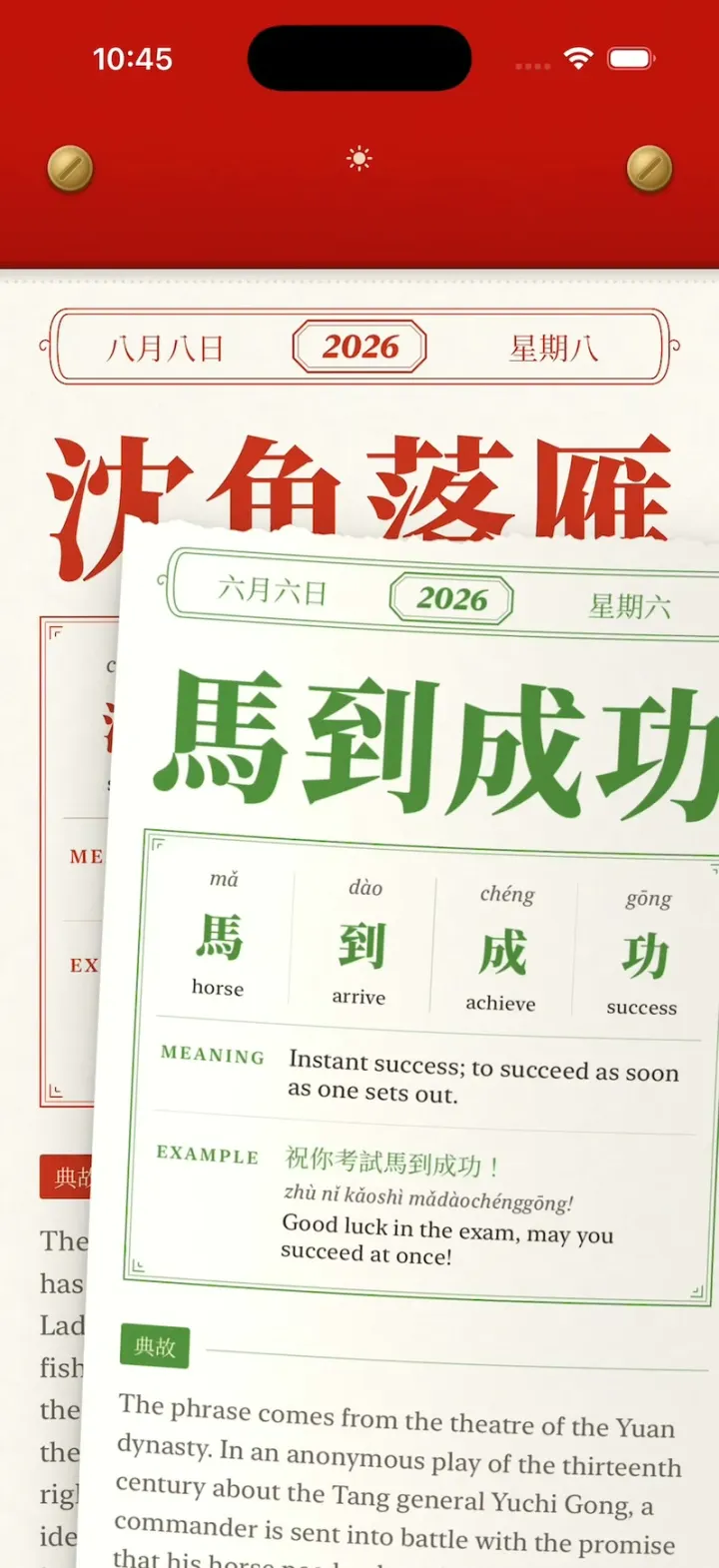
Chengyu Calendar
iOSA Chinese tear-off calendar: peel today's idiom with your finger, tear it off, flip through every torn page.
- View template
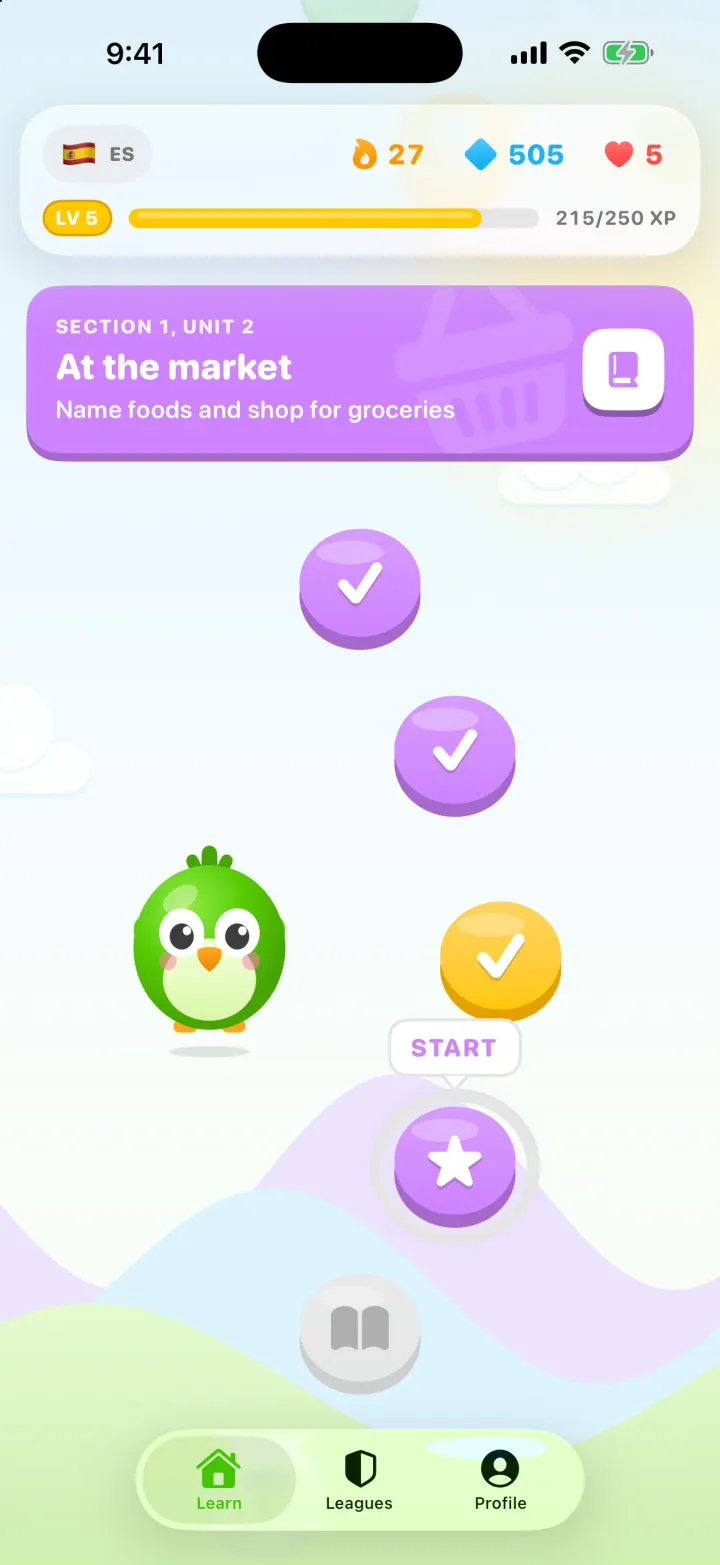
Lingo
iOSA Duolingo-style Spanish app with a winding lesson path, a bouncing mascot, flip-in word cards and confetti.
- View template
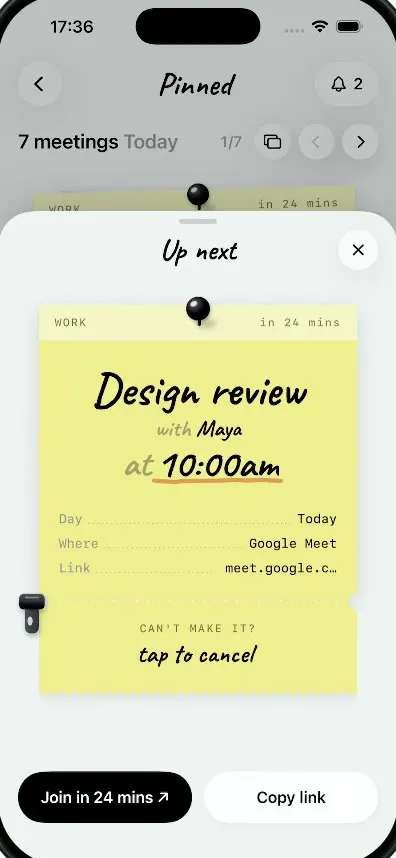
Pinned
iOSMeetings as sticky notes: tear off a note's ticket stub to cancel it and a red CANCELLED stamp slams down.
- View template
Tinder Clone
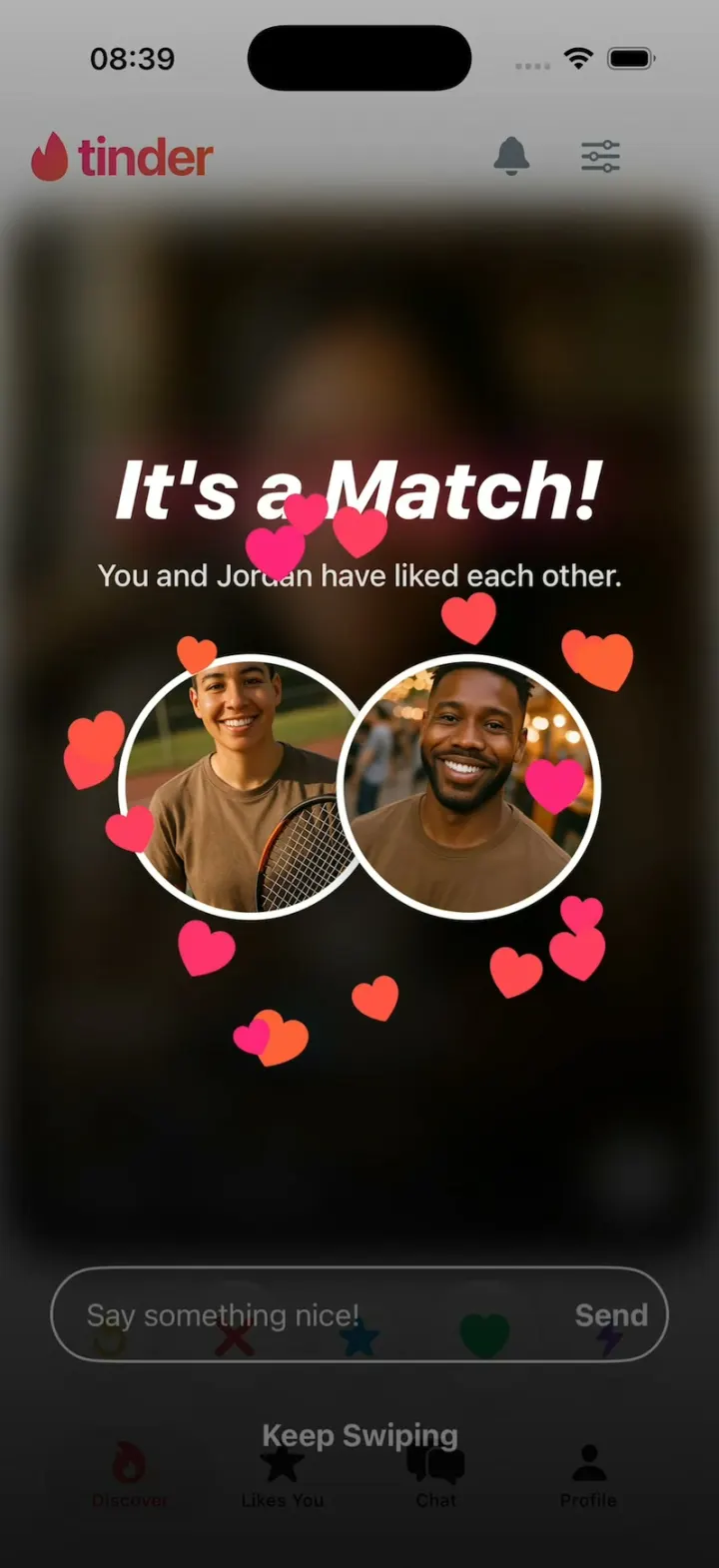
iOSTinder with its real look: drag a card to LIKE, Super Like or Rewind, and It's a Match! bursts into hearts.