X Glass
Social app · from our videos on X
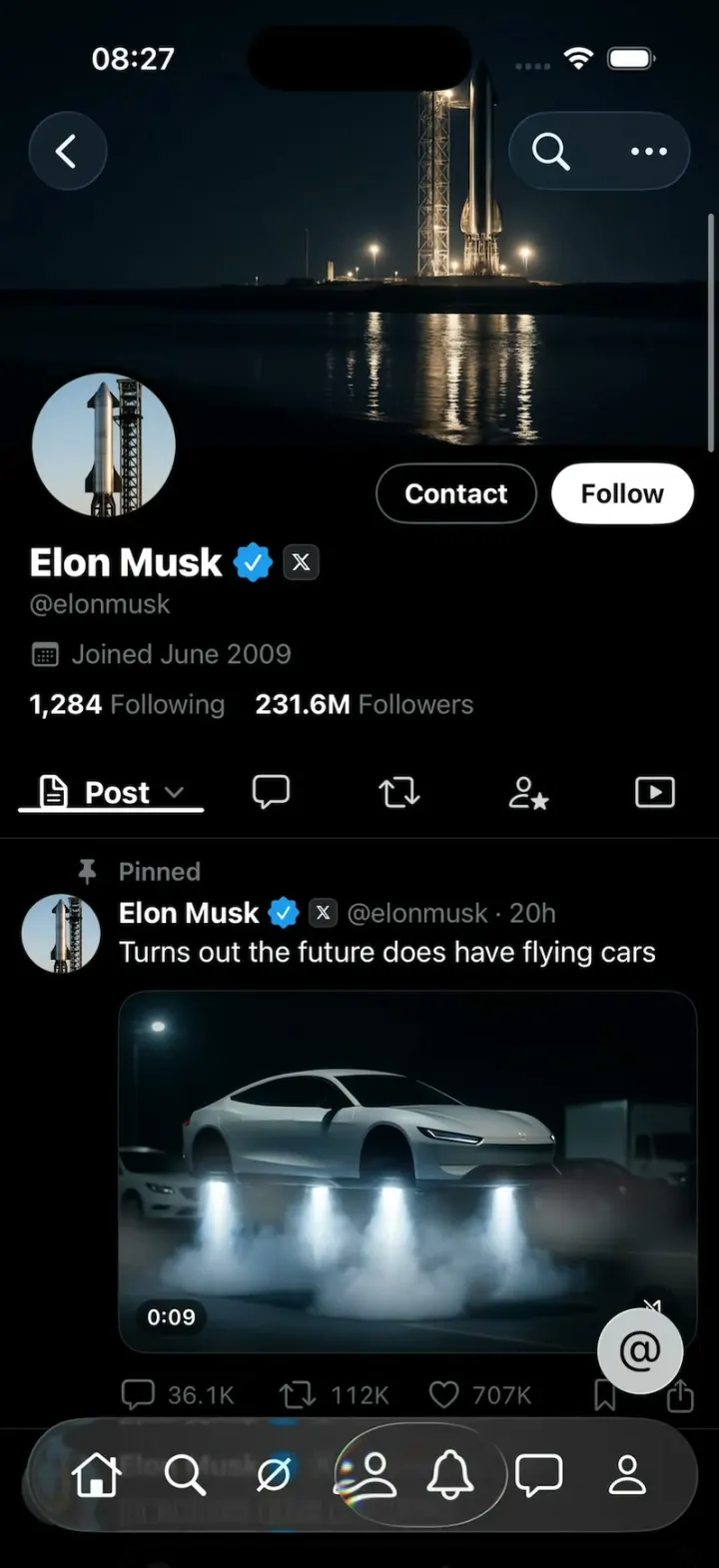
X Glass rebuilds the X iPhone app in dark mode with Apple's real Liquid Glass tab bar. Scroll the profile feed down and the seven-tab bar shrinks into a single glass search circle while the floating "@" button drops beside it; scroll up anywhere and it springs back out. Press and drag along the bar and Apple's glass lens slides under your finger, magnifying each icon it passes. The pinned flying-car post plays as a looping clip, the quote card draws its own chart, and "@" opens a compose sheet with a 280-character ring. Home, Grok, Communities, Notifications, Messages and Profile tabs all scroll with the same behaviour.
- iPhone · Swift
- Built in 3 prompts
- Free to remix

Remix copies the working app into your account for free, exactly as we built it. It runs in Vibecode's cloud iOS simulator, in your browser.
Watch the video on X@ios_app_builder · Oct 18, 2026The prompt that builds it
We built X Glass in 3 prompts. Here they are folded into one, so a single paste into a new app builds the finished version.
Prompt · 1,116 words
Download/reference the app shown in this post and clone it exactly, including the iPhone visual design, layout, interactions, animations, typography, spacing, and all visible states. Make it functional and runnable in the simulator. Match the reference as closely as possible and include any interaction shown in the source. Reference: https://x.com/oneuios/status/2111364797317124594.

Build a native SwiftUI iOS app named X Glass using Opus 5.5. This is the X (Twitter) iPhone app redesigned with Apple's Liquid Glass: a dark-mode profile feed with the native iOS 26 Liquid Glass tab bar that minimizes when you scroll down and expands when you scroll up, and the native glass lens that follows your finger when you press and drag along the tab bar. Use the REAL system TabView with the system Liquid Glass tab bar (Tab API, iOS 26+), NOT a hand-drawn imitation: the minimize, the expand morph and the drag lens must be Apple's own. Do NOT put a fake handset frame inside the actual app; the simulator provides that. Use realistic deterministic fixture data so every screen is rich and usable without permissions or backend.

Observed video sequence (0-15s): 0.0 the profile's Posts tab with the pinned post "Turns out the future does have flying cars" (a night video of a flying car) and the expanded tab bar with Search selected; 0.7 a scroll down minimizes the tab bar to a small glass search circle at the bottom-left while the floating "@" button drops to the same row at the bottom-right; 1.6 a scroll up expands the bar back out from that circle; 2.0-4.8 more down/up flicks collapse and expand it repeatedly; 5.2-12.4 a finger presses and drags left and right along the expanded bar and the native glass lens slides under it, magnifying each icon it passes (icons turn bold white with chromatic edges); 12.6 release on Search; 13.0-15.5 scroll flicks collapse and expand the bar again.

Visual details: pure black background (#000000), white text, secondary text #71767B, separators #2F3336, link blue and verified badge #1D9BF0, SF Pro. Dark mode forced.

Tab bar (system TabView, 7 tabs, icons only, no titles, in this order): Home (house), Search (magnifyingglass, SELECTED at launch), Grok (a circle with a diagonal slash, X's Grok mark), Communities (person.2), Notifications (bell), Messages (a speech bubble), Profile (person). Apply .tabBarMinimizeBehavior(.onScrollDown) so scrolling down collapses the bar to just the selected tab's glass circle at the bottom-left and scrolling up expands it again. Do NOT give Search the .search role (it must sit second in the bar, not split off). iPhone's system bar normally shows only 5 tabs and folds the rest into a "More" tab: raise UIKit's tab-item limit at app launch, before SwiftUI builds the bar, so all 7 show. The bar must minimize on every downward scroll (even ~60pt) and expand on every upward scroll (even ~40pt) anywhere in the feed, not only at the top: track the scroll direction yourself (onScrollGeometryChange, ~8pt of hysteresis) and tell the system bar to minimize or expand directly, so it keeps Apple's own morph. Keep it expanded near the very top of the feed.

Floating "@" button: a light frosted glass circle (glassEffect, light grey/white tint) the same size as the minimized search circle (about 48pt), with a black "@" (about 22pt, medium weight), right edge about 20pt from the screen edge. With the tab bar expanded it floats clearly above the bar's right end, its bottom edge about 14pt above the bar's top edge, never touching it; when the bar minimizes it slides down to the same row as the search circle (vertically centered with it), and slides back up when the bar expands, animated in sync. Tapping it opens a "What's happening?" compose sheet (Cancel, Post disabled until you type, 280-character ring).

Search tab = Elon Musk's profile (as opened from search), inside a NavigationStack, one ScrollView:
- Header: a dark banner image (night launch site), round 80pt avatar overlapping the banner's bottom-left with a black ring, top-right two pills: "Contact" (black with #536471 outline, white text) and "Follow" (white fill, black text). Then "Elon Musk" bold 22pt + blue verified check + a small grey rounded square with the X logo (affiliate badge), "@elonmusk" grey, "Joined June 2009", "1,284 Following  231.6M Followers".
- Content tab strip, pinned (sticky) under the nav bar when scrolled: first item is a doc icon + "Post" + chevron.down (selected, white bold, 2.5pt white underline under it), then four icon-only tabs: bubble.left (replies), arrow.2.squarepath (reposts), person.badge.star style icon (highlights), play.rectangle (media).
- Post 1: pin icon + "Pinned" grey; avatar (Starship rocket on its launch tower, round 44pt), "Elon Musk" bold, verified check, X affiliate badge, "@elonmusk · 20h" grey; text "Turns out the future does have flying cars"; a 16:10 rounded (16pt) media card: dark night scene of a white futuristic car hovering above a road with blue-white thrust jets and smoke, other cars and a truck in the background, a speaker-slash mute icon bottom-right; play it as a looping video-like animation (slow Ken Burns push + the car bobbing + drifting smoke). Action row: bubble 36.1K, repost 112K, heart 707K, bookmark, share (square.and.arrow.up), all #71767B.
- Post 2: same author, "@elonmusk · 3h", "Incentives drive outcomes", a quoted-post card (rounded 16pt, #2F3336 border): small round avatar, "Arthur MacWaters" bold + verified, "@Arth... · 3h" grey, a 120x110 white chart thumbnail drawn in SwiftUI (a red line rising steeply labelled "Output +118%" and a blue line rising gently labelled "Cost +41.7%"), and beside it "Incentives drive outcomes." then "If you pay teams based on results..." truncated. Action row: 901, 1K, 6.9K, bookmark, share.
- Post 3: "@elonmusk · 4h", "Please report ugly or misleading ads to @XAds", action row 12.4K, 9.8K, 98K.
- Then 12 more varied Elon Musk posts (text-only, image, poll, quote) with realistic counts so the feed scrolls a long way.
Generate the avatar, banner and flying-car image with the project's image generation (see below) and keep them in the app bundle.

Other tabs: Home = "For you / Following" timeline using the same post components with other fixture accounts; Grok = a dark Grok prompt screen; Communities, Notifications, Messages, Profile = simple native X-style lists with fixture rows. Every tab scrolls, so the minimize behaviour works everywhere.

Images: if image generation via Codex is blocked, run env and call https://api.openai.com/v1/images/generations with the project's proxied OPENAI_API_KEY and model gpt-image-1.

Build fully, run compile/build validation, resolve all errors, and launch in the web simulator. Prioritize fidelity to the reference and functional main interaction flow. Deliver complete implementation rather than a plan. Build it in small source files and get a first version compiling and running before polishing. Keep SwiftUI types simple and split complex view bodies.
More templates
All templates- View template
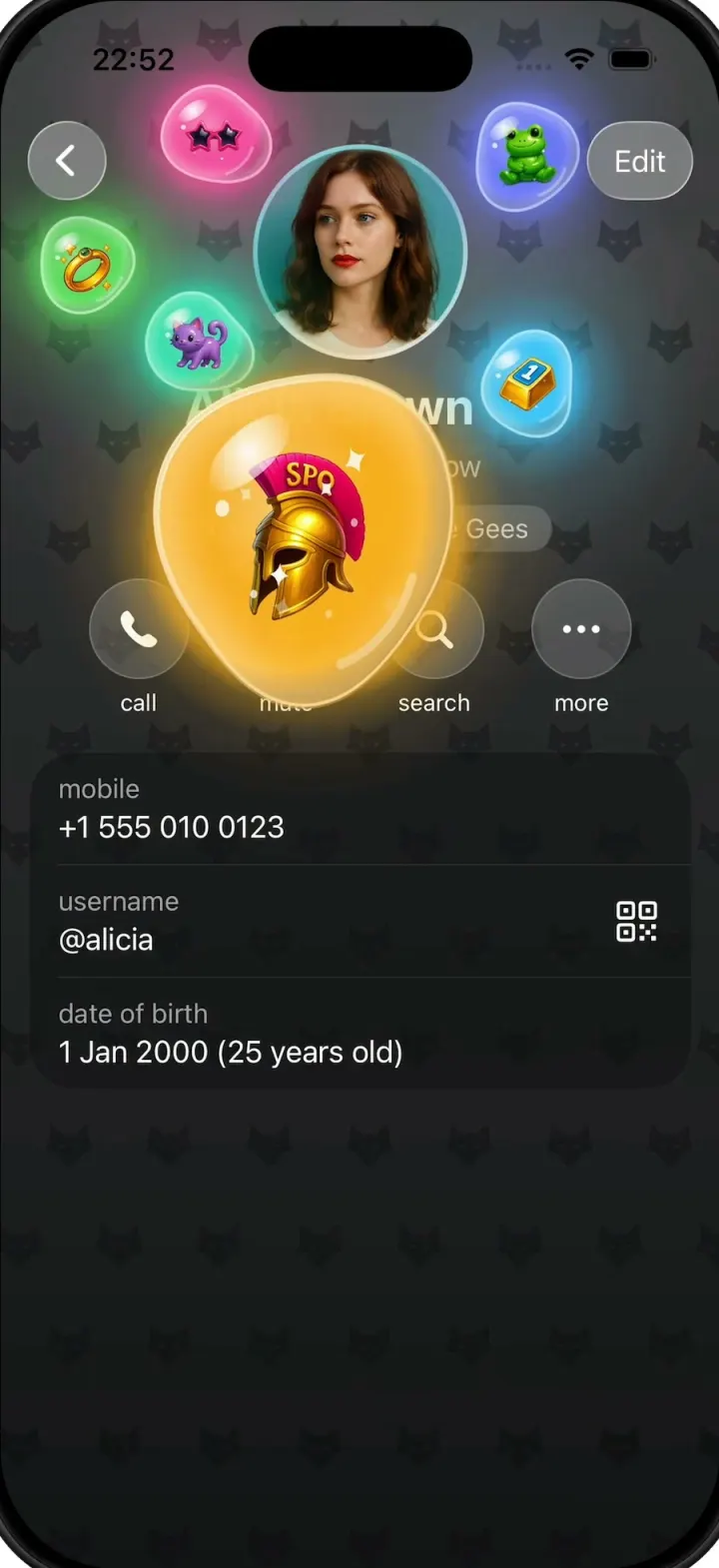
Gift Profiles
iOSA Telegram-style profile where gift bubbles pop out of the avatar and swell into jelly blobs as you drag them.
- View template
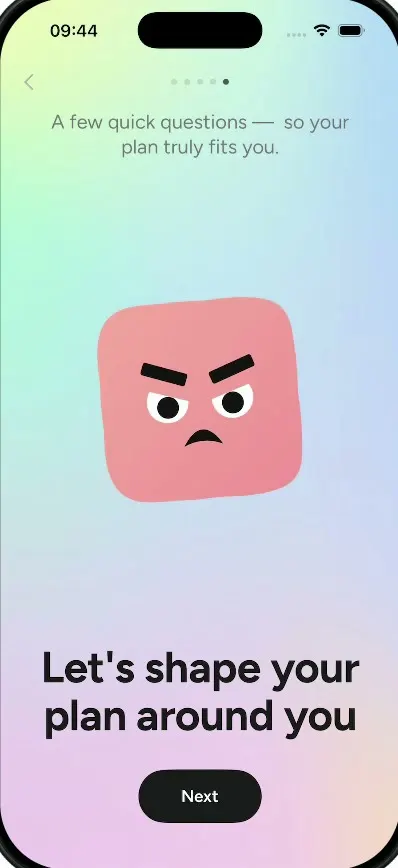
Lightly
iOSA wellbeing journal with a $70K/month onboarding: a cloud mascot, a face that shape-shifts by mood, a plan.
- View template
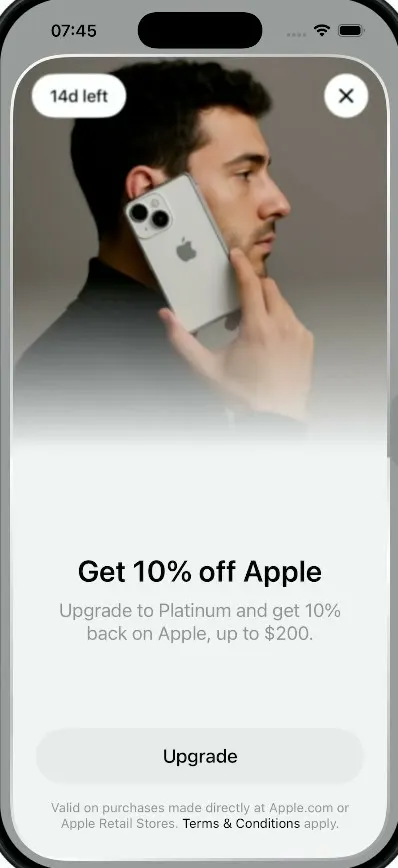
Plasma Fold
iOSA money app whose promo sheet folds like an iPhone Duo: the photo half swings over the hinge onto a cover.
- View template
Suite TV
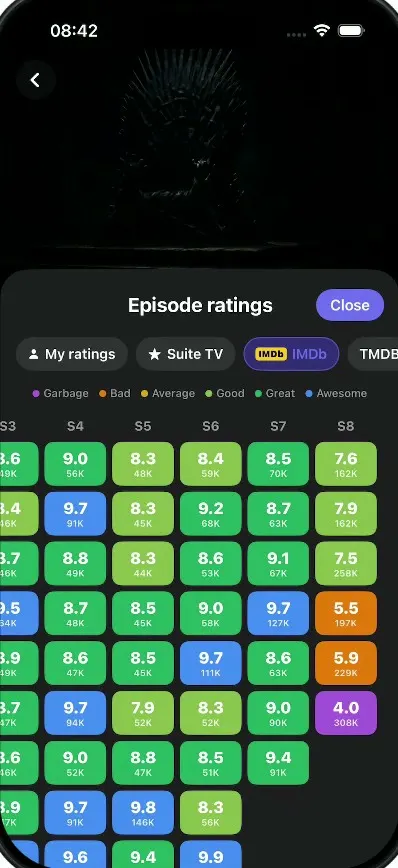
iOSA dark TV show tracker: tick off episodes, rate and react, see where a show fell apart, import your history.