Snapchat Clone
Camera app · built by the Vibecode team
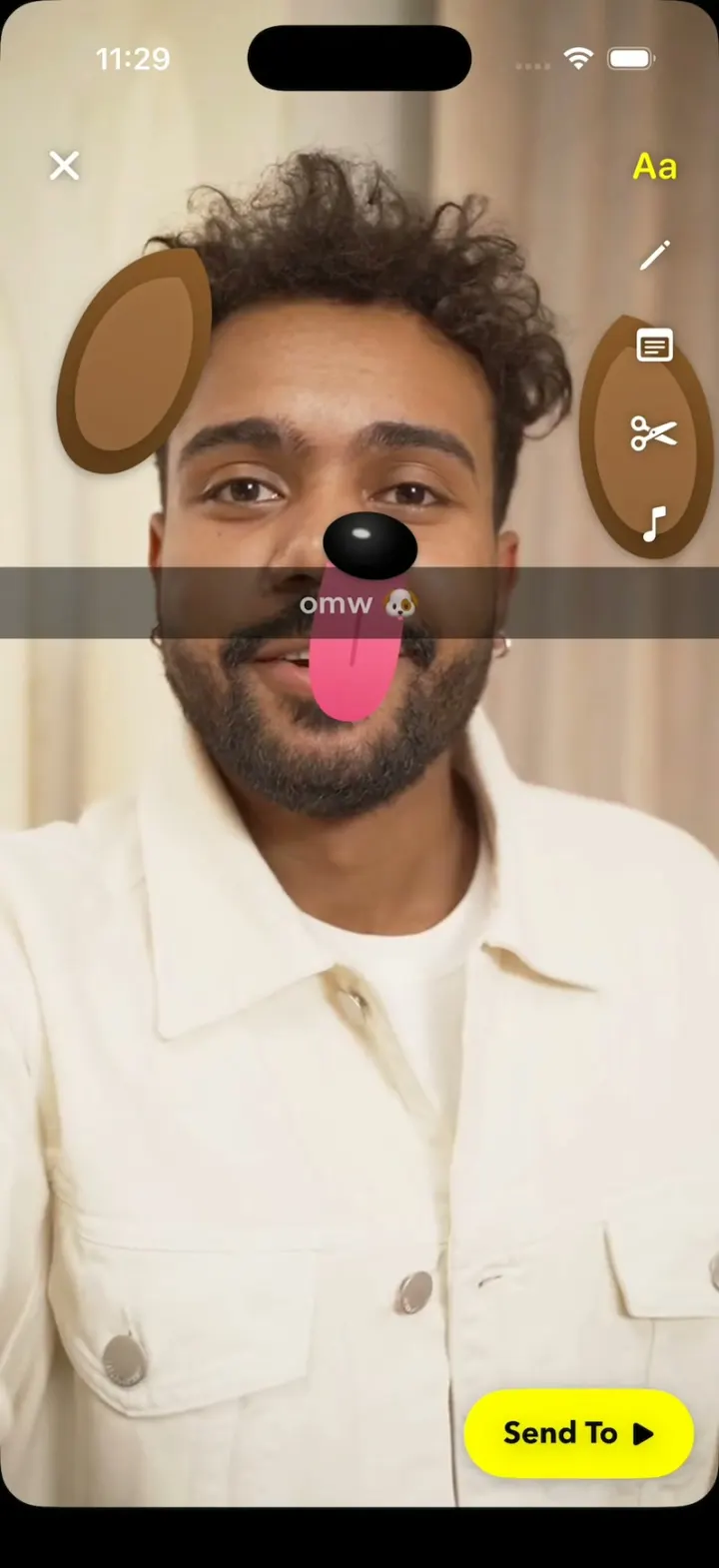
Snapchat Clone opens straight on the camera, which is a bundled selfie video of a real man talking, because the simulator has no camera. Apple's Vision tracks his face live, so the Dog Lens's ears and nose follow him and its tongue drops whenever he opens his mouth; Flower Crown, Rainbow and Heart Eyes track him the same way. Snap, add a caption, pick Jordan in Send To, and your Snapstreak rolls from 247🔥 to 248🔥. Chat shows Snapchat's red and blue status squares, Maya's New Snap opens full screen, Jordan writes back, and Snap Map puts Bitmoji pins over Williamsburg.
- iPhone · Swift
- Built in 2 prompts
- Free to remix

Remix copies the working app into your account for free, exactly as we built it. It runs in Vibecode's cloud iOS simulator, in your browser.
The prompt that builds it
We built Snapchat Clone in 2 prompts. Here they are folded into one, so a single paste into a new app builds the finished version.
Prompt · 1,255 words
Build a polished native iOS clone of Snapchat in SwiftUI: the Dog Lens snaps onto a selfie and drops its tongue when he opens his mouth, then the snap goes out through Send To and a Snapstreak ticks 247🔥 to 248🔥. The simulator has no camera, so the camera is a bundled real selfie video and the Lenses track it live.

IDENTITY
It is Snapchat: the name, Snapchat yellow #FFFC00, the ghost logo drawn in SwiftUI (white, black outline, on yellow) for the app icon and the Snapcode on Sam's profile (tap his Bitmoji), and Snapchat's own words throughout. The user is Sam Rivera (@samriv), the man in the clip.

SHELL
Opens straight on Camera with the clip playing: no splash, onboarding, login or permission prompt. Snapchat's black bottom bar (custom, not the glass tab bar), outline icons Map, Chat, Camera, Stories, Spotlight; the selected one in its colour (green #3CC28A, blue #0EADFF, yellow, purple #A05DCD, red #F23C57) with a dot under it. The status bar shows on every screen, like Snapchat: on Camera the selfie video runs full bleed under it with white status text and the top buttons just below it; white screens fill the inset with their own white background and use dark status text.

SCREENS
1. Camera. curl https://v3b.fal.media/files/b/0aaf01c4/swG4DIPxnLi-gjWMLelUp_snapchat-camera-real.mp4 once into the app as camera.mp4 (a Pexels selfie of a man talking; 7.6 s loop, 1080x1920, 30 fps). Loop it muted and seamless (AVPlayerLooper), aspect fill, not mirrored, above the bar with 24 pt bottom corners. Never ask for camera access.
Chrome: top-left Sam's Bitmoji and search; top-right add-friend and a dark glass column (flip, flash, more); under the avatar the Lens pill "ⓘ Dog ›". The 80 pt white capture ring; 56 pt Lens bubbles (None, Flower Crown, Dog, Rainbow, Heart Eyes) scroll and snap, the centred one inside the ring; tapping the ring or the centred bubble captures: the ring squeezes to 0.88, a white flash peaks at 35% and is gone in 0.12 s, then Preview.
FaceTracker: Vision runs on the CPU, off the main thread, on AVPlayerItemVideoOutput frames (every looped item), mapped through the aspect-fill transform. Landmarks are noise in the simulator: run VNDetectFaceRectanglesRequest every frame and place features in the box at offsets measured on this clip: eyes 32% and 69% across, 29% down; nose 47% down; mouth 69% down; rotated by the box's roll. Mouth open, from pixels: a strip 18% of the box wide, 55-83% down, 9 columns x 56 rows; per column, find the pale teeth (luma > 0.58, channel spread < 70), skip up to 2 rows, count the run of dark (luma < 0.18) or deep-red pixels. He talks, so: open on the first frame with a median run of 3+ rows, stay open 0.4 s or more, close after 2 closed frames (open at 1.27-1.80 s and 4.27-4.80 s).
Lenses, SwiftUI shapes sized from the eye distance, rotated with roll, springing on from 0.4x: Dog (floppy brown ears at the sides of the head that bounce, a glossy black nose, a pink tongue while the mouth is open), Flower Crown (7 pastel flowers on the hairline), Rainbow (a 6-band rainbow pours from the open mouth and keeps pouring 1.5 s after it closes), Heart Eyes (pulsing red hearts over the eyes).
2. Preview: the frozen frame with its Lens; X; Snapchat's right tool column (T, pencil, sticker, scissors, music). Tap the photo for the caption: a full-width black strip at 50%, white text, 40% down. The yellow "Send To ▶" capsule bottom-right, black bold text.
3. Send To (full screen, white): search, My Story, Best Friends: Jordan Lee 247🔥, Maya Chen 112🔥, Theo Park 58🔥, Priya Shah 31🔥, Leo Martins 9⌛; Recents: 3 more. Rows: Bitmoji, bold 18 pt name and Snapstreak, select circle. Selecting fills it blue with a white check and raises the blue send bar (names + arrow). Send: each picked Snapstreak rolls up one (numericText) as its 🔥 pulses (1.35x, glow), holds 1.2 s, then Preview and Send To leave together in one transaction (the frozen snap never shows again) and Chat slides in clean.
4. Chat: 9 rows: Bitmoji, bold name, Snapchat's status icons and words (red filled square "New Snap", hollow red "Opened", blue "New Chat", red arrow "Delivered"), "· 2m", Snapstreak. A sent snap puts that friend on top, "Delivered · just now". Maya's New Snap opens full screen with the 10 s circular timer; then "Opened".
5. Chat with Jordan: ME in red, JORDAN in blue, each message after a thin bar of its colour; "Send a Chat" composer; on open Jordan sends "wait you got the Dog Lens??".
6. Snap Map: MapKit over Williamsburg, Brooklyn; 8 Bitmoji pins (MapKit's own selection) with "Jordan · 2m" labels over a soft heat glow; tap one: zoom and a card with "Chat".
7. Stories: ringed Bitmoji opening 3-photo stories, 4 Discover tiles. Spotlight pages the same photos.

HOOK (the first 3 seconds of the video)
- HOOK MODE: an invisible 44x44 pt area at the top centre, just below the status bar, runs a scripted 4.5 s hook through the same code paths as real touches, identical every time. t=0 (once a seek to 1.00 s lands): carousel mid-scroll, Dog 35% into the ring, no Lens on; 0.1 Dog snaps on; ~0.3 his mouth opens, the tongue drops (tracked live); 0.7 capture; 0.75 flash; 0.9 Preview; 1.0-1.3 "omw 🐶" types in; 1.6 Send To; 2.2 Jordan selected; 2.5 send; 2.6-3.0 247🔥 to 248🔥, held to 3.8; then Chat.
- Filmed: screens and sheets spring, never pop in one frame.

LOOK
White icons on dark glass over the camera; white pages, ink #000, grey #8A8D91; yellow only for Send To, the Camera icon and the logo. Avenir Next, Bold for names and numbers.

RULES
- Native SwiftUI, iOS 26 (the template's target), iPhone portrait first; it must also run on iPhone Duo (standard NavigationStack and sheets).
- Deterministic fixtures; no backend, login, permissions, analytics or network calls; no persistence (delete the SwiftData starter, no UserDefaults or files), so every launch starts the same.
- Images: gpt-image-1 through the project's proxy (run env; POST $OPENAI_BASE_URL/images/generations with $CODEX_API_KEY): 9 Bitmoji-style 3D cartoon avatars (Sam: curly dark hair, short beard, cream jacket) and 8 story photos (places, food, a dog), decoded off the main thread. No real people or celebrities.
- Polish: springs under 350 ms, haptics on key taps, pressed states, no dead buttons, nothing hidden under the bar.
- Files under 300 lines, big bodies split into subviews, no long chained expressions.

REMIX-READY
Theme/Brand.swift (name, ghost logo, a Copy enum of every product word), Theme/Theme.swift (role colours, fonts), Data/Fixtures.swift (content), Data/DemoScript.swift (HOOK MODE). Codable models behind one AppDataSource and one @Observable AppStore. Lens is an enum, one overlay view per case. Features/<Screen>/ folders. README.md (file map, how to rebrand, add a Lens, swap the clip, 3 remix prompts that re-niche it), linked from CLAUDE.md and ios/AGENTS.md; replace the <structure> block in ios/CLAUDE.md with this app's files.

FILMING
Each signature moment replays when its screen appears. Holding Sam's Bitmoji on Camera for 0.6 s resets everything to the launch state; a tap opens his profile.

BUILD
Theme, Brand, Fixtures, models, AppStore; then the bar and each screen in small files with a dark placeholder camera, launching the simulator every 2-3 files until the shell runs. Then the clip, FaceTracker and Lenses, then HOOK MODE. Images last (curl-check each, never review them by eye). Walk each flow once; no pixel measuring. Deliver the whole app, not a plan.
More templates
All templates- View template
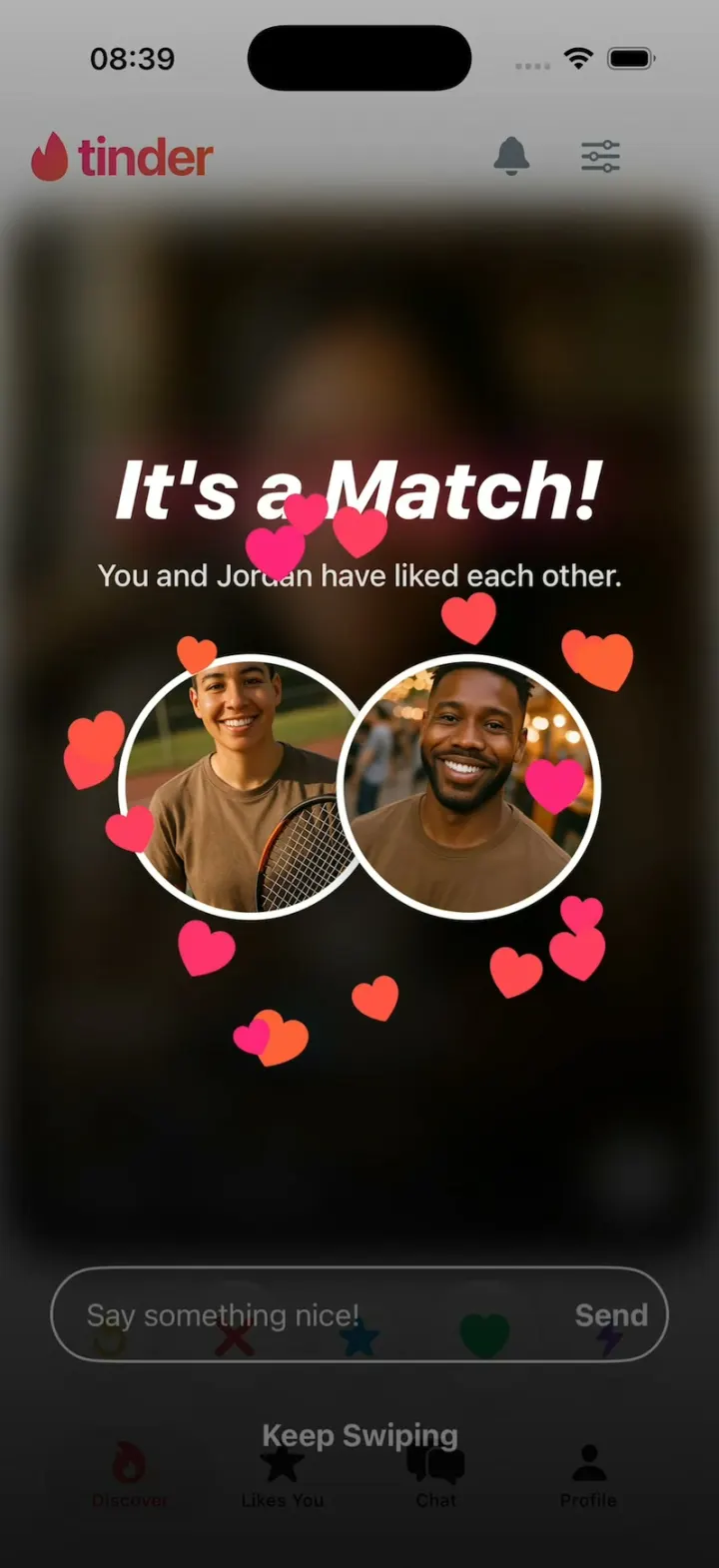
Tinder Clone
iOSTinder with its real look: drag a card to LIKE, Super Like or Rewind, and It's a Match! bursts into hearts.
- View template
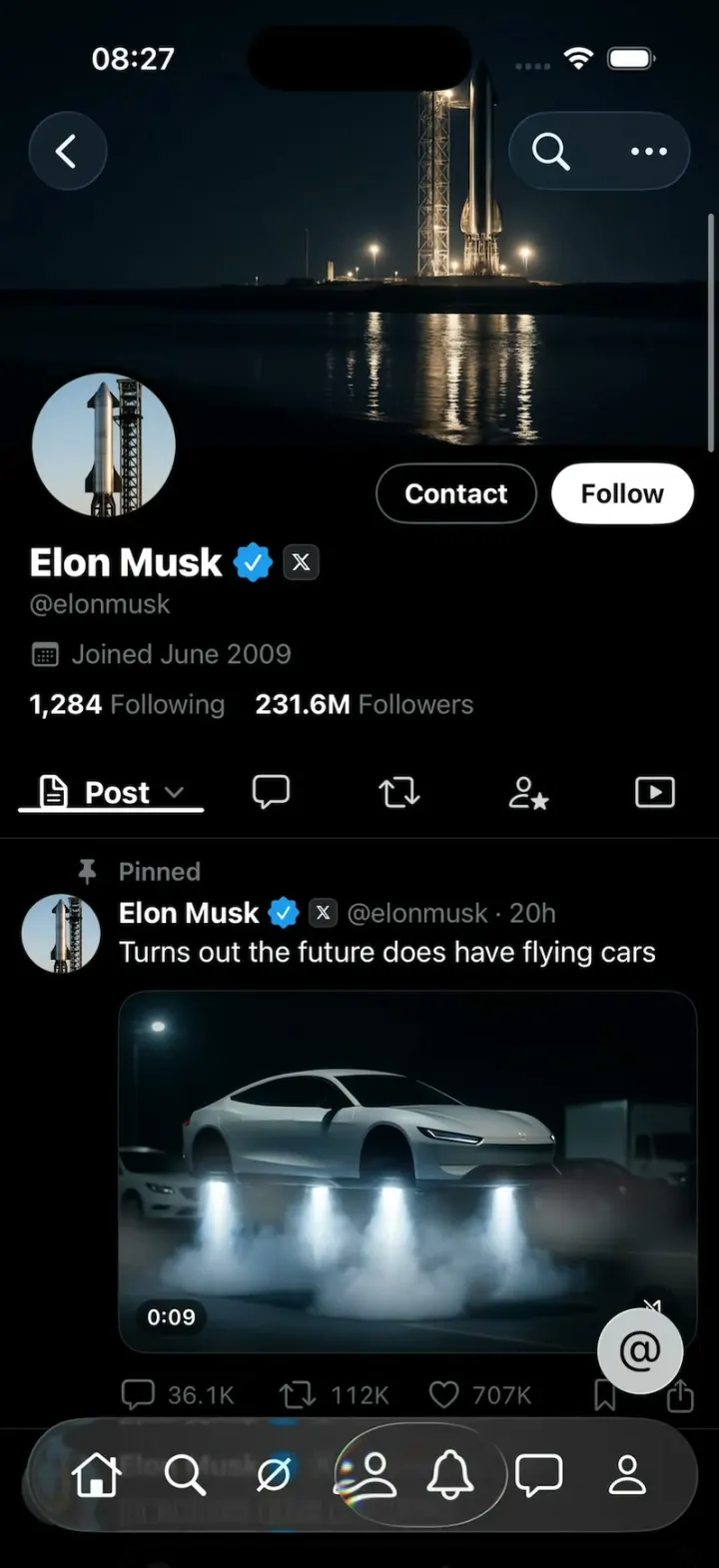
X Glass
iOSX with Apple's Liquid Glass: the 7-tab bar shrinks as you scroll and a glass lens follows your finger.
- View template
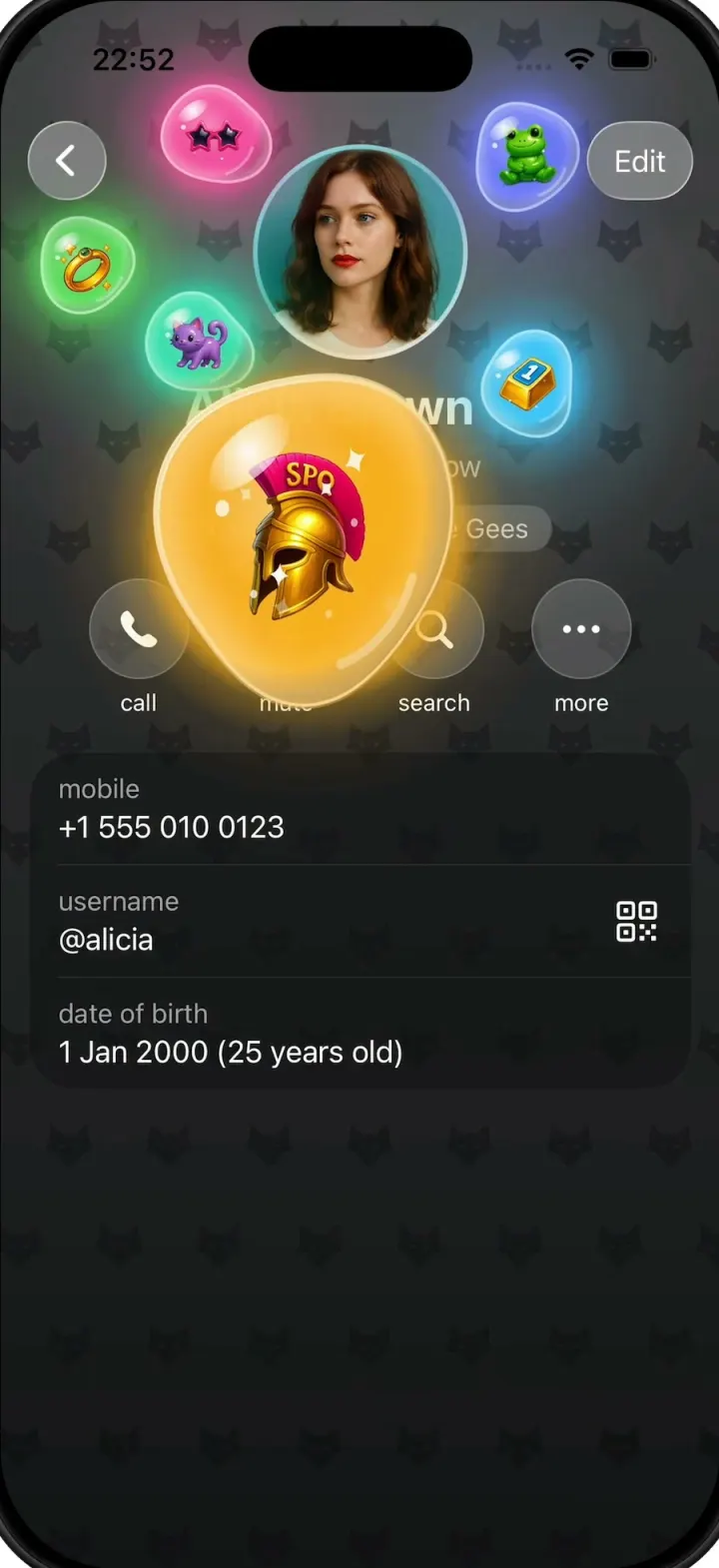
Gift Profiles
iOSA Telegram-style profile where gift bubbles pop out of the avatar and swell into jelly blobs as you drag them.
- View template
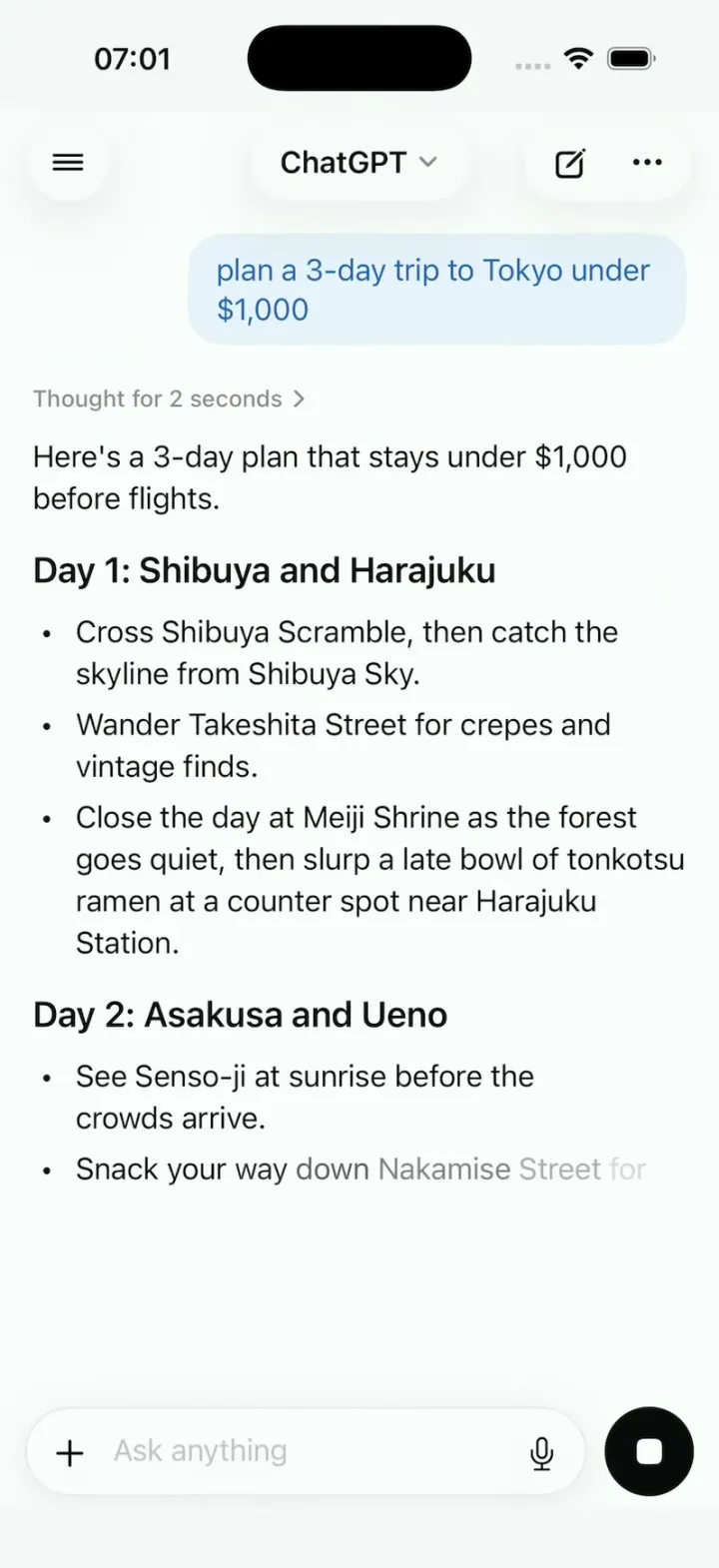
ChatGPT Clone
iOSChatGPT on iPhone: answers stream in word by word, a Tokyo map sharpens from a blur, and voice mode breathes.