X Chat Grok Bot
Chat app · from our videos on X
X Chat recreates the dark-mode Chat inbox of the X app with its "Grok Bot in X Chat" sheet floating on top. The star is the sheet's hero: nine colourful blob characters with little white eyes sit in a pile, pop apart, then drift around in zero gravity, spinning, bumping into each other and swaying side to side as if the phone were tilted. It's a real SpriteKit physics scene, so you can grab a blob and fling it, or tap the Grok Bot label to pile them up and pop them again. Dismiss the sheet to see the full inbox, reopen it from the Meet your Grok Bot card, or tap Try Grok Bot to open a Grok Bot chat.
- iPhone · Swift
- Built in 1 prompt
- Free to remix


Remix copies the working app into your account for free, exactly as we built it. It runs in Vibecode's cloud iOS simulator, in your browser.
Watch the video on X@ios_app_builder · Oct 25, 2026The prompt that builds it
We built X Chat Grok Bot in one prompt. Paste it into a new app to build your own copy, or change it first.
Prompt · 1,458 words
Download/reference the app shown in this post and clone it exactly, including the iPhone visual design, layout, interactions, animations, typography, spacing, and all visible states. Make it functional and runnable in the simulator. Match the reference as closely as possible and include any interaction shown in the source. Reference: https://x.com/spottedinprod/status/2113814891475722437. The actual 10.7-second video is uploaded as source.mp4 in project Files. Inspect it carefully, extracting frames as necessary.

Build a native SwiftUI iOS app named X Chat using Opus 5.5. This is the X (Twitter) app's dark-mode Chat inbox with the "Grok Bot in X Chat" upsell sheet on top of it, demonstrated on iPhone. The star of the video is the sheet's hero: nine colourful, squishy blob characters with little white eyes that sit piled up, then pop apart and float around in zero gravity, bumping into each other and the walls. Build the hero as a SpriteKit physics scene (SpriteView with a clear background) so the collisions, spin and bounce are real physics. Do NOT put a fake handset frame inside the actual app; the simulator provides that. Use realistic deterministic fixture data so every screen is rich and usable without permissions or backend. Do not publish externally.

Observed video sequence (0-10.7s), one screen, no touches: 0.0-0.9 the sheet is already up and the nine blobs sit still in a pile resting on the floor of the hero, only their eyes blink; 0.93 the pile pops: gravity switches off and every blob gets a gentle push up and outward, so within ~0.6 s they spread across the whole hero; 1.5-10.7 they float in zero gravity at a lazy ~60-110 pt/s, spinning slowly, bouncing softly off each other and the hero edges, and the whole group drifts side to side as if the phone were being gently tilted: the cluster leans to the LEFT side of the hero around 2.0-4.0 s, drifts over to the RIGHT side around 4.5-7.7 s, and back to the LEFT around 8.0-10.7 s. Implement that sway as a very weak sideways gravity (about 0.6 m/s^2) that eases from left to right to left on that timeline and keeps cycling (left 2.0-4.0, right 4.5-7.7, left 8.0-11, then repeat every ~6 s), never strong enough to pin them to a wall. Add small random nudges so nothing ever stops moving.

Screen layout (points on a 393 x 852 pt iPhone, dark mode, background #000000):
- The Chat inbox behind the sheet, dimmed by a black 50% overlay (its white text reads #7D7D7D): nav row at y=70 with a 32 pt round avatar on the left (cartoon orange-red creature on a pale background, small #1D9BF0 notification dot at its top right), centred title "Chat" (17 pt bold white), and on the right an "All" capsule button (1 pt #2F3336 border, 15 pt semibold white). Below: a full-width search field (inset 16, height 38, corner 10, fill #16181C) with a magnifying glass and placeholder "Search" (#71767B). Then a card (inset 16, height 72, corner 18, 1 pt #2F3336 border): a 54 pt light grey (#C8C8C8) round blob avatar with two short black slanted eye dashes, title "Meet your Grok Bot" (17 pt semibold white), subtitle "Your personal assistant" (16 pt #71767B), chevron right. Then conversation rows (avatar 56 pt circle, name 17 pt bold + #1D9BF0 verified seal + a tiny colour badge, preview 16 pt #71767B, time top right #71767B): "vlad" / "You reacted ❤️ to "hey Raffi!"" / "7w" with a pin glyph under the time; "Quinten Farmer" / "sounds good, ship it tonight" / "1h"; "Nikita" / "the new composer is so good" / "3h"; "Mira" / "Photo" / "1d"; "Theo" / "lol" / "2d". Draw the avatars in SwiftUI (illustrated faces or gradient circles with initials, no photos).
- The sheet is a floating card, not edge to edge: inset 10 pt from the left, right and bottom screen edges, top edge at y=373, height about 469, corner radius 40 on all four corners (concentric with the screen corners), fill #121212, a 0.5 pt #2A2A2A hairline border.
- Inside the sheet, top-left at (24, 22): the Grok Bot mark, a 24 pt white circle with two short black vertical eye dashes, then "Grok Bot" (17 pt semibold white, 8 pt gap).
- The hero physics area is the sheet's whole top part: x from 4 to the sheet width minus 4, y from 6 to 192 pt (sheet coordinates). The blobs float OVER the "Grok Bot" header label (it is drawn under the scene).
- Below the hero, left-aligned at x=24: "Grok Bot in X Chat" (22 pt bold white, centre at sheet y=225), then "Describe your goal, and watch your manual daily work get automated away." (17 pt regular #999999, two lines, line spacing 2) 10 pt below.
- A white capsule button "Try Grok Bot" (width = sheet width minus 48, height 48, 17 pt medium black text), 22 pt below the subtitle.
- Fine print centred under the button (12 pt #6E6E6E, 3 lines, centred, 22 pt side insets): "By tapping “Try Grok Bot”, you agree that you are responsible for every use of and access by bots, and agree to sharing data between X and SpaceXSI. Bots may make mistakes. See Approval, Security, and Privacy." with "Approval, Security, and Privacy" underlined.

The nine blobs (sizes in pt, positions are the pile's resting centres in sheet coordinates, x from the sheet's left edge, y from its top). Each is a soft, slightly puffy flat-colour shape (no outline, no gradient) with white eyes drawn on it; the eyes rotate with the body. Physics bodies match the shapes (circles as circles, the others as their polygon/texture outline), restitution 0.6, friction 0.2, linear damping 0.15, angular damping 0.4.
1. Big grey circle #757575, 59 pt, at (103, 106): two small round white dots side by side.
2. Teal squircle (rounded square, corner ~38%) #1CCCA2, 59 pt, at (168, 109): two tall white capsule eyes (8 x 22 pt).
3. Purple squircle #8F46FC, 56 pt, at (217, 76), resting rotated about 20 degrees clockwise on top of the teal and blue ones: two filled white half-moon "happy" eyes, curved side DOWN.
4. Blue tall squircle #1B88F4, 50 wide x 59 tall, at (259, 118): two thin vertical white capsule eyes set to the right of centre.
5. Orange-red circle #F35E05, 62 pt, at (71, 158): two filled white half-moon eyes, curved side UP.
6. Golden cloud #F59A06 (a bumpy cloud made of 5 overlapping circles), 77 wide x 60 tall, at (138, 161): two half-moon eyes, curved side UP.
7. Magenta rounded triangle #ED1293, point up, 77 wide x 68 tall, at (209, 152): two vertical white capsule eyes.
8. Small grey circle #757575, 36 pt, at (258, 167): two short white slanted dashes at its upper right.
9. Brown circle #8B6237, 42 pt, at (303, 153): two white dots offset diagonally (looking down-right).
In the pile they touch and rest on the hero floor: bottom row left to right orange, golden cloud, magenta triangle, small grey, brown; middle row grey, teal, blue; purple on top. Eyes blink every 2.5-4 s (scale Y to 0.1 and back over 0.12 s, staggered per blob).

Interactions: the sheet is up on launch and the pile pops by itself 0.93 s after the scene appears. Tapping the "Grok Bot" header label, or double-tapping anywhere in the hero, resets every blob to its exact pile position at rest (no animation, velocities zero, gravity down) and plays the same sequence again: hold 0.93 s, pop, float, sway. Dragging a blob picks it up and flinging releases it with that velocity. Dragging the sheet down past 120 pt, or tapping the dimmed inbox above it, dismisses the sheet with a spring slide down (the dim fades out, the inbox reads at full white); tapping the "Meet your Grok Bot" card presents it again with a spring slide up and the pile sequence restarts the moment it lands. "Try Grok Bot" scales to 0.96 on press, then pushes a simple dark "Grok Bot" chat screen (back chevron, the Grok Bot mark in the nav, one bot bubble: "Hey! I'm your Grok Bot. Tell me what you do every day and I'll automate it." and a composer reading "Describe your goal..."); back returns to the inbox with the sheet up and the pile reset. Use native spring animations and gestures, not static screenshots.

Keep every file you create inside /home/user/workspace (fonts, generated images, scripts): tool access to /tmp and other paths outside the workspace is denied in this sandbox.

Build fully, run compile/build validation, resolve all errors, and launch in the web simulator. Prioritize fidelity to the attached source and functional main interaction flow. Deliver complete implementation rather than a plan.
More templates
All templates- View template
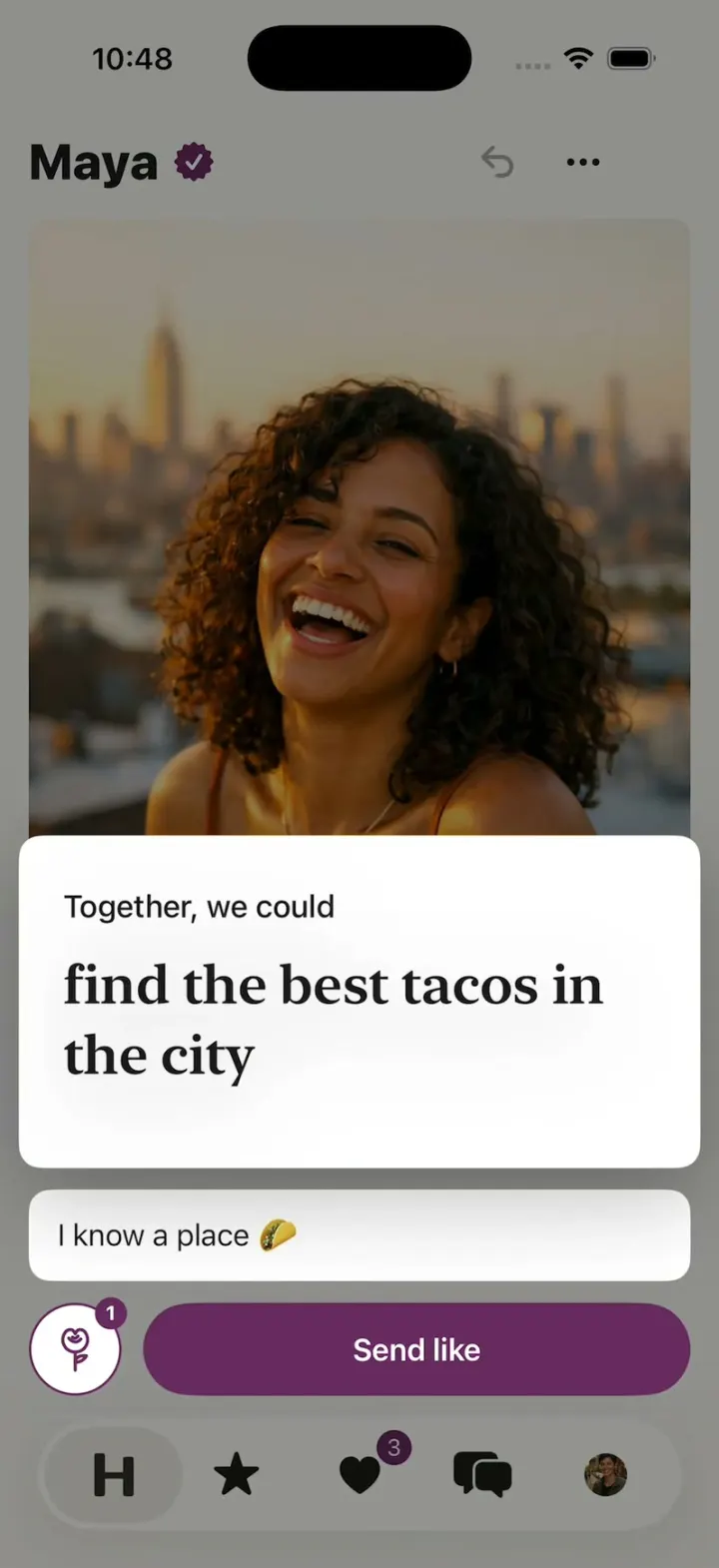
Hinge Clone
iOSHinge with its real look: like one prompt, add a comment, Send like, and the next profile slides in.
- View template
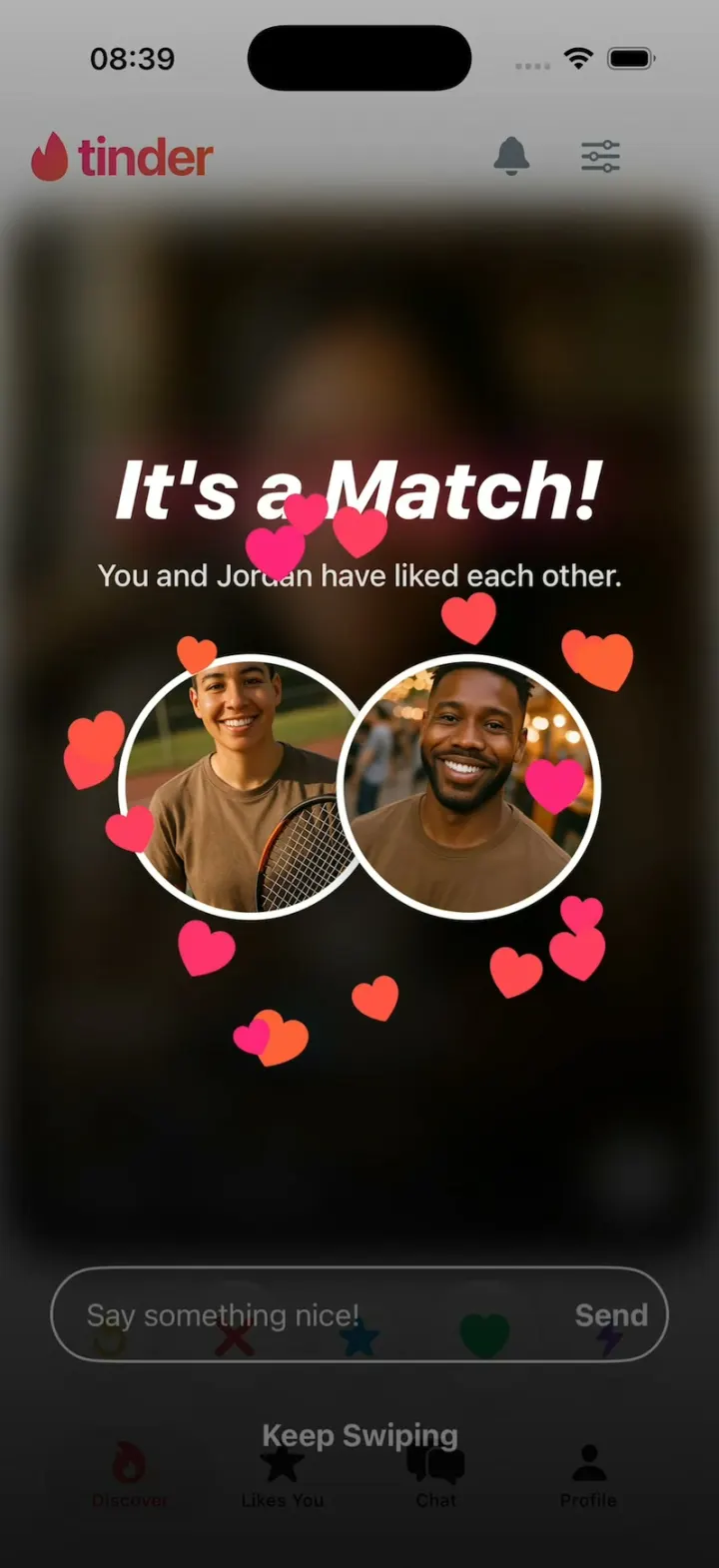
Tinder Clone
iOSTinder with its real look: drag a card to LIKE, Super Like or Rewind, and It's a Match! bursts into hearts.
- View template
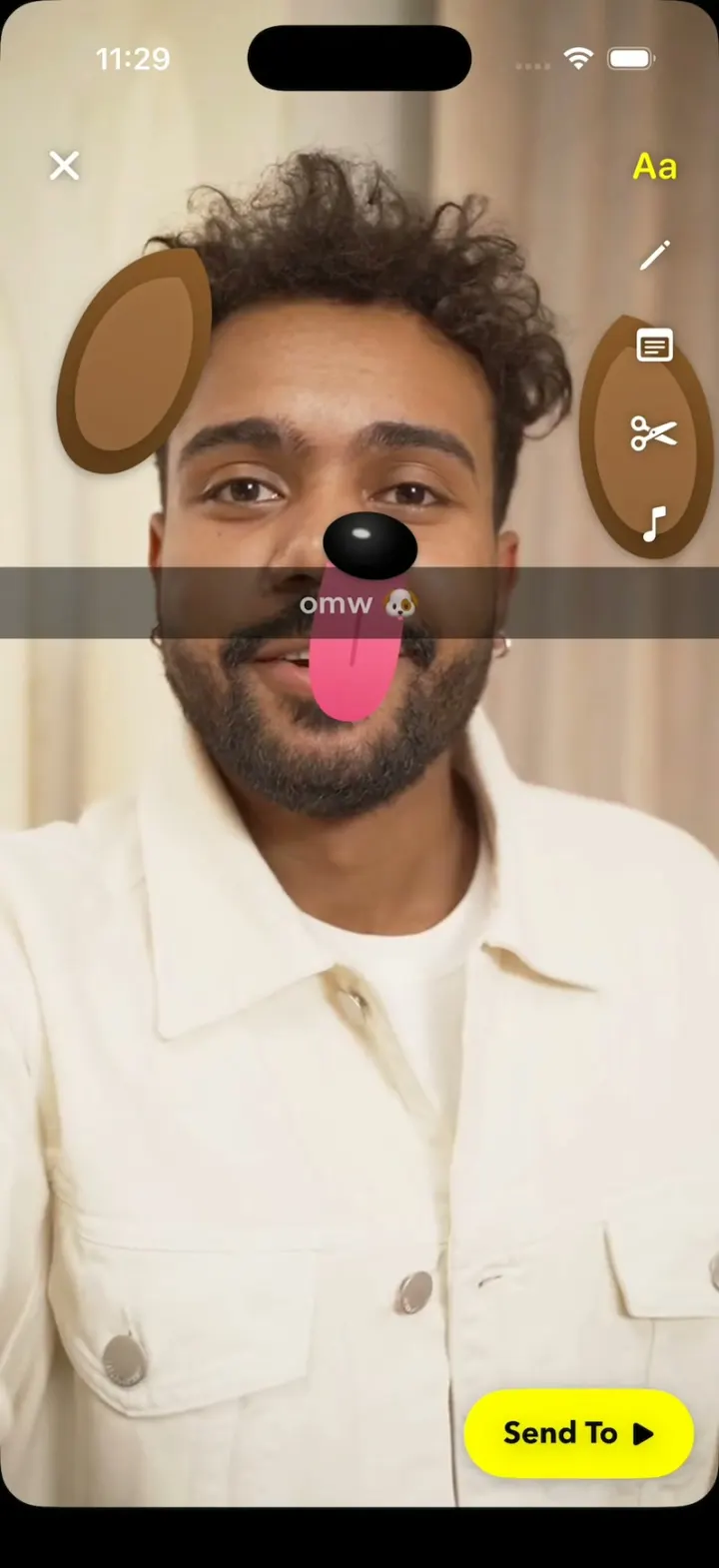
Snapchat Clone
iOSSnapchat with no camera: Lenses track a real selfie video, the Dog's tongue drops, and a streak hits 248🔥.
- View template
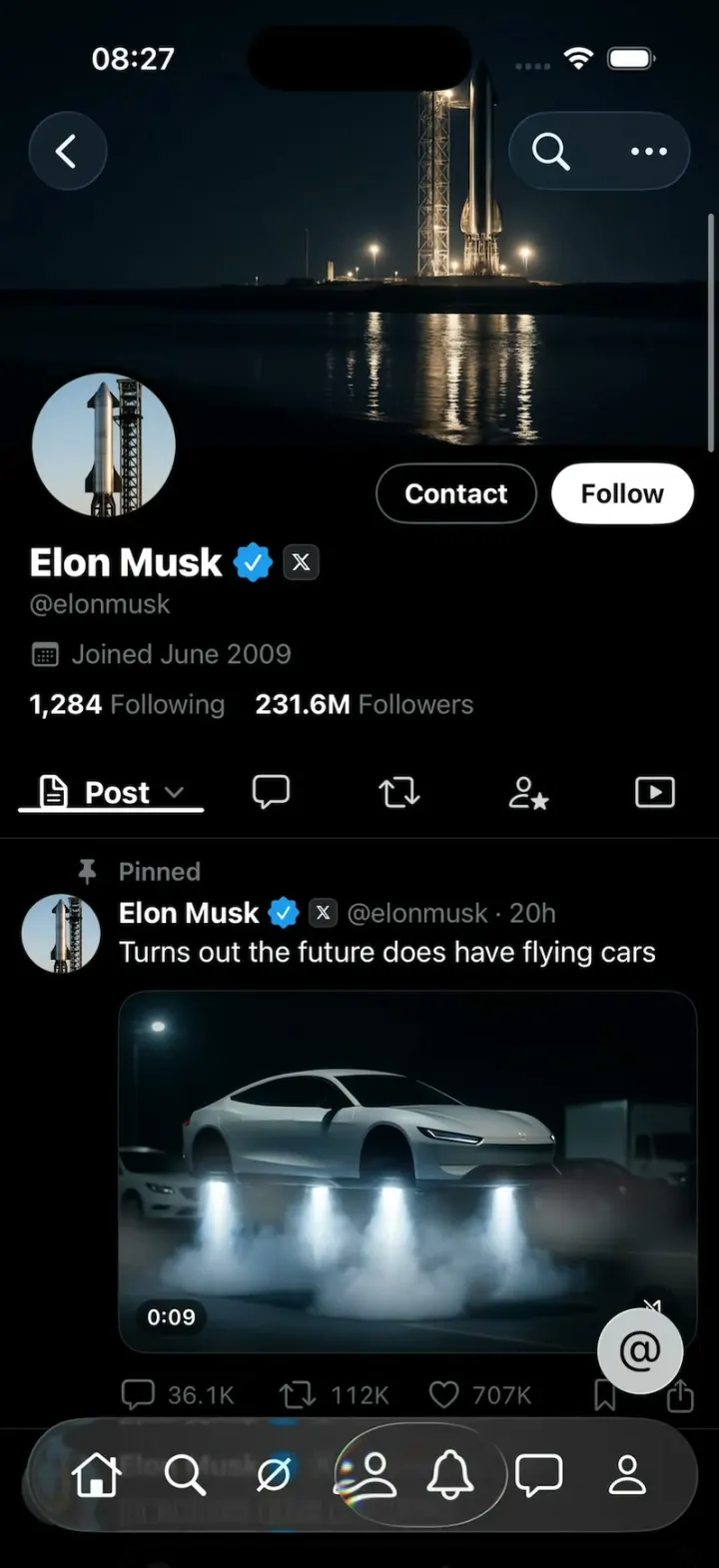
X Glass
iOSX with Apple's Liquid Glass: the 7-tab bar shrinks as you scroll and a glass lens follows your finger.