Quizlet Clone
Quizlet clone · Flashcards app · built by the Vibecode team
This template rebuilds Quizlet for iPhone with its real name, blue look and words. Open a study set, flip and swipe flashcards, run Learn rounds and a timed Match game, take a practice test, and clear today's due cards in a spaced-repetition Review with Again, Good and Easy. Make your own sets by typing, importing a CSV, or pasting notes into Magic Notes, which writes the cards with AI. Home, Library and Profile track your streak, mastered terms and weekly study.
- iPhone · Swift
- Hand-built
- Free to remix

Remix copies the working app into your account for free, exactly as we built it. It runs in Vibecode's cloud iOS simulator, in your browser.
The prompt that builds it
We wrote Quizlet Clone by hand. This prompt describes the finished app: paste it into a new app to build your own version, or change it first.
Prompt · 859 words
Build a polished native iOS clone of Quizlet in SwiftUI: Home with "Jump back in", study set pages, Flashcards you swipe into Know / Still learning, Learn rounds, a spaced-repetition Review with Again / Good / Easy, Test, Match, creating sets (typed, imported from CSV or made from notes with AI), Library and a Profile with streaks.

It is Quizlet on screen: its name, blue #4255FF on a pale #F6F7FB background, navy text #282E3E, green #18AE79 for Know and orange #FF8C1A for Still learning, white rounded cards with soft shadows and a bold geometric type (Avenir Next as a stand-in for Hurme). Use its words: "Jump back in", "Recents", "cards sorted", "Continue", "Flashcards", "Learn", "Test", "Match", "Know", "Still learning", "Not studied", "Mastered", "Let's try again", "Nice work!", "You're doing brilliantly!", "Keep reviewing 8 terms", "Ready to play?", "Create flashcard set", "Your library", "Magic Notes". Draw the white Q logo (a thick ring with a squared tail) in SwiftUI. The learner is Alex Rivera (alex_rivera).

SHELL
Floating tab bar: Home, Create, Library. Create opens the create sheet instead of a tab. Opens on Home: no splash, onboarding, login or paywall.

SCREENS
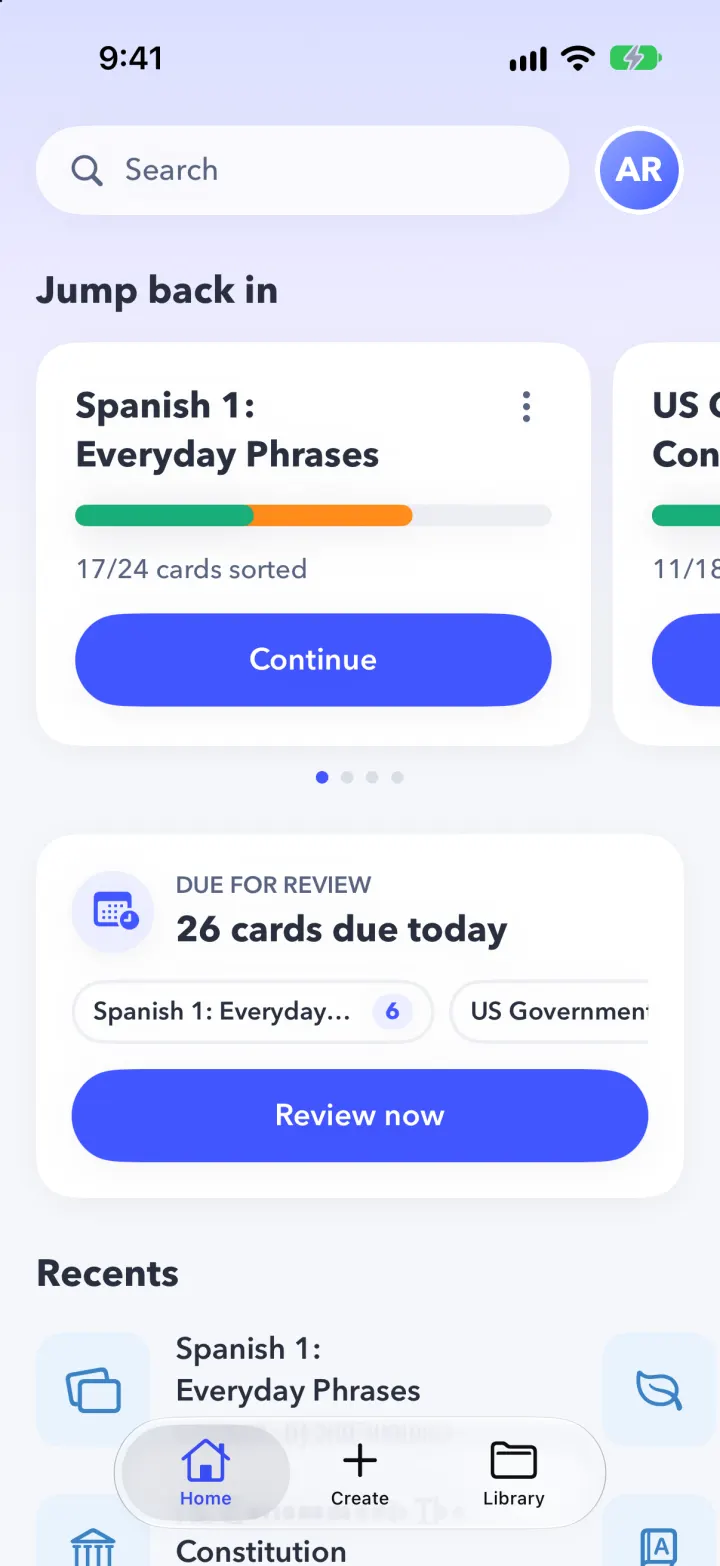
1. Home: lilac-to-pale gradient at the top, a white pill "Search" and Alex's avatar (opens Profile). "Jump back in": paged cards (set title, green+orange progress bar, "17/24 cards sorted", blue Continue capsule that opens Flashcards) with page dots. "Due for review": total cards due today across sets, a chip per set with its due count, "Review now". "Recents": two-row horizontal grid of icon tile + title + "24 cards · by srta_morales". A 7-day streak card with orange check circles per weekday. "For you" tall cards.
2. Set page (tab bar hidden): swipeable preview cards that flip on tap, title, creator avatar + name + green "Verified" pill for Quizlet sets + "24 terms", rows for Flashcards / Learn / Review ("6 due" pill) / Test / Match, "Your progress" (Not studied / Still learning / Mastered counts over a bar), and the term list with star and speaker (text-to-speech in the set's language). Menu: study starred only, reset progress, delete; Share.
3. Flashcards: X, "8 / 24", gear (shuffle, restart), thin progress line, orange count tab on the left edge and green on the right. A big white card flips in 3D on tap; drag right shows a green-bordered "Know", left an orange "Still learning"; past 100 pt it flies off and the counts tick. Undo and shuffle at the bottom. End: "You're doing brilliantly!" with a green/orange donut, Know / Still learning / Terms left, "Keep reviewing N terms" and "Restart Flashcards".
4. Learn: "Round 1", green progress with count bubbles, a "Definition" card, "Choose matching term", 4 options. Right: green border + check, a praise line, auto-advance. Wrong: red border on the pick, green on the answer, "No worries, learning is a process!", Continue; the card returns at the end of the round with a "Let's try again" pill. Round summary with total set progress and the terms studied.
5. Review: due cards one at a time, "Show answer" flips, then Again / Good / Easy buttons showing their next interval (<10m, 3d, 8d). SM-2 style scheduling; Again cards return in the same session. "All caught up!" with counts and the next review time.
6. Test: 10 questions mixing True/False, multiple choice and written; "Submit test" grades them with a score donut and green/red answers.
7. Match: "Ready to play?" intro, then a 3x4 grid of terms and definitions with a live "12.3 sec" timer; a right pair fades out, a wrong pair shakes red and adds a second; finish screen with personal best.
8. Create: underlined Title / Description fields, numbered term/definition cards, a blue + button, Import (paste or pick a CSV, separator Tab/Comma/Dash/Semicolon, live preview) and Magic Notes (paste notes, choose a card count, the backend asks Claude for term/definition JSON, review and add). Done saves and opens the new set.
9. Library: "Flashcard sets" / "Folders" chips, sets grouped Today / This week / This month with a progress bar each, folders open their sets, filter search. Search from Home finds sets and terms.
10. Profile: streak, a weekly bar chart, cards studied, minutes, terms mastered, longest streak, achievement badges, reminder toggle.

DATA
Eight demo sets (Spanish 1: Everyday Phrases, Japanese Hiragana, IELTS health vocabulary, World Capitals: Europe, AP Biology cell structure, Organic Chemistry functional groups, US Government: The Constitution, Psychology 101: Research Methods) with fictional creators, realistic seeded progress and due cards, and 4 weeks of study history. Every mode feeds one schedule: Know / right = Good, Still learning / wrong = Again; 7+ day interval = Mastered. Seed SwiftData from a Fixtures file with a fixed seed and shift demo dates forward on each launch so nothing looks stale.

RULES
Every button works and changes real state. No emojis in the UI, SF Symbols only. Keep files under 300 lines.

REMIX-READY
Brand.swift (name, user, words), Theme.swift (colours, fonts), Fixtures files for content, Engine/ for the scheduler and sessions, one folder per feature, a README with a file map and remix ideas, and -DemoTour / -DemoScreen launch arguments for recordings.
More templates
All templates- View template
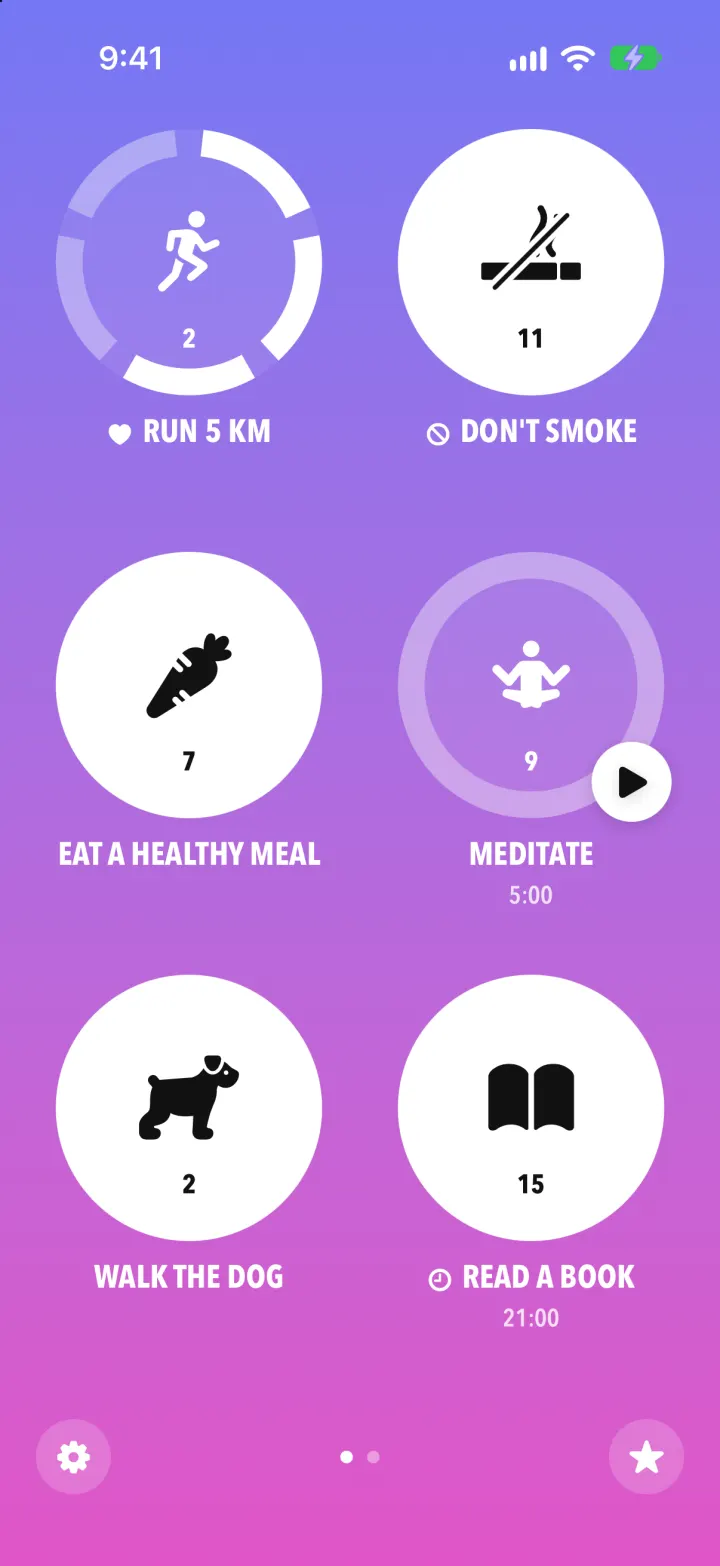
Streaks Clone
iOSStreaks with its real look: hold a circle to check in, watch the ring fill and the streak count climb.
- View template
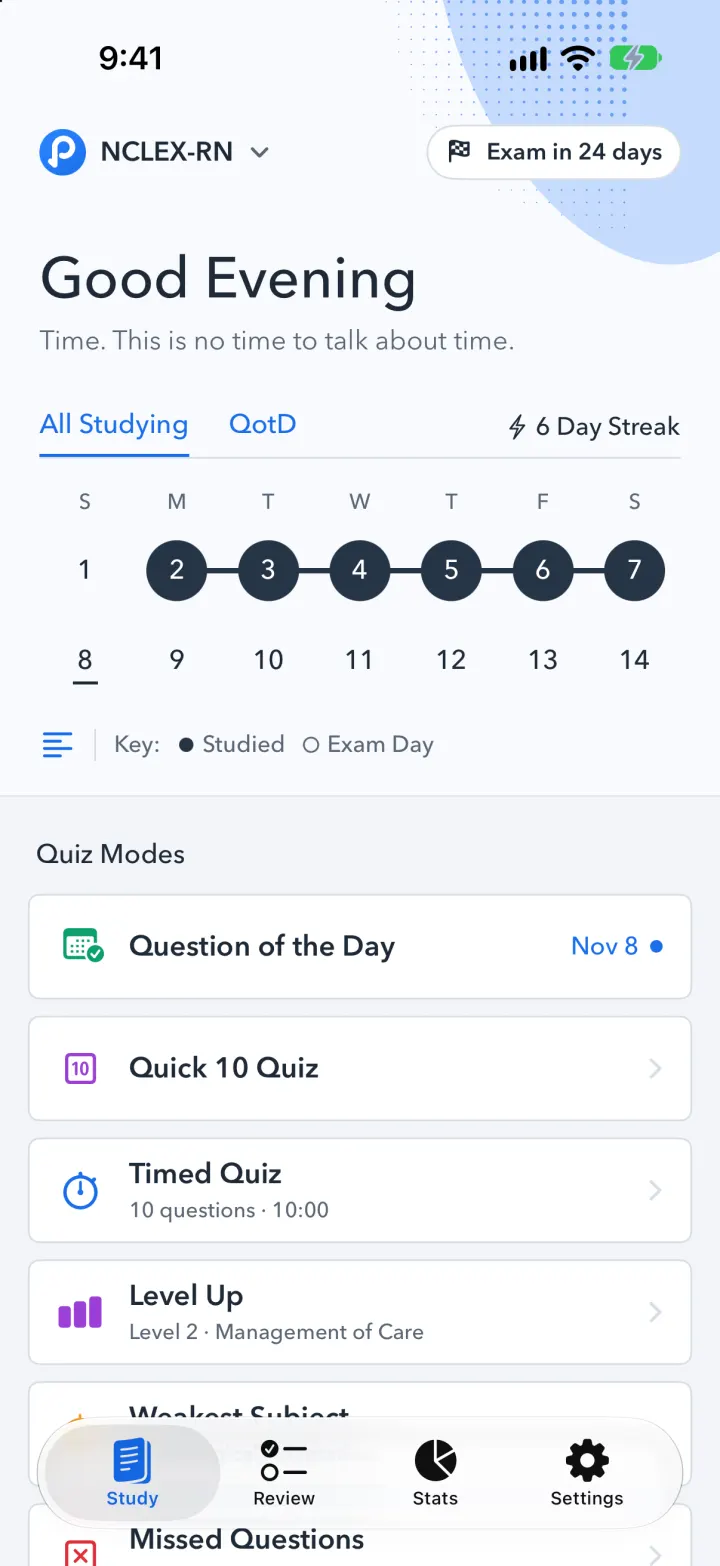
Pocket Prep Clone
iOSPocket Prep's NCLEX quiz app: streak calendar, 8 study modes, explanations and an AI tutor
- View template
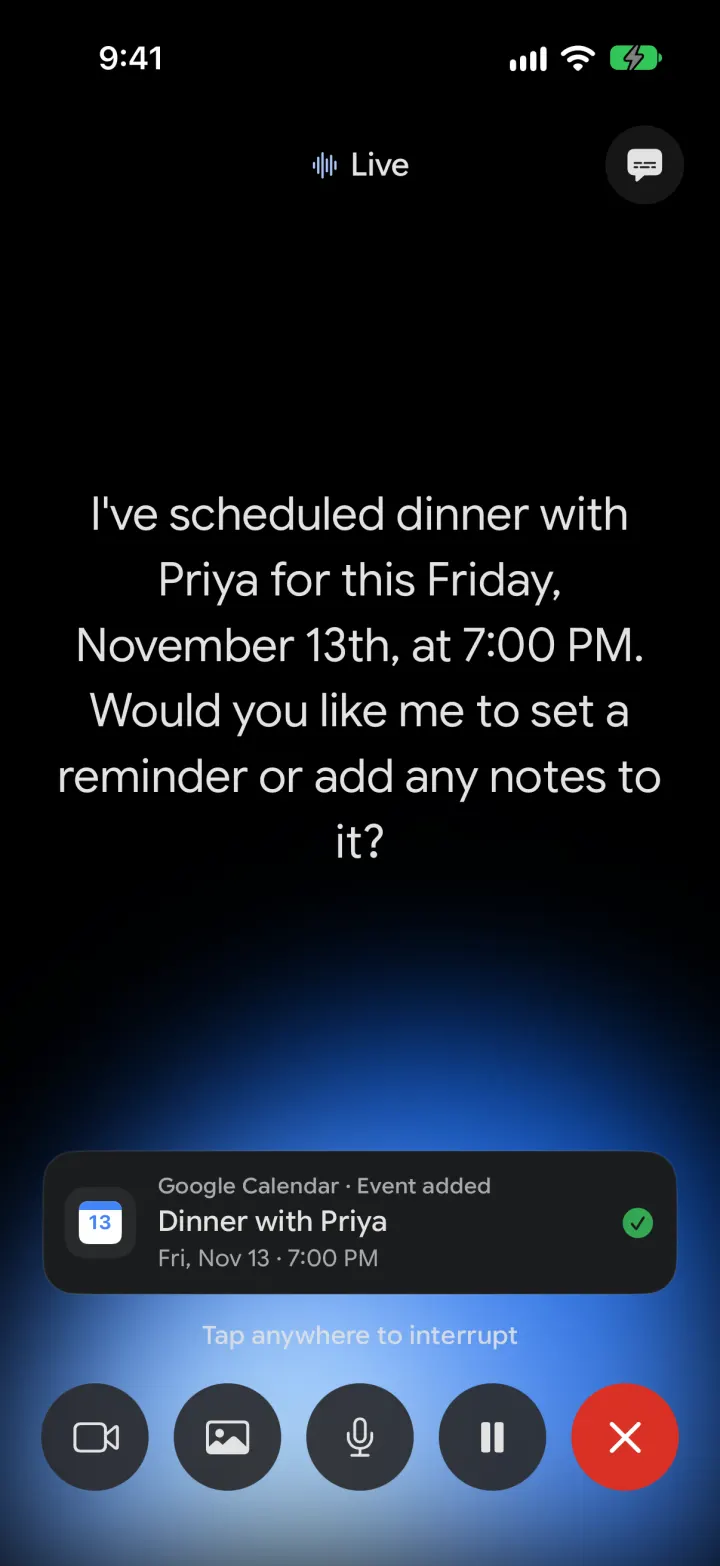
Google Gemini Clone
iOSGemini with real models: streamed chat with Google Search, Nano Banana images and Gemini Live voice
- View template
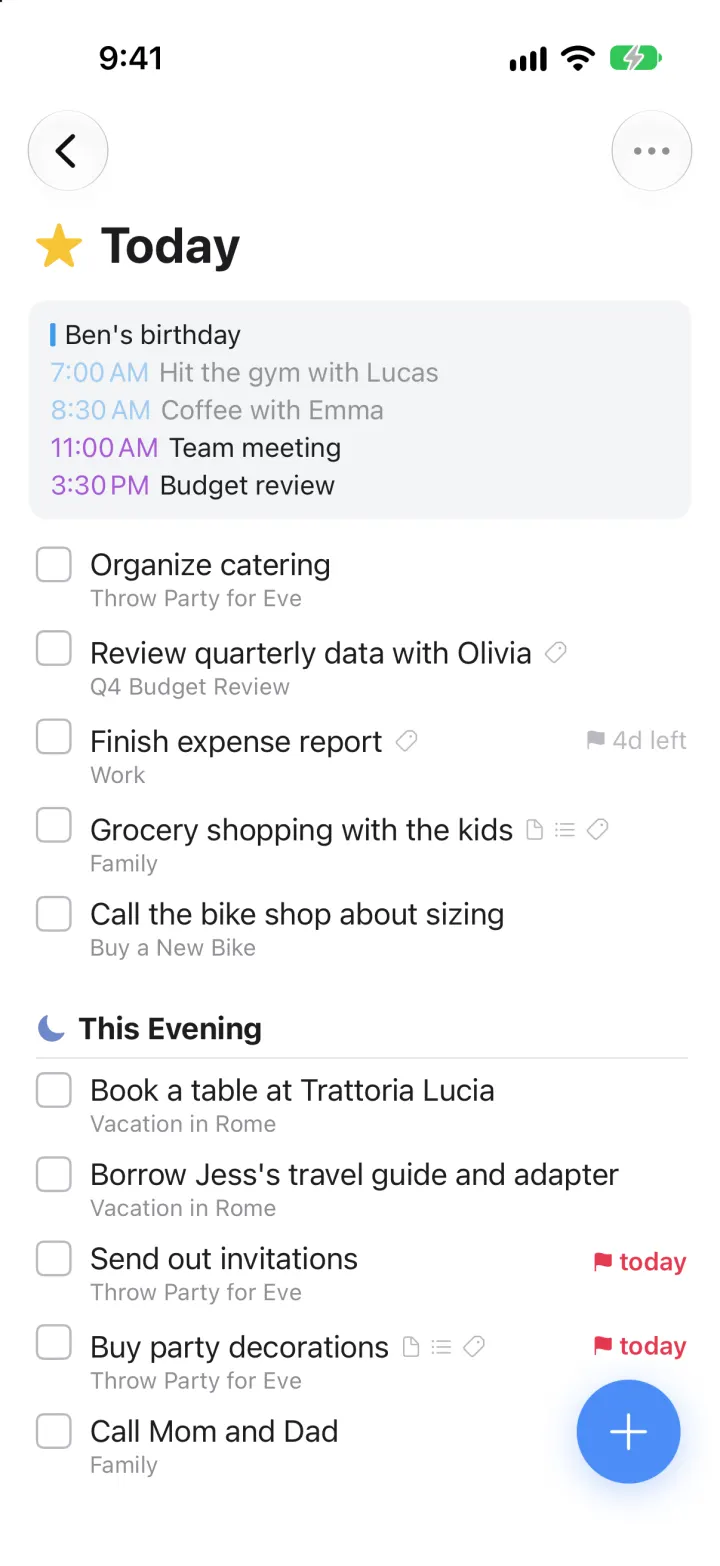
Things 3 Clone
iOSToday, This Evening, the Magic Plus and the dark When picker: the award-winning to-do app, ready to remix