Prism
Design app · from our videos on X
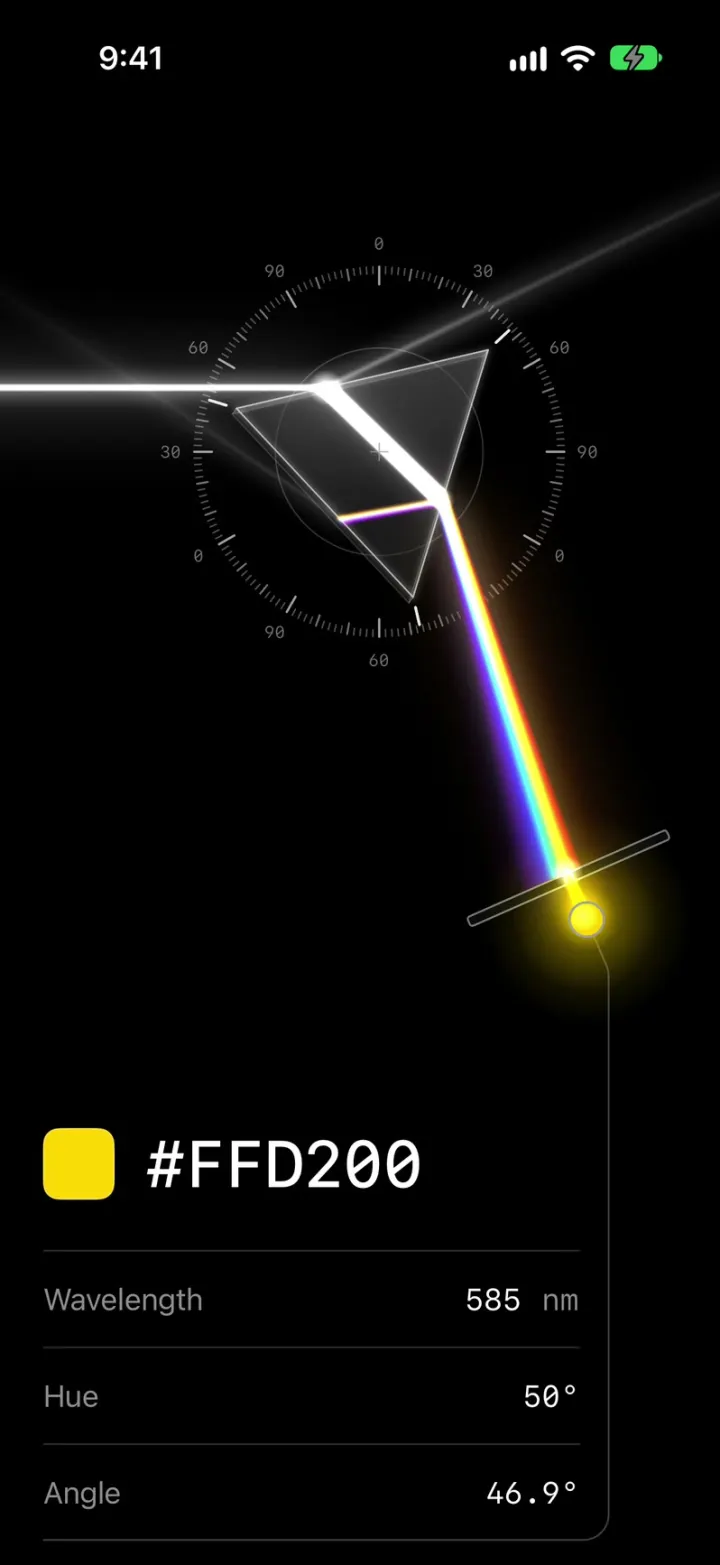
Prism is a color picker made of real light. A white beam enters from the left, bends through a glass prism and fans into a rainbow that lands on a screen with a narrow slit. Drag anywhere to turn the prism like a knob: the spectrum slides across the slit, and whichever wavelength gets through becomes your color, glowing in a dot below. The readout updates live with the hex code, wavelength, hue and prism angle, from violet at about 420 nm to deep red.
- iPhone · Swift
- Built in 1 prompt
- Free to remix
Remix copies the working app into your account for free, exactly as we built it. It runs in Vibecode's cloud iOS simulator, in your browser.
Watch the video on X@ios_app_builder · Nov 21, 2026The prompt that builds it
We built Prism in one prompt. Paste it into a new app to build your own copy, or change it first.
Prompt · 1,366 words
[image attached][image attached][image attached][image attached][image attached][image attached][image attached][image attached][image attached][image attached]
Download/reference the app shown in this post and clone it exactly, including the visual design, layout, interactions, animations, typography, spacing, and all visible states. Make it functional and runnable in the simulator. Match the reference as closely as possible and include any interaction shown in the source. Reference: https://x.com/ctatedev/status/2124035842704654727. The attached screenshots are frames of the actual 10-second video (1080x1080) plus zoomed crops, in order. Inspect them carefully.

Build a native SwiftUI iOS app named Prism using Opus 5.5. Prism is a color picker made of real light: a white beam enters from the left, passes through a glass prism, and splits into a rainbow spectrum that falls on a screen with a narrow slit. You drag to rotate the prism; the spectrum swings across the slit, and whichever wavelength passes through the slit is the picked color, shown in a glowing dot and in a live readout (hex, wavelength, hue, angle). Do NOT put a fake handset frame inside the app; the simulator provides that. No permissions, no backend, no onboarding: the app opens straight onto the picker. Do not publish externally.

Observed video sequence (0-10 s): 0.0 s the picker at rest: Angle 43.4°, the slit passes blue, "#1000FF", 459 nm, hue 244°. 0.3 s the cursor grabs the dial just outside the prism's top-right corner. 1.5-2.5 s a small drag rotates the prism clockwise to 46.3°: the spectrum slides across the slit and the readout runs live through #0600FF 462 nm, #004AFF 478 nm, #00FF55 519 nm, #00FF0A 546 nm to #15FF00 551 nm (swatch, dot and slit beam go blue -> cyan -> green). 2.5-3.8 s drags back to 44.2° (#00FFCE 495 nm, #0056FF 479 nm, #0048FF 477 nm). 3.8-4.8 s forward again to 46.1° (#00FFA4 500 nm, #00FF30 535 nm, #00FF1C 542 nm). 4.8-6.8 s settles through 45.5° (#00FF5F 515 nm) to 45.8° and holds on "#00FF40", 529 nm, hue 135°, Angle 45.8° until the end. Every value updates every frame while dragging; nothing snaps or animates on release.

Look (pure black #000000 background, everything glows):
- Light beam: a horizontal white beam enters from the left screen edge and hits the prism's left face. Bright white core (~3 pt) with a soft wide bloom; draw light with additive blending (.plusLighter) and blur for the glow.
- Prism: an equilateral glass triangular prism seen nearly face-on with a hint of 3D thickness (a second, slightly offset back edge along the lower-left side), smoky translucent dark-grey glass faces with subtle gradients, thin bright edges and a specular glint where the beam enters. A small thin "+" crosshair marks its centre of rotation. At 43.4° its vertices point roughly up-left, up-right and down (see screenshots).
- Inside the prism the white beam bends toward the lower-right face; it exits there and fans out into a rainbow spectrum (violet on the inner/left side, red on the outer/right side, with a warm orange glow along the red edge) that travels down and to the right to the screen. Add the faint secondary rays seen in the reference: a pale white reflection going up-right off the top face to the screen corner, a faint grey ray exiting the lower-left, and a faint internal rainbow reflection inside the prism.
- Dial: a fixed circular protractor centred on the prism's rotation centre, radius about 1.45x the prism's circumradius: thin grey minor ticks every 3°, longer brighter ticks every 30°, and small grey monospaced labels just outside it every 30° going clockwise from the top: 0, 30, 60, 90, 0, 30, 60, 90, 0, 30, 60, 90 (the prism repeats every 120°). A faint thin inner circle (radius about 0.55x the dial) also surrounds the centre. The dial does not rotate.
- Screen and slit: a thin dark-grey outlined bar (about 7 pt thick, rounded ends) lying at about -25° (rising to the right) in the lower right, with a small gap (the slit) in it. The spectrum lands on the bar; only the light at the slit passes through as a short beam of that single color to a small circle below it: the color dot (~13 pt radius) with a thin grey ring, filled with the picked color and a strong bloom of the same color. A thin grey line runs from the dot down and then curves (rounded corner) into the bottom border line of the readout table, so the dot is visibly wired to the readout.
- Readout: a rounded-square swatch (~40 pt, corner ~9 pt) filled with the picked color, then the hex in large white monospaced type (SF Mono or similar, medium, ~38 pt) like "#00FF40". Under it a table with thin #2A2A2A dividers: rows "Wavelength" / "529 nm", "Hue" / "135°", "Angle" / "45.8°". Labels in grey (#8E8E8E) sans-serif ~17 pt left-aligned; values in white monospaced ~17 pt right-aligned, with "nm" in grey.

Portrait layout: keep the reference's composition but scale it up for the phone: map reference pixels to points with x = (px - 120) * W / 860 and y = 120 + (px - 60) * W / 860 (W = screen width), so the dial centre (ref 573, 343) sits at about 53% of the width, the beam enters at about y 218 pt, and the slit, bar and dot sit at the lower right of that area (dot near ref 817, 893). Put the readout (swatch + hex + the three rows) below the scene with 24 pt side margins, ending above the home indicator, and run the dot's connector line into the table's bottom border.

Optics and color (this is the core; make it real and exact):
- Dragging anywhere with one finger rotates the prism about its centre 1:1 like turning a knob (rotation = change of the finger's angle around the centre). Track continuously with no inertia, no snapping, and no animation on release. "Angle" shows the prism rotation with one decimal.
- Trace the beam with Snell's law at both prism faces using a dispersive index (Cauchy n(λ) = A + B/λ²), draw the spectrum as many thin colored rays (one per ~2 nm, 380-700 nm) so it looks continuous, and find the wavelength that lands on the slit each frame.
- Calibrate the geometry so these exact angle -> wavelength pairs from the video hold within ±2 nm: 43.4° -> 459, 43.8° -> 467, 44.2° -> 477, 44.3° -> 478, 44.5° -> 484, 44.9° -> 495, 45.1° -> 500, 45.5° -> 515, 45.6° -> 519, 45.7° -> 523, 45.8° -> 529, 46.0° -> 535, 46.1° -> 541, 46.2° -> 546, 46.3° -> 551. Sweeping from about 41° to 51° takes the slit from violet (380 nm) to red (700 nm); outside the spectrum the slit is dark and the readout shows "--".
- Color: the picked color is fully saturated, hex = HSV(hue, 1, 1). Hue comes from the wavelength by piecewise-linear interpolation through these anchors (read from the video): 380->275, 420->255, 440->248, 459->244, 462->241, 467->237, 477->223, 478->222, 479->219, 484->206, 495->168, 500->159, 515->142, 519->140, 523->138, 529->135, 534->132, 536->131, 540->128, 542->127, 546->122, 550->116, 551->115, 570->78, 580->56, 600->30, 620->12, 650->2, 700->0. So 459 nm must read "#1000FF" and hue 244°, 478 nm "#004AFF", 495 nm "#00FFCE", 519 nm "#00FF55", 529 nm "#00FF40", 546 nm "#00FF0A", 551 nm "#15FF00". The swatch, the slit beam, the dot and its glow all use this color.
- Start at Angle 43.4° (459 nm, #1000FF) on every launch.

Rendering: SwiftUI Canvas inside a TimelineView (or Metal) at a steady 60 fps with no dropped frames while dragging on an iPhone simulator; precompute what you can and keep the per-frame work light (no per-frame allocations of large paths). Use SwiftUI only, no third-party packages.

Keep every file you create inside /home/user/workspace (fonts, generated images, scripts): tool access to /tmp and other paths outside the workspace is denied in this sandbox.

Build fully, run compile/build validation, resolve all errors, and launch in the web simulator. Prioritize fidelity to the attached screenshots and the main interaction (drag to rotate the prism; the spectrum slides across the slit; the color and readouts update live). Deliver complete implementation rather than a plan.
More templates
All templates- View template
Glass Intro
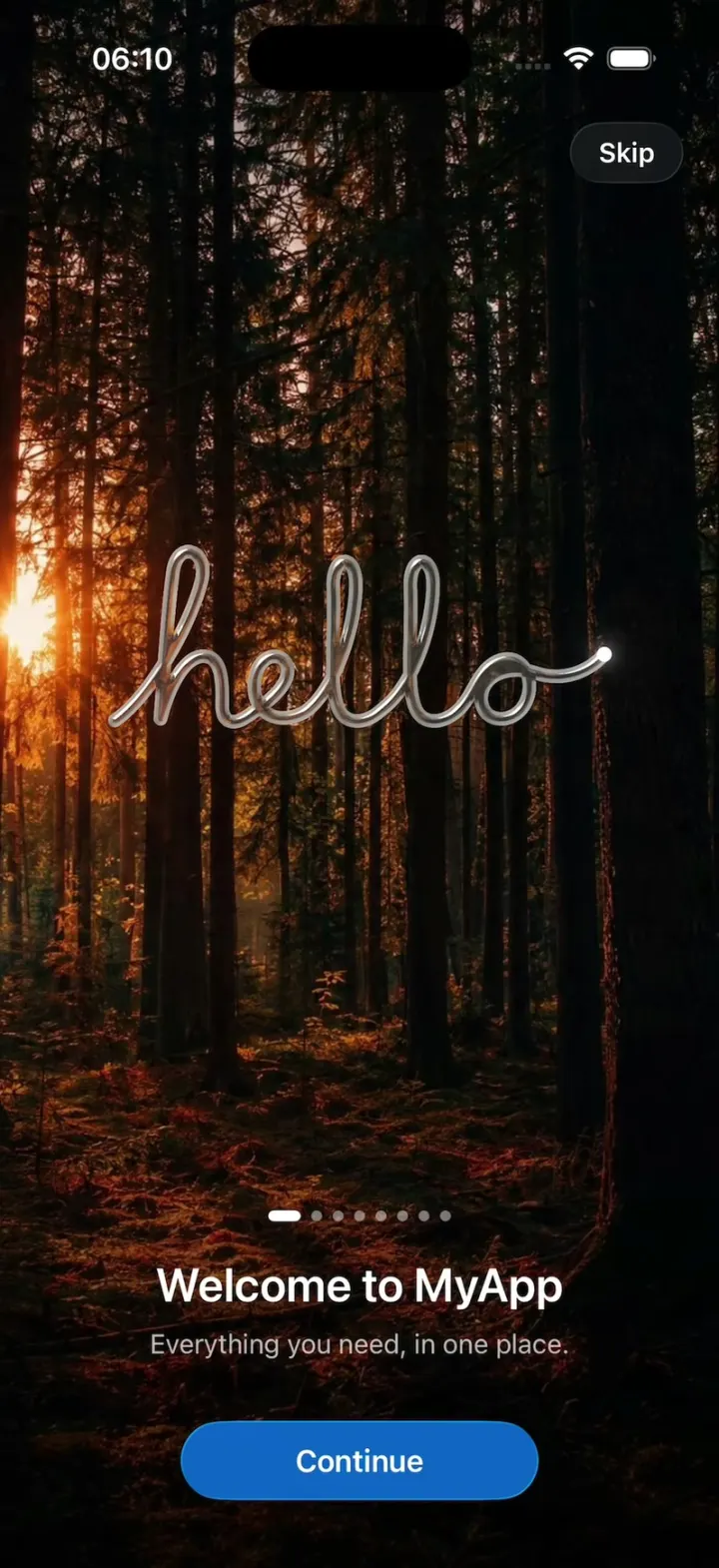
iOSA Liquid Glass first-launch intro: hello written in glass, a 3D cube, falling nodes and a mark that lights up.
- View template
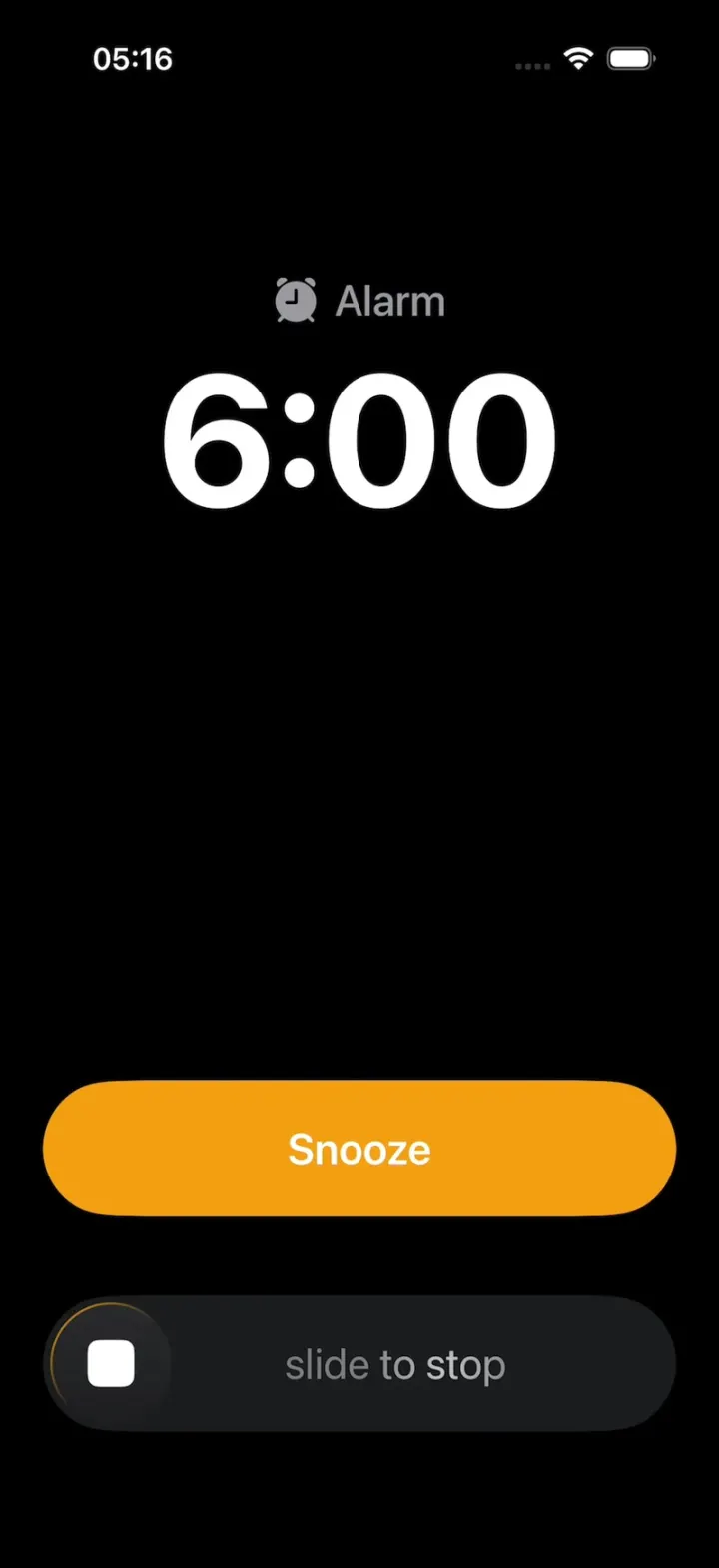
Apple Clock Clone
iOSThe iPhone Clock app: the iOS 26 alarm with slide to stop, a snooze countdown, laps, timers and world clocks.
- View template
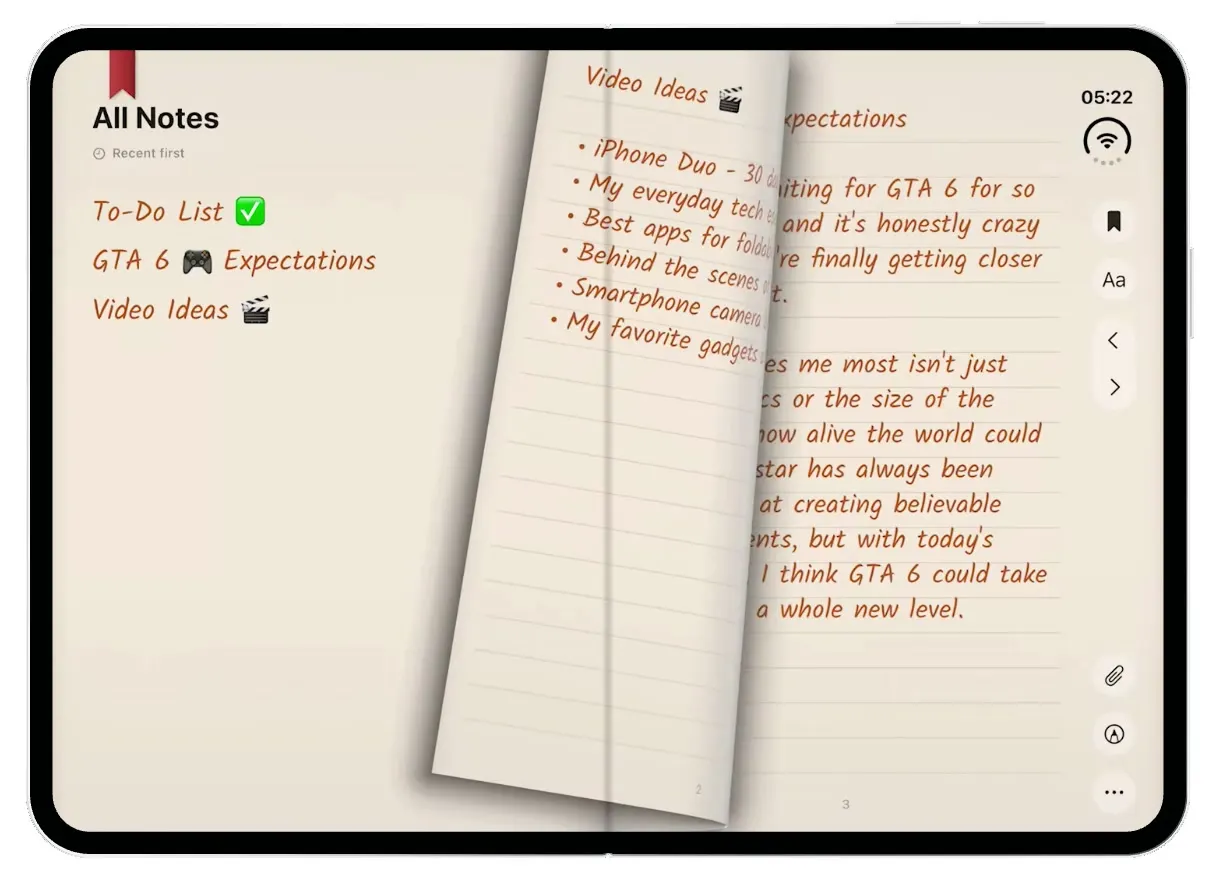
TypeDraw
iOSA leather notebook for the iPhone Duo: open the cover, flip pages with a real page curl and write in ink.
- View template
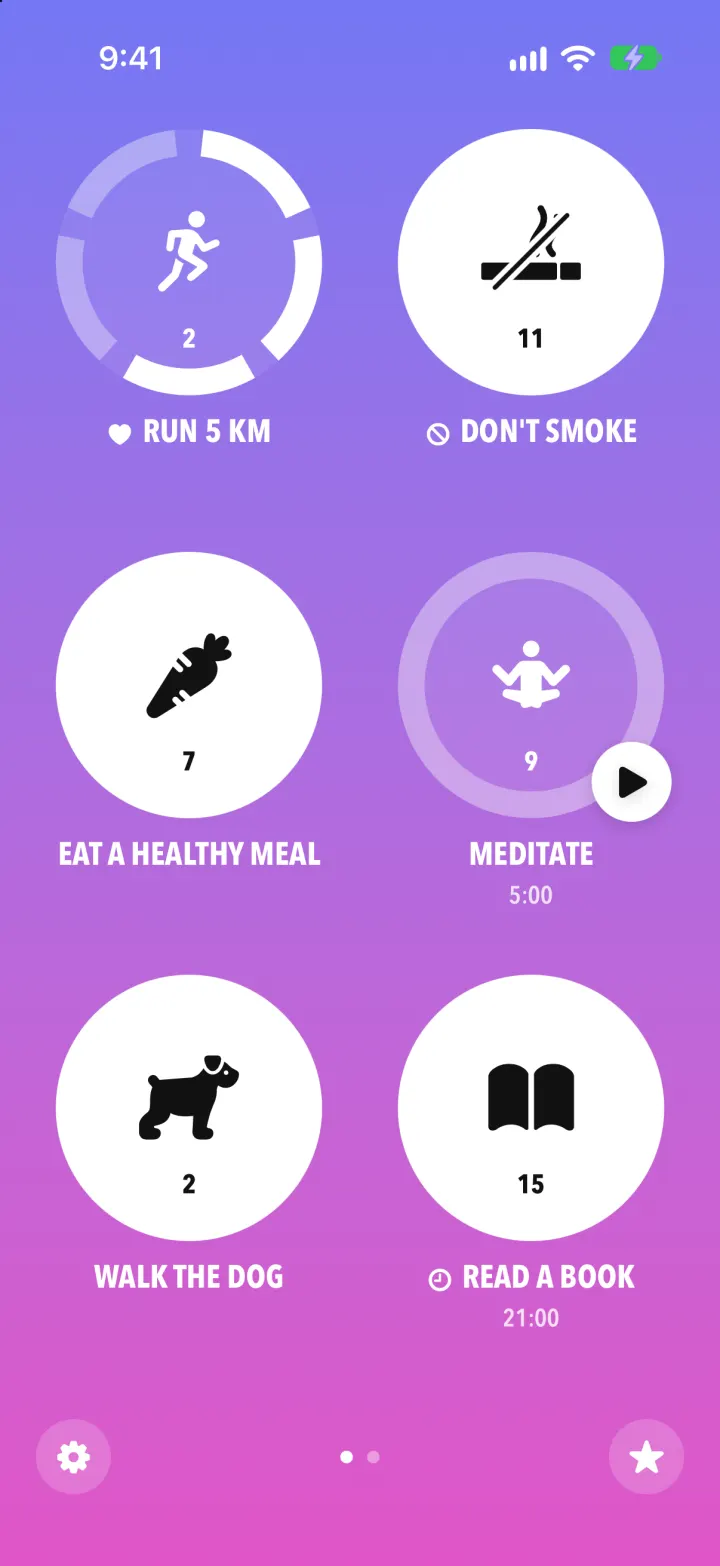
Streaks Clone
iOSStreaks with its real look: hold a circle to check in, watch the ring fill and the streak count climb.