Apple Clock Clone
Apple Clock clone · Productivity app · from our videos on X
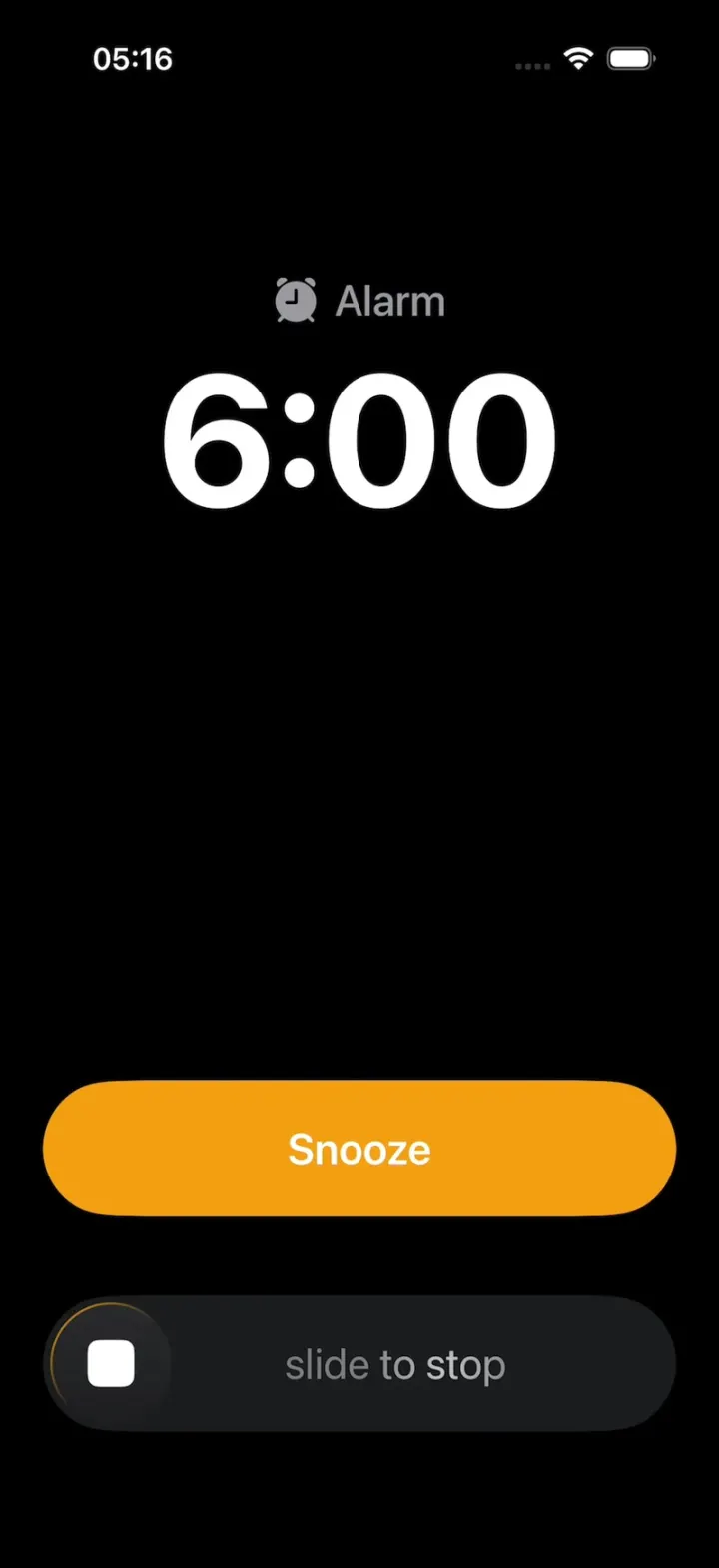
Apple Clock Clone is the iPhone's Clock app rebuilt in SwiftUI in the iOS 26 style, on black, with the floating Liquid Glass tab bar. Alarms has the Sleep | Wake Up row and a stack of 6:00, 6:05, 6:10 and 6:15 alarms with green toggles; + opens the wheel picker and a long-press offers Ring Now. A ringing alarm shows iOS 26.1's alert, the huge orange Snooze over slide to stop, and Snooze shrinks it into a banner that counts down 9 minutes and rings again. Stopwatch runs a digital and an analog face with green best and red worst laps, Timers drains a big orange ring, and World Clock shows live times. A hidden HOOK MODE replays the snooze scene for videos.
- iPhone · Swift
- Built in 1 prompt
- Free to remix
Remix copies the working app into your account for free, exactly as we built it. It runs in Vibecode's cloud iOS simulator, in your browser.
Watch the video on X@vibecodeapp · Nov 16, 2026The prompt that builds it
We built Apple Clock Clone in one prompt. Paste it into a new app to build your own copy, or change it first.
Prompt · 2,382 words
Build Clock, a polished native iPhone clock app in SwiftUI in the iOS 26 system style of the iPhone's built-in Clock app (Apple Clock, iOS 26.1): World Clock, Alarms with the Sleep | Wake Up row, the add-alarm wheel picker, the full-screen alarm alert with the huge orange Snooze capsule over "slide to stop", a Snoozed banner that counts down and re-fires the alarm, a Stopwatch with digital and analog faces and green/red laps, and Timers with running timers, Recents and a big draining ring. Dark mode only, black background. It is Monday, November 16, 2026.

ASSETS
curl -L once and unzip flat: https://vibecode-clock-media.beacon.host/media.zip (clock-icon.png: use it as the app icon). Everything else is drawn in code or with SF Symbols. No image generation is needed.

SHELL
Opens on the Alarms tab: no splash, onboarding, permission prompts or sign-in. The status bar stays visible (white) on every screen. A native TabView (iOS 26 draws the floating Liquid Glass tab bar), tint #FF9F0A, four tabs: World Clock (globe), Alarms (alarm.fill), Stopwatch (stopwatch.fill), Timers (timer). Each tab has its own NavigationStack. The alarm alert and the Snoozed banner live in one ZStack overlay at the root, above the TabView (not a fullScreenCover), so the alert can shrink into the banner.

TIME TEXT
Every time string comes from one TimeText helper with Locale(identifier: "en_US_POSIX") and 12-hour patterns ("h:mm" plus a separate "AM"/"PM"); wheel pickers get .environment(\.locale, Locale(identifier: "en_US")). The simulator's region is not en_US, so never use the device locale or 24-hour output.

SCREENS
1. Alarms (the root tab):
 a. Large title "Alarms" (34 pt bold); toolbar "Edit" and "+" (native toolbar items; iOS 26 gives them glass).
 b. Section header "Sleep | Wake Up" with bed.double.fill (17 pt semibold white). Row: "7:00" (54 pt light) + "AM" (36 pt light), "Tomorrow Only" (15 pt #8E8E93) under; at the right a "CHANGE" capsule (#2C2C2E, 13 pt bold #FF9F0A): toast "Sleep schedule lives in Health".
 c. Section header "Other" (20 pt bold). Alarm rows (88 pt; hairlines #38383A inset 16 pt): the time (54 pt light, "AM" 36 pt light) and under it "label • repeat" (15 pt); white text when on, #8E8E93 when off; a native Toggle tinted #30D158 at the right. Fixtures in order: 5:15 AM "Leave for Airport" Never (off); 6:00 AM "Alarm" Weekdays (on); 6:05 AM "Alarm" Weekdays (on); 6:10 AM "for real this time" Weekdays (on); 6:15 AM "LAST ONE 😤" Weekdays (on); 8:30 AM "Brunch with friends" Sat (off).
 d. Toggle: the time and subtitle crossfade white ↔ grey (0.2 s). Swipe left: Delete. Tap a row: the Edit Alarm sheet (2). Long-press a row: a context menu "Ring Now" (fires that alarm's alert now, 3) and "Delete".
 e. "+": the Add Alarm sheet (2); Save inserts the alarm into Other in time order with a spring and a 1 s highlight.
2. Add / Edit Alarm sheet (.large detent, #1C1C1E): a top bar with an xmark glass circle (left, cancel), "Add Alarm" / "Edit Alarm" (17 pt semibold), a checkmark circle filled #FF9F0A (right, save). A native wheel DatePicker (hourAndMinute, en_US) centred. A grouped section (#2C2C2E, 26 pt corners): Repeat (Never ›, a list of days with checkmarks), Label (an inline TextField, placeholder "Alarm"), Sound (Radial ›, a list of 8 sound names with a checkmark), Snooze (Toggle #30D158, on). Edit adds a red "Delete Alarm" row.
3. Alarm alert (the hero; Alert/):
 - Black full screen over everything (tab bar too). Centred at y ≈ 230 pt: alarm.fill + the alarm's label (24 pt medium, #9A9A9F); under it the time (104 pt bold SF Pro, white, "h:mm" with no AM/PM). The time is the alarm's scheduled time plus 9 minutes per snooze (6:00, then 6:09), never the device clock.
 - The alarm glyph rings: it rotates ±14° at 10 Hz for 0.6 s, rests 0.4 s, repeating (TimelineView, a pure function of time).
 - SnoozeButton: a #FF9F0A capsule 76 pt tall, 24 pt side margins, "Snooze" (24 pt semibold white), centred at y ≈ 640 pt. Pressed: scale 0.97 and 8% brighter.
 - SlideToStop under it, centred at y ≈ 760 pt: a #1C1C1E capsule 76 pt tall, same margins; a 68 pt knob at the left (a #2A2A2C → #1E1E20 circle with a thin rim lit #FF9F0A at its top-left, holding a white 26 pt rounded square with 6 pt corners); "slide to stop" (24 pt regular, #7C7C80) with a soft white shimmer sweeping left to right every 2.2 s. Drag: the knob follows the finger and the text fades with progress; past 80% it completes (the alert fades out in 0.25 s and a non-repeating alarm turns off); released early it springs back (0.3 s).
 - Snooze's action: the alert shrinks into the Snoozed banner (4) with one matchedGeometryEffect on the alert's black background and the banner's background (corners 0 → 28, 0.25 s spring) while the alert's content fades out in 0.12 s; the banner's content fades in.
 - Timer variant (a timer reaching 0): the same view with timer and "Timer" or the timer's label, the time "0:00", and "Repeat" in the orange capsule (restarts that timer).
4. Snoozed banner: while an alarm is snoozed, pinned 8 pt under the status bar on every tab (16 pt margins, 76 pt tall, 28 pt corners, #1C1C1E with a 0.5 pt white 15% border and a soft shadow): at the left a 44 pt circle (#FF9F0A 22%) with alarm.fill (#FF9F0A), "Alarm" (17 pt semibold) over "Snoozed" (15 pt #8E8E93); at the right the countdown "m:ss" (34 pt semibold, monospaced digits, #FF9F0A, .contentTransition(.numericText(countsDown: true))) and a 30 pt xmark glass circle (cancel the snooze). Tap the banner: re-fire now. At 0:00 the banner expands back into the alert (the same matched geometry, 0.25 s spring), now 9 minutes later.
5. Stopwatch: a horizontal pager (TabView .page, page dots under the faces) with two faces: digital "00:00.00" (84 pt thin, monospaced digits, centred at y ≈ 260 pt) and analog (a 320 pt dial in one Canvas: 60 ticks, white numbers 5-60 every 5 s, a smoothly sweeping #FF9F0A seconds hand, a #0A84FF lap hand, a small 0-30 minutes sub-dial at the top, the digital time 22 pt under the centre). Under the faces two 82 pt RoundButtons (a filled circle with a 2 pt black gap ring inside its edge): left "Lap"/"Reset" (#333333, white; a disabled grey "Lap" at zero), right "Start" (#0E3B1A, #30D158) / "Stop" (#3D1210, #FF453A). Laps list below: "Lap N" and its time (17 pt, hairlines #38383A); the running lap at the top updates live; with 3+ laps the fastest is #30D158 and the slowest #FF453A. Time comes from TimelineView(.animation) reading one start date, never a 0.01 s Timer.
6. Timers: inline title "Timers", toolbar Edit and +. Running timers (rows 84 pt): the remaining time (48 pt regular white, "00:49", "1:06:04") over the label (15 pt #8E8E93, with its emoji); at the right a 44 pt RingProgress (3 pt #FF9F0A ring draining with the remaining fraction over a #3A2A10 track) holding pause.fill (#FF9F0A); tap it: pause/resume (play.fill). Fixtures: "🫖 Tea" 3:00 with 0:49 left, "🍪 Cookies" 12:00 with 5:41 left, "🧺 Laundry" 1:30:00 with 1:06:04 left. Then "Recents" (20 pt bold): rows in #8E8E93 (48 pt) with a 44 pt circle (#0E3B1A) holding play.fill (#30D158): 20:00 "😴 Power nap", 5:00 "Face mask", 25:00 "🍅 Focus", 10:00 "🥚 Soft-boiled eggs". Play: a new running timer slides into the top of the running list (spring). Tap a running row: its detail: a 300 pt ring (8 pt stroke #FF9F0A over #2C2C2E, draining smoothly) with the remaining time in the middle (64 pt light, monospaced) and "🔔 6:21 AM" (17 pt #8E8E93, the end time) under it; Cancel (#333333) and Pause/Resume (#3D2A0A, #FF9F0A) RoundButtons below. "+": Add Timer sheet with three wheel Pickers (hours, min, sec), a Label field, "When Timer Ends: Radar", and an orange "Start".
7. World Clock: large title "World Clock", toolbar Edit and +. Rows (96 pt): "Today, +0HRS" / "Tomorrow, +14HRS" (15 pt #8E8E93, relative to TimeZone.current) over the city (24 pt white); at the right the live time (56 pt light, "AM" 28 pt light). Cities: Cupertino, New York, London, Tokyo, Sydney. "+": a searchable sheet of ~20 cities; tap one: it slides into the list.

ALERT ENGINE (Alert/: the seams a remix uses)
- AlarmEngine (@Observable): checks once a second; an enabled alarm whose hour and minute match now (second 0) fires its alert; Snooze schedules a re-fire 9 minutes later (the banner counts it down); "Ring Now" and the banner tap fire immediately.
- AlertState (one struct, the only thing the alert reads besides the alarm): kind (alarm/timer), title, time text, snoozeCount, snoozeOffset (CGSize), snoozeScale (CGFloat), snoozeVisible (Bool), message (String?). The alert draws SnoozeButton at its home spot moved by snoozeOffset and scaled by snoozeScale (springs), and when message is set, draws it centred where Snooze's home is (28 pt semibold white, fading in).
- SnoozeBehavior protocol: func update(_ state: inout AlertState, touch: CGPoint?, isDown: Bool). SnoozeBehaviorRegistry maps an id to a behavior; each Alarm has a snoozeBehaviorId ("standard" for every alarm here: StandardSnooze changes nothing). The alert calls its behavior every time TouchFeed changes.
- TouchFeed (@Observable: location: CGPoint? in screen points, isDown: Bool): published by a passive window-level touch observer (a UIGestureRecognizer subclass added to the key window, cancelsTouchesInView = false, delaysTouchesBegan = false, never recognizes; it only reports touches), so it never blocks taps, scrolls or drags.
- TouchDot (HOOK MODE's finger): a 44 pt circle, white 30% fill, a 3 pt white ring, a soft black shadow, drawn in the top overlay window above everything; it scales in (0.6 → 1.0, 0.15 s) when shown, shrinks to 0.85 while pressed, glides between points (easeInOut). Every move and press of the dot writes TouchFeed, so anything that reacts to a finger reacts to the dot. Scripted presses and releases on Snooze call the same pressed state and action functions as a real tap.

HOOK (the video's first 3 seconds)
- HOOK MODE: tapping an invisible 24x60 pt strip at the RIGHT edge (x 378-402, y 300-360 pt), drawn in its own window above every sheet, alert and toast (a tap there closes whatever is open), resets everything and plays DemoScript's steps through the real alert, banner, engine and TouchFeed code, identical every time (seconds from the tap):
 0.00 with no animation: the Alarms tab, list at the top, every sheet and toast closed, no snooze; the alert open for the 6:00 AM "Alarm" (snoozeCount 0, time "6:00"), its glyph PRE-WARMED mid-shake; the TouchDot shown at rest at (290, 500).
 0.00-0.45 hold exactly that.
 0.45 the dot glides to Snooze's centre (201, 640) in 0.20 s.
 0.65 dot down: Snooze pressed.
 0.75 dot up = Snooze's action: the alert shrinks into the banner (0.25 s); the dot fades out.
 0.90-1.20 the banner's countdown races 9:00 → 0:00 in 10 even steps (rolling digits).
 1.20 the banner expands back into the alert (0.25 s), now "6:09" (snoozeCount 1); the dot fades in at its rest spot (290, 500).
 Then hold: the alert keeps ringing (real taps work again).
- DemoScript holds the steps as a list of (absolute time from the tap, action): dot move (point, duration), press, release, race (from, to, duration, steps), refire. One HookPlayer runs them on the main actor against the tap time (absolute times, so drift never builds), and every wait uses the step's own time, never the app's normal delays (the race replaces the 9 real minutes).
- What the eye must see: frame 0 fully drawn (the big time, the orange Snooze, the slider, the dot; no fade-in, no empty screen); something moves every frame; the alert ↔ banner morph is smooth; no flash longer than 0.1 s; text never jumps.

LOOK
iOS 26 dark: black background, SF Pro (no rounded fonts), white text, secondary #8E8E93, sections #1C1C1E, separators #38383A, accent #FF9F0A, switches #30D158. Liquid Glass (.glassEffect, or .ultraThinMaterial with a 0.5 pt white 25% border) on custom glass buttons and toasts. Springs under 450 ms, light haptics on taps, pressed states (scale 0.97).

RULES
- Native SwiftUI, iOS 26 (keep the template's target), iPhone portrait, dark mode only.
- Deterministic fixtures. No backend, login, permissions, notifications, AlarmKit, audio, analytics or network calls at runtime. No persistence: delete the SwiftData starter, no UserDefaults or files.
- Files under 300 lines, big bodies split into subviews, no long chained expressions; one Canvas for the dial; every animation smooth at 60 fps (the simulator streams video).
- Keep every file inside /home/user/workspace (/tmp is denied).

REMIX-READY
Theme/Theme.swift (colours, fonts, metrics; no colour literals elsewhere), Theme/Copy.swift (every word), Data/Fixtures.swift, Data/DemoScript.swift (HOOK MODE steps and times). Codable models with String ids (Alarm with hour, minute, label, repeat days, enabled, snooze on/off and snoozeBehaviorId; ClockTimer; WorldCity; Lap) behind one ClockDataSource protocol (FixtureClockSource) feeding an @Observable ClockStore (alarms, timers, recents, cities, stopwatch, toasts). AlertState, SnoozeBehavior + SnoozeBehaviorRegistry and TouchFeed are the seams: a new way to snooze is one behavior file plus a registry entry, and the alert already draws any offset, scale and message it sets. Components/: AlarmAlertView, SnoozeButton, SlideToStop, SnoozedBanner, AlarmRow, TimeText, RingProgress, StopwatchDial, RoundButton, GlassCircleButton, TouchDot, Toast. Features/<Tab>/. README.md under 80 lines: the file map; how to rename the app, restyle it and add a snooze behavior; 3 one-prompt remixes (an alarm you stop by solving a math problem; a Pomodoro focus timer with streaks; a world clock for a remote team with everyone's photo and working hours). "Read README.md first." atop CLAUDE.md and ios/AGENTS.md; replace ios/CLAUDE.md's structure block with this app's files. No scratch folders.

FILMING
Long-press the large title "Alarms" for 1 s to reset everything to launch (tab, sheets, alert, snooze, stopwatch, timers, toasts).

BUILD
Theme, Copy, Fixtures and TimeText, then the TabView shell and Alarms (launch and look first), then the alert with SnoozeButton and SlideToStop, the banner and its morph, AlarmEngine, TouchFeed, TouchDot and HOOK MODE, then Add/Edit Alarm, then Stopwatch, Timers and World Clock; a one-line status per screen; launch in the simulator every two or three files. Fetch media.zip as soon as the shell runs; check the file exists, never view it. Walk each flow once and fix what breaks; no pixel measuring or debug modes. Deliver the whole app, not a plan. Do not publish.
More templates
All templates- View template
TypeDraw
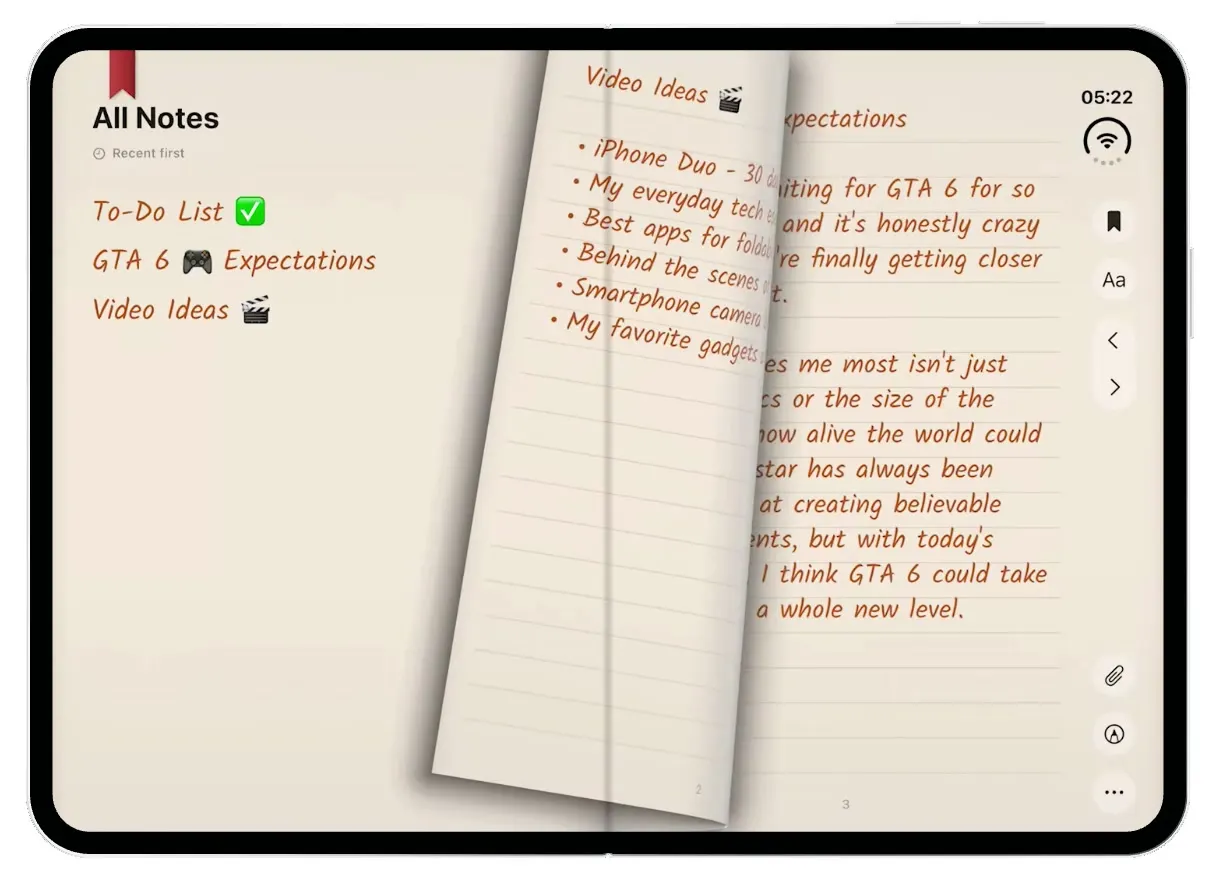
iOSA leather notebook for the iPhone Duo: open the cover, flip pages with a real page curl and write in ink.
- View template
Streaks Clone
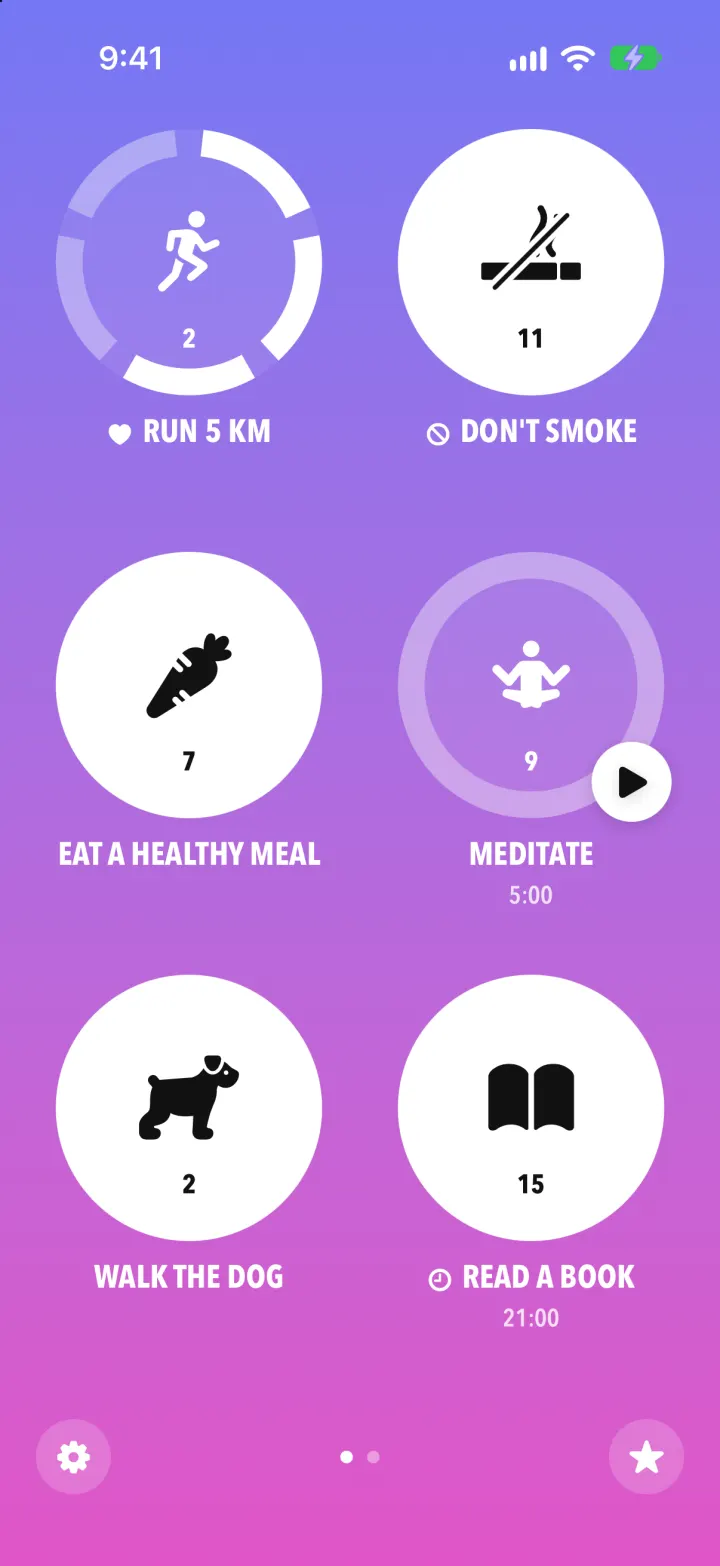
iOSStreaks with its real look: hold a circle to check in, watch the ring fill and the streak count climb.
- View template
Pocket Prep Clone
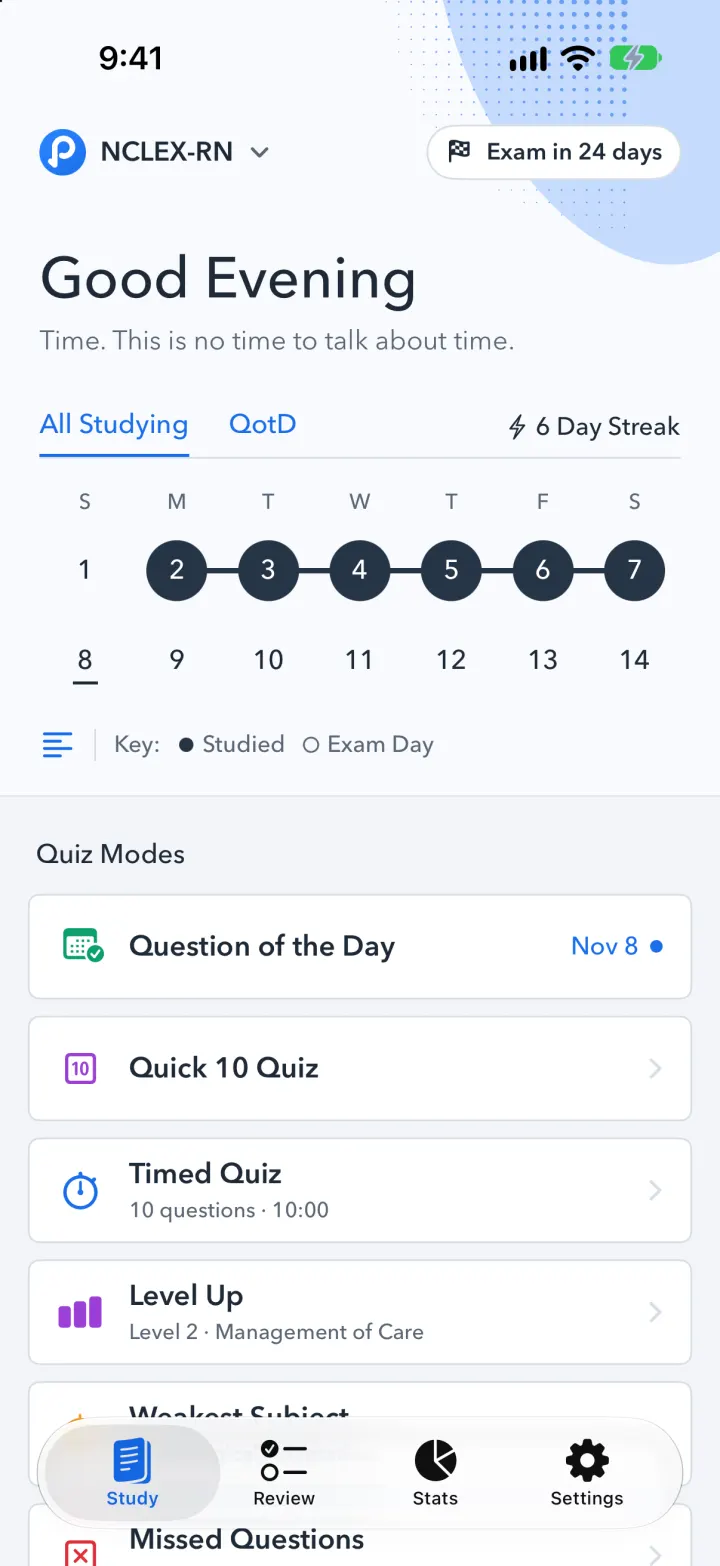
iOSPocket Prep's NCLEX quiz app: streak calendar, 8 study modes, explanations and an AI tutor
- View template
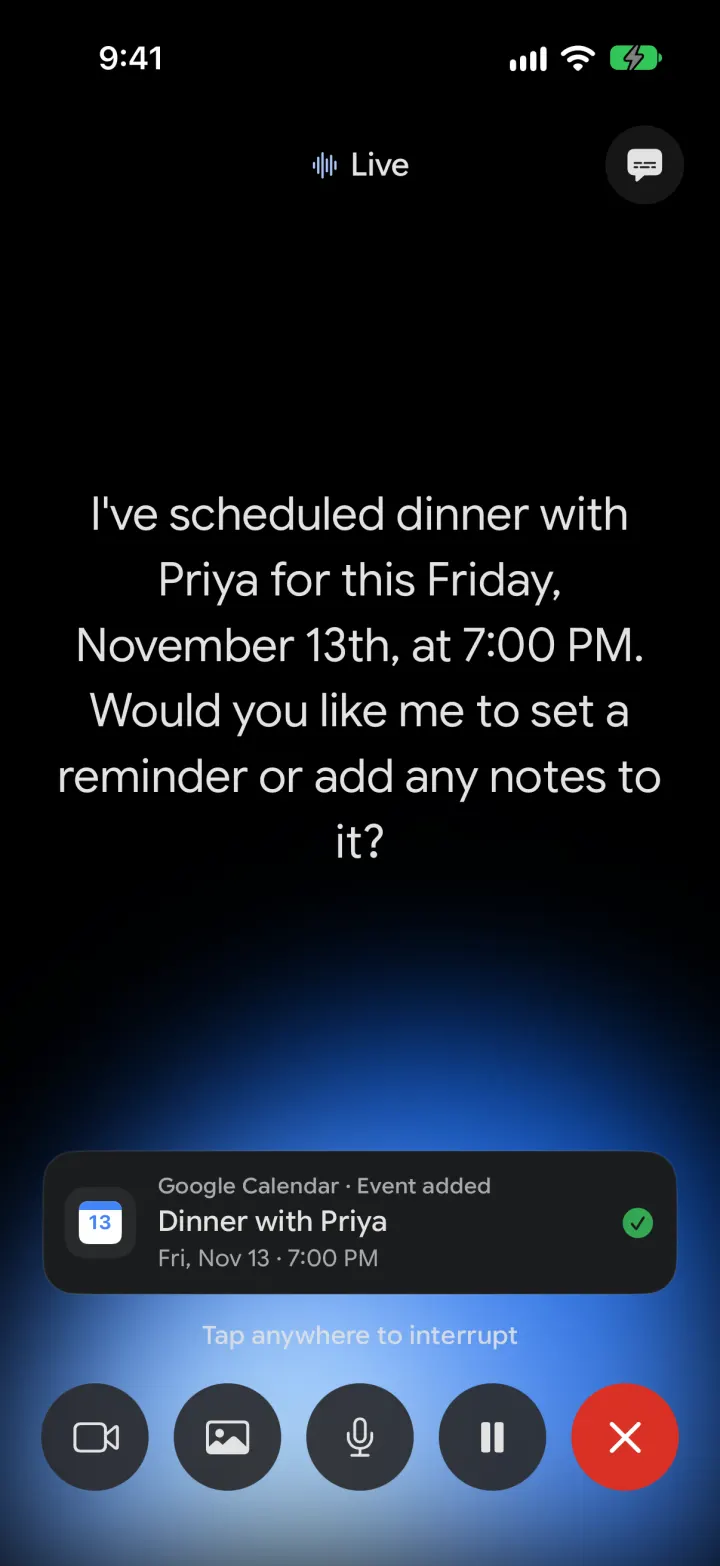
Google Gemini Clone
iOSGemini with real models: streamed chat with Google Search, Nano Banana images and Gemini Live voice