MyStudyLife Clone
MyStudyLife clone · Student planner app · built by the Vibecode team
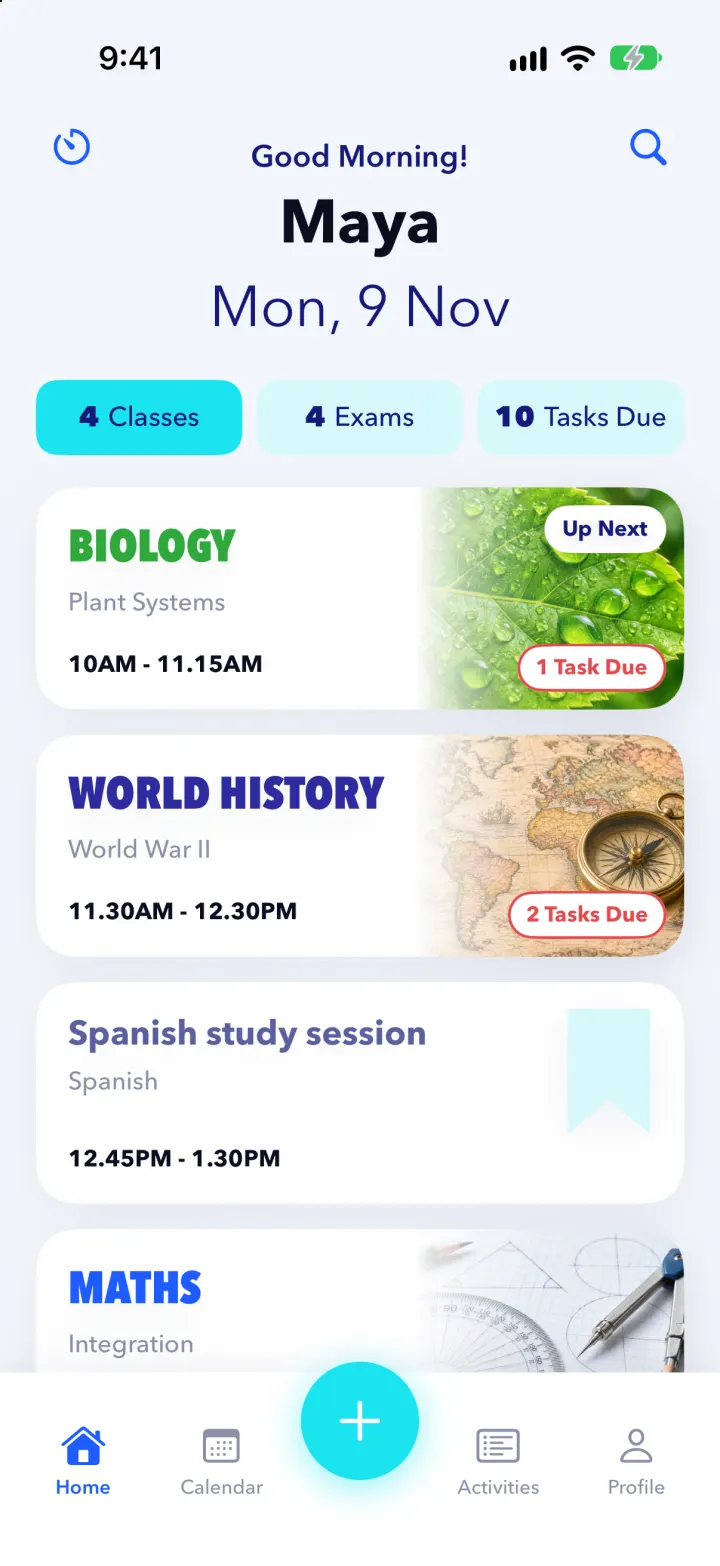
This rebuilds MyStudyLife, the student planner, with its real name, blue-and-cyan look and condensed subject caps. Home shows today's classes as photo cards with Up Next and Tasks Due pills, plus a tickable daily study plan. The calendar has a day timeline, a month grid and a Mon-Fri timetable; Activities groups tasks by deadline and tracks exams and clubs. Tasks have a draggable progress slider and subtasks, exams have countdowns and scores, and a dark Pomodoro timer logs focus time into Profile's stats, chart and grade calculator. Scout, the AI study coach, reads the planner and adds real study blocks to the calendar.
- iPhone · Swift
- Hand-built
- Free to remix

Remix copies the working app into your account for free, exactly as we built it. It runs in Vibecode's cloud iOS simulator, in your browser.
The prompt that builds it
We wrote MyStudyLife Clone by hand. This prompt describes the finished app: paste it into a new app to build your own version, or change it first.
Prompt · 771 words
Build a polished native iOS clone of MyStudyLife, the student planner, in SwiftUI: a dashboard of today's classes, a calendar with a weekly timetable, tasks and exams with deadlines, a daily study plan, a Pomodoro focus timer, grades with a calculator, and Scout, an AI study coach that plans study time.

It is MyStudyLife on screen: its name, light pale-blue UI with white cards, brand blue #1E5BFF, bright cyan #1CE3F0 for selected chips, the + button and progress, navy #14197A headings, and its own words ("Good Morning!", "Classes", "Exams", "Tasks Due", "Up Next", "1 Task Due", "Assignment", "Revision", "Exam Score", "Revision Tasks", "Focus", "Break", "Xtra", "Select Subject*", "Scout"). Headings in Avenir Next; subject names in heavy condensed caps (Avenir Next Condensed Heavy) in the subject's colour. Draw the logo (a student silhouette in a mortarboard on a blue gradient) in SwiftUI. The student is Maya Okafor, Year 12 at Northfield High School (fictional).

SHELL
Custom tab bar: Home, Calendar, a big cyan circular + in the middle, Activities, Profile. Opens on Home: no onboarding, login, paywall or permission prompt.

SCREENS
1. Home: centered "Good Morning!" (navy), "Maya" (bold, big), "Mon, 9 Nov" (large, light). Three pill chips "4 Classes", "4 Exams", "10 Tasks Due" (selected = cyan fill) switch the list below. Classes: white cards with the subject in coloured condensed caps (BIOLOGY green, WORLD HISTORY indigo), topic in grey, time "10AM - 11.15AM", a subject photo on the right fading into the card, a white "Up Next"/"Now" pill and a red outlined "2 Tasks Due" pill. Study sessions get a pale-cyan bookmark ribbon instead of a photo. Below: "Today's Study Plan" with a progress bar, tickable blocks and a play button that starts a focus session; a blue "Meet Scout" card. Top corners: timer and search.
2. Calendar: "November 2026" header (tap for a month grid with coloured dash markers), "Today", week strip with the selected day in a cyan circle, Day / Week switch. Day: hour grid 7 AM - 10 PM with white cards (coloured left bar, caps subject, orange "EXAM" tag), a blue now-line and the tasks due that day as chips. Week: Monday-Friday timetable of solid coloured blocks.
3. Activities: Tasks / Exams / Xtra tabs with a blue underline. Tasks grouped Overdue / Today / Tomorrow / This Week / Later with a round check, title, caps subject, type, due text and a cyan progress line; Current / Completed filter. Exams: upcoming photo cards with a navy "Exam" tab and "In 3 days", past exams with scores. Xtra: photo cards for clubs, sports and events.
4. Task detail (sheet): header photo with "Edit" menu and X, an overlapping white card (navy title, caps subject, "Assignment", "Due Wed, 11 November"), a big draggable cyan progress slider "27%", numbered subtasks to tick, linked exam, "Start Focus Session", "Mark as Complete".
5. Exam detail: "Physics", "Forces and Motion", "Tue, 17 Nov | 9AM", navy "Exam" tab, Duration / Seat / Where rows, a light-cyan "Countdown 8 days" or "Exam Score 92/100" card with +/-, Revision Tasks. Class and Xtra details in the same style.
6. Focus: dark navy screen, glowing cyan ring with "25:00" and "Focus" (green ring for "Break"), session dots, reset / big cyan play-pause / skip, gear for focus and break lengths. Finished sessions are logged.
7. Profile: avatar, school, tiles (tasks completed this week, focus time, average grade, study streak), a "Focus this week" bar chart, subjects with letter grades, settings. Grades sheet: per-subject assessments, weighted average and a Grade Calculator (target A / B+ / B / C, next assessment weight slider, "You need 96%").
8. New (+): Class / Exam / Task / Xtra tabs, "Select Subject*" chips, fields per type (rotation days chips Mon-Sun for classes). Saving adds it everywhere.
9. Scout: chat with suggestion chips ("Plan my study time for this week", "What's due soon?"). The backend sends the planner (classes, events, tasks, exams) to a real model, which replies and proposes study blocks around classes; "Add to My Study Plan" puts them on the calendar with a sparkle.

DATA
7 subjects with teachers and rooms, a Mon-Fri timetable, 10 open and 8 completed tasks, 7 exams (3 with scores), 4 xtras, study blocks, a week of focus logs and 13 grades, all relative to today and shifted forward on each launch. Generated subject photos.

RULES
Every tab and button works and state persists (JSON file). `-DemoTime 09:41`, `-DemoScreen <name>` and `-DemoTour YES` launch arguments.

REMIX-READY
Brand.swift (name, colours, fonts, words), Fixtures.swift (all demo data), features in small files under 300 lines, README.md with a file map and remix ideas.
More templates
All templates- View template
Streaks Clone
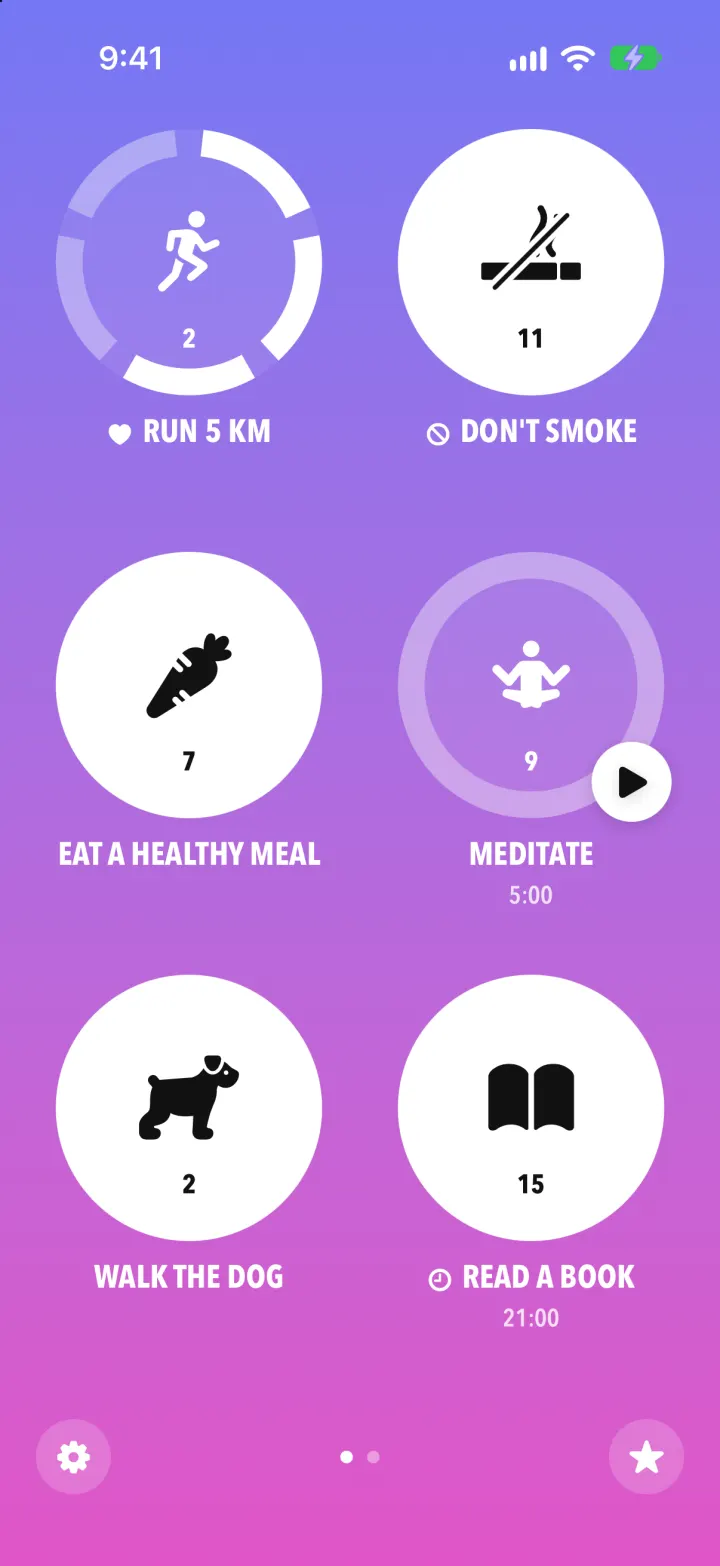
iOSStreaks with its real look: hold a circle to check in, watch the ring fill and the streak count climb.
- View template
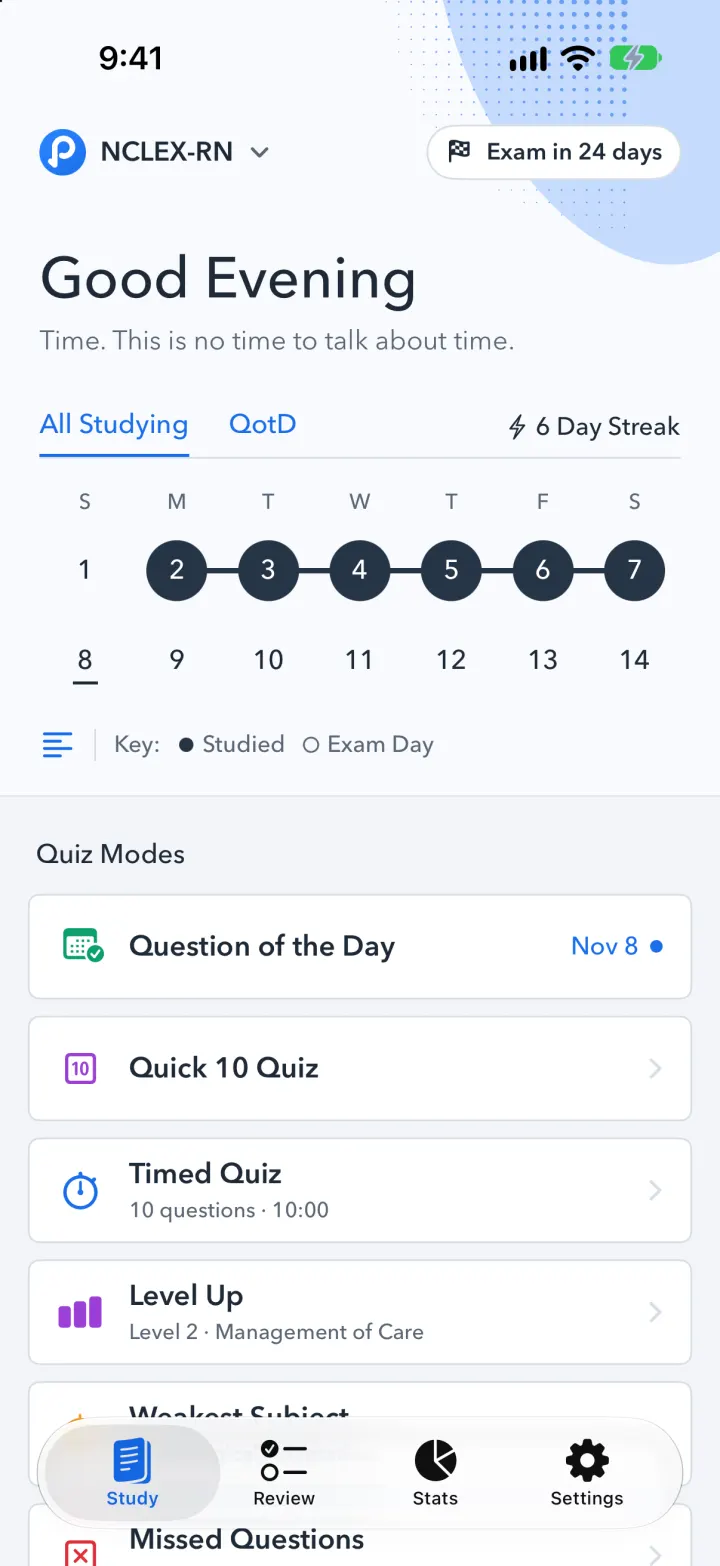
Pocket Prep Clone
iOSPocket Prep's NCLEX quiz app: streak calendar, 8 study modes, explanations and an AI tutor
- View template
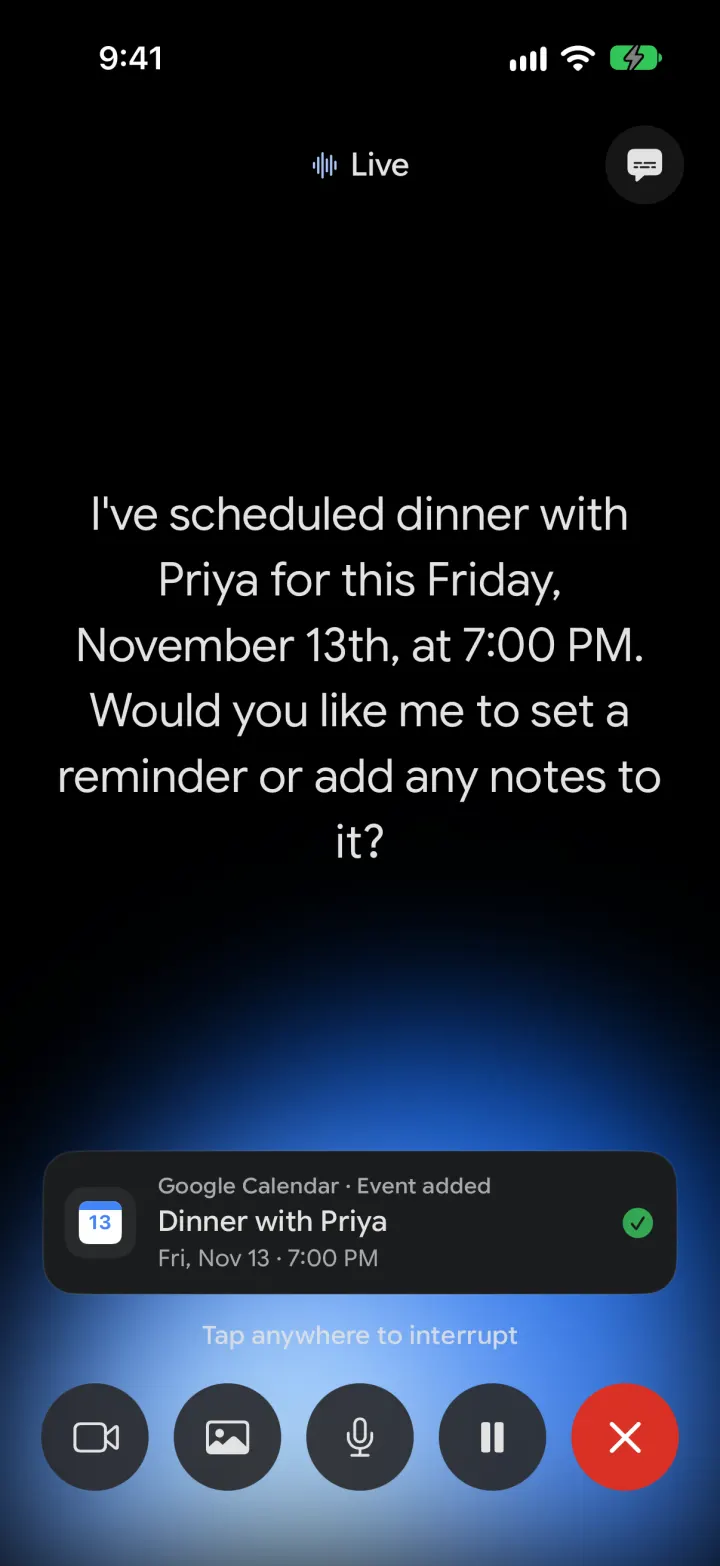
Google Gemini Clone
iOSGemini with real models: streamed chat with Google Search, Nano Banana images and Gemini Live voice
- View template
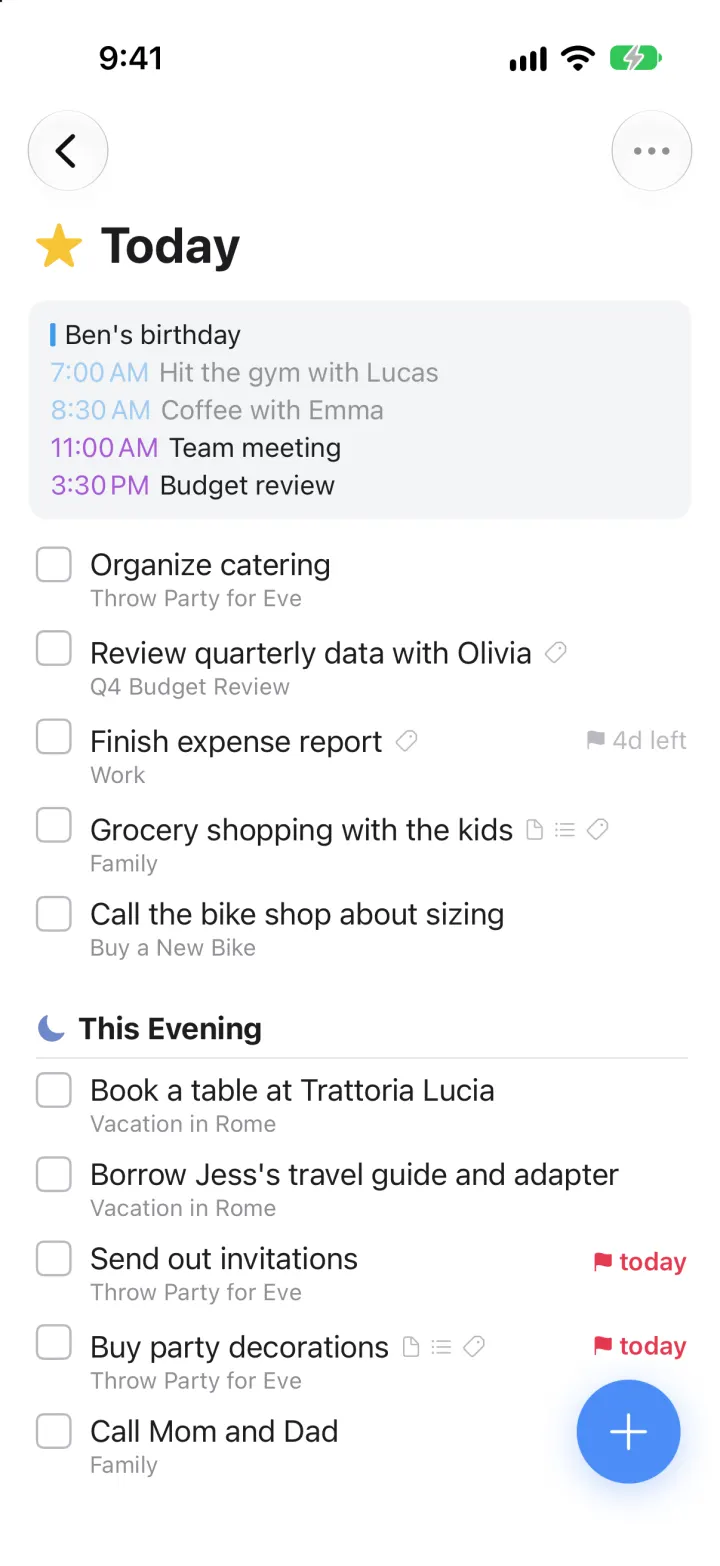
Things 3 Clone
iOSToday, This Evening, the Magic Plus and the dark When picker: the award-winning to-do app, ready to remix