Meridian
Entertainment app · from our videos on X
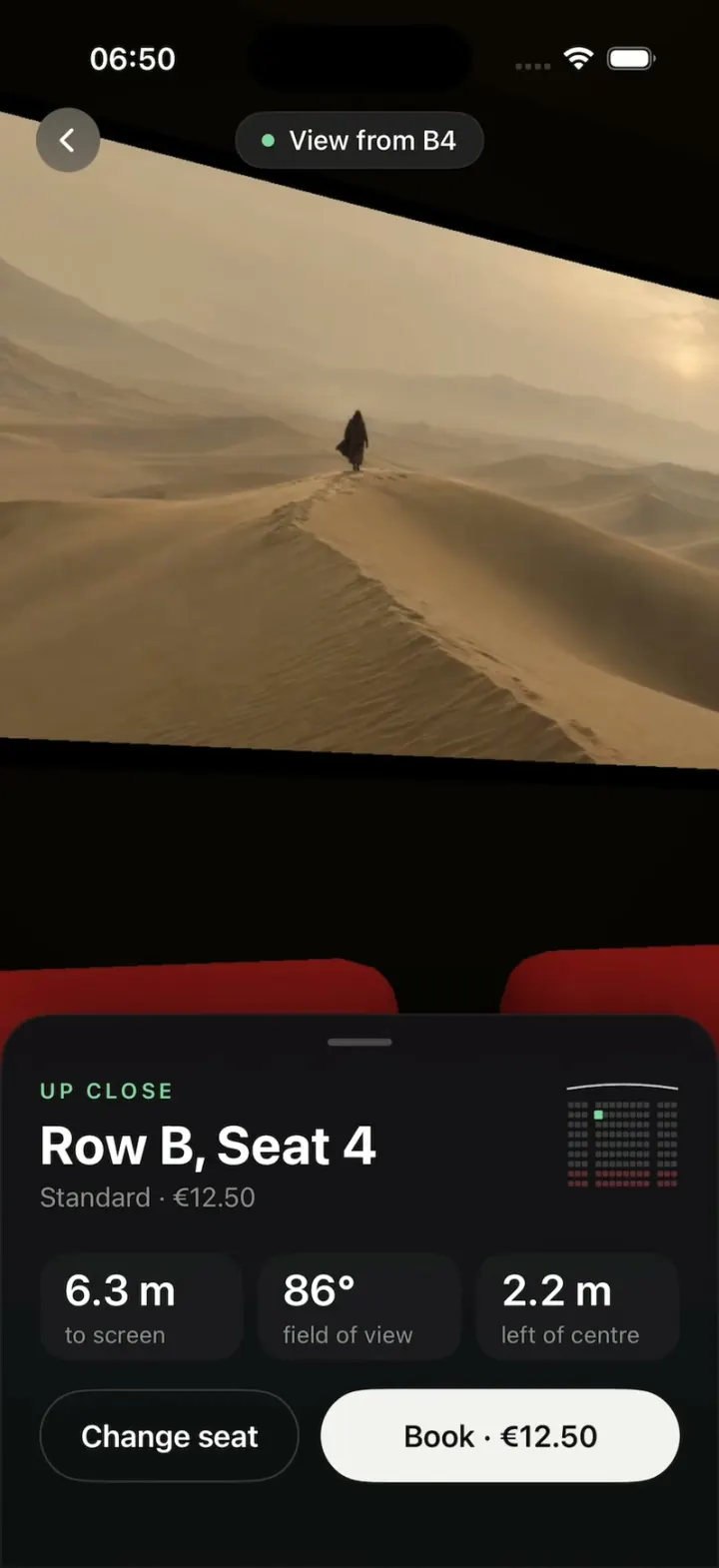
Meridian is a cinema seat picker that shows you the view from your seat before you book. Tap a free seat on the dark seat map and hit Continue: the flat map tilts back and dissolves into a 3D cinema hall, and the camera swoops down into that exact seat, facing the screen. A sheet tells you how far you are from the screen, your field of view and how far off centre you sit, with the price, and Change seat flies you back out to try another. Front rows feel huge and skewed, the middle is the sweet spot, and the back-row recliners show the full picture.
- iPhone · Swift
- Built in 2 prompts
- Free to remix

Remix copies the working app into your account for free, exactly as we built it. It runs in Vibecode's cloud iOS simulator, in your browser.
Watch the video on X@ios_app_builder · Nov 8, 2026The prompt that builds it
We built Meridian in 2 prompts. Here they are folded into one, so a single paste into a new app builds the finished version.
Prompt · 2,718 words
Download/reference the app shown in this post and clone it exactly, including the iPhone visual design, layout, interactions, animations, typography, spacing, and all visible states. Make it functional and runnable in the simulator. Match the reference as closely as possible and include any interaction shown in the source. Reference: https://x.com/RaminNasibov/status/2119378104892211287, a 25.6-second screen recording of a cinema seat picker: the seat map, a seat selected, the map tilting back into a top-down 3D hall, the camera swooping down into the seat, and the views from B4, F8 and I12 with their sheets.

Build a native SwiftUI iOS app named Meridian using Opus 5.5. It is a cinema seat picker that shows you the view from your seat before you book: you tap a seat on a dark 2D seat map, tap Continue, and the flat map tilts and dissolves into a real 3D cinema hall; the camera then flies down into that seat and you see the screen exactly as you would from there, with a sheet of stats (distance to screen, field of view, offset from centre). "Change seat" flies the camera back out to the map. Portrait iPhone only, dark mode only. Do NOT put a fake handset frame inside the actual app; the simulator provides that. Use SceneKit for the 3D hall (SCNView in a UIViewRepresentable) and SwiftUI for everything else. No accounts, permissions, network or backend.

Observed video sequence (0-25.6s), all one flow:
- 0.0-1.0: the seat map, nothing selected; bottom bar says "Choose your seat" / "—" with a disabled grey Continue.
- 1.0-1.3: tap B4 (row B, first seat of the middle block): it turns mint green with a dark "4" in it; the bottom bar becomes "Row B · Seat 4" / "€12.50" and Continue turns mint green.
- 1.8-2.4: tap Continue: the header, showtimes and bottom bar fade out while the whole seat map tilts back in perspective (top edge recedes) and cross-fades into a top-down view of the 3D hall whose red seats sit exactly where the 2D squares were, with the chosen seat green.
- 2.4-3.3: the camera swoops down and forward from above, tilting up toward the screen, and lands at eye height in seat B4 looking at the big screen (a hazy desert film still with a lone figure on a dune). Row A's red seat backs are just below.
- 3.0-3.6: a "View from B4" pill (green dot) fades in at the top centre with a round back button at the top left, and the seat sheet springs up from the bottom: UP CLOSE / Row B, Seat 4 / Standard · €12.50 / 6.3 m to screen, 86° field of view, 2.2 m left of centre / [Change seat] [Book · €12.50].
- 6.0-8.1: tap Change seat: the sheet drops, the camera flies back up to the top-down view, which cross-fades into the flat map as it tilts back upright; header and bottom bar return; B4 is still selected.
- 8.7-9.0: tap F8 (row F, 5th seat of the middle block): F8 goes green, B4 goes back to normal; Continue.
- 9.6-11.9: the same tilt, dissolve and swoop into F8: SWEET SPOT / Row F, Seat 8 / Standard · €12.50 / 9.8 m to screen, 60° field of view, 0.3 m right of centre / Book · €12.50. From F8 the screen is square-on and centred, with row E's seat backs below it.
- 14.2-16.1: Change seat flies back out to the map.
- 16.6-17.0: tap I12 (back row, first seat of the right block, a recliner): green; bottom bar "Row I · Seat 12" / "€16.00"; Continue.
- 17.6-19.9: the swoop comes in from behind and above I12 (the green recliner passes under the camera) and lands in it: the screen is smaller, further away and turned slightly (you are to the right), with rows of red seats and wooden armrests in front. FULL PICTURE / Row I, Seat 12 / Recliner · €16.00 / 13.3 m to screen, 45° field of view, 3.3 m right of centre / Book · €16.00.
- 22.2-24.2: Change seat back to the map. 25.2: tapping the selected I12 again deselects it ("Choose your seat", Continue disabled).

SEAT MAP SCREEN (sizes in points for a 402 pt wide screen, scale proportionally):
- Background #0B0B0C everywhere, with a very soft lighter radial glow (#1A1A1C at the centre fading out) under the screen arc.
- Header: a 36 pt round back button (chevron.left, white 15 pt) at the top left on #1C1C1E; centred title "Meridian" (SF Pro Semibold 17, white) with subtitle "Hall 3 · Fri 14 Nov" (13, #8E8E93) under it; a 36 pt round info button ("info.circle" style, white) at the top right.
- Showtime selector centred under the header: a dark capsule track (#161618) holding three segments "17:30 2D", "19:45 IMAX", "22:15 2D"; the time is 17 pt medium, the format tag is a 10 pt letterspaced tag right after it. Selected segment (19:45) is a white capsule with black text (tag in #6E6E73); the others are #8E8E93 text on the track. Tapping a segment moves the white capsule with a spring (the seat map stays the same).
- Screen: a wide shallow arc across the full width just below the showtimes (centre ~40 pt lower than the selector's bottom, edges ~20 pt lower than the centre), a 2 pt line that is bright white in the middle fading to transparent at both ends, with a soft glow; under it a faint lighter wedge of light, and the word "SCREEN" (11 pt, letter spacing 4, #5A5A5E) centred ~45 pt below the arc.
- Seats: 9 rows A-I from top to bottom (row pitch ~37 pt; row A starts ~110 pt below "SCREEN"), each row has 14 seats in three blocks: seats 1-3 (left block), an aisle, seats 4-11 (middle block, 8 seats), an aisle, seats 12-14 (right block). Seat squares are ~15 pt with 4 pt corner radius, horizontal pitch ~22 pt, aisles ~1.5 seats wide, the whole grid centred. Row letters A-I at the far left edge (11 pt, #5A5A5E).
- Seat states: Available = filled #2E2E31; Taken = 1.2 pt outline only (#2E2E31), not tappable; Recliner (rows H and I) = filled dark maroon #5B2A31, taken recliners are a #3D2226 outline; Selected = filled mint #7CDBA1 with the seat number (9 pt bold, #0B3B22) inside, with a soft mint glow and a quick scale pop (1.0 -> 1.25 -> 1.0, spring) when tapped.
- Exact map, left to right (a = available, t = taken, r = recliner available, x = recliner taken), blocks separated by |:
  A: t a t | t a a a a a a a | a a t
  B: a a a | a a a a a t a a | a a a
  C: a a a | a a a t t a t a | a a a
  D: t t a | a t t a t t t a | a a t
  E: t t t | t t a a t a a a | a a a
  F: a a a | t a t a a t t a | a t a
  G: t t t | t a t a t a a t | a a a
  H: r r r | x x x x x r x r | r r x
  I: r x r | r x r x r r r x | r x r
  (So B4, F8 and I12 are all free.)
- Legend centred under the grid: small squares + labels "Available" (filled grey), "Taken" (outline), "Recliner" (maroon), "Selected" (mint), 13 pt #8E8E93.
- Bottom bar: a panel #141416 with 24 pt top corners, ~120 pt tall, pinned to the bottom. Left: a 13 pt #8E8E93 line ("Choose your seat" / "Row B · Seat 4") over a 24 pt bold white line ("—" / "€12.50"). Right: a 132x52 pt capsule Continue button: disabled = #222224 with #5A5A5E text; enabled = mint #7CDBA1 with dark #0B2A18 semibold 18 pt text. Price: rows A-G standard €12.50, rows H-I recliner €16.00.
- Tapping an available seat selects it (only one at a time); tapping the selected seat deselects it; taken seats do nothing.

3D HALL (SceneKit):
- Units in metres. A dark room: walls, ceiling and floor near-black warm brown (#140E0C to #1E1512), no visible lights. The floor is stepped (stadium rake): row A floor at 0, each row behind it 0.28 m higher. Distance from each row to the screen: A 5.4, B 6.3, C 7.2, D 8.1, E 8.95, F 9.8, G 10.7, H 12.0, I 13.3 m (the recliner rows H and I are spaced wider).
- 126 seats laid out exactly like the 2D map (same blocks and aisles, seat pitch 0.6 m, aisles 0.9 m), so that seen from straight above, the 3D seats line up with where the 2D squares were. Taken seats are ordinary red seats in 3D (the 3D view does not show availability).
- Each seat is built from a few chamfered boxes: a seat cushion, a tall slightly reclined backrest with a rounded top, and thin dark armrests between seats. Material: deep red velvet (#7A1418 to #8B1A1F) with blinn or lambert lighting (not physically based), a soft sheen so edges catch the screen light. Recliners (rows H-I) are wider and deeper with dark wooden armrests (#3A2418).
- The selected seat uses the same geometry in mint green (#6FD08C, slightly emissive) so it pops in the dark.
- The screen: a flat 11.5 x 4.8 m plane at the front, 2.2 m above row A's floor, very slightly curved if easy, showing the film still as an emissive (lit) texture, with a thin black masking border. It should be the brightest thing in the room and cast warm light on the first rows (an omni or area light in front of it, warm #F2D9B8, plus a weak ambient).
- Film still: generate it once with gpt-image-2.5-flare (run env and use the project's proxied OPENAI_API_KEY with https://api.openai.com/v1/images/generations, size 1536x1024): "cinematic wide film still, vast pale sand dunes under a hazy beige sky, a single small figure in a dark robe walking along a dune ridge in the middle distance, soft warm desaturated light, 2.39:1 framing, no text". Save it in the asset catalog. If generation fails, draw a similar desert procedurally (beige sky gradient, layered dune curves) so the build never blocks on it.
- Pre-build the SCNView and its scene at launch (hidden, alpha 0, already rendering the top-down pose) and call prepare on the scene, so the first Continue never hitches.

THE FLIGHT (the hero animation; timings matter):
- Continue (total ~1.6 s): 0-0.35 s the header, showtimes, legend and bottom bar fade out while the 2D map rotates back around its horizontal axis (rotation3DEffect ~25 deg, perspective 0.6, anchored near the bottom) and scales up slightly; 0.15-0.45 s the 3D view cross-fades in underneath at its top-down pose (camera straight above the hall looking down, screen side at the top of the phone, framed so the seat grid matches the 2D grid). 0.45-1.45 s the camera flies on a smooth curved path (ease-in-out) from the top-down pose down and toward the selected seat, pitching from looking straight down to looking straight at the screen, arriving behind/above the seat and settling at eye height in it (seat position + 1.1 m up, + 0.1 m back) aimed at the centre of the screen. Interpolate position along a bezier and orientation with a quaternion slerp, driven per frame (CADisplayLink or SCNAction customAction), so it is perfectly smooth. The field of view stays constant (about 47 degrees horizontal, so very wide vertically on a tall phone) and the camera aims a little below the screen centre so the picture sits in the top third above the sheet: the screen looks huge and skewed from B4, square-on from F8 and smaller and turned from I12.
- Then the top overlay fades in (0.25 s): a 36 pt round back button (chevron.left, translucent #FFFFFF22 blur) at the top left and a centred capsule pill "● View from B4" (green dot #7CDBA1, white 15 pt text, translucent dark blur background); and the seat sheet springs up from the bottom (0.45 s, slight overshoot).
- Change seat (or the round back button): the sheet drops (0.25 s), the overlay fades, the camera flies back along the reverse path to the top-down pose (0.9 s), then the 3D view cross-fades out while the 2D map tilts back upright and the header, legend and bottom bar fade back in (0.35 s). The seat stays selected.

SEAT SHEET:
- A bottom sheet #121214 with 28 pt top corners and a small grabber, ~300 pt tall, drawn over the 3D view (the 3D view keeps filling the screen behind it).
- Eyebrow: the seat's zone in mint #7CDBA1, 12 pt semibold, letter spacing 2: "UP CLOSE" (rows A-C), "SWEET SPOT" (rows D-G, middle block), "SIDE VIEW" (rows D-G, side blocks), "FULL PICTURE" (rows H-I).
- Title "Row B, Seat 4" (30 pt bold white); subtitle "Standard · €12.50" or "Recliner · €16.00" (15 pt #8E8E93).
- Top right: a tiny live mini-map (~100x90 pt): a thin white arc for the screen, then the 9x14 grid as 5 pt dots (grey #3A3A3D, rows H-I maroon) with the 3-8-3 blocks, the selected seat a mint dot.
- Three stat tiles in a row (#1C1C1E, 16 pt corners, ~70 pt tall): value 24 pt semibold white over a 13 pt #8E8E93 label: "6.3 m" / "to screen", "86°" / "field of view", "2.2 m" / "left of centre".
- Buttons: "Change seat" (outlined capsule, 1 pt #3A3A3D stroke, white 17 pt semibold, ~40% width) and "Book · €12.50" (white #F2F2F0 capsule, black 17 pt semibold, the rest of the width), both 56 pt tall.
- Exact numbers for the three demo seats: B4 = UP CLOSE, Standard · €12.50, 6.3 m, 86°, 2.2 m left of centre. F8 = SWEET SPOT, Standard · €12.50, 9.8 m, 60°, 0.3 m right of centre. I12 = FULL PICTURE, Recliner · €16.00, 13.3 m, 45°, 3.3 m right of centre. For every other seat compute them from the hall geometry (distance from the seat to the screen plane, field of view = 2*atan(5.75/distance) rounded to whole degrees, lateral offset from the centre line rounded to 0.1 m, "left of centre"/"right of centre"/"centre"), keeping those three exactly as listed.
- Book: the button briefly shows "Booked ✓" and a light success haptic, nothing else.

RENDERING (it must look right and stay smooth at every moment of the flight):
- Seats stay deep velvet red on a near-black floor and the selected seat stays clearly mint green (#6FD08C) through the top-down view and the whole flight: no auto exposure, no HDR or bloom, and tone the screen light and ambient for the top-down pose so nothing clips to salmon or white.
- Keep the 3D render cheap so the flight runs at 60 fps in the simulator: blinn or lambert lighting, no shadows, no HDR, bloom or SSAO, antialiasingMode none, all seats of one type merged into a single flattened geometry (plus one for the armrests), few chamfer segments, and the SCNView at contentScaleFactor 2 at most.

BEHAVIOUR:
- Launch state: seat map, 19:45 selected, no seat selected, 3D view pre-built and hidden.
- Seat taps, Continue and Change seat respond on touch-up instantly; give each seat a generous hit area (the full pitch cell). No scroll view around the map; the whole map fits on screen without scrolling.

Build it in small source files (Theme, SeatModel with the exact map and stats, SeatMapView, BottomBar, HallScene (SceneKit geometry and lights), HallView (UIViewRepresentable + camera flight), SeatSheet, AppState), getting a first version compiling and running before polishing. Keep SwiftUI types simple and split complex view bodies. Build fully, run compile/build validation, resolve all errors, and launch in the web simulator. Test it yourself in the simulator: select B4, Continue, check the flight lands in B4 facing the screen with the sheet, Change seat back, then do F8 and I12. Prioritize fidelity to the reference and a smooth, convincing camera flight. Deliver complete implementation rather than a plan.
More templates
All templates- View template
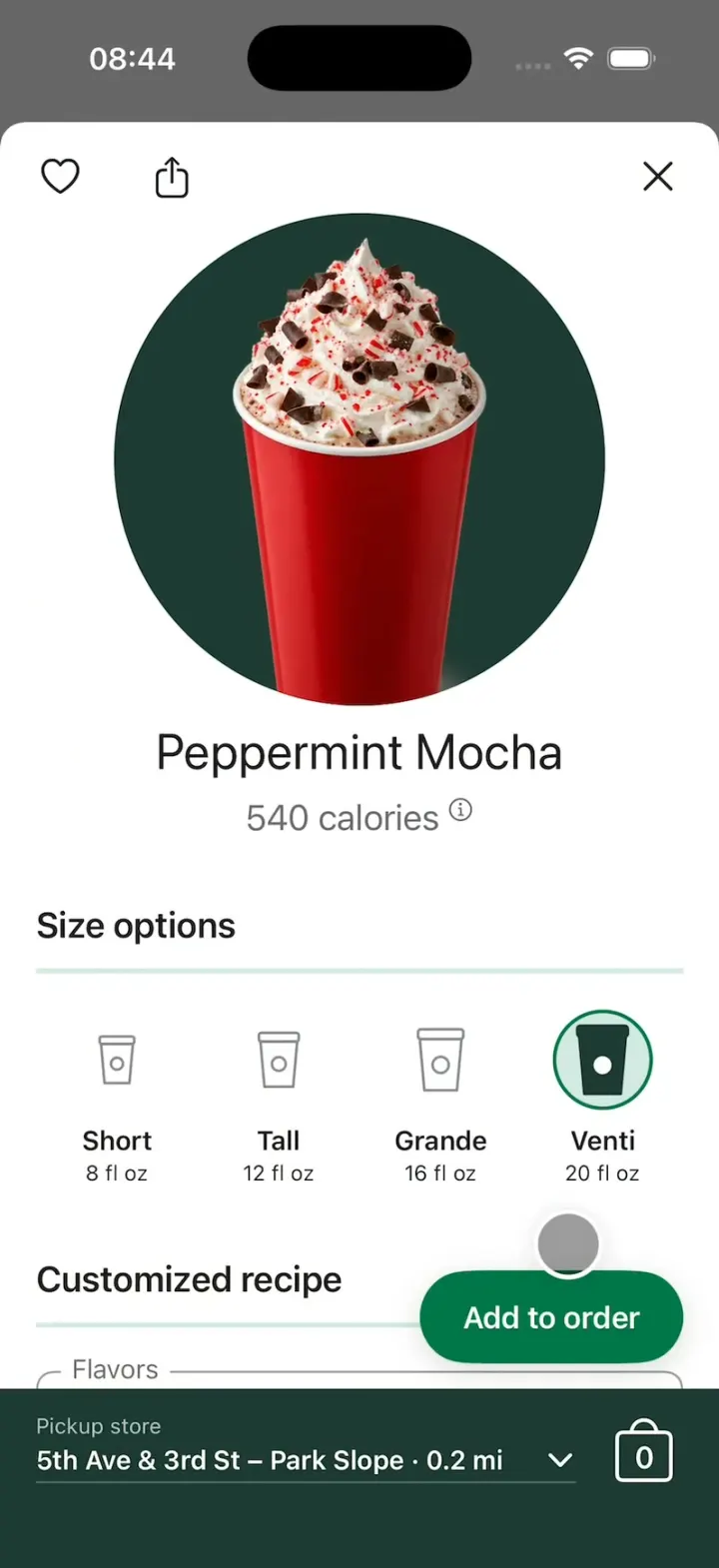
Starbucks Clone
iOSStarbucks' order flow: the Short-to-Venti cups, Add to order, the order tracker, Stars and Scan & pay.
- View template
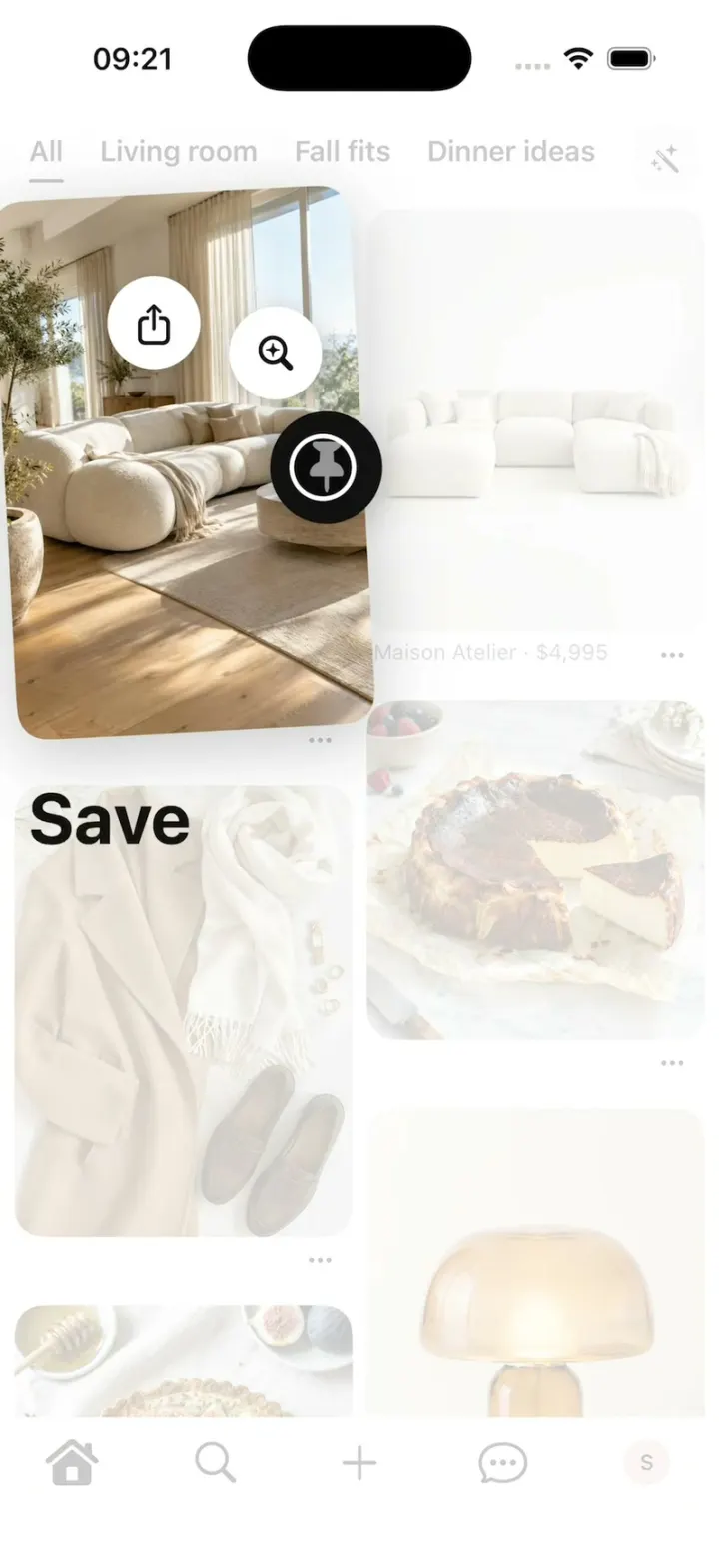
Pinterest Clone
iOSPinterest's long-press save: the lifted Pin, the Save fan, Saved to your board, boards, closeups and Search.
- View template
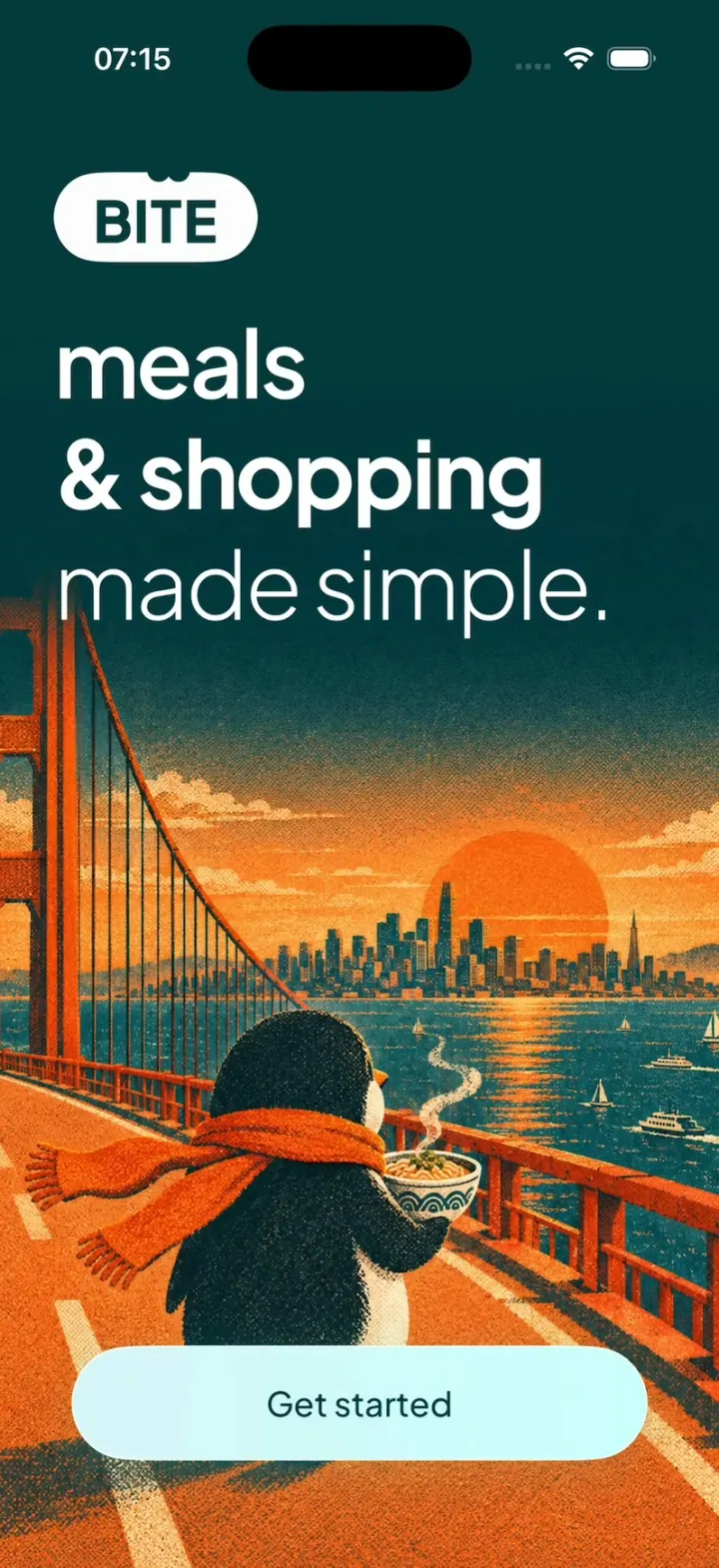
Bite Club
iOSA penguin meal planner: 3-tap quiz, a week you drag dishes around, a tick-off grocery list, cook timer, XP.
- View template
Energy Drink Store
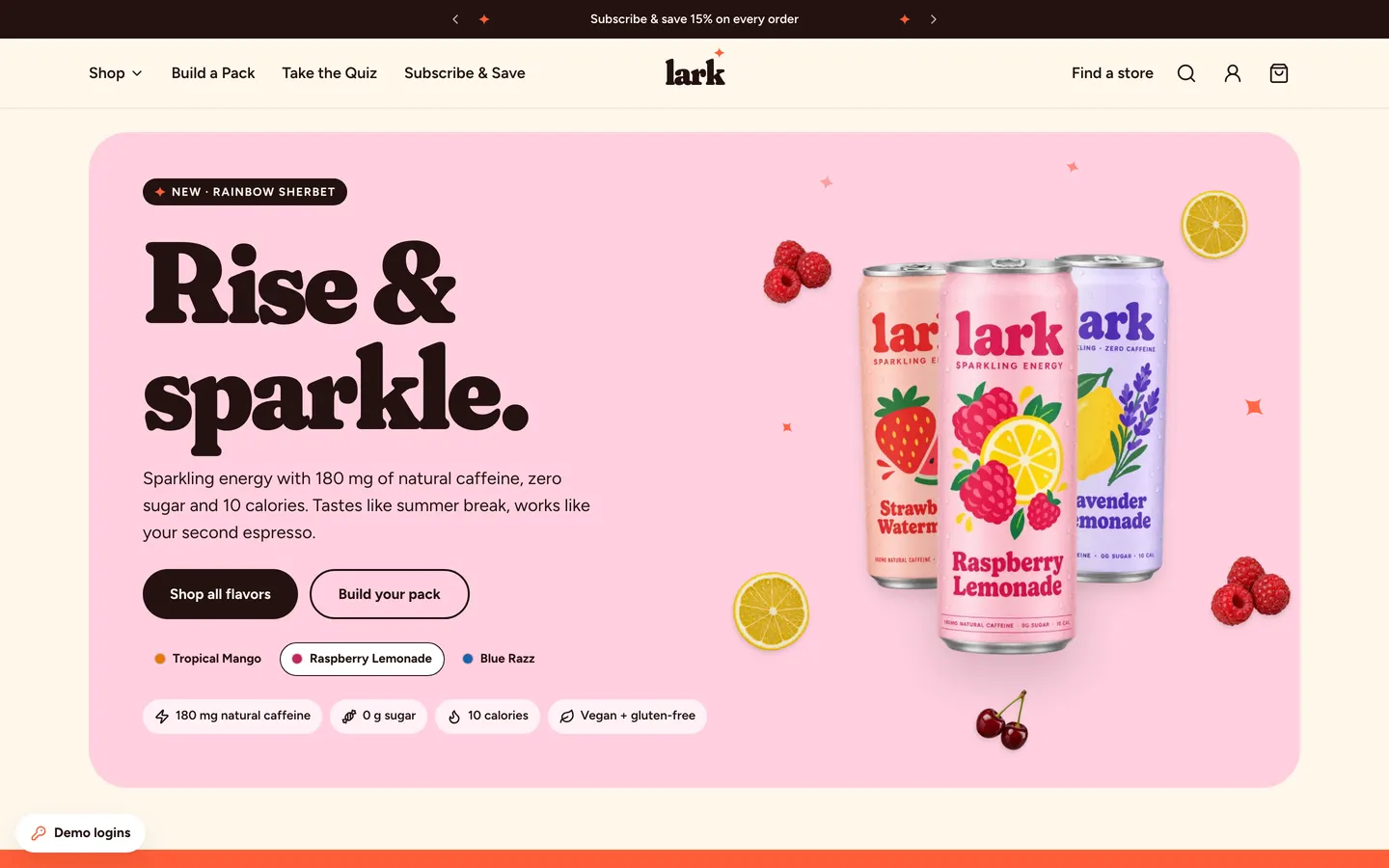
WebPastel energy-drink store with Shopify-style checkout, Subscribe & Save 15%, a pack builder and full admin.