
Invoice Simple Clone
Invoice Simple clone · Invoice maker app · built by the Vibecode team
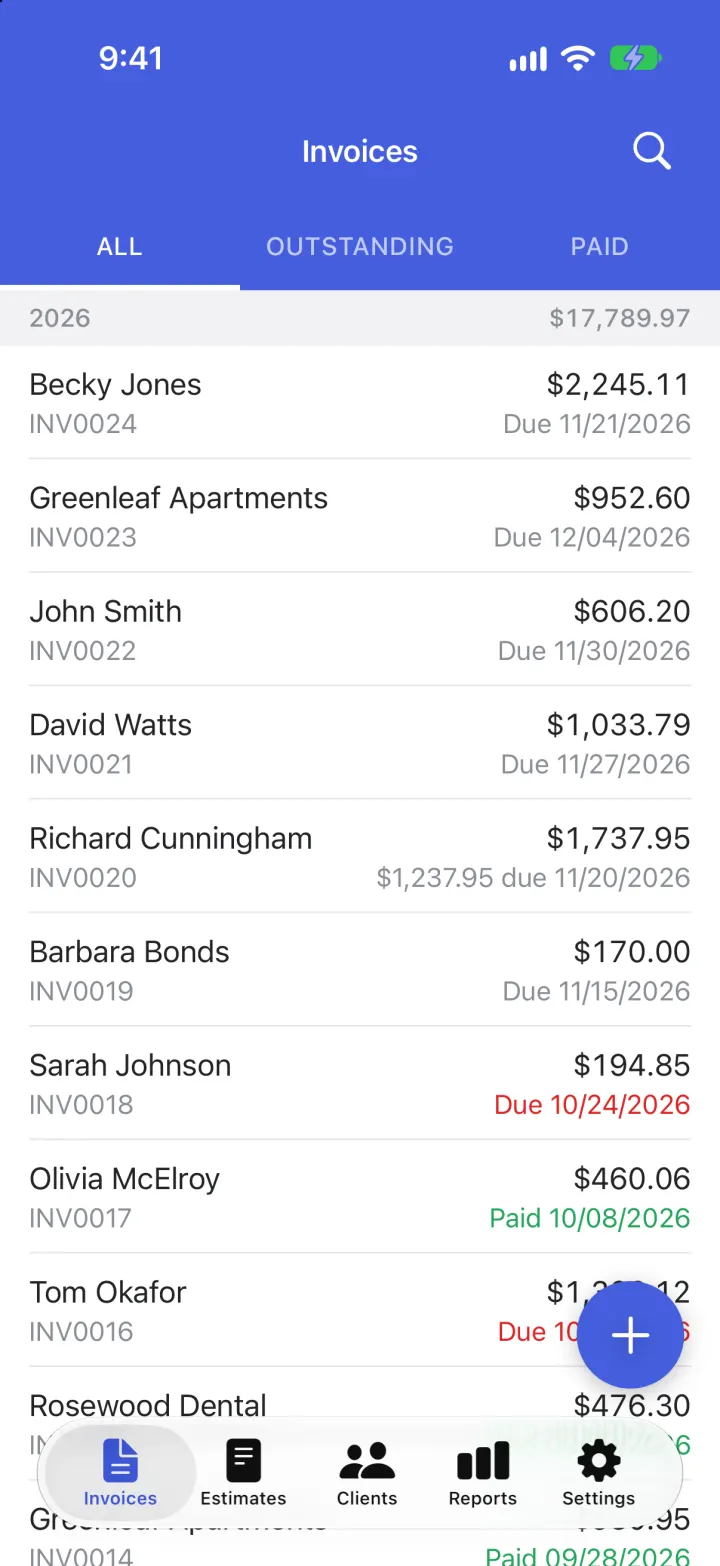
This rebuilds Invoice Simple, the invoice maker for small businesses, with its real name, blue header and orange check logo. You open on your invoices sorted into ALL, OUTSTANDING and PAID, with overdue ones in red and year totals. Tap + to start an invoice, pick a client, add items that autofill from your saved list, set tax and discounts, sign with your finger and record payments. PREVIEW shows the finished invoice in the colour you pick, and Send turns it into a real PDF for Mail, Messages or AirDrop, then offers to tell you when the client opens it. Estimates, clients, reports and settings (currency, tax, terms) all work, and everything is saved on the phone.
- iPhone · Swift
- Hand-built
- Free to remix

Remix copies the working app into your account for free, exactly as we built it. It runs in Vibecode's cloud iOS simulator, in your browser.
The prompt that builds it
We wrote Invoice Simple Clone by hand. This prompt describes the finished app: paste it into a new app to build your own version, or change it first.
Prompt · 902 words
Build a polished native iOS clone of Invoice Simple in SwiftUI, the invoice maker for small businesses and freelancers: an invoice list with ALL / OUTSTANDING / PAID, an invoice screen with EDIT / PREVIEW / HISTORY, an itemized builder with client and item autofill, discounts, tax, payments and a signature, a real PDF that goes out through the share sheet, estimates that turn into invoices, clients, reports and settings.

It is Invoice Simple on screen: its name and words ("Invoices", "Estimates", "ALL", "OUTSTANDING", "PAID", "EDIT", "PREVIEW", "HISTORY", "Bill To", "Add Item", "Balance Due", "Mark Paid", "Send", "Invoice is en route!", "Notify Me", "No Thanks", "Change color"), its royal blue #455EDD header bars and orange #FE5723 check-mark logo. Draw the orange rounded square with the white check, and the demo business's logo, in SwiftUI (no image files). SF Pro for the UI, rounded type for the wordmark. The user runs Cedar & Pine Landscaping in Portland, OR (owner Marcus Reyes); all clients are fictional.

SHELL
Tabs (icon over label, blue selected): Invoices, Estimates, Clients, Reports, Settings. Opens on Invoices: no splash, onboarding, login or paywall. White status bar over the blue header.

SCREENS
1. Invoices: blue bar "Invoices" with a search button; under it a blue strip of white caps tabs ALL / OUTSTANDING / PAID with a white underline that slides. Plain list grouped by year: a grey header row "2026" with the year's total on the right. Rows: client name over "INV0024" in grey on the left; "$2,245.11" over "Due 11/21/2026" on the right (red when overdue, green "Paid 10/08/2026" when paid, "$1,237.95 due ..." after a deposit). Swipe to mark paid or delete. A round blue "+" button bottom right creates INV0025 and opens the client picker.
2. Invoice: blue bar "Invoice" with back and a vertical "..." menu (Share PDF, Print, Record Payment, Mark Unpaid, Duplicate, Delete); strip EDIT / PREVIEW / HISTORY; bottom bar with an outlined green "Mark Paid" (fills green as "Paid") and a blue "Send".
   EDIT is a grouped form: number + date with Due on the right (sheet: number, date, terms On Receipt / Next 7, 14, 30, 60 Days, PO number); From (Business Info sheet); Bill To (searchable client picker or New Client); Items (name, "40 x $18.00", amount, details; swipe to delete) and "Add Item" (sheet: Description that suggests saved items as you type, Unit Cost, Quantity with stepper, Taxable, Total, Additional Details); Subtotal, Discount (none / percent / flat), Tax (label + rate, quick rates), Total, Payments (record full or partial payments with date and method), Balance Due "USD $2,245.11"; Signature (finger pad, saved as strokes) and Notes.
   PREVIEW is the paper invoice at US Letter width scaled to fit: coloured top rule, tinted header with the logo, business block and INVOICE / DATE / DUE / BALANCE DUE on the right, BILL TO, a coloured DESCRIPTION / RATE / QTY / AMOUNT table with striped rows, Payment Info with a QR-style pay code, totals, the signature with DATE SIGNED, notes, and a green "PAID" stamp once paid. Under it "Change color" swatches recolour the template live.
   HISTORY is a timeline: Created, Sent, Opened by client, Reminder sent, Payment recorded, Paid, with icons and times.
3. Send: render the paper to a real vector PDF ("Invoice INV0025.pdf") with ImageRenderer and open the system share sheet (Mail, Messages, AirDrop, Files, Print). After sharing, log "Sent" and show the "Invoice is en route!" card (green check, "Would you like to be alerted when becky.jones@gmail.com has opened the invoice?", green Notify Me, grey No Thanks). Notify Me posts a local notification "Your invoice (INV0025) has been read by Becky Jones" and logs it in History.
4. Estimates: same list with ALL / OPEN / CLOSED and statuses Open / Approved / Declined / Invoiced; "Make Invoice" copies an estimate into a new invoice.
5. Clients: A-Z list with avatars, invoice count and what each owes (Overdue in red); client detail with Call / Email / Text, Paid vs Outstanding and their invoices; add and edit clients.
6. Reports: year picker, Paid / Outstanding / Overdue tiles, a Swift Charts bar chart of payments by month, top clients, summary counts.
7. Settings: business info and logo, upgrade row ("3 free invoices left"), default terms, tax label and rate, default notes, template colour, currency (USD, CAD, EUR, GBP, AUD...), read-receipt toggle, saved items library, Reset Demo Data. After the free invoices a paywall (Essentials / Plus / Premium, "Start Free Trial") appears; the trial just unlocks it in the demo.

DATA
12 clients, 15 saved items (Lawn Mowing $65, Hedge Trimming $85/hr, Mulch $48/yard, 2' Pavers $18, Labor $60/hr, Fire Pit Kit $350...), 24 invoices across the last 13 months (mostly paid, some outstanding, two overdue, one with a $500 deposit, 10% and 5% discounts, 8.25% tax) and 5 estimates, all dated relative to today and re-dated on every launch so the list never looks stale.

RULES
Offline-first: the whole state is one Codable JSON file in Application Support; every change saves. Money rounds to cents; tax applies to taxable lines after the discount. Add -DemoTour (create an invoice for Becky Jones, add 3 items, sign, preview, recolour, send, read receipt, mark paid) and -DemoScreen launch arguments for recordings.

REMIX-READY
Brand.swift (name, colours, swatches, words), Fixtures.swift (business, clients, items, invoices), features in small files under 300 lines, README.md with a file map and remix ideas.
More templates
All templates- View template
Blue Bottle Coffee Clone
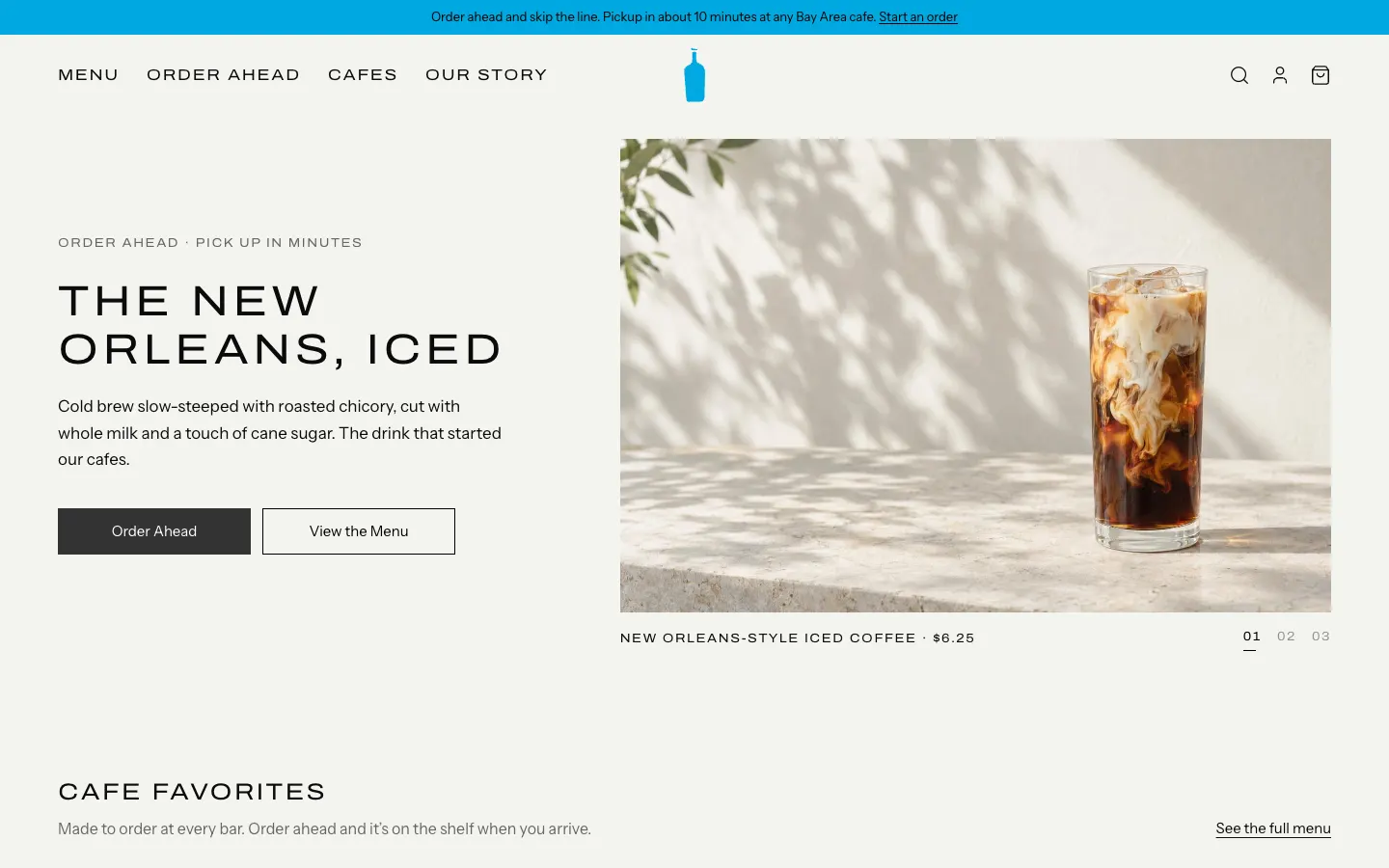
WebBlue Bottle's cafe site rebuilt: priced menu, cafe map with live hours, order-ahead pickup, barista board.
- View template
Square Point of Sale Clone
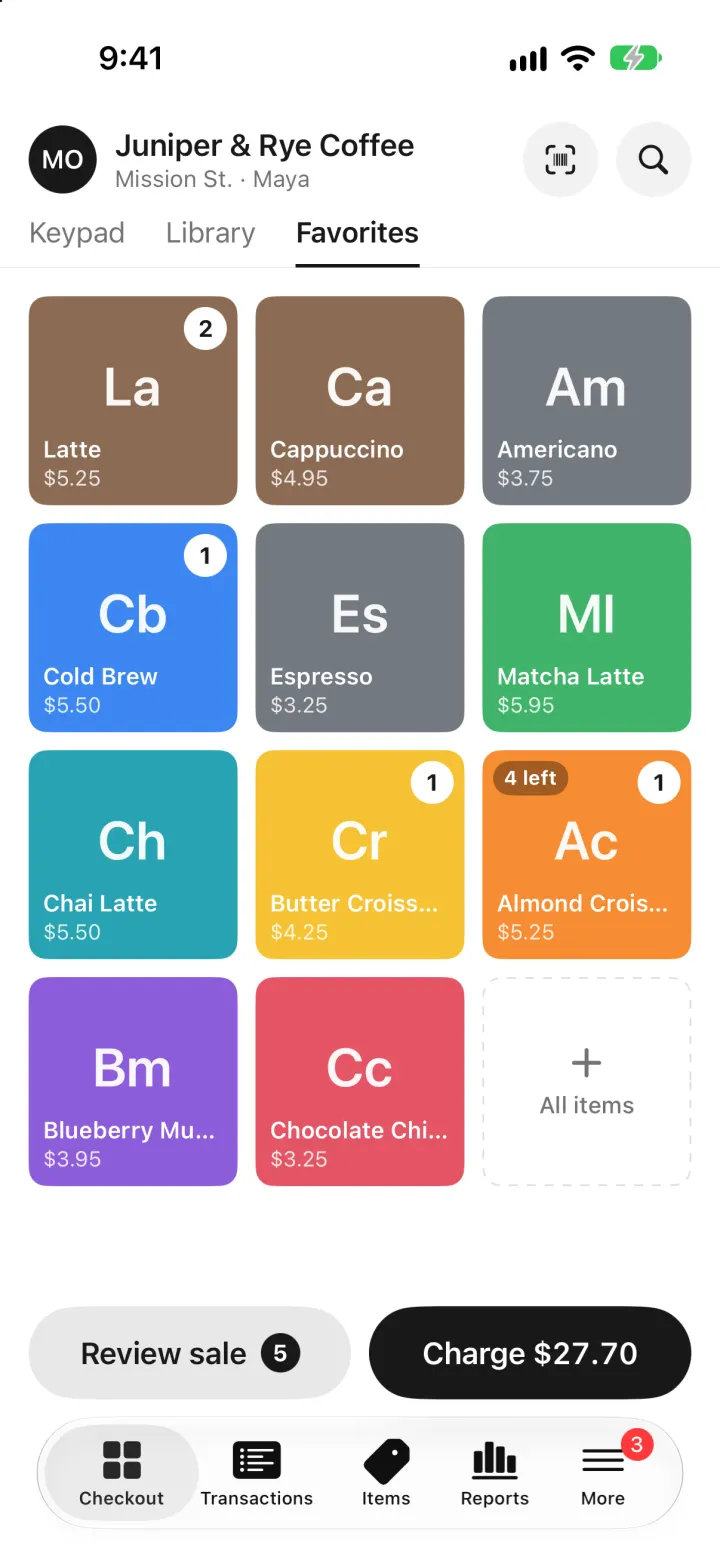
iOSSquare POS for a café: tap tiles, charge with Tap to Pay or cash, and watch stock and profit update live.
- View template
Brittany Chiang Portfolio Clone
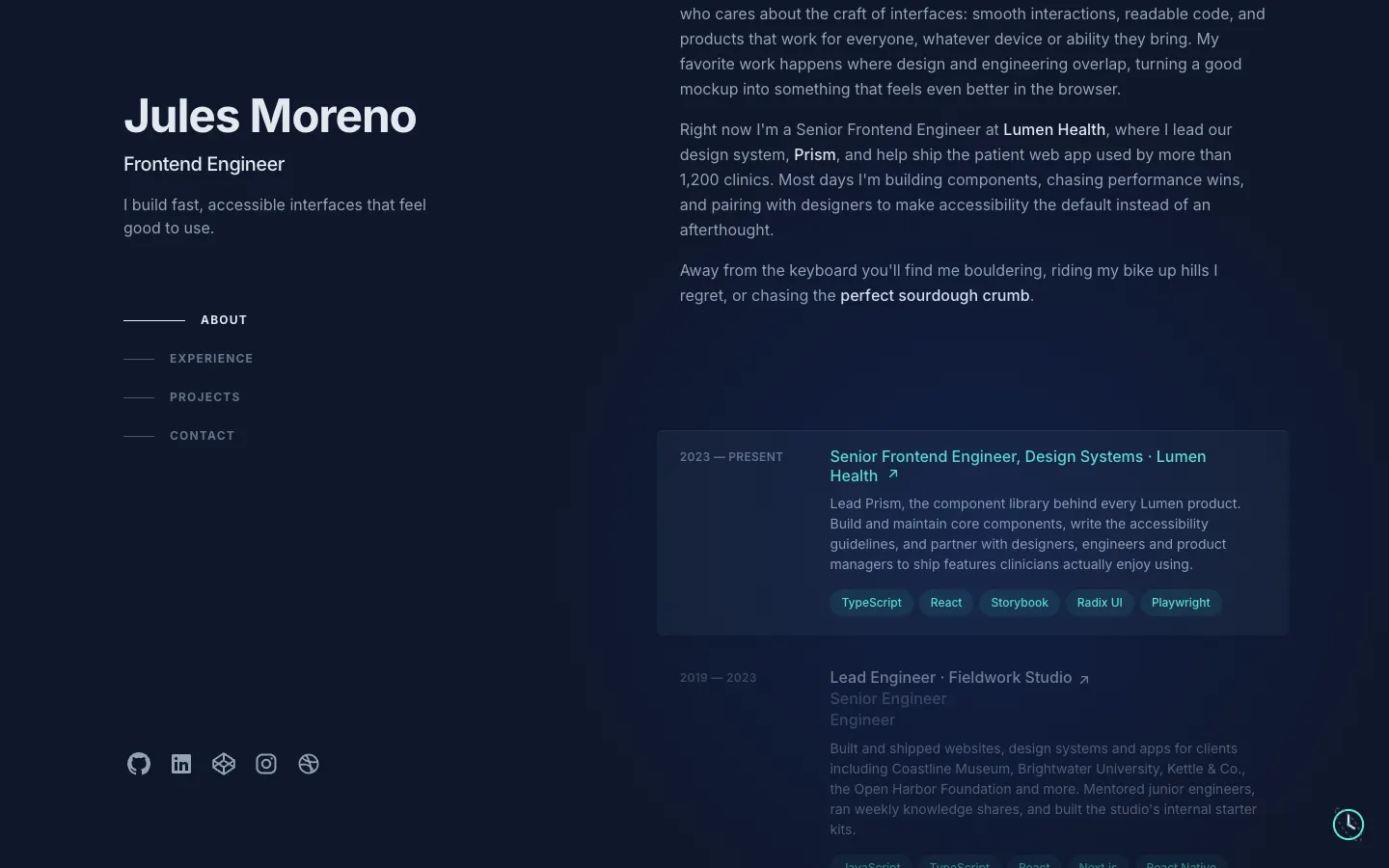
WebThe famous slate-and-teal developer portfolio, with case studies, a résumé, a contact inbox and an editor.
- View template
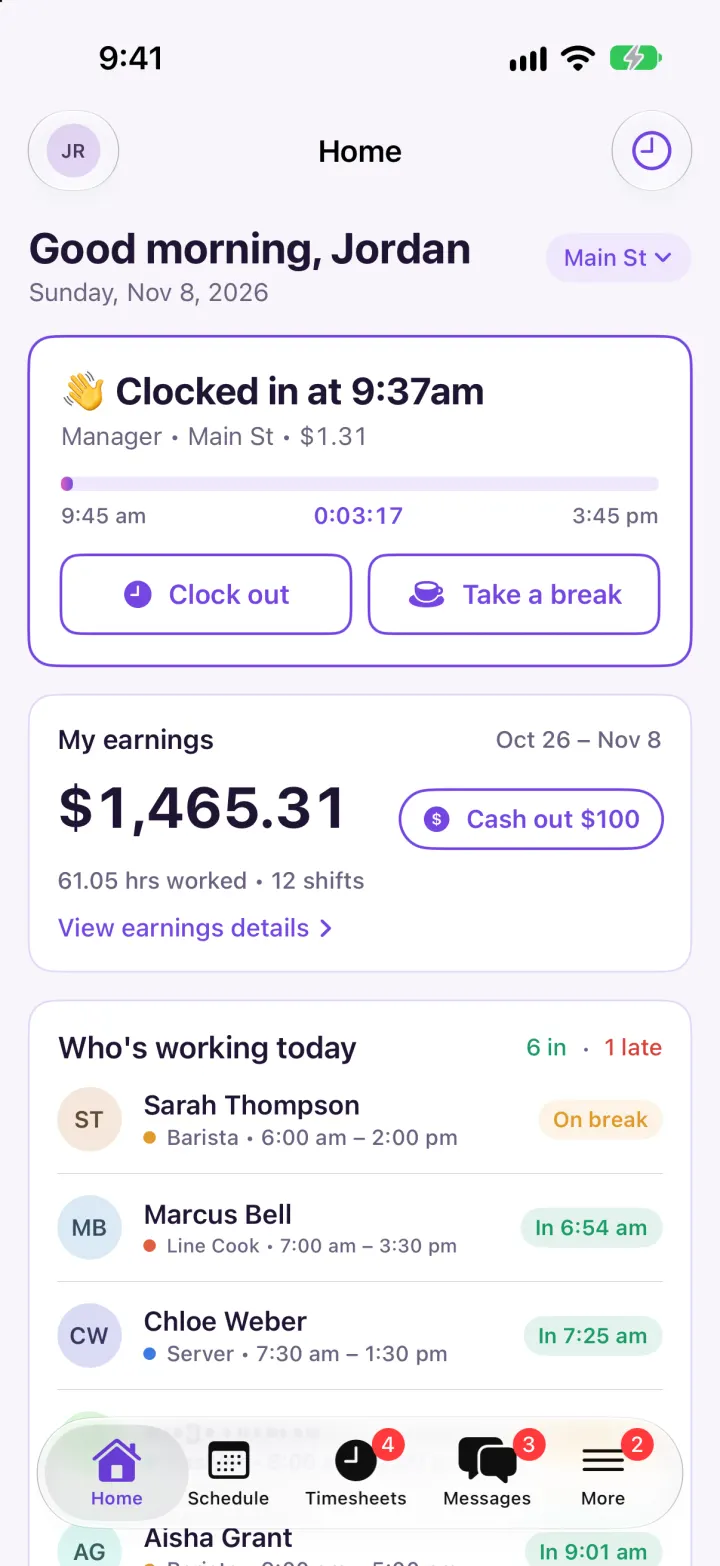
Homebase Clone
iOSClock in on a geofenced map, build next week's schedule in one tap, then fix and approve timesheets.