Comet Clone
Comet clone · AI browser app · built by the Vibecode team
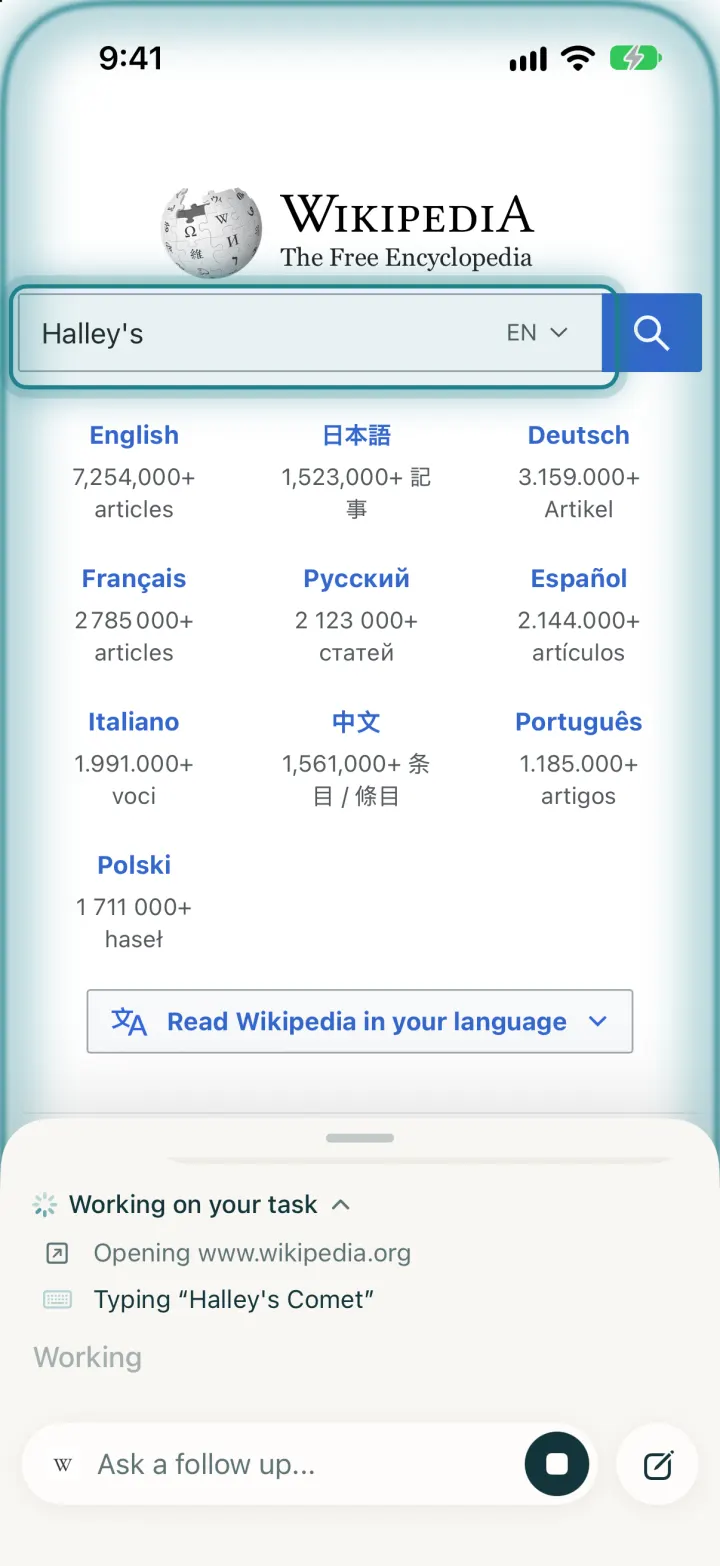
This rebuilds Perplexity's Comet browser for iPhone with its real name, cream-and-turquoise look and Comet mark. It is a real browser: tabs, private tabs, history, bookmarks, a progress bar and built-in ad and tracker blocking. Tap a "Try Comet Assistant" task or ask anything, and the assistant, built on the OpenAI Agents SDK, works in your tab while you watch: it opens Wikipedia, types into the search box, follows the result and answers with sources. It can also summarize the page you are on or search the web for fresh news.
- iPhone · Swift
- Hand-built
- Free to remix

Remix copies the working app into your account for free, exactly as we built it. It runs in Vibecode's cloud iOS simulator, in your browser.
The prompt that builds it
We wrote Comet Clone by hand. This prompt describes the finished app: paste it into a new app to build your own version, or change it first.
Prompt · 846 words
Build a working native iOS clone of Perplexity's Comet browser in SwiftUI: a real WKWebView browser with tabs, history, bookmarks and ad blocking, plus Comet Assistant, an AI agent that does tasks on the open page while you watch. Build the agent with the OpenAI Agents SDK in the Bun + Hono backend.

It is Comet on screen: its name, warm cream #F4F3EE background, off-white cards #FDFCF9, ink #13343B, Perplexity turquoise #20808D for the voice button and accents, and its words ("Ask assistant or navigate...", "Top sites", "Recently closed", "Try Comet Assistant", "51 ads & trackers blocked", "Ask anything...", "Ask a follow up...", "Reviewed 6 sources"). Draw the Comet mark (three nested arcs sweeping up and right into a thin tail) in SwiftUI. The user is Jordan Ellis, Pro.

SHELL
No tab bar. One screen: the page (or the New Tab page) full bleed, with a floating frosted glass toolbar at the bottom. Opens on the New Tab page: no splash, onboarding, login or paywall.

SCREENS
1. New Tab: avatar with a "pro" badge (opens Settings), a pill "shield 51 ads & trackers blocked" whose count grows as trackers are blocked, a history button. "Top sites": 4 square tiles with favicons (Wikipedia, Hacker News, GitHub, YouTube). "Recently closed": horizontal cards with the page thumbnail, favicon and title (tap reopens). "Try Comet Assistant": rows of real tasks with an arrow.down.left icon, e.g. "Search Wikipedia for Halley's Comet and tell me when it returns", "Open the top story on Hacker News and summarize it". Toolbar: a field with the comet mark, "Ask assistant or navigate..." and a turquoise waveform circle; below it back, forward, +, share, tabs.
2. Browsing: toolbar top row is a pill "..." (menu: Add Bookmark, Find on Page, Request Desktop Website, Copy Link, New Private Tab, Bookmarks, History, Settings), the domain, reload/stop; bottom row back, forward, an "Assistant" pill with the comet mark and the turquoise voice circle, share, tabs. A 2.5 pt turquoise progress line while loading. Back from the first page returns to the New Tab page.
3. Composer: tapping the address opens a card over the page with the keyboard: a chip with the current page (favicon, domain, title, x to detach), a multi-line field, +, private-tab, mic and a turquoise send button. Above it, suggestions: "Open website" when the text is a URL, "Ask Comet Assistant", "Search <engine>", and matching history. Return opens URLs, otherwise asks the assistant.
4. Assistant sheet: a custom bottom sheet over the page (compact 250 pt, 60%, full; drag the grabber). Query in a grey bubble on the right, a "Working on your task" step list ("Opening www.wikipedia.org", "Typing "Halley's Comet" into "Search Wikipedia"", "Clicking "...", "Reading the page") that collapses to "Completed 3 steps", "Reviewed N sources" with favicons, then the markdown answer streaming in (headings, bullets, bold, citation links that open in the tab). Bottom: "Ask a follow up..." with the site favicon, voice circle (a black stop square while running), new-thread button.
5. Agent at work: while the agent acts, the sheet drops to compact so the page shows, a turquoise glowing animated edge runs around the screen, and the element it is about to use gets a turquoise ring on the page; text is typed visibly a few characters at a time.
6. Tabs: grid of page thumbnails with favicon, title and x; "N Tabs | Private" switch; Close All, +, Done. Private tabs use a non-persistent data store, no history, dark UI.
7. Library sheet: Bookmarks | History (grouped Today, Yesterday, weekday; search; swipe to delete; Clear History).
8. Settings: default search engine (Google, Perplexity, DuckDuckGo, Bing, Brave), theme (System, Light, Dark), Show Comet Assistant, Let the assistant act on pages, Block ads & trackers, Open new tabs as private, Clear Browsing Data.

AGENT (must work on real sites)
Backend: POST /api/agent/runs {task, page {url,title}, history, allowActions} starts an Agents SDK Agent (gpt-5.5, reasoning low, hosted web search) whose function tools read_page, click {id}, type_text {id,text,submit}, scroll {direction}, navigate {url}, go_back, search_in_browser {query} do not run on the server: each emits a tool_call event and waits for the app's POST /tool-results. The app long-polls GET /events?after=n (text deltas, tool calls, searches, sources, done) and runs each tool in the WKWebView with callAsyncJavaScript in its own content world: a snapshot numbers visible interactive elements ([12] input search "Search Wikipedia") with data attributes and returns URL, title, elements and page text; click/type highlight then act (native value setter + input events, Enter or form.requestSubmit); after actions it waits for the page to load and returns a fresh snapshot. Instructions: work like a person in the visible tab, read_page before answering, never enter passwords or payments.

RULES
Ad & tracker blocking with a WKContentRuleList (tracker hosts + cosmetic rules), counting blocked tags. Favicons fetched and cached on disk. Seeded history and bookmarks shift forward every day. -DemoTour YES runs a real task end to end; -DemoScreen jumps to a screen.

REMIX-READY
Brand.swift (name, words, colours), CometLogo.swift, Fixtures.swift (top sites, suggestions, history), AppSettings.swift; backend/src/agent/ for the agent and tools; README.md with the file map.
More templates
All templates- View template
Streaks Clone
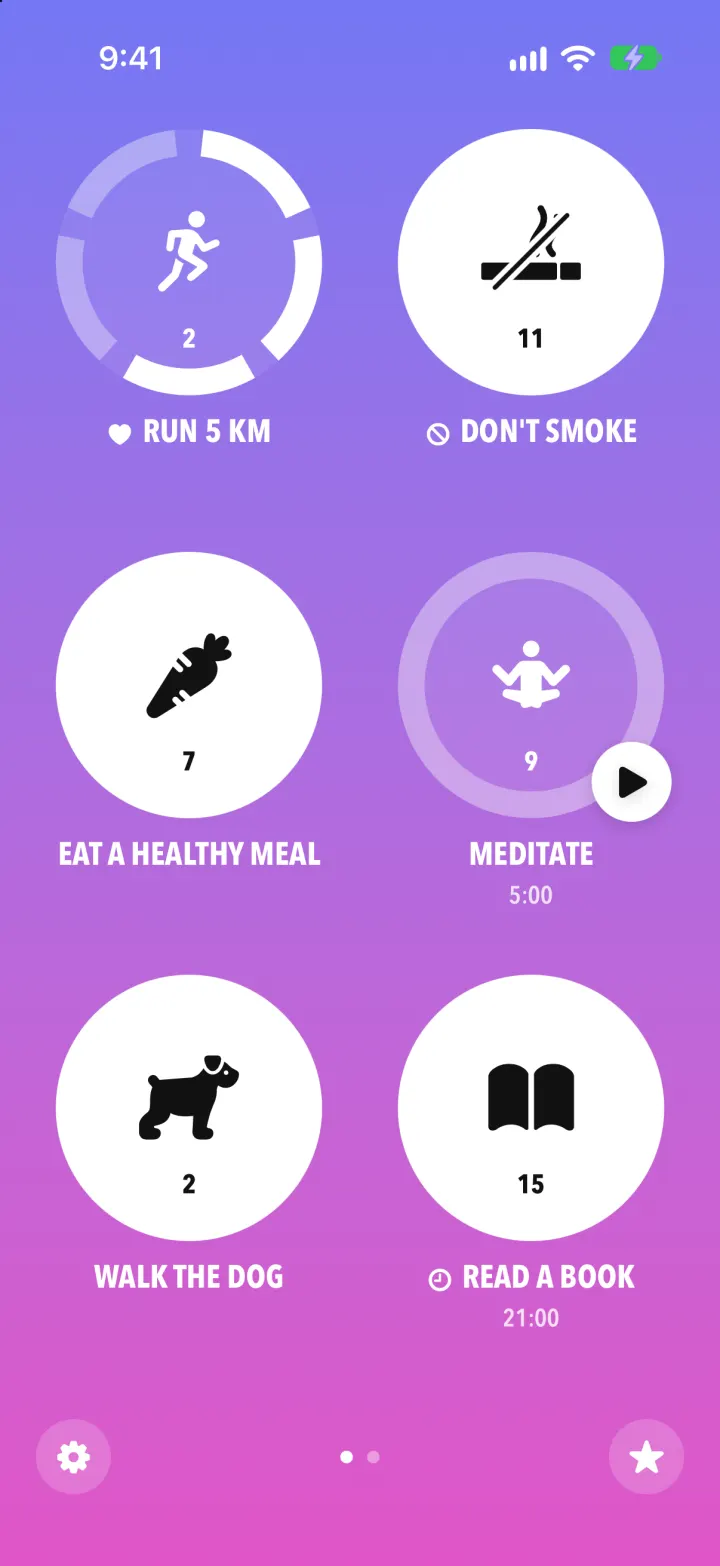
iOSStreaks with its real look: hold a circle to check in, watch the ring fill and the streak count climb.
- View template
Pocket Prep Clone
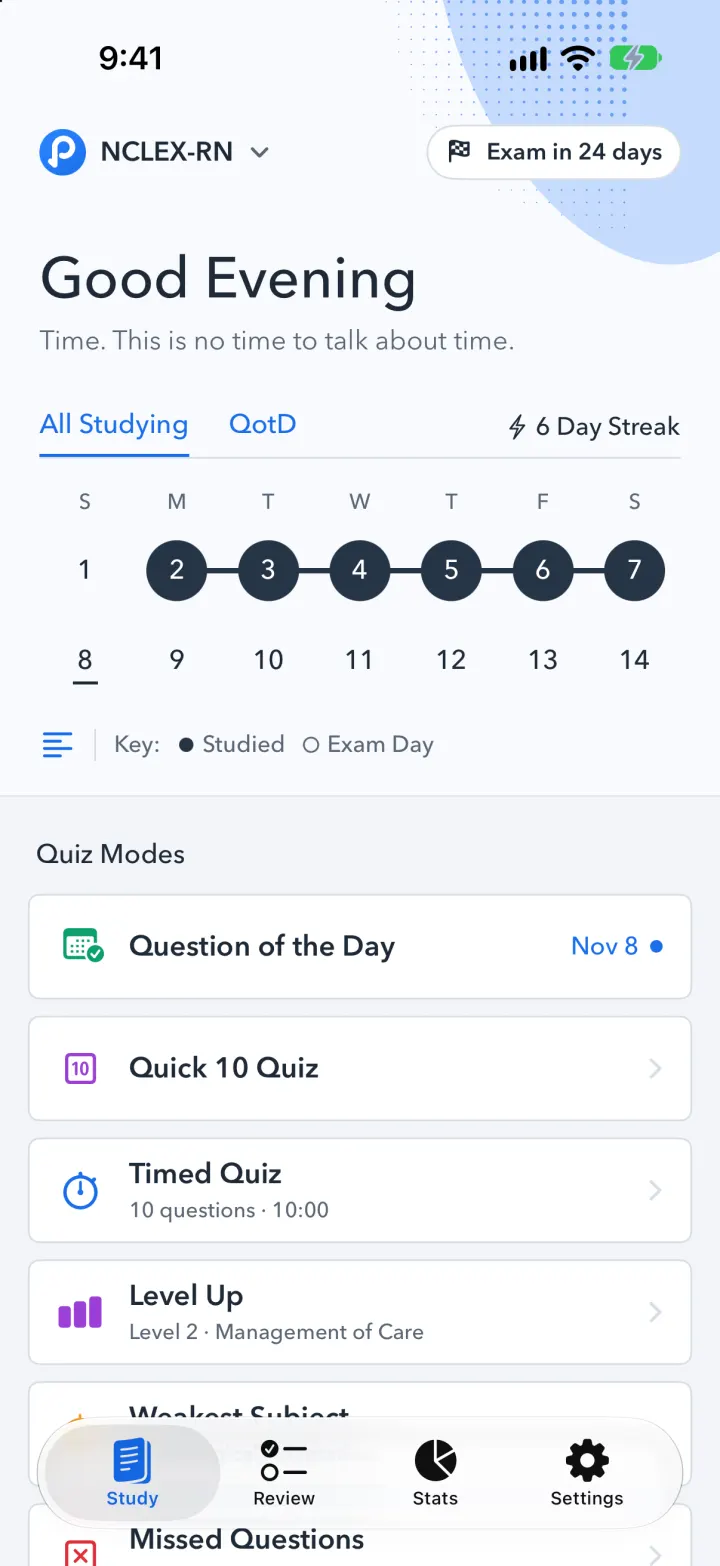
iOSPocket Prep's NCLEX quiz app: streak calendar, 8 study modes, explanations and an AI tutor
- View template
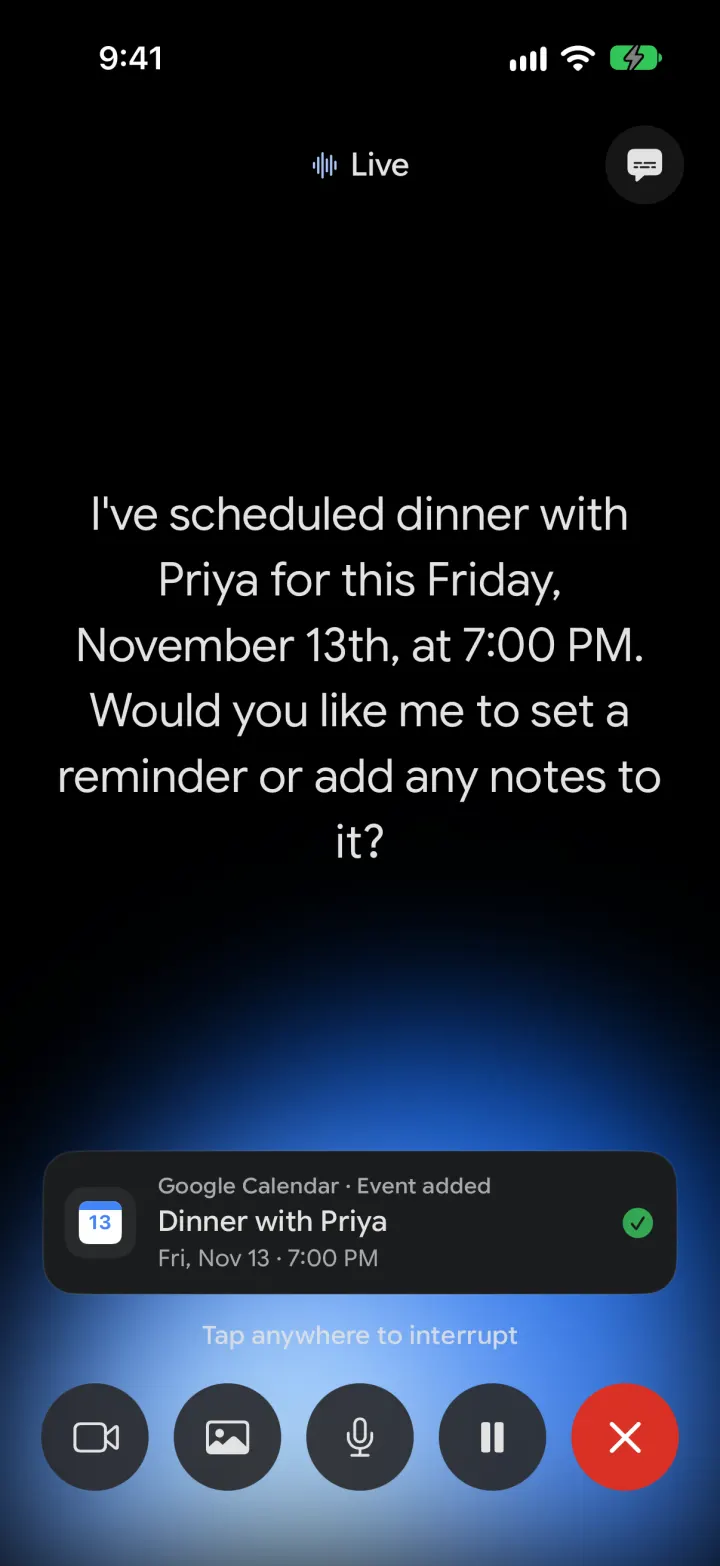
Google Gemini Clone
iOSGemini with real models: streamed chat with Google Search, Nano Banana images and Gemini Live voice
- View template
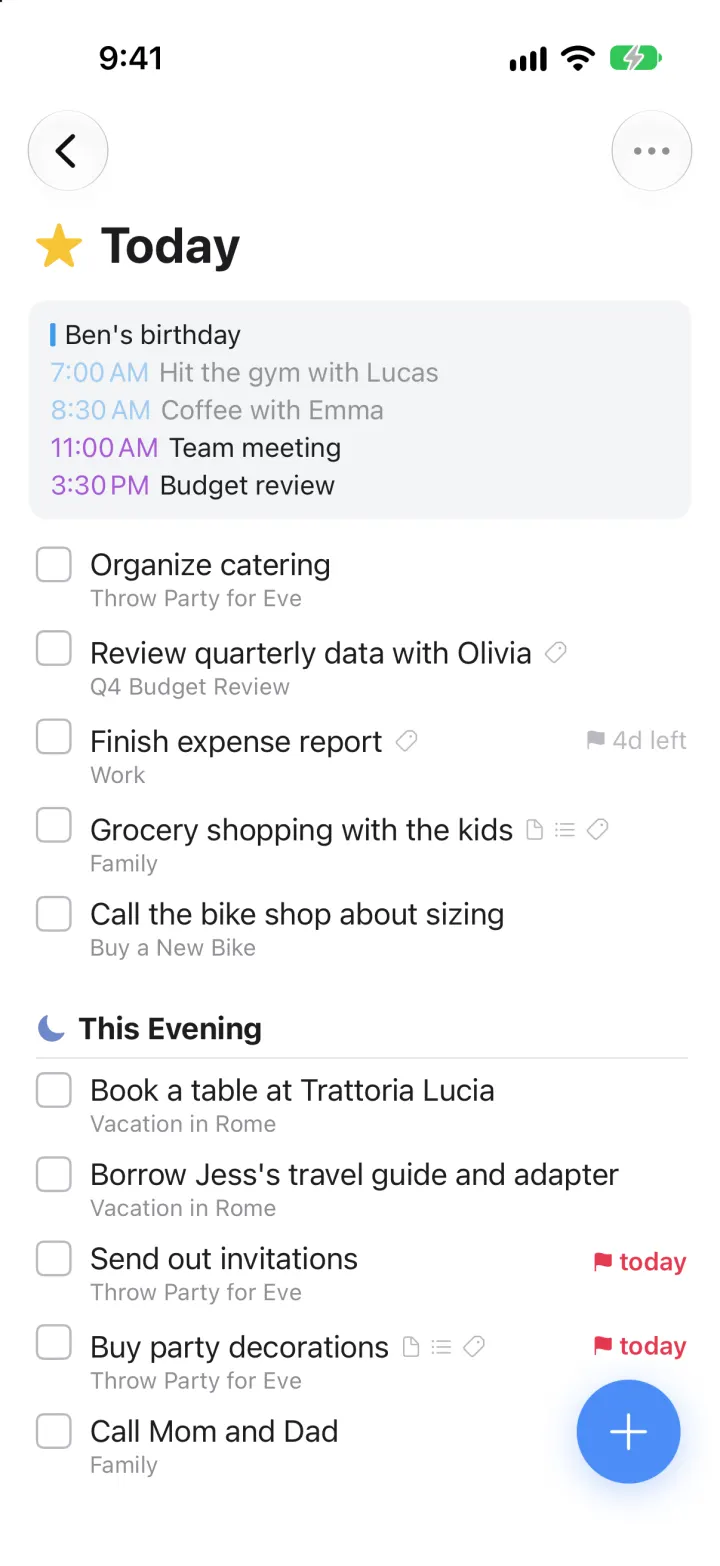
Things 3 Clone
iOSToday, This Evening, the Magic Plus and the dark When picker: the award-winning to-do app, ready to remix