
camelcamelcamel Clone
camelcamelcamel clone · Price tracker app · built by the Vibecode team
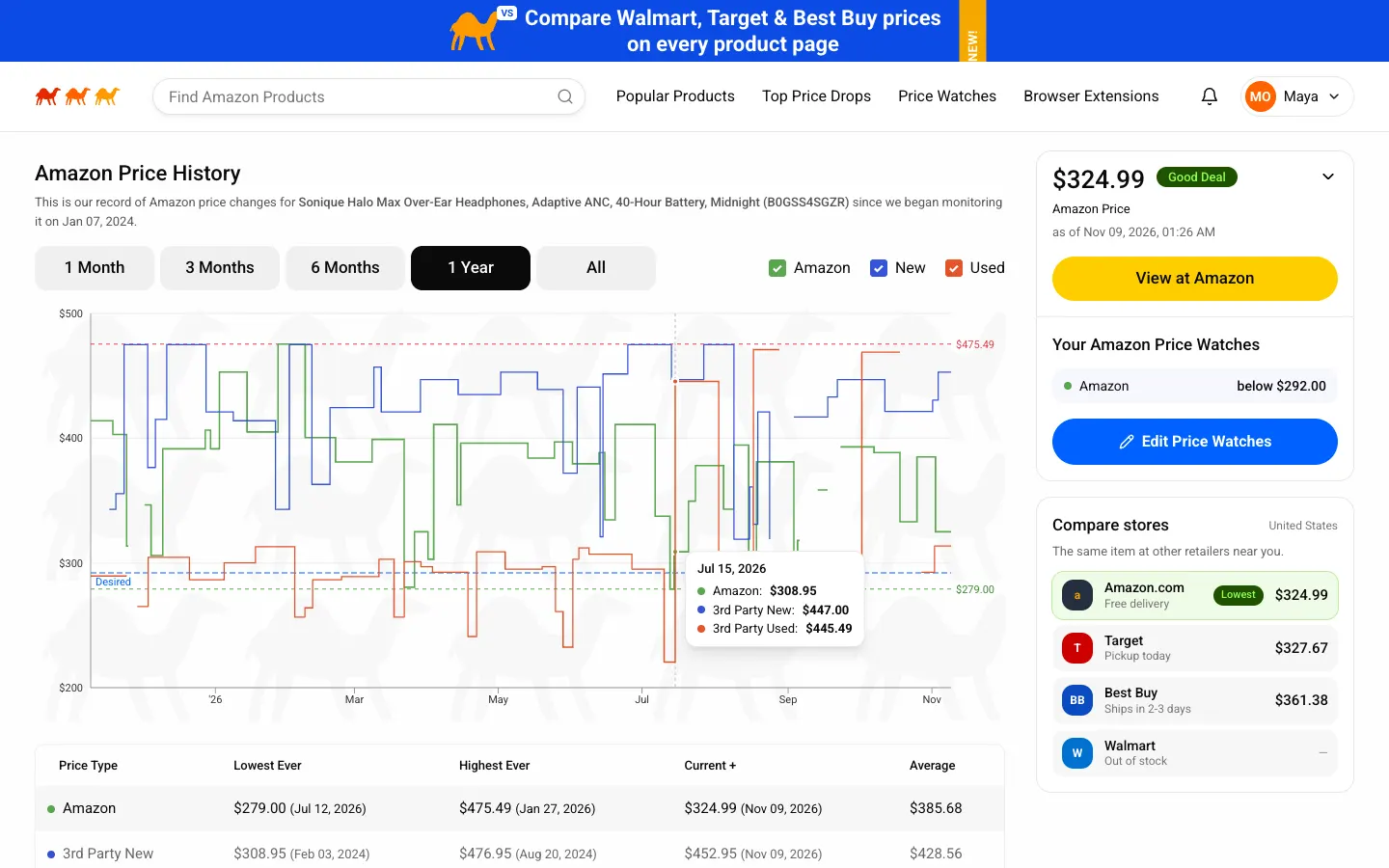
This rebuilds camelcamelcamel, the free Amazon price tracker, with its real name, three-camel logo, yellow View at Amazon buttons and Good Deal badges. Search 44 products, open any one to read its Amazon, 3rd party new and used price history as step charts with lowest and highest lines, and compare it with three local retailers. Set a desired price, press Check prices now and watch the alert land when a price drops under it. Switch between 8 countries to change currency, Amazon store and retailers.
- Web app
- Hand-built
- Free to remix
Remix copies the working app into your account for free, exactly as we built it. It runs in your browser.
The prompt that builds it
We wrote camelcamelcamel Clone by hand. This prompt describes the finished app: paste it into a new app to build your own version, or change it first.
Prompt · 768 words
Build a polished web clone of camelcamelcamel, the free Amazon price tracker, in React + Tailwind + shadcn + recharts: search Amazon products, read step-line price history charts, create price watches with a desired price, and get price-drop alerts when a scan finds a lower price.

It is camelcamelcamel on screen: its name, the three running camels logo (red #E52A00, orange #FF6200, amber #FF9A03, drawn as SVG), Roboto on white, yellow pill "View at Amazon" buttons (#FFCE00), blue pill "+ Add Amazon Price Watch" (#0062FF), "Good Deal" badges (dark green #1F5200 with neon #95FF54 text) and "Best Price" badges (neon green with dark text), grey segmented tabs that turn black when active, and its own words ("Find Amazon Products", "Popular Products", "Top Price Drops", "Browser Extensions", "Amazon Price History", "Lowest Ever", "Highest Ever", "Current +", "Average", "3rd Party New", "3rd Party Used", "Your Amazon Price Watches", "The Camelizer"). The shopper is Maya Ortega, signed in.

SHELL
A royal-blue promo banner on top ("Compare Walmart, Target & Best Buy prices on every product page", yellow NEW! tag), then a white header: logo, a rounded pill search with live suggestions (name, ASIN or Amazon URL), nav links with a short black underline on the active one (Popular Products, Top Price Drops, Price Watches, Browser Extensions), a bell with the unread alert count and an account menu. Footer: Shopping Location select, Time Zone, link row, disclaimer, "(c) 3CG CAMEL LLC". Opens straight on Home, no sign-in wall.

SCREENS
1. Home: "Save money" (orange) / "on your next" / "Amazon purchase." with a plush camel surrounded by products; three feature cards (Price Drop Alerts, Price History Charts, Browser Extensions); a row of country flags; sideways-scrolling card rows for Highlighted Deals, Popular Products (All Products / Deals Only + category select) and Top Amazon Price Drops (Most Recent / Daily / Weekly); Discounts by Category.
2. Popular Products and Top Amazon Price Drops: 5-column card grids (badge, product photo, 3-line title, price, "Avg: $x" or "Save 27% ($2.25)", View at Amazon); drops tabs Most Recent, Daily, Daily by %, Weekly, Weekly by %, category and minimum-drop selects.
3. Search results: "Amazon Product Search Results for "headphones"", Add Filters, Sort By; each row shows the product, View at Amazon, and a Price Type / Current Price table for Amazon, 3rd Party New and 3rd Party Used with the deal badge on the cheap one.
4. Product page: photo, title, ID / PRODUCT GROUP / CATEGORY / MANUFACTURER / MODEL meta; right rail with the price ("$321.00 Good Deal", "Amazon Price", "as of" time, a chevron to switch price type), View at Amazon, Your Amazon Price Watches and a Compare stores card (Amazon plus three local retailers, cheapest highlighted "Lowest"). Amazon Price History: 1 Month / 3 Months / 6 Months / 1 Year / All, checkbox legend Amazon (green) / New (blue) / Used (red), a step-line chart with dashed highest (red) and lowest (green) lines labelled on the right, the desired price dashed blue, a faint camel watermark and a hover tooltip; the Lowest Ever / Highest Ever / Current + / Average table with dates; a Share box; a Product Details table; Highlighted Deals.
5. Price watch dialog: one row per price type with current price, a desired price input and -5% / -10% / -20% / Lowest ever chips; Save shows a toast.
6. Price Watches: stats (active watches, price reached, below average now), "Check prices now" runs a price scan: watched prices drop, any watch at or under its target turns green "Price reached!", the bell count goes up and a "Price drop alert!" card slides in. Alerts tab lists them like the emails.
7. Browser Extensions: The Camelizer with Add to Chrome / Firefox / Safari / Edge toggles and a mock browser window showing the Camelizer popup chart.

DATA
44 fictional products across 10 categories with studio product photos on white. Price histories are generated from a seed per product and anchored to today (Amazon, 3rd party new, 3rd party used step series over 1-7 years, with sales, list-price spikes and out-of-stock gaps), so the charts never go stale. Choosing a country (8 Amazon stores) switches currency, Amazon domain and the retailers compared.

RULES
Everything works: search, filters, tabs, charts, watches, scans, alerts, country switch. State persists in localStorage and stored dates shift forward on each visit. "/?demo=1" plays a scripted tour.

REMIX-READY
brand/brand.ts for name, colours and words; data/products.ts and data/countries.ts for products and stores; data/catalog.ts is the one seam to plug in a real price API; small files; README.md with a file map and remix ideas.
More templates
All templates- View template
Blue Bottle Coffee Clone
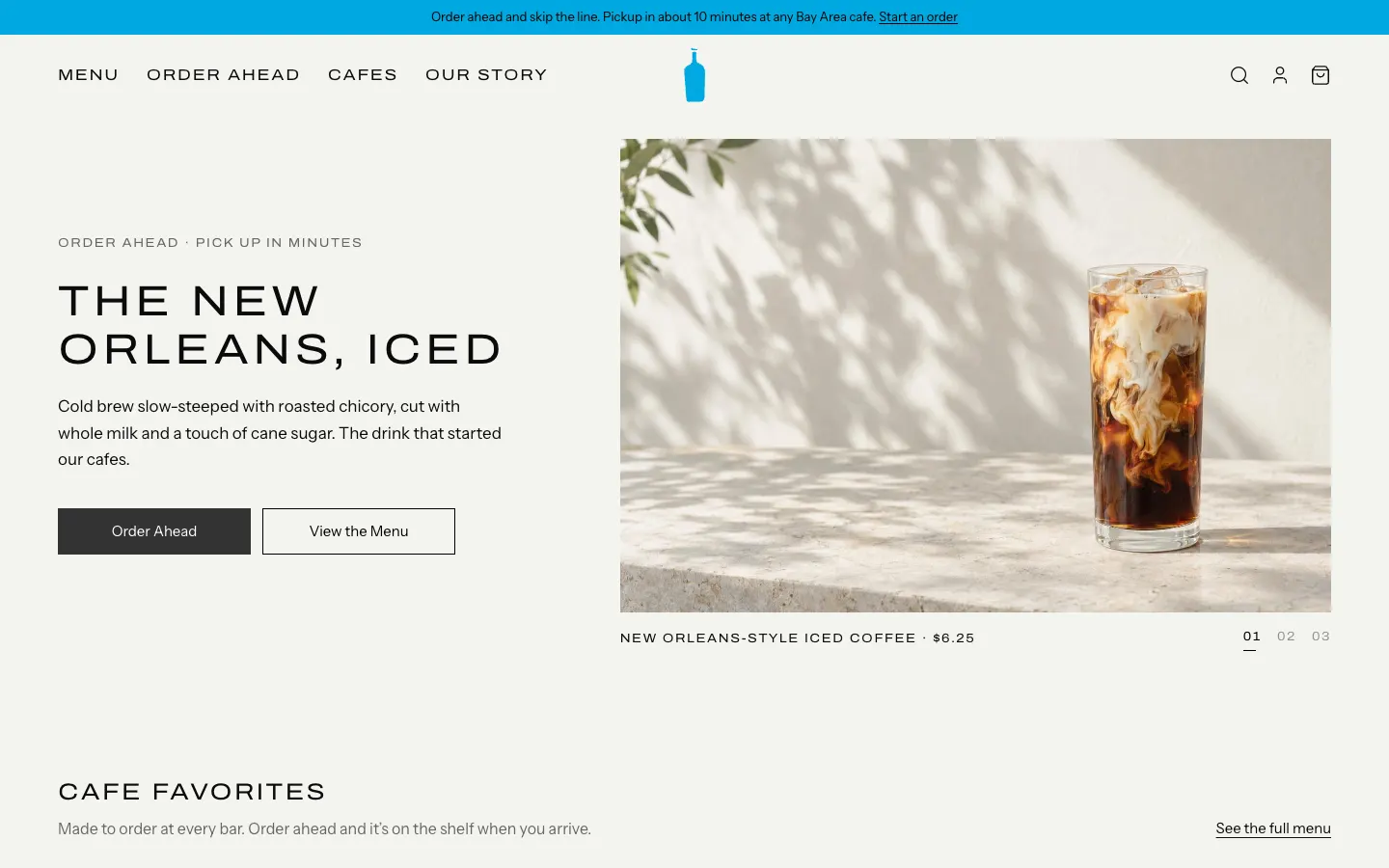
WebBlue Bottle's cafe site rebuilt: priced menu, cafe map with live hours, order-ahead pickup, barista board.
- View template
Square Point of Sale Clone
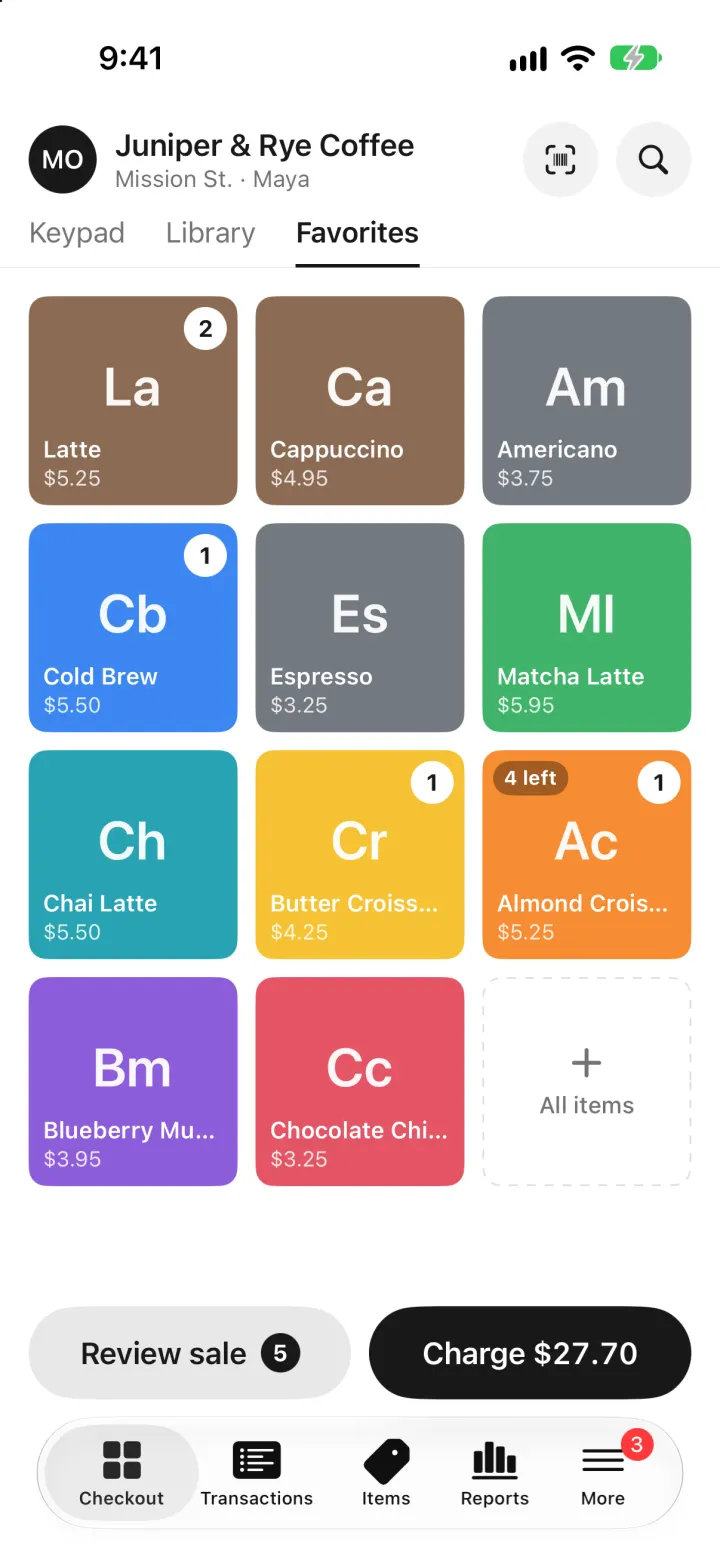
iOSSquare POS for a café: tap tiles, charge with Tap to Pay or cash, and watch stock and profit update live.
- View template
Brittany Chiang Portfolio Clone
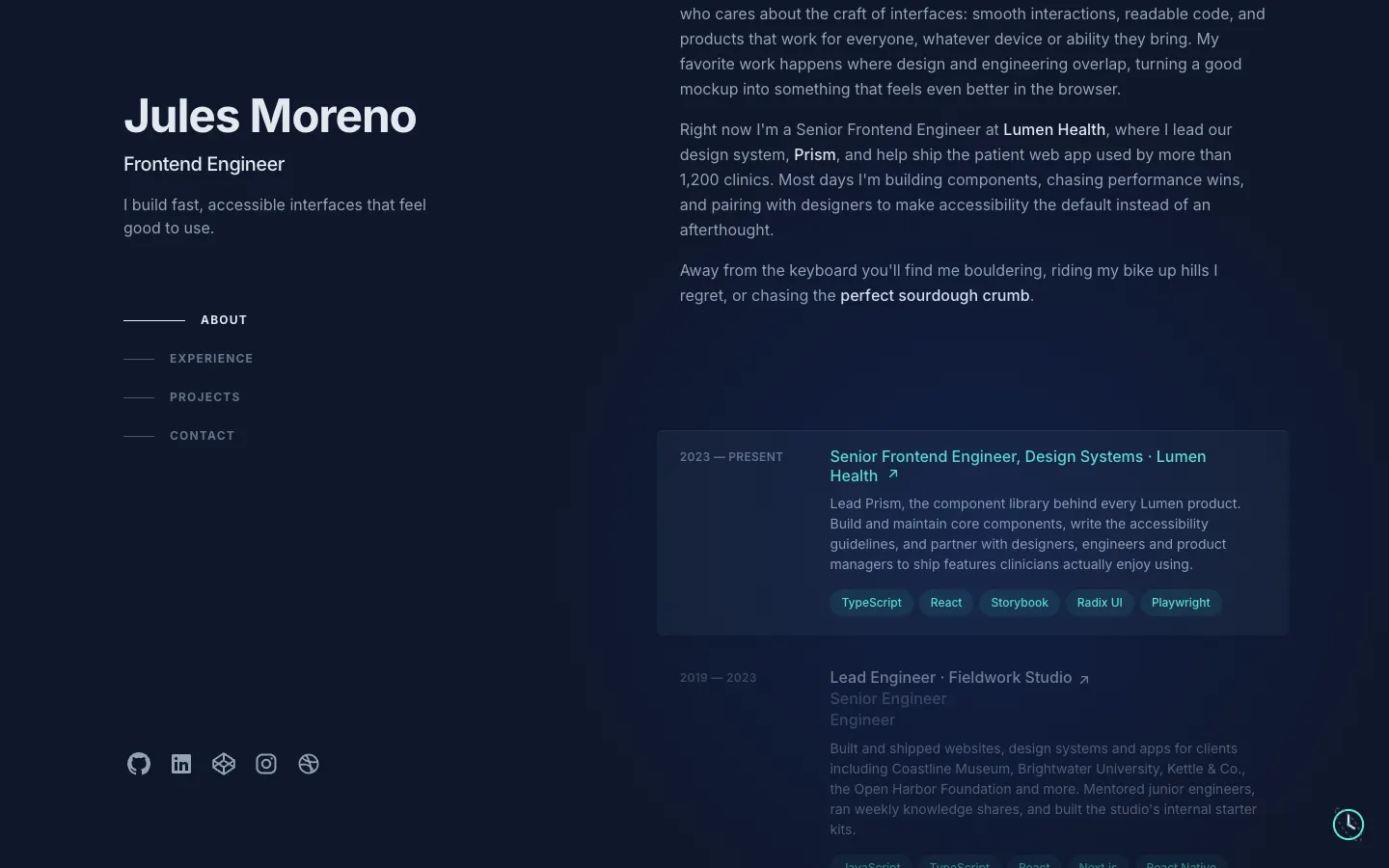
WebThe famous slate-and-teal developer portfolio, with case studies, a résumé, a contact inbox and an editor.
- View template
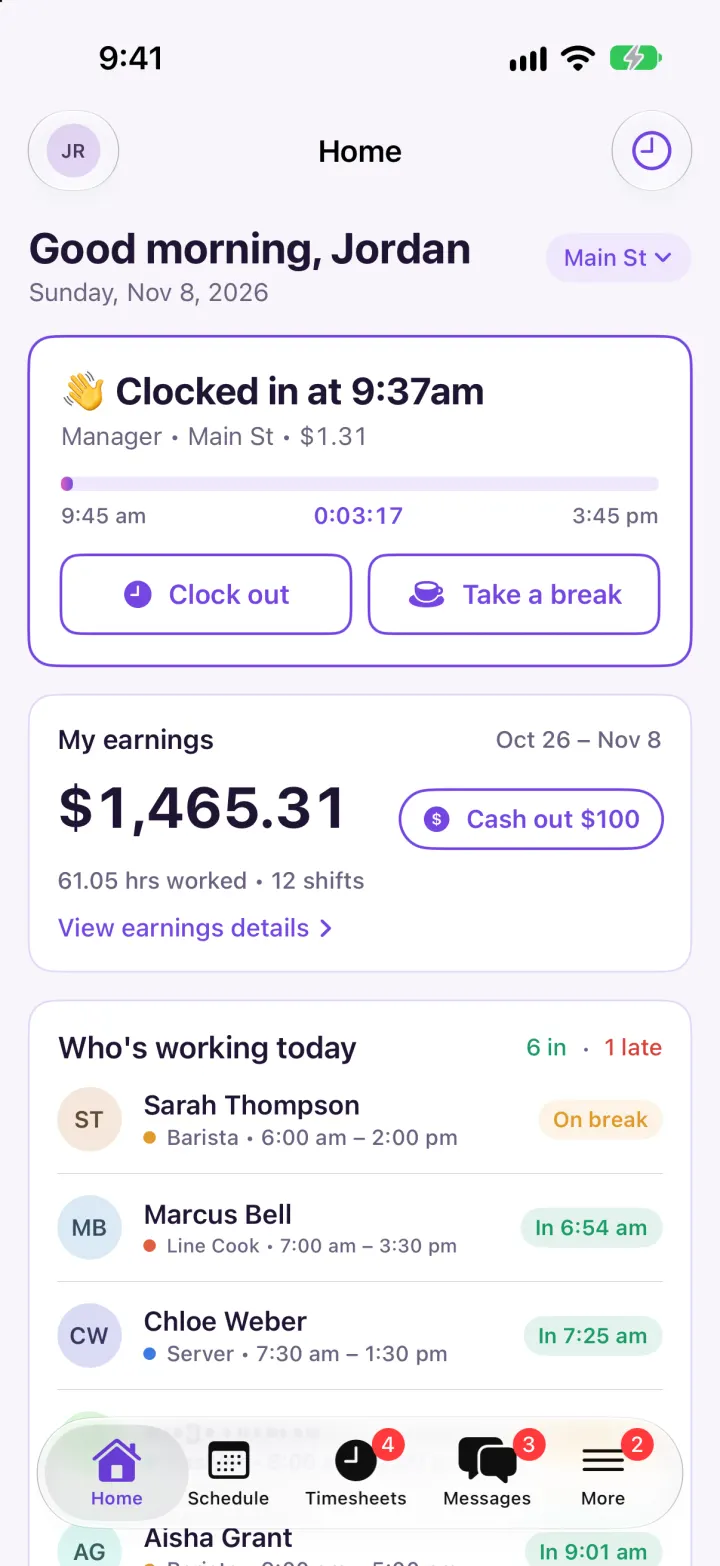
Homebase Clone
iOSClock in on a geofenced map, build next week's schedule in one tap, then fix and approve timesheets.