Bear Clone
Bear clone · Notes app · built by the Vibecode team
This rebuilds Bear, the Markdown notes app, with its real name, Red Graphite look and words. You get the note list with pinned notes and swipe actions, the dark sidebar with a nested #tag tree, and an editor that styles Markdown as you type: headings, bold, highlights, tag pills and checkboxes you can tick. Search highlights every hit and has @todo and @today filters, the info sheet counts words and builds a table of contents, and four themes re-colour the whole app. A Latest Note home-screen widget shows the note you edited last.
- iPhone · Swift
- Hand-built
- Free to remix

Remix copies the working app into your account for free, exactly as we built it. It runs in Vibecode's cloud iOS simulator, in your browser.
The prompt that builds it
We wrote Bear Clone by hand. This prompt describes the finished app: paste it into a new app to build your own version, or change it first.
Prompt · 758 words
Build a polished native iOS clone of Bear, the Markdown notes app, in SwiftUI: a note list, Bear's dark sidebar with nested #tags, a live-Markdown editor, search, note info, themes and a "Latest Note" home-screen widget. Notes are stored on the device with SwiftData.

It is Bear on screen in its default Red Graphite theme: its name, white pages, graphite sidebar #303135, red accent #D45B5E, dark grey text #3E3E40, grey previews #8D8D90, and its words ("Notes", "Untagged", "Todo", "Today", "Archive", "Trash", "Just Now", "Pin to Top", "Move to Trash", "Empty Trash"). Avenir Next everywhere (DemiBold titles, Regular body 17.5 pt). Draw the bear-profile mark (white bear head on a red gradient squircle) in SwiftUI; no image files.

SHELL
One NavigationStack, no tab bar. Opens straight on the note list: no splash, onboarding, login or paywall. The sidebar lives underneath: the hamburger (or a drag from the left edge) slides the list right with rounded corners and a shadow; tap the list to close it.

SCREENS
1. Note list: glass hamburger left, "Notes ⌄" centre (a sort menu: Modification date, Creation date, Title), glass magnifier right. Rows: bold title (first line without #), two grey lines of preview with the Markdown marks removed, then a red pin for pinned notes, "12 minutes ago" / "4 hours ago" / "Yesterday" / weekday, and a "☑ 2/4" task count. Swipe left: Trash (red) and Archive (grey); swipe right: Pin. A red round pencil button bottom right makes a new note that starts as "# " with the keyboard up (inside a tag it also adds the tag). Empty notes are dropped when you leave them.
2. Sidebar: "⋮" glass menu and an iCloud check on top; Notes, Untagged, Todo, Today, Archive, Trash with counts; then the tag tree built from every #tag and #nested/tag in the notes, each with an icon that fits its name (work = briefcase, recipes = fork and knife, journal = book, travel = plane, ideas = bulb, bear = paw), chevrons to expand children; a sliders button bottom right opens Settings. Selecting an item filters the list and the title follows it. Trash shows "Empty Trash" and Restore swipes.
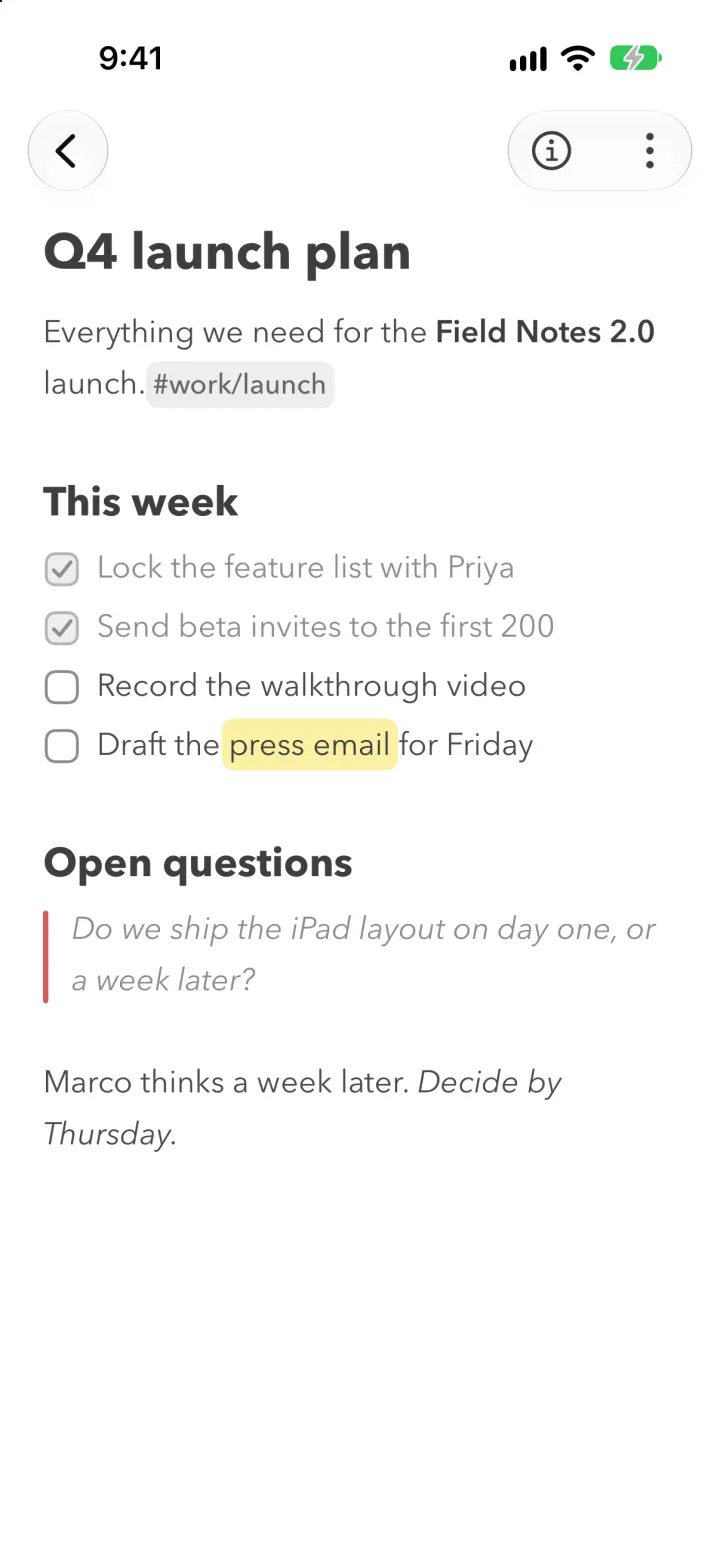
3. Editor: glass back circle, a glass capsule with (i) and ⋮ (Pin to Top, Copy Note, Duplicate, Share, Archive, Move to Trash). The text is raw Markdown styled live as you type (UITextView on a TextKit 1 layout manager): "# " lines big and bold, "## " smaller, **bold**, *italic*, ~strike~, `code` on a grey pill, ==highlight== on a rounded yellow pill, #tags on rounded grey pills, "- " as red dots, "1." in red, "> " quotes in grey italic with a red bar, "- [ ]" drawn as rounded checkboxes you tap to tick (done tasks go grey, the keyboard stays down), "---" as a hairline. Like Bear 2, the marks (#, **, ==) are hidden except on the line with the caret, where they show faintly. Return continues a list or task list; Return on an empty item ends it. A format bar above the keyboard: heading cycle, bold, italic, highlight, to-do, bullet, quote, tag, link, hide keyboard.
4. Info sheet: Words, Characters, Read time tiles; Modified and Created; tag pills; a table of contents from the headings; task progress.
5. Search: a glass field across the top with Cancel; chips @todo, @today, @pinned, @untagged, @tagged; results highlight each hit in yellow and the preview starts just before the first hit.
6. Settings: the Bear icon and note count, four theme cards (Red Graphite, Charcoal, Solarized Light, Nord) that re-colour everything live, sort order, and a preview of the widget.
7. Widget (WidgetKit extension, App Group shared with the app): "Latest Note" small, medium and large: the most recently edited note's title, text, time, tags and open to-dos in the current theme's colours; tapping opens that note (bear://note/<id>).

DATA
13 believable notes with fictional people: "Q4 launch plan" (pinned, #work/launch, tasks, a quote, a highlight), "Sourdough, take three" (#recipes/bread), "Morning pages" (#journal), "Kyoto in April" (#travel/kyoto), "1:1 with Priya" (#work/meetings), "App ideas", "Reading list 2026", "Apartment move checklist", "Half marathon training", "Gift ideas", "Weekly review", "Welcome to Bear 👋" and "Markdown cheatsheet" (#bear); one archived and one trashed note. Seed them relative to now and shift untouched demo notes forward on every launch so the list always reads "12 minutes ago".

REMIX-READY
Brand.swift (name, words, fonts), Theme.swift (themes), Fixtures.swift (notes), one feature per folder, files under 300 lines, a README with the file map, and DemoScript.swift launch arguments (-ResetDemo, -DemoTour, -DemoScreen) for screenshots.
More templates
All templates- View template
Streaks Clone
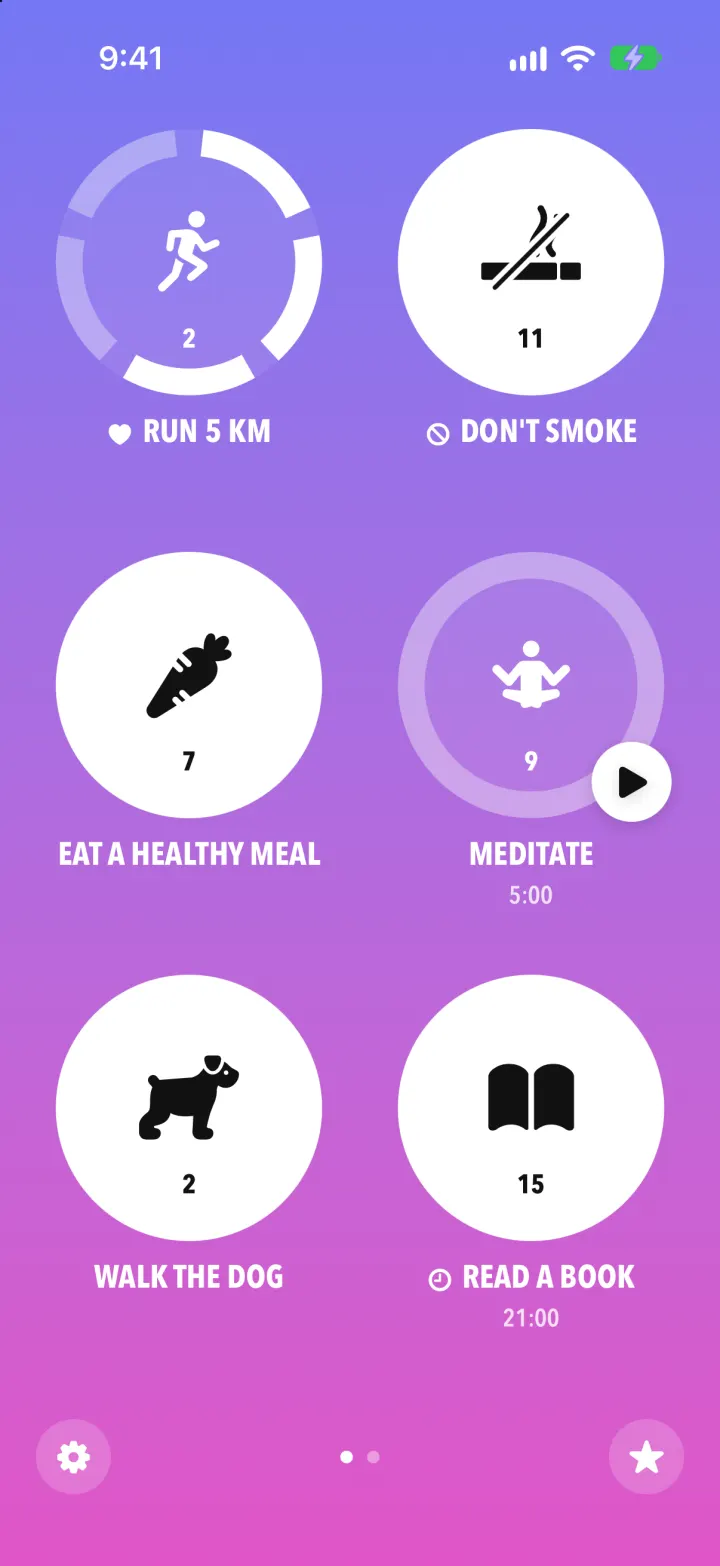
iOSStreaks with its real look: hold a circle to check in, watch the ring fill and the streak count climb.
- View template
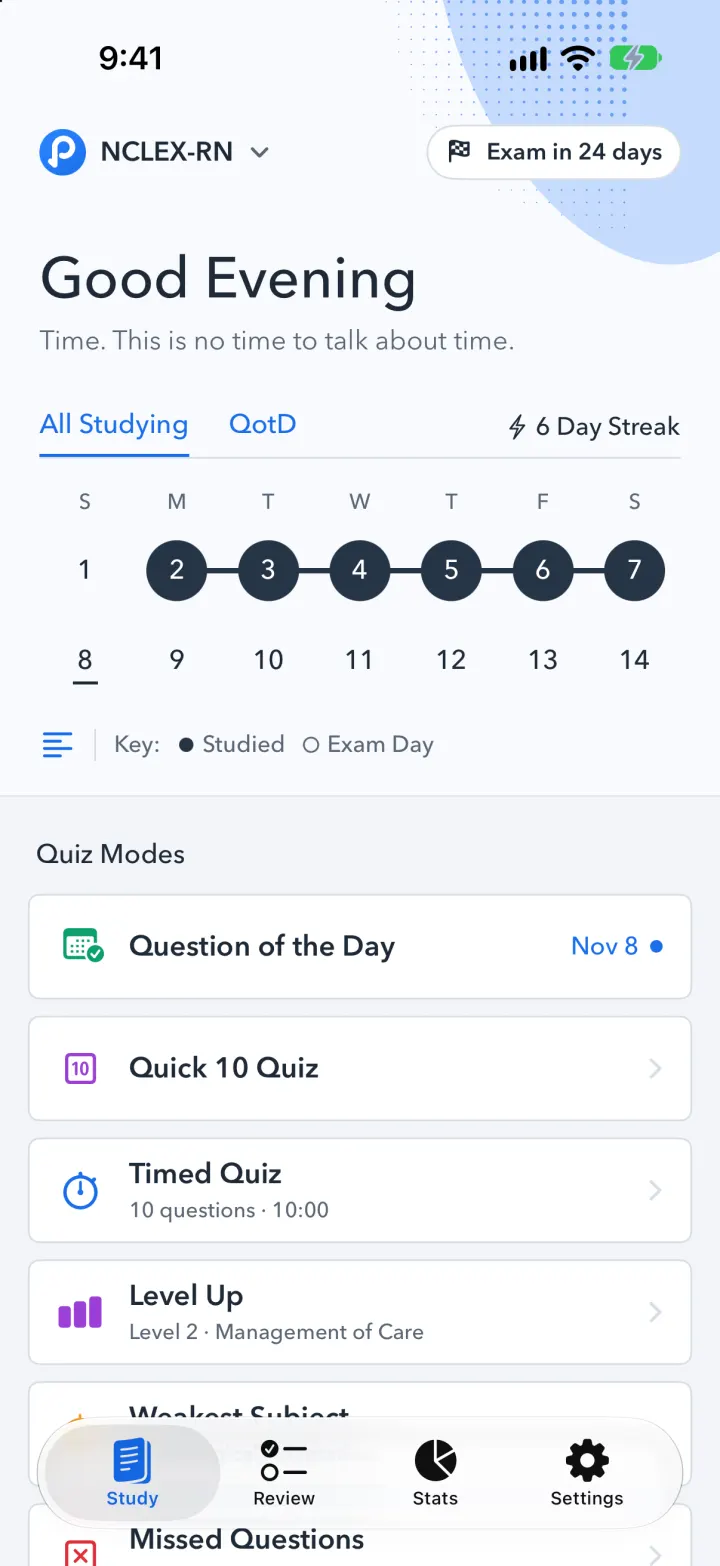
Pocket Prep Clone
iOSPocket Prep's NCLEX quiz app: streak calendar, 8 study modes, explanations and an AI tutor
- View template
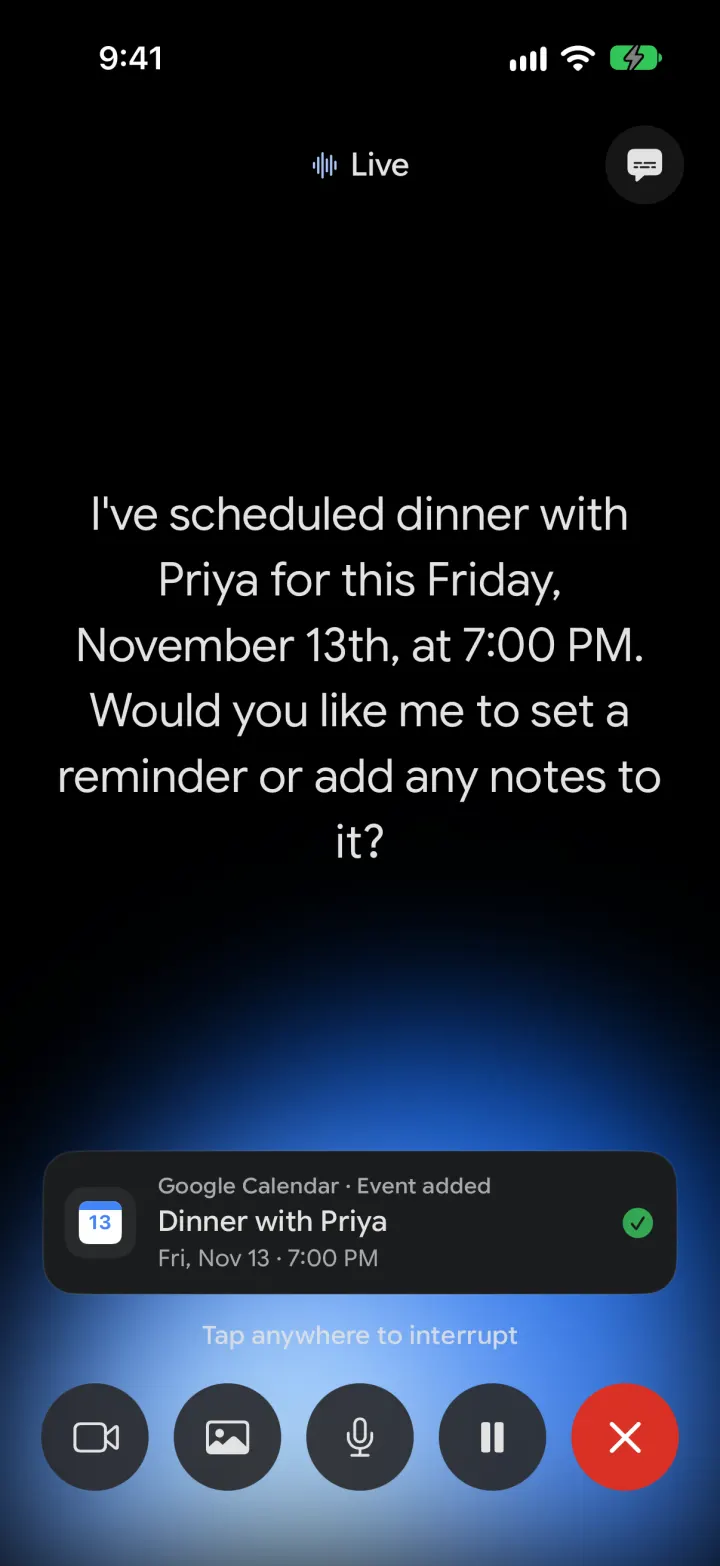
Google Gemini Clone
iOSGemini with real models: streamed chat with Google Search, Nano Banana images and Gemini Live voice
- View template
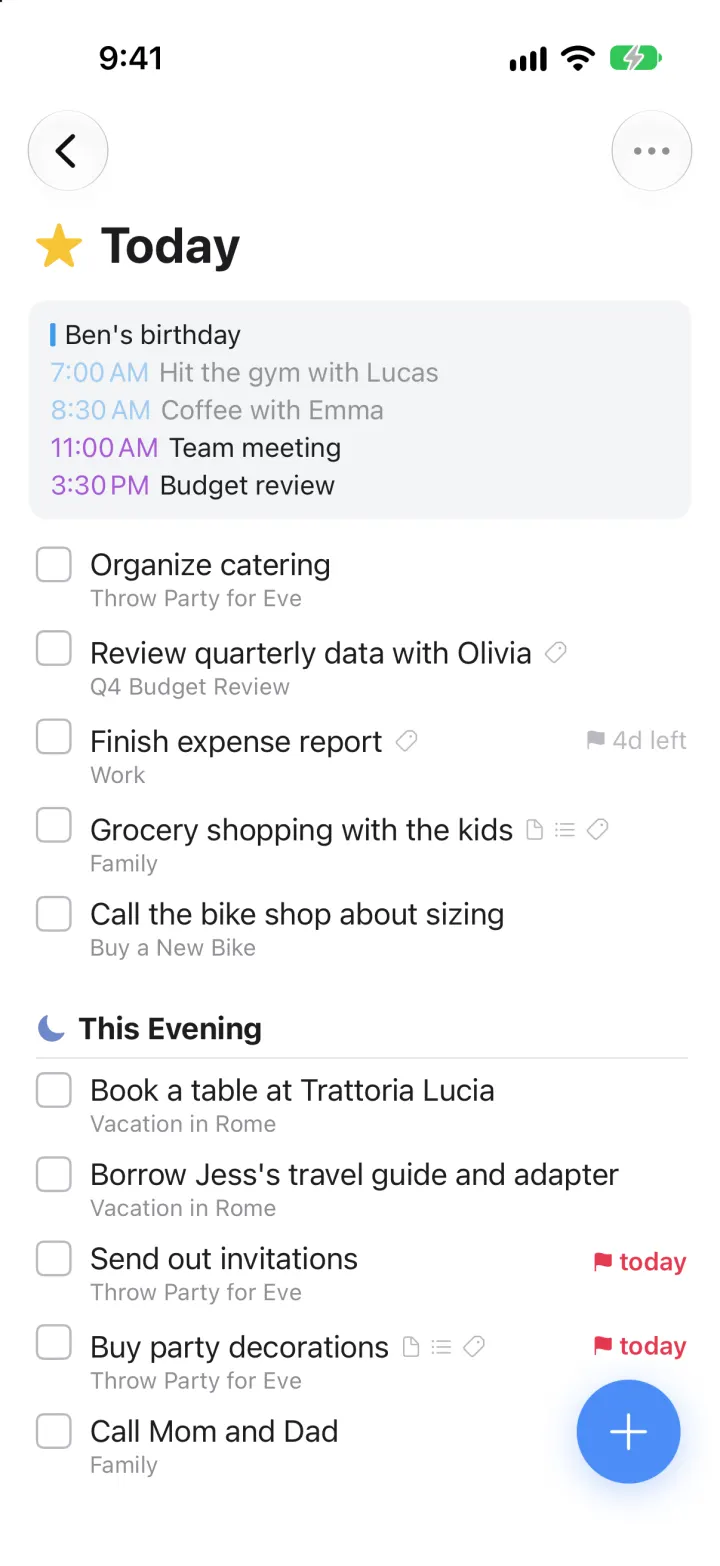
Things 3 Clone
iOSToday, This Evening, the Magic Plus and the dark When picker: the award-winning to-do app, ready to remix