
YouVersion Bible App Clone
YouVersion Bible App clone · Bible app · built by the Vibecode team
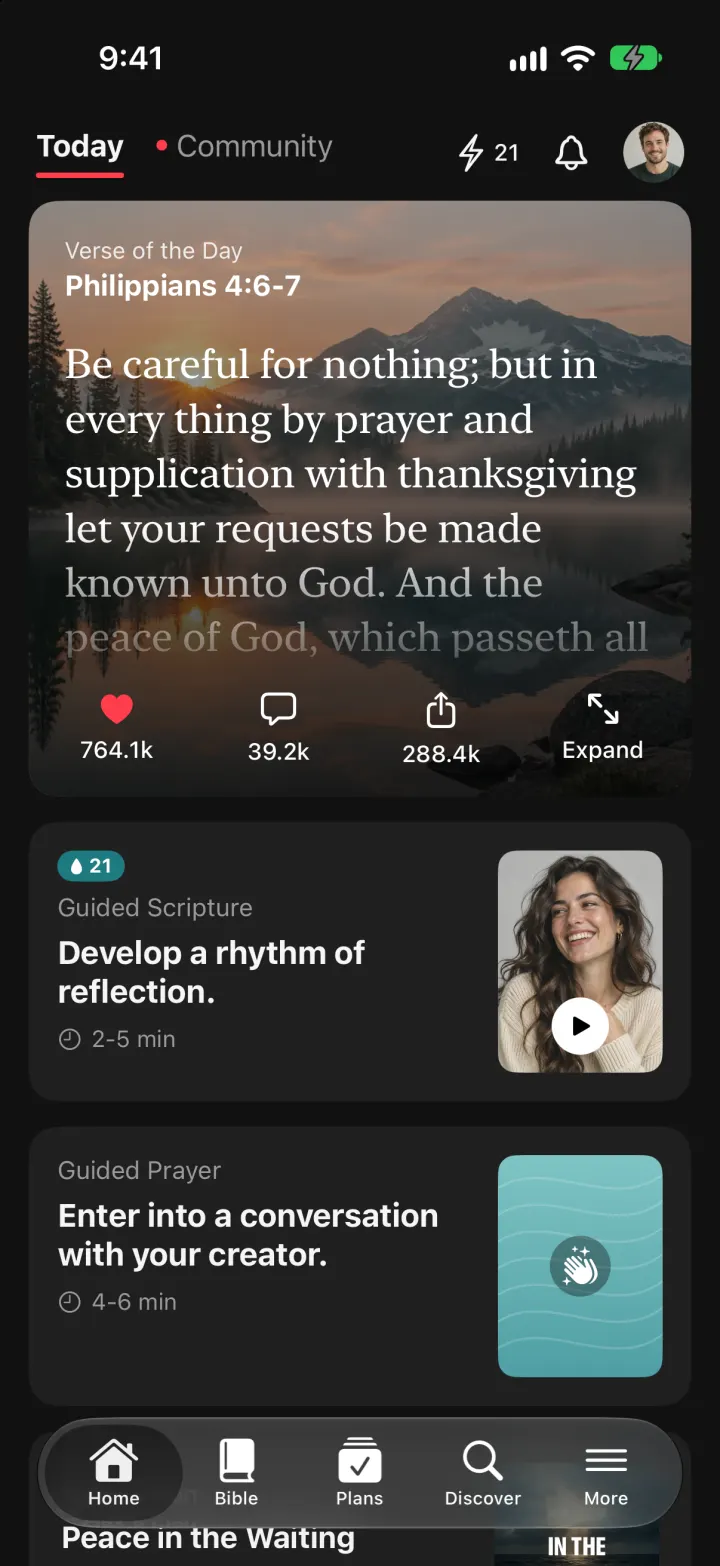
This rebuilds the YouVersion Bible App with its real name, dark look and words. Home opens on the Verse of the Day over a landscape photo, with Guided Scripture, Guided Prayer and today's plan below. The Bible tab reads all 66 books in KJV or WEB: tap verses to highlight them in six colours, add notes and bookmarks, compare versions, or press the speaker to hear the chapter read aloud as the text follows along. Plans have a day strip and daily checklist that ends in Day Complete, Discover has topic tiles and plan rows, and Community shows friends' notes and prayers.
- iPhone · Swift
- Hand-built
- Free to remix

Remix copies the working app into your account for free, exactly as we built it. It runs in Vibecode's cloud iOS simulator, in your browser.
The prompt that builds it
We wrote YouVersion Bible App Clone by hand. This prompt describes the finished app: paste it into a new app to build your own version, or change it first.
Prompt · 755 words
Build a polished native iOS clone of the YouVersion Bible App ("Bible" by Life.Church) in SwiftUI: Home with the Verse of the Day, a full Bible reader with highlights, notes, bookmarks, an audio Bible and full-text search, reading plans with daily checklists, Discover topics, Guided Prayer and a Community feed.

It is YouVersion on screen, dark by default: near-black #121212 with #1F1F1F cards, white text, accent red #FF3D4D, a grotesk UI font (SF) and a book serif (New York) for scripture. Its own words: "Today", "Community", "Verse of the Day", "Expand", "Guided Scripture", "Develop a rhythm of reflection.", "Guided Prayer", "Enter into a conversation with your creator.", "Day 3 of 7", "1 Missed Day", "Participants", "Start Reading", "Versions", "Recently Used", "Switch Narrator", "Search by Topic", "New to Faith", "Trending Plans", "Add Friend", "Mutual Friends". The user is Daniel Reyes. Scripture is public domain only: bundle the full KJV and WEB (all 66 books, from eBible.org) compressed in the app, with paragraph breaks.

SHELL
Tabs: Home, Bible, Plans, Discover, More (white selected). Opens on Home: no onboarding, login, paywall or permission prompt.

SCREENS
1. Home: header "Today" (bold, red underline) / "• Community", bolt + 21-day streak, bell, round avatar. Verse of the Day card over a dimmed landscape photo: label, bold reference, 23 pt serif text fading out, then heart 764.1k (taps fill red and count up), comments 39.2k (sheet with reflections and a comment box), share, Expand (full-screen verse with Read Full Chapter). Guided Scripture card with a portrait and play button, Guided Prayer card with a teal wave tile, Today's Plan card with progress, Continue Reading.
2. Community: friend suggestion cards (photo, x, mutual friends, Add Friend -> Requested), posts: "Grace Lin added a note on Isaiah 41:13 KJV" with the verse in serif behind a rule, the note in a card, hearts, likers, comments ("Amen!"); highlight, plan-completed and prayer posts.
3. Bible reader: joined pill "John 1 | KJV" (books sheet / versions sheet), speaker, "AA", magnifier. Book name small and a big serif chapter number, italic section headings, verses flowing in indented paragraphs with small superscript numbers (one UITextView). Tap verses: dotted underline and a bottom bar with "John 1:3-5 KJV", six highlight colours (pale yellow, green, blue, pink, orange, purple; text turns dark on colour), Copy, Share, Bookmark, Note, Compare (KJV vs WEB). Notes and bookmarks show as small icons after the verse. Circular prev/next chapter buttons and swipe to change chapter.
4. Audio: docked panel "The Listener's Bible: KJV Edition", Switch Narrator, rewind / play-pause / forward, scrubber, 1X speed, timer. The system voice reads verse by verse and the current verse is shaded and kept on screen.
5. Books (Traditional/Alphabetical, expanding chapter grid), Versions ("2 Versions in 1 Language", Language ENGLISH, Recently Used), AA (text size, New York / SF Pro / Georgia, line spacing, System/Light/Dark for the whole app), Search (All / Old / New Testament, result count, matches bolded, tap jumps to the verse and flashes it).
6. Plans: My Plans / Saved / Completed rows with cover, "Day 3 of 7", progress and missed days. Plan page: cover art with the title set in code, day strip (number + date, check on done days), "Day 3 of 7", participants, checklist (Devotional, Philippians 4:6-7, Mark 4:35-41), white "Start Reading" capsule. Item reader with progress segments, devotional or passage text, Next / Complete Day -> red check "Day 3 Complete!" with the streak. Plans: Peace in the Waiting (7 days with devotionals), Psalms for Hard Days, Bible in a Year (365 generated days), and 9 more.
7. Discover: Search (plans, topics, "Search the Bible for..."), All/Plans/Topics chips, Search by Topic coloured tiles (LOVE, ANXIETY, PEACE, HEALING, HOPE, FEAR...), New to Faith, Trending Plans, Because You Read John. Topic page: verses + plans.
8. Guided Prayer: full-screen teal story with progress bars, "WELCOME", yellow bold lines "Inhale deeply.", "Tap the screen to continue", auto-advancing ring.
9. More: profile with streak, plans done, highlights; Highlights, Bookmarks, Notes (editable), Badges, Friends, Settings (appearance, version, typeface, text size, a daily Verse of the Day reminder notification).

RULES
Everything persists in SwiftData (highlights, notes, bookmarks, plan progress). Seed demo data relative to today and slide it forward each launch so it never looks stale. Plans, devotionals and people are original and fictional; photos are generated. Draw the app icon in code style, never ship the company's files.

REMIX-READY
Brand/Theme.swift for name, words, colours, fonts; Data/Fixtures.swift and Data/PlanFixtures.swift for content; Resources/*.bible for scripture; small feature files; README.md; DemoScript launch args (-DemoTour, -DemoScreen, -ResetDemo).
More templates
All templates- View template
Liquid
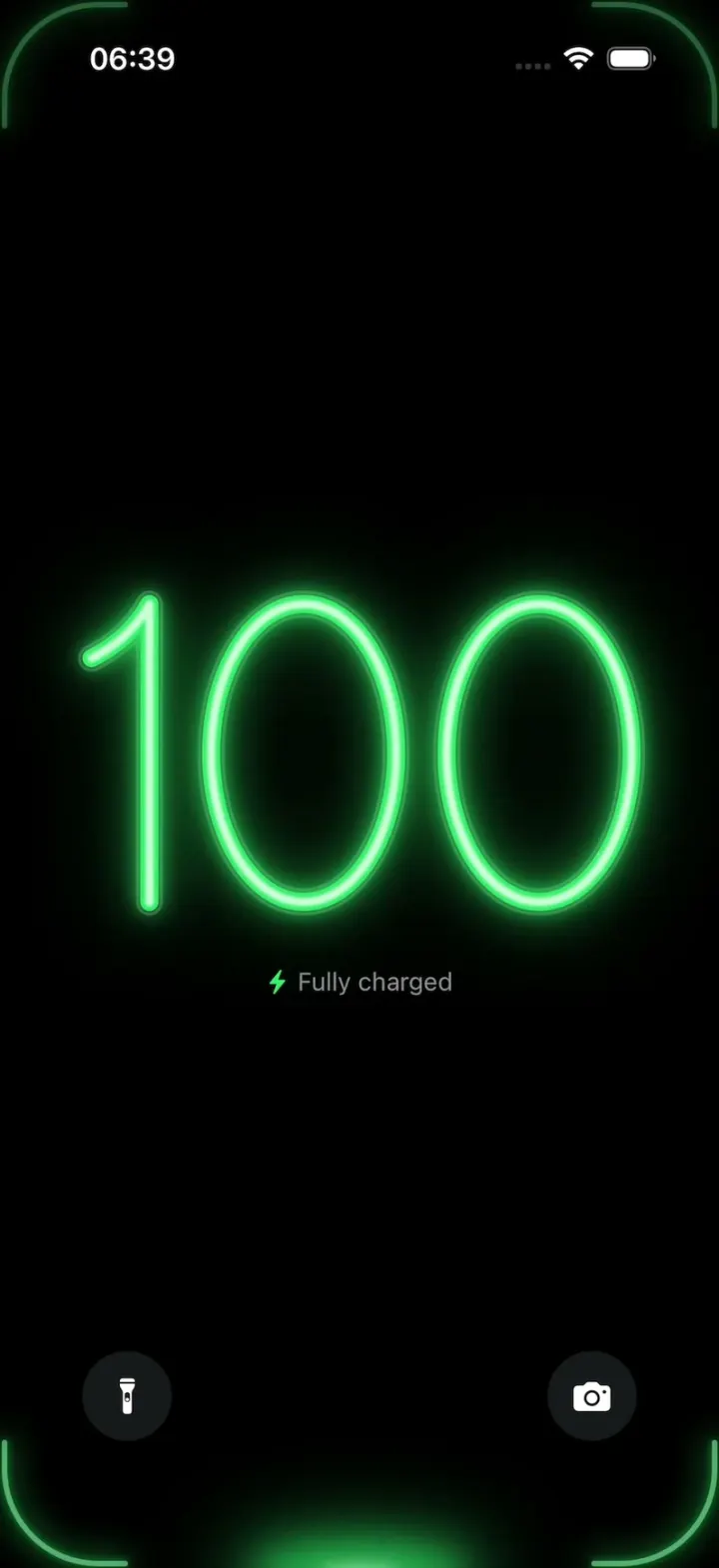
iOSA neon drop falls from the Dynamic Island and fills glass-tube battery digits, from red to amber to green.
- View template
SuperCook Clone
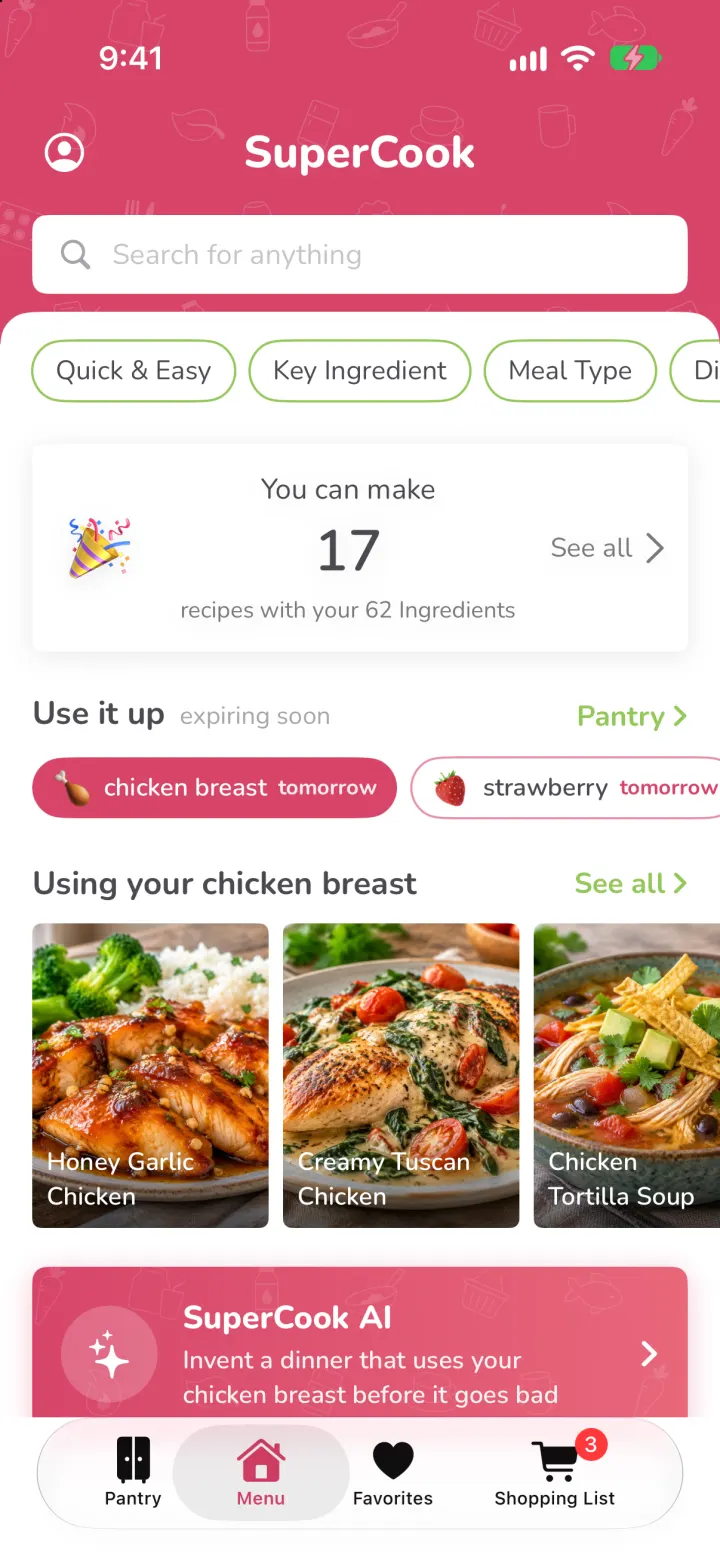
iOSTick what's in your fridge and see only recipes you can cook tonight, with expiry alerts and AI fridge scan.
- View template
FotMob Clone
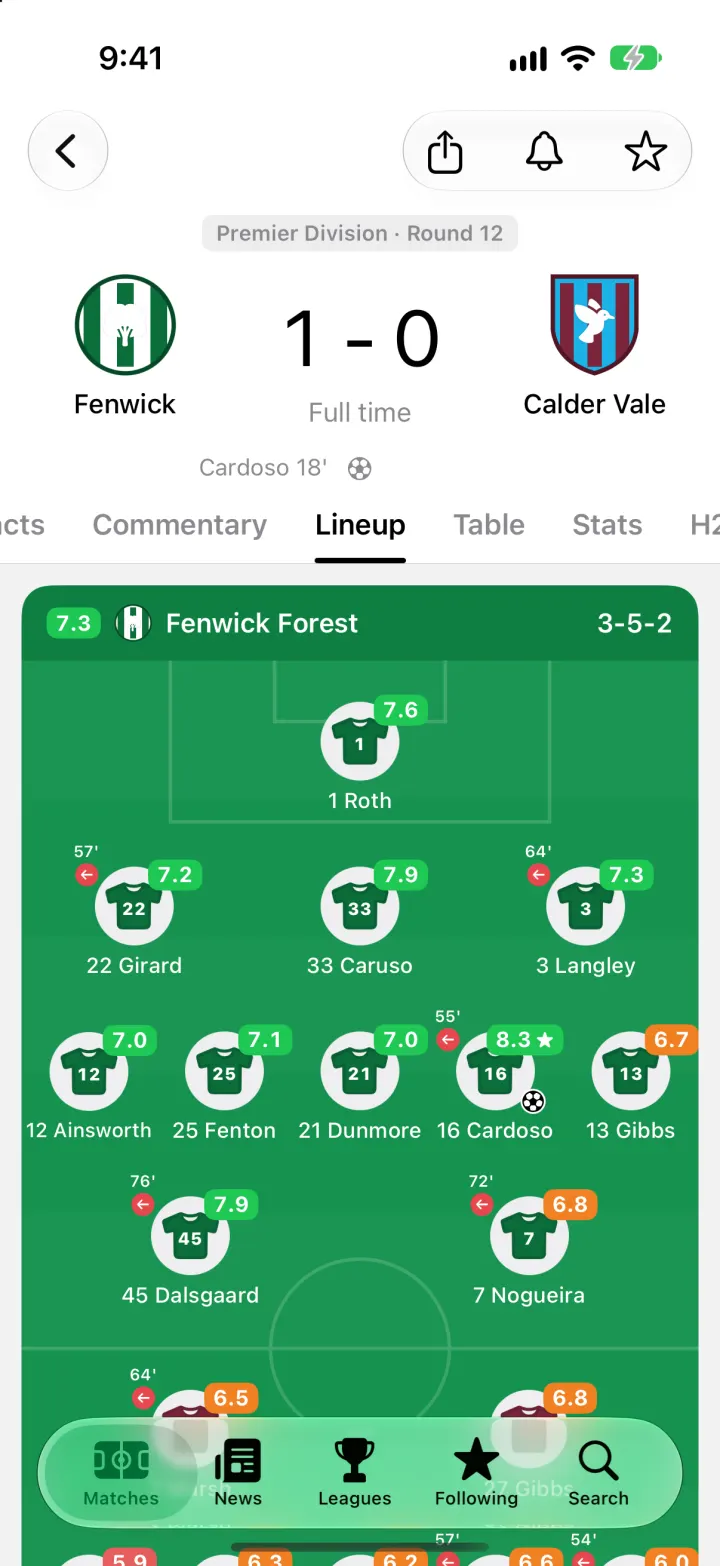
iOSFotMob with its real look: live scores that tick, goal flashes, rated lineups, tables and scouting notes.
- View template
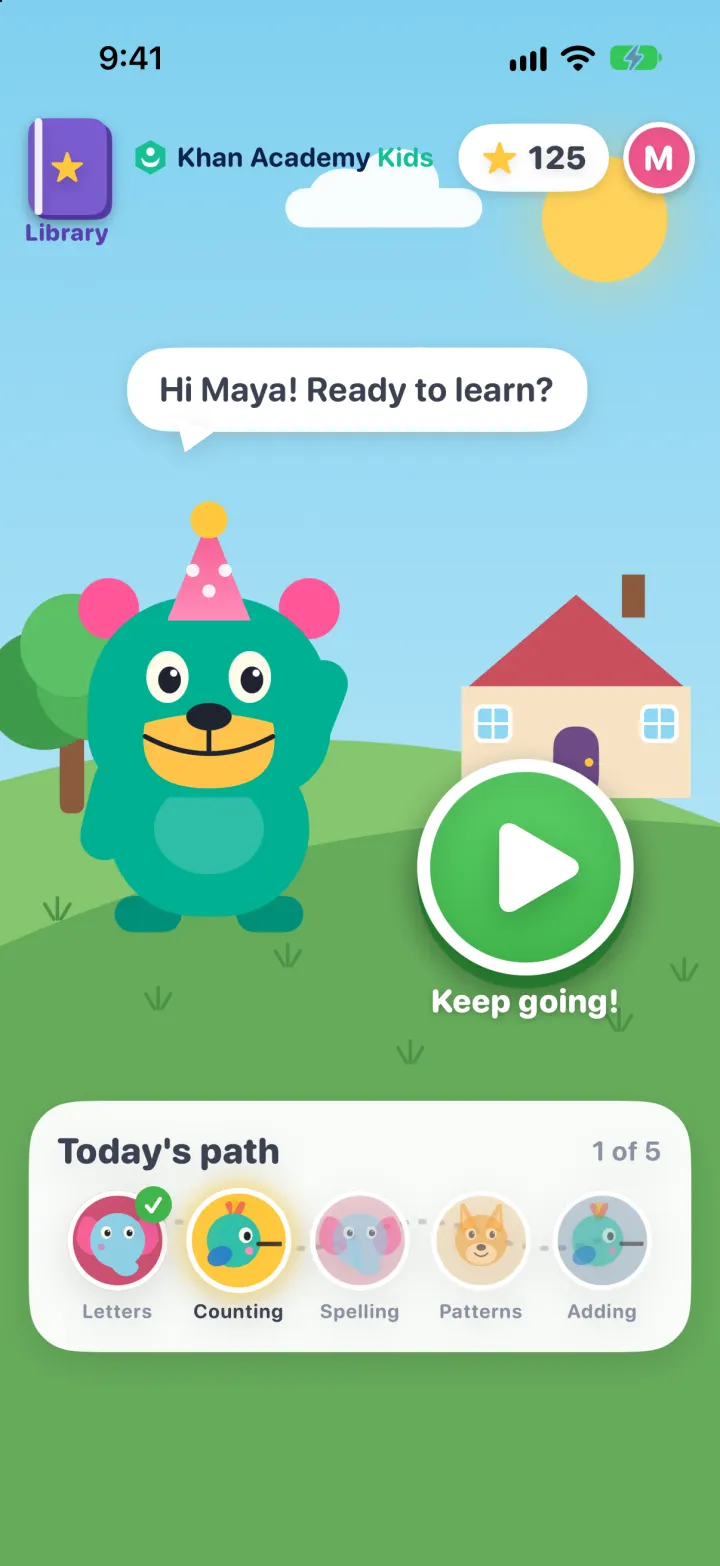
Khan Academy Kids Clone
iOSKodi the bear's learning path: tap, drag and trace mini-games with read-aloud prompts, stars and prizes