
Khan Academy Kids Clone
Khan Academy Kids clone · Kids learning app · built by the Vibecode team
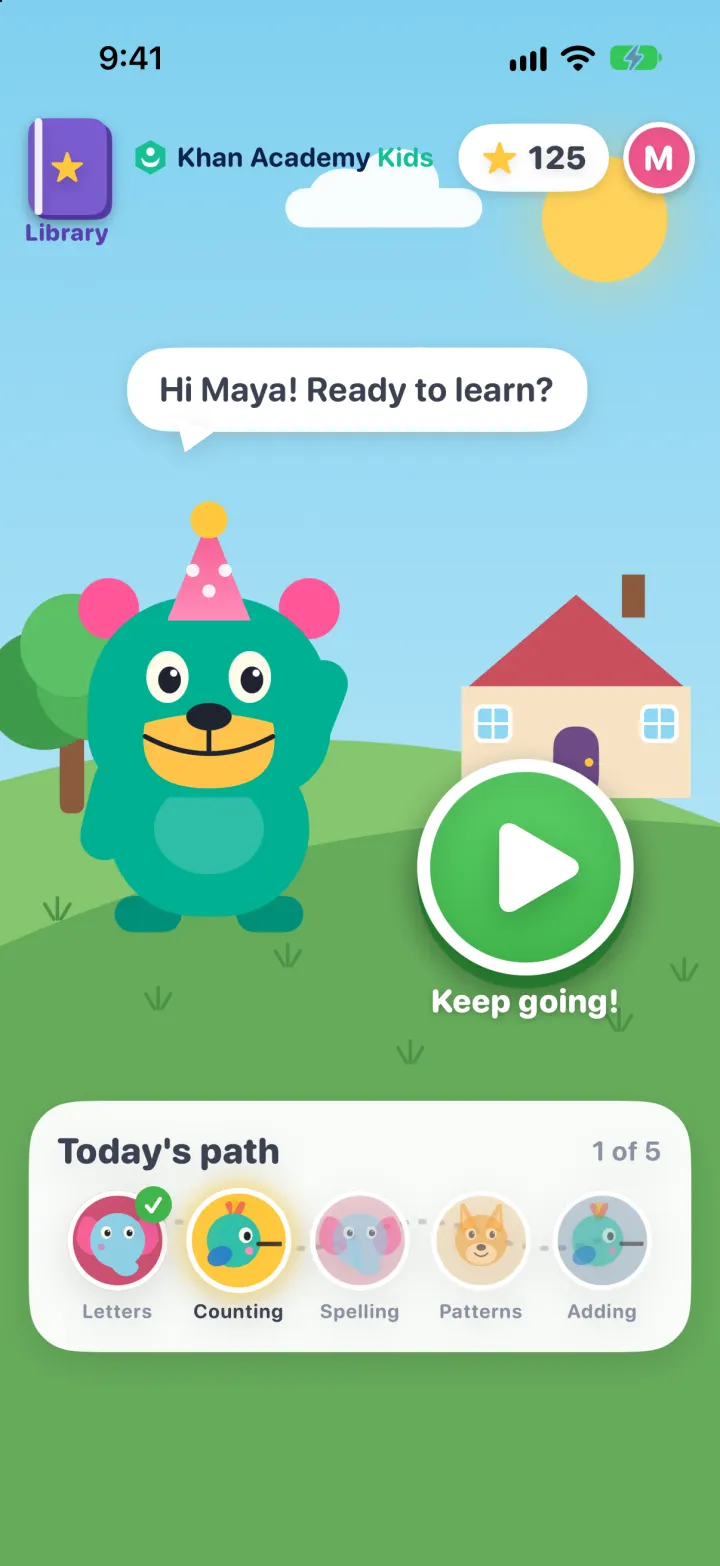
This rebuilds Khan Academy Kids with its real name and look: Kodi the teal bear greets your child on a sunny meadow and the big green arrow starts a five-stop learning path. Each stop is a real mini-game (letter sounds, spelling by dragging letters, counting, balloon sums, shape patterns, letter tracing, a read-aloud storybook) with spoken prompts and up to three stars. Stars unlock hats and toys in Kodi's Collection, and the Library lets kids pick any game or book. Grown-ups get a number-gated area with a weekly chart, skill progress and an age-level setting that changes the difficulty.
- iPhone · Swift
- Hand-built
- Free to remix

Remix copies the working app into your account for free, exactly as we built it. It runs in Vibecode's cloud iOS simulator, in your browser.
The prompt that builds it
We wrote Khan Academy Kids Clone by hand. This prompt describes the finished app: paste it into a new app to build your own version, or change it first.
Prompt · 773 words
Build a polished native iOS clone of Khan Academy Kids in SwiftUI for kids aged 2-8: Kodi the bear's meadow home with a big green play arrow, a five-stop learning path of tap and drag mini-games with read-aloud prompts and stars, a final score screen, a Library, Kodi's Collection of prizes, and a For Grown-ups area with progress reports.

It is Khan Academy Kids on screen: its name and words ("Library", "Today's path", "Let's go!", "Keep going!", "Great job, Maya!", "Kodi's Collection", "For Grown-ups", "Read to me", "Early Readers"), the bright flat storybook look (sky #7FD0F0, grass #66AB5B, Kodi teal #00B093 with pink #FF5697 ears and a yellow #FFC34A muzzle, purple Library book #7A5BD0, go-green #3FB54A, store colours navy #25517E, teal #4EBFAB, orange #F0AA48, raspberry #C93E63, lavender #8A86C9) and a chunky rounded font (SF Pro Rounded heavy). Draw everything in SwiftUI shapes: the Khan Academy hexagon mark + "Khan Academy Kids" wordmark, Kodi the bear (blinks, bobs, talks, waves, wears hats), and head portraits of his friends Ollo the elephant (letters), Reya the red panda (books), Peck the hummingbird (math) and Sandy the dingo (logic). Pictures are SF Symbols. Portrait iPhone.

SHELL
No tabs. Opens straight on Home: no splash, onboarding, login, paywall or permission prompt. Library, Collection, Grown-ups and the lesson player are full-screen layers over Home.

SCREENS
1. Home: sky with drifting clouds and sun, rolling hills, a little house and a tree. Top bar: purple book "Library" (left), wordmark (centre), star total pill (opens Collection) and the child's initial avatar (opens "Who's learning?": Maya / Leo, plus a navy "For Grown-ups" button). Kodi (tap him for a new spoken line) with a speech bubble "Hi Maya! Ready to learn?", the pulsing green play arrow with "Let's go!" / "Keep going!", and a white "Today's path" card: five round stops on a dotted trail (friend face per subject, green check when done, the next one glowing yellow, "1 of 5").
2. Lesson player: house button, progress capsules, session stars; Kodi bottom-left (tap to repeat the instruction) with speech bubbles; after each correct answer a burst of 1-3 stars (3 = no mistakes, 2 = one, 1 = more) and confetti, then it slides to the next game. Wrong answers shake and Kodi says "Try again!".
3. Games: Letter sound (picture card, word with a dashed first-letter box, tap the right letter block); Spell (drag or tap letter tiles into yellow slots, one extra letter); Count (tap each thing to number it, then tap the number block); Balloons (sum on a chalkboard, pop the balloon with the answer); Pattern (shapes row with a "?" slot, drag the next shape in; the row hops in rhythm); Trace (paint a big letter with your finger until 80% is covered, paint meter); Story (4-page read-aloud book, each word highlighted as it is read, page arrows, green check at the end); Draw (white page, row of 9 crayons, undo, done).
4. Score: "Great job, Maya!", stars "12 / 12", one face per game with its stars, "New for Kodi! You got the Rocket" when a prize unlocks (else "13 more stars to unlock the Trophy"), Kodi waving, Home and Next.
5. Library: big teal "Library", round bubble tabs Books, Letters, Math, Logic, Create (selected = yellow), shelf title ("Kindergarten Early Readers", "Numbers & Counting"...), 2-column cards with drawn thumbnails and green checks on finished ones. Any card plays that one game.
6. Kodi's Collection: Kodi on the meadow, "N stars to the Trophy" progress, 12 prizes in a 3-column grid unlocked by total stars (Party Hat, Gold Crown, Ball Cap, Daisy, Star Hat, Kite, Drum, Rocket, Trophy, Teddy, Globe, The Best Medal); tapping a hat puts it on Kodi everywhere.
7. For Grown-ups: navy number-pad gate ("To continue, tap: five, three, two"), then an inset-grouped report: child picker, last 7 days (activities, stars, minutes), stacked bar chart by subject (Swift Charts), skills progress per subject, recent activity, settings: Age level (Preschool to 2nd Grade; changes number ranges, subtraction, word length), Learning path focus, Read aloud, Sound effects, Reset progress.

RULES
Read-aloud uses AVSpeechSynthesizer on its own serial queue. Progress is SwiftData (ActivityRecord); demo history for Maya (Kindergarten) and Leo (Pre-K) is rebuilt from a seeded RNG on every launch so it always ends today; real plays are kept. Content is generated by a seeded Curriculum per age level and lesson number; the path resumes mid-way. Everything works offline, no backend.

REMIX-READY
Brand/Theme.swift (name, lines, colours, font), Fixtures.swift (words, stories, prizes, children), one file per game in Features/Activities, files under 300 lines, README.md with a file map, and DemoScript.swift launch arguments (-DemoTour YES, -DemoScreen <name>, -ResetDemo YES).
More templates
All templates- View template
Liquid
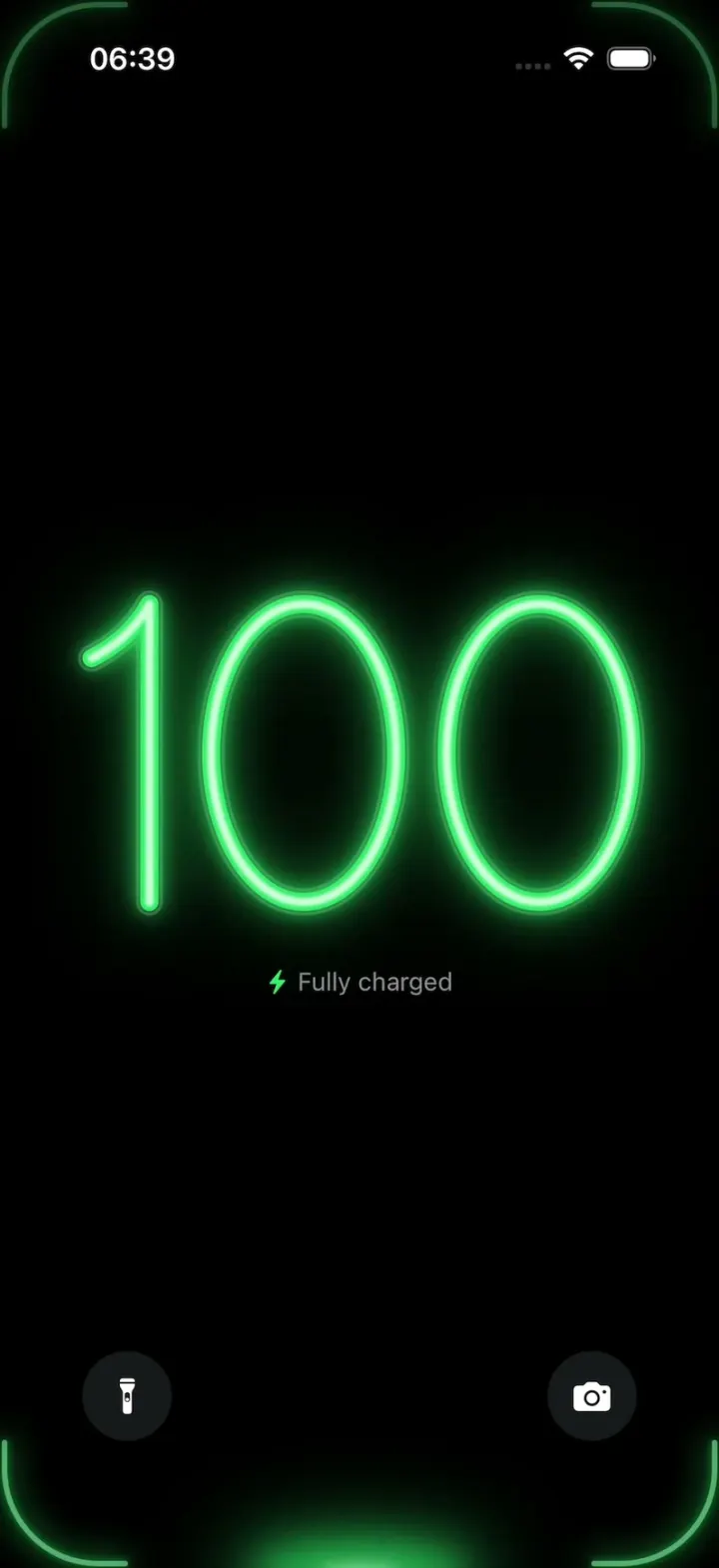
iOSA neon drop falls from the Dynamic Island and fills glass-tube battery digits, from red to amber to green.
- View template
YouVersion Bible App Clone
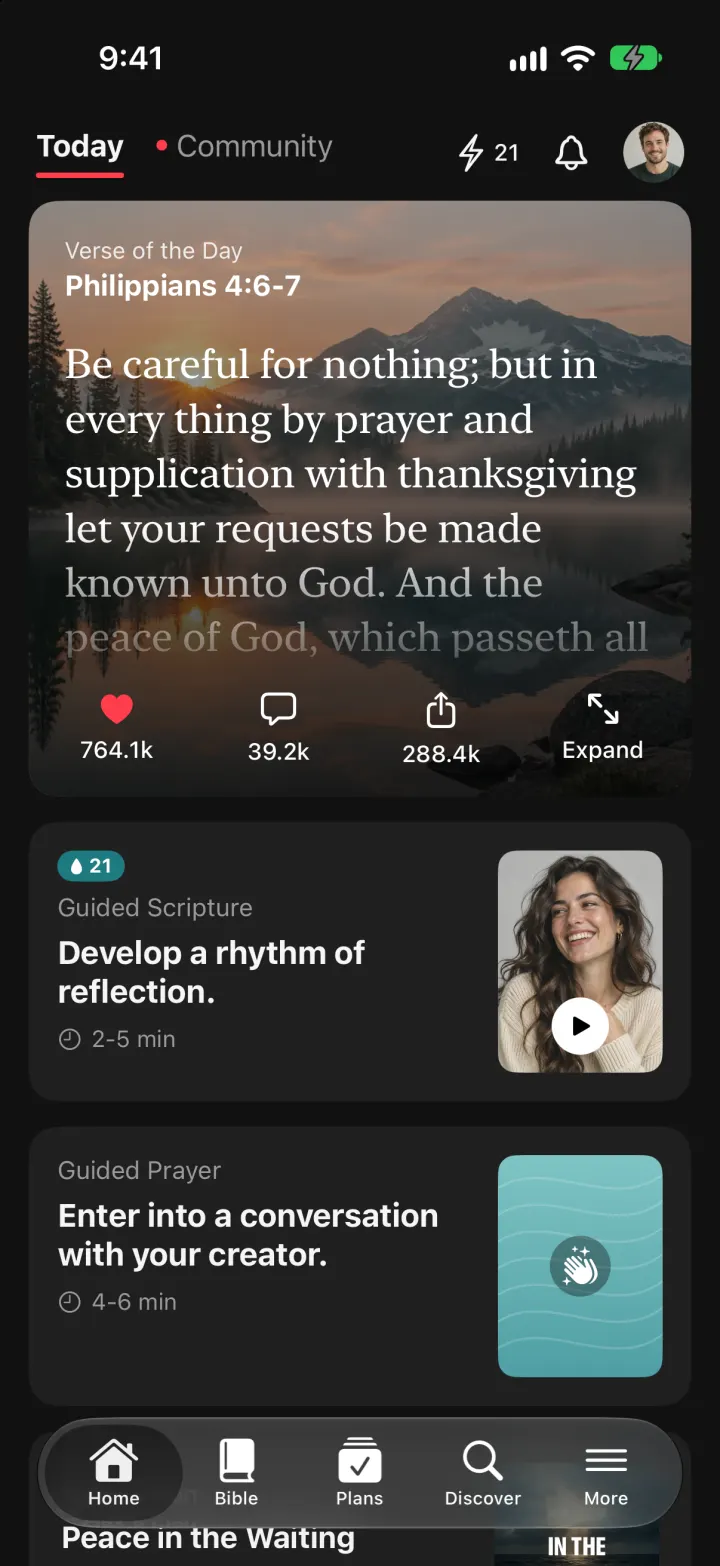
iOSThe whole KJV and WEB Bible: highlight verses, hear them read aloud, and keep a reading plan streak.
- View template
SuperCook Clone
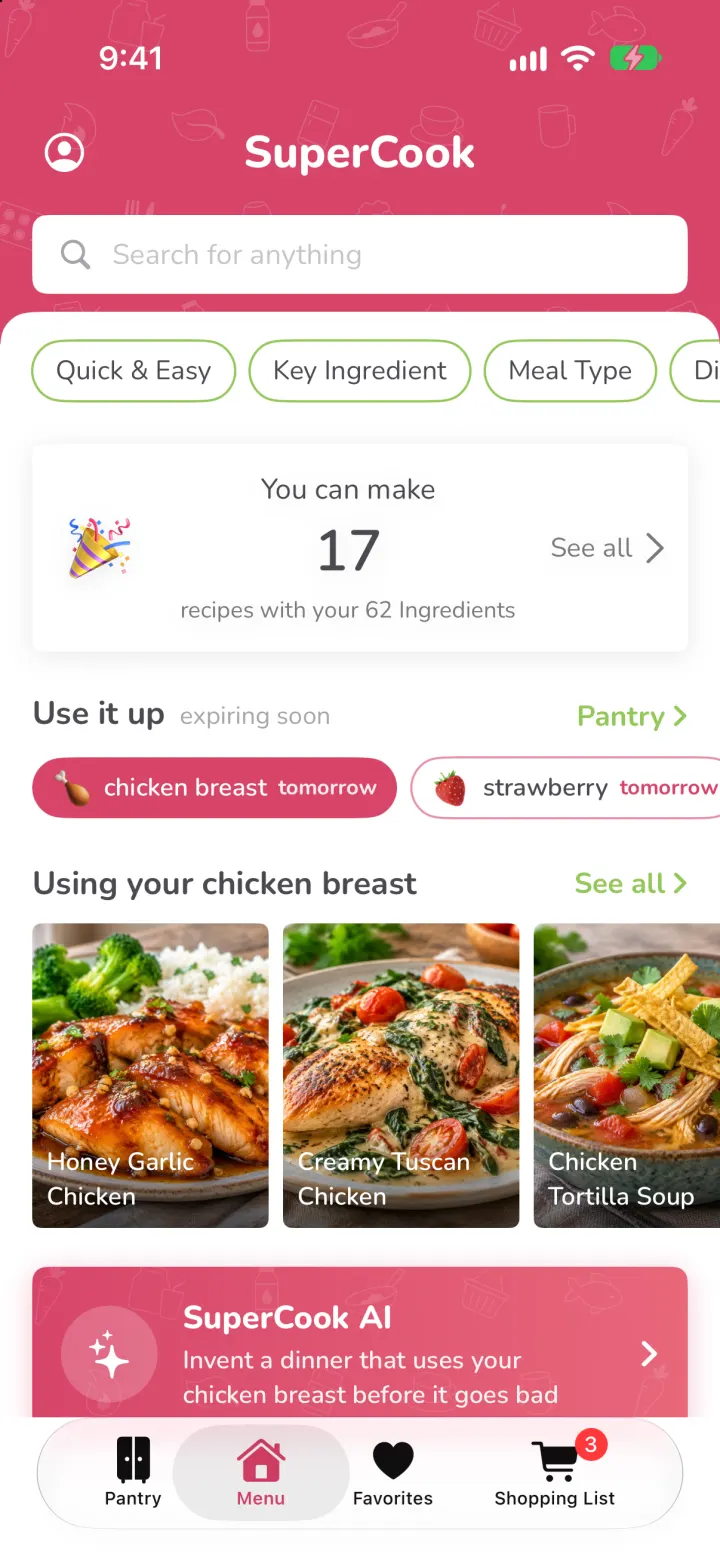
iOSTick what's in your fridge and see only recipes you can cook tonight, with expiry alerts and AI fridge scan.
- View template
FotMob Clone
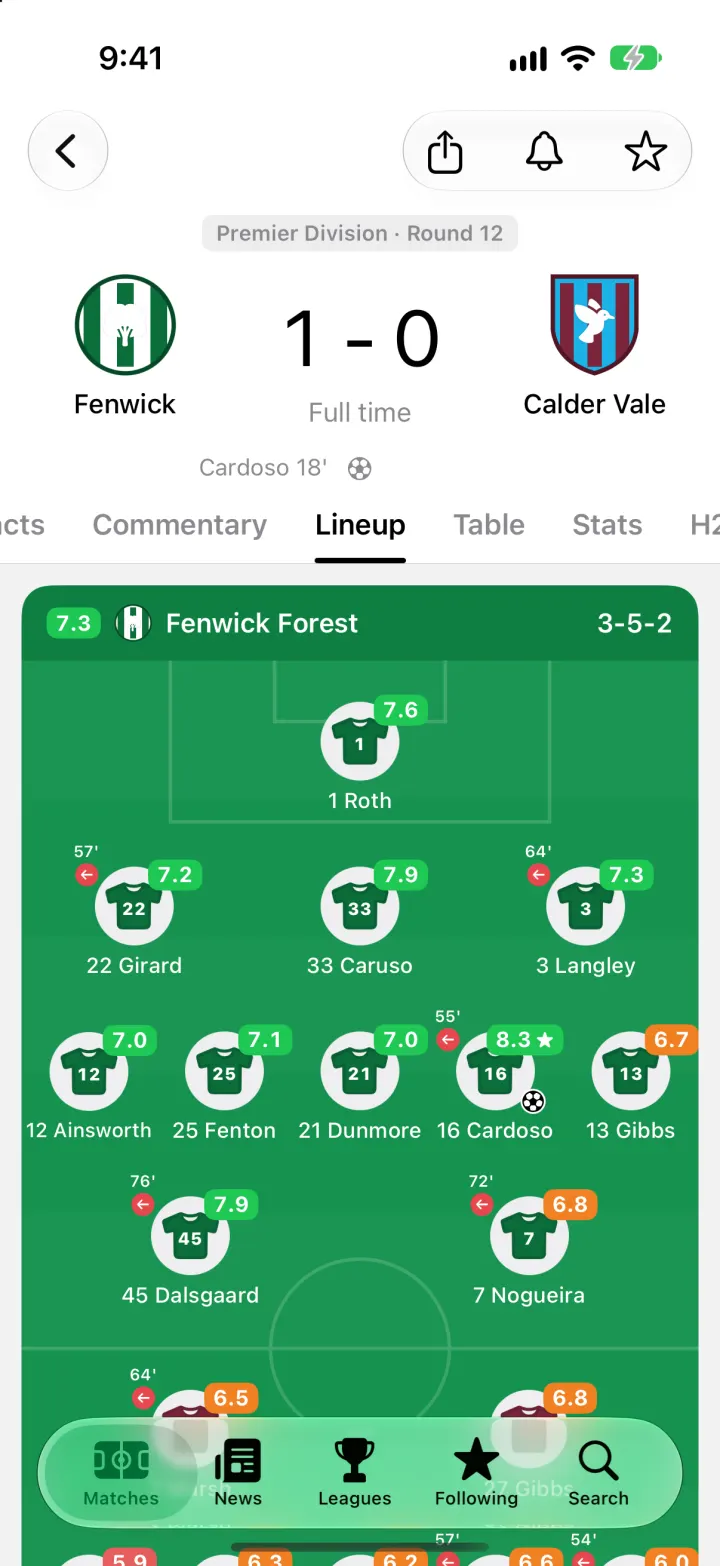
iOSFotMob with its real look: live scores that tick, goal flashes, rated lineups, tables and scouting notes.