Liquid
Personalization app · from our videos on X
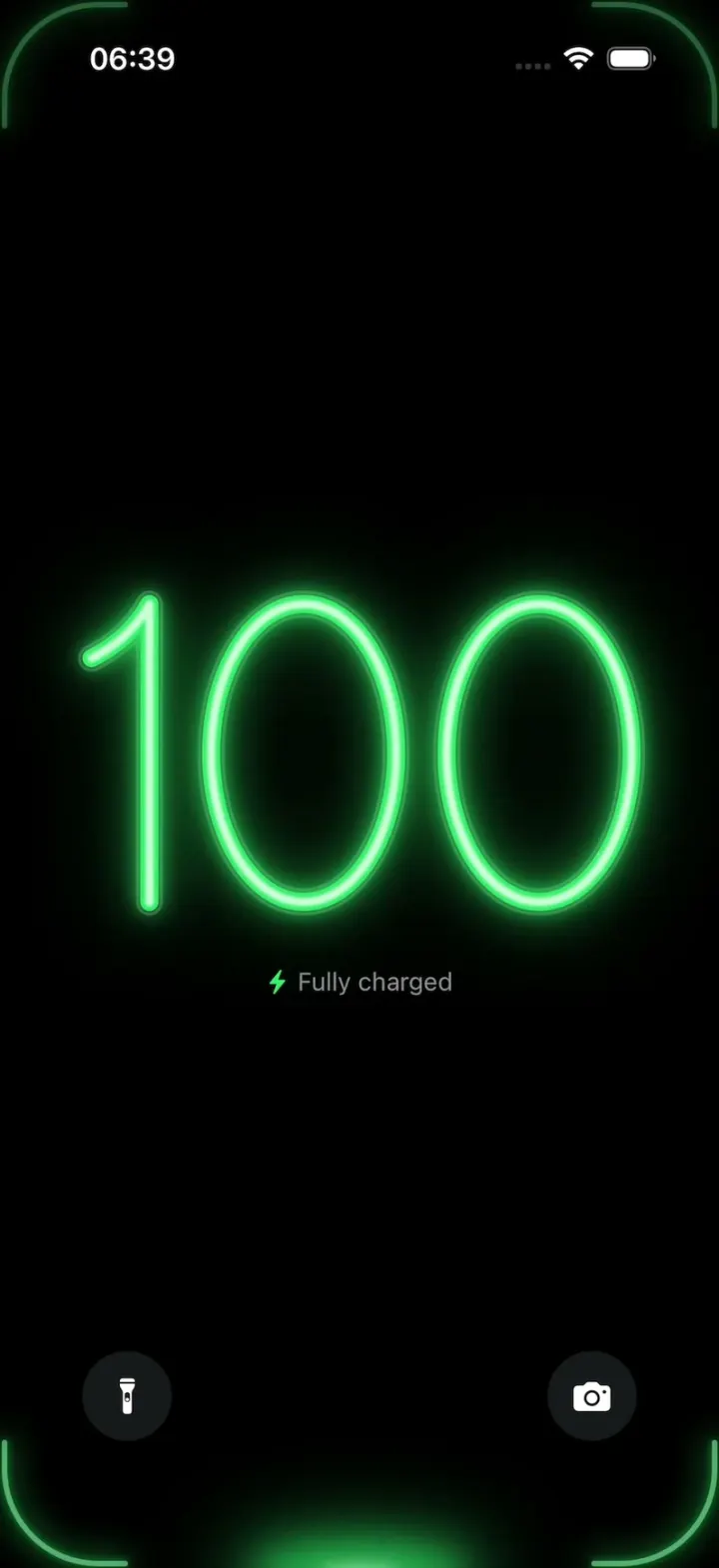
Liquid is a charging screen that turns the battery percentage into glass tubes of neon liquid. Each time the charge ticks up, the Dynamic Island lights up, a glowing drop falls into the empty digit, runs down the tube and fills it from the bottom up, then the number blurs into the next one. It plays a scripted charge from 8% to 100%: red at low charge, amber in the middle, green near full, with odometer rolls through the big jumps, corner glows on every bloom and labels like "Fast charging · Full in 52 min" until it says "Fully charged". Tap anywhere to replay it from a black screen.
- iPhone · Swift
- Built in 1 prompt
- Free to remix

Remix copies the working app into your account for free, exactly as we built it. It runs in Vibecode's cloud iOS simulator, in your browser.
Watch the video on X@ios_app_builder · Nov 9, 2026The prompt that builds it
We built Liquid in one prompt. Paste it into a new app to build your own copy, or change it first.
Prompt · 1,813 words
[image attached][image attached][image attached][image attached][image attached][image attached][image attached][image attached][image attached][image attached][image attached][image attached][image attached]
Download/reference the app shown in this post and clone it exactly, including the iPhone visual design, layout, interactions, animations, typography, spacing, and all visible states. Make it functional and runnable in the simulator. Match the reference as closely as possible and include any interaction shown in the source. Reference: https://x.com/RaminNasibov/status/2119517852768113149 ("liquid charging"). The 13 attached screenshots are frames of the 20-second source video, in time order (file names carry the second, e.g. 04-t2.05 = 2.05 s). Study every one before writing code.

Build a native SwiftUI iOS app named Liquid using Opus 5.5. It is a full-screen charging screen for iPhone: on pure black, the battery percentage is drawn as big glass-tube digits, and each time the percentage goes up a glowing drop of liquid falls out of the Dynamic Island into the empty glass digit and fills it with neon liquid, red at low charge, amber in the middle, green near full. Do NOT put a fake handset frame, fake status bar or fake cable inside the app; the simulator provides the device and the real status bar (keep it visible, light content). Portrait only. No permissions, no backend, no real battery reading: the app plays a deterministic scripted charge from 8% to 100%.

Observed video sequence (0-20 s), which the app must reproduce on launch at the same times:
- 0.0-0.5 s: screen off, pure black.
- 0.5 s: the screen fades in (0.25 s) to the charging screen: an empty glass "8" in the centre, the red label "Fast charging · Full in 1 h 21 min" under it, the flashlight and camera buttons at the bottom.
- 1.0 s: the Dynamic Island lights up with a thin red neon outline glow around its capsule.
- 1.5-1.9 s: a small red glowing drop (teardrop, ~8x12 pt) detaches from the bottom of the island and falls straight down, accelerating, into the small round glass inlet ring at the top centre of the digit.
- 1.9-2.25 s: inside the tube, a short bright red slug of liquid runs down along the tube's path (along the right side of the 8's top loop, through the waist, down the lower loop) to the very bottom of the digit.
- 2.25-2.55 s: the liquid pools at the bottom and rises up both sides of the tube at once until the whole digit is full of glowing red liquid.
- 2.55-2.7 s: the full digit blooms: the glow gets brighter and wider, the liquid core goes almost white-hot pink, tiny sparkles fizz in the bottom of the loop. At the same moment the four screen corners flash with red L-shaped neon arcs that hug the display's rounded corners, and a soft red glow pulses at the bottom centre of the screen (where the cable plugs in).
- 2.7-2.85 s: the number advances to 9 with a vertical blur roll: the lit 8 moves up ~40 pt, smears with a vertical motion blur and fades out (a red smear is visible at the top), while the next digit, an EMPTY glass 9, rises in from ~40 pt below, blurred, and sharpens into place. Label becomes "Full in 1 h 21 min".
- 3.0-4.4 s: the same cycle on the 9 (island glows red, drop falls 3.4-3.7, slug runs down the 9's right side and tail 3.7-4.0, pools and rises 4.0-4.3, bloom + corners 4.3).
- 4.45 s: roll to "10": the "1" arrives already FULL of red liquid, the "0" arrives as empty glass. Label "Full in 1 h 20 min".
- 5.0-6.3 s: the cycle fills the 0 (only the last digit ever gets the drop; earlier digits arrive already full).
- 6.5-7.0 s: fast-forward roll: both digits spin quickly upward through 11, 12, ... 47 like a blurred odometer (about 12 numbers visible as smears), and the colour cross-fades from red to amber, landing on "48": "4" full of amber liquid, "8" empty glass. Label "Fast charging · Full in 52 min" with an amber bolt.
- 7.6-9.2 s: island glows amber, the drop fills the 8 (drop ~8.3, slug 8.6, pool/rise to 9.1, bloom + amber corner arcs 9.2).
- 9.4 s: roll to "49" (9 empty), label "Full in 51 min"; 9.8-11.0 s: the cycle fills the 9; label "Full in 50 min".
- 11.3-11.95 s: fast-forward roll from 49 to 88 through the 50s, 60s, 70s (a blurred "72" is visible), colour cross-fades amber -> yellow-green -> green, landing on "88": first 8 full green, second 8 empty. Label becomes "Optimized charging · Full in 18 min" with a green bolt. The corners flash green.
- 12.2-14.0 s: island glows green, drop, the second 8 fills (slug ~13.0, full ~13.8, bloom 14.0).
- 14.3-14.9 s: fast roll from 88 to 99 (89, 90, ... smears), landing on "99" with the last 9 empty. Label "Full in 3 min".
- 15.3-16.5 s: the cycle fills the last 9.
- 16.8 s: roll to "100": "1" and the first "0" arrive full green, the last "0" empty glass. Label "Optimized charging · Full in 1 min".
- 17.3-19.0 s: island glows green, the drop fills the last 0 (slug ~18.3, full ~18.9).
- 19.0 s: final bloom, green corner arcs, label changes to "Fully charged" (green bolt). Then hold on the full green "100" with a slow, subtle glow breathing.
Tapping anywhere on the screen restarts the whole sequence from the black screen at 0.0 s with every state reset (this is how I film it, so the restart must be instant and clean every time).

Visual details:
- Background: pure #000000 everywhere. No wallpaper, no lock-screen clock, no notifications.
- Digits: thin, rounded numerals with the proportions of SF Pro Thin/Light numerals (see the screenshots: the 8 is two stacked ellipses, the top one slightly narrower; the 9 is a round bowl with a gently curved tail that ends bottom-left; the 1 is a straight vertical stroke with a short diagonal flag at the top-left; the 0 is a tall ellipse; the 4 is an open 4). Implement every digit 0-9 as a single-stroke CENTERLINE Path (normalised to a box, e.g. 100 x 170), so the same path draws the glass tube and the liquid can be animated along it with trim(from:to:).
- Digit size: digit height ~ 22% of the screen height (about 190 pt on a 6.1-6.3" iPhone), centre of the number at ~44% of the screen height. Spacing between digits ~ 12% of a digit width. "8" alone is ~30% of the screen width wide; "100" spans ~75% of the screen width. The number group is always centred horizontally.
- Glass tube (empty state): stroke the centerline at ~15 pt with a very dark translucent grey (#161616 at 90%), a 1.5 pt slightly lighter rim (#3A3A3A) on both edges, and a thin soft white specular highlight (white 25-35%, 2 pt, blurred 1 pt) running along the upper-left side of each curve so it reads as a glass tube. A small glass inlet ring (~16 pt circle, same glass style) sits at the top centre of the digit that is about to be filled.
- Liquid: the same centerline stroked at ~10 pt in the level colour, with a lighter, almost white core (colour mixed 60% with white, ~4 pt), plus 2-3 glow layers (blurred strokes of the same path, radius ~6, ~14, ~28 pt, opacity falling off). Round line caps on the moving liquid front. While filling, the liquid is a trimmed segment: first a short slug (~12% of the path length) travelling from the inlet down to the lowest point, then two fronts rising from the lowest point along the path in both directions until the trims meet the inlet and the whole path is full. Tiny 1-2 pt sparkle dots (white, random twinkle) fizz inside the liquid near the bottom for ~0.5 s after it lands.
- Colours: red #FF3A3A (core #FFB0B0), amber #FFB81C (core #FFE7A0), green #36F06A (core #C8FFD6). Under 20% = red, 20-79% = amber, 80-100% = green. During the fast-forward rolls the colour cross-fades smoothly.
- Dynamic Island glow: draw (ignoring the safe area) a thin 2 pt neon outline in the level colour exactly around the island's capsule (centred at the top, about 126 x 37 pt, 11 pt from the top of the screen on iPhone 17 Pro; read the real top safe-area inset to place it), with a 10 pt soft blur glow, fading in 0.25 s before each drop and out after the drop leaves.
- Corner arcs: four L-shaped neon arcs (3 pt stroke + glow, each ~70 pt along each edge) hugging the display's rounded corners (corner radius ~55 pt), flashing in for 0.15 s and fading over 0.5 s at each bloom/roll.
- Bottom glow: a soft elliptical glow in the level colour at the bottom centre edge of the screen (~120 x 30 pt), pulsing with each bloom.
- Label: a bolt (SF Symbol "bolt.fill", 12 pt, in the level colour) then the text in SF Pro Regular 14 pt, colour #8E8E93 grey, ~28 pt below the digits, centred. Exact strings, in order: "Fast charging · Full in 1 h 21 min", "Fast charging · Full in 1 h 21 min", "Fast charging · Full in 1 h 20 min", "Fast charging · Full in 52 min", "Fast charging · Full in 51 min", "Fast charging · Full in 50 min", "Optimized charging · Full in 18 min", "Optimized charging · Full in 3 min", "Optimized charging · Full in 1 min", "Fully charged". The label text changes instantly at each roll.
- Lock-screen buttons: two 50 pt circles, fill #1C1C1E at 85%, white SF Symbols "flashlight.off.fill" (left) and "camera.fill" (right), 17 pt, centred ~46 pt in from the left/right edges and ~50 pt above the bottom edge, like the iOS lock screen. Tapping them does nothing except a small press scale (and must NOT restart the sequence).

Implementation: drive everything from one deterministic timeline (TimelineView(.animation) + the elapsed time since start, with a table of keyframes for the times above), so every run plays identically and stays smooth. Draw the digits, glass, liquid and glows with Canvas or Shapes; use drawingGroup() / compositingGroup for the glow layers so the simulator keeps 60 fps. Keep the code in small files: DigitPaths.swift (the 10 centerline paths), GlassDigitView.swift, LiquidFill (trim logic), ChargeTimeline.swift (keyframes), IslandGlow / CornerGlow views, ChargingScreen.swift, App. Keep SwiftUI types simple and split complex view bodies.

Keep every file you create inside /home/user/workspace (fonts, generated images, scripts): tool access to /tmp and other paths outside the workspace is denied in this sandbox.

Build fully, run compile/build validation, resolve all errors, and launch in the web simulator. Prioritize fidelity to the attached screenshots and the timing above. Deliver complete implementation rather than a plan.
More templates
All templates- View template
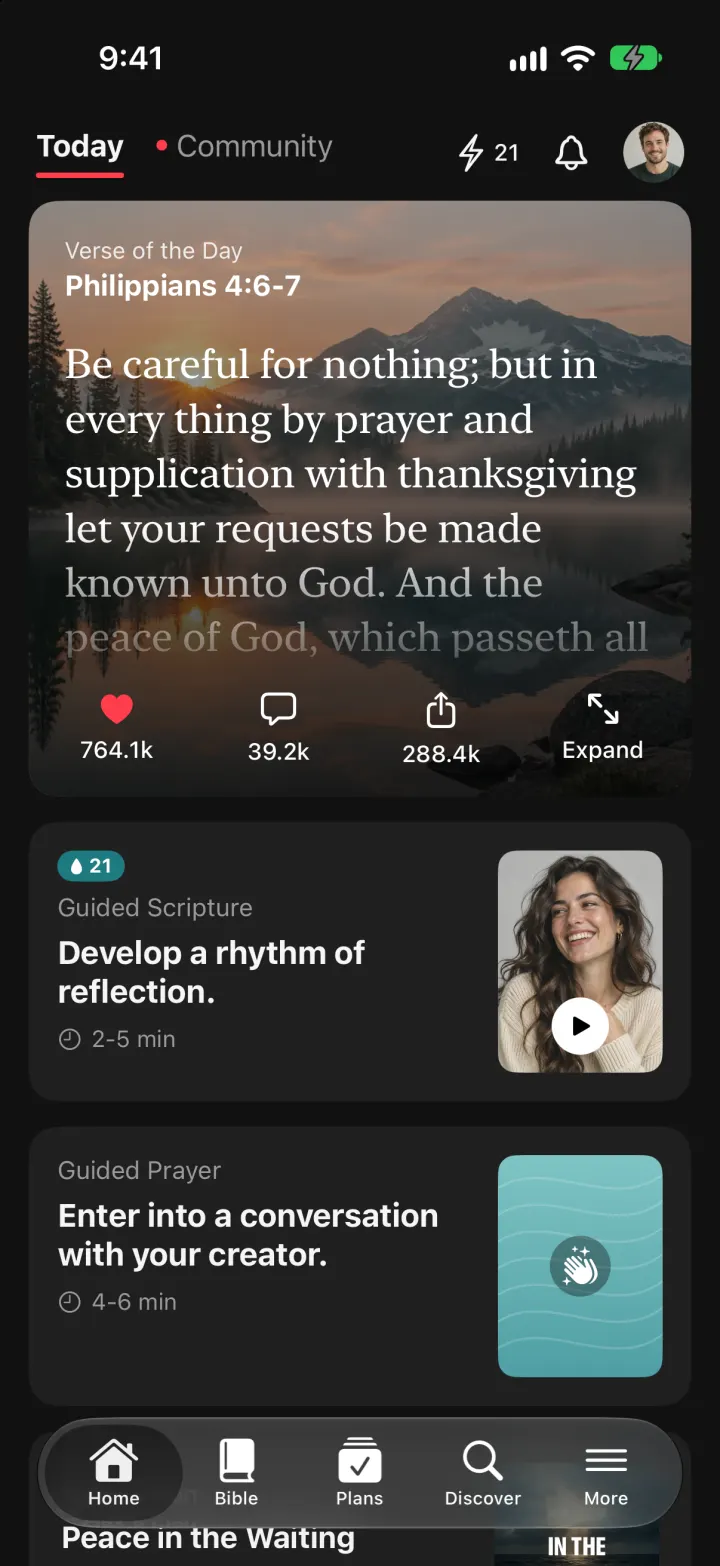
YouVersion Bible App Clone
iOSThe whole KJV and WEB Bible: highlight verses, hear them read aloud, and keep a reading plan streak.
- View template

SuperCook Clone
iOSTick what's in your fridge and see only recipes you can cook tonight, with expiry alerts and AI fridge scan.
- View template
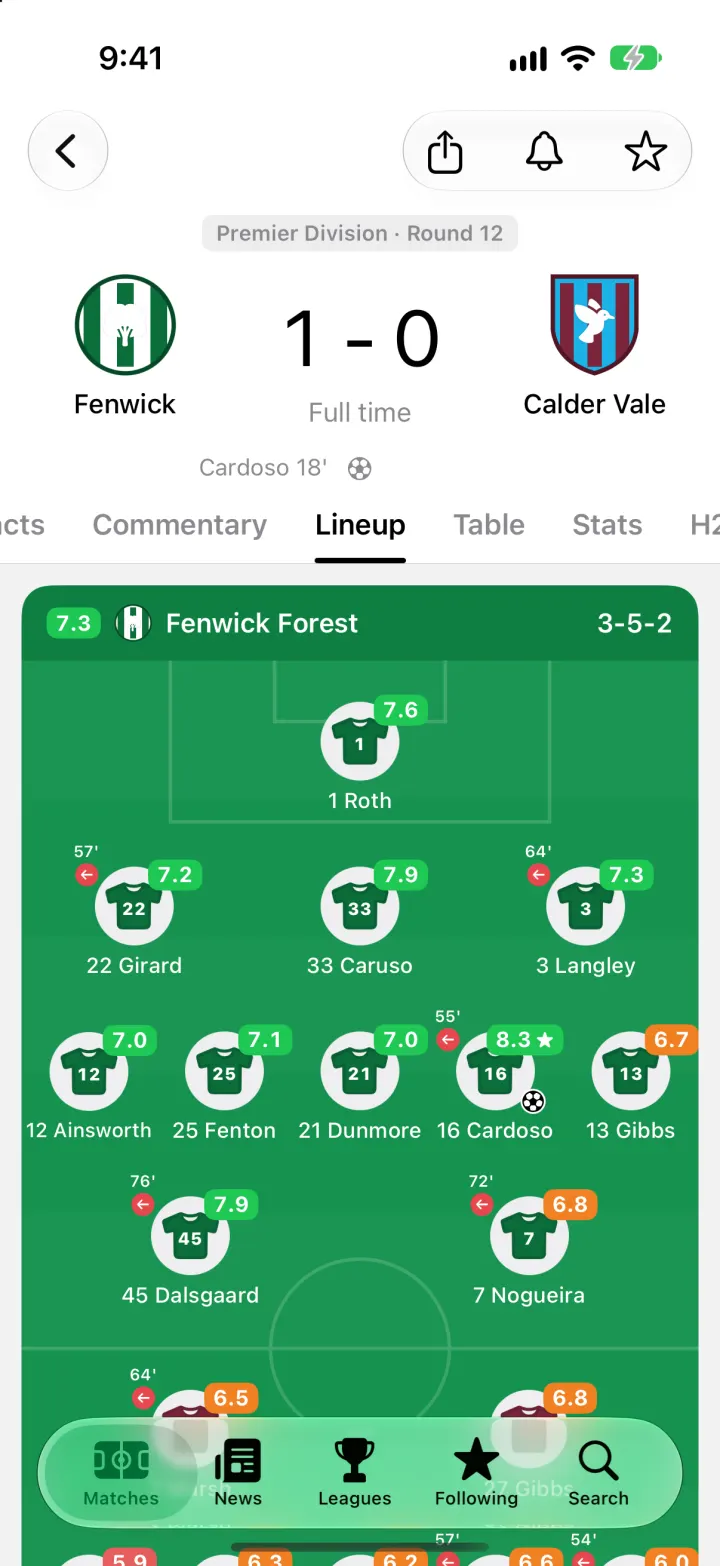
FotMob Clone
iOSFotMob with its real look: live scores that tick, goal flashes, rated lineups, tables and scouting notes.
- View template
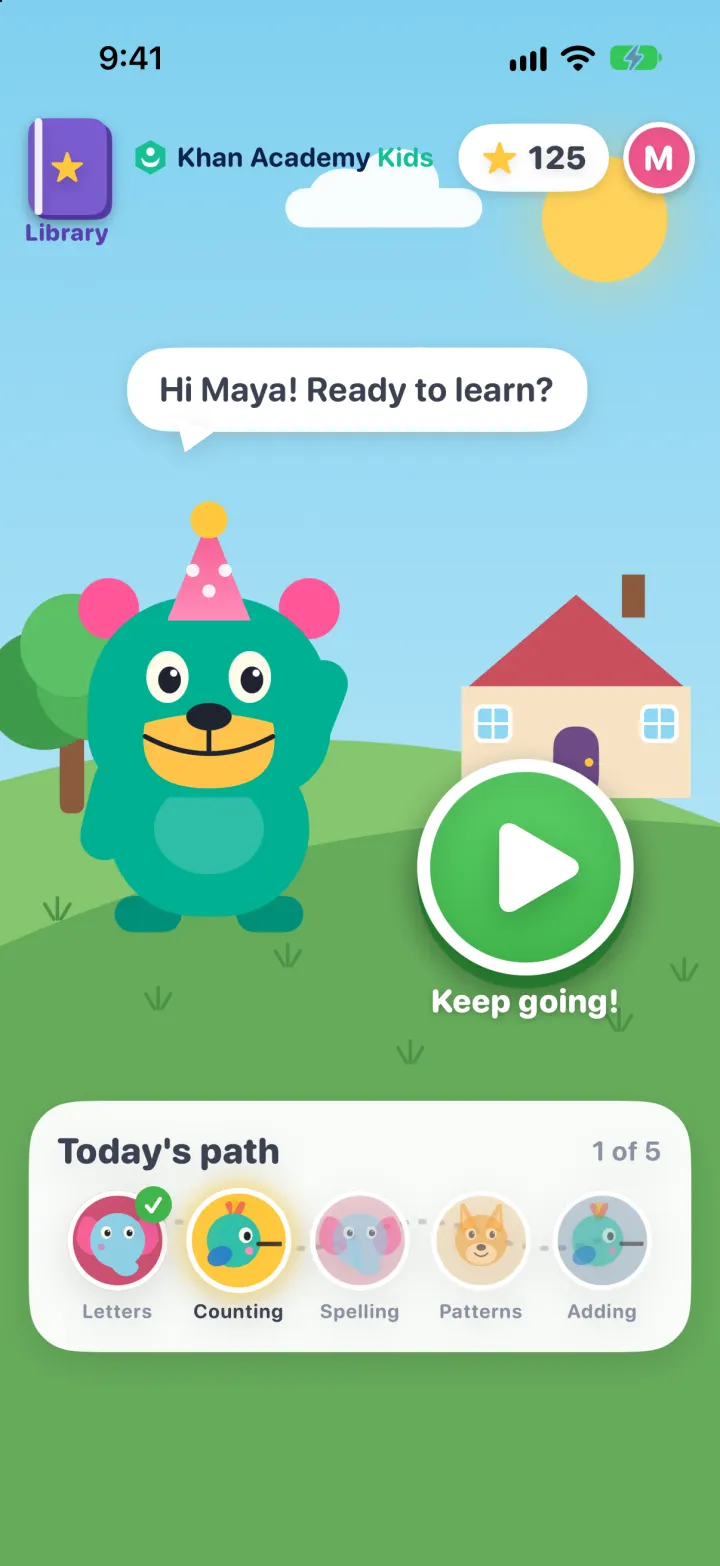
Khan Academy Kids Clone
iOSKodi the bear's learning path: tap, drag and trace mini-games with read-aloud prompts, stars and prizes