
SuperCook Clone
SuperCook clone · Recipe finder app · built by the Vibecode team
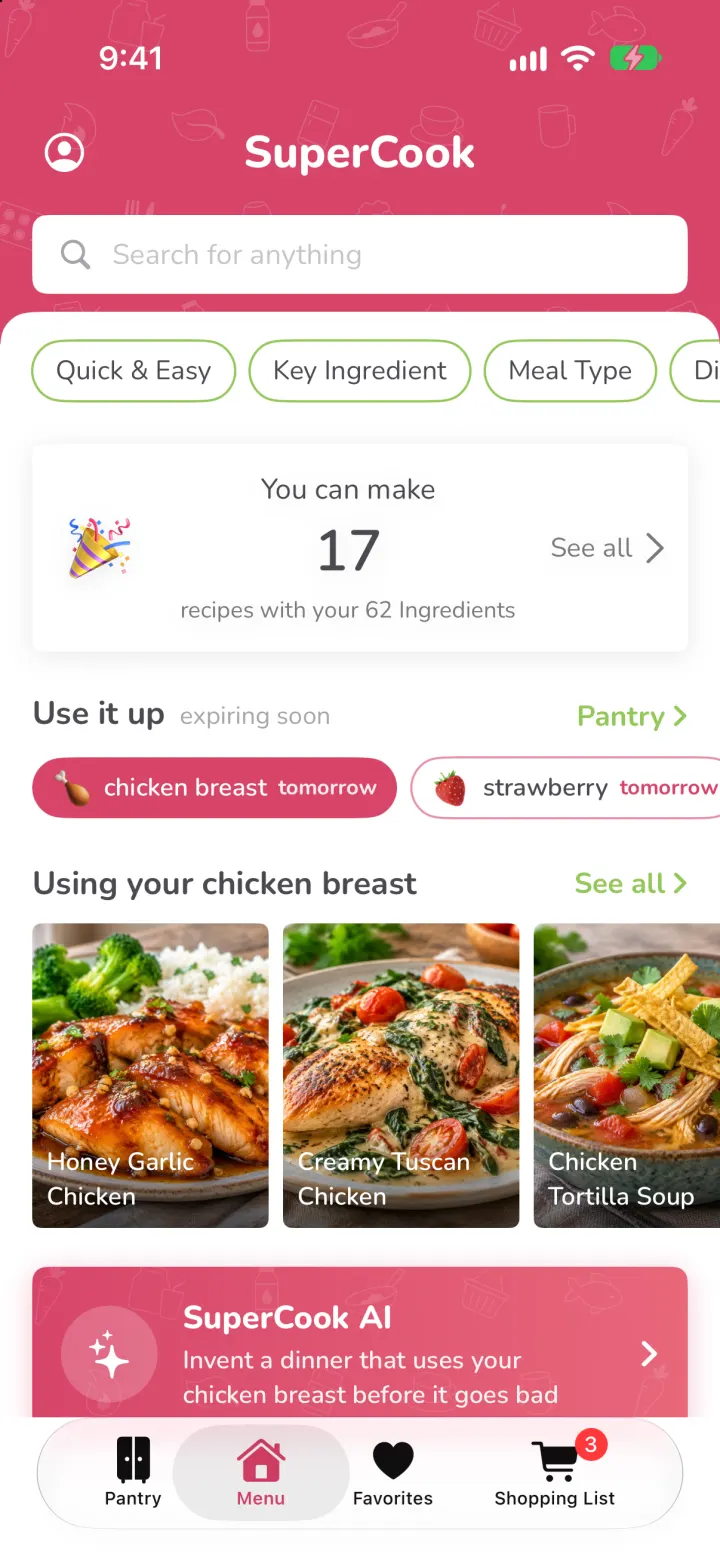
This rebuilds SuperCook with its real name and look: the raspberry header, green ingredient chips and the "You can make 17 recipes" home. Tap ingredients in your pantry or snap a photo of your fridge and a real vision model adds what it sees. Expiring food moves into a "Use it up" queue with reminders, and SuperCook AI writes a new recipe from only what you have, photo included. Open any recipe to scale servings, add missing items to the shopping list and cook step by step with timers.
- iPhone · Swift
- Hand-built
- Free to remix

Remix copies the working app into your account for free, exactly as we built it. It runs in Vibecode's cloud iOS simulator, in your browser.
The prompt that builds it
We wrote SuperCook Clone by hand. This prompt describes the finished app: paste it into a new app to build your own version, or change it first.
Prompt · 751 words
Build a polished native iOS clone of SuperCook in SwiftUI: the recipe app that only shows recipes you can make with the ingredients you already have. Pantry of tappable ingredient chips, a "You can make 17 recipes" home, recipe details with steps and timers, Favorites and a Shopping List, plus expiry tracking, a "Use it up" queue, expiry reminders, a fridge-photo scanner and SuperCook AI recipes from the pantry.

It is SuperCook on screen: its name, raspberry #D7456A header with faint white food doodles, lime green #93C759 for ingredients you have, grey #ECEDF2 chips for ones you don't, gold stars, white cards with soft shadows and a rounded sans (Nunito, bundled). Its own words: "Pantry", "You have 62 Ingredients", "add/remove/paste ingredients", "My Pantry", "See Recipes", "You can make", "recipes with your 62 Ingredients", "See all", "Using your chicken breast", "If you had sour cream", "You have all 10 ingredients", "Key Ingredient", "Meal Type", "Diet". Draw the logo (green spoon with a raspberry cape) in code.

SHELL
Tabs: Pantry, Menu, Favorites, Shopping List (pink selected). Opens on Menu, no onboarding, login or permission prompt. White status bar over the pink header.

SCREENS
1. Menu: pink header "SuperCook" with a profile icon and a white "Search for anything" field; a white sheet with rounded top overlaps it. Green-outlined pills: Quick & Easy, Key Ingredient, Meal Type, Diet, Allergies (real filters). "You can make / 17 / recipes with your 62 Ingredients  See all >" card with a party popper; the number animates when the pantry changes. "Use it up · expiring soon" capsules (chicken breast tomorrow, strawberry tomorrow...) pick the next row: "Using your chicken breast" photo tiles. A pink SuperCook AI card. "Ready in < 30 minutes", "If you had sour cream +3" with an Add-to-list button, "Breakfast ideas", "Dinner tonight".
2. Pantry: header "Pantry / You have 62 Ingredients", AZ sort and a kebab menu, search "add/remove/paste ingredients" (typing shows matching chips to toggle; pasting "eggs, feta, kale" adds them all). "Snap your fridge / Add many ingredients at once" card with a pink camera button. Ten category cards (emoji, "Vegetables", "9/35 Ingredients", chevron) with green owned chips first, grey ones after, "+N More"; owned chips that expire soon get a coloured dot. Bottom: grey "My Pantry 62 8" and green "See Recipes".
3. My Pantry sheet: Use first / This week / Later / Pantry staples, each row with "Expires tomorrow" in pink, orange or red; tap to edit the expiry date; swipe to delete.
4. Snap your fridge: black camera screen with corner brackets (sample fridge photo on the simulator, real camera or photo library on device), shutter, green sweep while a real vision model reads the photo, then a sheet "We spotted 15 ingredients · 3 new" with checkmarks and "Add 3 to Pantry"; the toast says how many recipes it unlocked.
5. Recipes list (every See all): pink header "Recipes / You can make 17 recipes", "Find...", rows with photo, title, author, "You have all 7 ingredients", stars, minutes, heart; "Do you have...?" section for recipes missing one ingredient.
6. Recipe: full-bleed photo, white card with title, heart, "You have all 10 ingredients", stars and minutes; kcal/protein/carbs/fat; Tags; Ingredients with servings stepper (scales amounts) and green checks or pink "Add" for missing ones; numbered Steps with tappable timers; pink "Start Cooking".
7. Cook mode: step pager with progress bars, big step text, a ring timer, Back / Next step, then "Bon appetit!" which removes the used-up perishables from the pantry.
8. SuperCook AI: pick ingredients to build around (expiring ones preselected), meal and time; a real model writes a recipe from only your pantry (respecting diets and allergies) and a second model paints its photo.
9. Favorites grid, Shopping List grouped by aisle with check-off, "Move 2 to Pantry" and "Shop smarter: Buy sour cream, make 3 more recipes". Profile: household size, diets, allergies, expiry reminders (local notifications N days before at a chosen hour).

DATA
36 recipes in a JSON file (ingredients, amounts, steps with timer minutes, macros, generated food photos), a 148-ingredient catalog with shelf life and allergen flags, and a fictional demo pantry whose expiry dates shift forward every day.

RULES
Everything works and persists (SwiftData). Recipe matching, diet and allergy filters are computed from the catalog. AI runs on the backend (Bun + Hono): /api/kitchen/scan, /recipe, /photo.

REMIX-READY
Brand.swift for name, colours, fonts and words; recipes.json and Fixtures.swift for data; small feature files; README with a file map; -DemoScreen and -DemoTour launch arguments.
More templates
All templates- View template
Liquid
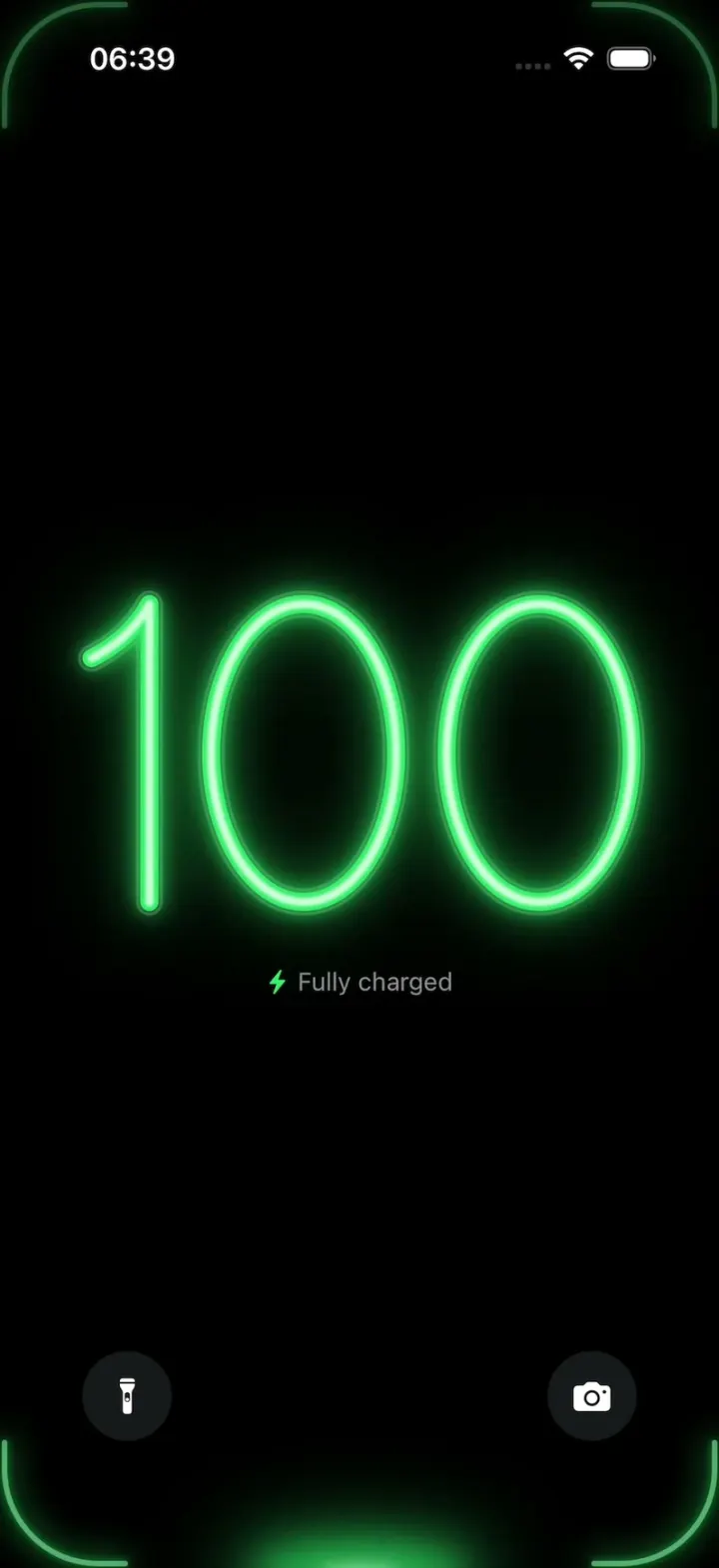
iOSA neon drop falls from the Dynamic Island and fills glass-tube battery digits, from red to amber to green.
- View template
YouVersion Bible App Clone
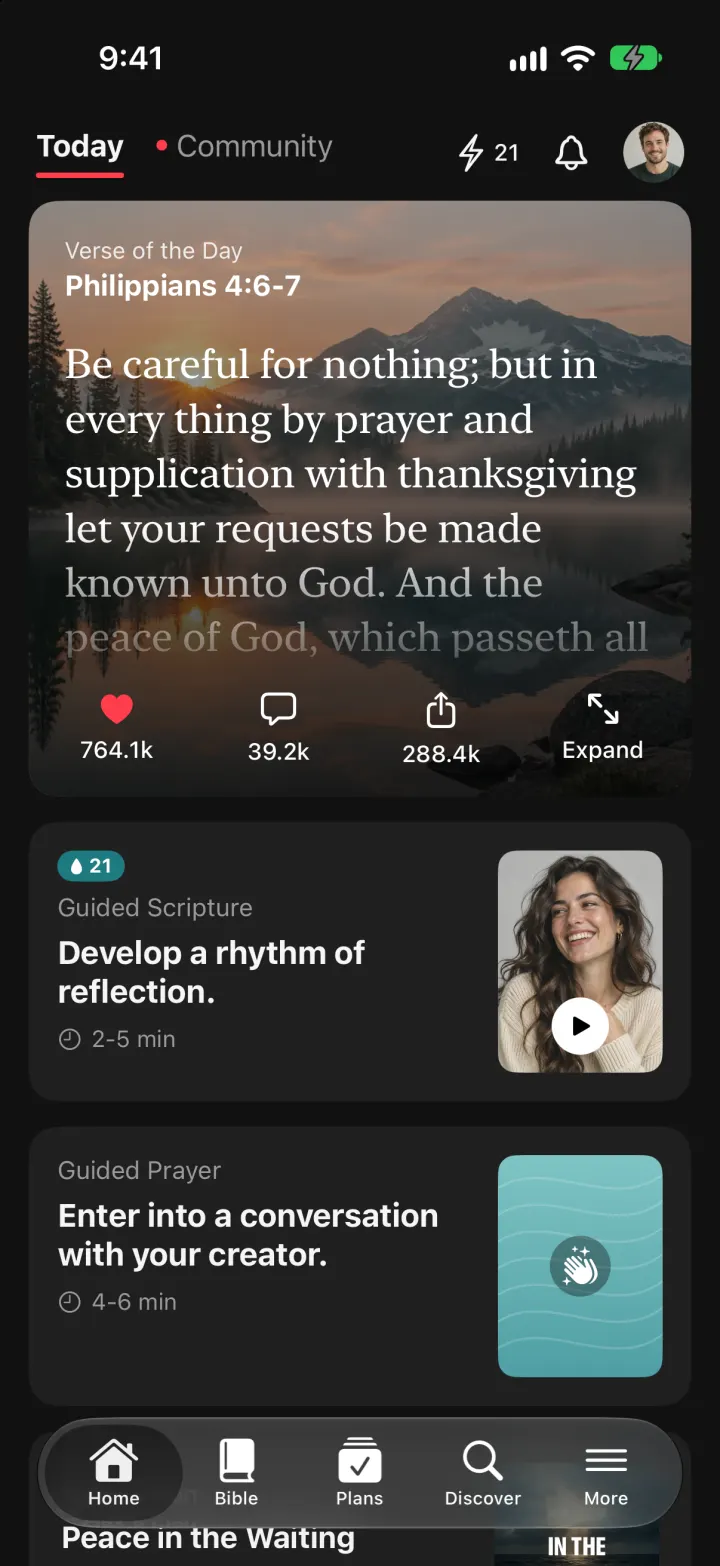
iOSThe whole KJV and WEB Bible: highlight verses, hear them read aloud, and keep a reading plan streak.
- View template
FotMob Clone
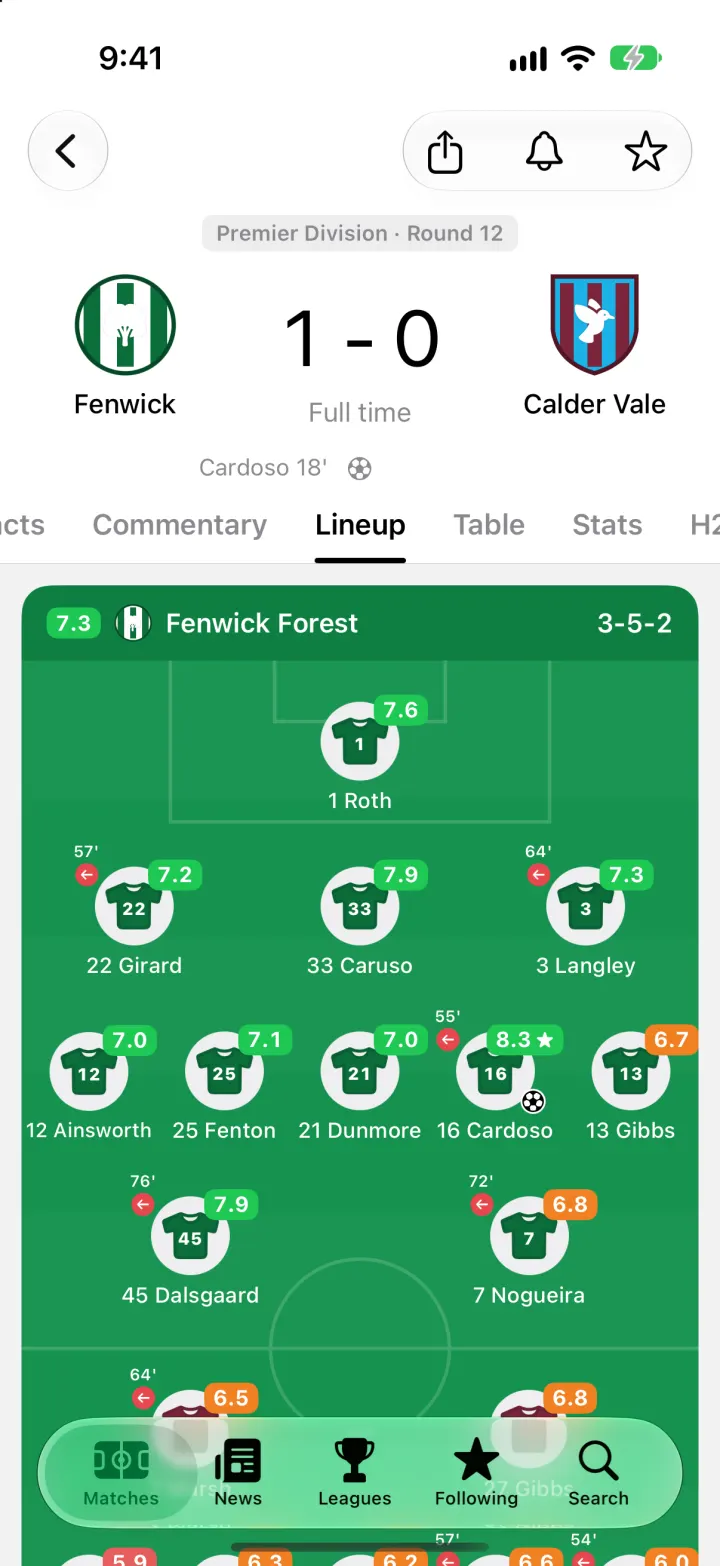
iOSFotMob with its real look: live scores that tick, goal flashes, rated lineups, tables and scouting notes.
- View template
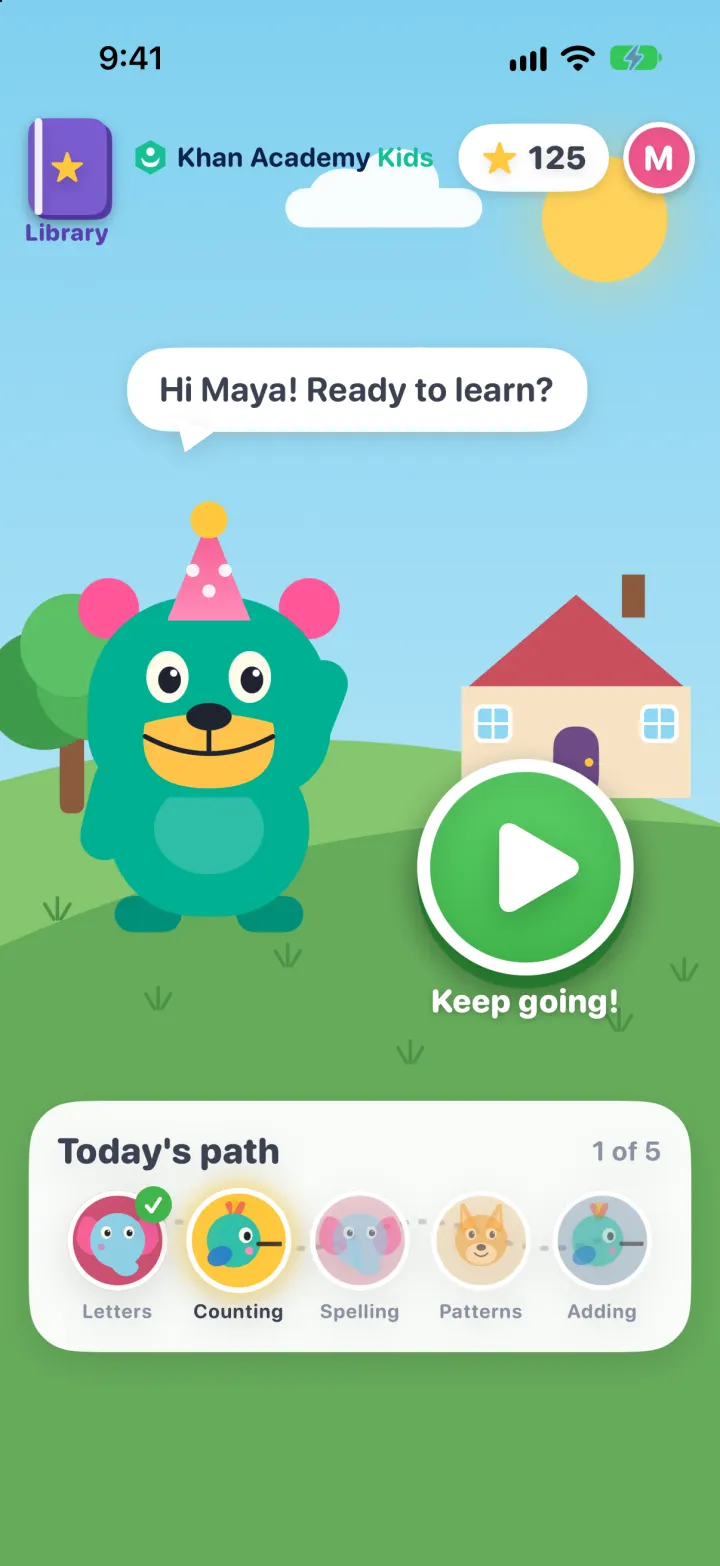
Khan Academy Kids Clone
iOSKodi the bear's learning path: tap, drag and trace mini-games with read-aloud prompts, stars and prizes