Which Stairs
Travel app · from our videos on X
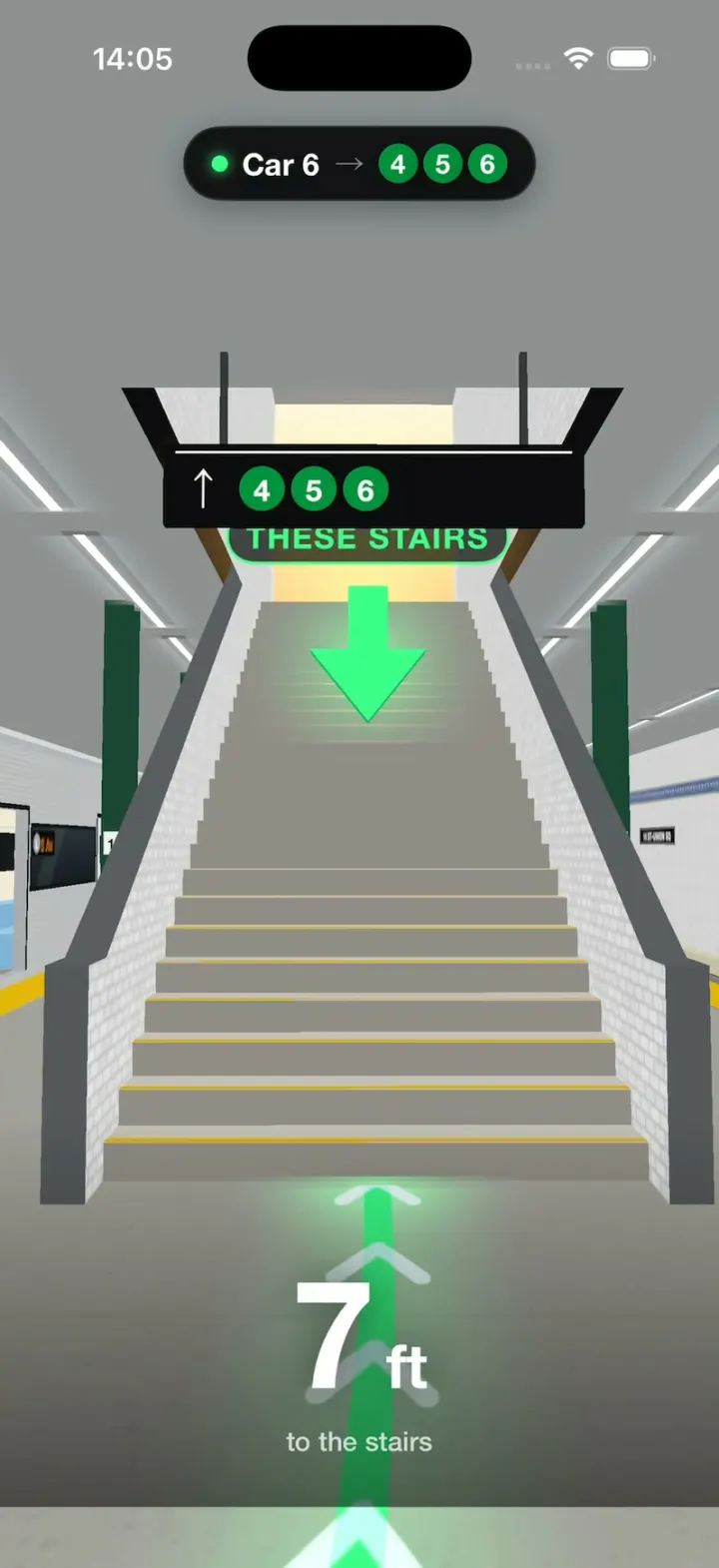
Which Stairs is 3D subway directions for one New York trip: the L from Bedford Av to 14 St–Union Sq. Tap where you're headed on the top-down platform map (the N Q R W, the 4 5 6, or a street exit) and the app lights up the car to board. Hit Show me and the map tilts into a 3D station: the camera swoops down to that car's open door and walks you along a glowing line to the right staircase, under a big "THESE STAIRS" arrow, while a counter runs the distance down to 0 ft. A sheet sums it up (car, door-to-stairs distance, time saved), and Change stairs flies you back out to pick another.
- iPhone · Swift
- Built in 2 prompts
- Free to remix

Remix copies the working app into your account for free, exactly as we built it. It runs in Vibecode's cloud iOS simulator, in your browser.
Watch the video on X@ios_app_builder · Nov 10, 2026The prompt that builds it
We built Which Stairs in 2 prompts. Here they are folded into one, so a single paste into a new app builds the finished version.
Prompt · 1,060 words
Build a native SwiftUI iOS app called Which Stairs using Opus 5.5: 3D subway directions for New York that show you which car to board and which stairs to take, before you get there. Think of the cinema apps that show the view from your seat before you book, but for the NYC subway. iPhone, portrait, dark mode only. No accounts, network, permissions or backend; all data is built in. Don't draw a phone frame or a status bar.

The trip is fixed: the L train to 8 Av, from Bedford Av to 14 St–Union Sq (3 stops). The train has 8 cars and car 1 is the front. Union Sq's L platform is an island platform with four ways up:
- by car 2: stairs to the street, "Exit · 14 St & Broadway"
- by car 3: stairs to the N Q R W
- by car 6: stairs to the 4 5 6
- by car 7: stairs to the street, "Exit · 14 St & Union Sq East"

The look is real NYC subway signage: black panels (#0B0B0C), white Helvetica Neue Bold, round line bullets (L grey #A7A9AC, 4 5 6 green #00933C with white numbers, N Q R W yellow #FCCC0A with black letters). The guide colour is bright mint #3DFF8A. Wrong choices are red #FF3B30.

Screen 1, the platform map (the app opens here). Header: "14 St–Union Sq" with the L bullet, and under it "to 8 Av · from Bedford Av · 3 stops" in grey. Below it, a top-down drawing of the platform running up the screen: the train on the left as 8 rounded cars numbered 1 to 8 (car 1 at the top, with "↑ 8 Av" above it), the platform beside it with a yellow edge line, and the four staircases drawn on the platform next to their cars, each with its sign to the right (the bullets, or the exit name). Tap a staircase or its sign: it turns mint, its car fills mint, and a dotted mint line joins the car's door to the stairs. The bottom bar changes from "Where are you headed?" to "Board car 6" over "Stairs to 4 5 6", with a mint button "Show me".

Screen 2, the 3D station (SceneKit). Build the whole platform from simple shapes: a grey concrete floor with a yellow tactile strip along both edges, white tiled walls across the tracks with a blue mosaic band and black "14 ST–UNION SQ" tablets, dark green steel columns, each with a small white plate with a black "14" at eye height, a ceiling with long fluorescent tubes (invisible from above, so the camera can look down into the station), and the 8-car L train stopped on the left. Make the train unmistakably a New York subway car: brushed stainless steel with fine horizontal ribs, a dark window band, open double doors with bright interiors (cream walls, steel poles, light-blue bench seats), and beside each door a grey L bullet with an orange LED sign "8 Av". Each staircase rises from the middle of the platform between low tiled walls, climbing toward the front of the train, with a black hanging sign over its foot ("↑" and the bullets, or "↑ Exit" and the street name) and a glow at the top: daylight for the street exits, warm light for the transfers. Make it bright, like a real station.

"Show me" plays the flight (about 1.4 s): the map zooms toward the chosen car while tilting back, cross-fades into the 3D station seen from straight above that car, and the camera swoops down to eye height (1.6 m) just outside the car's open door, looking toward the front of the train so the train is on the left and the stairs are ahead.

Then the walk (about 2.6 s at constant speed, no slow start or crawl at the end): the camera walks from the door toward the right stairs and stops about 3 m before the first step, looking only slightly up. The last frame shows the whole staircase rising to its glow, with the hanging sign big and fully readable across the top and the mint arrow with "THESE STAIRS" just under the sign, in front of the stairs, all in the top 60% of the screen, above the sheet. A glowing mint line on the floor runs from the door to the stairs, with chevrons flowing along it. A big mint 3D arrow bobs over the right stairs, just under their hanging sign, with the words "THESE STAIRS" facing the camera. Every other staircase has a red ✕ over it with "NOT THESE". A black pill at the top says "● Car 6 → 4 5 6", and a big live counter at the bottom counts the distance down from "42 ft" to "0 ft".

When the camera arrives, a black sheet springs up from the bottom: "TAKE THESE STAIRS" in mint, the title "Stairs to 4 5 6", and three tiles: "Car 6" / "board here", "42 ft" / "door to stairs", "2 min" / "saved". Two buttons: "Change stairs" flies the camera back up and returns to the map with the choice kept. "Replay" drops the sheet, jumps back to the doorway and walks again.

Door-to-stairs distances: car 2 "36 ft", car 3 "48 ft", car 6 "42 ft", car 7 "30 ft". Each saves 2 min.

Keep the 3D cheap so it runs smoothly in a streamed simulator: constant or Lambert materials, no shadows, no HDR, bloom or ambient occlusion, antialiasing off, static geometry merged into a few flattened nodes, and every sign and label drawn in code as a texture. Move the camera every frame along a smooth curve. Build the scene at launch, hidden, so the first flight doesn't hitch.

One hidden tool for filming: long-press the header title to toggle slow motion, where every animation, the flight and the walk run 6x slower (a tiny dim dot in the top-right corner shows it's on). Taps still respond at once.

Build it in small source files, in this order: the map screen, the station, the flight and the walk, then the sheet. Keep SwiftUI types simple and split complex view bodies. Build it, fix every compile error, launch it in the simulator and check the last frame of all four walks there.
More templates
All templates- View template
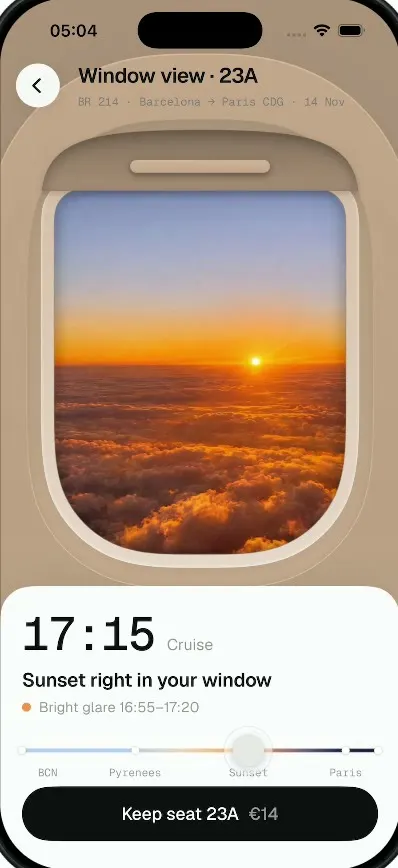
Window Seat
iOSTap a window seat and see your real view out of it, from takeoff to landing, before you pay for it.
- View template

Wanderlog Clone
iOSPlan a whole trip on one screen: day-by-day stops on a map, bookings, split costs and an AI itinerary.
- View template
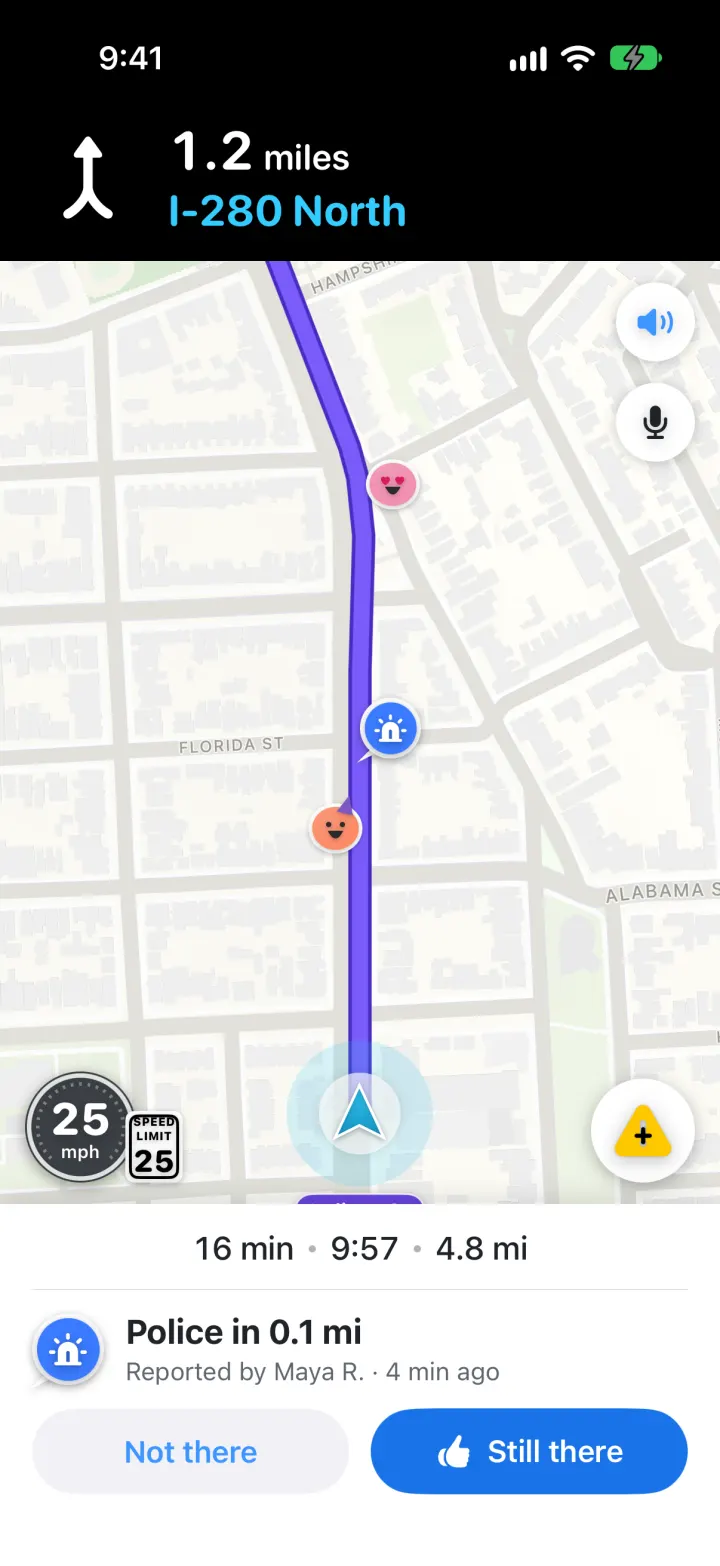
Waze Clone
iOSReal routes, a purple drive line, police alerts you confirm and one-tap hazard reports, all in Waze's look
- View template
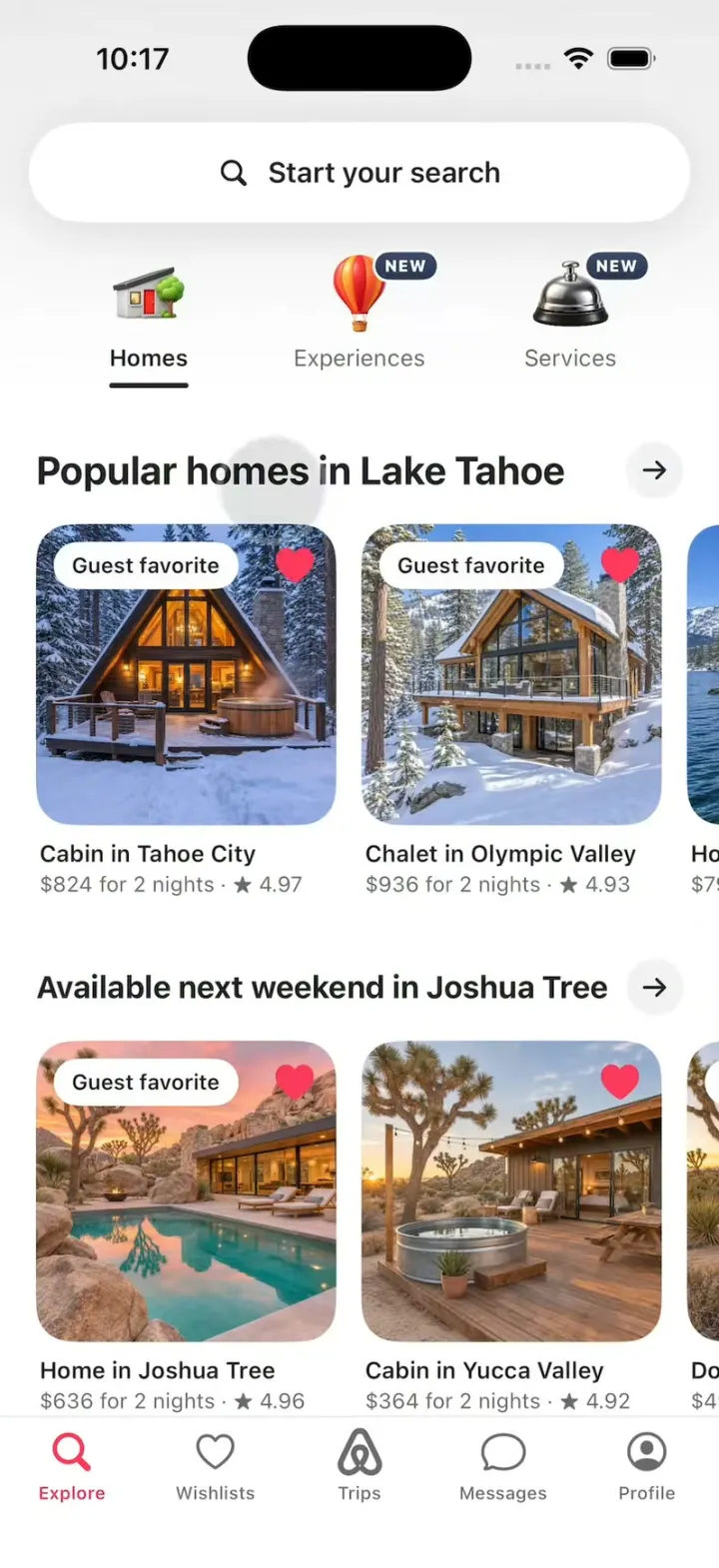
Airbnb Clone
iOSAirbnb's 3D tabs, the Where/When/Who search, the price map, Guest favorite stays, Reserve and Compare.